How to Extract Student Enrollment Forms
to a School Database Spreadsheet
A student enrollment form asks for a parent's phone number once. If that parent has two children enrolling in the same district, that phone number gets typed into a student information system — PowerSchool, Infinite Campus, or Skyward — twice. If they have three children, three times. The exact same digits, keyed in multiple times, across multiple records, for the same household. This duplication is not an edge case. It is the structural signature of enrollment data processing, and it explains why the August registration surge is not simply a volume problem but a correlation problem that manual data entry pipelines — and most extraction tools — were never designed to solve.
Key Takeaways
- The enrollment data bottleneck isn't reading speed — it's that the same parent phone number gets typed three times for three siblings and your SIS thinks they belong to three different families.
- A standard OCR engine treats the 20 to 30 checkboxes on an enrollment packet as noise, forcing someone to manually verify every photo consent and medical authorization that was already marked on the form.
- Instead of drawing boxes on every school's unique form layout, define what you need by column name once — the AI finds fields by what the label means, not where it sits on the page, and the registrar shifts from typing to compliance review.
What a Student Enrollment Form Actually Carries
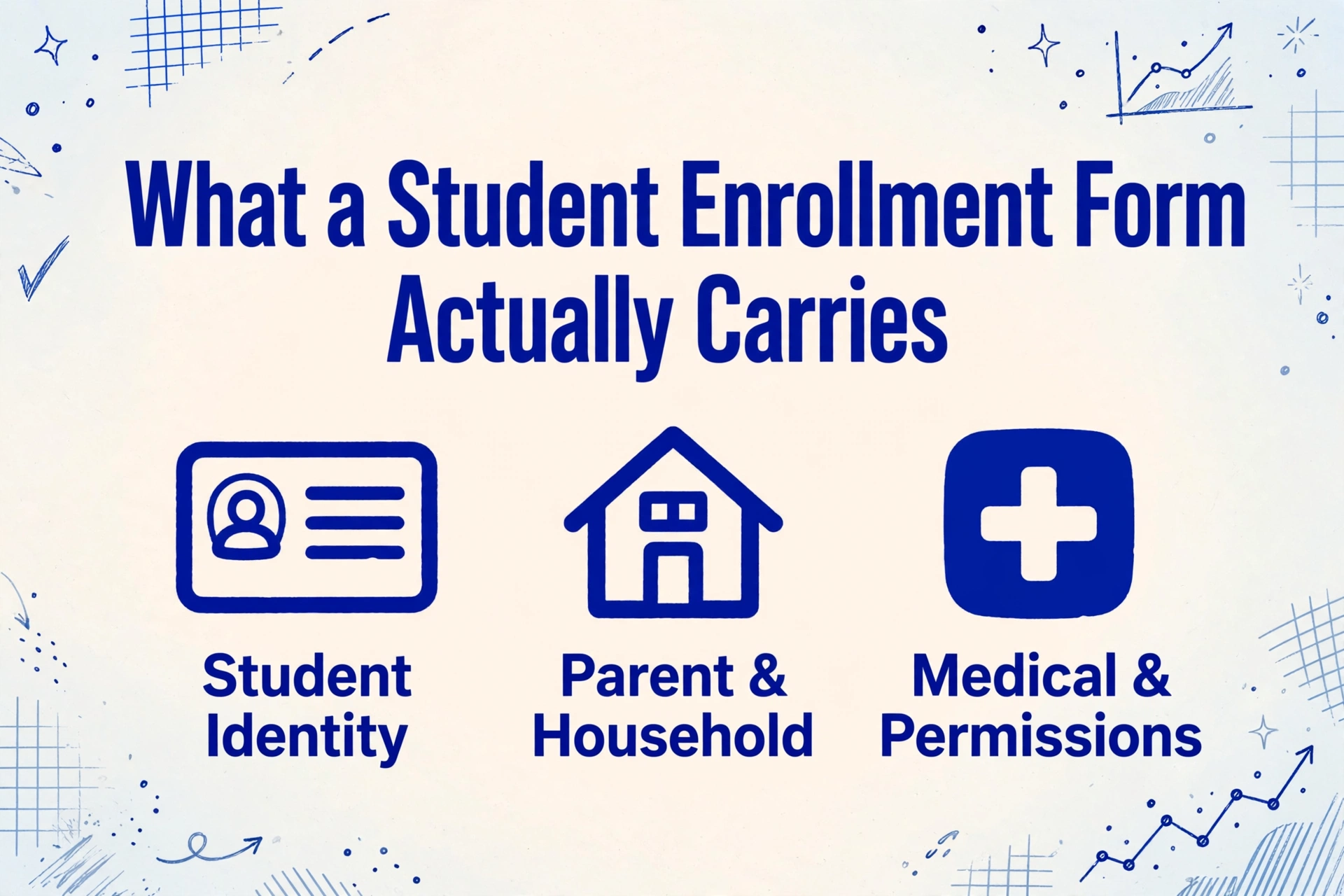
A student enrollment packet — sometimes called a registration packet — is not a single document. It is a bundle of forms that together establish a student's legal identity, medical readiness, and educational eligibility within a school district. While the exact layout varies from district to district — and often from school to school within the same district — the data categories are remarkably consistent across U.S. K-12 education.
A typical paper enrollment packet contains the following field groups:
| Field Category | Examples | Entry Method |
|---|---|---|
| Student identity | Full legal name, date of birth, place of birth, gender | Handwritten (printed or cursive) |
| Parent/guardian information | Name(s), home phone, cell phone, email, employer, work phone | Handwritten |
| Address and household | Physical address, mailing address, language spoken at home, number of residents | Handwritten + checkbox (language selection) |
| Emergency contacts | 2-3 contact names, relationships, phone numbers | Handwritten |
| Medical information | Allergies, medications, chronic conditions, immunization status, primary care physician | Handwritten + checkbox |
| Previous schooling | Last school attended, grade level, date of withdrawal | Handwritten |
| Permissions and acknowledgments | Photo release, field trip consent, emergency treatment authorization, computer use agreement | Checkbox + signature |
| Program eligibility | Free/reduced lunch application, ESL/ELL status, special education referral | Checkbox + handwritten narrative |
The variety of entry methods — printed handwriting, cursive, checkboxes, signatures — is the first clue that a generic OCR pipeline will not handle these forms well. The second clue is that these field groups are not independent: parent/guardian and emergency contact fields often carry identical information across siblings, yet the forms are filled out separately for each child. This household-level duplication pattern — where the same data repeats across multiple related records — is a challenge that also surfaces in other domains, such as extracting lease agreement data across a property portfolio where the same landlord or management company appears across multiple tenant records.
The LINQ registration analysis puts the manual data entry error rate at roughly 1% per field. Applied to a 40-field enrollment packet for 500 students, that is 200 transcription errors before the school year begins — an optimistic estimate, since fatigue compounds during the August rush and parent handwriting quality varies enormously. Medical fields — allergies, medications, chronic conditions — carry the highest consequence for errors, similar to the accuracy requirements seen in medical claim form (CMS-1500) extraction, where a misread code or date can lead to a claim denial or compliance issue.
The August Registration Crunch
According to the National Center for Education Statistics (NCES), U.S. K-12 public schools enrolled approximately 50.1 million students across 99,200 schools in fall 2024. Most of those enrollments are processed in a window of roughly six to eight weeks between mid-July and early September, with a secondary surge in January for mid-year transfers and kindergarten registration.
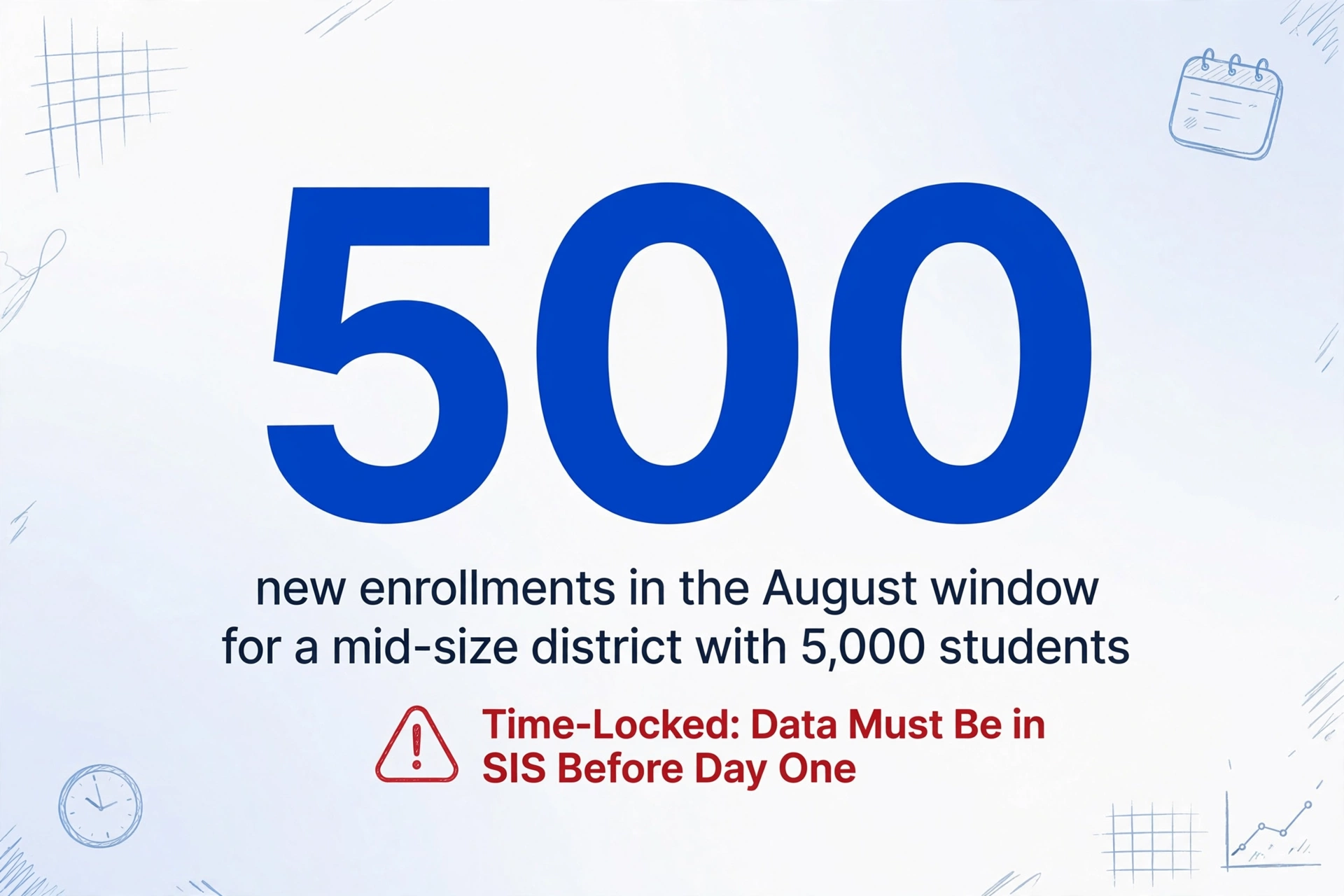
A mid-size district with 5,000 students might process 500 new enrollments during the August window — plus 4,500 re-enrollments that still require verification of address, emergency contact updates, and medical form renewals. For a registrar's office that operates with two to three full-time data entry clerks, this translates to roughly 150–200 enrollment packets per person per week at peak.
The problem is not that the work is hard. The problem is that it is time-locked. The data must be in the SIS before students arrive on the first day; schools cannot push the start date because the data entry queue is long. Every day that a student's emergency contact or allergy information sits in a paper packet instead of the SIS is a day the school nurse and front office operate without complete information. Most school IT administrators and registrars we hear from on communities like r/k12sysadmin describe this as less of a technical challenge and more of a logistical one — a predictable annual bottleneck that no amount of overtime fully resolves because the data is on paper and paper moves at the speed of manual keystrokes.
Why Traditional OCR Stumbles on These Forms
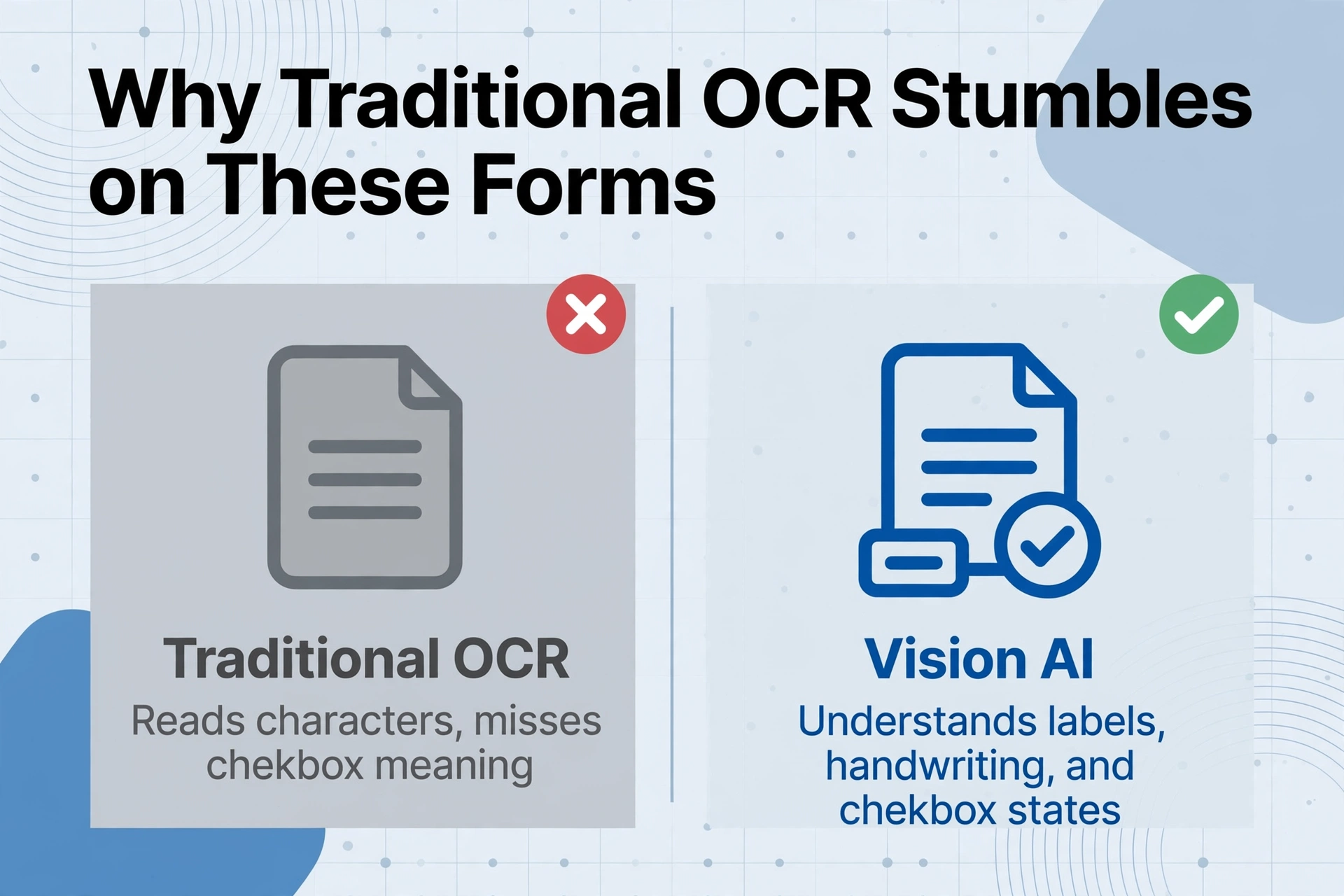
If you run a scanned enrollment packet through a standard OCR engine, you will get back a wall of raw text — no field labels, no checkbox states, no distinction between whose phone number is whose. The tool reads characters, but it does not understand that a checkbox in the "Photo Release" section means something different from a checkbox in the "Emergency Treatment Authorization" section.
Three specific characteristics of enrollment forms break traditional OCR pipelines in ways that generic document extraction tools do not handle:
1. Handwriting variability. Parents fill out enrollment forms under different conditions — some at a kitchen table during a quiet evening, others in a car during pickup line, still others at a registration event with a clipboard and a borrowed pen. A 2024 Reddit community benchmark of handwriting OCR tools found that even the best systems showed wide accuracy variance depending on writing style, pen pressure, and whether text stayed inside form boxes. Enrollment forms rarely have the clean, boxed field layout that OCR engines prefer — many use underlined blanks, colon-separated labels, or open space fields that merge handwritten entries with pre-printed text.
2. Checkbox density. A single enrollment packet may contain 20-30 checkboxes across photo consent, medical permissions, emergency pickup authorization, language selection, program eligibility, and code of conduct acknowledgment. Traditional OCR reads text; checkboxes are non-textual symbols that require shape recognition and positional context. A ticked box, a circled option, an X mark, or a filled-in square are all semantically equivalent in the enrollment context — but a standard OCR engine sees them as different characters or noise. This is why many schools still have staff manually review each checkbox field even after running forms through a scanner-to-text pipeline, as noted in the AmyGB analysis of checkbox detection challenges.
3. Household correlation. This is the challenge that most extraction tools simply do not address. When a family with three children enrolls, the front office receives three separate packets with the same parent names, same phone numbers, same address, same emergency contacts — but different student names, DOBs, grade levels, medical histories, and permission choices. A tool that processes each form independently produces three rows of data with redundant parent fields. A tool that understands the household relationship can flag duplicates and collapse repeated fields into a linked family record. The difference is not cosmetic — it determines whether the SIS ends up with three separate household records that a clerk must manually merge, or one clean family entry with three linked students.
The data entry bottleneck in enrollment processing is not the reading — it is the correlation. The most time-consuming part of registration data entry is not typing a phone number once; it is recognizing that the same phone number has been typed three times in three different records and deciding which copies to trust.
For a deeper look at why handwriting creates these failures in extraction workflows, see our detailed breakdown in OCR Not Reading Handwriting: Common Causes and Fixes. The same handwritten-variability challenge also affects proof of delivery forms in logistics and HACCP inspection checklists, where carbon-copy signatures and field-worker handwriting create similar extraction hurdles.
How Vision AI Extracts Enrollment Data into Structured Spreadsheets
Vision AI — specifically, the class of large multimodal models that understand images as well as text — approaches enrollment forms differently from traditional OCR. Instead of scanning for character shapes, it interprets the document as a whole: it recognizes the relationship between a printed label ("Parent/Guardian Name") and the handwritten value next to it. It understands that a checkmark inside a square labeled "Yes, I authorize emergency treatment" means a binary true, while an empty square next to the same label means a binary false.
ImageToTable.ai applies this capability through a mechanism called Custom Column Extraction. Instead of drawing boxes around each field — a process that must be repeated for every school's unique form layout — you define the output you want by typing column names: "Student Name," "Date of Birth," "Parent Phone," "Photo Release (Yes/No)," "Allergies." The AI locates each value by understanding what the field label means, not by matching pixel coordinates. This is the difference between telling a tool where to look and telling it what to find.
For enrollment forms, this distinction matters because a school district may receive packets from five elementary schools, each using a slightly different form layout designed by a different principal or administrative assistant five years apart. A template-based tool requires five separate zone configurations. Custom Column Extraction requires one column list — and handles the layout variations automatically.
For a field-by-field extraction strategy — which enrollment fields can be trusted at the batch level, and which always need human verification — see our complete guide to student enrollment form extraction.
Files are processed securely and not stored.
The tool also handles the family correlation challenge through its batch-first architecture. When you upload 50 enrollment packets — some from the same household, some from different families — the AI processes each form independently for student-specific fields (name, DOB, grade, medical history) and flags repeated parent/guardian data as likely duplicates. The output spreadsheet contains all records; the duplicate parent contact fields are present in each row, but with consistent values across siblings, which makes it straightforward to collapse into a family-level view during the SIS import step. As we cover in how to verify extraction results, flagging and reviewing these repeated entries is a recommended quality check before any bulk SIS import.
From Paper Forms to Your SIS: A Practical Workflow
The goal is not to eliminate the registrar's judgment — it is to eliminate the typing so the registrar can focus on the judgment calls that matter. Here is how a vision AI extraction workflow fits into a district's existing enrollment process:
Scan or photograph incoming packets
A standard office scanner or a smartphone camera works. For the August surge, a dedicated sheet-fed scanner that outputs multi-page PDFs keeps the pipeline moving. Ensure each packet is a single file — one file per student is easier to track than mixed documents.
Upload to the extraction tool
Upload the scanned files as a batch. The tool's batch-first design — covered in our article on how to batch process documents without coding — accepts PDFs, JPGs, and PNGs simultaneously, so mixed file types from different scanning sources are not a problem.
Define the extraction columns
Type the column names that match the fields in your SIS — "Student Name," "DOB," "Parent/Guardian 1 Name," "Parent/Guardian 1 Phone," "Emergency Contact Name," "Allergies," "Photo Release," "Free Lunch Eligible." Each column becomes a header in the output spreadsheet. You do not need to match the form's exact field labels; the AI interprets meaning, not surface text.
Process and review
The tool processes all files in sequence. A batch of 100 enrollment packets — approximately 300–400 pages — typically completes in under 15 minutes. Export the results to Excel or CSV, then spot-check a sample (10–15% of records) for any fields that may need correction. Pay special attention to medical/allergy fields and checkbox permissions, where accuracy matters most.
Import into your SIS
Use the SIS's native bulk import feature (PowerSchool Data Export Manager, Infinite Campus Data Import Wizard, Skyward Import Utility) to load the spreadsheet. Because the output is already structured by column, the import mapping step — which normally consumes hours — takes minutes. For a ready-to-use column template mapped to these SIS import fields, see our guide to extracting student enrollment form data to Excel for SIS import. For districts that use a template-free extraction approach, the column list remains the same across registration cycles; only the forms change.
This workflow does not require a new SIS, a software integration project, or a change to existing enrollment procedures. The extraction tool sits upstream of the SIS as a data preparation layer, converting paper into structured rows that the SIS import wizard already knows how to read.
FERPA and Data Privacy: What You Need to Know
The Family Educational Rights and Privacy Act (FERPA) — 20 U.S.C. § 1232g — governs the disclosure of education records at any institution that receives federal funding. Under FERPA, an enrollment form becomes an "education record" the moment it is maintained by the school or a party acting on the school's behalf. The regulation defines education records broadly — covering "handwriting, print, computer media, videotape, audiotape, film, microfilm, and microfiche" (34 CFR § 99.2).
When using a third-party tool to process enrollment forms, the key FERPA consideration is whether the tool qualifies as a "school official with a legitimate educational interest." Under FERPA's contractual disclosure exception, schools may share education records with external service providers performing an institutional function — such as data processing — provided that:
- The provider is under the direct control of the school regarding the use and maintenance of education records
- The provider uses the data only for the authorized purpose
- The provider does not redisclose the information to third parties without consent
- The school maintains a record of the disclosure in the student's file
In practice, this means the extraction tool should process files without retaining or storing the extracted data beyond the processing window. ImageToTable.ai's processing model — files are processed and results made available for download, with auto-deletion of originals after a set period — aligns with this framework. Schools should also confirm that their SIS vendor's terms of service account for data imported from third-party extraction tools, as the data lineage from paper to SIS remains the school's responsibility under FERPA. For a broader overview of how these principles apply to similar document workflows, see how insurance claims forms handle equivalent privacy requirements — the regulatory structure is different (HIPAA vs. FERPA), but the operational pattern of contracting a processor under direct control is comparable. Other compliance-driven extraction scenarios, such as certified payroll report processing under Davis-Bacon, follow a similar logic: the data must leave the paper and enter a structured database without compromising regulatory obligations.
Frequently Asked Questions
Can AI extract handwritten enrollment forms accurately enough for a school database?
Vision AI achieves high accuracy on printed handwriting within form fields, particularly when the form uses clear labels and separation between fields. Accuracy varies with handwriting quality — careful printing extracts well; rushed cursive with overlapping letters may need a manual review pass. For enrollment forms, the practical approach is to extract all fields automatically and then spot-check the fields where errors have the highest consequence: medical/allergy information, emergency contact numbers, and any checkbox permissions. Most districts find that even with a 10–15% review rate, the total time is a fraction of what full manual entry requires.
Does the tool recognize checkboxes — ticked, circled, crossed, or filled?
Yes. Vision AI interprets checkboxes in all common marking styles — checkmarks, X marks, filled squares, circled options — and outputs them as boolean values (Yes/No, True/False) in the spreadsheet. This capability is essential for enrollment forms where a parent's permission choice (photo release, emergency treatment, field trip consent) is communicated through a single checkbox mark. We cover this in more detail in how AI reads handwritten forms with checkboxes.
Does this integrate with PowerSchool, Infinite Campus, or Skyward?
There is no direct one-click integration. The tool exports structured spreadsheet data (Excel or CSV) that can be imported into any SIS that supports bulk data import. PowerSchool's Data Export Manager, Infinite Campus's Data Import Wizard, and Skyward's Import Utility all accept CSV files with column headers. The import mapping step — matching the spreadsheet columns to the SIS fields — must be done once per SIS configuration, but the extraction column definitions remain consistent across enrollment cycles. This spreadsheet-export approach works for any SIS platform, including Aeries, Illuminate, and Gradelink.
Can I process enrollment forms using a phone camera instead of a scanner?
Yes. The tool accepts photos from any camera — smartphone, tablet, or office scanner — as input. For the best results with phone-captured enrollment forms, place the form on a flat, well-lit surface and ensure the entire page is visible in the frame without shadows or excessive glare. The vision AI model is trained to handle the perspective distortion and lighting variation that comes with phone photos. This can be especially useful for mid-year registrations where families submit forms remotely, as covered in the guide to digitizing documents without a scanner.
What happens when different schools in the same district use different enrollment form layouts?
Because the tool uses Custom Column Extraction — finding fields by label meaning rather than screen position — it automatically adapts to layout differences. The same column list (for example, "Student Name," "Allergies," "Photo Release") works across forms from different schools. The key requirement is that the fields on the paper form have recognizable labels near the handwritten values. This is a significant practical advantage over template-based tools, which would require a separate configuration for each school's unique form. For the underlying mechanism, see our explanation of template-free semantic extraction.
How do I handle the family duplication problem — same parent info across multiple children?
The tool processes each form independently, so the parent/guardian fields will appear in every row belonging to the same family. However, because the values are extracted consistently (same phone number format, same spelling of parent names), the duplicate entries are predictable and easy to collapse. The recommended workflow is to extract all records into a spreadsheet, sort by parent contact fields to group siblings, and then use your SIS's family merge feature (available in PowerSchool, Infinite Campus, and Skyward) to link the records into a single household. Tools like this batch-oriented approach are discussed further in batch processing without coding.
The Enrollment Form Extraction That Does Not Assume Uniformity
The fundamental challenge of enrollment form data entry is not that the forms are hard to read — it is that they vary, they carry medical data that cannot tolerate a misread, they arrive in predictable surges, and they hand the same parent phone number to three different data entry clerks for three different children. A tool that assumes every form looks the same, that processes each document in isolation, or that cannot reliably tell the difference between a ticked checkbox and an empty one will create more cleanup work than it saves.
Vision AI extraction does not solve the enrollment data problem by eliminating the registrar — it solves it by eliminating the typing, the duplicate entry, the fatigue errors, and the manual checkbox review. The verification and family correlation decisions remain with the people who understand the students and the district's data policies. What changes is that those decisions happen at the speed of a spreadsheet review, not at the speed of a keyboard.
Try It on an Enrollment Form →
No sign-up · No credit card · Results in 10 seconds