How to Extract HACCP Food Safety
Inspection Reports for Compliance
The USDA FSIS requires federally inspected meat and poultry facilities to maintain HACCP records under 9 CFR Part 417. Every shift, at every Critical Control Point, someone with a clipboard writes down a temperature, a time, a checkmark, and — when a reading drifts outside the critical limit — a corrective action note in the margin. Those records must be available within 24 hours of an inspector's request and retained for one to two years depending on product type. This article walks through what HACCP documentation actually looks like on a mid-size processing plant's forms, why traditional OCR falls short, and how vision AI can extract the data into compliance-ready spreadsheets without manual re-typing.
Key Takeaways
- 71 person-hours evaporate each month retyping HACCP monitoring data that someone already wrote down correctly on the plant floor.
- Traditional OCR was never designed to read handwritten numbers, checkmarks, or degree symbols which together make up the HACCP fields auditors scrutinize most.
- A batch of 55 HACCP forms processes into a compliance-ready spreadsheet in five minutes without anyone building a template for each custom form layout.
The regulatory reality behind every HACCP inspection form
HACCP — Hazard Analysis and Critical Control Points — is not optional for most food processors in the United States. The regulatory mandate splits across three regimes depending on the product:
- Meat and poultry: USDA FSIS 9 CFR Part 417 requires every federally inspected establishment to develop, implement, and maintain a written HACCP plan for each product category it produces.
- Juice: FDA 21 CFR Part 120 mandates HACCP for all juice processors — covering everything from cold-pressed bottles to concentrate-based beverages.
- Seafood: FDA 21 CFR Part 123 applies identical HACCP requirements to fish and fishery product processors.
- All other food facilities: The FDA Food Safety Modernization Act (FSMA) Preventive Controls rule (21 CFR Part 117) requires risk-based preventive controls that follow HACCP principles — making the framework effectively universal across US food manufacturing.
Each regime shares the same seven HACCP principles defined by the National Advisory Committee on Microbiological Criteria for Foods (NACMCF) — from hazard analysis through to record-keeping. Principle 4, monitoring, is where the paper forms are born. A Critical Control Point (CCP) is a process step where control can be applied and is essential to prevent or eliminate a food safety hazard. For a cooked meat product, the cooking step is a CCP: the internal temperature must reach a validated critical limit (e.g., 160°F for ground beef). For a bakery using metal detection, the metal detector is a CCP. Every CCP, every shift, generates a monitoring record — typically a paper form filled out at each prescribed interval.
The record-keeping obligation under 9 CFR 417.5 is explicit: entries must be made at the time the event occurs, include date and time, and be signed or initialed. Records must document "actual times, temperatures, or other quantifiable values." They must be retained for at least one year (refrigerated products) or two years (frozen/shelf-stable products), and retrievable within 24 hours of an FSIS request.
Every HACCP monitoring record is simultaneously an operational tool, a legal document, and an audit exhibit. The data on each form must be available, legible, and summarizable — requirements that paper filing cabinets make prohibitively expensive at scale.
What a typical HACCP inspection form actually tracks
A standard HACCP monitoring form is not a free-form inspection checklist. It is a structured data capture instrument designed around quantifiable measurements. The form's layout — typically a table with repeating rows — reflects the regulatory requirement to record actual values, not just pass/fail determinations. The fields that appear on most HACCP monitoring forms fall into three groups:
Header fields — recorded once per form sheet: Date, Shift (1st/2nd/3rd), Product or Lot Code, CCP Identification Number, Process Step Description.
Monitoring rows — repeated at each check interval (typically every 1-2 hours per CCP): Time of Reading, Parameter Measured (e.g., internal product temperature, metal detector sensitivity, pH value, oven belt speed), Measured Value, Critical Limit (the threshold), In Compliance (Yes/No or Pass/Fail checkbox), Operator Initials.
Exception fields — only completed when a deviation occurs: Deviation Description, Corrective Action Taken, Corrective Action Verified By (signature), Verification Date/Time.
| Field Group | Field Name | Data Type | Typical Entry Method |
|---|---|---|---|
| Header | Date | Date | Printed or handwritten |
| Header | CCP ID / Name | Text | Pre-printed (occasionally circled from a list) |
| Monitoring | Time of Reading | Time | Handwritten |
| Monitoring | Parameter Measured | Text | Pre-printed (e.g., "Internal Temp", "pH", "Metal Detector") |
| Monitoring | Measured Value | Numeric | Handwritten — often with °F, °C, or other unit symbol |
| Monitoring | Critical Limit | Numeric threshold | Pre-printed (e.g., "≥160°F", "≤41°F", "pH ≤ 4.6") |
| Monitoring | In Compliance | Boolean (Yes/No, Pass/Fail) | Checkmark (✓) or X in a box, or a circled response |
| Exception | Corrective Action Description | Free text | Handwritten paragraph or bullet |
| Exception | Verification Signature | Signature | Handwritten sign-off by supervisor |
The critical observation here: three of the four field types — handwritten numerics with unit symbols, handwritten free text, and checkbox marks — are exactly the data types that traditional OCR handles poorly. And the fourth type, pre-printed text, is the one extraction tools already get right. The difficulty of HACCP extraction is not evenly distributed — it is concentrated in the value fields, which are also the fields auditors care about most.
Why HACCP forms are harder to digitize than invoices or receipts
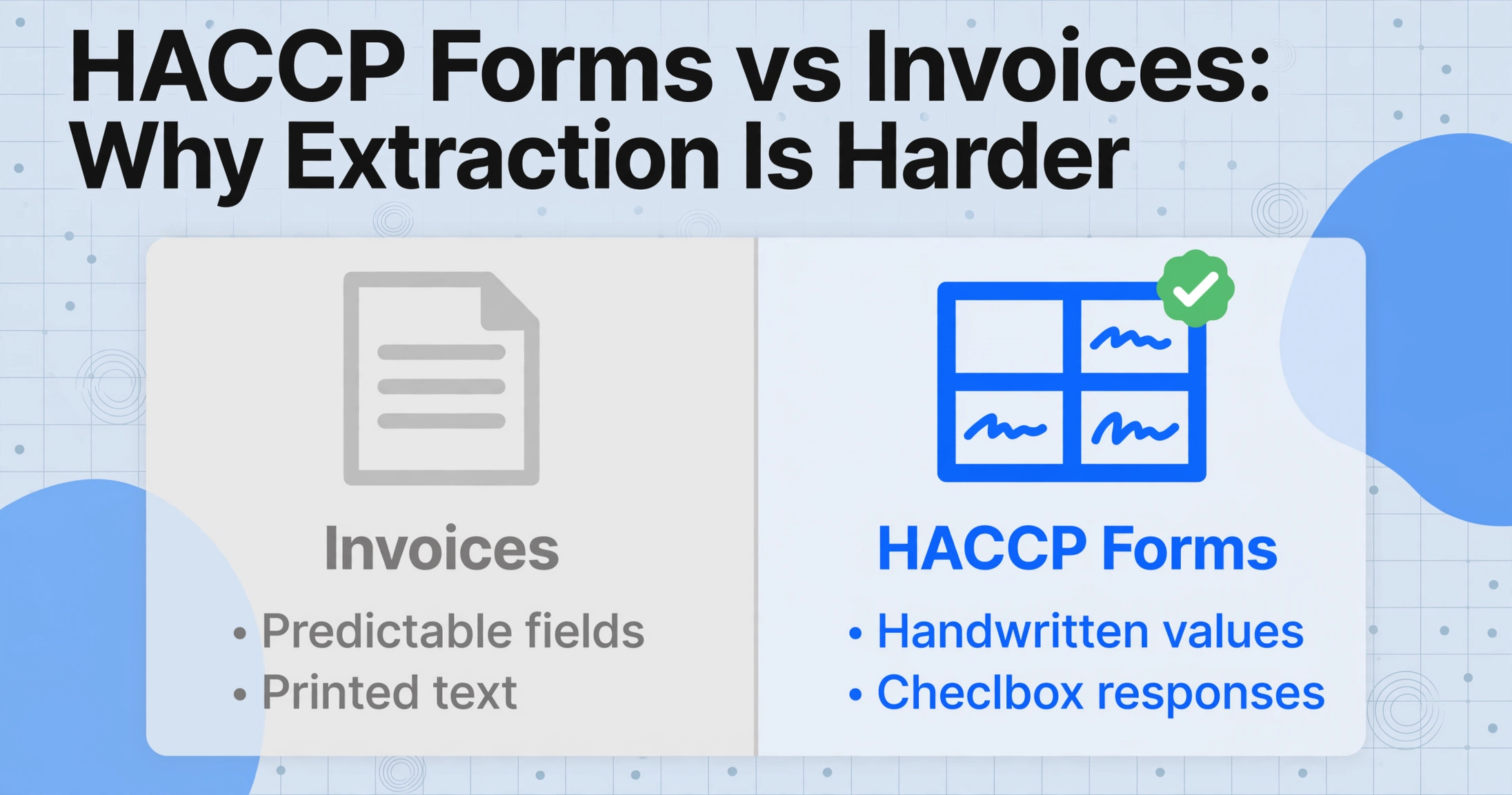
An invoice has predictable fields — vendor name, date, number, line items, totals. HACCP monitoring forms share none of this predictability and add three extraction complications that invoices do not.
1. Nearly everything is handwritten
HACCP forms are filled out on the plant floor — in a cooking room with steam rising from the ovens, at a receiving dock with forklift traffic. The QC inspector walks the line with a clipboard and pen, not a laptop. Writing is quick, sometimes in the margin, and gloves make fine motor control difficult. The result is handwriting that ranges from block capitals to field-speed cursive, with numbers that a tired eye could read as "73.4" while the actual value was "78.4."
Traditional OCR — which matches character shapes against a dictionary — drops to unusable accuracy on this input. Vision AI interprets the document holistically: it reads the column header context ("Cook Temp °F") and locates the handwritten number that belongs under it, rather than trying to recognize characters in isolation. The post on why OCR struggles with handwriting explains the specific failure modes in more detail.
2. Checkboxes and tick marks, not text
The "In Compliance" column of a HACCP monitoring form does not contain the words "Yes" or "Pass." It contains a checkmark (✓) in the Pass box, or an X in the Fail box, or a circle around "Yes" on the form, or — in the worst case — no mark at all, leaving the reader to infer that the operator moved to the next reading without circling back. A checkbox is not a character; it is a spatial mark whose meaning depends on presence, location, and visual form.
OCR cannot read checkboxes. It was never designed to. An OCR engine scanning a checked box either reports nothing (the checkmark is not a letter) or generates a spurious character from the mark's shape. Either way, the Boolean information — did this reading pass or fail? — is lost. Vision AI interprets the checkbox the same way a human does: it examines the box region, determines whether a mark is present, classifies the mark type (tick, cross, fill), and maps it to the correct status value. This distinction is not a matter of accuracy — it is a matter of whether the tool can perform the task at all.
3. The °F and °C symbol problem
Temperature values on HACCP forms carry a unit symbol — °F or °C — that is critical for interpretation. A reading of "160" means nothing without knowing whether the critical limit is in Fahrenheit or Celsius. But the degree symbol (°) is a small circle positioned above the baseline, often written quickly or blurred. Traditional OCR frequently misreads it as a superscript "0", a period, or nothing at all. When the symbol disappears, a value of "160°F" becomes the raw number "160" — which is ambiguous and potentially dangerous if the reader assumes the wrong unit.
This may seem like a minor OCR quibble, but for HACCP compliance it matters. A critical limit of 160°F for cooked ground beef versus a limit of 160°C (which would incinerate the product) are meaningfully different. The extraction tool must not only read the number but preserve the unit symbol and associate it correctly with the measured value.
4. Custom forms per facility
HACCP forms are custom-designed by each facility's team (or adapted from an FSIS generic model). A cooking CCP form from one plant arranges columns differently than the same plant's cooling CCP form, and both differ from forms used at another facility. Template-based OCR requires a separate template per layout — an approach that breaks down when a plant has a dozen distinct CCP forms and the format changes whenever the HACCP plan is reassessed. The post on template-free document extraction explains why layout independence is a practical necessity for custom-designed inspection forms.
The real QC scenario: 50 forms a day, every day
Consider a mid-size poultry processing facility operating two shifts, producing ground turkey and whole-bird products. The facility's HACCP plan identifies six CCPs: receiving (temperature verification of incoming raw materials), cooking (internal temperature ≥ 165°F for whole birds), chilling (internal temperature ≤ 40°F within four hours), metal detection (ferrous and non-ferrous rejection verification), cold storage (ambient ≤ 38°F), and shipping (final product temperature verification).
Cooking and chilling are monitored continuously with probes and data loggers, but the operator also records a manual reading hourly on a paper form — because 9 CFR 417.5(a)(3) calls for "actual times, temperatures, or other quantifiable values" recorded by an employee. Receiving and shipping are monitored per lot; metal detection is verified at shift start and after each product changeover.
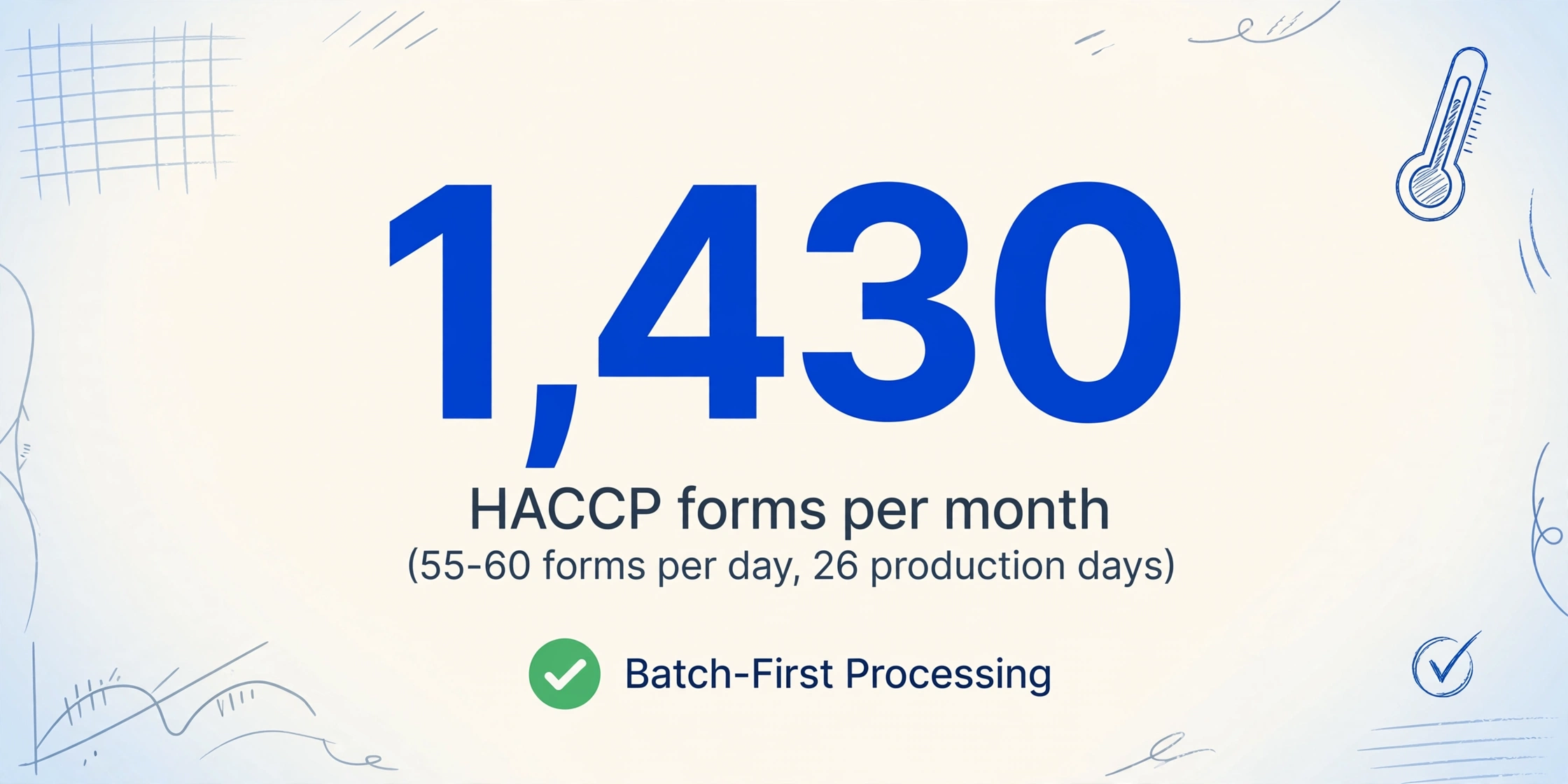
The arithmetic: approximately 55 to 60 forms per day across six CCPs and two shifts. At 26 production days per month, that is 1,430 forms. Each form has 6 to 12 monitoring rows plus corrective action entries on roughly 5% of forms. At three minutes of data entry per form — locating each field, reading the handwriting, typing, rechecking — the transcription alone consumes 71 person-hours per month. Nearly two full weeks of one person's time, spent on data entry that produces no new insight and catches no deviations faster.
The batch processing model — where all forms are processed simultaneously and the output merges into a single spreadsheet — is designed precisely for this volume. And because HACCP forms are completed in environments where a scanner or even a clean desk is not always available, the ability to digitize documents using a phone camera removes the hardware bottleneck that keeps paper forms in filing cabinets.
How to extract HACCP inspection data using vision AI
The extraction approach that works for HACCP forms is the same paradigm that handles invoices, purchase orders, and quality inspection records: Custom Column Extraction. Instead of training the system to recognize each plant's specific form layout, you define the data columns you want — "Date," "Time," "CCP ID," "Measured Value," "Critical Limit," "In Compliance," "Corrective Action" — and the vision AI locates the corresponding values on each form by understanding what the fields mean, not where they sit on the page.
The core idea: you define the output structure, and the AI finds the data anywhere on the page by semantic understanding. The form layout — whether left-to-right, top-to-bottom, single-column, or multi-section — does not need to be known in advance.
Here is how the workflow looks for a QA manager preparing for a quarterly USDA FSIS audit:
The key difference from template-based tools: this workflow does not require creating a separate template for the cooking CCP form, the chilling CCP form, the metal detection verification form, and the receiving temperature form. All form layouts — even forms from different facilities — are processed through the same column definitions, because the AI locates values by semantic meaning rather than pixel coordinates.
What you can do with the extracted HACCP data
Once HACCP monitoring data lives in a structured spreadsheet instead of filing cabinets, three categories of analysis become practical.
Deviation trend analysis
Which CCP produces the most deviations? Is cooking temperature trending closer to its critical limit over the quarter? With 1,400+ rows per month in a spreadsheet, these become pivot-table queries answered in thirty seconds instead of three days of manual tallying.
Audit-ready documentation packages
When an FSIS inspector or GFSI auditor schedules a visit, the QA manager can produce a complete compliance data package — monitoring summaries, deviation logs with corrective actions, trend reports — pulled from the same records that previously required weeks of manual compilation.
Process improvement signal
Beyond compliance, extracted data reveals operational patterns. A cluster of near-miss readings at the same time each day may indicate a process drift that will eventually produce a deviation. Spotting this signal early lets the QA team adjust the setpoint or schedule preventive maintenance before a failure occurs — shifting from reactive documentation to proactive control.
Those near-miss and deviation entries are incident records in all but name. When they arrive as photographed pages rather than app entries, an incident report to Excel workflow keeps them as sortable rows the trend analysis can actually use.
This same extraction workflow applies to other forms that combine printed labels, handwritten values, and checkbox responses — proof-of-delivery records in logistics, field inspection checklists, and any document where the value lies in patterns across hundreds of records rather than any single number.
Frequently asked questions
Can AI read handwritten temperature values with the degree symbol (°F / °C)?
Yes — vision AI reads the degree symbol as part of the value, preserving both the numeric reading and its unit. Traditional OCR frequently drops the ° symbol or interprets it as a superscript "0", leaving the number ambiguous. The AI reads the symbol in the context of the column header ("Cook Temp °F") and maintains the correct association. If the output consistently drops the unit, adding the column name as "Cook Temp (°F)" gives the AI the unit context through the column definition itself.
Does this work with existing paper forms, or do I need to switch to a new digital system?
It works with existing paper forms as-is — no redesign of your HACCP monitoring forms needed, no switch to a new inspection app. This is the practical advantage when you have two years of historical records in filing cabinets that need digitizing before an audit, and when the plant floor makes tablet-based forms impractical. The extraction tool adapts to your existing forms; you do not adapt your forms to the tool.
What about corrective action notes that are long handwritten paragraphs?
Vision AI reads handwritten paragraphs and outputs them as text in the corresponding spreadsheet column. Accuracy on long-form handwriting depends on consistency: neat block capitals produce higher accuracy than dense cursive. For critical corrective action text that will be reviewed during a USDA FSIS audit, a manual spot-check is recommended — the extraction handles the bulk data, and the human reviewer focuses on the highest-stakes entries.
How does this compare to SafetyChain, SafetyCulture (iAuditor), or GoAudits?
Those platforms are front-end HACCP management systems that replace paper forms with digital checklists on tablets. If your facility can deploy tablets at every CCP, they eliminate the paper problem at the source. But many facilities cannot: heat, moisture, gloved hands, and frequent washing make the plant floor hostile to electronics. This extraction workflow addresses the back-end problem — converting the paper that already exists into structured data, regardless of whether you eventually adopt a front-end digital system.
Are the extracted records compliant with 21 CFR Part 11 for electronic records?
The tool converts paper form content into structured data but does not generate the electronic signatures or audit trails that 21 CFR Part 11 requires for systems that replace paper records. If you are digitizing existing records for analysis and reporting, the paper originals remain the legally binding records, and the digital copy serves as a working dataset. Replacing the paper system entirely would require a Part 11-compliant platform for front-end capture.
What accuracy can I expect on handwritten HACCP forms?
Printed text and clearly written numeric values typically extract at 95-99% accuracy. Handwritten checkmarks are reliably classified when clearly inside or adjacent to the box. Long-form corrective action text is lower — roughly 70-85% for cursive paragraphs, higher for block-letter notes. Practical recommendation: use the extraction output as your operational dataset and keep the original forms as the authoritative source for any record under regulatory scrutiny.
Do I need a scanner, or will phone photos work?
Phone photos work well when the form is flat, lighting is even, and the camera is parallel to the page. For plant floor use, a quick photo immediately after the form is completed is far more practical than collecting forms for a central scanner at end of shift. The guide to digitizing documents without a scanner covers the specific conditions that produce reliable results.