ImageToTable vs Docparser:
Flexible Fields or Fixed Templates? An Honest 2026 Comparison
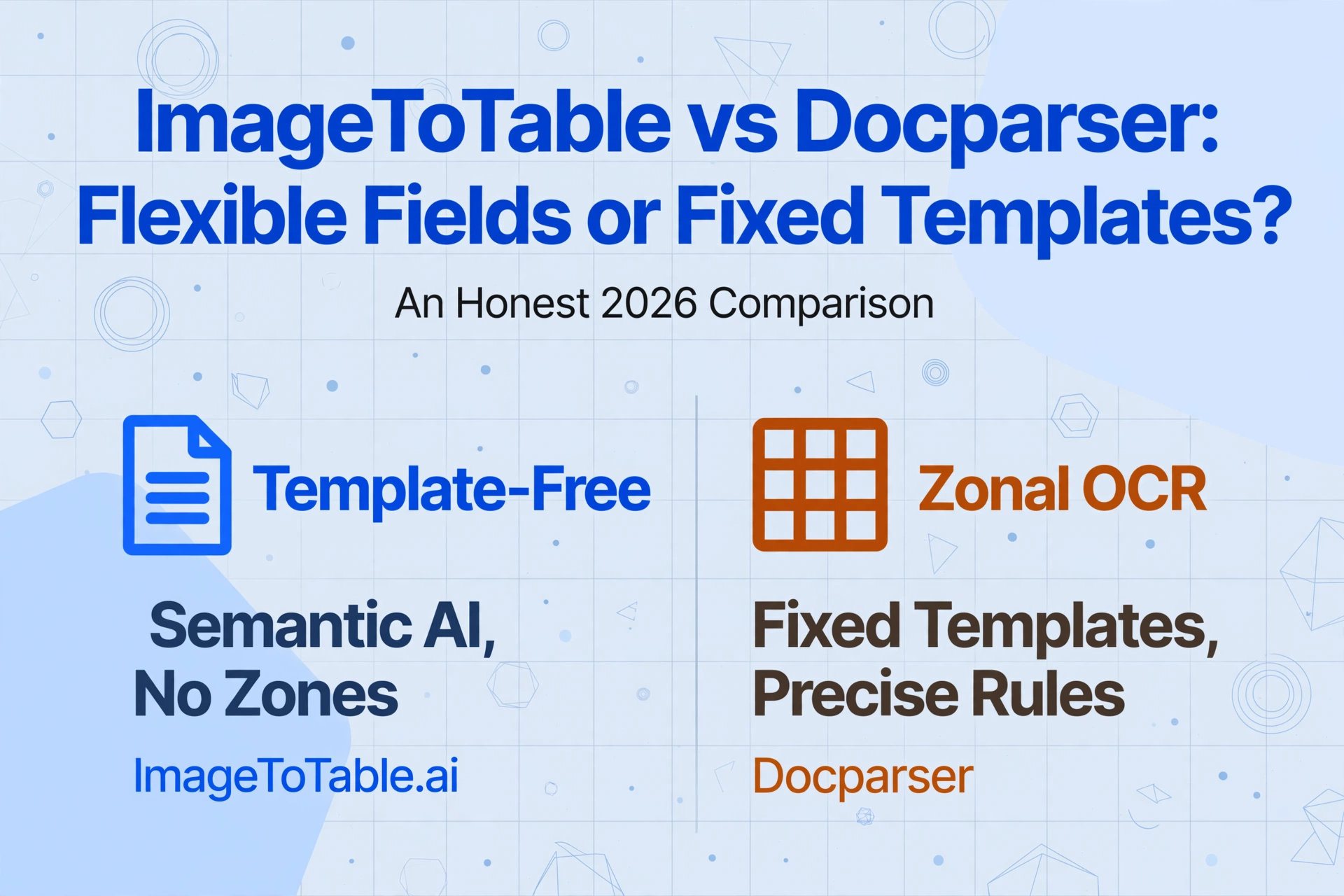
Choosing between ImageToTable and Docparser comes down to a single architectural question: do you want a tool that matches pre-defined zones on fixed layouts — or one that reads documents by understanding what the fields mean? The answer determines not just how fast you start, but how much time you spend maintaining the pipeline six months in. Both tools extract structured data from documents. But they approach extraction from fundamentally different architectures, and the architecture that works for a team with three stable invoice templates will frustrate a team juggling documents from forty vendors who update their layouts on their own schedules.
Key Takeaways
- Most comparison articles compare setup time — the real cost is the silent maintenance treadmill that starts when the first vendor changes their invoice layout three months in.
- Docparser honestly wins on two dimensions: its regex engine and conditional parsing rules go deeper than ImageToTable's computed columns, and its Zapier-grade integration ecosystem has no equivalent on the ImageToTable side.
- Choose by what your documents actually look like — stable multi-page PDFs from known senders favor Docparser, while layout variety, phone photos, handwriting, and mixed-source batches all favor ImageToTable.
Quick Comparison
Before we walk through each dimension, here is a snapshot of how the two tools stack up on the factors that matter most in a document extraction decision.
| Dimension | Docparser | ImageToTable.ai |
|---|---|---|
| Extraction model | Zonal OCR with custom parsing rules — draw zones on a template, define anchors and regex filters per field | Vision LLM — reads document semantics directly; no templates, no zones, no per-layout configuration |
| Setup time | 30–60 min per template per layout; multi-layout parsers available as $29.95/mo add-on or on Business plan | Under 1 minute — type column names, upload, results appear |
| Format change handling | Templates break when layouts change; require manual zone adjustment and retesting | Automatic — semantic extraction adapts to any layout change instantly |
| Parsing rule depth | Powerful — regex, conditional logic, calculations, anchor keywords, barcode/QR scanning, multi-step filters | Computed columns and inferred columns for simpler calculations and classifications |
| Integrations | Native Zapier, Make, Power Automate, Workato, REST API, email triggers, cloud storage connectors, QuickBooks, Salesforce | Excel/CSV/JSON/Word export; Google Sheets add-on; Collection Link; Email Inbox with Auto-Process; public REST API with webhooks — no app-store Zapier connector |
| Multi-page documents | 1 credit = 1 document up to 5 pages; 30-page document cap (50 max); 20 MB file size limit | 1 credit = 1 page or image; no document-level page cap; processes large PDFs page by page |
| Document flexibility | Best on clean, consistent digital PDFs; degrades on low-DPI scans, phone photos, handwriting, stamps | Reads any visual input — phone photos, scans, screenshots, handwriting, stamps, mixed printed/handwritten |
| Starting price | $39/mo (monthly) / $32.50/mo (annual) — 100 credits (100 docs, up to 5 pages each) | $9/mo — 150 credits (150 pages or images); free tier available without sign-up |
The table makes the tradeoffs visible. But the real decision depends on which of these dimensions matters most in your document ecosystem. Let's walk through each one.
Setup: Zones, Anchors, and Rules vs. Column Names
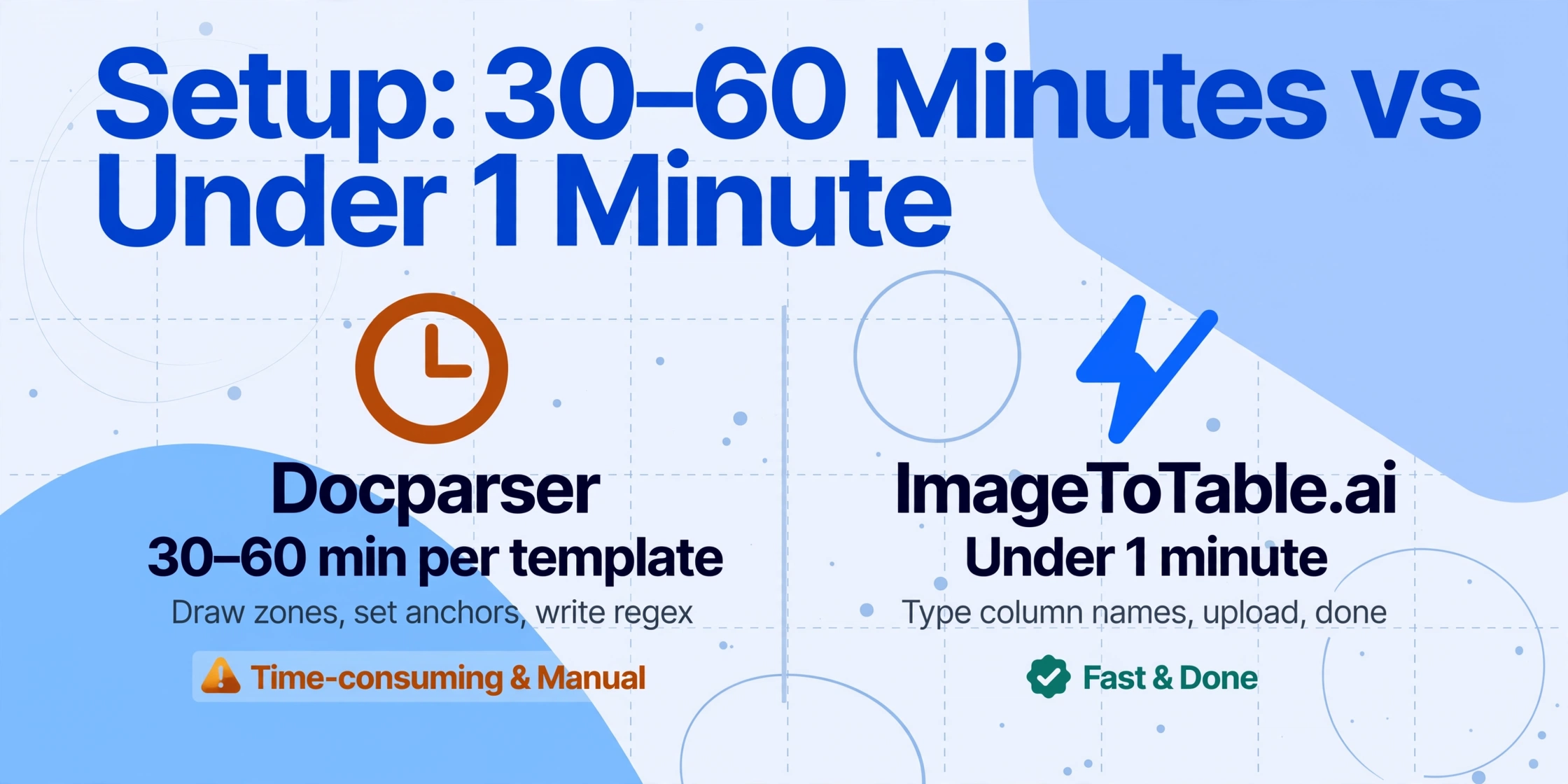
The most obvious difference between the two tools surfaces in the first hour. Docparser's setup process is a sequence of deliberate steps: you upload a sample document, define extraction zones by drawing rectangles around each field on the page, configure anchor keywords to help the parser locate fields that might shift, set regex filters to normalize extracted values, and test the template against a second sample before you can trust it on live documents. For a single-layout invoice from one vendor, this process typically takes 30 to 60 minutes.
If you process documents from five vendors with consistent formats, that is 2.5 to 5 hours of upfront template creation. If you need multi-layout parsers (one parser that handles multiple format variants), that capability costs an additional $29.95 per month on the Starter and Professional plans, or you can upgrade to the Business plan ($159/mo) where it is included. Docparser also offers a paid Parsing Assistant service at $149 per layout where their team builds the template for you — an honest acknowledgment that template creation is real work.
ImageToTable reverses the entire setup equation. You do not draw zones, define anchors, write regex, or configure any per-layout template. You type the column names you want — "Invoice Number," "Vendor Name," "Date," "Total" — and upload your documents. The vision LLM locates each value by understanding what the field means, not where it sits on the page. The first extraction completes in 5–10 seconds. There is no "setup phase" before you get results — you evaluate the tool on your actual documents from the very first upload. For returning users, column lists can be saved as presets, so the same extraction definition runs on every future batch without re-entering field names.
The setup cost difference is not about one tool being easier to learn. It is about whether the tool requires per-layout configuration before it can extract data from a new document type. Docparser requires it. ImageToTable does not.
Format Changes: When the Template Breaks
This is the dimension that most honestly separates the two tools — and it is also the one most comparison articles understate. Template-based extraction works perfectly on the template it was built for. The problem is that real-world documents do not stay in their templates.
Suppliers update invoice layouts when they switch accounting software, merge with another company, or redesign their branding. A vendor moves the "Total Due" field from the bottom-right to the bottom-left corner — the zone rectangle you drew now points at empty space or, worse, at a different value. Another supplier renames "Invoice #" to "Reference" — the anchor keyword you relied on no longer exists. Each change is invisible to you until the next batch of documents arrives with extraction errors that someone has to identify, diagnose, and fix.
Docparser's Zonal OCR technology is deterministic and precise on known layouts — that is its strength. But when a layout changes, every zone defined in that template becomes unreliable. The fix requires opening the template editor, re-highlighting the shifted fields, adjusting any affected regex filters, and re-testing. If you are on a plan without multi-layout parsers, a format variant from a known vendor might require an entirely new template. Docparser's own documentation acknowledges that Zonal OCR "cannot handle" compound data fields, repeating data fields, table data, and "data fields with variable positions (e.g., Invoice totals)" — precisely the scenarios that occur when layouts drift.
ImageToTable's vision LLM reads documents holistically. It does not care where a field sits on the page, how it is labeled, or whether the pixel coordinates shifted since the last batch. "Total Due" at the bottom-right and "Total Due" at the bottom-left are the same semantic concept — the AI finds it regardless. A vendor renames a field — the AI resolves the semantic relationship between what you asked for and what the document says. A new vendor sends a document in a format the tool has never seen — it processes correctly on the first upload because there are no zones to configure. This is the practical meaning of no-training document extraction.
Docparser wins on deterministic precision for stable layouts. ImageToTable wins on resilience — it never breaks when a format changes because it was never configured to a specific format in the first place. The gap between them expands over time as layouts drift and new vendor formats appear.
Parsing Granularity: When Docparser's Rule Engine Wins
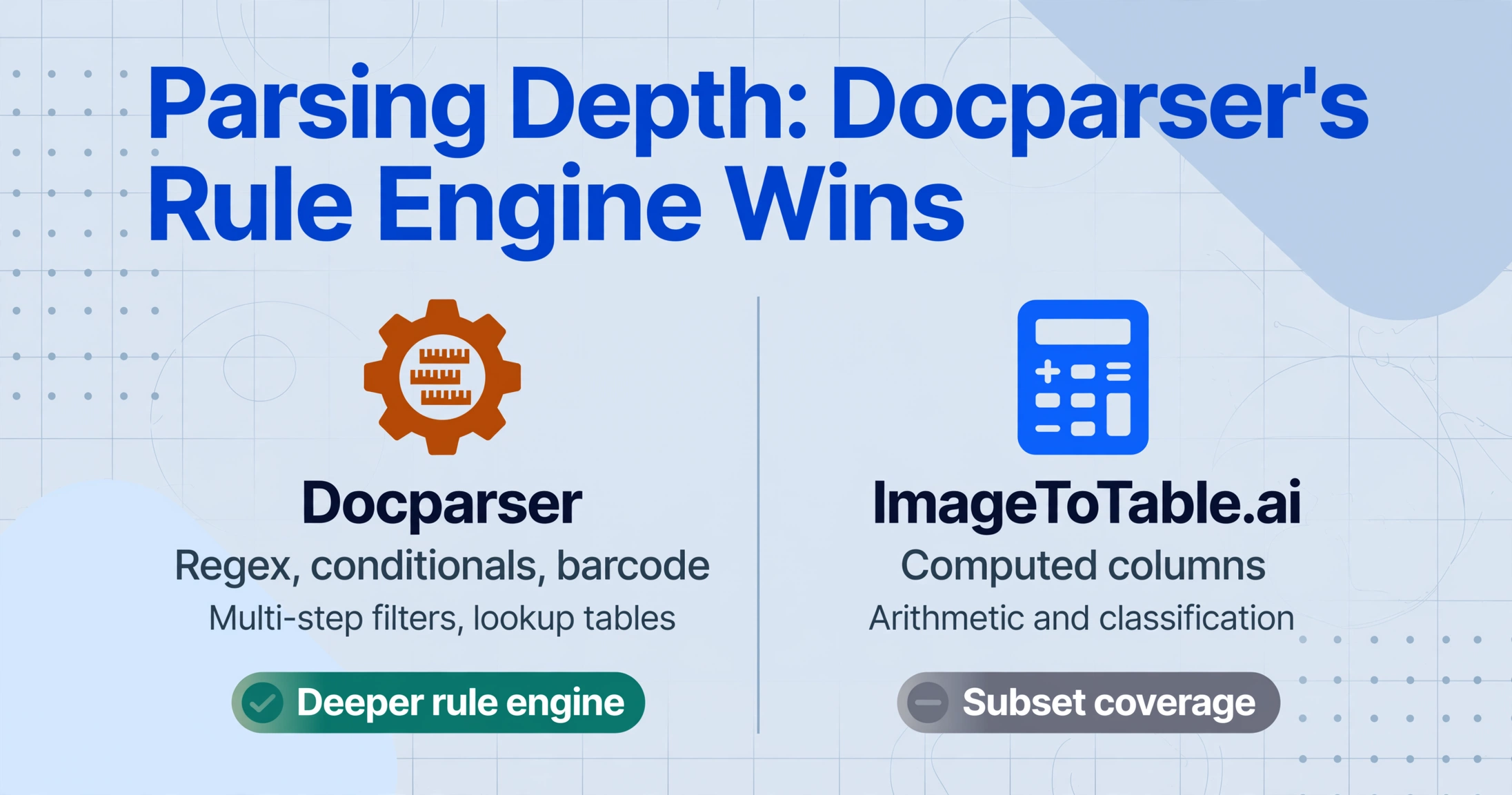
This is the dimension where Docparser is genuinely superior, and an honest comparison must state this directly. Docparser's parsing rule system is the most mature part of the platform, and it goes significantly deeper than ImageToTable's computed columns in several important ways.
Docparser lets you define field-level regex patterns to normalize extracted values — for example, stripping non-numeric characters from phone numbers, reformatting dates from MM/DD/YYYY to YYYY-MM-DD, or extracting only the digits from a "Vendor ID" field that includes prefix text. You can define conditional extraction rules: "If the document type is Credit Note, extract the 'Credit Amount' field instead of 'Invoice Total'." You can combine anchor keywords with offset-based extraction — "find the text 'Total:' on the page and extract everything within 50 pixels to its right." You can configure parsing rules that reference other extracted fields, apply lookup tables to translate vendor-specific codes into standardized values, and chain multiple filters in sequence. Barcode and QR code scanning is also built into the platform, a capability that ImageToTable does not offer at all.
ImageToTable's computed columns and inferred columns cover a meaningful subset of these use cases. You can define a column like "Line Total (Qty × Unit Price)" and the AI computes it during extraction. You can define inferred columns with option lists — "Category (options: Meals/Transport/Office/Other)" — and the AI classifies each document automatically. But ImageToTable does not support regex-level field transformation, conditional extraction paths, or multi-step chained rules. If your extraction workflow requires deterministic field-by-field transformations that go beyond arithmetic and classification, Docparser's rule engine is the right tool.
However, this strength comes with a caveat: Docparser's rule depth is available only after you have built a working template on a stable layout. If the layout changes, the rules break alongside the zones — you cannot use powerful regex and conditional logic on fields that are being extracted from the wrong location.
Integrations: Docparser's Automation Ecosystem
This is the second dimension where Docparser clearly wins. The platform has invested years in building out a mature integration ecosystem that ImageToTable does not currently match on breadth.
Docparser connects natively to Zapier (6,000+ apps), Make, Microsoft Power Automate, and Workato. It offers a REST API for custom integrations, email triggers that automatically parse incoming attachments when forwarded to a dedicated Docparser inbox, and direct cloud storage connectors for Google Drive, Dropbox, Box, and OneDrive that let you import documents without manual upload. Parsed data can be sent directly to QuickBooks, Salesforce, Google Sheets, MySQL, and hundreds of other applications through these connectors. For an AP team that wants extracted invoice data to flow automatically into their ERP, trigger a Slack notification, and push a summary to Google Sheets — all without anyone touching a browser — Docparser's integration depth is a genuine competitive advantage.
ImageToTable's integration surface is narrower but not absent on the email front. Data can be exported directly to Excel, CSV, JSON, or Word from the web interface. The Google Sheets add-on lets you extract data directly into the active spreadsheet without leaving Sheets. Email Inbox covers the same forward-and-parse trigger as Docparser's dedicated inbox — every account gets its own address, and binding Auto-Process to a template starts extraction the moment mail arrives, with a sender whitelist and automatic password retry for encrypted attachments. The Collection Link provides a shareable upload endpoint that external senders can use without registration. What ImageToTable does not match is Docparser's downstream reach once data is extracted — no cloud storage polling, no native Zapier/Make/Salesforce/QuickBooks connectors, and a v1 API/webhook pair instead of Docparser's broader automation catalog.
If your workflow depends on Zapier-connected downstream routing into ERP/CRM systems, cloud storage polling, or a mature no-code connector catalog, Docparser is the stronger choice on integrations. If unattended email intake itself is the requirement, both tools cover it — Email Inbox handles the trigger side even though it doesn't fan out to the same breadth of destinations afterward.
Pricing: Different Cost Models for Different Usage Patterns
The pricing structures of the two tools reflect their architectural philosophies — and which one is cheaper depends entirely on how you use it.
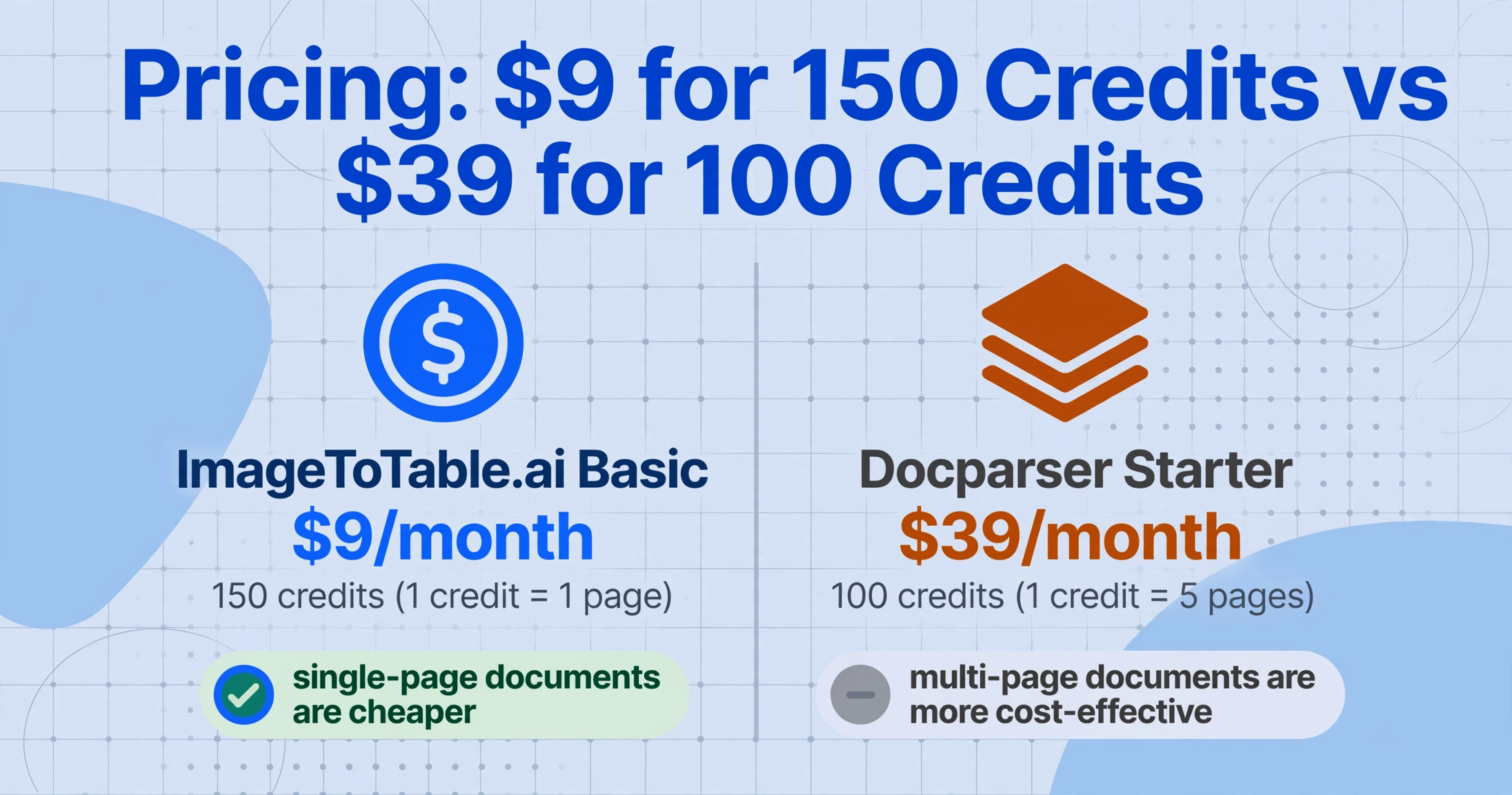
Docparser uses a per-document credit model. One credit equals one document with up to five pages. The Starter plan costs $39/month (monthly) or $32.50/month (annual) for 100 credits — effectively 100 to 500 pages per month depending on document length. The Professional plan ($74/mo monthly, $61.50/mo annual) gives 250 credits. The Business plan ($159/mo monthly, $133/mo annual) gives 1,000 credits with multi-layout parsers included. Additional features like multi-layout parsers ($29.95/mo), parser version control ($9.95/mo), and extended document retention ($19.95/mo) are charged separately on lower-tier plans.
ImageToTable uses a per-credit subscription model where one credit equals one image or one PDF page. The Basic plan costs $9/month for 150 credits. Pro is $29/month for 500 credits. Max is $59/month for 1,500 credits. A daily free quota lets you test with real documents before subscribing, and one-time credit packs are available without a subscription commitment.
At the entry level for single-page documents, ImageToTable's Basic plan delivers 150 credits for $9 — roughly 4× more volume per dollar than Docparser's Starter at $39 for 100 credits. But Docparser's per-document model becomes significantly cheaper for multi-page documents. A single 5-page invoice consumes 5 ImageToTable credits but only 1 Docparser credit. If the bulk of your documents are 3–5 page PDFs from a stable set of known senders, Docparser's effective cost per document can be substantially lower than ImageToTable's page-based pricing.
For a detailed walkthrough of how different pricing models affect your monthly bill across volume tiers, see document extraction pricing breakdown 2026.
Document Flexibility: What Each Tool Can Actually Read
Both tools cover the standard business document types — invoices, purchase orders, receipts, contracts, bank statements. But the types of documents they can handle reliably diverge significantly once you move beyond clean digital PDFs.
Docparser's Zonal OCR is built for documents with predictable layouts. It performs best on digital PDFs and high-quality scans where each field appears in a consistent position. Its own documentation notes that for best results, "incoming documents are scanned in high quality and have a consistent layout." The platform has added OCR preprocessing options — deskewing, artifact removal, page rotation — to improve handling of imperfect scans, and DocparserAI now supports handwriting recognition through the SmartAI Parser template. But the fundamental limitation remains: zone-based extraction degrades on low-DPI images, angled scans, phone photos, and documents where stamps or seals overlay data fields. When the zone rectangle cannot reliably enclose the target text, extraction quality drops.
ImageToTable was built from the ground up for exactly this gap. The vision LLM reads documents the way a human does — by understanding the entire visual layout and locating requested fields by semantic meaning, not by pixel position. Printed tables, handwritten forms, phone photos of a restaurant receipt, a screenshot of an emailed invoice, a scanned contract with a company stamp overlapping the signature block — the AI processes all of them in the same extraction pipeline without switching engines or adjusting settings. For printed table data, accuracy reaches up to 99% on clean documents. Handwriting is recognized at usable accuracy levels — sufficient for data extraction even if individual characters are not perfectly transcribed — because the AI understands the field context: "this handwritten number sits next to 'Total' and below 'Item charges,' so it is the total amount regardless of how the digits curve."
Docparser's DocparserAI layer has brought handwriting recognition and checkbox detection to the platform. But these features run on top of a zone-based architecture that still expects fields at predictable positions. If a handwritten field appears in a different location on each document (because the form is filled by hand and the writer's hand shifts), no amount of AI enhancement can compensate for the zone expecting data at a fixed coordinate. ImageToTable has no such constraint — the AI finds the field by what it is, not by where it should be.
When ImageToTable Makes More Sense
ImageToTable is the better choice when your document ecosystem is defined by variety rather than repetition. If you receive documents from multiple vendors who use different layouts — and those layouts change — the template-free approach removes the maintenance treadmill that template-based tools require. You define your output once (the column names you want) and the AI handles any variation in input layout automatically. Every new vendor format, every supplier redesign, every client's custom form is processed correctly on the first upload with zero setup time. That is the practical difference between a semantic document parser and a template-driven one.
If your documents arrive as phone photos, scanned copies, or handwriting rather than pristine digital PDFs, ImageToTable's vision LLM reads them without the quality degradation that zone-based tools experience. A contractor photographing a job site delivery note, an employee submitting a handwritten expense report, a field inspector capturing a meter reading with their phone — these are not edge cases for ImageToTable. They are the primary use case the tool was designed for.
If you process batches of mixed-format documents together — uploading invoices from twenty different vendors in one batch and needing the results merged into a single aligned spreadsheet — ImageToTable's batch-first architecture delivers that in one step. Docparser processes each document individually within a mailbox; merging extraction results from multiple vendors into a unified table requires Zapier automation or manual assembly.
If your budget is tight and your documents are mostly single-page (receipts, invoices, purchase orders), ImageToTable's Basic plan at $9/month delivers 150 pages — significantly more value per dollar than Docparser's entry tier.
When Docparser Makes More Sense
Docparser is the better choice when your extraction requirements go beyond field location into deterministic data transformation. If you need regex normalization, conditional extraction paths, multi-step filters, barcode scanning, or calculation rules that chain across multiple fields, Docparser's parsing rule engine is more powerful than ImageToTable's computed columns. ImageToTable handles arithmetic and classification well, but it does not match Docparser's rule depth for complex field-by-field transformations.
If your workflow depends on automated integrations — documents arriving via email forward → automatically parsed → data pushed to QuickBooks via Zapier → Slack notification sent — Docparser's integration ecosystem is substantially more mature. ImageToTable's Email Inbox covers the same forward-and-parse trigger (with Auto-Process turning it fully hands-off), but Docparser's broader connector catalog — native Zapier, Make, Power Automate, and Salesforce actions chaining straight into QuickBooks or Slack — goes further than ImageToTable's v1 API and webhook alone can reach without custom glue code. For teams that have invested in automation platforms and need the extraction tool to plug into those workflows rather than provide its own interface, Docparser's connector depth is a genuine advantage.
If every document you process is a multi-page PDF from a stable, known sender — say, you process 200 monthly invoices from 5 suppliers whose formats have not changed in years — Docparser's credit model (1 credit per document up to 5 pages) makes it more economical than ImageToTable's per-page pricing, and the template setup cost is a one-time investment that pays back over consistent processing.
If you need barcode or QR code scanning built into the extraction pipeline, Docparser includes this natively. ImageToTable cannot read barcodes or QR codes during extraction — that capability is not currently in the product.
The honest verdict: Docparser wins when your processing requirements are rule-deep and format-stable. ImageToTable wins when your document ecosystem is format-varied, source-diverse, or layout-changing. Neither architecture is universally better — the right tool depends on which kind of variability you actually deal with.
The Verdict: Scene-Based, Not Forced Binary
After comparing both tools across setup time, format resilience, parsing granularity, integrations, pricing, and document flexibility, the decision framework is clearer than most comparison articles suggest.
Docparser is built for deterministic extraction from stable layouts. Its Zonal OCR engine and rule system reward teams with consistent document formats through precise, repeatable field-level extraction. The cost is per-layout setup and maintenance. The payoff is control: regex normalization, conditional logic, barcode scanning, and a mature automation pipeline that connects to the tools you already use. If your documents come from a fixed set of known senders whose layouts do not change, Docparser's depth and integration scope make it the pragmatic choice.
ImageToTable is built for semantic extraction from varied sources. Its vision LLM removes per-layout configuration entirely, handling any format, any input quality, and any combination of document types in a single batch. The cost is less granular control over field-level transformations. The payoff is resilience: format changes, new vendors, phone photos, handwriting, and mixed batches all work without template maintenance. If your documents arrive from multiple sources with different layouts, or if the input quality varies (scans, photos, handwriting), ImageToTable eliminates more ongoing work than Docparser's deeper rule set can compensate for.
If you are building an email-driven AP automation pipeline with fixed-format invoices flowing into QuickBooks via Zapier, Docparser is the better fit — its automation layer and rule depth match that workflow. If you are collecting documents from field staff, processing mixed-format purchase orders, or batch-extracting data from phone photos and scanned forms, ImageToTable's template-free approach saves you from the maintenance cost that template-based tools impose on varied-input workflows. Neither tool is a universal answer. But if you know what your document ecosystem actually looks like — how many formats, how often they change, what quality they arrive in — the right choice becomes clear.
For a broader look at how both tools compare against the rest of the extraction landscape, see ImageToTable vs Parseur.
Want the condensed version? See the side-by-side feature comparison table, or browse all ImageToTable comparisons.
FAQ
Does Docparser require templates, or does DocparserAI work without them?
Docparser's primary extraction path is template-based — you create a parser by drawing Zonal OCR rectangles on a sample document. DocparserAI adds AI-assisted features (SmartAI Parser template that auto-creates rules, handwriting recognition, content summarization), but these run within the same per-document-type architecture. The SmartAI Parser reduces manual setup time by automatically generating rules from a sample document, but it still expects consistent layouts within a document type. ImageToTable uses semantic AI exclusively — no templates, no zone drawing, no per-layout configuration in any extraction path.
Can ImageToTable integrate with Zapier or webhooks like Docparser?
Yes, through the public v1 API. ImageToTable's REST API lets you upload documents, trigger processing, and register a webhook that fires automatically when a batch or document finishes — no polling required. Zapier and Make can connect through this API, but ImageToTable doesn't have a pre-built app-store connector or native Salesforce/ERP integrations the way Docparser does. ImageToTable also offers direct export to Excel, CSV, JSON, and Word, plus a Google Sheets add-on that writes extracted data directly into the active spreadsheet. If you need Docparser's one-click Zapier app or its native QuickBooks/Salesforce connectors, Docparser's integration ecosystem is more mature for that specific case.
Which tool is more affordable for multi-page documents?
It depends on the document length. Docparser counts one parsing credit per document up to five pages — so a 5-page invoice consumes 1 credit. ImageToTable counts one credit per page — that same 5-page invoice consumes 5 credits. If your documents are consistently 3–5 pages long, Docparser's credit model can be significantly cheaper per document. For single-page documents (receipts, most invoices), ImageToTable's pricing is lower per credit. Your total cost depends on whether you process mostly single-page or multi-page documents. See document extraction pricing breakdown 2026 for a volume-by-volume comparison.
Does Docparser support batch processing like ImageToTable?
Docparser processes documents within a mailbox — you can upload multiple documents at once or configure automated imports from cloud storage or email. But each document is parsed individually, and merging results from multiple documents (especially across different parsers) into a single aligned spreadsheet requires external work via Zapier/API or manual export. ImageToTable was designed batch-first: upload files from any sources, define column names once, and download one merged Excel file with consistent headers across all documents. For teams that process mixed-format batches regularly, this is a meaningful workflow difference.
Can Docparser handle handwriting as well as ImageToTable?
DocparserAI has introduced handwriting recognition through the SmartAI Parser template. It can extract handwritten text from documents. However, the underlying zone-based architecture means the handwriting must appear in a predictable location on the page for accurate extraction. ImageToTable's vision LLM finds handwritten fields anywhere on the page by understanding context — it does not require the handwriting to be in a pre-defined zone. For documents where handwriting appears at variable positions (site inspection forms, field worksheets, delivery notes filled by different hands), ImageToTable's approach is more reliable.
Can I switch from Docparser to ImageToTable?
Yes. The migration does not require importing templates — ImageToTable does not use templates. Export your historical Docparser data as CSV or Excel. Upload the same source documents to ImageToTable, type the column names that correspond to your Docparser field definitions, and the AI extracts them without any template configuration. The column names you used in Docparser (Invoice Number, Vendor Name, Date, Total) become your column names in ImageToTable. Merge your historical data with new extractions in a spreadsheet — consistent header names make the transition straightforward.