ImageToTable.ai vs Docparser:
AI Extraction vs Rule Templates That Need Constant Maintenance
A finance team receives invoices from 40 vendors. They spend two weeks in Docparser building one parser per vendor — drawing zone rectangles, testing keyword anchors, tuning regex filters. It runs smoothly for a month. Then Vendor #7 updates their invoice template. The zone that used to point at the invoice number now points at empty space. The parser fails silently. Someone notices three weeks later during reconciliation. This is the maintenance reality of rule-based document parsing at scale.
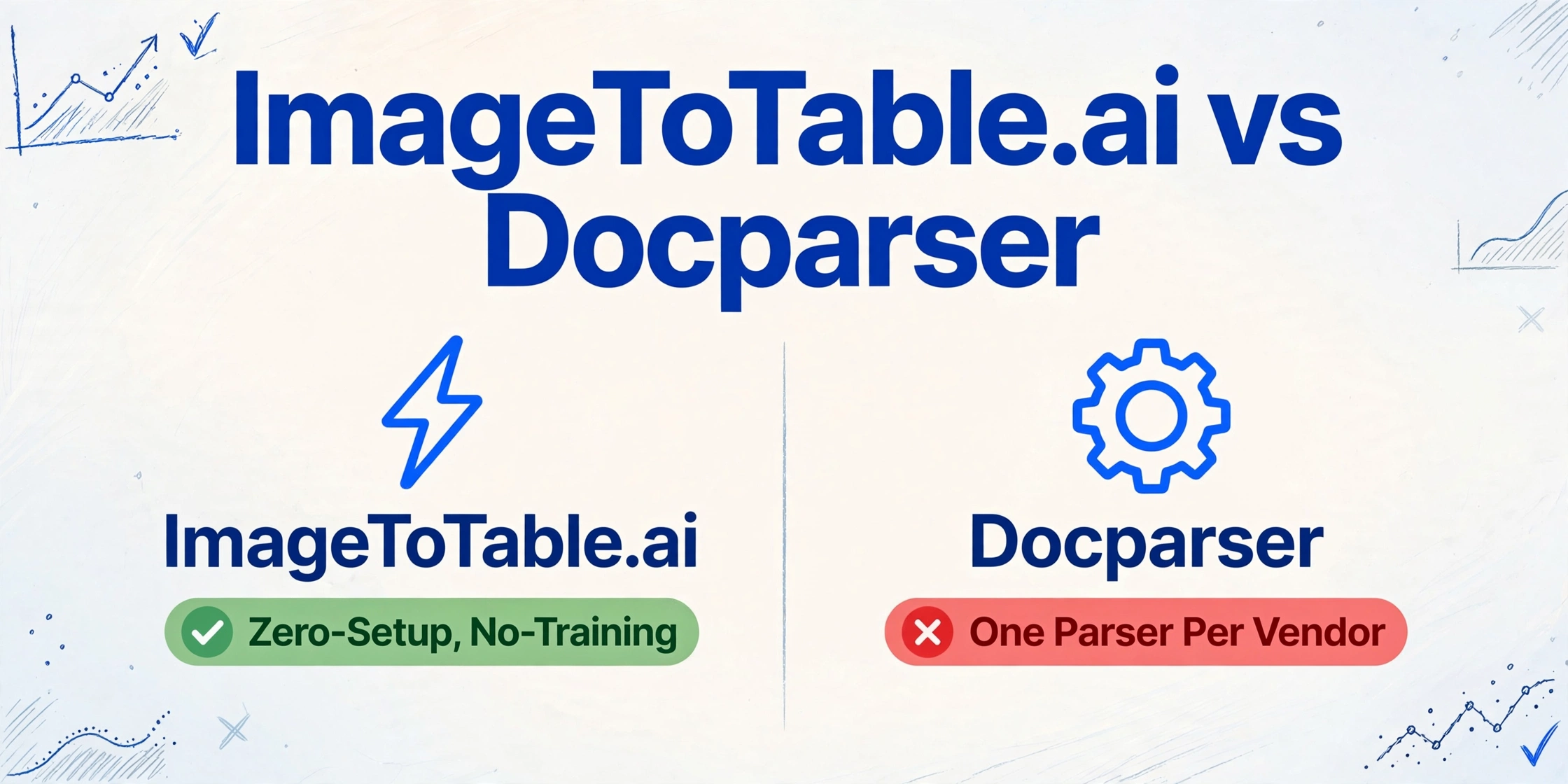
Quick Comparison
Choose ImageToTable.ai if…
- You receive documents from many different vendors or sources with varying layouts
- You don't have IT support to build and maintain a template library
- You want to start extracting data in minutes, not days
- New document types come in regularly and you can't configure a parser for each one
- Budget is a consideration — you need more documents for less spend
- You need results merged into one table, not separate exports per vendor
Choose Docparser if…
- You process documents from a small, stable set of vendors with consistent formats
- You need deep integration into Zapier, Make, Power Automate, or Salesforce
- Your team has technical resources to build and maintain parsing rules
- You need custom webhook output matching a downstream API schema
Feature Comparison
| Dimension | Docparser | ImageToTable.ai |
|---|---|---|
| Setup required | Create one parser per vendor/layout; define zones, anchors, and rules per field; test and iterate before first extraction | Type the column names you want; upload your documents; extraction runs immediately — no parser configuration |
| Extraction method | Zonal OCR (position-based) + keyword anchors + regex patterns + DocparserAI (rule auto-generation from samples) | Vision large model with semantic document understanding — finds fields by meaning, not by fixed position |
| When vendor format changes | Zones break; anchors may break; parser must be updated manually; past documents may need reparsing | No re-configuration needed — AI re-extracts from any layout using the same column names |
| Multi-vendor batch | Each vendor has its own parser and its own export; merging across vendors requires Zapier automation or manual work | Upload files from any sources at once; all results merged into one Excel table automatically |
| Handwriting & stamps | Degrades on scanned documents at an angle, low-DPI images, handwritten fields, and stamp/seal overlays | Recognizes handwriting, cursive, stamps, signatures, checkboxes, and mixed printed/handwritten documents |
| Integrations | Docparser wins here: Zapier (6,000+ apps), Make, Power Automate, Workato, Salesforce, QuickBooks, webhooks, email triggers, REST API | Excel/CSV/JSON direct export; Google Sheets Add-on; Email Inbox with Auto-Process; public REST API with webhook notifications — Zapier/Make can connect through the API, but there's no pre-built app-store connector or native Salesforce/ERP integration like Docparser's |
| Multi-layout support | Multiple layouts per parser only on Business plan ($159/mo+); lower tiers require one parser per layout variant | Any layout handled in the same workflow — no tier restriction |
| Entry price | $39/month (100 documents); no free tier — 14-day trial only | $9/month (150 credits); pay-as-you-go from $6/50 images; free account to test |
| Professional setup option | Parsing Assistant: $149 per document layout (Docparser builds the rules for you, 5-business-day turnaround) | No paid setup service needed — upload and extract from the first document |
One Parser Per Vendor — The Hidden Setup Cost
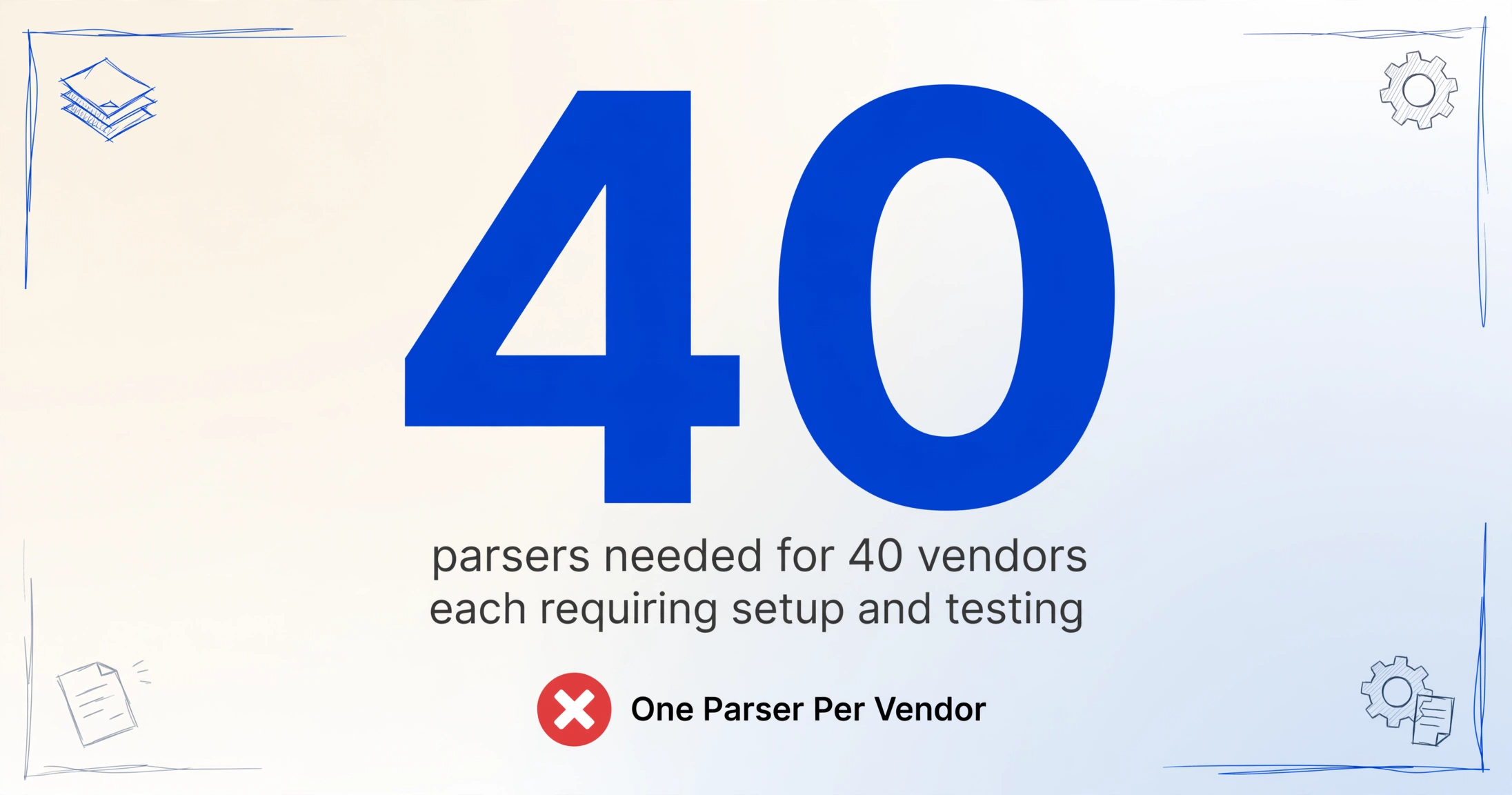
Docparser's own documentation is explicit: "You need to create one document parser for each layout (trading partner / vendor)." For a business processing invoices from 40 vendors, that means 40 parsers — each requiring a sample document upload, zone configuration, field-by-field rule setup, and a round of testing before it can be trusted in production.
In practice, this compounds: the same vendor often sends invoices in slightly different formats across their product lines or regions. Multi-layout support — the feature that lets one parser handle format variants — is only available on the Business plan at $159/month. Below that price point, each variant is a separate parser.
Docparser knows this is genuinely difficult. They sell a Parsing Assistant service at $149 per document layout — a paid option where their team builds the rules for you, with a 5-business-day turnaround. That's the most direct admission that their own self-serve setup process has real friction for many users. If you're weighing position-based extraction more broadly, our ExtractTable comparison covers the table-OCR approach that shares some of these limits.
"While the platform offers a wide range of parser rules and filters for data cleanup, the sheer number of options can be overwhelming. It's not always clear what the best practice is for tackling a specific parsing challenge." — Verified reviewer, Capterra, 2025
"It requires too much manual effort, is restricted on its AI capabilities, and can be expensive." — Colin R., Managing Director, Capterra, June 2025 ★★★
When a Vendor Updates Their Template, Your Rules Break
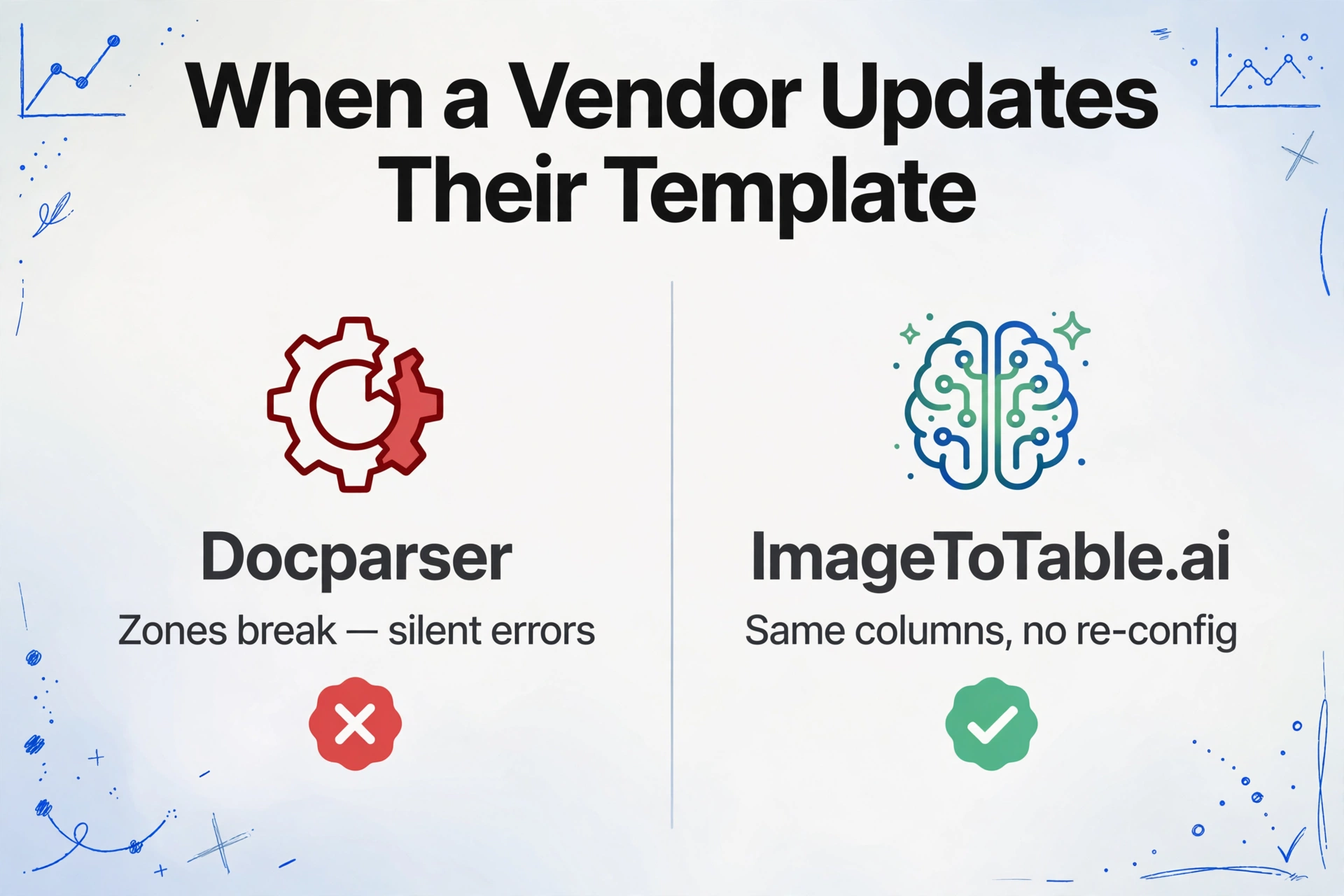
Docparser's own help documentation states: "Anytime you change your parser rules or filters you will need to reparse your documents." When a vendor redesigns their invoice — moving the invoice number from the top-right to a header block, switching from a two-column layout to a single-column one — any zones that relied on fixed position now point at empty space or wrong data. The parser doesn't error loudly; it silently extracts wrong values or blanks until someone checks the output.
The fix requires detecting the failure, diagnosing which rule broke, updating the zones or anchors, and reparsing all documents that ran through the old rule. For high-volume teams, that's a meaningful operational interruption.
"When PDFs change or are scanned at an angle the data gets off. That can be hard to catch and fix at order entry time." — Mitchell D., President, Capterra, Sept 2025
"Vendors aren't always consistent from invoice to invoice — you have to adjust your table format slightly each time." — Verified reviewer, Capterra
ImageToTable.ai's AI finds fields by semantic meaning — it understands that "Invoice No.:" followed by an alphanumeric string is an invoice number, regardless of where on the page it appears. When a vendor changes their layout, you upload the new invoice with the same column names. No re-training, no zone adjustment, no reparsing.
What Docparser Gets Right: Integration Depth
Docparser's genuine competitive moat is its integration ecosystem. With connections to Zapier's 6,000+ app library, native support for Make, Microsoft Power Automate, Workato, Salesforce, QuickBooks, and a full webhook system that accepts custom JSON payloads, Docparser is built to plug into existing enterprise workflows rather than stand alone.
For an AP team that wants extracted invoice data to flow automatically into their ERP, trigger a Slack approval, or push to a Google Sheet without leaving the browser — Docparser's automation layer covers this end-to-end. Note that ImageToTable.ai does offer a Google Sheets Add-on that writes extracted data directly into the active sheet without a file download step, an Email Inbox that auto-processes forwarded invoices the same way Docparser's mailbox does, plus a public REST API with webhook notifications for teams that want to build their own integration — but Docparser's broader automation scope (native Zapier/Make/Power Automate connectors and ERP integrations) goes significantly further for teams that want no-code automation into Salesforce, QuickBooks, or a custom webhook schema out of the box. Parseur takes a similar email-first approach with per-mailbox configuration — see our Parseur comparison if that's the workflow you're weighing.
These capabilities are real and meaningful for teams embedded in larger automated workflows. If your primary need is to connect document data into a downstream system without human intervention, this is the area where Docparser earns its price premium.
Pricing Comparison
Docparser has no permanent free tier — only a 14-day trial. The lowest paid plan starts at $39/month for 100 documents, working out to $0.39 per document. Multi-layout support, which most multi-vendor workflows require, is only available from $159/month.
| Monthly volume | Docparser | ImageToTable.ai |
|---|---|---|
| Up to 50 documents/month | $39/mo Starter (100-doc plan, minimum); no lower tier available | Pay-as-you-go: $6 for 50 images; or free account to test |
| ~100 documents/month | Starter: $39/mo (100 documents, $0.39/doc) | Basic: $9/mo (150 credits, $0.06/credit) — 4× cheaper per document |
| ~250 documents/month | Professional: $74/mo (250 documents) | Pro: $19/mo (400 credits) — with 150 credits to spare |
| ~1,000 documents/month | Business: $159/mo (1,000 documents; multi-layout support included) | Max: $59/mo (1,500 credits) — 500 extra credits, 2.7× lower price |
The per-document price difference is significant at every tier. On top of subscription cost, factor in the setup time — each new Docparser document layout may require hours of configuration or the $149/layout Parsing Assistant fee. Those costs are front-loaded with every new vendor or document type added.
Pricing as of April 2026. Check docparser.com/pricing and imagetotable.ai for current plans.
When Docparser Is the Better Fit
Docparser is a well-built tool for a specific situation, and it's worth being direct about when it's the right one.
Stable, high-volume vendor relationships with deep workflow integration. If your business processes thousands of invoices per month from a fixed set of vendors whose formats rarely change, and you need that data to flow automatically into Salesforce, QuickBooks, or a custom webhook — Docparser's rule engine plus integration layer is purpose-built for this. The upfront configuration cost pays off over time.
Multiple mailboxes routed by vendor. If invoices arrive by email and you want a separate, independently configured address per vendor or document type, Docparser's per-parser mailbox model handles that directly. ImageToTable.ai's Email Inbox also auto-processes forwarded mail hands-off once Auto-Process is bound to a template — the difference is granularity: one inbox address per account rather than a mailbox per vendor, so mixed mail routes through a single bound template instead of several independently configured ones.
Enterprise workflow requirements. Power Automate integration for Microsoft shops, Workato for enterprise iPaaS, custom JSON webhooks for matching internal API schemas — these are serious enterprise plumbing features. Teams embedded in larger IT-managed automation stacks will find Docparser's native, no-code connectors easier to wire up than ImageToTable.ai's REST API and webhooks, which work well for developers but still require someone to write the integration rather than clicking through a pre-built connector.
What Docparser Users Say
"Constant adjustments for complex documents can be frustrating. Maintaining rules for various documents becomes difficult over time." — Reviewer, G2
"Sometimes we end up doing some goofy things to capture the data we want because we cannot do something obvious." — Robert T., CTO, Wholesale, Capterra, Aug 2025
"I need to parse only 2–5 documents per month. And there is not a plan for this use case." — Anonymous, Financesonline
The positive reviews consistently follow the same pattern: users who invested in setup for a fixed workflow report real time savings — one Capterra reviewer noted saving over 80 staff hours per month at $39/month. The frustration reviews come from users who hit the edge of the rule-based model: format variability, volume below the minimum pricing tier, or document types the zone/anchor approach handles poorly.
Frequently Asked Questions
How long does it take to set up Docparser for a new document type?
For a simple, clean PDF from a single vendor with a fixed layout, an experienced user can configure a Docparser parser in 30–60 minutes. For complex documents, multi-column layouts, or table extraction, setup typically takes several hours of configuration, testing, and iteration. Docparser themselves offer a Parsing Assistant service at $149 per document layout when users find the self-serve setup too complex. ImageToTable.ai requires no parser configuration — you type the column names you want and the AI handles extraction on the first upload.
What happens in Docparser when a vendor changes their invoice format?
Docparser's zone-based rules are tied to the physical position of data on the page. When a vendor changes their invoice layout, any rules that pointed to a now-moved field extract wrong data or blanks — often without a visible error. The user must detect the failure, identify which rules broke, update the zone configuration or keyword anchors, and reparse affected documents. Docparser's own documentation states that any rule changes require reparsing existing documents. With ImageToTable.ai, vendor format changes require no action — the same column names work regardless of how the document is laid out.
Is Docparser free? How does pricing compare?
Docparser offers a 14-day free trial but no permanent free tier. The lowest paid plan is $39/month for 100 documents ($0.39/document). Multi-layout support — needed for vendors who send multiple invoice formats — is only available from the Business plan at $159/month. ImageToTable.ai's Basic plan is $9/month for 150 credits ($0.06/credit), with pay-as-you-go available from $6 for 50 images. At every comparable volume tier, ImageToTable.ai costs roughly 4× less per document and requires no setup investment per vendor.
Can Docparser merge results from multiple vendors into one Excel table?
Docparser exports results per parser — each vendor parser has its own export. Merging data from multiple vendors into a unified table requires connecting Docparser to a downstream tool like Zapier or Make, or combining the exports manually. ImageToTable.ai merges all uploaded documents — regardless of source or layout — into a single Excel table automatically as part of batch processing.
Does Docparser handle handwritten documents or low-quality scans?
Docparser recommends a minimum of 300 DPI for reliable extraction. Real-world Capterra reviewers report accuracy drops on documents scanned at an angle and on fields containing handwriting. Stamps and seals can interfere with zone-based recognition. ImageToTable.ai is built on a vision large model that explicitly handles handwriting, stamps, signatures, checkboxes, and mixed print/handwritten content as part of its core capability.
Can I switch from Docparser to ImageToTable.ai?
Yes. Sign up for a free ImageToTable.ai account, upload a sample of your documents, and type the column names you currently extract in Docparser. The AI handles the field mapping — no re-configuration required. You can run both tools in parallel on the same document set to compare outputs before switching. The main thing to consider is whether your workflow depends on Docparser's native, no-code Zapier/Make/Power Automate connectors or ERP integrations. ImageToTable.ai exports Excel/CSV/JSON files directly, offers a Google Sheets Add-on, and provides a public REST API with webhook notifications on completion — Zapier and Make can be wired up through that API, but there's no pre-built app-store connector or native ERP integration yet.
Extract From Any Document — No Parser Setup
Upload an invoice from any vendor. Type the column names you want. Get a structured Excel table back in seconds — without building a single rule, drawing a single zone, or reconfiguring anything when layouts change.
Free account available. Pay-as-you-go from $6 for 50 documents. No setup fee, no parser configuration.