Copilot Was Built to Work Inside Excel,
Not to Pull Data Out of a PDF
Microsoft's own guide says Copilot in Excel can turn a PDF into an editable spreadsheet (Microsoft). A thread on r/excel reads differently: one user wrote that Copilot "couldn't do simple request of converting a pdf to excel," while ChatGPT "did it in seconds with perfect output" (r/excel). The gap comes from something more specific than a broken feature: a conversational assistant being asked to do a job it was never designed around.
Key Takeaways
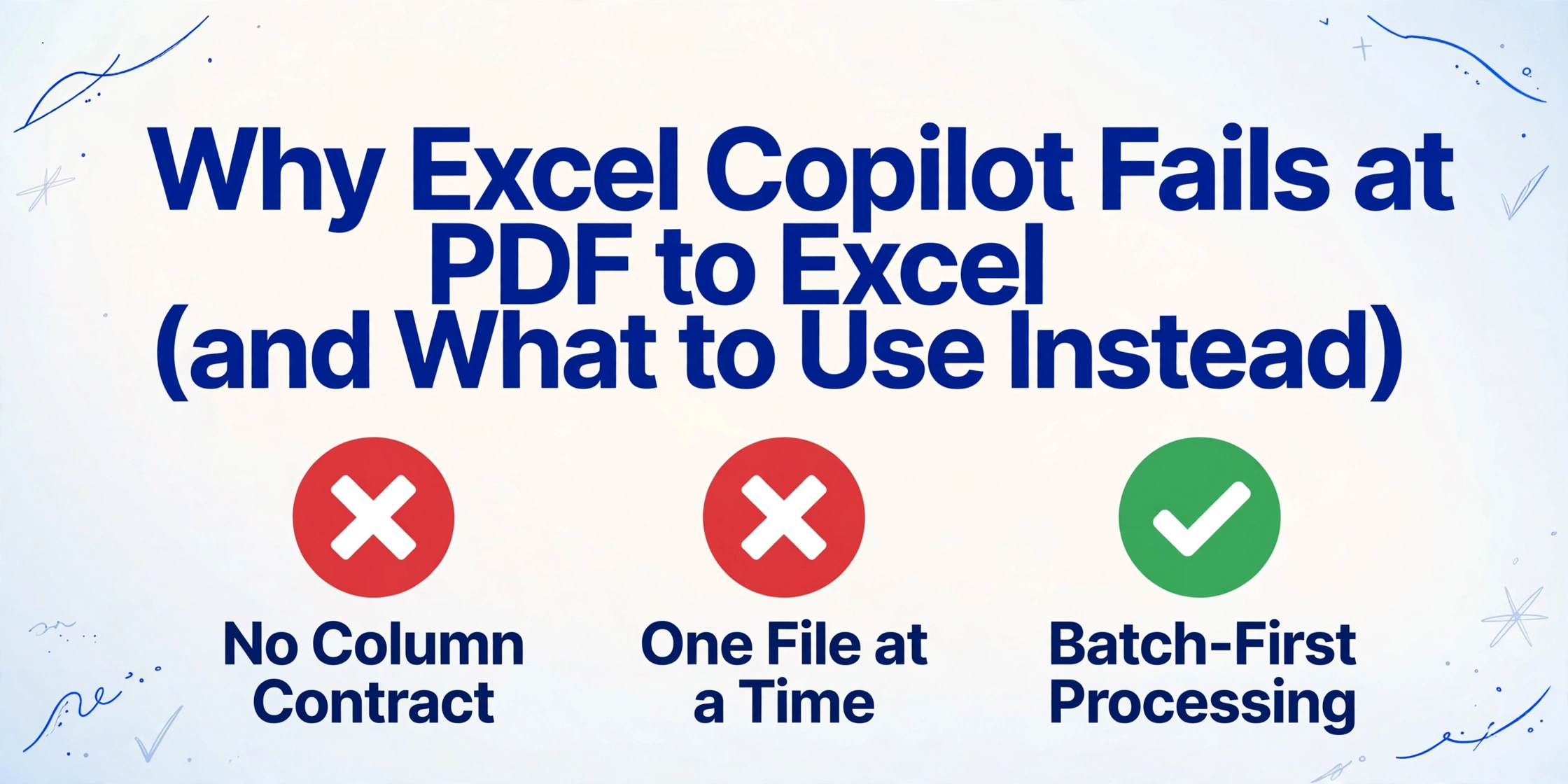
- It is probably not your prompt, because Copilot in Excel was built to edit workbooks and pulling a folder of PDFs into a table happens before its job even starts.
- A tool that scores 86% on individual fields still gets fewer than half its rows completely right.
- Stop hunting for a better prompt, because the fix is to name your columns once and run the whole folder in a single batch.
Copilot in Excel and a PDF-to-Table Tool Are Solving Two Different Problems
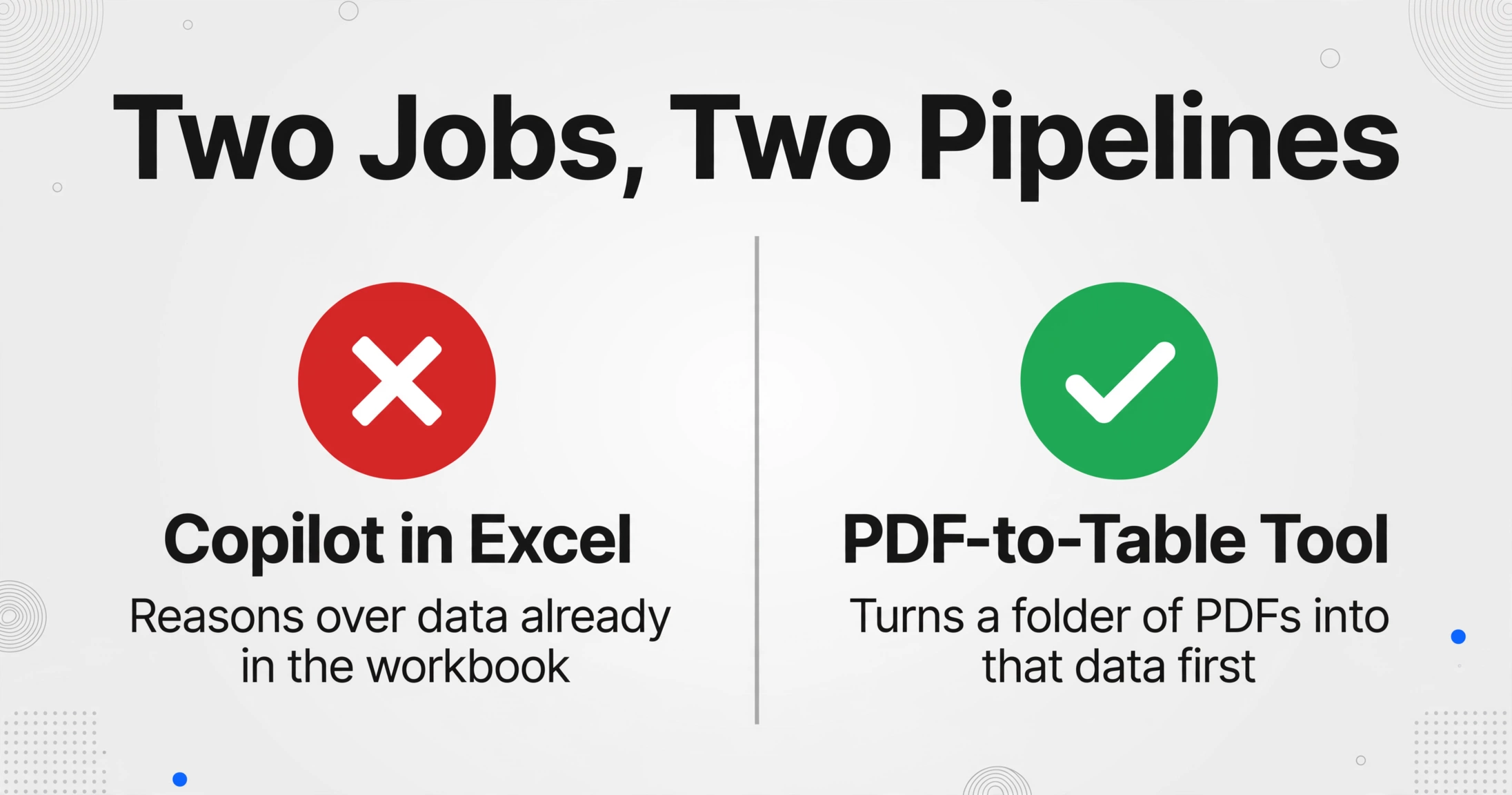
Copilot reasons over data that is already in your workbook. Turning a folder of PDFs into that data is a job that happens before Copilot's job begins.
Copilot in Excel's documented job is the workbook. Microsoft describes it as a feature that helps you "build and edit workbooks": generate and explain formulas, return insights as charts or PivotTables, highlight, sort, filter, and summarize text columns. Every one of those tasks starts from a table that already exists on a sheet.
The PDF to table job is intake. Data lives outside the workbook, in a file format that stores where characters sit on a page rather than which column they belong to. Getting that data into a table with the columns you want, from every file, is a separate step that happens before any analysis can begin.
Microsoft has shipped a separate pipeline for intake for years. The older Data → Get Data → From File → From PDF importer reads only the text layer a PDF happens to contain, which is why it returns nothing on a scanned document. That path and Copilot's path are not the same code, and neither one was built to produce the same column set from fifty differently formatted files. The PDF to structured data guide walks through why each conversion method breaks, and on which file types.
Keeping the two jobs separate explains the frustration in that thread without turning it into a brand argument. Copilot is not failing at analysis. It is being handed an intake task, and intake is where it has the least to work with.
What Copilot in Excel Genuinely Does Well
Copilot is good at the work it was designed for, and the same skeptical thread says so.
Users who stayed with it described it as "great at generating formulas" and useful for meeting minutes, document summaries, and building an analysis on a technical topic. One reply was blunt about the real value: "the only thing I've felt that it's really helped me with is writing VBA." When the data is already on the sheet, asking Copilot to explain a formula or surface an outlier is a reasonable use of an AI assistant.
The honest dividing line is whether the data exists in the workbook yet.
| What you are doing | Copilot in Excel | A batch extraction tool |
|---|---|---|
| Data is already in a sheet | Strong fit: formulas, insights, pivots, summaries | Not the point; the data is already structured |
| One clean PDF you need once | Usually works after a manual paste and cleanup | Works, but the one-off case does not need a pipeline |
| A folder of PDFs with the same fields | Fragile: one file at a time, headers drift between runs | The designed case: same columns from every file |
| A recurring monthly run | Wrong shape: re-prompting reintroduces the drift | Reuse the same column set and rerun the batch |
Once the source data is a table, Copilot can take over and do useful work on it. The problem is everything that has to happen before that moment.
Why a Conversational Assistant Breaks on Repeatable Extraction
Four structural properties of a chat assistant work against repeatable extraction, and none of them is fixed by a better prompt.
The output shape is not guaranteed. Microsoft's own FAQ says Copilot "can sometimes make mistakes, misinterpret information, or produce inaccurate results," and advises against using it "for decisions in sensitive areas such as finance, legal, or medical topics" (Microsoft Support). A retired Copilot worksheet function carried the same warning in sharper form: results "may change over time, even with the same arguments," and for anything requiring "accuracy or reproducibility," Microsoft pointed users back to native formulas (COPILOT function). A tool whose maker tells you not to trust it with finance decisions is a fine thought partner and a poor system of record.
There is no column contract. You ask for a table and you get a table, but not necessarily the same table twice. The next run may rename "Invoice Date" to "Date," shift a column, or fold two fields into one. A user in the r/excel thread described the effect precisely: "I get vastly different results with exact same data and instructions." When forty files produce forty slightly different tables, the merging and renaming land back on the person who was trying to save time.
It is built around one file at a time. OpenAI's file upload documentation caps document files at 2 million tokens each and images at 20MB, and those limits apply to a single conversation rather than a folder (OpenAI). A twelve-page bank statement with three tables is exactly the shape that hits those ceilings, and the failure is quiet: the answer comes back shorter than the document. Scanned files make it worse, since there is no text layer to read unless the tool treats the page as an image, which is covered in whether AI can extract data from a PDF.
Record-level accuracy is far lower than field-level accuracy. This is the number most people never see. Cleanlab's structured-output benchmark separates Field Accuracy (the share of individual fields that are correct) from Output Accuracy (the share of records where every single field is correct). On its Data Table Analysis set, gpt-4.1-mini scored 86.3% at the field level but 45% at the record level; on insurance claims extraction, record accuracy landed between 30% and 40% across frontier models; on PII extraction it fell to 26% to 46% (Cleanlab).
A field number like 90% sounds reassuring until you need the whole row. Ten fields at 95% each leave roughly a 60% chance that any given row is completely clean, and the errors stack as the batch grows. For a folder of invoices, the only number that matters is how many rows are right.
The same pattern shows up outside Excel. In an r/ChatGPT thread about parsing contractor lists from PDFs, the original poster had a single document work fine, then watched output collapse when three files were combined: "I couldn't get it to spit out more than 4 results on a spreadsheet that should have had over 100." A commenter summed up the experience: "parsing pdfs is real crapshot... Pages missing, lines missing, values missing" (r/ChatGPT). Nothing about a larger model removes those four properties, which is why a purpose-built tool for batch document processing is a different category of product rather than a stronger chatbot.
A Test You Can Run in Twenty Minutes
Most searches for Excel Copilot not working come down to one question: is this my prompt, or the tool? You can settle that on your own files before switching anything, and you should run the same checks on a Copilot PDF to Excel run and a ChatGPT one alike. Four of them separate a demo that impressed you once from a tool you can build a monthly process on.
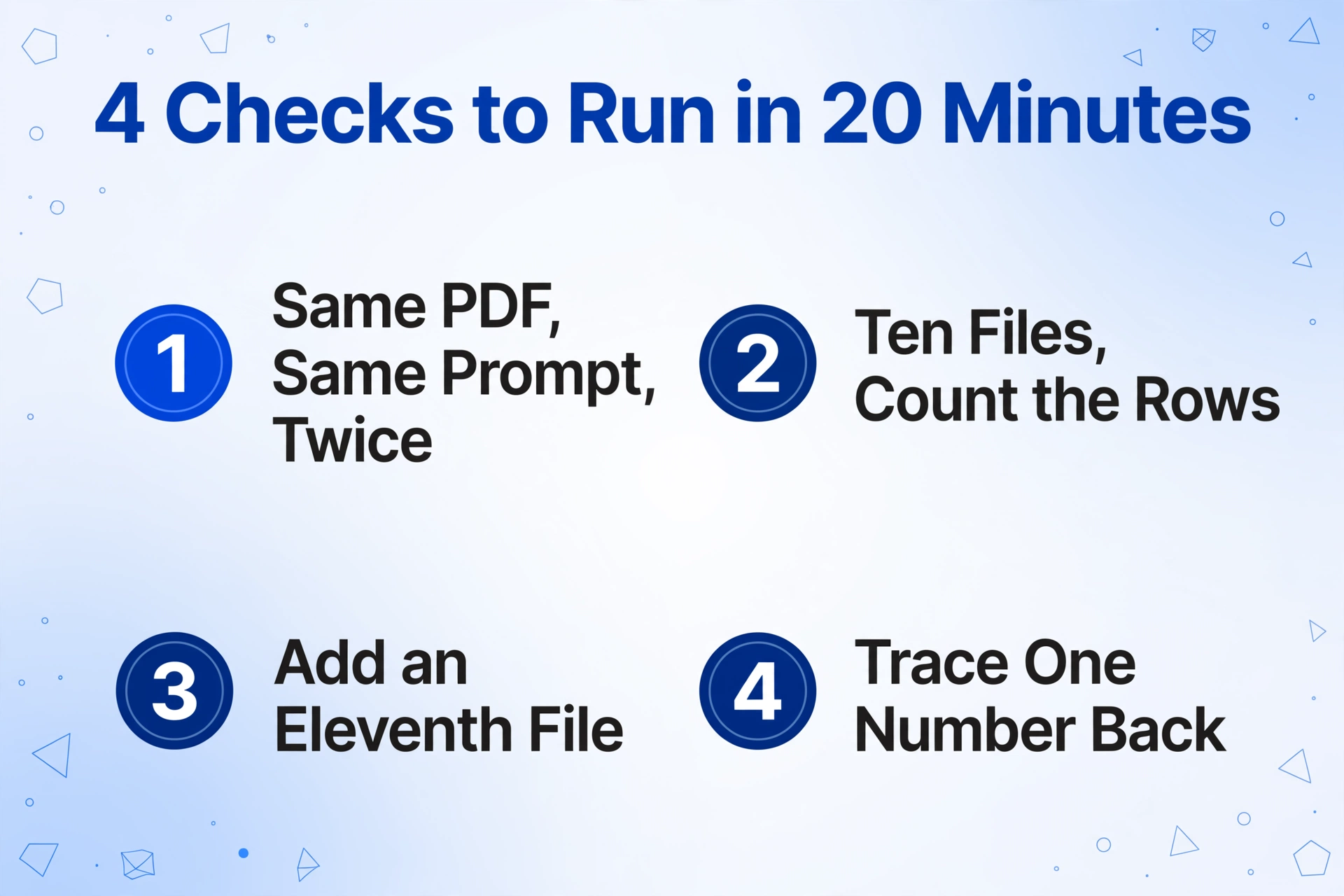
Run the same PDF twice with the same prompt
Compare the header row cell by cell. If the column names or their order differ between two runs on one file, you do not have a column contract, and no downstream formula will hold.
Run ten files and count the rows
A statement with 63 transactions should produce 63 rows. Write the expected count beside the actual one for every file. A single file that returns 40 rows is the failure mode that never announces itself.
Add an eleventh file with a different layout
Use a statement from a different bank, or an invoice from another vendor. A tool that only holds on identical layouts is a demo, not a pipeline, because real document sets are never uniform.
Trace one number back to its page
Pick a single extracted value and find where it came from in the source. If verification means reopening every PDF by hand, the extraction saved less time than it cost to trust.
If any one of these checks fails, the tool is fine for a one-off and wrong for a repeatable job. That distinction, not a verdict on the brand, is what the test is for.
What a Tool That Holds Up at Batch Scale Needs
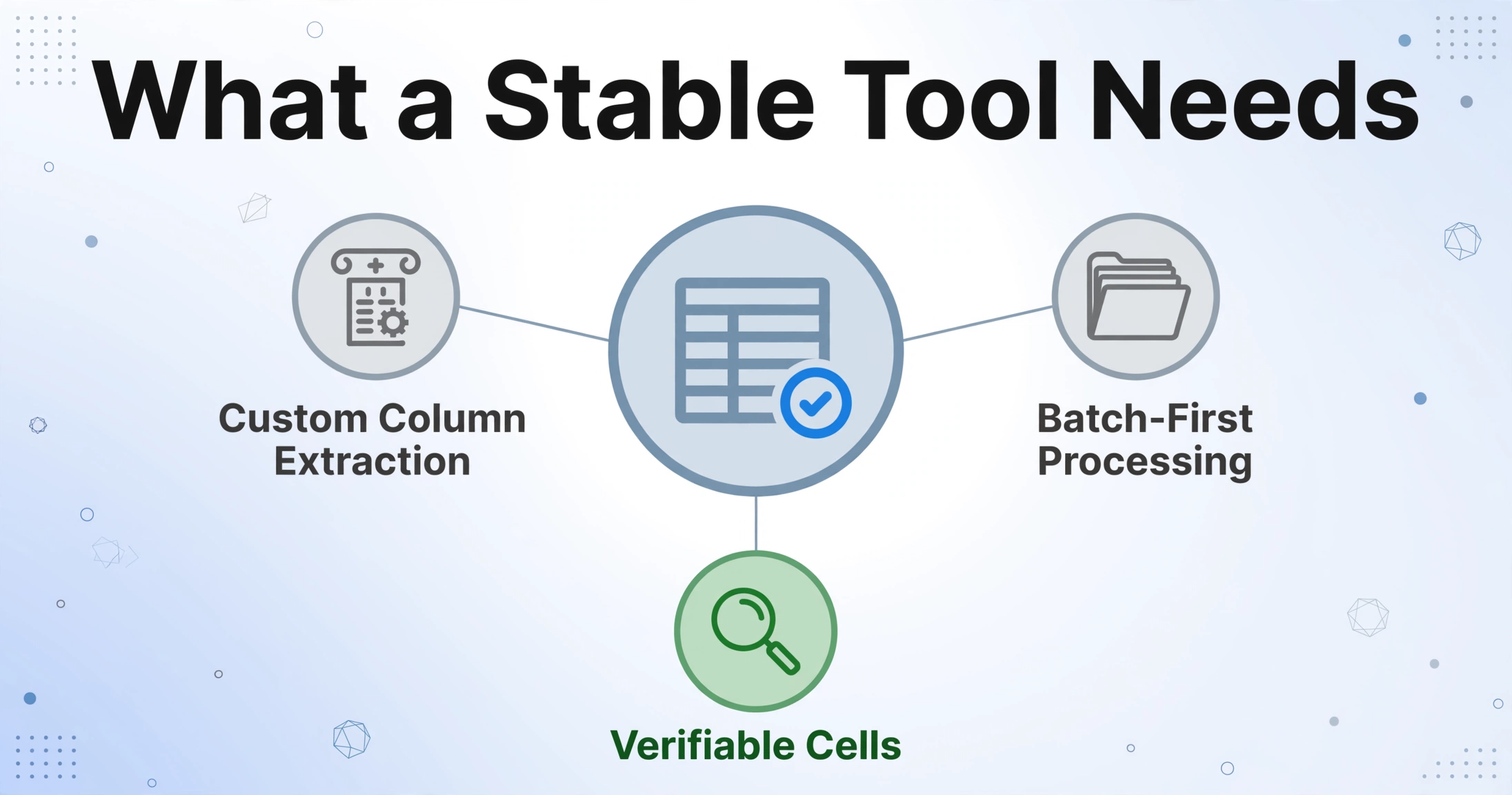
A tool that passes those checks is built around the output contract first, not the document. That single design choice produces most of the other properties.
The first requirement is that you name the output columns, and those names become the exact headers of the result. This is Custom Column Extraction: instead of letting the model decide what to return, you type the fields you want, such as "Invoice Number," "Statement Date," and "Balance," and the AI locates each value by what it means rather than where it sits. The column set is yours, so it stays the same from one file to the next.
The second requirement is that the tool processes the folder rather than the file. Batch-first processing means fifty documents go in and one table comes out, instead of fifty separate conversations you paste together afterward. It is the difference between asking a question fifty times and running one job once, and it is the point where general assistants are structurally weakest.
Two smaller requirements follow. The header row should be identical every time you run the same column set, and you should be able to point at any extracted cell and see the region of the source it came from, because a value you cannot verify is a value you re-check by hand. A tool that lacks either one is not saving the review step, it is moving it.
ImageToTable.ai is built on those two primary pieces, custom column extraction and batch processing: you upload the documents, type the column names you want, and get one spreadsheet where those names are the headers. The product quotes accuracy up to 99% on printed table data, with a single page processed in 5 to 10 seconds against the roughly 3 minutes a person spends keying the same page by hand. The same approach is pitched against the wider field in the comparison of data extraction software, which is where to look if the decision is between vendors rather than between categories.
Files are processed securely and not stored.
The distinction between describing a document and extracting a fixed set of fields from it is not just a product feature. It changes what you can build on the output, which is the argument behind why general assistants fall short for the same task on screenshots.
When Copilot, ChatGPT, or Claude Is the Right Call
Copilot is the right tool for one-off work on data that is already in a workbook, and the wrong tool for a recurring batch where the columns have to match.
Use it when the source is a single clean file, when you are exploring a dataset you already have, or when you need a formula explained or a text column summarized. ChatGPT is a reasonable choice in the same situations, and it may well convert one tidy PDF correctly on the first try. A single success is a data point about one file, not a guarantee about the folder.
Hand the work to a dedicated extraction tool when the run repeats, when files arrive from several sources, when the output feeds reporting or payments, and when a wrong cell has a cost. The line between transcription and extraction is what separates the two categories, and it is worth reading in full for handwritten document extraction, where the same distinction decides whether a number can be trusted at all. None of this makes a general assistant a bad product. It makes it the wrong product for a job defined by repetition and consistency.
Excel Copilot and PDF to Excel: Frequently Asked Questions
Why does Copilot in Excel say it cannot read my PDF?
Copilot in Excel works on data inside the workbook. A PDF sitting in a folder is not part of its context unless you attach it in a supported surface, and even then it is processed as a document rather than loaded as a table. If the PDF is a scan with no text layer, there is nothing for a text-based step to read at all.
Is ChatGPT better than Copilot for PDF to Excel?
For a one-off ChatGPT PDF to Excel conversion of a single clean file, it sometimes is, and the r/excel thread includes someone who had exactly that experience. Both are general assistants, and neither guarantees that the same column names come back on the next run. Pick between them on the workflow you need, not on which one happened to succeed once.
Can Copilot in Excel convert a PDF into a table at all?
Microsoft's own guide says it can, and for one well-formed file that is a fair description. The limitation appears with scale and with messy inputs: multiple files in one pass, inconsistent layouts, and scanned pages. The conversion that works in a demo is not the same as a process you can rerun next month.
Why do the column headers change between runs?
Because a conversational model generates an answer each time rather than filling a fixed schema. The shape of the output is part of what the model decides, so it can vary with the file, the phrasing, or nothing in particular. Only a defined column set pins the headers down.
What should I look for in a PDF-to-Excel tool?
Five things: you define the output columns, it processes many files in one run, the headers are identical across runs, extracted values can be traced back to the source page, and it handles scanned documents rather than only files with a text layer.
Is this a prompt problem?
Mostly not. A better prompt can improve a single result, and it is worth trying. It does not create a fixed column contract across fifty files, and it does not raise the ceiling on file size or the number of files in one pass. Those are structural limits, not phrasing problems.
The useful shift is from asking "which AI is smarter" to asking "what shape is this task." Copilot, ChatGPT, and Claude are built to reason over data you already have. A folder of PDFs is data you do not have yet, and the work of turning it into a table is defined by repetition, fixed columns, and verification rather than by cleverness. Decide which of the two you are doing first, and the tool choice stops being a matter of opinion.