Best Email Parser in 2026,
Ranked by Your Email Mix
The Radicati Group counted 361.6 billion emails sent and received every day in 2024, and its Email Market report forecasts 392.5 billion a day in 2026 (The Radicati Group). Business data travels through that channel: invoices, order confirmations, shipping notices, leads, bank statements. Most of it never makes it into a spreadsheet by itself.
Search for "best email parser" and most of the lists you find were written by the tool that comes out on top. This page runs the same exercise with a different rule: every tool below, including the Email Inbox this site sells, is placed where its actual behavior puts it, and the ranking rests on the two properties of your email that decide everything else. How stable are your senders' formats, and does your data live in the message body or in an attachment?
Key Takeaways
- Every "best email parser" ranking, including this one, is a claim about the author's inbox rather than a fact about yours.
- Two properties of your own mail decide the winner: how stable your senders' formats are, and whether your data lives in the message body or in an attachment.
- Even the best parser is wrong sometimes, so the step every roundup skips is the one that makes automation safe: pointing each value back to its source.
What an Email Parser Actually Does
An email parser is software that receives mail at a dedicated address you forward to, reads the message and any files attached to it, and turns the values you care about into rows for a spreadsheet, a CRM, or an API. A mailbox rule sorts messages into folders; a parser reads their contents and produces structured data from them.
The reason extraction is hard is that email was never designed to carry structure. The Internet Engineering Task Force standard for email (RFC 5322) defines how a message is assembled: headers, a body, attachments. It says nothing about what any of it means. Every sender is free to lay an invoice out however they like, and most of them do. So a parser has to rebuild meaning from a blob of text with no schema.
There are three schools. Rule-based and template parsers (Mailparser, the parser built into Zapier) require you to describe where each value sits, with a visual template or with regex. AI-native parsers (Airparser, Parsio's GPT engine, ImageToTable.ai's Email Inbox) let you name the fields you want and the model finds them by meaning. Hybrid platforms (Parseur) run both engines and let you assign either one per mailbox. That single design choice explains almost everything else about cost, maintenance, and what breaks.
An email parser works from whatever you forward to its address, not from your whole mailbox. A forward-based tool never sees the messages you did not send it, which is why sender whitelists and delivery rules matter as much as the extraction engine.
Rule-Based vs AI Parsing: Where Each One Breaks
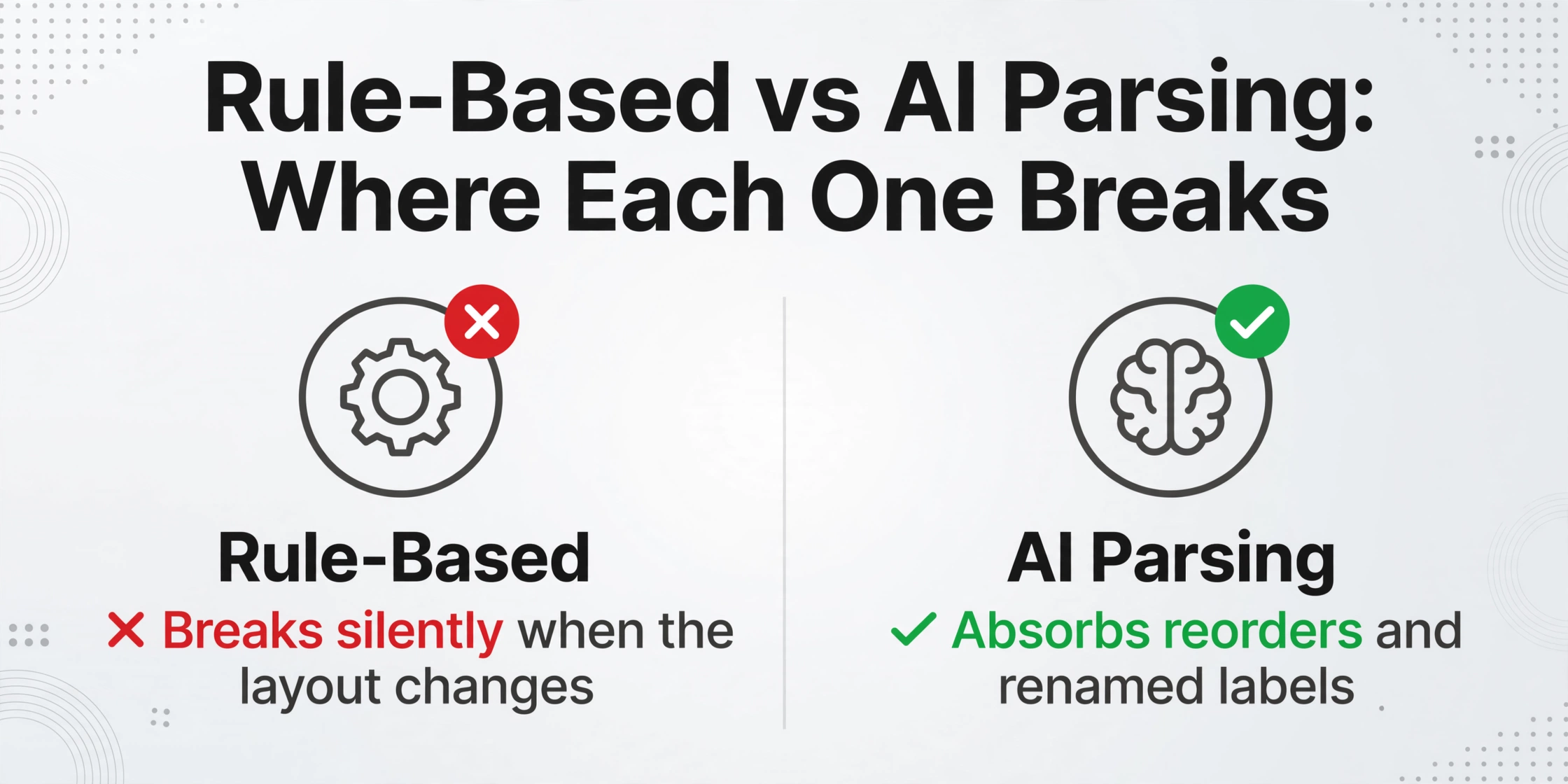
A rule-based parser follows instructions you wrote, like "take the number that follows the words Order ID." When the email always looks the same, this is fast, cheap per document, and easy to audit. The cost shows up on the next layout: every new sender or redesign means writing and testing the rule again.
That maintenance burden is exactly what users describe when they move to AI. A developer working with order confirmations and shipping notices put it plainly on r/webdev: "The usual approach seems to be regex rules or fixed templates. But this tends to break whenever the email format changes." (r/webdev). Another user on r/automation reported the same pattern after switching: "Regex and rule-based parsers worked until the sender made the smallest change." (r/automation).
The failure is worse than a gap in your data, because it is often silent. A rule anchored to a label that moved still matches something, just the wrong something, and the wrong value sails into your sheet. An AI parser working from meaning rather than position normally absorbs the reorder, the renamed label, the extra footer.
The honest mirror image applies to AI: extraction is probabilistic, so a value occasionally comes back wrong with full confidence. A generic chatbot with hand-written prompts is a poor substitute for a purpose-built parser, and the accounting user who tried the DIY route summarized the gap: "writing prompts on GPT and fixing the errors it makes is another nightmare." (r/Accounting).
Rules are not obsolete. For a machine-generated alert that has looked identical for years, a rule is the cheaper and more provable choice. The decision rule is simple: a small, closed set of senders whose formats have not moved earns its rules; beyond that, AI absorbs the long tail.
Body or Attachment: Where Your Data Actually Sits
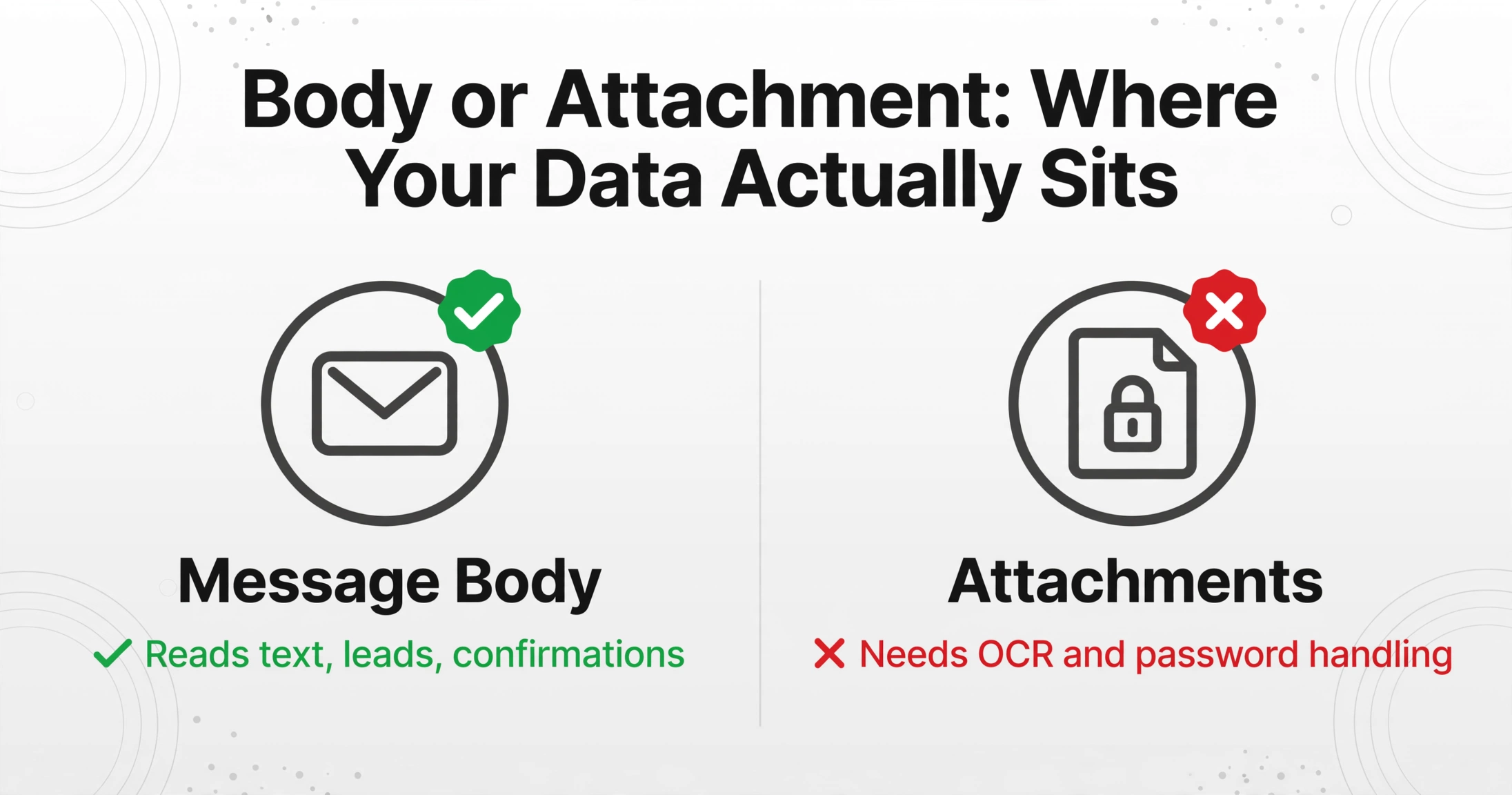
Whether your data sits in the message body or in an attachment splits this market in two, and it is the question most roundups bury. Some teams only need text that arrives in the message itself: leads, order confirmations, notifications, plain invoice details pasted by a supplier. Other teams need the attached PDF invoice, the scanned purchase order, the password-protected bank statement. These are different jobs, and many tools only do one.
Start with the free option, because its boundary is instructive. Email Parser by Zapier extracts text you highlighted in a sample email from messages sent to a "@robot.zapier.com" address. Attachments are a different story: the vendor's own documentation notes that multiple attachments arrive zipped before your workflow sees them (Zapier help). The files are handed through to your Zap, not read.
Mailparser, the veteran rule-based parser, shows the same boundary from the other side. Its pricing page is explicit about formats: it parses csv, xlsx, docx, pdf and txt attachments, "but does not support images or scanned documents" (Mailparser FAQ). If your suppliers email photos or scans, a text-oriented rules engine will pass on them.
Reading attachments properly means OCR for scanned pages plus handling of odd cases. Airparser runs OCR on paid plans for images, scans, and handwritten text. Parsio bundles an AI OCR engine alongside its template and GPT engines. ImageToTable.ai's Email Inbox adds configurable processing: attachments only, body only, or both together, which matters when one supplier writes the invoice in the message and another attaches it as a password-protected PDF. Saved passwords are tried automatically against encrypted files, and the extraction reads PDF, JPG, PNG, WebP and AVIF. If your data usually arrives pasted inside the message text rather than in a file, our walkthrough on extracting invoice fields straight from an email body covers that path specifically.
The tool that cannot read your attachment type will not fail loudly. It will quietly process the email, leave the attached statement unread, and your monthly reconciliation will stay two documents behind without anyone noticing.
Six Email Parsers Compared, Prices September 2026
These six tools cover the market, and each is built for a different email mix. Prices come from each vendor's own pricing page and were checked in September 2026; tiers change often, so verify before you buy. The table is the fast answer, the notes below explain the trade-offs.
| Tool | How extraction works | Reads attachments | Entry price | Where rows land |
|---|---|---|---|---|
| Mailparser | Parsing rules you write per layout | PDF, DOCX, XLSX, CSV, TXT; not images or scans | $29.95/mo for 250 emails | Webhooks, Zapier, Google Sheets, CRMs |
| Email Parser by Zapier | Highlight fields in a sample email | Passes files through; does not read them | Free, but each run consumes Zapier tasks | Any app your Zap writes to |
| Parseur | AI by default, optional point-and-click templates | PDFs including scans, images, spreadsheets, Word | Free 20 pages/mo; paid tiers by volume | Sheets, Excel, Zapier, Make, Power Automate, API |
| Airparser | AI extracts from a schema you define | Emails, PDFs including scans, images, DOCX, XLSX | Trial 20 credits/mo; from $39/mo for 100 credits | API, webhooks, Zapier, Make |
| Parsio | Template, GPT, AI OCR, and pre-trained AI engines | PDFs, images, emails including signatures | Free 30 credits/mo; from $24/mo billed yearly | Sheets, Excel, CSV, JSON, Zapier, Make, API |
| ImageToTable.ai | You type column names, AI finds values by meaning | PDF including encrypted, JPG, PNG, WebP, AVIF | Free demo; Basic from $9/mo | Excel, CSV, JSON, Google Sheets add-on |
Mailparser is one of the oldest rule-based email parsers on the market, and that identity is its strength and its cost. On a stable layout from a fixed group of senders, rules give deterministic, auditable output at a low cost per email; every new supplier or redesign means another rule. If your work is broader than email, our roundup of the best data extraction software puts it in the wider landscape.
Email Parser by Zapier wins the "already living in Zapier" case: as one node inside a larger flow, a parsed field feeding a Sheets row or a CRM update is genuinely useful, and the entry price is zero on paper. But the extraction is body text only and template-based, and the real bill shows up as Zapier tasks on every run.
Parseur is the hybrid to beat: a default AI engine, optional visual templates for the fixed high-volume senders, and OCR for scanned attachments. Cost is metered per page, which is fair for documents and punishing if attachments run long. Where its template philosophy ends and ours begins, our ImageToTable versus Parseur comparison goes through it.
Airparser is the schema-first AI option: declare the fields you want in plain language and it extracts them from emails, PDFs, and images, including scanned and handwritten pages on paid plans. Post-processing runs as configurable code, which developers like and business users ignore. Per-credit pricing fits hundreds of documents and needs planning at volume.
Parsio offers the most engine choices in one account: point-and-click templates for stable layouts, a GPT parser for changing ones, and an AI OCR engine for scans. That flexibility has a meter attached, one to three credits per document depending on the engine. Teams that want one toolbox for email and direct document upload tend to land here.
ImageToTable.ai is the product this site sells, and we have put it where it honestly fits. Its email extraction pipeline turns forwarded attachments and body text into spreadsheet rows from the column names you type, with no rules or templates to maintain, and the inbox can be restricted to approved senders. The honest limits: it is an AI engine by design, so it is not the right choice if you need deterministic regex rules for every sender, and volume users plan around credits per file rather than flat email counts.
Every vendor's own "best email parser" list places its own product first. Treat any ranking, including this one, as a claim to test on your own inbox rather than a fact about your inbox.
The Step Every Roundup Skips: Checking What the Parser Found
Nobody talks about what happens after extraction, and that silence is the biggest reliability gap in this category. A rule-based parser fails silently on a redesigned sender, returning a wrong-but-plausible value. An AI parser occasionally misreads a digit. Either way the mistake lands in your spreadsheet as if it were true, and no parser vendor's accuracy claim changes that.
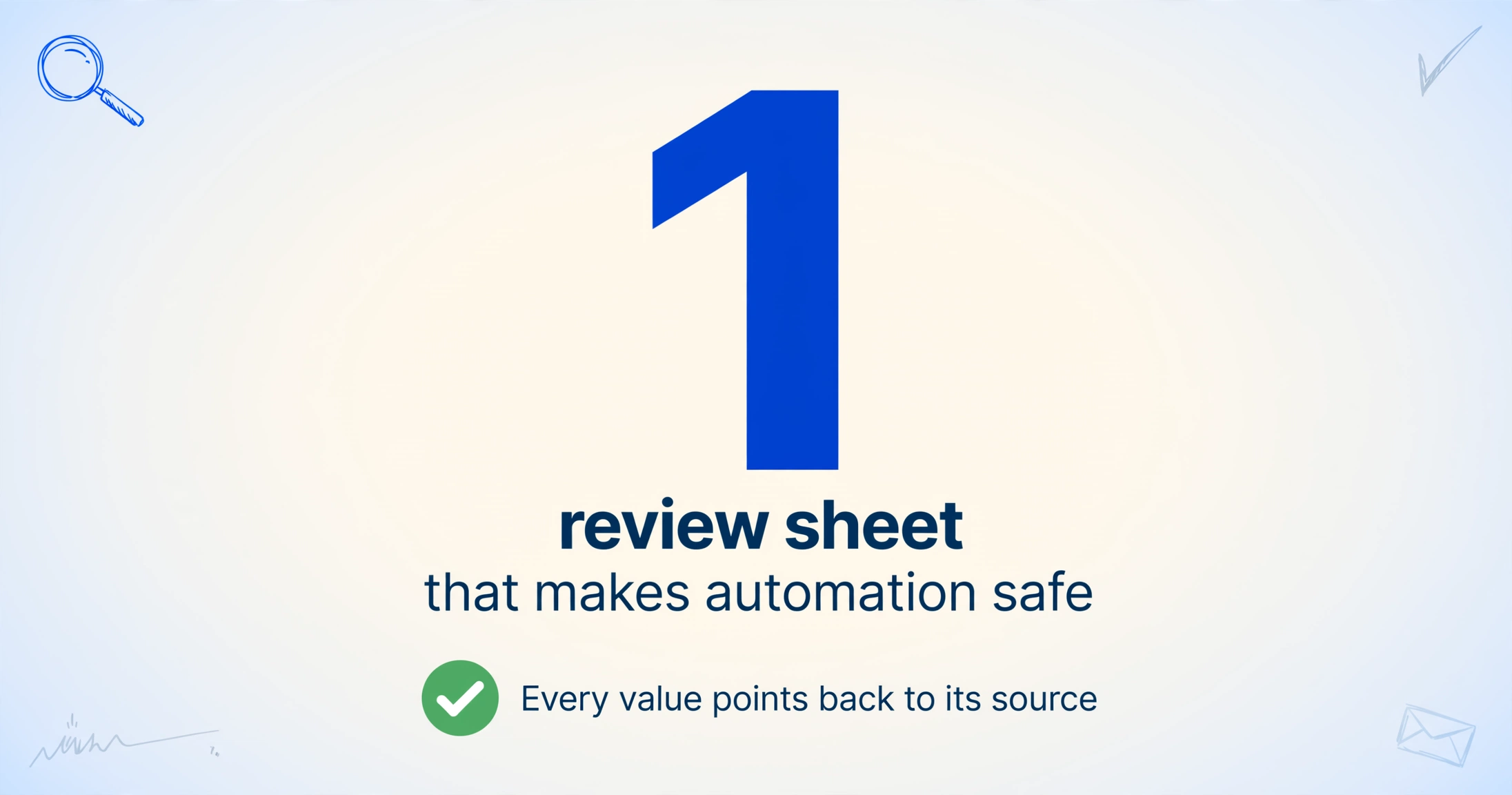
Practitioners building these pipelines by hand already know this. In a thread about automating client document intake, one commenter described the review design that makes automation safe: "keep one review sheet with columns like source email id, attachment filename, invoice number, amount, due date, confidence, status. That way the automation saves most of the copy paste time but a bad parser result cannot silently overwrite your real sheet." (r/automation).
The practical version of that review sheet is a verification step that points every extracted value back to its source. On ImageToTable.ai we built Review Mode for exactly this: hover any cell and the original document highlights the region that value came from, click a region and it jumps to the matching cell, and an edited field can be reverted to the AI's original read with one click. Turn on the auto-annotate setting and the source locations are generated after every batch. Real users on r/QuickBooks describe wanting "something that read the document contextually rather than positionally" after template tools failed them on supplier redesigns (r/QuickBooks); the verification layer is what makes contextual reading trustworthy enough to act on.
To be plain about our numbers: we state up to 99% accuracy on printed table data, our own claim for a specific input type, not a guarantee for every scanned or handwritten document. The review step exists precisely because confident mistakes are possible, and it matters most for the fields with financial or legal weight: amounts, dates, reference numbers. For low-risk notifications, a glance at the queue is enough. Decide by field risk, not by parsing philosophy.
How to Pick an Email Parser in 2026
The choice reduces to four questions, and they are best answered in order. Spend ten minutes on the first one and the rest of the list almost answers itself.
Count your senders and their formats
List the email types you actually process. Three stable machine-generated layouts: rules or templates win on cost and auditability. Dozens of senders, human-written messages, or layouts that drift: an AI engine is the only setup that does not reprice itself with every new sender.
Decide body vs attachment
If your data is always in the message text, body-only tools work. If it sits in PDFs, scans, photos, or encrypted statements, the tool must read files, which means OCR and password handling for the hard cases. Confirm with a real file, not a demo PDF.
Decide where the rows land
Everything exports to a spreadsheet. The distinction shows up downstream: webhook and API access matter if the data feeds a CRM, ERP, or internal system; a native Google Sheets add-on matters if the rows stay in a spreadsheet your team actually works in.
Decide who reviews, and what the tool keeps
Set the verification workflow before you buy, not after a wrong value reaches accounting. And treat email as what it legally is: a message thread contains personal data such as names and account numbers, so forwarding it to a parser is data processing under the GDPR, with the parser as your processor (Regulation (EU) 2016/679). Ask where the vendor stores your mail, who can access it, and how long it is retained.
One workflow note: you do not have to commit a whole pipeline to one philosophy. Point rules at the two senders whose layout has not moved in years, let AI absorb everything else, and route both outputs to the same spreadsheet. That combination, not a single winning engine, is what most working installations settle into.
Email Parser FAQ
What is the best free email parser?
Email Parser by Zapier is free to use but reads message text only, and every run consumes Zapier tasks, so the real cost scales with your automation volume. Parseur's free tier includes 20 pages a month and does read attachments; Airparser offers 20 trial credits a month, Parsio 30. ImageToTable.ai has a free demo that processes your own files within a limited daily quota, with paid plans from $9 a month. Test the free tier on your actual attachments first.
Can an email parser read attachments like PDFs and scanned files?
It depends entirely on the tool. Zapier's parser hands attachments through to your workflow without reading them. Mailparser reads PDF, DOCX, XLSX, CSV, and TXT files but states that it does not support images or scanned documents. AI-native tools with OCR, such as Airparser, Parsio, and ImageToTable.ai, read scanned pages and photos; ImageToTable.ai additionally tries saved passwords automatically against encrypted PDFs. Check your exact attachment types with a real file before you commit.
Do AI email parsers make mistakes?
Yes. AI extraction is probabilistic, so a value can come back wrong with the same confidence as a right one. The review step exists for exactly this reason, and a rule-based parser cannot skip it either, because rules fail silently when a sender changes their layout. Verify the fields with financial or legal weight against their source location, whatever the engine.
Are parsing rules still worth setting up in 2026?
For a genuinely fixed, machine-generated format, yes: rules are deterministic, cheap per document, and easy to audit, which is why system alerts and fixed internal reports still belong to them. The math flips the moment senders multiply or templates drift, because every new layout costs the same full setup again, and a redesign breaks the old rule without telling you.
Is it safe to forward my business email to a third-party parser?
Treat it as a processor relationship, not a convenience. Email contains personal data under the GDPR, so confirm where the vendor stores messages, how long they are retained, and who can access them. Practical controls help at the source too: a sender whitelist keeps everything outside your approved senders out of the queue entirely, and encryption in transit plus deleted-after-processing options reduce what the parser ever holds.
Do I have to choose between rule-based and AI parsing?
No. The production pattern is rules where the format is fixed and AI everywhere else, and Parseur runs both engines in one account. ImageToTable.ai is AI-only by design, so deterministic-rule needs point to a hybrid platform; to see both philosophies on the same emails, our ImageToTable versus Parseur comparison goes through it.
The Question Is Your Inbox, Not the Rankings
Every "best email parser" list, including this one, is a claim about its authors' assumptions. The two questions that actually decide the answer, format stability and body versus attachment, take ten minutes to answer about your own mail, and the answers survive any vendor's marketing. Count your senders, open one real email, ask where the data sits, and the shortlist narrows by itself.
Forward one real document into the free demo of whichever tool survives your two-question test, and check a field with financial weight against its source location. That single pass tells you more than any ranking, ours included.