ImageToTable.ai vs Parseur:
Type Your Columns vs Build and Maintain Templates
Parseur is a solid tool for teams that receive structured data through email inboxes — it excels at automatically parsing recurring email attachments once you've configured a template. The friction appears when your documents come from multiple vendors with inconsistent layouts, when supplier formats change, or when you need to process varied document types in bulk. ImageToTable.ai skips the template layer entirely: you describe what you want extracted in plain column names, and the vision LLM finds that data in any document you upload.
Quick Comparison
Choose ImageToTable.ai if…
- Your documents come from many different sources with varying layouts
- You want to define exactly which fields to extract without building templates
- You need multiple documents merged into one aligned Excel spreadsheet
- You process scanned images, phone photos, or handwritten forms
- You want $9/month for 150 documents rather than $49/month for 100
- You want the AI to calculate values during extraction — like line totals or running sums — not just pull raw fields
Choose Parseur if…
- Your documents come from a stable set of senders with consistent formats and you want a template that "just works" once configured
- You need deep Zapier or Make integration to route parsed data into other tools
- You're parsing HTML email bodies or structured attachments, not scanned documents
Feature Comparison
| Feature | Parseur | ImageToTable.ai |
|---|---|---|
| Extraction approach | Three engines: template-based (zone/keyword), AI extraction, CSV auto-parsing — best results with template setup | Vision LLM — reads document semantics directly; no templates, no training, no configuration |
| Template required | Template engine requires creating and maintaining a template per document format; AI engine is more flexible but still requires document type setup | No templates — type the column names you want extracted and the AI maps them across any document layout |
| Primary use case | Email attachment parsing — auto-processes documents received via a dedicated Parseur inbox; strong for recurring, predictable email workflows | Batch document extraction — upload files from any source, extract custom fields, download merged Excel |
| Batch merging | Parsed results available individually or via integration; no built-in "merge 50 invoices into one table" UI | All documents in a batch merge into one aligned spreadsheet with consistent column headers |
| Output path | JSON → Zapier/Make → Excel/Sheets (multi-step); direct Excel export available on higher plans | Direct Excel, CSV, JSON, or Word download in one step |
| Free tier | 20 pages/month — with watermarks on exported data | Guest mode available — upload and extract without an account |
| Pricing (100 pages/month) | $49/month (monthly billing) or $39/month (annual) for 100-page Starter plan — parseur.com/pricing | Basic plan $9/month covers 150 credits; ~$9 covers more volume at lower cost |
| Scanned / handwritten documents | Template engine works best with clean digital PDFs; accuracy drops on low-quality scans and handwriting | Handled by vision LLM — works on scanned documents, phone photos, and handwritten forms |
The Hidden Cost of Template Maintenance
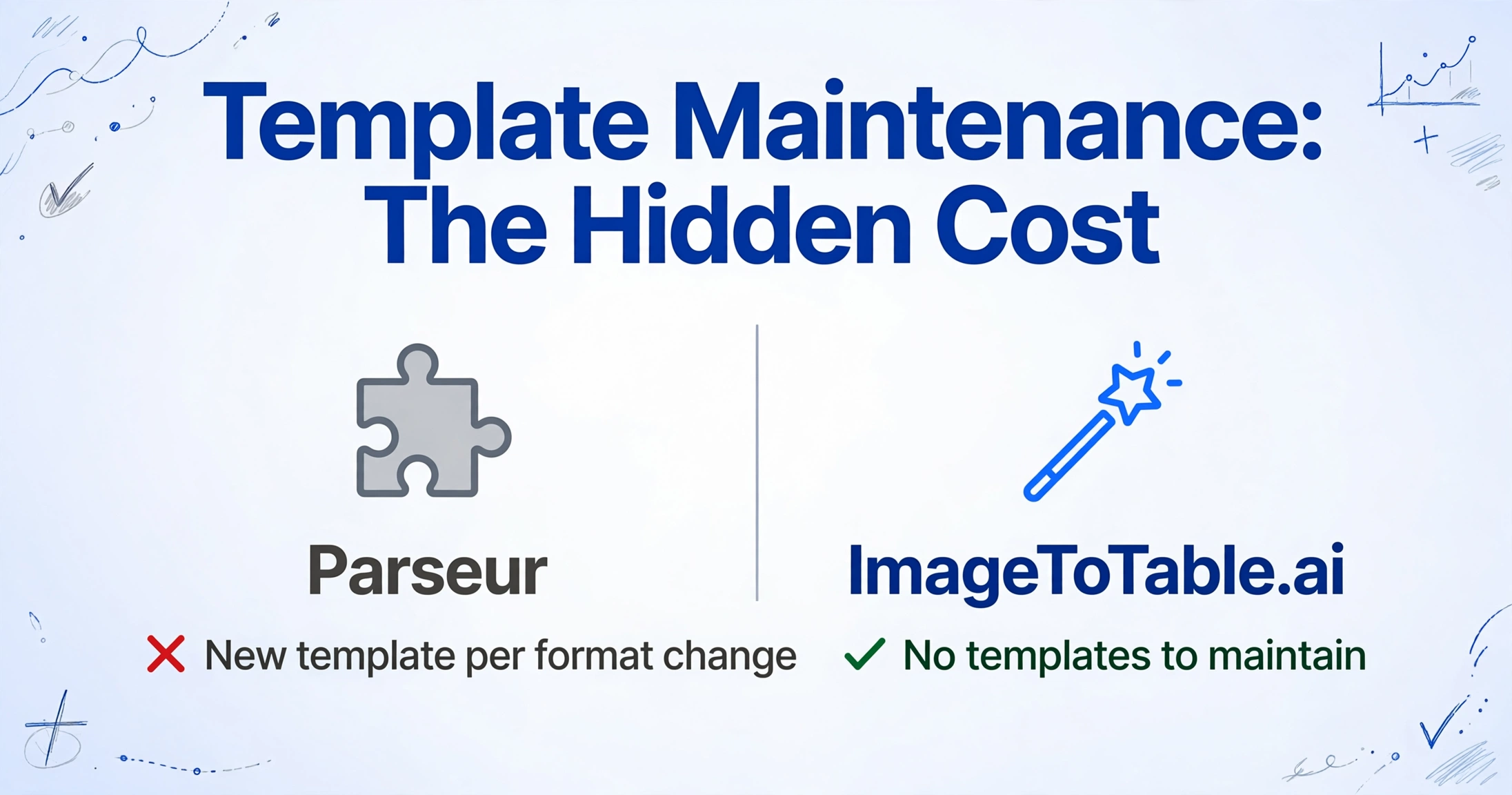
Parseur's template engine works by identifying fixed zones or anchor keywords in a document — reliable when documents always come from the same sender in the same format. The problem surfaces the moment that format changes: a supplier updates their invoice layout, a new vendor sends a slightly different template, or you add a new document category. Each variation typically requires a new template or template update.
One Capterra reviewer described this directly: "Lack of additional tweaks to the parsing when it doesn't pickup exactly what you need." — Capterra. Another flagged the onboarding friction: "The document to template to sample to etc process is a bit confusing." — Capterra.
For a team that receives invoices from five known suppliers in stable formats, this maintenance burden is low. For a team processing documents from dozens of vendors — each with different layouts, different field positions, different column orders — the template overhead scales with every new source you add.
ImageToTable.ai has no templates to maintain. You specify what you want extracted — vendor name, invoice date, line item description, unit price, total — and the vision LLM identifies those fields in any document it receives, regardless of layout variation. A document from a vendor you've never seen before works the same as one from a familiar supplier. Template-maintenance friction isn't unique to Parseur, though — our Docparser comparison covers another rule-based tool with the same upkeep profile.
Pricing: More Volume for Less

Parseur's published pricing starts at $49/month (monthly billing) or $39/month (annual) for the Starter plan, which includes 100 pages. Each page in a PDF counts as one credit — a 3-page invoice uses 3 credits. The free tier gives 20 pages/month but adds watermarks to exported data.
At $49/month for 100 documents, Parseur reviewers flag the value equation: "A little pricey, it seems on the high end compared to other ones." — Capterra. And: "Insane pricing and volume restrictions." — Capterra. Low-volume users hit a particular gap: "There was not the perfect pricing tier for our very tiny need in volume." — Capterra.
The gap widens at higher volumes. Parseur's Pro plan is $99/month for 1,000 pages. ImageToTable.ai's Max plan is $59/month for 1,500 credits. At equivalent volume, ImageToTable.ai costs 40% less.
Pricing as of 2026-05. Check Parseur's pricing page and ImageToTable.ai's pricing page for current rates.
When Parseur Is the Better Fit
Parseur genuinely excels in a specific scenario: teams that receive structured documents through email and want that pipeline to be fully automatic.
Email inbox automation. Parseur assigns you a dedicated email address. Send documents to that inbox — or forward them from your existing email — and Parseur parses them automatically without manual upload. ImageToTable.ai now offers the same entry point: every account gets its own inbox address, with an auto-process toggle bound to your extraction template, a sender whitelist to keep unrelated mail out, and automatic password retries for encrypted attachments like bank statements. The difference is what happens once mail lands — Parseur's template engine still expects a configured format per sender, while ImageToTable.ai applies the same column-name extraction it uses on manual uploads, so a new sender's invoice format doesn't need any setup.
Zapier and Make integration. Parseur connects natively to Zapier and Make, meaning parsed data can flow automatically into downstream tools — Google Sheets, Airtable, Notion, Slack, or any other platform in your automation stack. ImageToTable.ai focuses on direct file export; it doesn't have Parseur's automation integrations.
Predictable document formats. If your invoices always come from a known set of suppliers in consistent formats, Parseur's template engine is stable and reliable. Once a template is configured for a sender, it processes new documents from that sender without re-configuration. If you'd rather skip template setup altogether, our Airparser comparison looks at an LLM-based email parser.
What Users Say About Parseur
"Insane pricing and volume restrictions." — Capterra review
"A little pricey, it seems on the high end compared to other ones." — Capterra review
"There was not the perfect pricing tier for our very tiny need in volume." — Capterra review
Frequently Asked Questions
Is Parseur free? How does pricing compare?
Parseur has a free tier with 20 pages/month, but exported data includes watermarks on the free plan. The Starter paid plan is $49/month (monthly billing) or $39/month (annual) for 100 pages. A 3-page PDF consumes 3 credits. ImageToTable.ai offers a free guest mode without watermarks. The paid Basic plan is $9/month for 150 credits — roughly 5× cheaper than Parseur Starter for equivalent volume, with more credits included.
Does Parseur require template setup for each document type?
Parseur's template engine — its most reliable extraction method — requires building a template for each document format you want to parse. When a supplier changes their invoice layout or you add a new document source, the template typically needs updating. Parseur's AI engine is more flexible but requires document type configuration. ImageToTable.ai requires no templates: type the column names you want extracted and the vision LLM maps them to any document layout, including ones it has never seen before.
Can Parseur extract custom fields like a specific invoice number format?
Yes, with template configuration. Parseur's template editor lets you define field zones or anchor keywords to locate and extract specific fields. For fields that don't fit a standard pattern, reviewers note limited flexibility once a template is configured. ImageToTable.ai handles custom field naming differently: you describe what you want in plain language (e.g., "PO Number", "Delivery Address", "Unit Price Before Tax"), and the AI extracts matching data from any document without any template definition.
Can I switch from Parseur to ImageToTable.ai?
Yes. ImageToTable.ai doesn't require importing your Parseur templates or configuration — you simply describe the fields you want extracted as column names when you upload your documents. If you currently use Parseur primarily for bulk document extraction (rather than email automation), the switch is straightforward: upload your document files, enter your column names once per batch or save a template for reuse, and download the merged Excel output.
Does Parseur support handwritten documents or scanned images?
Parseur works best with clean digital PDFs and structured email content. The template engine relies on consistent field positions and anchor text, which degrades on low-quality scans or handwritten documents. ImageToTable.ai uses a vision LLM designed to handle scanned images, phone photos, and handwritten forms — including mixed documents with both printed and handwritten content.
Try ImageToTable.ai Free
No templates to build. No format configuration. Upload your documents, type the column names you want, and download a merged Excel file — start in under two minutes, no account required.
No credit card required. Free credits included on signup.