Handwritten Checks Into Xero,
Without Retyping the Fields OCR Skips
A bookkeeper taking over a family CPA practice asked the r/Bookkeeping community the question most firm owners eventually hit: clients still write checks by hand, and there was no reliable tool to capture that handwriting into Xero. The top answer summed up the state of the industry: "Tools like Hubdoc, AutoEntry, or Dext are good for storing the image, but OCR usually misses the handwriting." That one sentence separates storing a check from reading it, and the gap is what keeps payee names and amounts being typed by hand.
Key Takeaways
- Scanners and document tools already store every check, yet the payee and amount still get typed by hand.
- OCR reads the printed MICR line because banks designed it for machines, but the handwriting was designed for human eyes, so word errors run two to four times higher than character errors.
- Define the columns by meaning once and each check's fields land in one importable spreadsheet, where any value highlights back to the exact spot on the image.
The Difference Between Storing a Check and Reading It
Checks have not disappeared from small-business bookkeeping. The Association for Financial Professionals found that 91% of surveyed organizations still use checks, and 75% report no plans to stop within two years (AFP Payments Fraud and Control Survey). The Federal Reserve's business payments research shows small firms lean on them hardest: nearly eight in ten very small firms, those under $1 million in revenue, still use paper checks for payments. A checkbook does not read itself, so the accounting work starts where the paper ends.
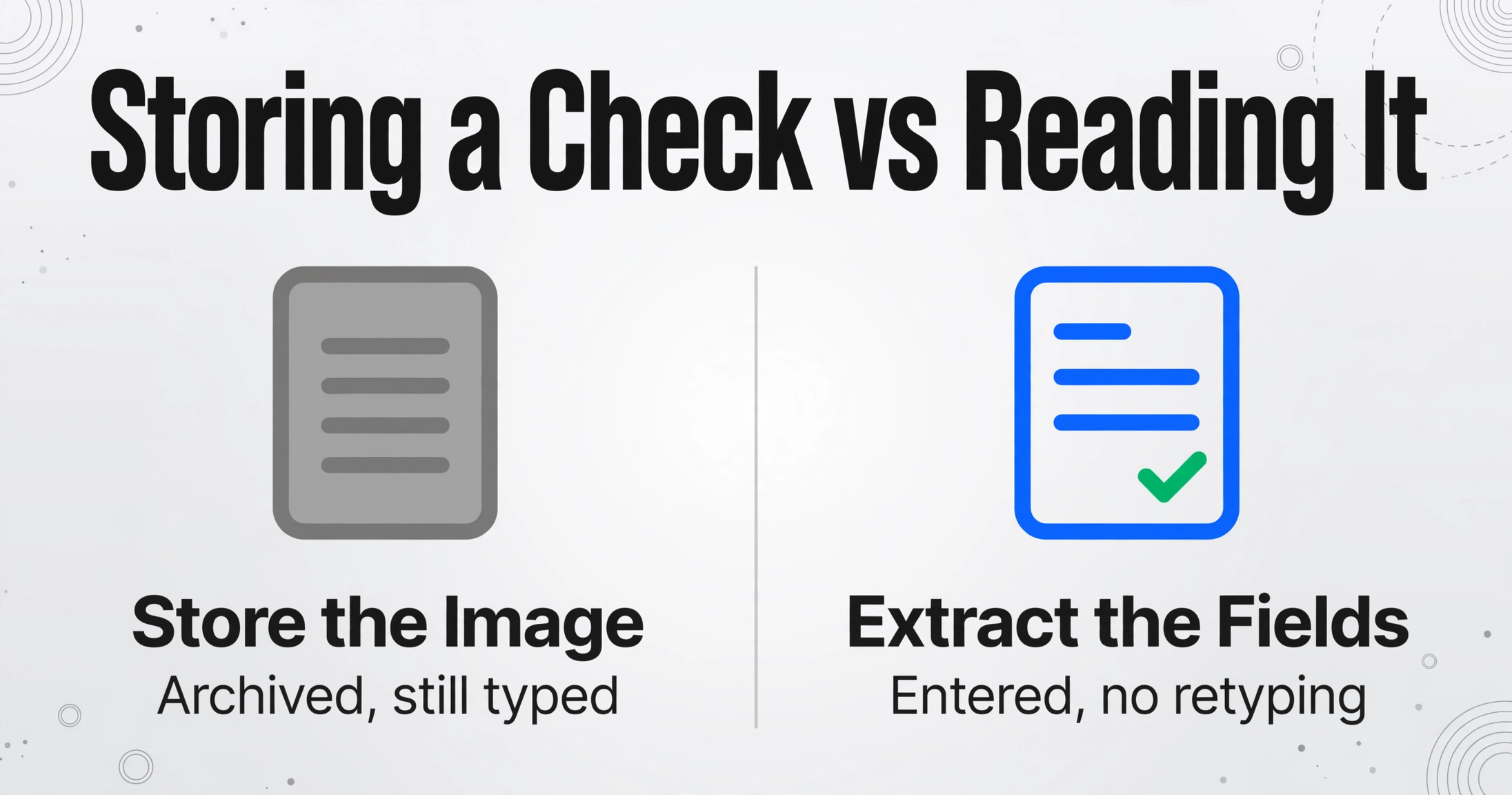
When a client hands over a stack of handwritten checks, the firm's document tools do capture the images. Hubdoc, Dext and AutoEntry will happily store the scan, attach it to a transaction, and file it. What they do not do consistently is turn the handwritten payee, date, check number and amount into fields. OCR engines read printed text well and degrade sharply on handwriting, a gap the AutoEntry help center documents plainly: files with pen marks are rejected outright because the software "struggles to differentiate between printed text and a pen mark". The practical result is that the image is archived and the data is still typed.
That is the core difference a bookkeeper is really testing. A tool that stores the image solves the retention problem. A tool that extracts the fields solves the entry problem. Most check processing in small firms is still done the old way because the capture layer and the extraction layer never got connected for handwritten documents.
How a Handwritten Check Becomes an Entry Today
The manual route has a fixed shape across most small firms. The client writes the check and hands over either the paper copy or a phone photo. The bookkeeper opens the accounting software, looks at the writing, and types the date, the payee name, the amount, the check number, and a memo into the transaction screen. Then the file is attached and the same transaction gets matched again when the bank feed imports the cleared item.
The second leg, the bank feed, is where many bookkeepers have quietly solved half the problem. Once a check clears, the bank statement feed brings in the amount and the date. The bookkeeper matches and categorizes from there, and the original scan serves as the backup evidence. That workflow is real and it works, and it is the answer recommended in the r/Bookkeeping thread itself: "scan the check for backup... then rely on the bank feed once it clears."
But the bank feed has limits. It arrives days later. It brings the amount and date but not the payee name when your client's handwriting is what the bank teller keyed. It tells you nothing about the memo, the purpose, or the category until you go look at the image. And it cannot help with checks that never clear the account at all, such as a received check waiting to be deposited. The manual typing that remains is exactly the work that does not need a human eye.
Why OCR Reads the MICR Line but Skips the Handwriting
A check hides two very different kinds of text. The line of digits along the bottom, the MICR line, is printed in a magnetic ink font that banks read by sensing the magnetic signal, not by taking a photo of it. That is why the routing number and account number on every check read reliably: the standard, set out in ANSI X9.100-20, defines E-13B characters that stay consistent from check to check. The magnetic layer is the part designed for machines.
Everything else on the check was designed for humans and is written by hand. The payee name, the amount in words, the numeric amount, the date and the memo are ballpoint ink in whatever style the writer uses. OCR struggles here for three structural reasons. Handwriting has no fixed font, so character matching against a letter model fails. Layout varies from check to check, so there is no template position for "the payee is always here". And the error cost is asymmetric: for handwriting, word error rates typically run two to four times higher than character error rates, because a single misread character fails the whole word, which is exactly the worst failure mode for a payee name or an amount (see the handwriting recognition accuracy data).
The capture tools built for bookkeeping take a deliberate trade: they extract printed invoices and receipts very well, and they sidestep handwriting by returning it blank or flagging the document for manual entry. The Reddit thread captures the consensus: "OCR usually does well with typed invoices and statements, but handwriting adds another layer of difficulty since styles vary so much." The bookkeeper is not doing anything wrong. The tool stack they were given simply stops at the handwriting.
The failure is not the document. It is the assumption that OCR, which reads text, and extracting data by meaning, which reads documents, are the same technique. They are not.
The Workflow That Reads What OCR Skips
Extraction that understands handwriting reads the check the way a person does: it treats "payee", "date", "amount" and "check number" as concepts, then looks for each one wherever it appears. With Custom Column Extraction, the bookkeeper types the columns they want once, using plain words to describe each field, and the AI locates the values on the scanned check by meaning rather than by pixel position. Because the columns are defined by the user, the same setup produces the same spreadsheet structure for every client's check.
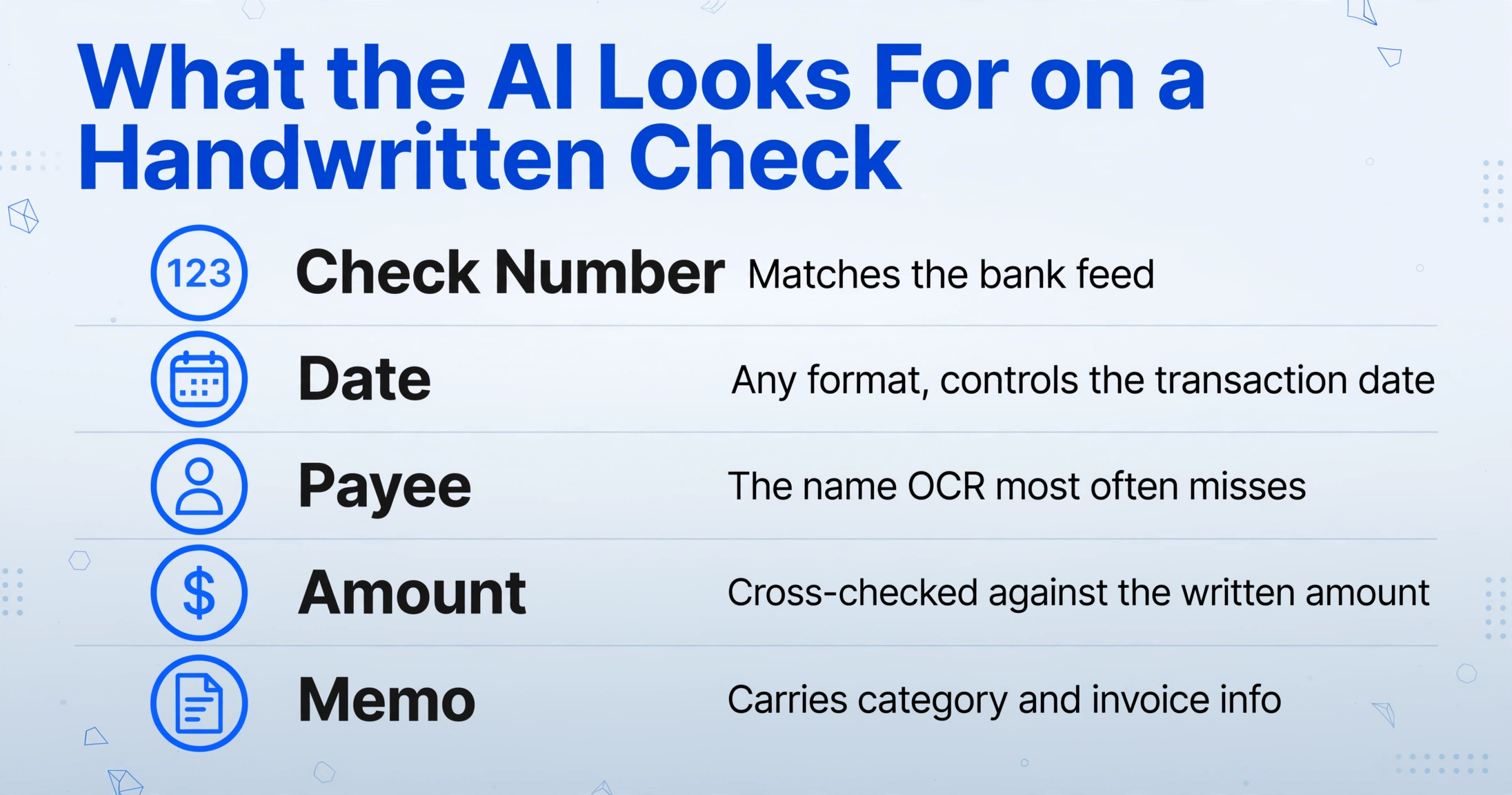
The column template for a handwritten check batch maps directly to the fields a bookkeeper types today:
| Column | What the AI looks for | Why it matters |
|---|---|---|
| Check Number | The sequence number on the check face | Matches the bank feed and catches duplicates |
| Date | The written date, in any format | Controls the transaction date in Xero |
| Payee | The name written on the "Pay to the order of" line | The field OCR most often returns blank |
| Amount | The numeric amount; the written amount can be pulled as a second column so a reviewer can compare the two | One wrong digit is a reconciliation error |
| Memo | The purpose or reference written on the memo line | Carries category and invoice info |
Two settings make the batch realistic. A higher Model Tier gives dense and cursive handwriting more capable vision processing, which matters when the checks come from clients whose penmanship is loose. Since the whole stack handles multiple files at once, a stack of checks from one client processes as a single batch and merges into one spreadsheet instead of one file at a time.
The output then follows one of two paths into the software. The columns land in a spreadsheet that can be imported into Xero like any bank or journal import, or the extracted rows are checked and entered directly. The point is that entry no longer requires typing the handwriting a second time; the typing was already done by the extractor. The same field-level reading that works for one check already has a detailed breakdown in the article on converting handwritten ledgers to Excel, and the broader pattern for getting handwritten receipts into a tax-ready spreadsheet.
Verify the Amount Before It Posts
Handwriting extraction is never a blind trust exercise, and a check amount is the last place a bookkeeper wants a silent misread. The APQC benchmark puts the median cost of processing a payable at $6 per invoice (APQC), most of it manual entry, and the median firm still manually keys 60% of supplier invoices. The review step is where automation earns its keep: it is cheaper to verify an extraction than to retype it and then verify anyway.
For handwriting, the verification tool is the highlight, not the total. Review Mode lets the bookkeeper hover or click any extracted cell and see exactly where that value came from on the original check image, and click the located region on the image to jump back to the matching cell. When an amount digit is ambiguous, the firm sees the writing that produced it instead of trusting a number that came from nowhere. A wrong reading can be corrected and the AI's original value kept on record with one click, so the audit trail stays visible. That is the difference between a tool with review built in and a tool that dumps a CSV and hopes.
The same principle applies to the checks you already process with a bank feed. Nothing here replaces the feed; it shortens the matching step. When the cleared amount arrives, the extracted row from your own batch supplies the payee and the memo, so categorize and match from the spreadsheet instead of opening each image.
What Still Needs a Person
Extraction reads handwriting, and it is not magic. Faint ink, heavily cursive amounts, and checks photographed at an angle or in low light will produce low-confidence fields that a bookkeeper must still look at. The honest workflow plans for a review pass on every batch, not zero exceptions. That is why the verify step above is part of the design rather than an afterthought.
There are also limits in the rest of the chain. A check that never clears has no bank feed entry to reconcile against, so the extracted row is the only record and accuracy matters more. And storage still matters: IRS Publication 583 lists canceled checks among the supporting documents a business should keep (IRS Publication 583), and an electronic system only satisfies that duty if its records stay legible and retrievable. Storing the image solves retention. Extracting the fields solves entry. The firm keeps doing both, which is exactly why the capture and extraction layers should be separate tools that each do their own job.
For the bank-level side of check reading, MICR processing, check fraud checks, and KYC verification, the OCR in banking guide covers the institutional workflow. This article is about the smaller scale: a stack of handwritten checks on a bookkeeper's desk and what gets typed into Xero because of them.
Handwritten Checks and Accounting Software: FAQ
Does Hubdoc read handwritten checks?
Hubdoc stores check images and extracts header fields from printed documents, but its documentation and user reports agree that handwriting is not reliably read; payee and amounts often return blank and get typed manually. It remains a solid document storage and filing layer, which is a separate job from extraction.
Does Xero have built-in OCR for handwritten checks?
Xero itself does not OCR documents. Its bundled capture tool, Hubdoc, handles the reading, and handwritten checks fall through that gap. Xero accepts imported data and bank feeds, so the practical route is to extract the check fields into a spreadsheet and import the rows. The same logic applies to QuickBooks, which accepts CSV and IIF imports.
How accurate is handwriting extraction on checks?
On clean benchmark handwriting, modern AI systems reach character error rates below 2%, but on real documents the range is wide, roughly 46% to 95% accuracy across tools and writing styles. Legibility, ink quality, and scan resolution drive the result. That variance is precisely why a review step that highlights where each value came from matters more than a confident-sounding accuracy claim.
Do I still need the bank feed if I extract the checks?
Yes, and the two work together. The bank feed is the authoritative record of what actually cleared, and extraction supplies payee and memo detail that the feed does not carry. The workflow shrinks to: extract the batch, review the fields, then match against the cleared feed.
What scan quality do I need for handwritten checks?
Flat, well-lit images at around 300 DPI give the best results. A phone photo works if the check is flat and the writing is in focus; a scanner is better for a large stack. Avoid angled shots and shadows across the amount line, since those are the conditions that push handwriting back into low-confidence territory.
The useful shift in how a firm handles handwritten checks is to stop asking "can it store the image" and start asking "can I define the columns, can it read the payee, and can I verify the amount before it posts." Every capture tool in the stack already does the first one. The fields OCR leaves blank are the ones worth automating.