One Deal, One Complete File
Every Page of the Closing Package
A real estate closing file fails on the page that is not there. A mis-keyed number can usually be corrected after signing, but a missing page or a page filed against the wrong transaction surfaces weeks later, when the loan reaches post-closing review and the parties have already dispersed.
Key Takeaways
- Your closing checklist can be perfectly correct and still miss the page that never arrived.
- That is because a loan file has no totals to check, so a missing page leaves no number out of place, and 11.5% of mortgage file content ends up missing or erroneous.
- Review one row per transaction instead of one stack per deal, and a missing page becomes an empty cell you can see instead of a blank page found weeks later.
The Consumer Financial Protection Bureau lists missing pages beside wrong loan amounts when it describes closing document errors, and notes that either kind of mistake can delay a closing by hours or days, because everything has to be in order before the loan can fund (CFPB). The pattern is familiar to anyone who has signed a loan. In r/Mortgages, a borrower described signing at the table, then fielding calls days later about more than ten documents the lender said were missing: "we realize lots of the docs being requested were signed at closing." A commenter summed up the cause: "there are a lot of hands in the mix and things can get missed" (r/Mortgages).
The Failure Mode Is a Missing Page, Not a Wrong Figure
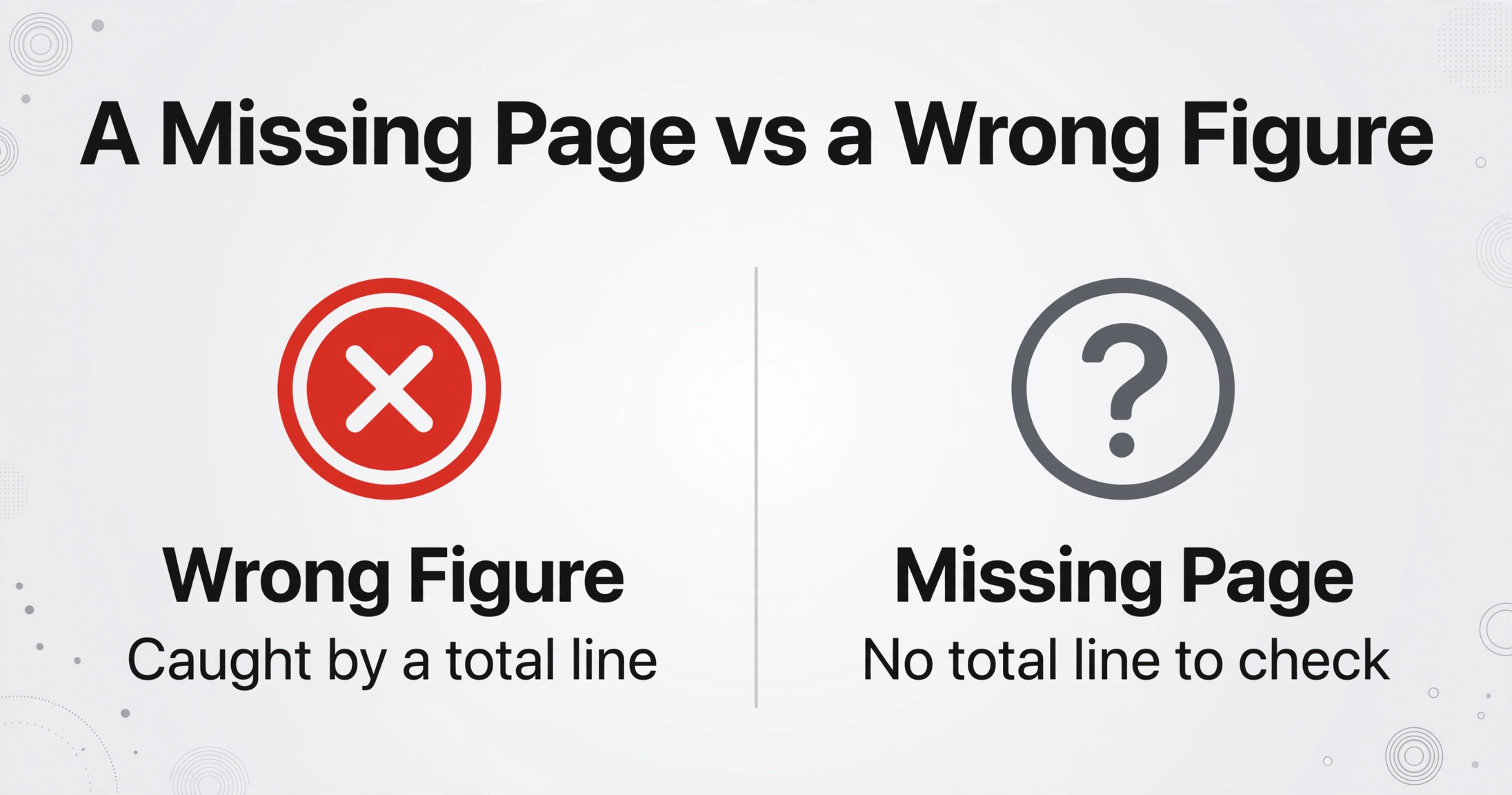
A closing package is judged by absence, because a loan file has no total line that fails to add up when a page is gone. The documents most likely to go missing are the ones that change late: the executed final Closing Disclosure, a signature page of the deed of trust, an HOA resale disclosure. Other pages go missing in a subtler way. They arrive, get scanned, and land in the wrong transaction's folder because one coordinator is assembling four deals on the same afternoon and every file is named by borrower surname.
A closing package is judged by absence. A missing page cannot be caught by checking the numbers, because a loan file has no totals to check.
What a Complete Package Holds, and Who Produces Each Piece
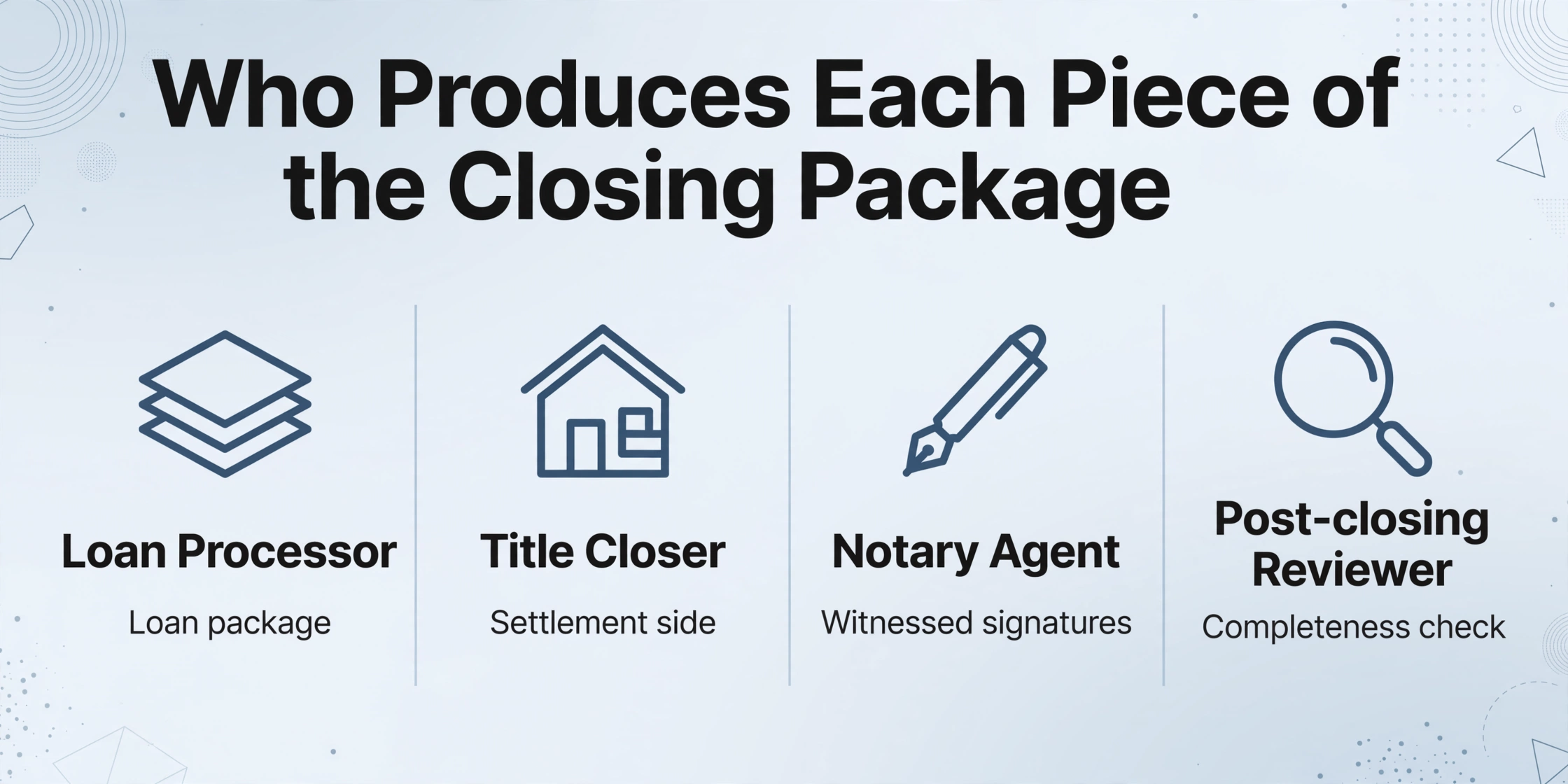
A complete closing package is the executed paperwork for one transaction, and four different parties produce separate slices of it. The handoffs explain most of the risk, so it helps to name who owns which part before automating anything.
| Role | What they produce | What they hand over |
|---|---|---|
| Loan processor (lender) | The loan package: Closing Disclosure, promissory note, security instrument, federal disclosures | A package that must match what was disclosed three business days earlier |
| Title closer or escrow officer | Settlement side: the deed, affidavits of title, title commitment and its requirements, payoff statements, HOA documents | The assembled signing package and the instructions for it |
| Notary signing agent | Witnessed signatures, dates, initials, and notarial certificates | The executed set, shipped or uploaded back for review |
| Post-closing reviewer | The completeness check: every page present, every signature in place | A file cleared for recording and investor delivery, or a list of conditions |
For a financed purchase, the executed set normally includes the deed that transfers title, the promissory note, the deed of trust or mortgage that secures it, the five-page Closing Disclosure that the TILA-RESPA Integrated Disclosure rule requires at least three business days before consummation, the title commitment and the requirements it lists, affidavits of title, a Notice of Right to Cancel where rescission applies, HOA resale documents, and the inspection and appraisal reports that supported the loan. Which of these appear depends on the state and the loan product, so the list is a starting point rather than a universal checklist.
Clearing and assembling that file is a measured amount of work. ALTA's 2024 study of title production put a standard file at an average of 22 hours of title work and a difficult file at 45, with 36% of transactions requiring nonroutine curative effort (ALTA, 2024). Digital closings have not removed the assembly step either. Snapdocs' 2025 adoption survey found that 90% of lenders offer some form of digital closing, while only 14% complete more than 80% of their loans that way (Snapdocs, 2025). The rest still receive pieces as PDFs, and a refinance package routinely runs 100 to 185 pages, printed in duplicate for the borrower.
Why the File Comes Apart
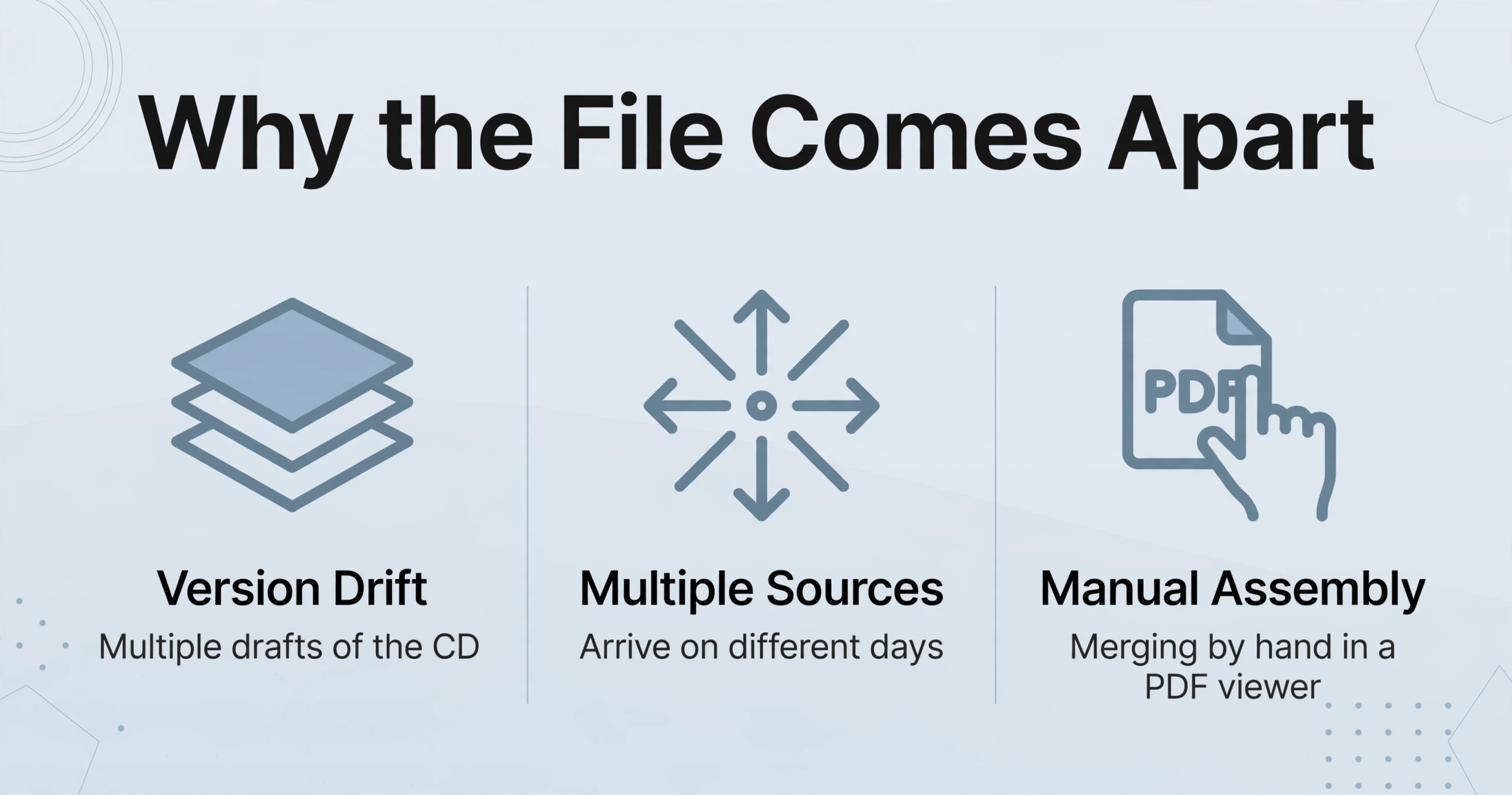
The package comes apart for three process reasons, and none of them is carelessness. All three are structural features of how documents move between the parties above.
Version drift comes first. A Closing Disclosure is revised as figures settle, so a single deal can produce several drafts before the one the borrower signs. When a number changes after delivery, the three-day clock can reset and a new disclosure goes out, which means the folder for one loan holds an initial version, a revised version, and the executed version side by side. The file that goes to the investor has to contain the one that was actually signed, and telling them apart by filename is a habit that breaks under volume.
Multiple sources arrive on different days. The lender's package, the title package, the HOA resale documents, and the inspection and appraisal reports come from separate systems and separate people. Some arrive as email attachments, some as portal downloads, and some as pages photographed or scanned one at a time by an agent in the field. The coordinator does not receive a package. They receive fragments over a week and have to decide when the set is whole.
The assembly itself is manual. The typical method is a person merging files in a PDF viewer, checking page counts by scrolling, and maintaining a document index by hand. A page that arrived twice in different versions looks the same as a page that arrived once. A page that never arrived looks like nothing at all. LoanLogics, which processes documents for a majority of US mortgages, reported that 11.5% of all mortgage file content was missing or erroneous over a ten-year analysis, with the doc-to-data and doc-to-doc error rate at 11.4% in 2024 (HousingWire, 2025). That figure is not a comment on effort. It is what a hand-assembled file looks like at scale.
Version drift is the loudest failure. The executed Closing Disclosure sits in a folder beside two earlier drafts, and only one of them is the version the borrower signed.
Adding another checkbox to the checklist does not fix any of this, because the checklist is already correct and the missing page still slips past it. What changes the result is the unit being reviewed.
The Assembly Workflow: One Transaction, One Row
The workflow that catches a missing page makes each transaction a single row whose completeness can be seen at a glance, instead of a stack whose completeness has to be recalled. The extraction underneath is column-name based: you type the fields you want, such as Loan Number, Borrower, Property Address, and Closing Date, and the AI reads each page and places a value under a column by understanding what the value means rather than where it sits. How that reading handles a document spread across many pages is covered in the guide to extracting data from multi-page PDFs.
Multi-Page Merge is the setting that decides which pages belong together. It folds results that describe one logical document into a single row, filling fields from whichever page carries them and carrying recurring values through to every line. The same mechanism turns twelve monthly bank statements into a single reconciliation sheet rather than twelve unrelated ones, which is the example in this batch bank statement reconciliation walkthrough. Applied to a closing package, it turns dozens of pages from four sources into one row per deal. Five configuration decisions carry the whole workflow.
Files are processed securely and not stored.
The column set you build for the batch is also the checklist you run at the end of it. Because each row carries the transaction identifiers onto every line, verifying the package becomes a sort by loan number and a scan for empty cells, not a page-by-page read of four PDFs. A missing document shows up as an absence in a named column, against a row that already exists.
Read the output as a completeness report: one row per transaction, the identifiers carried onto every line, and any page that failed to group standing alone as its own row. A missing document appears as an empty cell for that deal, which is a far cheaper thing to notice than a blank page discovered at post-closing review.
Teams that run the same grouping idea across a portfolio rather than a single transaction get the same benefit at a different scale, which is the approach behind batching lease agreements into one tracking sheet per property manager.
What a Person Still Has to Decide
Grouping and merging do not decide whether a package is legally complete. That call stays with the escrow officer, the attorney, or the post-closing reviewer, and it covers questions no extraction setting can answer: whether a disclosure is adequate, whether a title exception is material, and whether the HOA documents received are the ones the contract requires.
The merge applies the conflict rule you chose. It does not know which version of the Closing Disclosure the borrower physically signed, so confirming that the executed copy is the one in the file remains a human act. Neither does it manage timing. The three-business-day delivery requirement under TRID, and the re-disclosure that a material change can trigger, are deadlines a person still tracks, and a spreadsheet will not warn you that the clock restarted.
Signatures need the same caution. A scanned image of a signature page is not proof that the page was signed in front of a notary, and jurats, acknowledgments, and wet-ink requirements are verified by a person who can see the original. Retention is a separate matter again. Under 12 CFR §1026.25(c)(1)(ii)(A), a creditor keeps the completed Closing Disclosure and every document related to it for five years after consummation. The spreadsheet helps you show the file was complete; the originals remain the record of it.
None of this replaces the systems of record. Qualia, SoftPro, RamQuest, and ResWare manage title orders, escrow accounting, and recording packages, while Encompass and similar loan origination systems generate the lender's documents. What those systems leave to a person is the assembly and verification pass over the executed set, and that pass is what moves into a spreadsheet here. E-signature platforms shorten the signing itself without removing the check that every page came back.
Real Estate Closing Package: Frequently Asked Questions
Can it combine documents that came from different sources in one batch?
Yes. The batch accepts the lender's PDF package, the title company's documents, HOA files, and photographed inspection pages together, as long as they share an identifying value such as the loan or file number. The source of a page does not matter to grouping, because the group is built from a value the page carries rather than from where the file came from.
What happens when two pages in a package disagree?
You decide in advance. Keep-first retains the earliest version, keep-last retains the final one, concatenate joins both, and split breaks the group into separate rows. For a Closing Disclosure, keep-last usually matches the executed version, but a person still confirms which copy the borrower actually signed. The tool applies your rule; it does not determine the legally correct version.
Does this replace our title production system or loan origination system?
No. Qualia, SoftPro, RamQuest, ResWare, and Encompass remain the systems of record for orders, escrow accounting, document generation, and recording. The workflow replaces the manual pass in which someone merges the executed set in a PDF viewer and checks it page by page, and it produces a completeness view that sits alongside the record rather than inside it.
We have several deals in flight. Can they go through one batch?
Yes, and it is often the better way to run it. Track a column such as Borrower or Property Address and start a new group whenever the value changes, which puts each transaction on its own row. One batch of twenty deals then produces twenty rows, and the count itself becomes the first check.
What if a page does not carry the loan number?
It will not join the transaction's row. That is the intended behavior, because a page with no shared reference is exactly the page you want to look at. It appears as its own single-page row, which tells you either that the page belongs to another deal or that the reference value was not captured on it and needs a person to place it.
The shift in this workflow is small and specific: a page that never made it into the package stops being an invisible gap and becomes a row you can see. Everything else about the closing stays where it belongs, with the people who are accountable for it. The starting point is one deal's documents, assembled once, with the identifiers named and the grouping rule set.