Sharing a Document Batch Across a Team Sounds Simple
Then Two People Process the Same Invoice
The failure mode of a shared document batch is not speed. When a handful of people split a batch of invoices, contracts, or expense reports, the two failures that show up are the same document processed twice and a document nobody picked up at all. The Washington State Auditor, whose office audits public agencies, puts the share of total payments that are duplicate or erroneous between 0.8 percent and 2 percent, and its guidance names the cause plainly: when different staff each enter invoices, different people can end up entering the same invoice (WA State Auditor, 2022).
Key Takeaways
- 0.8 to 2 percent of payments are duplicate or erroneous, and the cause is usually two people entering the same invoice.
- Duplicates and gaps are the same disease, because the batch has no per-item owner and its status is a shared guess rather than a record.
- A shared workspace plus a queryable status turns coverage into a calculation, where every roster item with no finished state is an item with no owner.
The Real Failure Is Coverage, Not Throughput
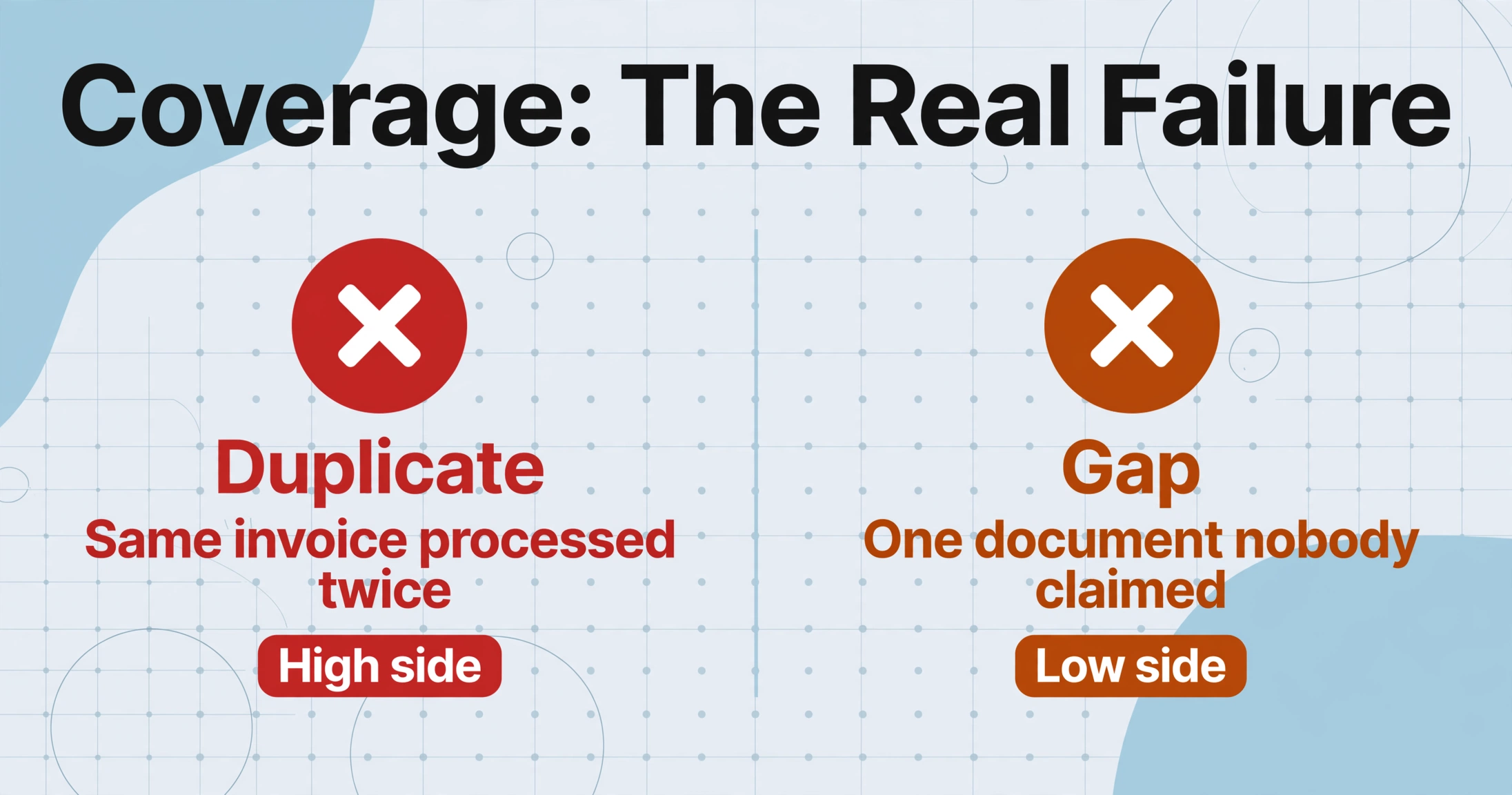
Coverage is the property that every document in a batch is processed exactly once. A duplicate is coverage failure on the high side: the same invoice processed by two people, extracted twice, exported in the batch two times. A gap is coverage failure on the low side: one document in the batch that nobody claimed, discovered only at month-end when the vendor statement does not match. Both produce rework, and both are the same disease.
The people inside those teams describe the outcome without drama. A user on r/QuickBooks who runs AP for a mid-sized business wrote: "we had a situation where the same vendor invoice got paid twice" (r/QuickBooks, 2025). On r/Accounting, someone whose firm's work was falling apart described the low side: "More and more issues are being revealed, and clients are falling through the cracks" (r/Accounting, 2025).
A document batch is a queue where each item needs exactly one owner and one recorded finish state. That is the whole problem. Throughput is answerable with faster tools. Coverage is not, because nothing is answering it.
Who Touches a Shared Batch, and Where "Done" Actually Lives
A divided batch involves three distinct roles, and each one has a different relationship to the queue.
| Role | What they actually do | What they hold |
|---|---|---|
| Batch owner | Defines the output contract (which columns each processed document must produce), divides the batch, checks completion, owns the deadline | The master list of what is in the batch, usually a shared folder or a spreadsheet |
| Processors | Claim a slice of the batch, upload each document, review the extracted data, confirm it is done | Their local "done" pile and the shared chat thread where they announce progress |
| Reviewer | Spots exceptions, resolves items two people touched, verifies a sample before export | A judgment about trust in the batch, formed by asking people rather than querying a system |
A healthy rhythm looks like this: the owner divides by a documented rule (first fifty by arrival order, one vendor per person, one region per person), each processor works their slice, and by the deadline the reviewer checks that every line item in the master list has a finished state. The mechanics are simple. What makes or breaks the rhythm is the second question: where does "done" actually live?
Right now, for most teams, it lives in two places that cannot be reconciled. It lives in the batch owner's memory as a running tally, and it lives in the chat thread as a series of messages like "I took the Met supplier stack" and "done with set 3." Neither is a record that can be checked at 11 p.m. the night before the close. The shared folder shows the files as they were uploaded, not as they were processed. The task tracker shows the assignments the owner typed in, not the documents the processors actually finished.
Why the Same Document Gets Processed Twice and Another Gets Missed
Both failures come from one design decision: the batch has no per-item ownership, and its status is a shared guess rather than a record.
The duplicate happens through a race. Two processors check the same shared folder at roughly the same time, both see the same invoice with no obvious sign of work, both decide to take it, and both process it. Each set the state to "I will do this" in their own head before either recorded it anywhere checkable. By the time a system could have flagged the conflict, the work is done twice.
The gap happens through the mirror image. Every processor assumes a document belongs to someone else. The owner assumes someone noticed it. Nothing flags unclaimed items, so the batch is declared done when the last assigned slice is finished, not when the last item in the batch is finished. A user on r/Accounting describing intake chaos put words to the underlying state: "Clients send things over piecemeal, invoice here, contract there, tax doc in an email from three weeks ago, and it gets chaotic fast" (r/Accounting, 2025).
The tools teams reach for do not break the loop, because each holds a different half of the picture. Asana, Monday.com, and Jira are task-layer records: they assign tasks and deadlines, but they never see the state of the documents inside the batch, so "task done" tells you nothing about the file. The accounting layer, QuickBooks, Sage Intacct, Xero, or NetSuite, is where finished data lands, but it answers "was this billed," not "has anyone touched this scan." The extraction tool holds the documents and the processing state, but if only one person watches the queue, the others work from memory. Two or three records of truth that never consult each other.
This is a recognized pattern in the literature on exactly this kind of back office. The Washington State Auditor calls decentralized entry "too many cooks in the kitchen," where "different departments might each enter the same invoice" and unknowingly bypass software controls (WA State Auditor, 2022). Deloitte's latest Global Business Services Survey finds shared-services organizations naming improved "end-to-end ownership" as a core objective, because the absence of ownership is exactly the failure this describes. The root cause is not a missing AI. It is a process where assignment and completion were never given a system of record.
The Fix: One Shared Workspace and a Status You Can Query
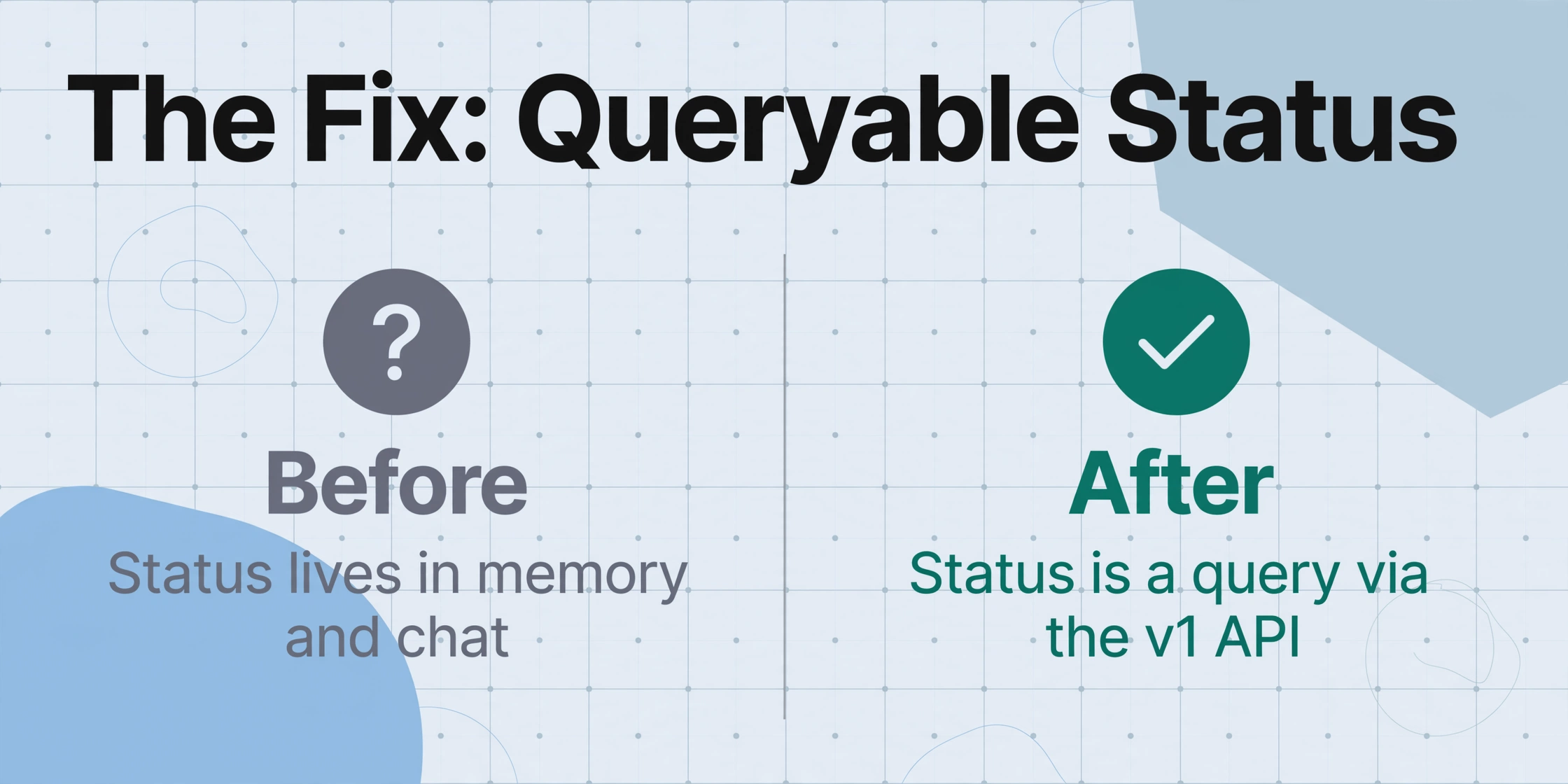
Two capabilities of the extraction tool map onto the two broken steps, and each one comes with a specific setting that does the work.
The first broken step, "who is allowed to work this batch and under whose capacity," is what Team workspaces handle. A Team workspace is a shared account structure: one team plan covers a set of members with a configured member limit, members join with a code the owner shares, the team plan sets the batch and processing capacity centrally, and everyone's work draws from one shared credit pool. The practical change for a divided batch is that all four processors work the same batches in the same account. There are no five separate free accounts with five separate limits, no "send it to my account so it counts against my quota," no one person acting as a human router because only they can see the queue.
The second broken step, "where does status live," is what the v1 API solves. The v1 API is the extraction tool's public REST interface, documented at /developers: it lets your own system upload documents, start batch processing, retrieve per-document status and results, and receive a webhook notification when processing completes so nothing has to be polled. The output is structured JSON, independent of the web app, and a first call takes around five minutes to get working. What matters for coverage is the property it gives you: per-item status becomes a query instead of a memory.
When the batch roster and the completion state are both readable programmatically, coverage stops being a feeling and becomes a calculation: every item on the roster with no finished state is an item with no owner, down to the minute.
Set up against a real rhythm, with a month-end batch of 200 invoices and four processors, it looks like this:
Files are processed securely and not stored.
Deciding whether the API route or the no-code interface is right for your batch is its own trade-off: the web app is faster to start, the API is faster to check, and the API versus no-code comparison and the API tooling comparison walk through both sides. Teams that want to pull extraction directly into an internal tool start with the OCR API route. The workflow this article describes, where documents are collected from outside people before they ever reach the batch, is covered in the document collection and extraction workflow.
What This Setup Still Cannot Automate
The honest boundary is that it makes coverage measurable; it does not make judgment automatic, and it does not assign accountability by itself.
The person who owns a disputed item is still a decision. When two processors both touched the same invoice, the API shows the duplicate in the status trail, but someone has to rule which result is the one that ships. That is the batch owner or reviewer, and no tool removes it. Similarly, extraction quality on a hard document is a human call: the tool extracts, and a reviewer decides whether the output is good enough to export. The coverage query makes the unclaimed list visible every day, but someone still has to run it or schedule it; the tool does not nag.
The division itself is only as good as its keeper. Slices assigned on paper but never reconciled against the roster reintroduce the original problem, because the task tracker and the document status again become two records that do not talk. For teams that carry too little volume to warrant an API integration, a shared workspace without the API already removes the "five separate accounts" layer, and the same batch-first pattern with leaner volume is covered in the small-team extraction setup. When volume outgrows manual division entirely, the path is scaling without adding headcount.
What none of this does is post to the ledger, run approvals, or route work to individual people inside the tool. The API is the routing surface: if you want automatic assignment, you build it against the API. The tool supplies the queue, the status, and the finished table. The workflow around them is yours, and that is the point. Teams that treat the batch as a shared workspace plus a queryable status stop spending their coordination energy on "who remembers what is done."
Team Batch Processing: Frequently Asked Questions
Do all team members need their own paid plan?
No. The Team workspace lets a team plan cover multiple members. Processors join with the shared code, work the same batches in the same account, and draw on the team's shared credit pool and centrally planned capacity, so the team does not buy five separate subscriptions.
How do we know which documents are finished?
Through the v1 API you query per-document status directly, and a webhook notifies you when processing of a batch completes. Finished states come from the record instead of from memory, which is the entire difference between covering a batch and hoping it was covered.
Does using the API require a developer?
The API requires some scripting to call, since it returns JSON. A first request can be made in about five minutes by copying a documented example. Teams without a developer still get most of the coverage benefit from a shared workspace, where everyone sees the same queue, and can leave full API automation to a time when it pays for itself.
Could two people still process the same file?
Yes, if both race to the same item before either records it. The API makes that race rare and visible: the roster and status are queryable, so a processor can check whether an item is claimed before starting it, and the status trail shows when a duplicate happened. It does not stop two people from both deciding to take the same item five minutes apart, which is why slices assigned up front are the stronger habit.
How do we catch documents nobody picked up?
Run the coverage query: every item on the roster that has no finished state is unclaimed. Doing that daily, instead of hoping the folder is complete, is what turns "did everyone finish?" into a one-line check.
Where does the finished data go?
Results come back as structured data you can read through the API or export as a spreadsheet with the columns the batch owner defined. The export lands in a spreadsheet-native format that later feeds an accounting system or a reconciliation sheet; the tool is the extraction layer, not the ledger.
The shift is a change of orientation. A team that coordinates by memory asks every month "did anyone miss something?" and waits for the vendor statement to answer. A team that treats status as a query asks the same question in one read and answers it the same day. Set your own batch up on the shared workspace, pull the roster through the API, and see whether "who did what" can stop being a conversation and start being a column.