Why Regulatory Documents Resist
Data Extraction
Pharmaceutical regulatory submissions look like the easiest documents in the world to extract data from. They follow a fixed, internationally agreed structure, down to numbered sections that every sponsor uses in the same order. Yet the people who work with them, regulatory affairs specialists turning clinical study reports and CTD modules into structured data, describe the same failure again and again: the table that comes back is not the table they needed. The reason is not that the documents are long. A complete new drug application can run to hundreds of thousands of pages, and that is real, but length alone does not break extraction. The reason is that a single regulatory document stores the same fact in more than one shape, and extraction fails when nobody says which shape they mean.
Key Takeaways
- The most rigid documents in the world are the ones extraction keeps getting wrong.
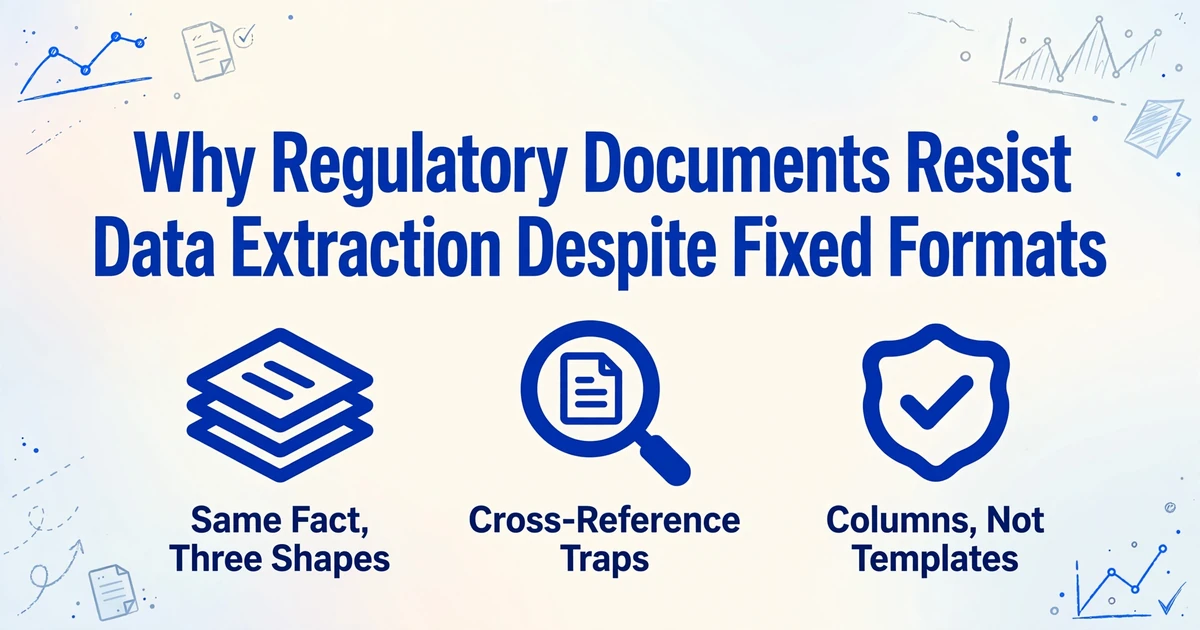
- One serious adverse event can sit in three sections at three levels of detail, so "extract the adverse events" has three legitimate answers.
- Name the columns and the shape you want, and those field names carry across the whole program.
The Regulatory Document Family, and the Fields That Matter
A regulatory submission is not one document. It is a family of documents, held together by a format called the Common Technical Document (CTD), which the International Council for Harmonisation adopted in November 2000 to give every health authority the same structure to review. The CTD is organized into five modules. Module 1 is region-specific administrative material, Module 2 holds the summaries and overviews, Module 3 covers quality and chemistry, manufacturing, and controls, Module 4 holds nonclinical study reports, and Module 5 holds the clinical study reports. The electronic version, eCTD, wraps that same structure in an XML backbone, but the underlying content and the module numbering are identical. The harmonized framework is published by ICH.
The clinical study report (CSR) is the document most people mean when they say they need to extract trial data. It is a fixed sixteen-section report defined by ICH E3, and it sits inside Module 5, cross-referenced from the clinical summaries in Module 2. A safety narrative is a short prose write-up of a single death or serious adverse event, the kind of free-text block that carries the story of what happened to one patient. CMC specification tables in Module 3 list the parameters a drug substance or product has to meet, such as assay, impurities, and dissolution limits. Each of these documents carries a recognizable set of fields, and that set is what any extraction has to target.
| Document | Where it lives | Fields that get extracted |
|---|---|---|
| Clinical study report | CTD Module 5, defined by ICH E3 | Study title, phase, indication, primary and secondary endpoints, patient population, efficacy result summary, adverse event rates |
| Safety narrative | CSR Appendix 16, one per event | Subject ID, event term, severity, onset date, action taken, outcome, causality assessment |
| CMC specification table | CTD Module 3 | Drug substance name, test name, acceptance criteria, analytical method, manufacturing site |
| Integrated safety summary | CTD Module 2.7.4 | Safety population, exposure data, adverse event frequency by system organ class |
That field list is not a guess. The safety fields trace back to a data standard. ICH E2D sets out the minimum elements a case has to carry to be considered complete, an identifiable reporter, an identifiable patient, an adverse reaction, and a suspect product, and its attachment lists the fuller set of patient, product, and event details. The electronic transmission format, ICH E2B(R3), turns those into formal data elements that a safety database expects by name. So when someone says they want subject ID, event term, severity, onset date, action taken, outcome, and causality, they are asking for fields the industry already agreed on. The ICH E2D guideline is the source for the minimum set.
The fields in a regulatory submission are standardized. The places they appear in the document are not, and that gap is where extraction goes wrong.
Why a Fixed Structure Still Defeats Extraction
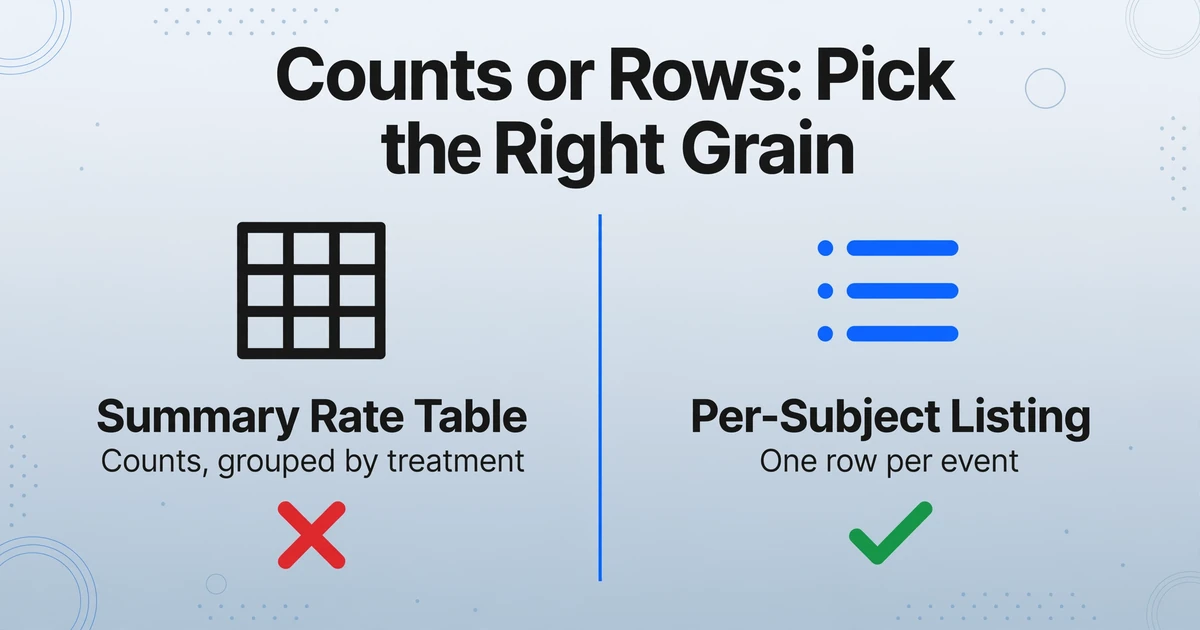
If the structure is fixed and the fields are standard, extraction should be trivial. It is not, and the clearest example is how adverse event data is organized inside a single clinical study report.
ICH E3 places the same adverse event information in three different sections, at three different levels of detail. Section 12.2 is the safety evaluation in the body of the report, and 12.2.2 asks for the events displayed in summary tables, grouped and compared across treatment groups. Those detailed displays are not actually printed in 12.2; the guideline points them to section 14.3.1, where each event is laid out by body system with severity and relatedness. Then section 16.2.7 is the listing where the events appear one subject at a time. The ICH E3 guideline text is explicit that these are different presentations of the same underlying events.
That is the first structural trap. If you ask a tool for "adverse events" without saying which shape you want, it has three legitimate candidates to choose from: the aggregated rate table, the per-subject listing, and the narrative. A request phrased as a column name will pull from whichever display the model reads first, and if you wanted the per-subject listing but got the summary table, you have a table full of counts where you expected one row per event. This is not a long-document problem. It is a specificity problem, and it shows up even in a fifty-page report.
Two more failure points sit on top of that one. Cross-module referencing means the number you want may not be printed where you are looking at all. Module 2 summaries describe the same results as the Module 5 study reports and point back to them rather than repeating them. If a value appears only as a cross-reference, it has to be read from the source report, not from the summary. Nested and merged table headers are the second: adverse event tables routinely use merged cells to express a body-system and preferred-term hierarchy, so a naive reader captures the event terms but loses which body system each one belonged under. That mechanical failure mode is part of the wider picture in the document processing overview, so this article stays on the regulatory structure rather than the grid.
The people who live in this work say the same thing in plainer terms. In the subreddit where regulatory affairs professionals compare notes, threads about automating routine tasks circle the same set of jobs: summarizing a test report, drafting a protocol skeleton, pulling the same numbers out of a long PDF again. The work is not intellectually hard in the way a statistical analysis is. It is the repetitiveness inside a document type that is otherwise rigid that wears teams down, because the rigidity gives the illusion that a template should work and then a new study report, with the same sections but different tables, quietly defeats it.
There is a version of this that shows up in extraction advice the industry gives itself. In a well-known question about copying tables from PDFs into spreadsheets, the complaint is that the data pastes in as a single messy cell: "When I do, the data almost always pastes into a single cell." That is the same failure as the regulatory case, in miniature. The values are there and readable, but the structure that made them meaningful is gone. The r/excel thread is about ordinary PDFs, and the pattern transfers directly.
Where Manual Extraction Actually Breaks
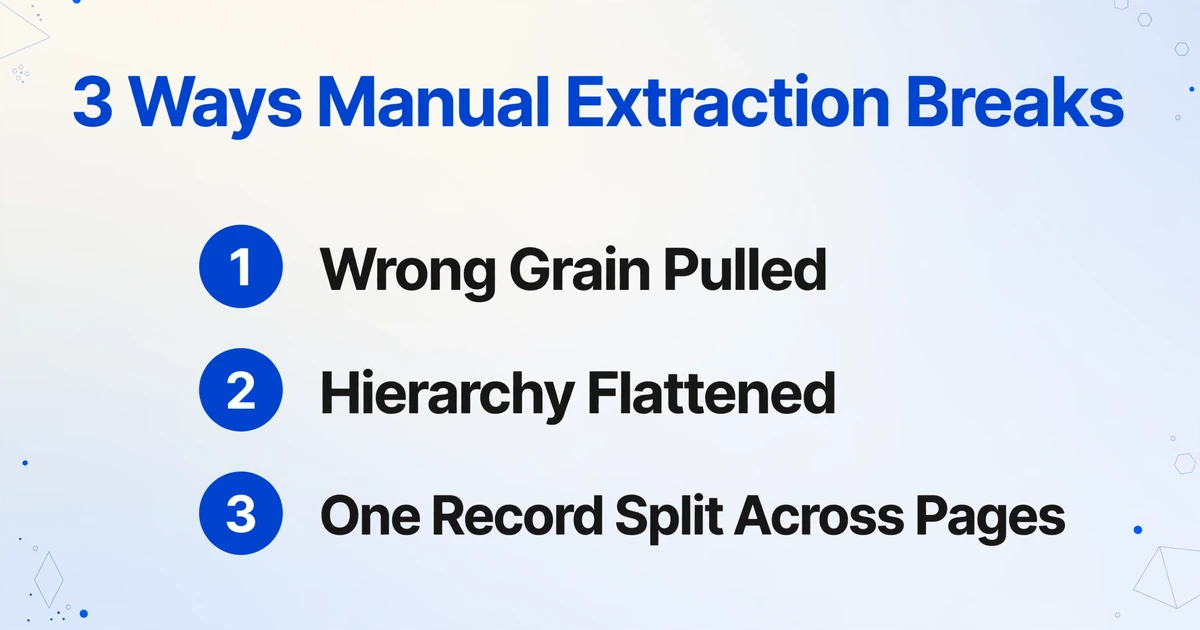
It helps to name the specific mistakes rather than talk about "errors" in general. When a person sits down with a CSR and a spreadsheet, three things go wrong in a predictable order.
The wrong grain is pulled. The report offers counts in one section and subject-level rows in another, and it is easy to read the convenient table in 12.2 and end up with a rate instead of the event-level record the analysis actually needed. This is the mistake that forces a re-do, because the corrected data has to come from a different section entirely.
The hierarchy is flattened. Body system, then preferred term, then individual events is a three-level structure. When it is transcribed into flat rows, the middle level frequently disappears, and every event ends up attached to no particular body system. Reconstructing that later means going back to the source table.
One logical record spans pages. A safety narrative for a serious event can run across a page break, and a subject's events can be split across an appendix that continues for dozens of pages. Transcribed by hand, that record either gets split into two rows or one of the pieces gets dropped entirely.
None of these mistakes is about typing speed. They are about a person manually holding together a structure that the document does not keep intact once the ink leaves the page. That is the argument for extraction, and it is also the argument for choosing the right kind of extraction, because a template-based tool repeats the same three mistakes at machine speed: it matches by position and loses meaning the moment a table shifts.
Defining Columns Instead of Drawing Templates
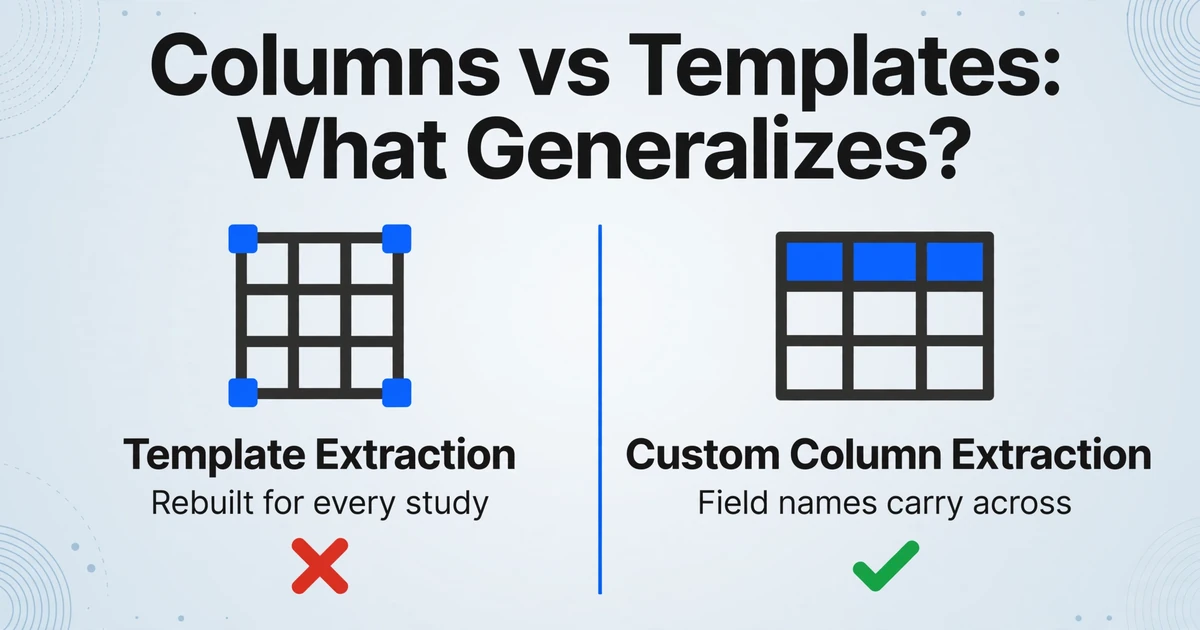
The way out is to stop describing where the data sits and start describing what you want. Custom Column Extraction works by column name: you type the field names you need, such as "Subject ID", "Event Term", "Severity", "Onset Date", and "Causality", and the AI locates each value by understanding what the column name means rather than by matching a fixed position on the page. The column names you enter become the headers of the output table. Because the reading is semantic, the same set of column names works whether the source is a per-subject listing with one event or fifty, and whether the layout matches the study you extracted last month or not.
This matters in a compliance-driven document family for a specific reason: the structure is fixed, so the field names are stable and reusable, but the exact tables are not, so a position-based approach never generalizes. When you define columns, the stable part (the field) carries across documents and the unstable part (the layout) stops mattering. That is the opposite of how template extraction behaves, where a per-module template has to be rebuilt for every study report and every CMC table.
Three column types cover most regulatory needs. Direct columns pull fields that are explicitly printed, which is most of them: endpoints, onset dates, specification limits. Computed columns calculate during extraction, for example deriving a duration from a start and stop date, or outputting a difference when a stated total does not reconcile with its parts. Inferred columns assign a value the document does not print but implies, useful for a bucket such as whether an event is described as ongoing. That last type is a reading of the text, not a clinical judgment, and it should never be used for anything that requires adjudication.
Files are processed securely and not stored.
The general mechanism, and how it differs from the position-based tools that came before it, is described in template-free document extraction. For a regulatory team, the practical version is simpler than the theory: write down the column names once, and reuse them across every report in the program.
Making the Extracted Table Reviewable
In a regulated field, an extracted table is only useful if a qualified person can check it without re-reading the source. That is the difference between extraction that saves time and extraction that adds a verification burden. Three capabilities address it directly.
Review Mode with bounding-box verification lets you hover any extracted cell and see exactly where on the original page that value came from, and click a region on the page to jump back to the matching cell. For a field such as an onset date or a causality assessment, that turns "trust the extraction" into "spot-check the extraction" in seconds. It also shows the AI's original value when a field has been edited, so a correction is traceable.
Multi-Page Merge folds a document that spans pages back into a single row, grouped by a shared value such as a subject identifier. That is what keeps a serious event whose narrative crosses a page break, or a subject's records spread across the appendix, from arriving as two half-records. Fields fill in from whichever page carries them, and recurring information such as the subject ID carries through to every line.
Model Tier matters when the source is a scanned or photographed document. Older study reports are frequently paper scans, and some carry handwritten annotations. A higher processing tier uses a stronger underlying model for dense handwriting and complex layout, while the standard tier already covers most printed tabular documents. The same platform handles the non-trial regulatory documents too, including the kind of scanned administrative paperwork covered in the healthcare document extraction compliance guide.
Batch processing belongs in the same list for a program-level reason. A submission program produces many reports, and processing them as a group merges the results into one table instead of leaving a stack of single-document exports to reconcile. The pattern is the same one used for other clinical records, including clinical trial document extraction where the output grain problem is the whole subject.
What This Kind of Extraction Does Not Do
Being clear about the boundary is more useful than overselling, because in this field a claim in a blog post and a validated system are very different things.
It does not code adverse events. Mapping a reported verbatim term to a MedDRA preferred term under a system organ class is a coding step with its own dictionary and conventions. Extraction can carry a term that is already coded out of a document, but it does not assign one.
It does not adjudicate safety. Causality, seriousness, and expectedness are decisions for a qualified person. An inferred column reads what the document says, and that is all it does.
It does not de-identify. Subject identifiers in a report stay in the output. If the file is heading somewhere without a data agreement, removing them is a separate, deliberate step.
It is not a validated or audit-certified system, and it is not an eCTD publishing tool. Regulated electronic records carry requirements such as an audit trail for every change and documented system validation, under ICH E6(R3) and 21 CFR Part 11. This tool holds no such certification. The systems that manage and publish submissions at scale, LORENZ docuBridge, EXTEDO eCTDmanager and EXTEDOpulse, Veeva Vault Submissions, and Certara GlobalSubmit, are where the dossier is assembled, validated, and filed. Extraction sits upstream of them, as a first pass that a human reviews, not as the system of record and not as a publisher. The comparison here is not against those platforms. It is against a person reading a report and retyping it.
What remains inside those limits is still the bulk of the manual work: getting the repeated values out of the documents and into a table a reviewer can check. That is the whole point of moving the task off a person and onto a tool that does not lose the structure on the way.
FAQ
Can AI extract data from a clinical study report without building a template per module? Yes, if you define the fields you want as column names rather than drawing zones on a page. The reading is by meaning, so the same set of columns works across different study reports and different layouts. You still have to say which section's data you mean, because a CSR contains the same adverse event data in more than one place.
What is CTD submission data extraction, exactly? It is pulling structured fields out of the documents that make up a Common Technical Document, such as endpoints and adverse event details from Module 5 clinical study reports, specification limits from Module 3 CMC tables, and summary figures from Module 2. The goal is a table, keyed by the columns you named, that a person can review.
Why did my extraction return counts when I wanted one row per adverse event? Because the CSR holds adverse event data in three shapes, a summary rate table, a per-subject listing, and a narrative, and the request did not specify which one. Name the columns of the shape you need, such as Subject ID and Event Term, so the tool targets the per-subject listing instead of the summary table.
Does this replace my eCTD publishing system or safety database? No. Extraction produces a reviewable first pass and sits upstream of systems such as Veeva Vault, LORENZ docuBridge, and EXTEDO. It is not a validated, audit-certified platform, does not publish submissions, does not code terms to MedDRA, and does not make causality or seriousness judgments.
The Structure Is Fixed, so the Columns Can Be Too
Regulatory documents are not hard to extract from because they are long. They are hard because a fixed structure still lets the same fact appear as a rate, a row, and a sentence, and because a cross-reference can point at a number that is not printed where you are looking. Once you accept that, the solution stops being about bigger models and gets simpler: name the fields, name the shape you want, and let the tool find them by meaning rather than by position. The regulatory framework that makes these documents rigid is the same thing that makes the column names reusable across a whole program.
Take one clinical study report or one CMC specification table, define the columns you actually need, and see the output before you commit a batch to it.