Retiring CPA's Paper Files:
Turn Them into Client Data and AR Aging
A CPA practice is bought and sold on its client list. When the practice is entirely paper, that list does not exist as a list. It is spread across hundreds of per-client folders, and until someone reads them you cannot separate an active client from one who stopped calling three years ago. You also cannot answer the first receivable question any buyer asks: who owes what, and how long has it been owed.
Key Takeaways
- In a 200-client paper practice, the client list you paid for does not exist as a list until someone reads the folders.
- A searchable PDF library still cannot answer the two questions a buyer asks first, who is active and who owes what.
- Two passes over the same folders turn them into a client roster and an AR (accounts receivable) aging report, without reading every page.
What Actually Sits in a Retiring CPA's Archive
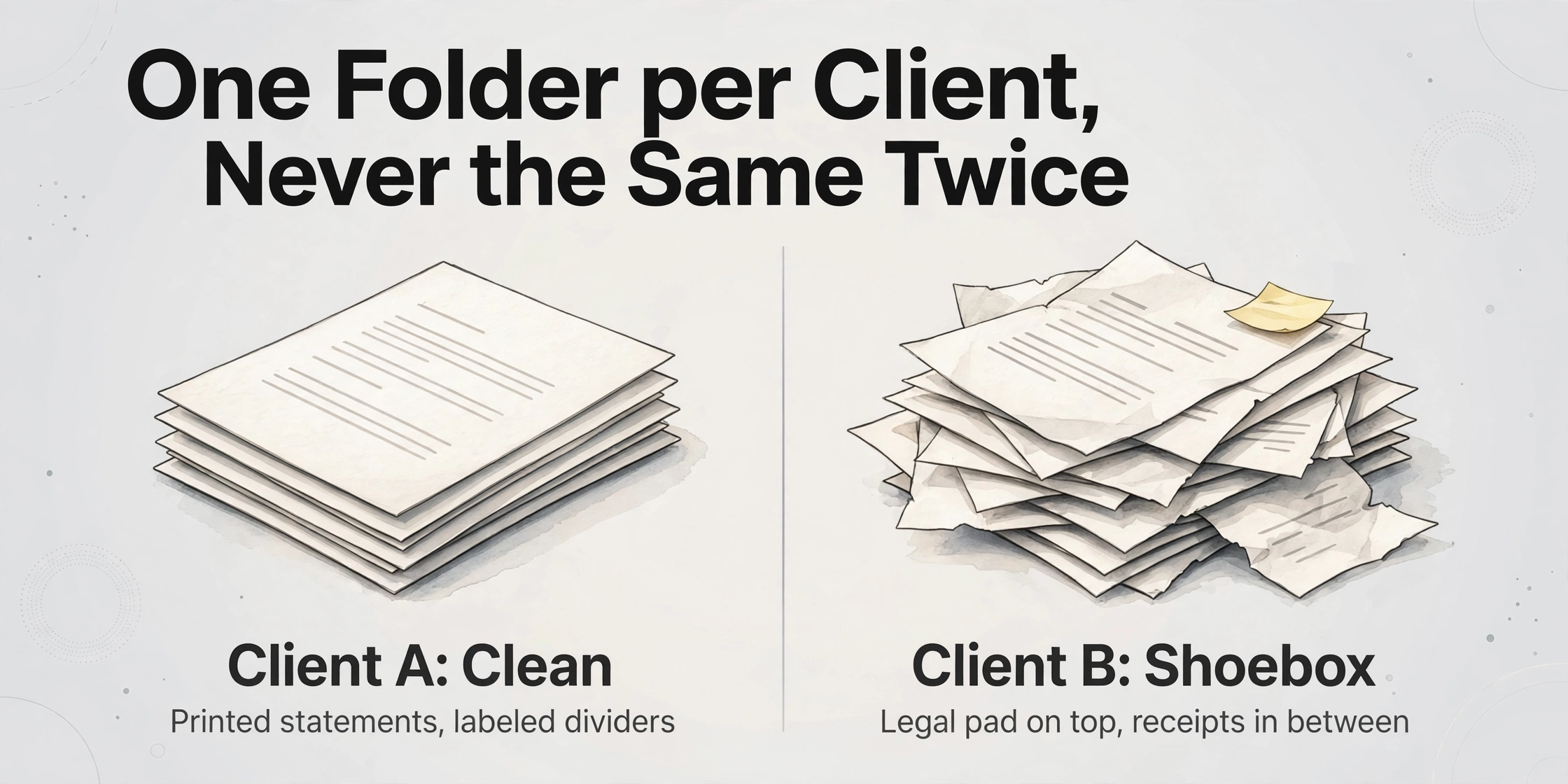
The acquired archive is not one document type repeated two hundred times. It is one folder per client, and each folder holds a different mix: filed returns, workpapers, trial balances, bank and credit card statements, engagement letters, tax organizers, e-file authorizations, and correspondence, plus the handwritten notes the owner kept for himself and never filed anywhere else. For a client the seller has served for 20 years, one folder can run several hundred pages. A CPA practice acquisition checklist usually gives that archive a single checkbox. In a paper practice, the archive is the asset.
Two folders side by side rarely look alike. One client's file is clean, with printed statements and a labeled divider for every year. The next is a shoebox that arrived with a legal pad on top and receipts in between. This is the archive-scale version of the problem most extraction advice quietly skips: it assumes you are processing one known document type, when what you actually have is a warehouse of unlike documents, grouped by client rather than by form.
The buyers who talk about this on r/TaxPros describe the same scene. One walked away from a firm that was "Over 600 clients... All paper based. Nothing is digitized. Terrible client documentation" (r/TaxPros). Another, who went ahead with a purchase, anticipated exactly the file problem: "The CPA I am buying the business from is old-school & I know client record keeping/workpapers won't be great" (r/taxpros).
The scale is ordinary rather than extreme. A 2026 analysis of IRS e-filing data in The CPA Journal found that 45% of single-preparer firms file 100 or fewer returns a year, and that roughly 89% of registered firms could be considered small businesses (The CPA Journal, 2026). For most practices, the paper file is the record, and the seller's retirement puts that record in a state you have to read before you can use it.
A scanner turns the archive into images. An image of a client folder still cannot tell you who is active or what they owe. A roster and an aging schedule are data, and data has to be extracted.
Who Reads the Files, and When
Buying an accounting practice moves the files through three moments, and the timing decides how much of the archive is even visible to the buyer at each point.
Before the letter of intent, the seller is still the gatekeeper. During due diligence a buyer works under a confidentiality agreement, and what gets shared is often sanitized: revenue per client without the names attached, and a receivables aging summary with client names masked. Poe Group describes this masked receivables summary as the normal initial-phase disclosure in a practice sale (Poe Group Advisors). You can form a view of the practice from that, but you cannot resolve a single client's history.
Consent to transfer is a separate step with its own deadlines. The AICPA Code of Professional Conduct §1.400.205, the interpretation covering the transfer of files in the sale or acquisition of a practice, requires the selling firm to ask each client in writing for consent to move the files, and to tell the client that consent may be presumed if there is no response within a period of not less than 90 days, unless state law says otherwise (AICPA). A related rule, §1.400.200, requires client records to be provided or returned on request, and treats a delay beyond 45 days as a discreditable act. The successor firm has to satisfy itself that the predecessor met its obligation; buying the practice does not transfer the problem away.
After close, the buyer owns a service obligation and a billing obligation with no clean data behind either. Every active client needs to be served, and every open balance needs a collection decision. That is where the roster and the aging report stop being due-diligence paperwork and start being the working list the new firm runs on.
Retention is the third leg of this. If you store the digitized copies as your official records, Revenue Procedure 97-22 sets the conditions an electronic storage system has to meet, including accurate and complete transfer of the original, an index that lets you retrieve a record by any identifier used on the original, the ability to reproduce a legible copy, quality-assurance testing, controls against unauthorized alteration, and retention for the full period the records may be material (Rev. Proc. 97-22). IRS Publication 583 then sets the clock: generally three years for a return, six years where income is understated by more than 25%, four years for employment tax records, and longer for asset records (IRS Pub. 583, 2024). Read the archive before you decide what can be discarded, not after.
Why a Standard Digitization Project Stalls
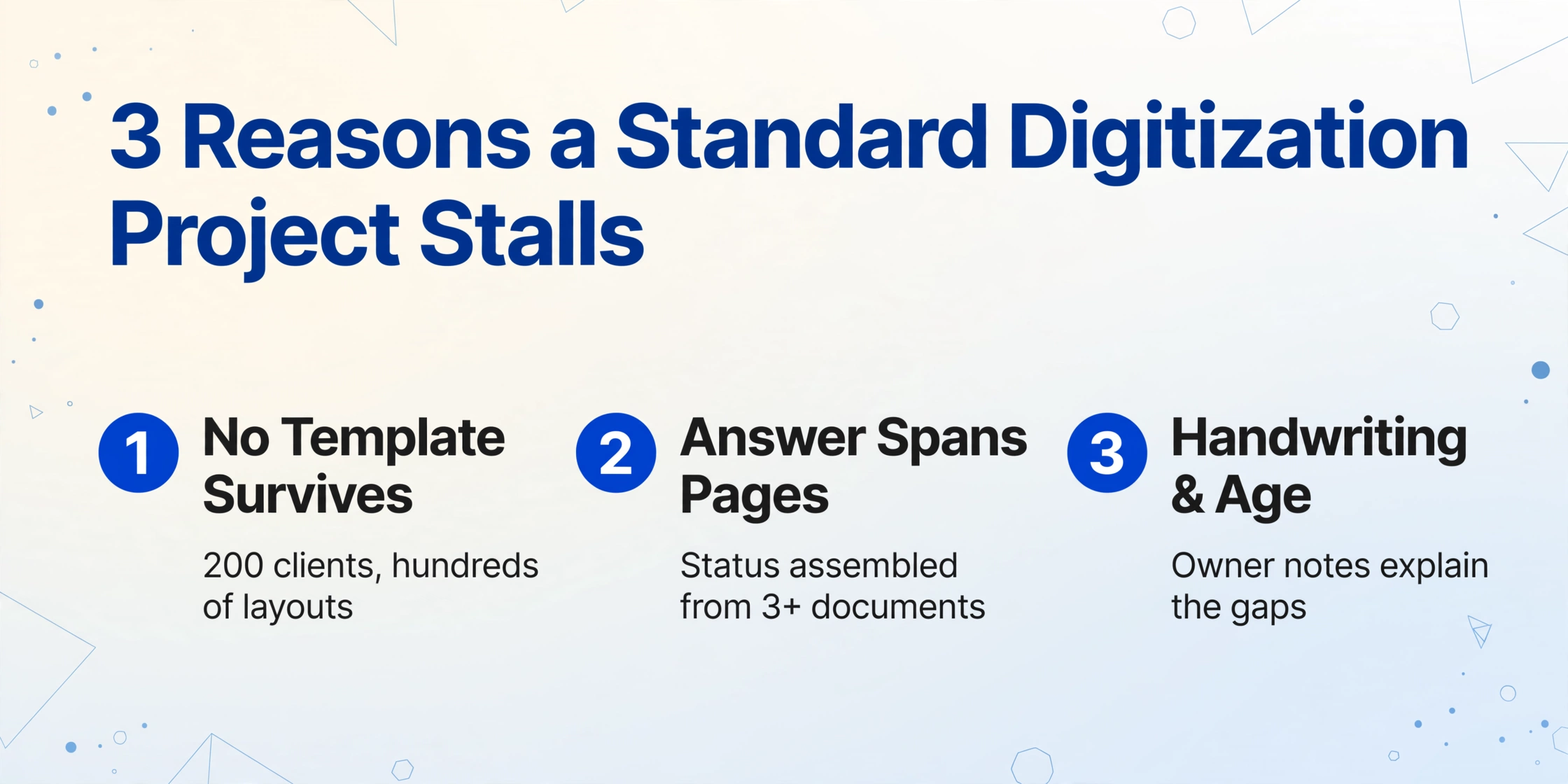
A generic paperless project scans documents, runs them through OCR, and files them by client, year, and type. That produces a searchable PDF library, which is useful and not the same thing as a client roster or an aging schedule. Three features of an acquired archive stop the standard project short.
The archive is organized by client, not by document type. Template-based extraction tools work when you can define a layout once and reuse it, for example a single bank's statement or a single vendor's invoice. A 200-client archive contains hundreds of layouts across banks, payroll providers, and decades of tax software, and no template survives that range. This is the same wall described in the guide to digitizing handwritten paper ledgers, where a column that drifts a few millimeters between pages defeats coordinate matching.
The answer you need is not on any single page. A client's active status is assembled from several documents: the name and entity type from a filed return, the services from an engagement letter, the last contact from correspondence. An open balance comes from a ledger or a statement, and aging needs two values from that source, the charge date and the amount still outstanding. A folder-level scan does not assemble anything across pages.
Handwriting and age slow the reading itself. Retiring sole practitioners keep their own notes, and those notes are the part of the file that explains what happened to a client who has not appeared in the return stack for two years. Faded ink on decades-old paper is a real limit, and corrections written in a margin rather than on a new entry line need a human eye. None of that is a reason to leave the file unread; it is a reason to build the review step into the workflow instead of pretending it away.
The practical constraint underneath all three is volume. You cannot read every page, and you do not need to. You need to read the pages that answer two questions, and let the rest of the archive stay as it is until a client requires it.
Two Extraction Passes That Answer the Two Questions
The method that fits this archive is the one a buyer needs to digitize accounting client files at archive scale rather than one form at a time. It is called Custom Column Extraction: you type the column names you want, such as Client Name, Last Return Filed, or Outstanding Balance, and the AI reads each document and places a value under a column by understanding what that value is, not by matching a fixed position on the page. The column names you enter become the headers of the output spreadsheet. Because it is reading meaning rather than coordinates, one set of column definitions can run across a bank statement, a tax return, and a handwritten note without a template for each.
Layered on top of that, Batch-First Processing lets you upload a whole box or shelf of files at once and merge the results into a single spreadsheet, rather than one file at a time. When a batch needs to hold one client's documents separately, you run one batch per client; when you want the whole archive in one view, you include a Client Name column so each row still carries its owner. For the values you have to calculate rather than copy, Computed Columns let the AI do the arithmetic during extraction, and an inferred column lets the AI assign a category that is not written on the page. Those two column types carry most of the aging pass below.
Files are processed securely and not stored.
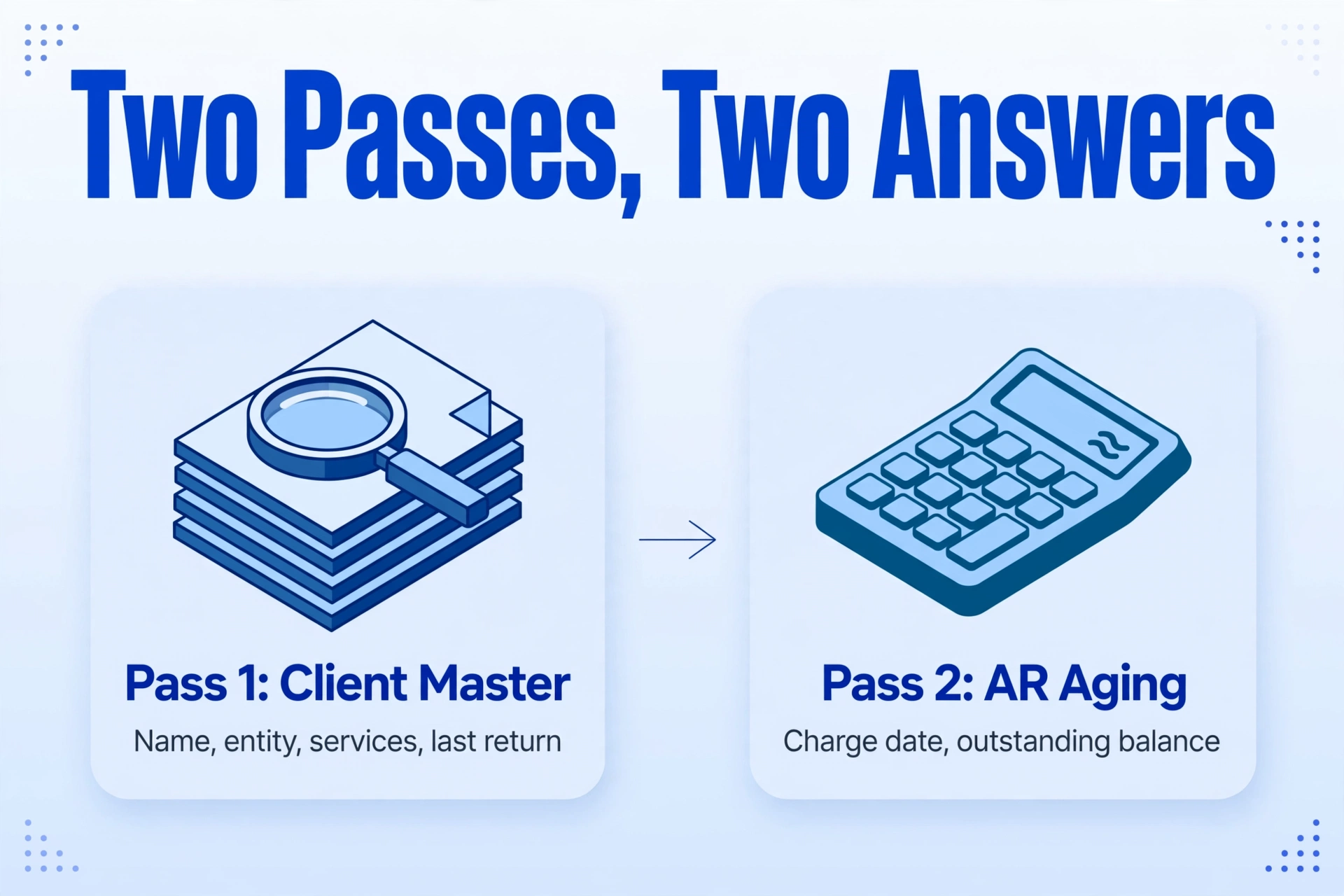
Pass one builds the client master. Define a short column set and run it over the archive in batches: Client Name, Entity Type, Last Return Filed, Services Provided, Engagement Letter Date, Prior-Year Fee, and Primary Contact. The output is one row per client. Sort by Last Return Filed, and the file separates into clients who are current, clients who lapsed a year ago, and clients who stopped appearing years ago but were never formally closed. That sort is the first real look at what you bought, and it comes from the actual files rather than from a list the seller may or may not have kept.
Pass two builds the aging input. Define Client, Invoice or Charge Date, Invoice Amount, Payment Date, and Outstanding Balance, and run it over the ledger pages and statements in the same archive. Then add a computed column, for example Days Outstanding (Today minus Invoice Date), so the AI calculates the age during extraction rather than leaving it for a formula you have to add by hand. Add an inferred column named Aging Bucket with the options Current, 31-60, 61-90, and 90+, and the AI assigns each row to a bucket by reading the date it just extracted. The result is a transaction-level sheet with the four fields an AR aging analysis needs, and the pivot that turns it into a per-client grid is a few minutes of spreadsheet work, covered step by step in the guide to running AR aging from scanned ledger pages.
Two benchmarks make the aging sheet actionable rather than decorative. Accounting firms generally target a days sales outstanding under 45 days, and treat a 90-plus day bucket above 15% of total receivables as a signal that collections, not a handful of slow payers, are the problem; above 20% it should trigger a partner-level review of those balances (AccountingTek BI). Applied to an acquired book, that turns the aging sheet into a screening tool: a client whose balance appears entirely in the 90-plus column is a collection conversation, and a client who appears repeatedly in the 61-90 column across the file is a payment-terms conversation.
The values that decide whether a customer can actually be billed are usually the handwritten ones, so the review step matters. After extraction, each cell can be traced back to the spot on the original page it came from, so verifying a balance or a date is a click rather than a re-read of the file. For a batch of two hundred clients, that means spot-checking the rows where the money is largest instead of re-reading everything.
What the Extracted Data Cannot Decide
The roster and the aging sheet tell you who the clients are and what they owe. They do not tell you what the practice is worth. Whether a client is worth retaining, how the book should be valued, and what multiple to pay are business-valuation questions that sit outside the files. Extraction gives those questions better inputs; it does not answer them, and no extraction tool should be used as if it did.
The compliance work also stays with people. The seller's 90-day consent notice, the client's right to have records returned, and the successor's duty to confirm the predecessor complied are professional obligations that run on their own timeline. A cleaner spreadsheet does not shorten any of them, and it does not resolve the case of a client who objects to the transfer. Return that client's records and move on.
The extracted output is not the record. If you rely on the images as your official tax records, Rev. Proc. 97-22 requires the six system conditions above, and Publication 583 sets how long they must remain retrievable. Retention policy is the reason to keep the originals until the schedule says otherwise, and a scanned copy that cannot be reproduced legibly does not satisfy the rule that lets the original go. Degraded pages and margin corrections are the same category of limit: they need a person who can see the original.
Finally, the systems of record do not move. QuickBooks Online and Xero run the books, and Lacerte, Drake, and UltraTax CS run the returns. SmartVault and TaxDome hold client files. Extraction sits before all of them, producing the clean, structured input that these tools expect, which is the same position it holds in the broader accountant tool landscape. What changes is that the input no longer has to be typed.
Retiring CPA Paper Files: Frequently Asked Questions
Can it read the handwritten ledgers and notes in an old client file?
Yes, within limits. The vision model reads handwriting alongside printed text, so a hand-kept ledger or a set of running notes extracts into the same column structure as a printed statement. For dense handwriting and complex layouts, a higher processing tier uses a stronger model and is the right choice. Where ink has flaked off the page or a correction was written in a margin, expect gaps that need a person to resolve against the original. The honest rule is to extract the whole archive and review the handful of pages the extraction flags or the money concentrates in.
Do I have to process all 200 clients in one batch?
No, and for client separation you often should not. Running one batch per client keeps each client's rows together and produces one spreadsheet per client, which is the same discipline described for multi-client accounting intake. If your goal is a single archive-wide roster, include a Client Name column and process a whole shelf in one batch instead; each row still records which client it belongs to.
What happens if a client refuses the transfer?
Under AICPA §1.400.205 the seller asks for written consent and may treat a non-response after at least 90 days as consent unless state law prohibits that. A client who actively objects is a different matter: their records should be returned to them rather than moved, and the successor firm should confirm the seller handled that correctly. The files you keep are the ones the consent process allows you to keep.
Can this replace the AR aging report my accounting software produces?
It is not accounting software, and it does not produce the report itself. What it produces is the transaction-level data an aging report is built from, which is exactly what a paper practice is missing. If a client's records are already in QuickBooks Online or Xero, run the report there. If the records are a printed ledger and a stack of statements, extraction is how the same data reaches a spreadsheet where the aging buckets can be calculated. This is the same workflow covered in turning a batch of client documents into a spreadsheet for tax work.
What should I do with the original paper after digitizing?
Keep it until your retention schedule allows disposal. Revenue Procedure 97-22 only lets digital images stand in for the originals when the storage system meets its six conditions, and Publication 583 sets the retention period for each class of record, generally three years, six for substantial understatement, and four for employment tax records. Shredding on the day the scan finishes is a compliance risk, not a time saver. Check the retention schedule first, then dispose of what it permits.
The reason to digitize an acquired practice is narrower, and more useful, than the word suggests. You are not scanning for storage. You are reading a client list that only exists as paper, so that the first decisions you make as the new owner, which clients to serve and which balances to chase, rest on the actual files rather than on the seller's memory of them. Start with one box, build the client master, then build the aging input from the same files.