AI Data Entry for Accountants
What CPA Firms Need to Know
Accountants don't have a data entry problem. They have a format diversity problem. A 25-client bookkeeping practice receives bank statements in 18 different layouts, invoices from 60 different vendors, and W-2s and 1099s that arrive as PDFs, scans, and smartphone photos. The bottleneck isn't typing speed — it's that every document needs different handling before you can extract a single number from it.
Key Takeaways
- Accountants don't have a data entry problem — 30 clients means 30 different document layouts and template tools break the moment any client changes banks or payroll providers.
- Template tools swap data entry hours for template maintenance hours — and every minute spent chasing clients for missing documents is unbillable time no amount of staffing can recover.
- ImageToTable.ai reads documents the way a trained bookkeeper reads them — by understanding what each field means, not by memorizing where it sits on the page.
The Document Mix That Makes Accounting Different
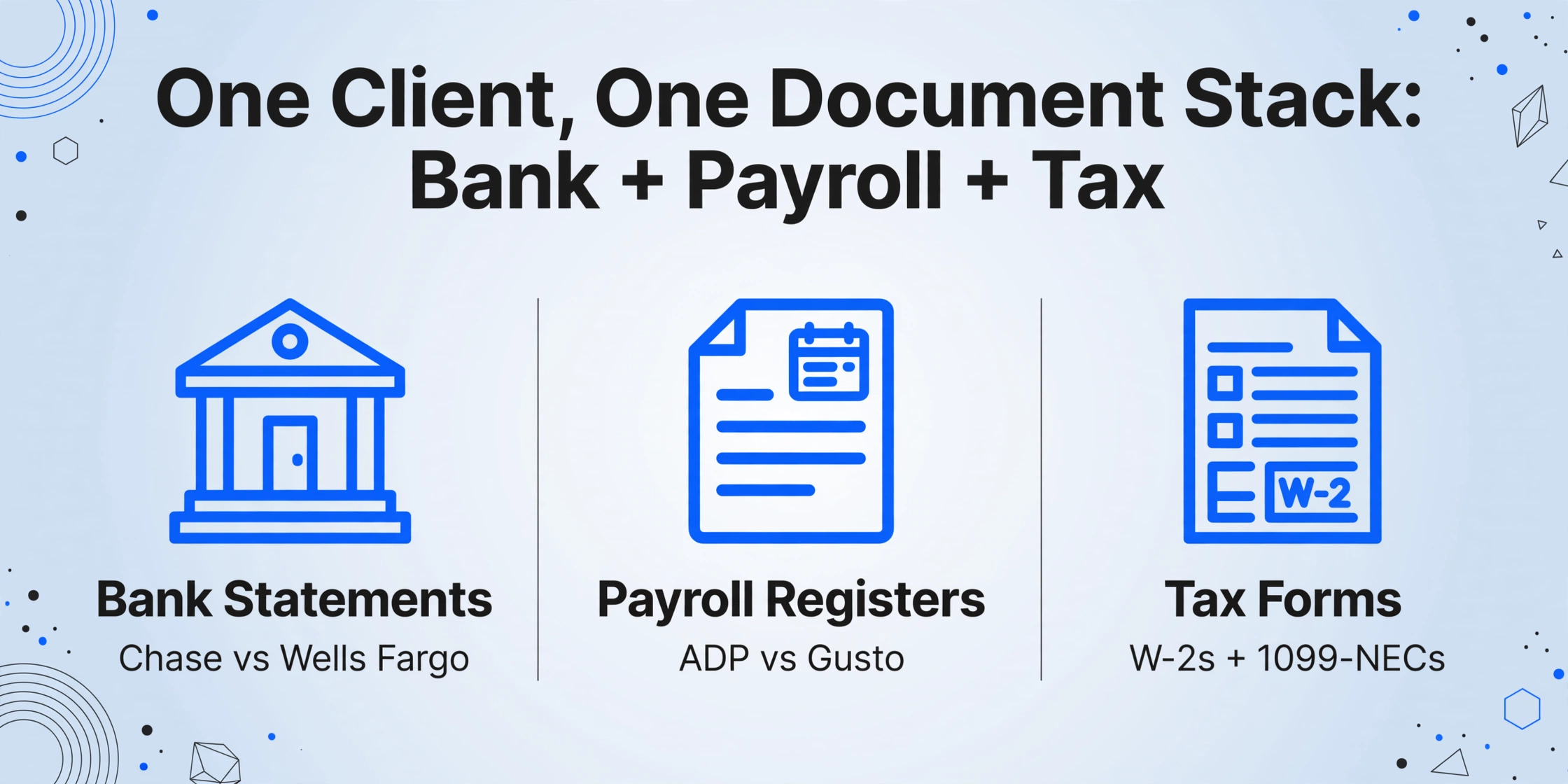
Most guides to AI data entry talk about invoices and receipts as if every business processes the same documents. Accounting firms don't. A single client engagement can involve bank statements from two checking accounts and a credit card, a dozen vendor invoices, a payroll register from ADP or Gusto, W-2s for every employee, 1099-NEC forms for contractors, prior-year tax returns, and a folder of expense receipts — many of which were photographed with a phone on a restaurant table.
Across a firm with 30 clients, that same document stack multiplies. Client A's Chase statements use one column layout. Client B's Wells Fargo PDF has a different date format and splits debits and credits into separate columns. Client C handed you paper statements you had to scan yourself. The result isn't just volume — it's format entropy. Each new client adds a new layout variant, and template-based extraction tools treat each variant as a new problem to configure.
This is what makes accounting-specific document extraction different from general-purpose invoice processing. A logistics company might receive purchase orders in five formats from a dozen suppliers. An accounting firm receives every document its clients produce — across every bank, every payroll provider, every point-of-sale system, every invoicing tool — and none of them were designed to be machine-read by a third party.
Why Generic OCR Fails Accountants
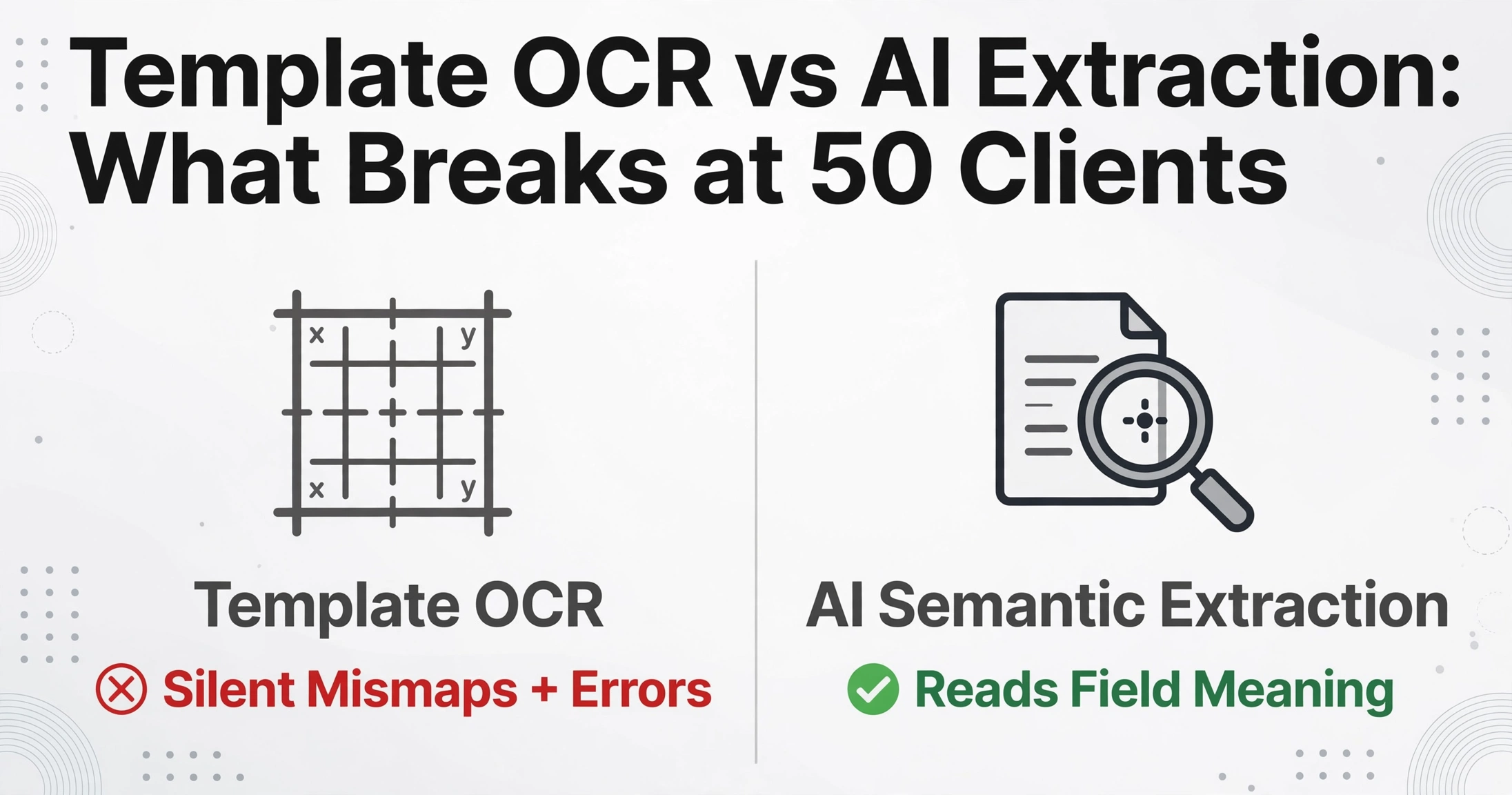
Traditional OCR tools — the kind built into scanner software and bundled with document management systems — read characters on a page. They don't understand what those characters mean. An OCR engine can tell you a page contains the numbers "12,450.00," but it can't tell you whether that's the invoice total, the tax amount, or a line item subtotal. It sees pixels, not context.
Template-based extraction tools take OCR one step further: you define coordinate zones on a document — "the invoice number is always at (2.5cm from top, 4cm from left)" — and the tool extracts whatever text falls in that rectangle. This works for a business processing its own purchase orders from three suppliers. It breaks for an accounting firm with 50 clients.
When a client switches banks, changes payroll providers, or starts receiving invoices from a new vendor, a template tool either silently maps wrong data to the wrong fields or throws errors that a staff member has to troubleshoot. Multiply that fragility across 50 clients and you've replaced a data entry problem with a template maintenance problem — one that eats the same number of hours you were trying to save.
The alternative is AI-powered extraction that reads documents by understanding field semantics rather than memorizing coordinates. Instead of defining where a field appears on a page, you tell the tool what you're looking for — "Ending Balance," "Employer EIN," "Invoice Number" — and the AI locates it by understanding what the label means and how the document is structured around it. This approach was impractical five years ago. Vision language models, the same class of AI behind recent advances in image understanding, have changed that. A well-designed extraction tool built on these models processes a bank statement from any institution without knowing in advance whether the columns are labeled "Debit/Credit" or "Withdrawal/Deposit" — because it reads the structure the way a trained bookkeeper would, not the way a ruler measures inches.
What to Evaluate: An Accountant's Buying Checklist
If you're a CPA firm or bookkeeping practice evaluating AI extraction tools, the standard comparison criteria — pricing, integrations, page limits — don't tell you what you actually need to know. Here are the questions that matter for an accounting workflow:
Does it keep clients separate without manual file sorting?
Client A's 12 bank statements should land in one batch and Client B's 8 statements in another — without you renaming files or creating folder structures. A tool designed for multi-client work lets you process separate batches per client and export separate spreadsheets. If you have to pre-sort everything into folders, the tool was built for single-entity accounting, not a practice with 30 clients.
Can you save custom column templates per client?
The columns you need for a restaurant client (tips reported, food cost categories) differ from the columns you need for a real estate investor (property address, rental income by unit). A practice-grade tool saves column templates you can load per client, per engagement type, without rebuilding from scratch each time.
Does extraction accuracy hold across all the formats you actually receive?
A tool's benchmark accuracy number — usually quoted as 95–99% — was measured on documents similar to its training data. Test it on your messiest documents: a photographed receipt with a coffee stain, a scanned bank statement from a regional credit union, a W-2 from a small employer using an obscure payroll provider. The accuracy that matters is accuracy on your client documents, not on a clean benchmark dataset.
What does the output look like before it enters your accounting stack?
The best extraction tool is the one whose output requires the least cleanup before import into QuickBooks, Xero, Drake Tax, or UltraTax CS. Look for tools that output clean Excel files with consistent column naming and no embedded formatting artifacts — and that let you define the column names and data format rules yourself rather than accepting whatever the AI decides.
Does the tool handle the documents your clients actually send — not just the clean ones?
Clients don't send searchable PDFs. They send photos taken in bad lighting, multi-page PDFs with mixed orientation, scanned documents at slight angles, and screenshots from banking apps. A tool that only works with clean, text-searchable PDFs will handle maybe 60% of what actually lands in your inbox.
The Document Intake Problem Costs More Than the Data Entry Problem
Before you can extract data from a document, you have to get the document. In an accounting practice, this is often the hardest part.
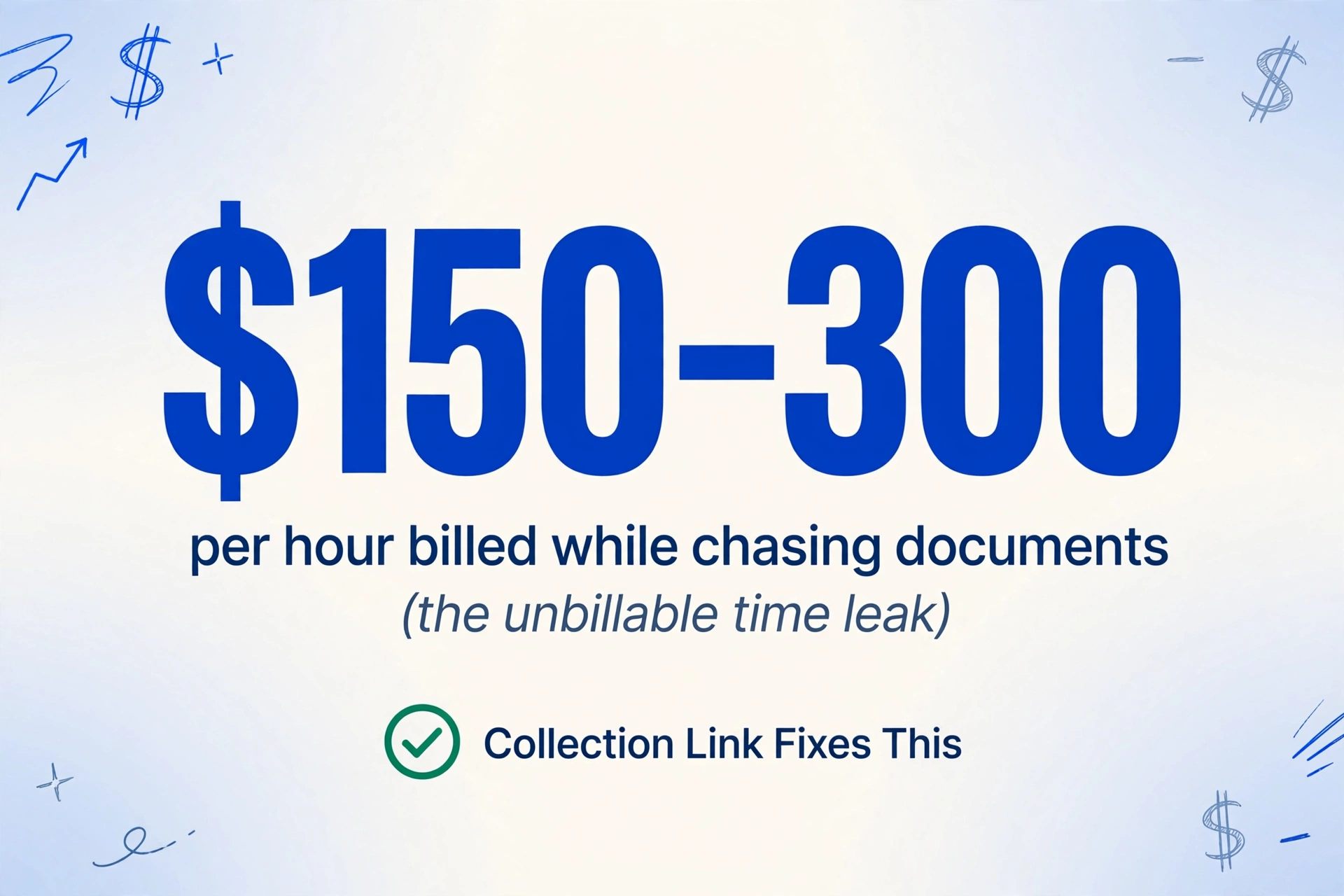
A Reddit thread on r/automation captured the experience exactly: "I automated the dumb part of bookkeeping — chasing receipt PDFs." Every accountant knows this workflow: email the client asking for December bank statements, wait three days, get a reply with a missing attachment, ask again, receive a zip file with 15 photos named "IMG_4827.jpg," spend 20 minutes sorting and renaming. At a firm billing $150–300/hour, chasing documents isn't just frustrating — it's unbillable time leaking through a hole you can't plug with more staff.
This is where a Collection Link changes the equation for accountants specifically. Instead of asking clients to email files, you generate a shareable link — one per client, or one per engagement — and send it to them. The client opens the link on their phone or computer, enters a short verification code, and uploads their documents directly. The files appear in your processing queue, organized and ready for extraction. No registration required on the client side. No email attachments to hunt down. No "can you re-send that PDF?" follow-ups.
For a firm onboarding a new tax client, this transforms the document collection step from a multi-email back-and-forth spread over two weeks into a single link sent once. For monthly bookkeeping clients, it turns "please send your bank statements" from a recurring chore into a standing link they can reuse each month. The time saved here — before any AI extraction runs — can be as significant as the extraction time itself.
Files are processed securely and not stored.
Regulatory Reality Check: What the IRS and AICPA Require
A lawyer evaluating AI for contract review asks about privilege. An accountant evaluating AI for client document processing should ask about regulatory exposure — and surprisingly few tool comparison guides address this.
Three frameworks matter for any CPA firm handling client financial data through a third-party tool:
IRC §7216 — Criminal penalties for unauthorized disclosure. Section 7216 of the Internal Revenue Code makes it a criminal misdemeanor for a tax preparer to knowingly or recklessly disclose client tax information to a third party without written consent. Penalty: up to $1,000 fine and/or one year imprisonment. Any AI extraction tool that processes client tax documents — W-2s, 1099s, prior-year returns — is handling information protected by §7216. The tool's data handling practices aren't just a privacy preference; they're a compliance obligation.
Treasury Circular 230, Section 10.28 — Returning client records. When a client requests their records, a practitioner must promptly return all "records of the client" necessary for federal tax compliance. If your AI extraction tool stores processed documents in a proprietary cloud format that can't be easily exported back to the client, you have a compliance gap — not a hypothetical one, but one that surfaces the first time a client leaves for another firm and requests their documents.
WISP — Written Information Security Plan. The IRS requires every tax preparation firm to maintain a Written Information Security Plan documenting how client data is protected. If you introduce an AI tool into your document processing workflow, your WISP should address where processed documents are stored, whether they're encrypted in transit and at rest, how long they're retained, and when they're deleted. The IRS's Publication 4557 provides a framework for evaluating these safeguards. A tool that deletes files immediately after processing eliminates a retention concern that a tool archiving documents indefinitely does not.
Also relevant: Revenue Procedure 97-22 governs electronic storage systems used for tax records. If you maintain digital copies of client documents processed through an extraction tool — which you almost certainly will — the storage system must meet the requirements of this Rev Proc, including indexing, retrieval, and controls against unauthorized alteration.
None of this means AI extraction tools are incompatible with regulatory obligations. It means these obligations should be part of your evaluation criteria — alongside price, accuracy, and integrations — because the cheapest compliance fix is picking a tool whose data handling defaults match your obligations, not one you have to retrofit controls around afterward.
How AI Extraction Fits Into Your Existing Stack
One of the common mistakes in evaluating AI tools is assuming they need to replace something. In accounting, the core platforms aren't going anywhere. QuickBooks Online remains the dominant SMB accounting platform. Drake Tax, UltraTax CS, and Lacerte handle tax preparation. Bill.com and Melio manage AP. SmartVault and Canopy store documents.
AI extraction doesn't replace any of these. It sits before them — at the point where unstructured client documents enter your workflow and need to become structured data your existing tools can use. The output of a well-designed extraction tool is a clean Excel file or CSV that imports into your accounting or tax software without reformatting. If your focus is specifically the W-2 processing pipeline, our tax software import vs AI comparison for W-2s covers the volume thresholds and cost math for that decision in depth. The workflow becomes:
Client Uploads
(Collection Link)
AI Extracts
to Excel
Review & Import
to QBO / Drake / Xero
The key word in that flow is "review." AI extraction saves the data entry — it doesn't eliminate professional judgment. You still review the extracted data, reconcile against expectations, and apply your knowledge of the client's situation. What changes is that review takes 5 minutes of verification instead of 45 minutes of transcription plus 15 minutes of review. This distinction matters because it's the difference between an AI tool that augments professional judgment and one that attempts to replace it — and accounting is a profession where that line has regulatory weight.
What Automation Actually Returns to an Accounting Firm
ROI calculations for AI tools often use broad numbers that don't survive contact with an actual practice. Here's a framework built from the granular, per-engagement unit economics that accountants track:
A monthly bookkeeping engagement for a small business client typically involves 30–60 minutes of document processing: categorizing transactions, entering data from receipts and invoices, reconciling bank statements. Of that, roughly two-thirds is pure data movement — transcribing numbers from one place to another. If AI extraction reduces the transcription portion from 30 minutes to 5 minutes (a conservative estimate against the 18x efficiency gain documented across high-volume document processing), each monthly client saves 25 minutes. Across 25 monthly bookkeeping clients, that's roughly 10 hours per month — 120 hours per year — of staff time recovered.
For tax season, the numbers compound faster. A single tax return might involve 3–6 source documents requiring data entry — W-2s, 1099s, mortgage interest statements, brokerage 1099s, K-1s. At 5 minutes of manual entry per document and 200 returns per season, that's 50+ hours of pure transcription work. AI extraction handles the same documents in seconds each. Even with careful review time — which you should budget, because tax returns don't get "good enough" — the net recovery is substantial.
But the less obvious ROI factor is capacity. A practice with 25 bookkeeping clients that recovers 10 hours per month can take on 3–5 additional monthly clients without hiring. A tax practice that recovers 50 hours per season can complete more returns in the same window or reduce the overtime burn that drives staff turnover. At a firm billing $150–300 per hour, the recovered capacity translates to revenue more directly than cost savings do — because the time you recover is time you can reallocate to billable work, not time you can cut from a budget line.
The cost of AI extraction tools matters in this calculation, but it's not the dominant variable. At $9–59/month for a tool that handles 150–2,000 pages, even the highest plan costs less than two billable hours of recovered time. The ROI threshold is crossed the first month you use it. The real question isn't whether the tool pays for itself — it's whether it works reliably enough across your actual client documents that you trust it in production. That's why the evaluation criteria in this guide are about document variety handling, regulatory fit, and workflow integration — not just accuracy benchmarks on clean data.
For solo practitioners and smaller bookkeeping practices working with tighter budgets, affordable extraction options exist that don't compromise on the core capability — AI semantic extraction without templates — while forgoing the enterprise workflow features a solo practice doesn't need.
Getting Started Without Disrupting Tax Season
The worst time to introduce a new tool into an accounting workflow is during tax season. The second-worst time is during month-end close. The right time is during a slow period with a single client type as a pilot.
Pick one document type for one client — for example, bank statements for a monthly bookkeeping client with a single checking account. Run one month's statements through the extraction tool, compare the output against manual entry, and measure the actual time saved including review. If the tool handles that client's specific bank format correctly and the output imports cleanly into your accounting platform, expand to two more clients. If it struggles — format mismatches, field errors, cleanup time that eats the transcription savings — you've identified a limitation before it affected a live engagement.
This phased approach also gives you time to address the regulatory considerations. Before processing real client data through any AI tool, verify: Does the tool delete files after processing or retain them? Are files encrypted in transit (HTTPS) and at rest? Can you export your data in a standard format if you need to switch tools? Document the answers in your WISP. If the tool meets these criteria, you've added an efficiency layer without creating a compliance gap.
Frequently Asked Questions
Can AI extraction tools handle W-2s and 1099s from different employers?
Yes, with the right tool. Unlike traditional OCR that relies on matching exact form layouts, AI-powered semantic extraction identifies fields by what they mean — "Employer EIN" is "Employer EIN" whether it appears in Box b of a 2025 W-2 from ADP or in a different position on a W-2 generated by a regional payroll provider. The tool must be built on a visual model that understands document structure rather than template coordinates. Test it on W-2s from at least three different payroll providers before committing — some tools trained primarily on invoices handle tax forms poorly.
Is client financial data safe with cloud-based AI extraction tools?
This depends on the specific tool, and your evaluation should be specific, not generic. Look for: HTTPS encryption for all data transmission, encryption at rest for stored files, clear data retention policies (immediate deletion after processing is better than indefinite archiving), SOC 2 compliance or equivalent audit certification, and data centers in jurisdictions with adequate privacy protections. Under IRC §7216, you remain responsible for client data even when a third-party tool processes it — so the tool's security posture becomes your security posture. Verify, don't assume.
Do I need a different extraction setup for each client's bank statement format?
Not with AI semantic extraction. You define the columns once — "Date," "Description," "Debit," "Credit," "Balance" — and the AI maps the right data to each column regardless of whether the statement labels those columns "Withdrawal/Deposit," "Money Out/Money In," or uses different date formats. This is the core advantage of AI over template-based OCR for multi-client accounting: one column definition works across 50 different bank statement layouts because the AI understands what each column represents rather than where it appears on the page.
Will AI extraction work with QuickBooks, Xero, or Drake Tax?
AI extraction tools typically don't integrate directly into accounting software — they output structured data (Excel, CSV) that you import. This is actually an advantage for multi-platform firms: the same tool can feed data into QuickBooks for one client and Xero for another, because the output format is universal. The thing to verify is that the tool's output — column naming, date formatting, number formatting — is clean enough to import without reformatting. Test one export against your import workflow before scaling.
What's the difference between a $9/month extraction tool and a $500/month one?
At the extraction quality level, not as much as the price gap suggests. Both tiers use AI models that understand document structure semantically. The $491 difference typically buys you: approval workflows (manager reviews extraction before posting), direct ERP integrations (auto-posting to SAP or NetSuite without a CSV step), SLA-backed uptime guarantees, and dedicated support. An accounting firm with 5–30 clients and a staff that reviews extractions in Excel before importing into QuickBooks doesn't need most of those features — and shouldn't pay for them. For a detailed breakdown across price tiers, see the 2026 pricing landscape.
What happens when a client sends a multi-page PDF with mixed document types?
Some AI extraction tools handle multi-page documents naturally — they read all pages and extract fields wherever they appear. Others process page-by-page and may require you to split multi-page PDFs first. For accounting specifically, this matters because clients routinely send single PDF files containing a month's worth of bank statements, or a zip file with bank statements, invoices, and receipts mixed together. Verify the tool's multi-page behavior during your pilot: upload a 10-page bank statement PDF and confirm all pages are processed and all transactions extracted before committing.
How long should I keep extracted data for IRS compliance?
The IRS statute of limitations for assessing tax is generally three years from the filing date, extended to six years for substantial understatements of income (over 25%), and indefinitely for fraud or unfiled returns. As a practical matter, retain extracted client data for at least seven years — this covers the most common audit scenarios plus a buffer. The AICPA recommends retaining tax records and supporting documents for at least six years. Digital records must meet Revenue Procedure 97-22 standards for electronic storage systems, including indexing, retrieval capability, and controls against unauthorized alteration. Your document retention policy for AI-extracted exports should match the same policy you apply to manually entered client data.
The question isn't whether AI can extract data from client documents in 2026. That's been answered — the technology works, and it's improving with each generation of vision models. The question for an accounting firm is narrower: can a tool handle your specific document mix, across your specific client base, within your specific regulatory obligations — and can you verify that before you commit? The answer to that question comes from a pilot, not a pricing page. Try it with one client's bank statements. If the output lands in QuickBooks without reformatting and your review time drops from an hour to ten minutes, the math takes care of itself from there.