AI Document Extraction Pricing in 2026
True Per-Document Cost
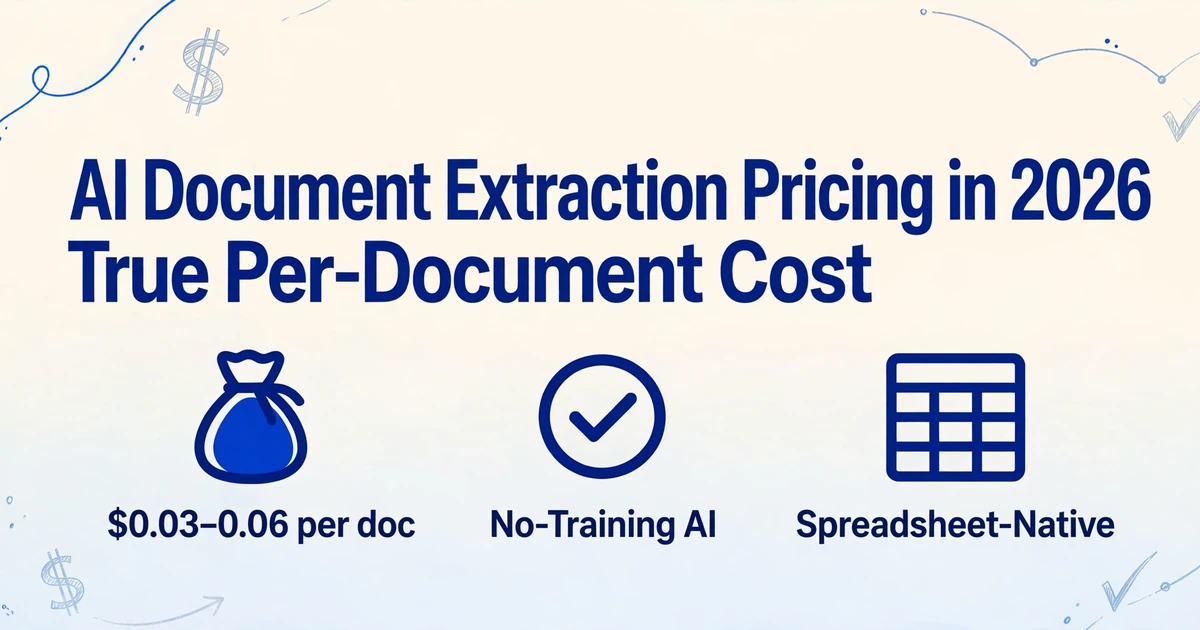
The intelligent document processing market hit $10.6 billion in 2025 and is projected to reach $91 billion by 2034 — a 26% annual growth rate that suggests document extraction is becoming table stakes, not a luxury. But if you've shopped for an extraction tool recently, the pricing tells a different story: one tier starts at $9/month and another starts at $1,500/month. The gap between them is where most actual buyers live. Here's what each price tier actually delivers — in dollars per document, not marketing copy.
Key Takeaways
- A $9/month extraction plan and a $1,500/month plan read the same invoice with the same class of AI — the $1,491 gap funds an enterprise sales pipeline, not better extraction.
- At 500 documents a month, budget-tier AI extraction costs $0.04 per document while Rossum's enterprise plan costs $3.00 — the extraction quality difference is marginal but the per-document cost gap is 75x.
- A pricing page with visible numbers is your fastest signal that the tool was built for self-serve buyers — every 'Contact Sales' button filters out anyone not processing at enterprise scale.
The $500 Wall: Why Document Extraction Pricing Looks Broken
A small business processes roughly 300 pages of documents per month — a mix of invoices from 20 suppliers, 50 receipts, and a handful of bank statements. A mid-size accounting firm might handle 2,000 pages. Neither of these profiles generates enough volume to interest an enterprise sales team. But the tool that would actually solve their problem — AI-powered extraction that reads documents by meaning, not template coordinates — lives almost entirely in the enterprise pricing tier.
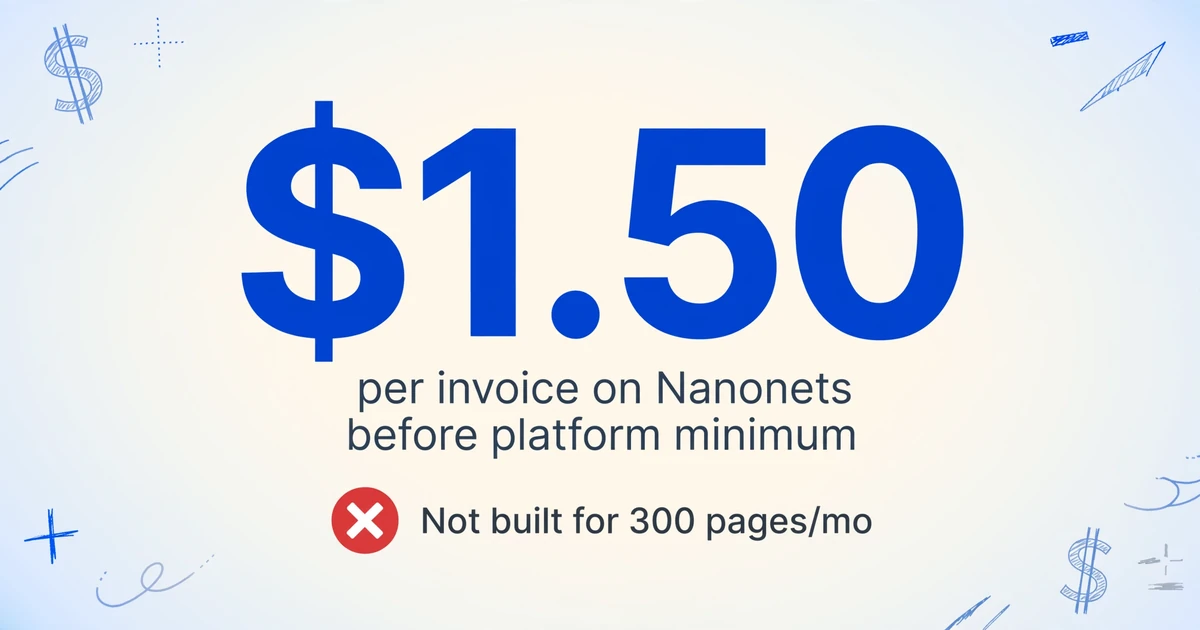
Rossum's starter plan begins at $18,000 per year. Veryfi's minimum commitment is $500 per month. Nanonets charges per "block run" with AI blocks at $0.30 each — a typical invoice workflow consumes 4 to 6 blocks, translating to roughly $1.50 per invoice before you account for the platform minimum. These are tools built for organizations processing tens of thousands of documents monthly. For a bookkeeper handling 200 client invoices per month, every conversation with these vendors starts in the wrong ZIP code.
The pricing discontinuity has a real consequence: it convinces people that automated extraction is not for them. A Reddit user on r/googlecloud posted their shock after 26 Google Document AI requests generated a $38 bill. Another on r/automation reported $2,000/day in Azure OCR costs. These aren't complaints about the technology failing — they're about the pricing model failing people who don't have enterprise volume or enterprise budget.
But the market has a bottom half that most pricing pages don't show you. The tools that make extraction affordable exist — you just have to know where the tiers actually split and what each one delivers. That starts with understanding the landscape, not the sticker prices.
A Four-Tier Pricing Map: What You Get at Every Level
This article is the market map — the broadest view. If you want a tool-by-tool comparison at specific volumes instead, see our 10-tool pricing breakdown at 100/500/1,000/5,000 pages, and for the 1-10 person team angle specifically, the small-team pricing guide models flat-rate vs per-seat costs. The map below orients you; those articles give you the per-tool numbers.
Document extraction tools don't compete in a straight line from cheap to expensive. They cluster into four pricing bands, and the jump between bands isn't just about cost — it's about who the product is designed for and what trade-offs you're accepting.
| Tier | Monthly Cost | Who It's For | What You Get | What You Give Up |
|---|---|---|---|---|
| Free / Template | $0–39 | Individuals, hobby projects | Basic OCR text output, template-based parsing. Docparser $39/mo for 100 documents, Airparser $39/mo for GPT-based extraction, Parseur free tier 20 pages. | Templates break on layout changes; no semantic field understanding; limited document variety support |
| AI Budget | $9–99 | Freelancers, small teams, bookkeepers | Vision AI extraction — understands fields by meaning, works across any layout without templates. ImageToTable.ai $9/mo (150 images), Parseur from $39/mo. | Fewer workflow automation features; no dedicated enterprise support |
| AI Mid-Market | $100–499 | Mid-size businesses, growing AP teams | Advanced workflows, approval routing, ERP integrations. Affinda from $299/mo, Nanonets from $499/mo. | Still per-user or per-document limits; some features locked behind add-ons |
| AI Enterprise | $500+ | Large enterprises, high-volume AP/AR | Full IDP suite, custom model training, SLA-backed support. Rossum from $1,500/mo, Veryfi $500/mo minimum, ABBYY and Hyperscience at custom pricing. | Long contracts, implementation timelines, vendor lock-in risk |
The gap between the Free/Template tier and AI Budget tier is the most important distinction on this map — and it's the one most pricing pages obscure. Template tools (Docparser, Airparser) charge $39/month and require you to define parsing rules per document layout. When a supplier changes their invoice format, the template silently produces wrong data — there's no error, just incorrect field mapping. AI extraction tools (ImageToTable.ai, Parseur's AI engine) read documents by understanding what each field means, so "Invoice No." and "INV#" map to the same column without a rule change. That semantic gap — not the $30 price difference — is the real reason you choose one tier over the other.
Similarly, the boundary between AI Budget and AI Mid-Market is about workflow, not accuracy. A $9/month ImageToTable.ai plan and a $499/month Nanonets plan both use AI models that understand document structure. The $490 difference buys you approval queues, ERP connectors, and SLA-backed support — things a five-person team doesn't need but a 50-person AP department can't operate without.
What "Starting At" Actually Means — and What It Doesn't Include
Enterprise extraction pricing pages are designed around one goal: getting you on a sales call. The "starting at" number is a conversation opener, not a product you can actually buy and use.
Rossum's pricing page shows a "Starter" plan "Starting at $18,000 per year." That's $1,500/month — for a plan whose exact page capacity is hidden behind a "Get A Quote" button. The minimum contract is one year. The free trial processes your first documents, but to see what the product actually costs at your volume, you need to talk to someone.
Nanonets shifted from a visible $499/month Pro tier to a credit-based model, where every step in a workflow — extraction, classification, formatting, export — is a separate "block run" consuming credits. A five-step invoice workflow burning $1.50 per document sounds manageable until you process 500 invoices and realize you've spent $750 on extraction alone — plus whatever the platform fee costs. The pricing page offers "$200 in free credits" but won't show you the cost per credit until you sign up.
Affinda's pricing page lists features across three plans but omits dollar figures for Business and Enterprise entirely. Veryfi advertises $500/month minimum "which buys you <5K docs" — the exact document count depends on the pricing calculator, which requires you to enter your email first. This opacity isn't accidental. Enterprise IDP pricing is complex because enterprise procurement is complex. But for a small business evaluating options, it means you can't compare costs without entering a funnel.
The transparent end of the market works differently. Extraction tools built for self-serve users publish their per-page or per-document rates outright: $9/month for 150 images, $19/month for 500, $0.06/image on pay-as-you-go. You can calculate your monthly cost before creating an account. This transparency is itself a pricing signal — it tells you the product is designed for people who make their own decisions, not for organizations where procurement runs a three-month evaluation.
True Per-Document Cost: The Only Number That Matters
Subscription price is a decoy. The number that determines whether a tool fits your budget is monthly cost ÷ monthly document volume. Here's what that calculation produces at three common SMB usage levels:
| Tool | Monthly Plan | Included Docs/Pages | Per-Doc at 100 | Per-Doc at 500 | Per-Doc at 2,000 |
|---|---|---|---|---|---|
| ImageToTable.ai | $9–59 | 150–2,000 images | $0.06 | $0.04 | $0.03 |
| Docparser | $39–159 | 100–1,000 credits* | $0.39 | $0.32 | $0.08 |
| Parseur | $39–$99+ | Estimated 1,000–3,000 pages** | — | $0.08–0.20 | $0.03–0.10 |
| Nanonets | $499 | Credit-based | — | $1.50*** | $1.50*** |
| Rossum | $1,500 | Custom (1yr contract) | — | $3.00**** | $0.75**** |
* Docparser: 1 credit = 1 document up to 5 pages. ** Parseur prices not publicly listed; estimates from external reviews. *** Nanonets at ~5 blocks × $0.30/block per invoice, excluding platform minimum. **** Rossum per-doc estimate assuming page count scales with plan volume — exact per-doc cost hidden behind sales.
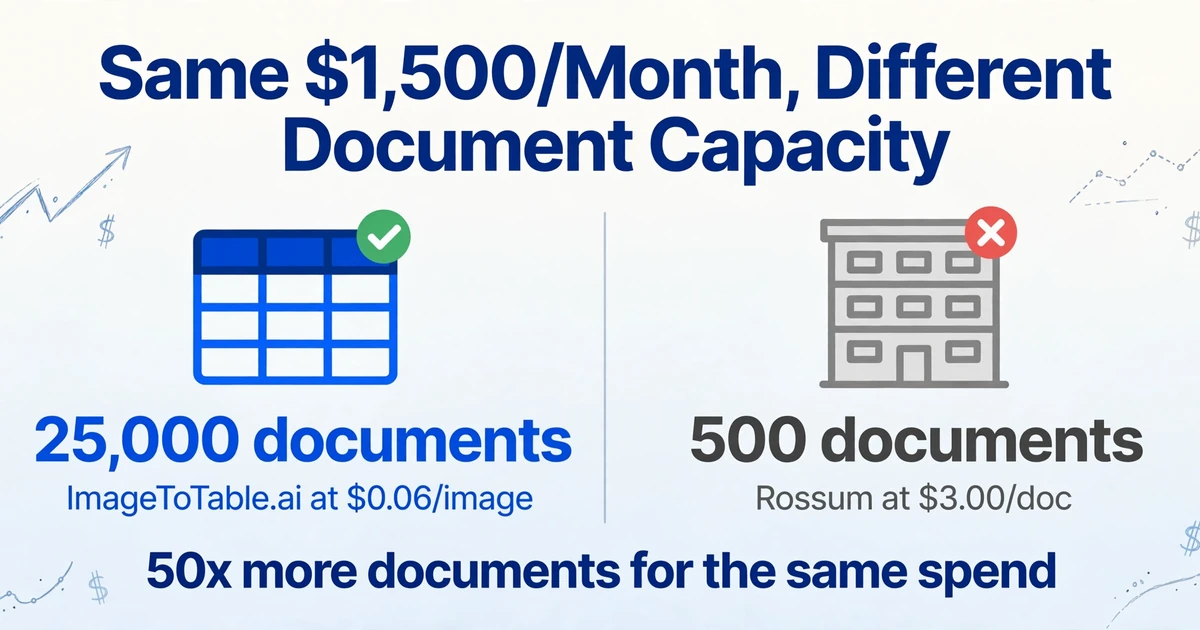
Two patterns jump out. First, tools clustered in the AI Budget tier converge around $0.03–0.06 per document at the 500–2,000 document range — the "real" extraction cost for a small team when you strip away enterprise workflow premiums. Second, enterprise tools don't just cost more per month — their per-document cost is also higher at SMB volumes because the platform minimum eats the unit economics. Rossum at $1,500/month is $3 per document if you process 500 docs. That same $1,500 on ImageToTable.ai's pay-as-you-go rate of $0.06/image would cover 25,000 documents — a 50x volume difference for the same spend.
The implication isn't that enterprise tools are overpriced. Rossum's approval workflows, exception handling queues, and ERP integrations genuinely cost more to build and maintain. The point is that if you don't need those things — if you need to extract 200 invoice fields into a spreadsheet and get on with your day — paying for them is a poor allocation of a small budget.
How to shop for extraction pricing: Start with your actual monthly document count, not aspirational volume. Find the cheapest plan that covers that count. Divide the plan price by your count. If the result is under $0.10/document, the tool is in the budget tier regardless of its marketing position. If it's over $0.50/document, you're paying for features you may not use.
Where ImageToTable.ai Sits: AI Budget Tier With Mid-Tier Capability
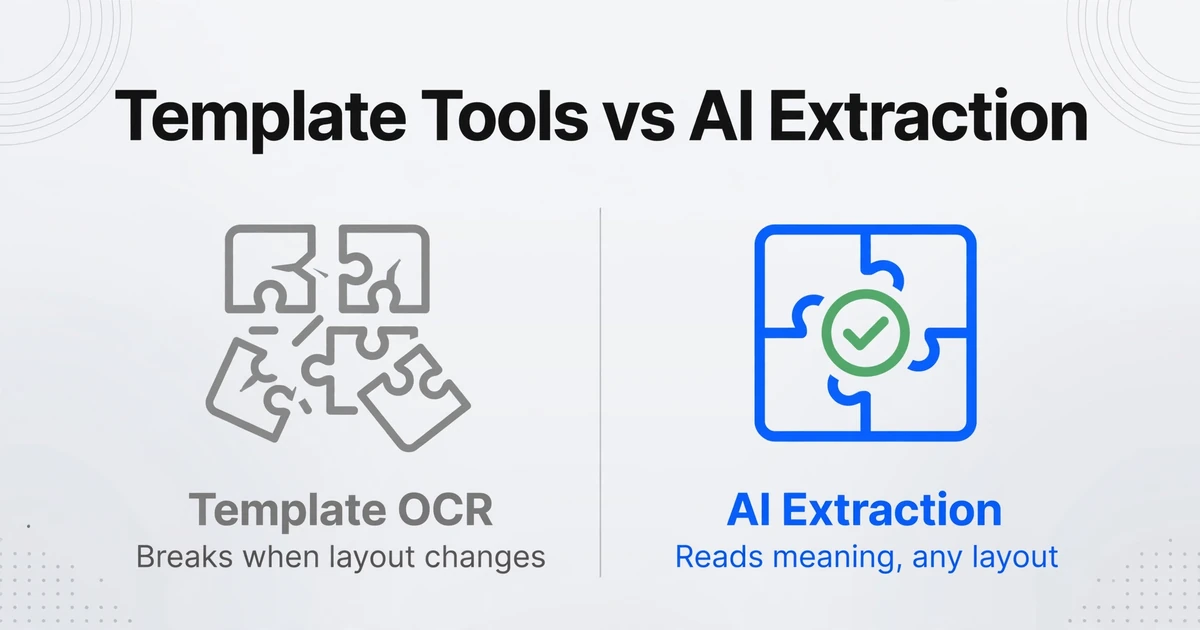
Most budget-tier extraction tools limit you in two ways. Template-based tools (Docparser, Airparser) require you to configure parsing rules per document type — if a vendor changes their layout, extraction silently breaks. Entry-level AI tools (Parseur's AI engine) provide semantic extraction but restrict output formats or batch processing to higher plans.
ImageToTable.ai occupies an unusual position: $9/month starting price (AI budget tier) with feature parity that normally sits in the $100–499 range. The core mechanism — Custom Column Extraction — works by letting you type the field names you want extracted ("Invoice Number," "Due Date," "Line Total") and having the AI locate those values anywhere on the page by understanding what they mean semantically, not by matching a template coordinate. This approach means one set of column definitions works across 50 different supplier invoice formats — an ability that typically requires mid-market tools.
Three capabilities illustrate the pricing mismatch:
- Batch processing — upload 200 invoices, process them together, receive one consolidated Excel file. Most budget tools handle single documents; batch merging is a premium feature. ImageToTable.ai includes it on all plans, including the $9/month Basic tier.
- Computed columns — define calculations that execute during extraction. Write "Line Total (Qty × Unit Price)" as a column name and the AI performs the arithmetic automatically. This is unavailable in Docparser and Airparser at any price point.
- Multi-format input — same column definitions work across PDFs, JPGs, PNGs, WebP, AVIF, and webpage screenshots. Template tools typically limit input to text-searchable PDFs or specific image formats.
The trade-off is real: ImageToTable.ai does not offer approval routing, dual-factor validation queues, or direct ERP connectors. If your workflow requires a manager to review every extraction before posting to SAP, the budget tier is the wrong tier. But for a small team whose workflow is "extract → review once in Excel → import," those missing features are missing costs.
For a deeper look at what accuracy to expect across different tools and document types, the accuracy comparison guide breaks down how budget-tier AI models perform against enterprise IDP engines on the same documents.
Frequently Asked Questions
How much does AI document extraction actually cost?
At the budget tier: $9–99/month, translating to $0.03–0.10 per document depending on volume. At the mid-market tier: $100–499/month. At enterprise tier: $500–1,500+/month, with per-document costs often exceeding $1.50 at lower volumes. The critical variable is your monthly document count — a $59/month plan becomes $0.03/document at 2,000 docs per month.
Why do some document extraction tools cost $1,500/month while others cost $9?
Enterprise tools bundle extraction with workflow automation: approval routing, exception handling queues, ERP integrations, SLA-backed uptime, and dedicated support. These features matter for organizations processing 10,000+ documents monthly across multiple departments. For a team of five handling 300 documents per month, those features are overhead — the extraction capability itself is similar at both price points, because both tiers use AI vision models trained on comparable data.
What's the cheapest AI document extraction tool that doesn't use templates?
ImageToTable.ai starts at $9/month for AI-powered extraction that reads documents by meaning without requiring template configuration. Parseur's AI engine is available on plans starting around $39/month. The key distinction: template-free AI extraction means the tool understands field semantics rather than matching pixel coordinates, so a single setup works across varied document layouts.
Is per-page pricing or per-document pricing better?
Per-page pricing is more predictable for documents of consistent length (1-2 page invoices). Per-document pricing favors multi-page documents (contracts, 5-page bank statements) since you pay once regardless of page count. Docparser uses 1 credit per document up to 5 pages — a single 10-page contract costs 2 credits. ImageToTable.ai charges per image regardless of page count within a single file. If your documents are consistently short, the difference is negligible. If they're longer and variable, per-document pricing is almost always cheaper.
Can I try document extraction before committing to a paid plan?
Most budget-tier tools allow it. ImageToTable.ai offers no-sign-up extraction for testing. Docparser and Parseur provide free trials. Enterprise tools (Rossum, Nanonets) offer trials but require account creation and frequently route you to a sales call. The ability to test without a credit card is a strong indicator that the product is designed for self-serve buyers rather than procurement-driven sales cycles.
What hidden costs should I watch for when comparing extraction tools?
Three recurring ones: Overage charges — some plans have steep per-document fees once you exceed the included volume. Feature gates — batch processing, multi-user access, or data retention beyond 90 days are often add-ons on lower-tier plans. Training/setup fees — enterprise tools may charge separately for implementation and model training, adding thousands to the listed subscription price. Before buying, check whether the features you actually need (batch export, column customization, multi-user access) are included at the listed price or require an upgrade.