Two People Processed the Same File.
The One Next to It Never Got Touched
By the time the team exported the batch, one invoice had been extracted twice, so the spreadsheet carried two rows for the same bill, and the file beside it had never been claimed by anyone. The duplication and the gap did not come from a broken extraction model. They came from two people dividing a shared queue by hand. APQC, the nonprofit benchmarking organization, finds its surveyed knowledge workers spend about 2.0 hours a week on average recreating information and work that already exists in the organization (APQC, 2024). Inside an extraction batch, that recreation has a very specific shape: one document worked twice, another worked never.
Key Takeaways
- Two people processed the same invoice while the file next to it was never opened, and neither of them did anything careless.
- The batch leaks in four places, and none of them is the extraction model: a split agreed in chat, a finish state held in memory, rework re-uploaded as fresh work, and a scope nobody can state.
- Coverage stops being a chat roll call and becomes one read of the batch list, where a file with no finish state is a file nobody has claimed.
Same File, Processed Twice, and a File Nobody Claimed
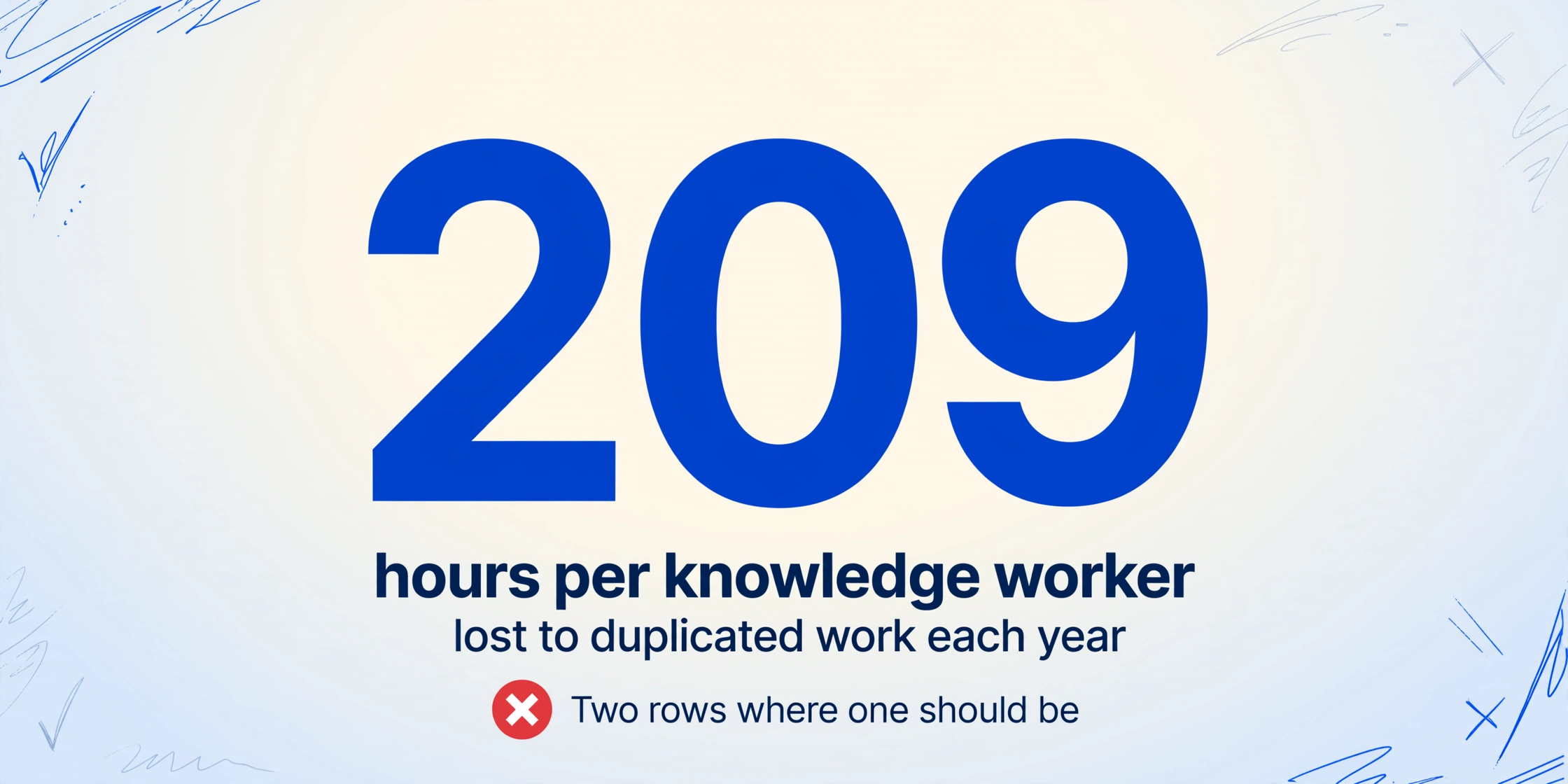
A document batch works correctly when every file is processed exactly once. The failure has two directions. Duplicate work is the high side: two team members each take the same invoice, run it through extraction, and two rows appear in the exported table where one should be. An orphaned file is the low side: one document sits untouched because each person assumed someone else would take it, and it only gets noticed at settlement when the vendor statement does not match.
The people who live with this describe the moment without drama. A developer on r/cscareerquestions wrote about doing work that a teammate had already finished: "Teammate chimes in saying it's already completed" (r/cscareerquestions, 2023). The size of the problem is not hard to find either: Asana's Anatomy of Work research puts the average knowledge worker's annual duplicated-work time at roughly 209 hours, against 103 hours in unnecessary meetings and 352 hours talking about work (Asana Anatomy of Work Index).
A useful way to see this is one where accounting-layer duplicate detection and processing-layer duplicate work are different animals. Catching duplicate invoices at the AP step, matching a vendor bill that entered the system twice, is its own problem with its own safeguards (our guide to duplicate invoice detection). What this article covers is the other layer: the same uploaded file passing through two teammates' hands, or through nobody's hands, before it ever reaches the ledger.
A shared batch is a queue where every file needs exactly one owner and one recorded finish state. Duplicate work and orphaned files are the same disease: the queue has neither.
What the Divided Workflow Should Look Like
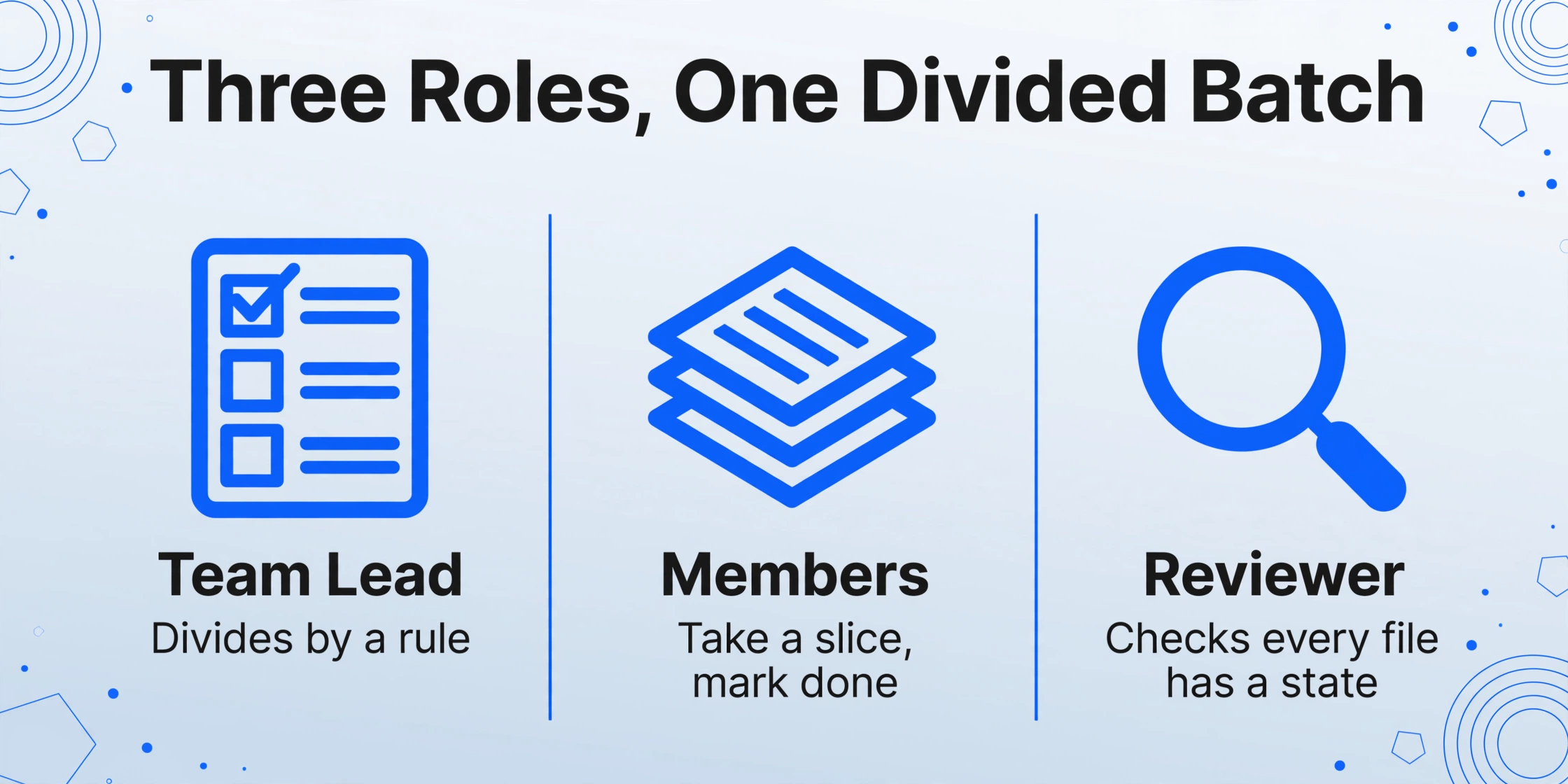
Three roles carry a divided batch, and each has a different relationship to the queue.
| Role | What they actually do | What they hold |
|---|---|---|
| Team lead | Defines the output columns, divides the batch by a documented rule, checks completion before export | The master list of what is in the batch and who was supposed to take what |
| Members | Take a slice, upload each document, review the extracted values, mark work done | Their local "done" pile and the chat thread where progress gets announced |
| Reviewer | Spots files two people touched, finds files nobody touched, verifies before export | A best guess about coverage, formed by asking people rather than querying a list |
The healthy rhythm is not complicated. The lead divides by a rule anyone can restate (first fifty by arrival, or one vendor per person, or one region per member). Members work their slices. The reviewer takes the master list, checks that every single item has a finished state, and only then exports. The mechanics are the easy part.
The hard part is where "done" lives. Right now it usually lives in a chat thread as a series of messages, and in the lead's memory as a running tally. Neither is checkable at 11 p.m. the night before the close. The accounting truth of a divided batch is that the spreadsheet tracker holds the text, the task manager holds the assignments, and the extraction tool holds the documents and their processing state, and none of those three ever talks to the others. An accounts receivable specialist on r/Accounting described the same structure collapsing around them: "I'm at my breaking point" (r/Accounting, 2025).
The full how-to for building this structure cleanly lives in our separate walkthrough on splitting a document batch across a team. That article covers the build. This one is about where a reasonable build still leaks: the four places a divided batch breaks even when everyone means well.
Four Places the Division Breaks
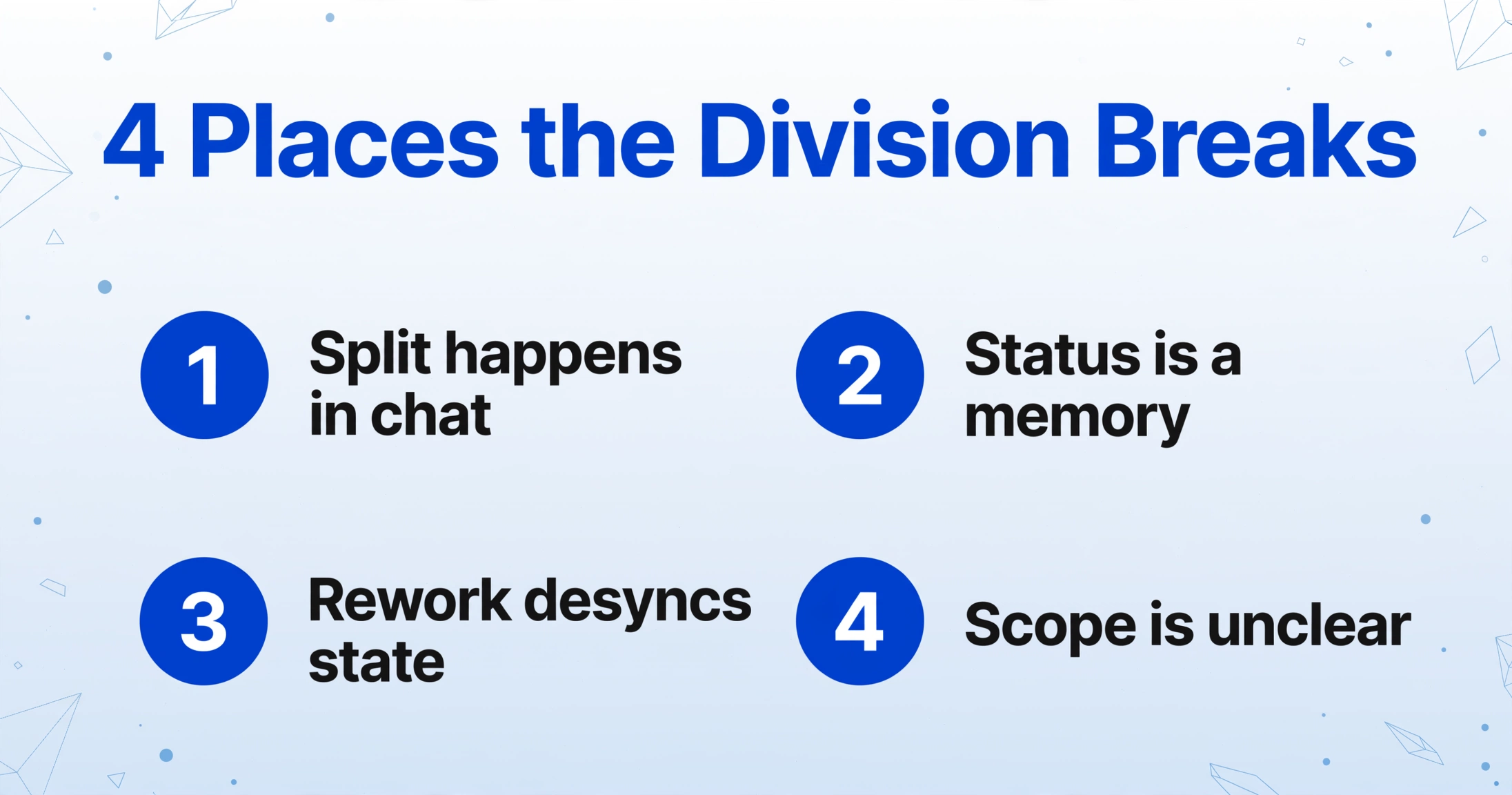
None of these failures need bad intentions or a broken tool. They are structural, and each one maps to a specific operation the team performs by hand.
Notice what all four have in common: they are coordination failures, not extraction failures. A faster or smarter model does not touch any of them, because the bottleneck is not the reading of documents, it is the tracking of who owns which document. The fix has to change the structure of the queue, not the quality of the OCR.
The Team Settings That Match Each Broken Step
The product-side answer is the Team workspace: a shared account structure in ImageToTable.ai where one team plan covers a set of members with a configured member limit, members join with a code the owner shares, and everyone's processing draws from one shared credit pool. It is a single workspace, not a stack of personal accounts. Three of its settings line up against three of the four broken steps above.
One shared account instead of personal logins answers the membership-scope break. When all members work the same batches under the same team account, "who is allowed to touch what" stops being a judgment call based on whose login owns the file. Nobody needs to route a file through their personal quota, and nobody re-runs finished work out of caution because they cannot tell whose account covers it.
The shared batch view answers the status-as-memory break. In a Team workspace, every member opens the same batch list, and every file in it carries its own processing status, visible to the whole team. That is the WIP visibility Kanban prescribes: each file with a status is an active task everyone can see. The reviewer's coverage question "did anyone get everything?" stops being a chat roll call and becomes a read of the batch list, where a file with no finished state is a file with no owner yet.
A single exported table answers the rework-desync break. Finished work from every member folds into one results table with the same columns, so when a file is reworked and re-exported, the reviewer sees the same document's rows side by side instead of discovering the double at settlement. The output below is the view each member works against: upload the document, define the columns, and the batch tracks every file's state in one place.
Files are processed securely and not stored.
One honest limit on the product side: the tools above make coverage visible, but they do not assign files to people. The division rule, the "you take A to M" decision, still belongs to the team lead, and the reviewer still decides whether a finished row is good enough to ship. That is the correct division of responsibility, and it is worth being precise about (if you are new to running a whole batch through extraction at all, the batch document to Excel walkthrough starts one level earlier).
What a Shared Batch Still Does Not Fix
The boundary of this setup deserves the same honesty as its strengths. It turns coverage into a visible list; it does not make the list maintain itself.
Two members can still decide to take the same file within the same minute. The shared status view makes the collision visible soon after it happens, and the single export surface makes it easy to spot, but nothing locks a file to a person the instant someone opens it. The stronger habit remains assignments made up front by a lead, backed by the shared view as a second check.
Concurrency is also a managed ceiling, not an infinite one. The team plan sets the batch and processing capacity centrally, and the product runs a tight, accepted concurrency model under that ceiling. Across separate processing processes, the shared capacity check has a known soft limit: under peak load it can briefly hand out one or two slots more than the plan nominally allows, and then self-correct on the next cycle. We do not claim conflict-free concurrency, because it is not true, and a team planning a hard launch close should keep that margin in mind rather than assume the pipeline is unbounded.
The reviewer's judgment is the last thing that does not automate. The batch list says "finished." Deciding whether finished is accurate enough to feed the ledger is still a person reading a row against a document, and that judgment is on purpose.
Team Batch Processing Mishaps: Frequently Asked Questions
How do we know whether two people processed the same file?
In a Team workspace, every file in the batch carries a status that every member can see, so a second person opening an already-finished file sees it immediately instead of guessing. The exported results table is the second check: a document that ran twice shows two rows with the same source file, and the reviewer resolves it before export instead of at settlement.
What if a file sits in the batch that nobody claimed?
Status is the finder. A file that was never processed simply never reaches a finished state, and the reviewer reads the batch list for any file without one. That read is the coverage check. It becomes a scan of the queue rather than a memory of who said what in chat.
Does every team member need their own paid plan?
No. The Team workspace lets one team plan cover multiple members. Members join with the code the owner shares, work the same batches in the same account, and draw on the same shared credit pool, so the team does not buy one subscription per person.
Can the tool assign files to people automatically?
It exposes per-file status to everyone and consolidates results into one table, but the division rule itself stays in the team's process, and the lead is the one who sets slices. The tool makes the outcome of the division visible and correctable; it does not replace the division.
Is there a limit on how many files the team can process at once?
Yes. The team plan sets processing capacity centrally, and that ceiling is where concurrency is managed. Under peak load the shared capacity check can briefly over-issue one or two slots across processes before self-correcting; the margin exists on purpose, so plan launch windows with normal headroom rather than at the absolute cap.
The shift is one of structure, not effort. A team that tracks coverage by asking "did anyone miss anything?" waits for the vendor statement to answer. A team that sees one status column per file answers the same question in a single read, and can spot both the duplicate and the orphan while they are still cheap to fix. Set up the shared workspace, divide up front, and let the batch list be the memory: the step-by-step build of that structure starts from exactly where this article ends.