CIS Tax Year End
What You Need Before Filing Self Assessment
The UK tax year ends on 5 April. For most people, that date is an administrative marker — a line drawn between one set of allowances and the next. For a CIS subcontractor, 5 April triggers a clock. By mid-April, every contractor you worked for in the preceding twelve months is required to have issued their final Payment and Deduction Statement for the year. By the time you sit down to file your Self Assessment — whether that is in May, September, or the final week of January — you need every one of those statements in hand, every deduction verified against HMRC's records, every contractor's UTR confirmed, and a clean total ready for SA103 Box 21. The year-end roundup is not a filing exercise. It is a document retrieval and verification project that, if skipped or rushed, turns the Self Assessment you file into a return you cannot defend.
Key Takeaways
- The tax year ends 5 April and every contractor must issue their final month 12 statement by 19 April — the six weeks after that are the only window when every missing document is still recoverable.
- Wait until December to chase a missing March statement and the contractor's records are archived, your site manager has moved on, and HMRC's 15-day written response window collides with the 31 January filing deadline.
- Run the year-end statement inventory in late April so every gap is a problem with nine months to fix — not a crisis with three weeks of contractor holiday between you and the filing deadline.
The Six-Week Window: Why April Matters More Than January
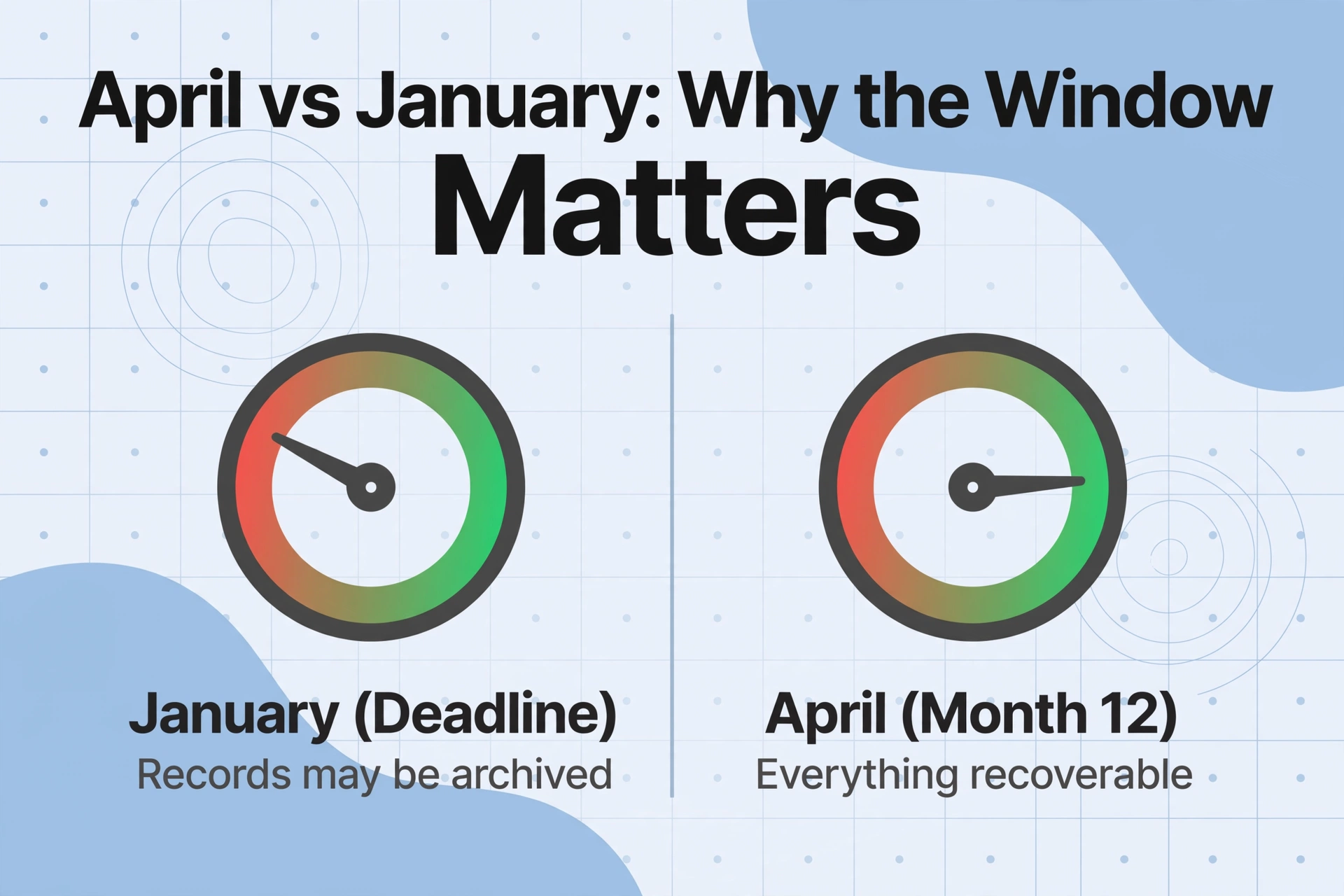
The 31 January filing deadline gets all the attention, but for a CIS subcontractor the critical window opens in the first two weeks of April and closes by mid-May. Here is why the calendar works this way:
HMRC tax months run from the 6th of one month to the 5th of the next. The final tax month of the year — Month 12 — runs from 6 March to 5 April. Contractors must issue the Payment and Deduction Statement for Month 12 within 14 days of the tax month end, meaning the last statement for the tax year must arrive by 19 April. In practice, many contractors batch their end-of-year paperwork and send all outstanding statements during the first two weeks of April. By 21 April, a subcontractor should hold a complete set: twelve monthly statements from every contractor they worked for in the tax year just ended.
If you wait until December to discover a missing March statement, you are eight months removed from the transaction. The contractor's payroll records from that month may be archived or inaccessible. The site manager who authorised your payment may have moved to a different project. Your own memory of what you invoiced — whether it included materials, whether the rate was 20% or 30% — has faded. The April window matters because it is the period in which every piece of information you need is still recoverable. Every month you wait after that reduces your chance of a complete, defensible tax record.
The year-end roundup has one objective: arrive at a single number — your total CIS deductions for the tax year — that you can substantiate with a statement for every pound claimed. That number goes into SA103 Box 21 (short return) or Box 81 (full return). Without it, your Self Assessment is incomplete. With it — and with the statements to back it up — it is defensible.
Step 1: Gather Every Statement from Every Contractor
The year-end roundup begins with a complete inventory. Before you open a spreadsheet or start adding numbers, you need to know exactly what you have and what you are missing. The inventory itself takes about fifteen minutes and saves hours of confusion later.
For each contractor you worked for in the tax year, create a simple checklist:
| Contractor | Monthly Statements (Apr–Mar) | Status | Action if Missing |
|---|---|---|---|
| ACME Build Ltd | Apr May Jun Jul Aug Sep Oct Nov Dec Jan Feb Mar | All present | — |
| Reid Groundworks | Apr May Jun Jul Aug Sep Oct Nov Dec Jan Feb Mar | Missing Aug, Sep | Contact contractor; if unresponsive, request from HMRC PT Operations |
| JCBuild Ltd | Apr May Jun — — — — — — — — — | Only three statements; worked Apr–Jun only | Verify end-of-engagement date; confirm no further payments |
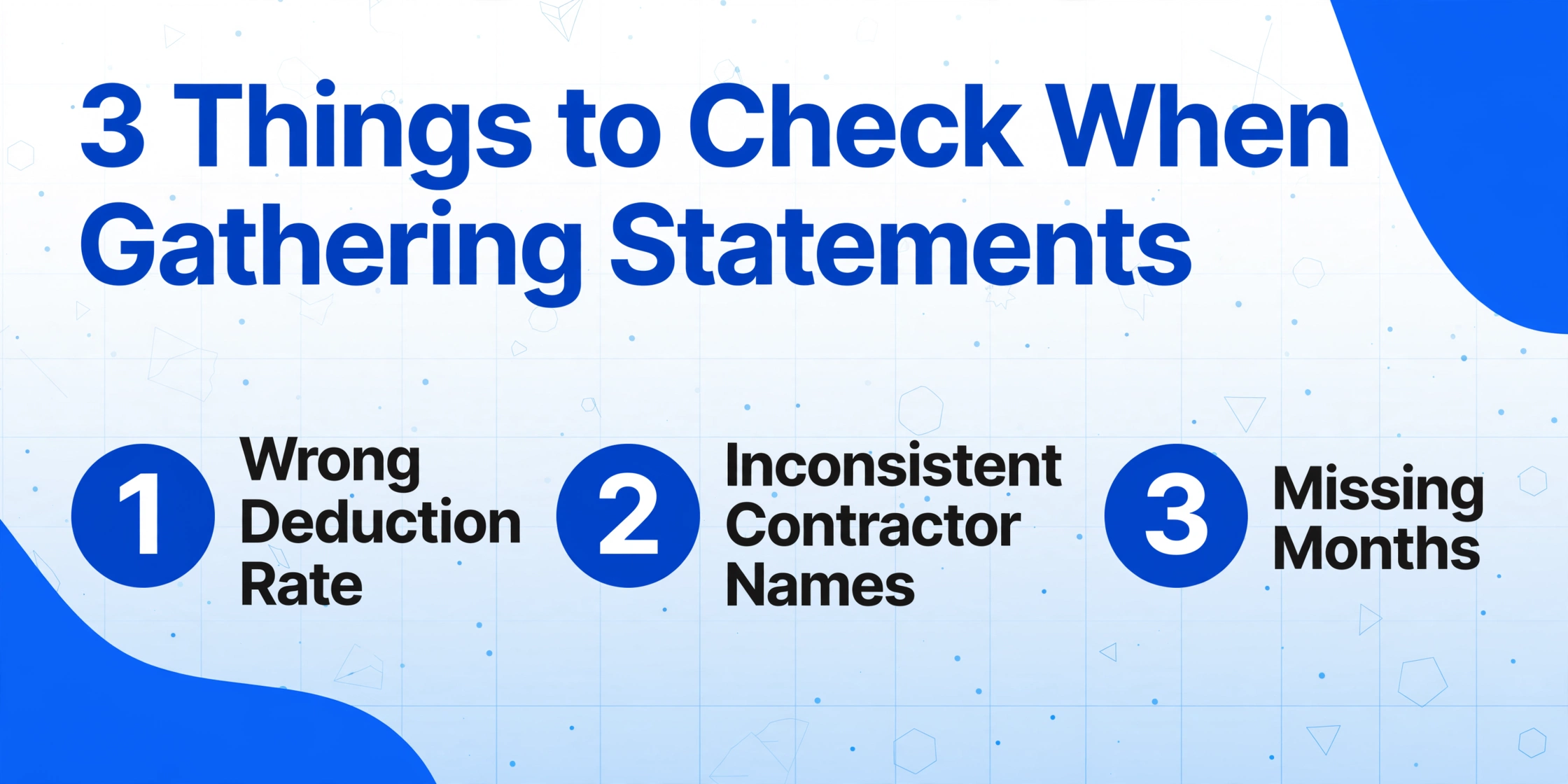
Three things to look for during the gathering step, beyond the obvious missing months:
Statements with the wrong deduction rate. If you registered for CIS partway through the year, your early statements may show a 30% deduction while your later statements correctly show 20%. The over-deduction on the early months is still valid — HMRC credits the full amount — but you need to flag it because your refund will be larger than expected.
Statements with inconsistent contractor names. A contractor who trades as "ACME Build Ltd" but issues statements under "ACME Construction Services Ltd" creates a reconciliation problem. The name that appears on your SA103 must match what HMRC has on file, and HMRC has whatever the contractor reported on their CIS300. Flag any name inconsistency and resolve it before filing.
Statements where materials cost is blank. If you supplied materials — copper pipe, timber, aggregates, fixtures — and the statement shows zero materials cost, the contractor has deducted CIS on money that should have been exempt. This is not a filing error; it is a cash flow loss. Flag it, contact the contractor for a corrected statement, and calculate how much extra tax was deducted on those materials.
Step 2: Verify Each Contractor's UTR and Deduction Rate
Once all statements are gathered, the next step is verification. Two pieces of information on every statement must be confirmed against HMRC's records before you enter a single figure into your tax return: the contractor's Employer Reference Number or UTR, and the deduction rate they applied.
Verifying the UTR. The contractor's UTR is the key that connects their CIS300 monthly returns — which report what they deducted from you — to your Self Assessment, which claims credit for those deductions. If the UTR on your statement is wrong or outdated, HMRC cannot match your claim to the contractor's filing. Log into your HMRC online account and navigate to your CIS record. The deductions reported by each contractor should appear there. If a contractor's reported deductions do not match the total on your statements, the discrepancy is almost certainly in the UTR — the contractor may have updated their registration and not informed you, or there may be a data entry error in their CIS300 filing.
Verifying the deduction rate. HMRC's verification system determines whether a subcontractor should be deducted at 20% (registered), 30% (unregistered), or 0% (gross payment status). Contractors are required to verify this before making the first payment of each tax year — but not all of them do. If a contractor deducted 30% but your HMRC online account confirms you are registered for 20%, the contractor failed to verify or verified incorrectly. The over-deduction will be credited when you file, but it represents cash you did not have during the year. Contact the contractor and ask them to re-verify. If the problem persists across multiple payment cycles, contact the CIS helpline.
For subcontractors doing this for the first time, the HMRC online CIS service is the single most valuable verification tool in the year-end process. It shows, for each contractor who deducted from you, the total deductions they reported to HMRC. Your statements' deduction totals should match these figures exactly. If they do not, you have identified the discrepancy before HMRC does — which is infinitely preferable to HMRC identifying it during a compliance check.
Step 3: Total Deductions Per Contractor and Calculate Your Refund Position
With all statements gathered and contractor details verified, the next step is building the year-end totals. This is where the CIS statement extraction approach pays its biggest dividend: if you have been extracting each statement into a ledger throughout the year, the year-end totals are already calculated. If you are doing the roundup from a pile of paper statements collected over twelve months, you are now entering the data entry phase that the batch approach was designed to eliminate.
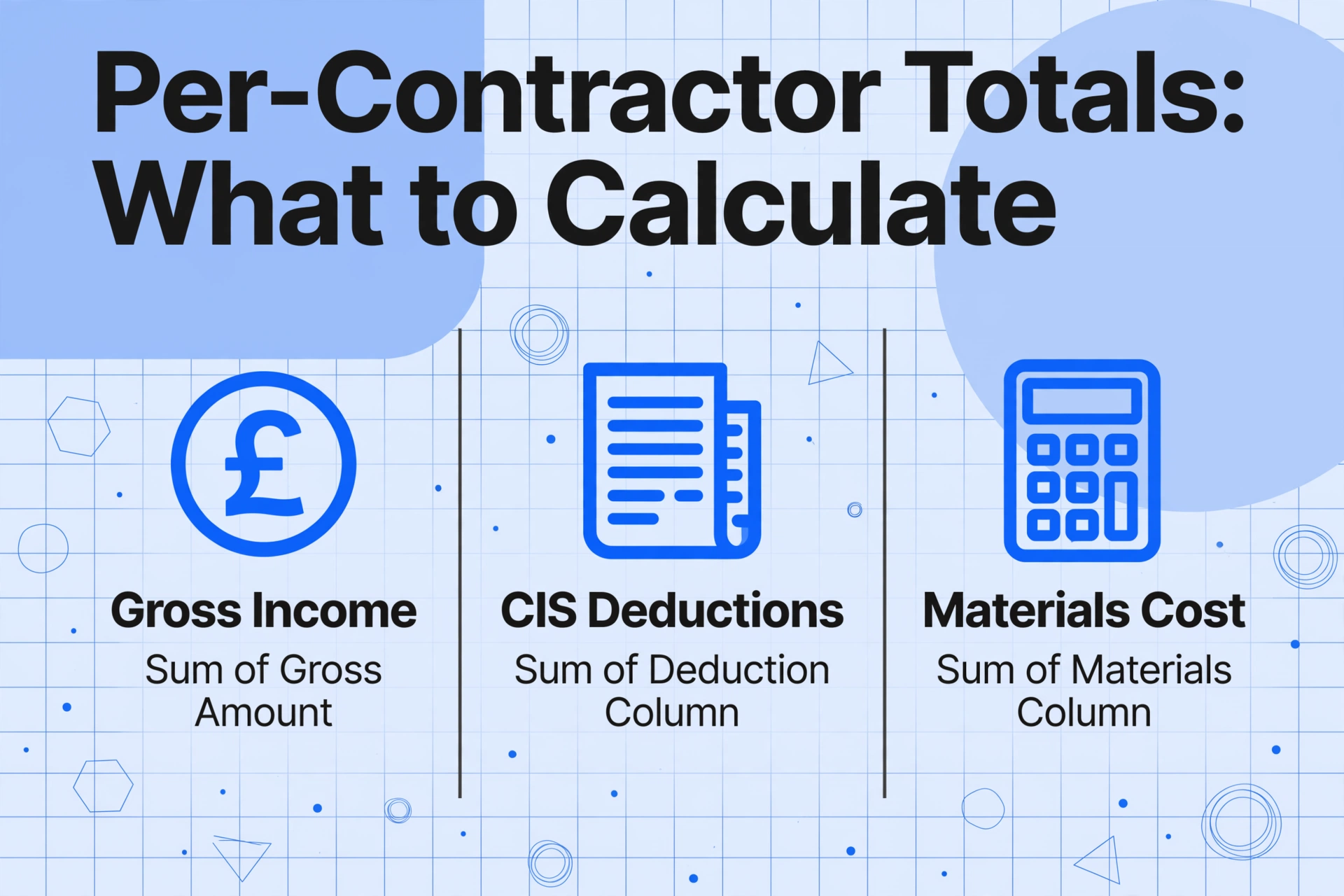
For each contractor, calculate:
Total gross income from this contractor
The sum of the "Gross Amount" column across all twelve months. This is your self-employment turnover from this contractor and feeds into your SA103 total income figure. Do not reduce it by CIS deductions — HMRC expects the full gross figure as turnover.
Total CIS deductions from this contractor
The sum of the "CIS Deduction" column across all twelve months. This is the credit you claim against your tax bill. Verify this total against your HMRC online CIS record — it should match what the contractor reported on their CIS300 returns. A mismatch here is the single most common trigger for a compliance check.
Total materials cost excluded from deductions
The sum of the "Materials Cost" column. This feeds into your expense calculations separately from the CIS section. It does not affect your deduction credit, but it does affect your taxable profit — and therefore your final tax bill.
Once you have per-contractor totals, sum across all contractors to get your year-end figures:
- Total gross income (all contractors) → SA103: total self-employment turnover
- Total CIS deductions (all contractors) → SA103S Box 21 or SA103F Box 81
- Total materials cost (all contractors) → enters expense calculations separately
With these three numbers, you can calculate your approximate refund position before filing. Subtract your estimated total expenses — materials, tools, van costs, insurance, protective equipment, training, accountancy fees — from your total gross income to get taxable profit. Apply Income Tax at 20% on profit above £12,570 (2025/26 personal allowance), add Class 4 NICs at 6% on profit above £12,570, and compare the result to your total CIS deductions. If deductions exceed the tax bill — and for the vast majority of subcontractors they do — the difference is your expected refund. This is the number that funds your cash flow planning for the year ahead. For the full breakdown of why most subcontractors overpay and how a single missing statement can erase that refund, the CIS overpayment trap guide covers the whole chain. For subcontractors with very high statement volumes, the batch ledger approach makes this per-contractor totalling a one-click pivot rather than a multi-hour manual sum.
Step 4: Enter the Numbers into SA103
With the roundup complete and your per-contractor totals verified, the SA103 section of your Self Assessment becomes a transcription exercise rather than a reconstruction. Here are the specific boxes that CIS subcontractors need:
| SA103 Box | What Goes In | Source from Your Roundup |
|---|---|---|
| Box 8 (short) / Box 15 (full) | Total self-employment turnover | Sum of "Gross Amount" across all contractors, all months. This is your gross income before any deductions — the starting number for the entire return. |
| Expenses section | Total allowable business expenses | Sum of materials costs (from statements) plus all other expenses: tools, van, insurance, protective equipment, training, accountancy fees. Enter as total expenses unless using the full return's detailed breakdown. |
| Box 21 (short) / Box 81 (full) | CIS deductions made from your income as a subcontractor | Sum of "CIS Deduction" across all contractors, all months. This is your total tax credited against your final bill — the single most important number on your return. |
HMRC then calculates your actual tax and NIC liability, subtracts the CIS deductions you entered in Box 21/81, and arrives at the balance — either additional tax to pay, or a refund. The refund is not a separate claim. It is the arithmetic outcome of your total CIS deductions exceeding your actual tax bill. Every pound of deduction you fail to substantiate with a statement is a pound that HMRC may disallow — reducing your refund or, in some cases, turning a refund into a tax bill.
For the broader Self Assessment preparation that goes beyond CIS — bank statements, payment platform exports, P60 data from PAYE employment — the SA100 January deadline checklist walks through the full document-gathering timeline across all income sources, not just CIS.
End-of-Tax-Month Planning: Staying Ahead Between February and April
The year-end roundup covers Month 12 (6 March to 5 April). But the tax months that precede it — February's Month 11 (6 January to 5 February) and January's Month 10 (6 December to 5 January) — are equally important and often the source of the most errors. These winter months are when contractors are least responsive: Christmas shutdowns, year-end accounts, and the general slowdown in construction activity combine to delay statement issuance. The statement for Month 10, due by 19 January, often arrives in February. The statement for Month 11, due by 19 February, often arrives in March. By the time April arrives, a subcontractor who has not been tracking these winter months may discover they are missing two of the final three statements of the year.
The discipline that prevents this is simple but requires commitment: during the winter months, do not assume a missing statement will arrive later. At the end of each tax month — 5 February, 5 March, 5 April — check your contractor ledger for gaps. If Month 10 from Contractor A has not arrived by the end of February, contact Contractor A in the first week of March. The problem is still fresh, the contractor's records are still accessible, and the resolution arrives within days — not months later when the contractor has moved on to new projects and your file has been archived.
This discipline applies year-round but compounds in the winter months because the resolution window shrinks. A missing statement from July, chased in August, resolves in days. A missing statement from January, chased in March, may already require a written request to HMRC — which, at 15 working days response time, pushes the resolution past the 5 April year end. For payroll professionals managing similar year-end document deadlines across P60 certificates, the P60 May deadline preparation shares the same principle: the document that is hardest to retrieve is the one you discover is missing three weeks before the deadline.
Making Tax Digital: Why the Year-End Roundup Becomes a Quarterly Habit
From April 2026, Making Tax Digital for Income Tax Self Assessment (MTD for ITSA) begins rolling out. For CIS subcontractors with qualifying income — gross turnover, not net after deductions — above £50,000, the first quarterly update deadline arrives after the end of the first MTD quarter. This changes the year-end roundup from an annual project into a quarterly discipline.
Under MTD, a subcontractor must keep digital records and submit quarterly updates to HMRC. Each quarterly update includes total income and total expenses for that quarter. For a CIS subcontractor, "total income" means the gross amounts from all CIS statements received in that quarter — before deductions. "Total expenses" means the business costs incurred, including materials. The quarterly update does not replace the year-end Self Assessment — it feeds into it. But each quarterly update must be accurate, because the year-end return reconciles four quarterly updates, and discrepancies between the quarterly filings and the annual return trigger HMRC follow-up.
The year-end roundup, under MTD, becomes a verification exercise rather than a reconstruction. Because you have been maintaining your CIS statement ledger quarter by quarter — extracting each statement as it arrives, building the running totals quarterly — the April roundup is a review of twelve months of already-structured data, not a twelve-month data entry project starting from zero. The subcontractor who entered MTD with a disciplined quarterly ledger walks through the year-end roundup in an afternoon. The subcontractor who did not enters the same quarterly deadlines that caused the annual scramble, four times a year instead of once.
Frequently Asked Questions
When exactly do I need all my CIS statements gathered for the tax year?
The final payment and deduction statement for the tax year — covering the tax month ending 5 April (Month 12) — must be issued by the contractor by 19 April. In practice, most contractors batch their end-of-year paperwork in the first two weeks of April, so you should have a complete set by 21 April. You do not need to file your Self Assessment by April — the online deadline is 31 January of the following calendar year — but having the statements gathered by late April means you have nine months to process, verify, and reconcile, rather than scrambling in the final weeks of January.
What if I only worked for a contractor for part of the year — do I still need 12 statements?
You need a statement for every tax month in which the contractor paid you. If you worked for Contractor A from April to September (six tax months), you need six statements — one for each month you were paid, plus a final statement for the last tax month you worked. You do not need statements for the months after your engagement ended. Verify the end-of-engagement date and confirm that no further payments were made before assuming the series is complete.
How do I reconcile if my HMRC online CIS record shows different deduction totals than my statements?
First, verify that every statement's contractor UTR matches what HMRC has on file. A single mistyped UTR on a contractor's CIS300 return can cause their reported deductions to appear under a different record. Second, check whether any contractor failed to file their CIS300 for one or more tax months — if the contractor deducted from your payment but did not report it to HMRC, your HMRC record will show a lower total. Third, check whether the contractor reported your deduction in a different tax month than the one on your statement — tax month misalignment is common with late statement issuance. If none of these resolves the discrepancy, contact HMRC or your accountant before filing. Filing with a mismatch is an invitation to a compliance check.
Can I file my Self Assessment before I have all my statements?
You can — but you should not. HMRC can request the original statements as evidence for any CIS deduction you claim. Filing without having every statement in hand means you are claiming deductions you cannot yet substantiate. If HMRC requests the evidence and you cannot produce it, the deduction credit is disallowed and your refund is reduced accordingly. The safer approach: file as close to the deadline as necessary to allow time for statement retrieval and verification. If you cannot obtain a statement from a contractor, request the data from HMRC PT Operations in writing — their 15-working-day response window means you should start this process no later than early January.