How to Batch-Process 4 Quarters of
AU BAS Into One Annual Tax Ledger
The quarterly BAS cycle looks linear on paper: gather documents, work out the G-labels, lodge, repeat. But for a registered BAS agent managing 30 small business clients — each filing four times a year — linear thinking breaks down at the annual boundary. One client's Q1 BAS went out on time because the supplier invoices were all from Bunnings and Officeworks, same format every quarter, easy to code. Q3 was late because a new contractor sent PDFs with GST buried in a paragraph of boilerplate instead of a line item. Multiply that inconsistency across 30 clients and four reporting periods, and the spread between a clean ledger and a reconstruction project at EOFY is not a gap you close with better discipline — it is a structural problem that repeats every 90 days.
Key Takeaways
- 120 BAS lodgement deadlines a year add up to 90 hours of typing numbers from PDFs — time stolen from reviewing the figures the ATO will actually scrutinise.
- A Bunnings invoice coded as Non-Capital in Q1 gets coded differently in Q3 — not because the purchase changed, but because three-month-old classification decisions live only in your memory.
- Define extraction columns once per client and four quarterly spreadsheets stack into one annual ledger with zero manual reformatting — because the columns never changed from Q1.
The Scale Problem Hiding Behind Every Quarterly BAS Deadline
A single quarterly BAS, prepared for a single client using the Simpler BAS method, involves three GST labels (G1, 1A, 1B) and maybe two PAYG withholding fields (W1, W2) if the business has employees. The documents behind those labels — 15 to 25 supplier invoices, a bank statement for reconciliation, and a payroll summary — take 30 to 45 minutes to compile and verify. That number feels reasonable. It is why most bookkeepers do not question the workflow: 45 minutes per quarter per client adds up to 3 hours per client per year, which at a billable rate of $100–$150 per hour lands at $300–$450 annually. Manageable.
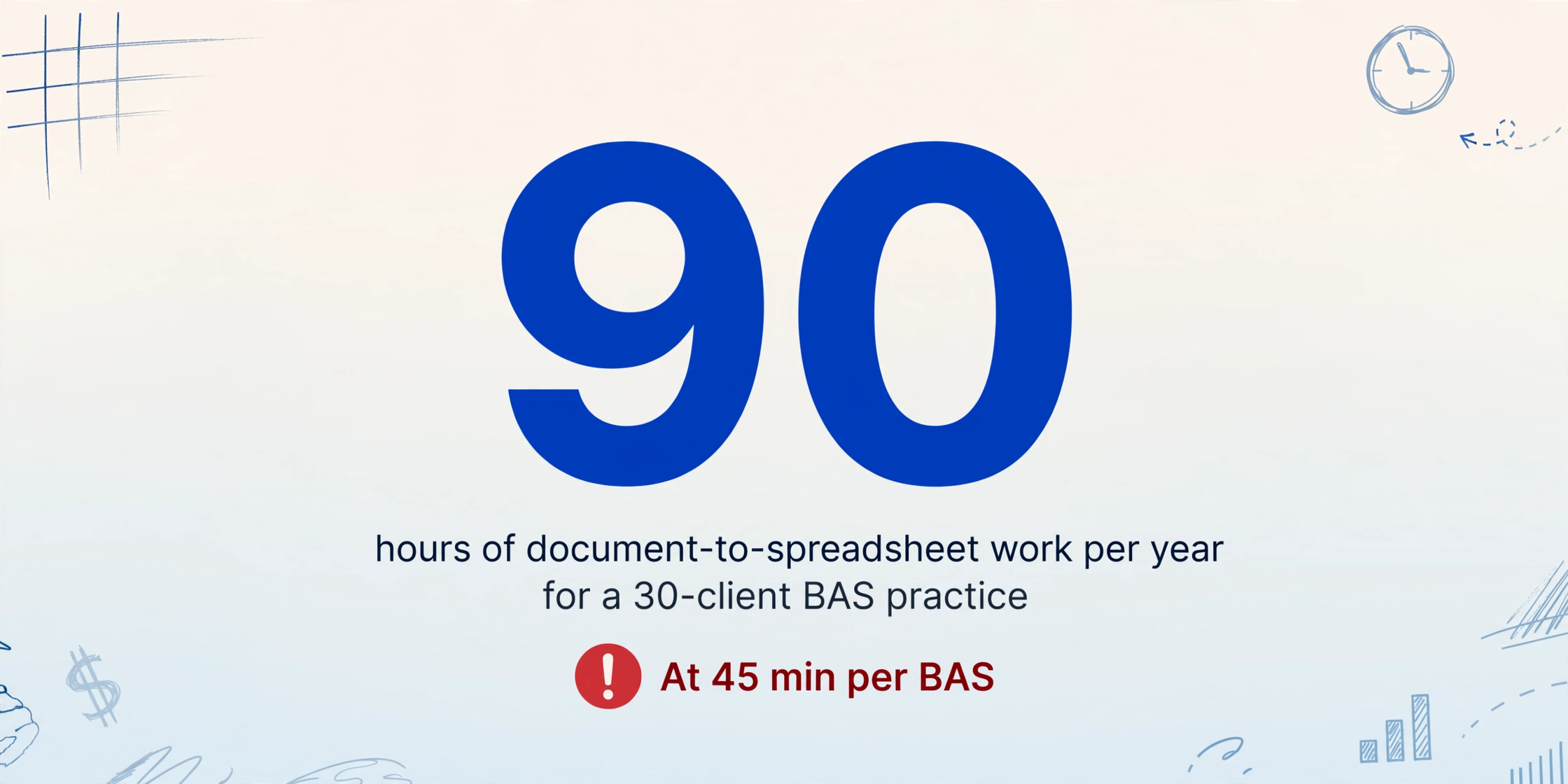
The arithmetic shifts at scale. A BAS agent with 30 quarterly-lodging clients processes 120 BAS periods per year. At 45 minutes each, that is 90 hours of document-to-spreadsheet work — two full working weeks spent moving numbers from PDFs into ledger rows. And that is the best case, assuming every supplier invoice arrives in a consistent format with the GST amount clearly labelled, every bank statement reconciles on the first pass, and no client needs historical BAS periods reconstructed because they fell behind on lodgements.
The reality for most bookkeeping practices is closer to ASBFEO findings: 39% of small businesses spend more than six hours weekly on regulatory compliance, and BAS lodgement sits at the centre of that burden. When a new client arrives with three overdue quarters, the bookkeeper is not processing one BAS — they are processing four, from scratch, across mixed-format source documents spanning nine months. The time multiplies, but the columns do not change. The ATO labels are the same in July as they are in April. What changes is the volume of input documents, not the structure of the output.
The single-quarter extraction approach — covered in detail in our step-by-step AU BAS extraction guide — works perfectly for business owners processing their own quarterly BAS. For a bookkeeper running 120 BAS periods a year, the bottleneck is not the extraction logic per quarter. It is the fact that the same extraction logic needs to be applied to different document sets across different clients, and the results from four quarters need to converge into one coherent annual ledger for each client. That convergence step — merging Q1, Q2, Q3, and Q4 into a single tax ledger that an accountant can hand to the ATO at EOFY — is where most workflows fall apart.
What Batch BAS Processing Actually Means for a Bookkeeper
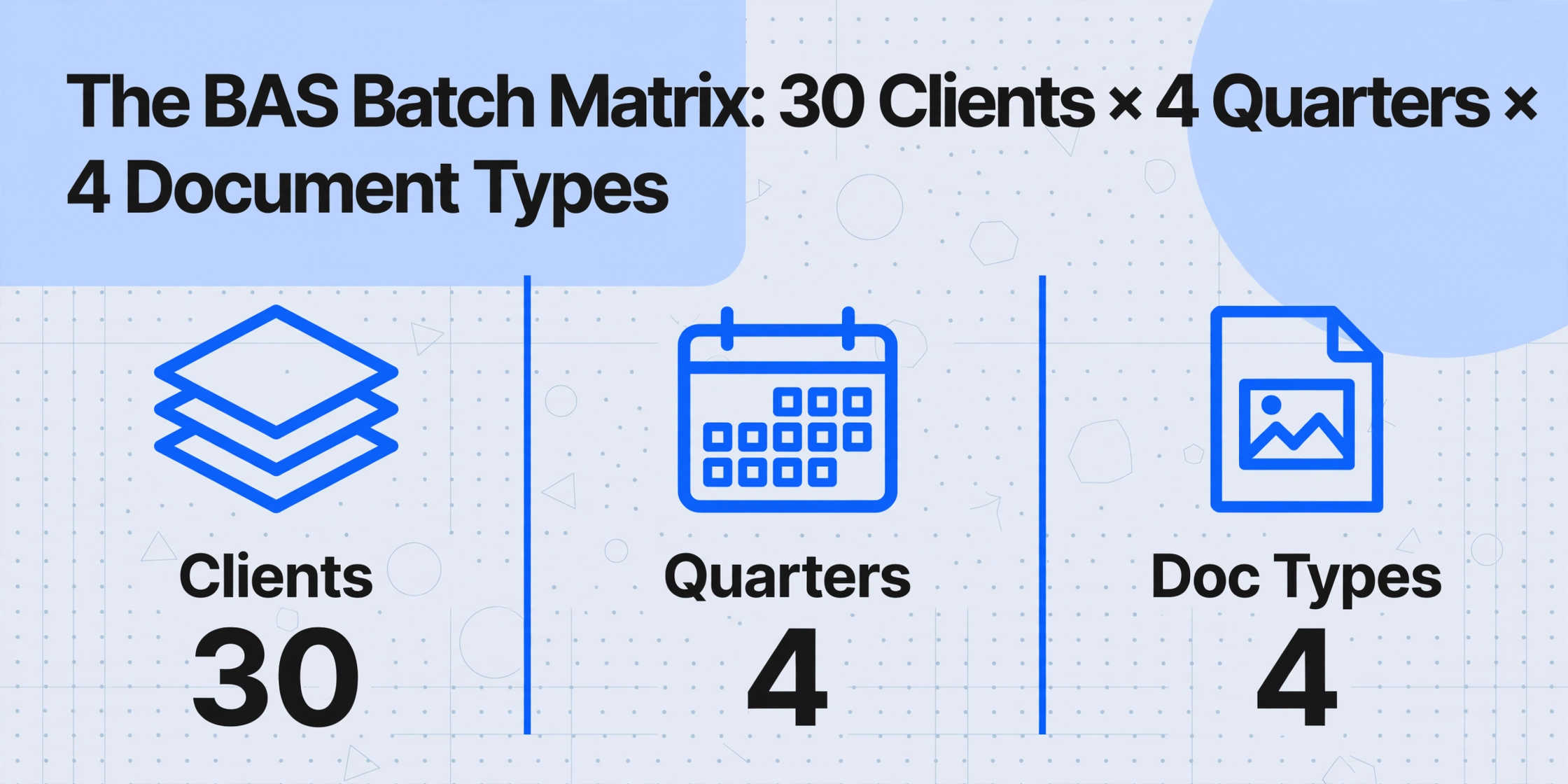
Batch processing in this context is not about uploading 50 files at once instead of one at a time — though that is part of it. The batch challenge in BAS bookkeeping is matrix management: you have N clients, each with M quarterly BAS periods, each period drawing from K source document types (supplier invoices, sales invoices, bank statements, payroll summaries). A 30-client bookkeeper is managing a 30 × 4 × 4 = 480-document-type matrix. The output side of that matrix is a set of structured numbers per client per quarter, all of which must ultimately roll into an annual tax ledger.
What makes this matrix challenging is not the volume of documents — it is the consistency requirement across cells. The G11 figure (non-capital purchases, GST-inclusive) for a café client in Q1 must be comparable to the same figure in Q2, Q3, and Q4. If the bookkeeper categorised a purchase as capital (G10) in March but non-capital (G11) for the same supplier in June — because the March invoice was entered by hand from a screenshot while the June invoice was coded in Xero — the annual ledger carries a classification inconsistency that an accountant will flag during EOFY reconciliation. The BAS itself was lodged correctly each quarter because the GST component was divided by 11 either way. But the ledger, which is the working document for annual tax planning, is contaminated.
This is where Custom Column Extraction — defining a set of column names that the AI uses to locate matching data on any document by understanding what each field means rather than where it sits — becomes the structural fix. When a bookkeeper defines columns like Supplier Name, Invoice Total (GST-inclusive), GST Amount, and Purchase Type (Capital / Non-Capital) once per client, every document for every quarter runs through the same semantic extraction logic. A Bunnings invoice in Q1 and a Bunnings invoice in Q3 produce results in the same columns with the same classification rules. The consistency is built into the column definition, not dependent on the bookkeeper remembering how they coded a similar transaction three months ago.
The Document-to-Ledger Gap That Accounting Software Does Not Close
Xero, MYOB, and QuickBooks Online — the three platforms most Australian bookkeeping practices are built on — handle BAS preparation well once transaction data is inside the system. Xero's BAS module pulls GST totals from categorised transactions and can lodge directly to the ATO via SBR. MYOB's BASlink does the same within the AccountRight ecosystem. QuickBooks Online's GST centre tracks running liability throughout the quarter. The gap is not in the lodgement workflow — it is in the step that happens before a transaction exists in the ledger at all.
When a supplier emails a PDF invoice, someone has to read it. Xero's Hubdoc can capture data from some invoices using template-based OCR, but it requires manual verification for any vendor whose format it does not recognise — and for a bookkeeper managing clients across different industries, that is most vendors. MYOB's equivalent (MYOB Capture) offers receipt capture but does not extract line items. QuickBooks' receipt capture handles basic totals but still requires manual coding for GST treatment and purchase type classification. None of these tools can read a scanned BAS form or a handwritten receipt from a tradie supplier and populate the G-labels directly.
The result is that most bookkeepers run a parallel spreadsheet workflow: export a PDF to a folder, open it, type the supplier name, invoice total, and GST amount into Excel, then either import that Excel into the accounting software or use it as a reference while creating bills manually. For one client per quarter, this spreadsheet step is an annoyance. For 30 clients, it is a full-time job. The bookkeeping practice management tools that exist — Keeper, Financial Cents, AccountKit — track task completion and client communication, but they do not eliminate the underlying document-to-data step. They tell you the BAS needs to be lodged; they do not extract the numbers that go into it.
This gap is what makes batch document extraction the structural upgrade in a BAS agent's workflow. When the extraction layer sits between the PDF inbox and the accounting software, the spreadsheet step is automated — same column definitions, same output structure, every quarter, for every client. The accounting software still handles lodgement and bank reconciliation, but it receives data that was extracted, not typed.
Step 1: Define the Extraction Schema Once Per Client, Reuse It Across All Quarters
The first rule of batch BAS processing: the column definition is the workflow. If you define columns differently each quarter — or worse, define them on the fly while looking at each document — four quarterly spreadsheets will have four different structures, and merging them into an annual ledger becomes a manual reformatting exercise. Define the schema once, per client, and lock it.
For a typical small business client on the Simpler BAS, the extraction schema is compact:
| Column Name | BAS Label It Feeds | What AI Looks For on Each Document |
|---|---|---|
| Supplier Name | (audit trail) | The vendor or service provider name on the invoice or receipt |
| Invoice Date | (period verification) | The date the invoice was issued — must fall within BAS quarter |
| Invoice Total (GST-inclusive) | G1 or G11 | The total amount including GST — sales side feeds G1, purchases side feeds G11 (or G10 for capital) |
| GST Amount | 1A or 1B | The GST component — if not separately listed, use a computed column (Total ÷ 11) |
| Purchase Type | G10 vs G11 | Classification: Capital (equipment, vehicles, assets ≥$1,000 for businesses under $1M turnover) or Non-Capital (consumables, rent, services) |
For a full BAS client (turnover ≥$10M), add columns for Export Sales (feeding G2), GST-free Sales (G3), and PAYG fields (W1, W2) if extracting payroll summaries. The key design principle: every column maps to a BAS label, and every label that appears on the client's BAS has a corresponding column. No column means that label's data will be missing from the ledger, and you will not know until reconciliation.
The schema is saved as a reusable configuration — the column names and data types do not change between quarters because the ATO labels do not change. What changes between Q1 and Q2 is the set of source documents, not the extraction logic. A café client's schema (Supplier, Invoice Total, GST Amount, Purchase Type) applies identically in October, February, April, and July. The extraction tool reads each document, locates the values that match each column definition, and outputs them into the same structured table. Forty supplier invoices from the October–December quarter produce 40 rows with the same columns as 35 invoices from the January–March quarter. The structure is consistent by design, not by discipline.
Step 2: Batch-Process Documents by Client and Quarter
With the schema defined, processing becomes a data organisation task. The bookkeeper's document management before processing determines whether the batch run produces clean quarterly output or a merge headache.
Organise source documents in a folder structure that mirrors the extraction plan:
Café_Melbourne_ABN12345. This is the container for all BAS data across all periods for one client. If the client has 15 employees and PAYG withholding, the payroll summary PDFs go here as well, tagged by quarter.Q1_Jul_Sep, Q2_Oct_Dec, etc. All source documents for that client and that period live here. If a supplier invoice spans two quarters (dated 28 September, received 2 October), use the invoice date, not the receipt date — the ATO's period allocation follows the tax point, which is generally the invoice date for accruals-basis taxpayers.This is where batch processing departs from single-document extraction. In a single-document workflow, you upload one file, wait for the result, verify it, and move to the next. That sequential loop — upload → extract → verify → next — takes about 60 seconds per document. For 120 quarterly periods with an average of 20 documents each, that is 2,400 documents at one minute each: 40 hours of screen time. Batch processing collapses the per-document wait: 20 documents are uploaded together, processed in parallel, and the output is delivered as a single structured table. The verification step remains — you still spot-check individual rows against source documents — but the extraction itself is decoupled from the verification, and 20 documents complete in roughly the same time as one.
Files are processed securely and not stored.
The output for each batch run is a single spreadsheet where every row represents one source document and every column maps to a BAS label. The café client's Q1 output is a table with columns for Supplier Name, Invoice Total, GST Amount, and Purchase Type. Q2 output has the same structure. So do Q3 and Q4. Four identically-structured spreadsheets per client — the prerequisite for the merge step that follows.
Step 3: Merge Four Quarterly Spreadsheets Into One Annual Tax Ledger
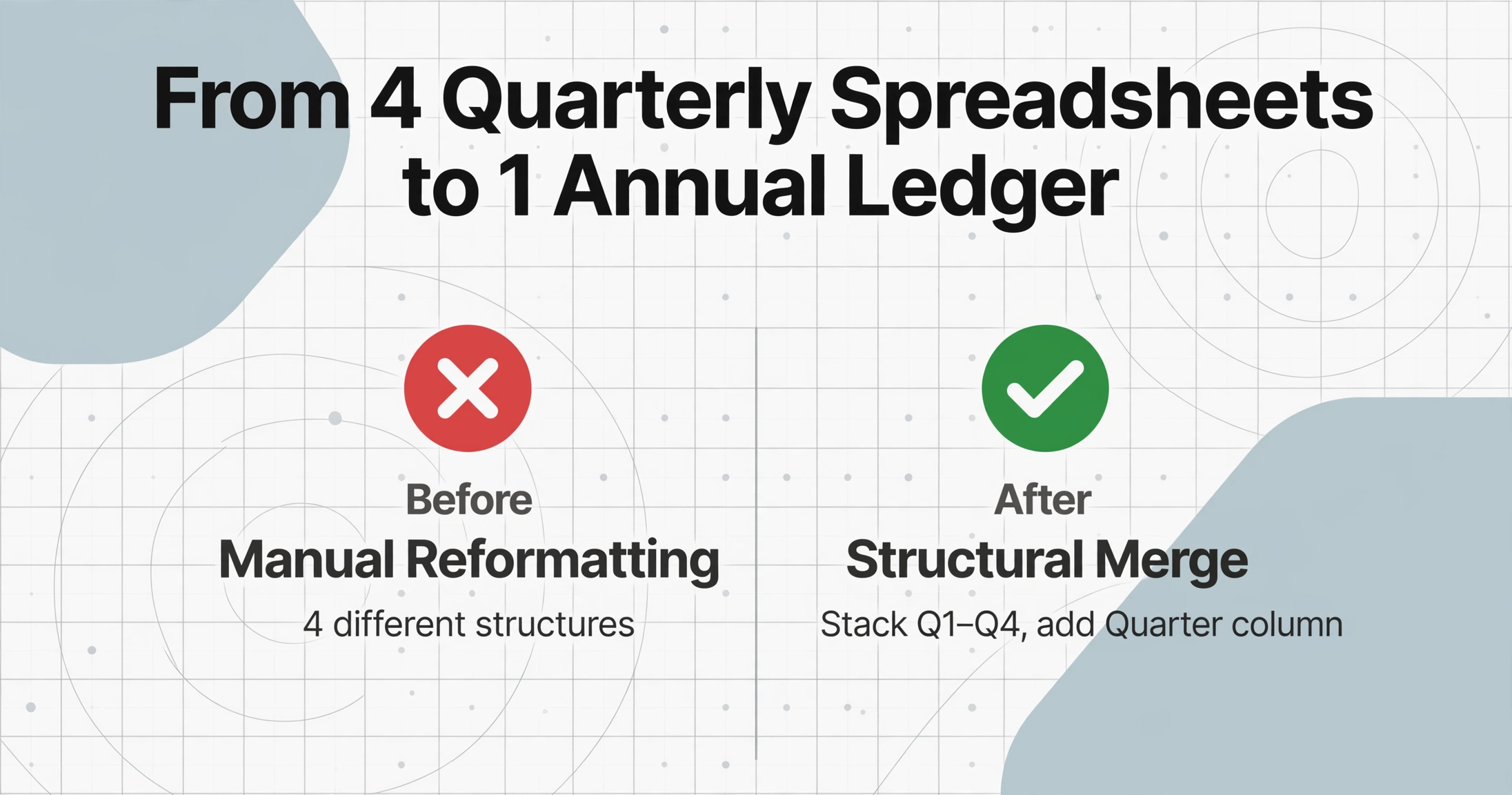
The merge step is where quarterly batch output becomes an annual working document. Because each quarter's spreadsheet has identical column structure, the merge is structural rather than manual: stack the rows from Q1, Q2, Q3, and Q4 into a single table, add a Quarter column to preserve provenance, and sort by date within supplier. The result is one ledger per client covering the full financial year.
The ledger structure for a typical Simpler BAS client looks like this:
| Quarter | Supplier | Date | Total (GST-inc) | GST | Type | BAS Label |
|---|---|---|---|---|---|---|
| Q1 | Bunnings | 15/08/25 | $440.00 | $40.00 | Non-Capital | G11 → 1B |
| Q1 | Officeworks | 22/09/25 | $165.00 | $15.00 | Non-Capital | G11 → 1B |
| Q2 | Bunnings | 18/11/25 | $330.00 | $30.00 | Non-Capital | G11 → 1B |
| Q2 | Camp Oven Co. | 05/12/25 | $2,200.00 | $200.00 | Capital | G10 → 1B |
With the ledger in place, verification runs along two axes. The horizontal axis checks quarterly totals: sum the GST column for Q1, verify against the lodged 1B figure. The vertical axis checks annual consistency: filter by supplier, scan their invoices across all four quarters, and flag any classification changes (the same supplier coded Non-Capital in Q2 but Capital in Q4). Either the classification changed because the purchase type changed — legitimate — or the bookkeeper's coding drifted — which the ledger now makes visible.
A practical sanity check that catches most errors before an accountant sees the ledger: for each quarter, total Invoice Total × (1 ÷ 11) should approximately equal total GST Amount. If the café's Q3 shows $12,100 in invoice totals and $1,050 in GST, the expected GST at 1/11 would be $1,100. The $50 gap either represents a non-GST expense mistakenly included, a mixed-supply invoice with a taxable and GST-free component, or an extraction misread. Flag it, check the source document, correct. This check takes 30 seconds per quarter and prevents discrepancies from compounding into the annual figures.
One schema, four quarters, one ledger: When the column definition is the same across every batch run, the annual merge is a copy-paste operation — not a reconciliation exercise. The ledger structure is a byproduct of the extraction design, not a separate document you build after the fact.
Multi-Client Batch: Running 30 BAS Clients Through One Workflow
The matrix management challenge described earlier — N clients × M quarters × K document types — becomes tractable when the extraction schema handles the data layer and the bookkeeper manages the organisation layer. For a practice with 30 quarterly-lodging clients, the workflow scales as follows:
/Clients/Café_Melbourne/BAS/Q1_2026/. When a client emails a supplier invoice, it goes straight into the current quarter's folder. When the quarter ends, the folder is ready for batch upload — no last-minute document gathering sprint.Compare this to the conventional workflow: 30 clients × 4 quarters × 45 minutes of manual data entry = 90 hours per year spent typing numbers from PDFs into spreadsheets. The batch workflow reduces the data-entry component from 45 minutes per quarter per client to roughly 3 minutes — the time to upload documents, run extraction, and spot-verify the output. The remaining time shifts to higher-value work: reviewing the extraction output for anomalies, reconciling totals against bank statements, and advising clients on their GST position — the work a BAS agent is registered to do, rather than the data entry that precedes it.
The same batch-consolidation pattern applies across different tax jurisdictions' quarterly reporting systems. The approach of using one extraction schema across multiple reporting periods to produce a unified ledger is not unique to Australian BAS — UK bookkeepers face the same structural problem with quarterly VAT returns feeding into annual accounts, as covered in our guide on batch-processing UK SA100 tax returns, and payroll teams face it with PAYG payment summaries feeding into annual reconciliation, detailed in our guide on batch-processing PAYG payment summaries. The extraction logic changes per tax code; the batch principle — one schema, many periods, one consolidated output — transfers directly.
How This Changes EOFY for a BAS Practice
The end of the financial year is when the quarterly batch workflow proves its value. Without structured quarterly data, EOFY for a 30-client bookkeeping practice looks like this: open each client's accounting file, run a transaction report for the full year, export to Excel, manually tag each transaction with its BAS label (G1, G10, G11, 1A, 1B), reconcile the totals against the four lodged BAS forms, and explain any variance. For a client with 200 annual transactions, the tagging and reconciliation alone takes 2–3 hours. Across 30 clients, that is 60–90 hours of EOFY work — concentrated in June and July, when the next quarter's BAS is also due.
The batch workflow collapses this step because the label tagging was done during extraction, not during reconciliation. Each row in the quarterly spreadsheets already carries its BAS label mapping. When the four quarters merge into the annual ledger, the ledger already shows total G1 sales for the year, total G11 purchases, total 1B GST credits — no tagging step required. The ATO's GST reconciliation framework — which requires large taxpayers to reconcile BAS outcomes against audited financial statements — expects this level of per-label annual visibility. For practices that do not serve Top 1000 taxpayers, the framework is still the right discipline: trace every BAS label to its source documents across the full year, and flag any quarter where the extraction totals deviate from the lodged figures.
The practical impact: an EOFY that previously consumed two to three weeks of a bookkeeper's June–July becomes a verification exercise — open each client's annual ledger, run the quarterly GST sanity checks, flag anomalies, and hand the reconciled ledger to the accountant. The accountant reviews the numbers, not reconstructs them. The bookkeeper focuses on the discrepancies that matter, not the data entry that should already be done.
Five years of ATO-ready records: The ATO requires businesses to retain BAS source documents and working papers for five years. A folder per client containing four quarterly extraction spreadsheets, the merged annual ledger, and the original source PDFs satisfies that requirement in a structure that an ATO reviewer can navigate in minutes — because every row in the ledger traces to a specific document.
FAQ
Can batch extraction handle a mix of PDF invoices, phone photos of receipts, and scanned BAS forms in the same batch?
Yes. The underlying vision model reads text from PDFs, JPGs, PNGs, and screenshots with the same semantic logic. A batch containing a Bunnings PDF invoice, a photo of a handwritten receipt from a local supplier, and a scanned BAS pre-fill form all feed into the same column extraction schema. The AI locates values by understanding what each field means — "Invoice Total" on a PDF and "Total" scribbled on a receipt are the same concept, regardless of format or layout. This is particularly relevant for BAS work because supplier invoices arrive in every format: email PDFs from large suppliers, phone photos from tradie invoices left on-site, scanned pages from clients who still receive paper statements.
What if the GST amount is not separately listed on a supplier invoice?
This happens with small suppliers who issue simplified tax invoices (the legal minimum for amounts under $1,000). Instead of adding a manual calculation step, use a computed column: name a column GST Amount (Invoice Total ÷ 11) and the AI performs the calculation during extraction. The formula is valid for standard 10% Australian GST on a GST-inclusive total. If the invoice includes mixed supplies (part taxable, part GST-free — common in food and health businesses), flag the row and verify manually. The computed column handles the standard case; the workflow accommodates the exception without slowing down the batch.
How does this compare to using Xero's BAS module across multiple clients?
Xero's BAS module operates on transactions already entered in Xero — it pulls GST totals from categorised bills and invoices and populates the BAS form. It does not read a PDF supplier invoice and create the bill. For a bookkeeper managing 30 Xero organisations, the BAS preparation across all clients is streamlined once the transaction data exists. The gap is creating that transaction data from the source documents — which is a separate Xero organisation for each client, requiring separate login, separate Hubdoc capture (with manual verification for non-standard formats), and separate bill creation. The batch extraction workflow handles all 30 clients' documents in a single interface before any data reaches the accounting software. The two tools address sequential stages: extraction covers document → structured data; Xero covers data → BAS lodgement.
What if a client falls behind on BAS lodgements and needs multiple quarters processed at once?
This is where the batch approach's structural advantage is clearest. For a new client with three overdue quarters, the extraction schema is defined once. The bookkeeper organises whatever documents the client can provide into three quarter folders (Q1, Q2, Q3), runs the same schema on each folder, and gets three structured spreadsheets with identical columns. The three quarters can then be merged into a catch-up ledger for lodgement. If documents are missing or incomplete — a common scenario with overdue BAS — the ledger makes the gaps visible: Q2 shows 12 supplier invoice rows while Q1 shows 28, and the bookkeeper knows to ask the client what happened between July and September. Without a structured ledger, missing documents blend into the general backlog and are often not discovered until the accountant asks for EOFY records.
Is this workflow compliant with TPB requirements for BAS agents?
The Tax Practitioners Board requires BAS agents to maintain sufficient working papers to support each BAS lodgement and to exercise reasonable care in ascertaining a client's state of affairs. The batch workflow supports both requirements: quarterly extraction spreadsheets are contemporaneous working papers showing how each BAS label figure was derived, with each row traceable to a specific source document. The ledger provides the annual reconciliation trail that demonstrates reasonable care — the agent can show they reviewed each quarter's totals against the lodged BAS, checked for classification consistency, and verified that the GST arithmetic held across all periods. The five-year document retention requirement is met by the folder structure that pairs extraction output with source PDFs.
Does this work for clients on the full BAS (not Simpler BAS) with FBT and fuel tax credits?
Yes — the only difference is the number of columns in the extraction schema. A full BAS client with FBT instalments (F1), fuel tax credits (label 5A), and wine equalisation tax (label 5) simply has more column definitions. The schema for a full BAS might include 12–15 columns instead of 5–7, but the batch workflow is identical: define the schema once, apply it to each quarter's documents, merge into an annual ledger. FBT instalment amounts (label F1) are typically ATO-calculated and pre-printed on the BAS form rather than derived from source documents — in that case, the F1 figure is entered directly into the ledger rather than extracted. Fuel tax credits, by contrast, are document-driven (fuel purchase receipts), so a column for Fuel Tax Credit Amount feeds label 5A through the same extraction process.
Can I use the same workflow for IAS (Instalment Activity Statement) clients?
Yes, with fewer columns. An IAS reports PAYG withholding (W1, W2) and PAYG instalments (T7) without GST labels. The extraction schema for an IAS client typically includes columns for Gross Wages (feeding W1), Tax Withheld (W2), and the ATO-provided instalment figure (T7). The batch logic is simpler because there are fewer labels, but the quarterly-to-annual merge is equally valuable — particularly for verifying that total PAYG withholding across four IAS periods matches the annual PAYG payment summary, which is a common ATO data-matching trigger point.