Multibanco Payment Slips:
Extract the Amount and Payment Reference
You have a strip of thermal paper in your hand — slightly curled at the edges, maybe a month old, the print already beginning to pale. It came out of a Multibanco ATM after you paid a utility bill or settled an invoice at a Portuguese store. On it are three sets of numbers: a five-digit Entidade, a nine-digit Referência, and an amount in euros. That slip is your proof of payment. The question is how to get those three numbers into your records without copying them by hand — especially when the paper has lived in a wallet or a glove compartment for weeks and the print is not what it used to be.
Key Takeaways
- You think a crinkled, fading thermal receipt is too degraded to extract data from — but the paper isn't the problem, and you've been blaming the wrong thing.
- Traditional OCR was built for flatbed scans of pristine white documents; it fails on the very conditions a real-world Multibanco slip brings — creases, shadows, camera angle, and ink that's been fading for weeks.
- Switch to a visual AI that processes the entire photo as a scene: Entidade, Referência, and Montante come out of a single phone snap, no matter what shape the paper is in.
What Is a Multibanco Payment Slip?
Multibanco is Portugal's interbank network, launched in 1985 and operated by SIBS (Sociedade Interbancária de Serviços). It connects the ATMs and POS terminals of 27 Portuguese banks across more than 11,000 machines nationwide. Unlike typical ATM networks elsewhere, Multibanco is not just for cash withdrawals — it handles bill payments, tax payments, interbank transfers, and retail purchases. SIBS also operates MB WAY, Portugal's phone-number-based mobile payment app, and MB WAY payment screenshots carry the same amount, recipient, and reference data this guide extracts from a paper slip. When you pay using the Multibanco system (either at an ATM or at a physical store's POS terminal), the machine prints a paper receipt called a "proof" ("comprovativo") or "payment slip" ("talão").
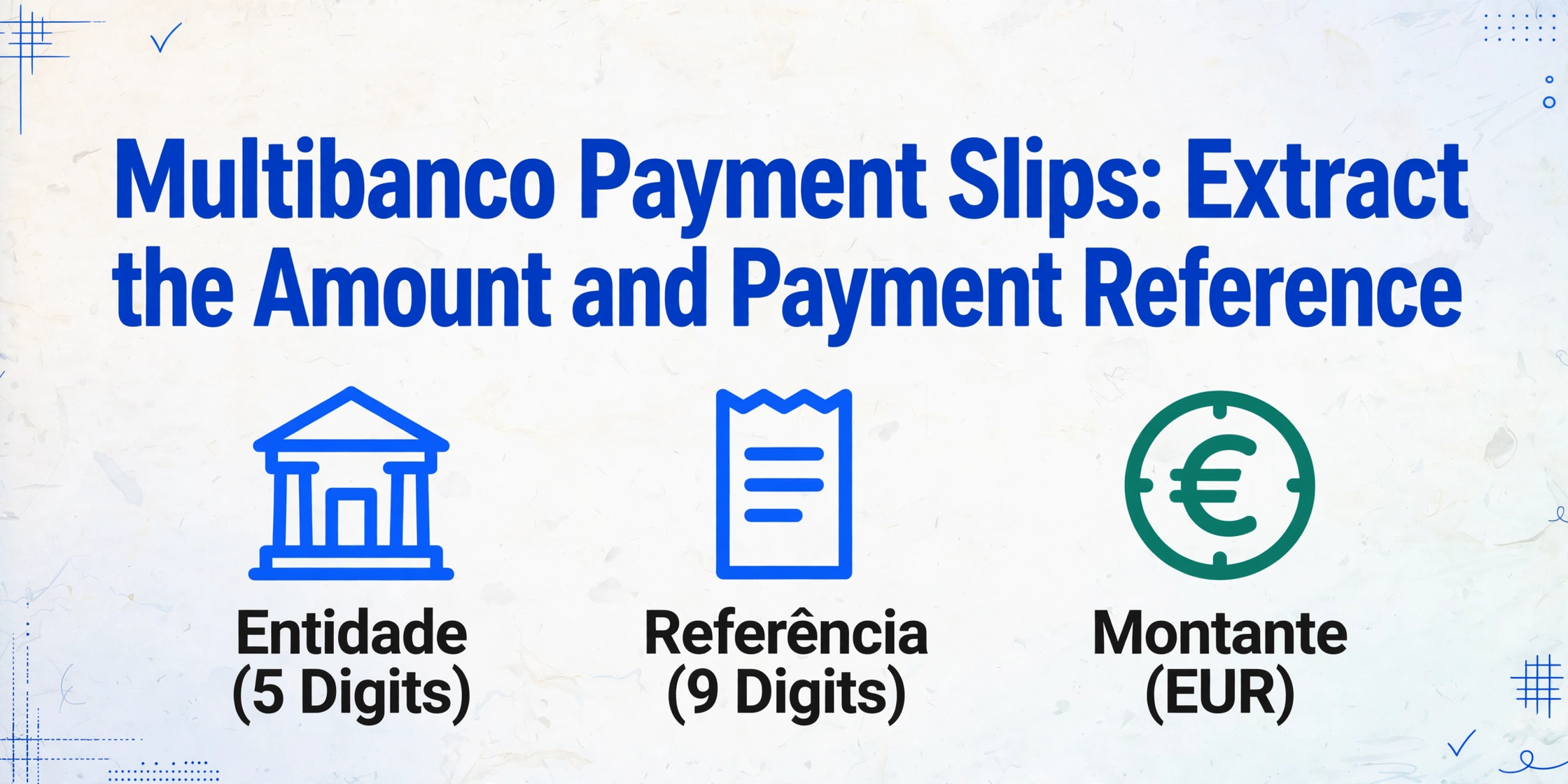
This slip is the evidence that the payment happened. It is compact, printed on thermal paper, and carries a standardised set of data fields. Every Multibanco payment slip, regardless of which bank issued it or which ATM printed it, contains these three elements:
- Entidade (Entity) — a 5-digit code that identifies the recipient institution (utility company, government agency, retailer, etc.)
- Referência (Reference) — a 9-digit unique payment reference that identifies this specific transaction
- Montante (Amount) — the payment amount in euros (EUR)
Everything else on the slip — the date, time, terminal ID, bank name — is secondary. The Entidade + Referência pair is what uniquely identifies who was paid and for what. For anyone trying to match a payment to an invoice or a bill in Portugal, those two numbers are the key.
Why a Photographed Paper Slip Is Different from a Screenshot
Every other article in this series covers digital screenshots — confirmations from apps like WeChat Pay, PayPal, Venmo, or GCash that exist entirely in pixels, captured by a screen-capture gesture that preserves the image at full, clean resolution. A Multibanco payment slip is none of those things. It is a physical object. You take a photo of it with your phone. The challenges that introduces are not minor.
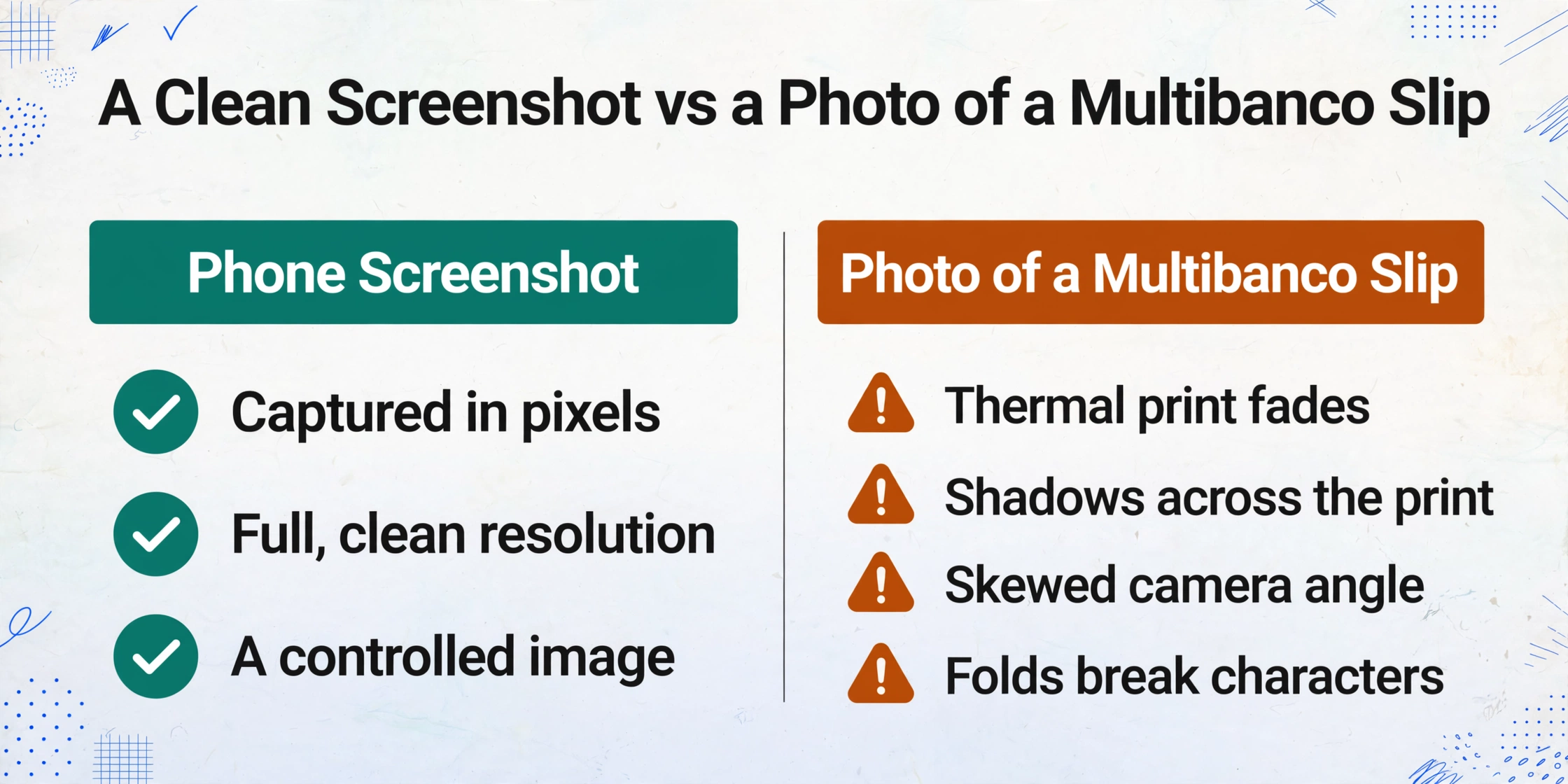
Thermal paper — the material Multibanco receipts are printed on — fades progressively over time. Heat, light exposure, and even the natural oils from handling accelerate the degradation. A slip that was perfectly legible the day it was printed can be difficult to read three weeks later.
On top of fading, a photographed paper receipt brings classic mobile-photo problems: bad lighting that casts shadows across the print, camera angle that skews the text into a trapezoid, folds and creases that break the continuity of characters, and backgrounds that confuse traditional OCR engines. A clean screenshot from a phone is a controlled image. A photo of a crumpled thermal slip is not.
This is where the difference between old OCR and visual AI becomes tangible. Traditional OCR engines — the kind that look for characters at fixed positions on a page — break when the paper is wrinkled, the text is faded, or the camera was held at an angle. They are designed for flatbed scans of pristine white documents. Visual language models, by contrast, process the entire image as a visual scene: they see the text, the paper texture, the crease running through a character, and the surrounding context, and they reconstruct the content from the whole picture rather than from isolated character shapes. This makes them far more resilient to the real-world conditions of a photographed receipt.
The Three Fields That Matter: Entidade, Referência, Montante
Of the several lines printed on a Multibanco payment slip, three are worth extracting. The rest — terminal location, bank branch, transaction sequence number — are operational metadata. Here is what each of the three core fields actually means.
Entidade — The Entity Code (5 Digits)
The Entidade is a five-digit numeric code assigned by SIBS to each institution that receives payments through the Multibanco network. It is not the merchant's name. It is not a store name or a brand. It is a registry number. EDP (Portugal's main electric utility) has one Entidade. The Autoridade Tributária e Aduaneira (AT) — Portugal's tax authority — has another. The local municipality has its own. The Entidade tells the Multibanco network which institution should receive the funds.
This distinction matters for reconciliation. If you are a business owner recording payments, the Entidade code on the slip does not directly tell you which customer paid which invoice — it only tells you which institution received the money. You need to cross-reference the Entidade + Referência pair against your own records or accounting system to identify the actual invoice. Portuguese accounting software like Primavera BSS, PHC Software, Sage Portugal, Moloni, and InvoiceXpress all support this matching: when you generate a Multibanco reference for an invoice, the software stores the Referência alongside the invoice number, so when the payment confirmation arrives, the two can be linked automatically.
Referência — The Payment Reference (9 Digits)
The Referência is a nine-digit number that uniquely identifies this specific payment within the receiving institution's system. It is the most important field on the slip. When a utility company or a government agency issues a bill with a Multibanco payment option, they generate a unique Referência for that specific bill. When you pay it, the Referência on the slip matches the Referência on the bill. This is how the payment is traced back to the correct account or invoice.
The 9-digit reference often includes a check-digit — a calculated final digit that validates the rest of the number — which makes manual entry prone to error. Transposing two digits when copying the Referência by hand can redirect the payment to a different bill or cause it to be rejected. This is a practical risk that vanishes when the reference is extracted automatically from a photo.
Montante — The Amount (EUR)
The payment amount is printed in euros. Multibanco payments are single-currency — there is no foreign exchange, no dual-currency display, no multi-line breakdown. The number you see on the slip is the number that was debited from the account. The simplicity of the amount field makes it relatively straightforward to extract, provided the thermal print is still legible.
One subtlety: Portuguese number formatting uses a comma as the decimal separator ("25,50" for €25.50) and a period as the thousands separator. A visual AI that expects dot decimals may output "25.50" instead — correct in value but different in format. ImageToTable.ai's post-processing normalises these formats automatically during extraction, but it is worth knowing that the original Portuguese convention on the slip will differ from spreadsheet conventions.
Why Entidade Is Not the Merchant Name (and Why That Matters)
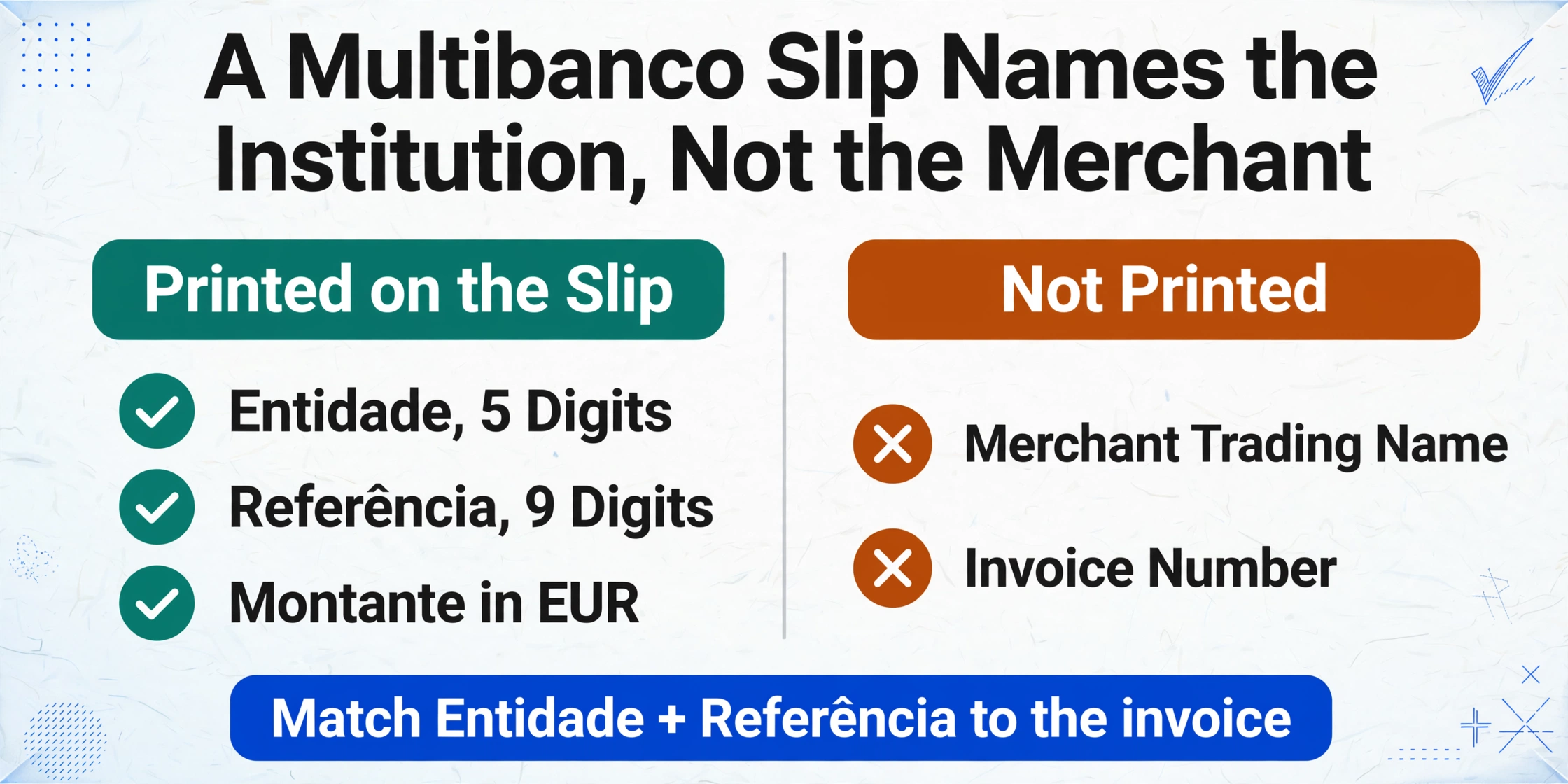
This is the most common point of confusion with Multibanco payment slips. A user looks at the slip, sees "Entidade: 12345", and assumes that is the store name encoded into numbers. It is not. The merchant's actual trading name does not appear on a standard Multibanco payment confirmation slip. What appears is the Entidade code.
For an individual tracking personal payments, this is manageable — you know which bill you paid. But for a business reconciling dozens or hundreds of Multibanco payments per month, the missing merchant name creates a real workflow gap. You cannot look at a stack of payment slips and immediately sort them by customer or vendor. Each slip has to be matched to its corresponding invoice or bill record using the Entidade + Referência pair.
Portuguese accounting ecosystems handle this through integration layers. Services like Eupago act as a bridge between invoicing software and the Multibanco network: when an invoice is issued, Eupago generates the Multibanco reference automatically; when the payment arrives, Eupago notifies the software, which marks the invoice as paid. The Entidade and Referência are matched on the backend, not by reading the slip. But if you are working outside that integrated setup — a freelancer who receives payment slips from clients, a small importer paying Portuguese suppliers who issue Multibanco references — the slip itself is your only record, and extracting those two numbers correctly is the prerequisite for any reconciliation.
What This Slip Is Worth: Documentary Value and Downstream Use
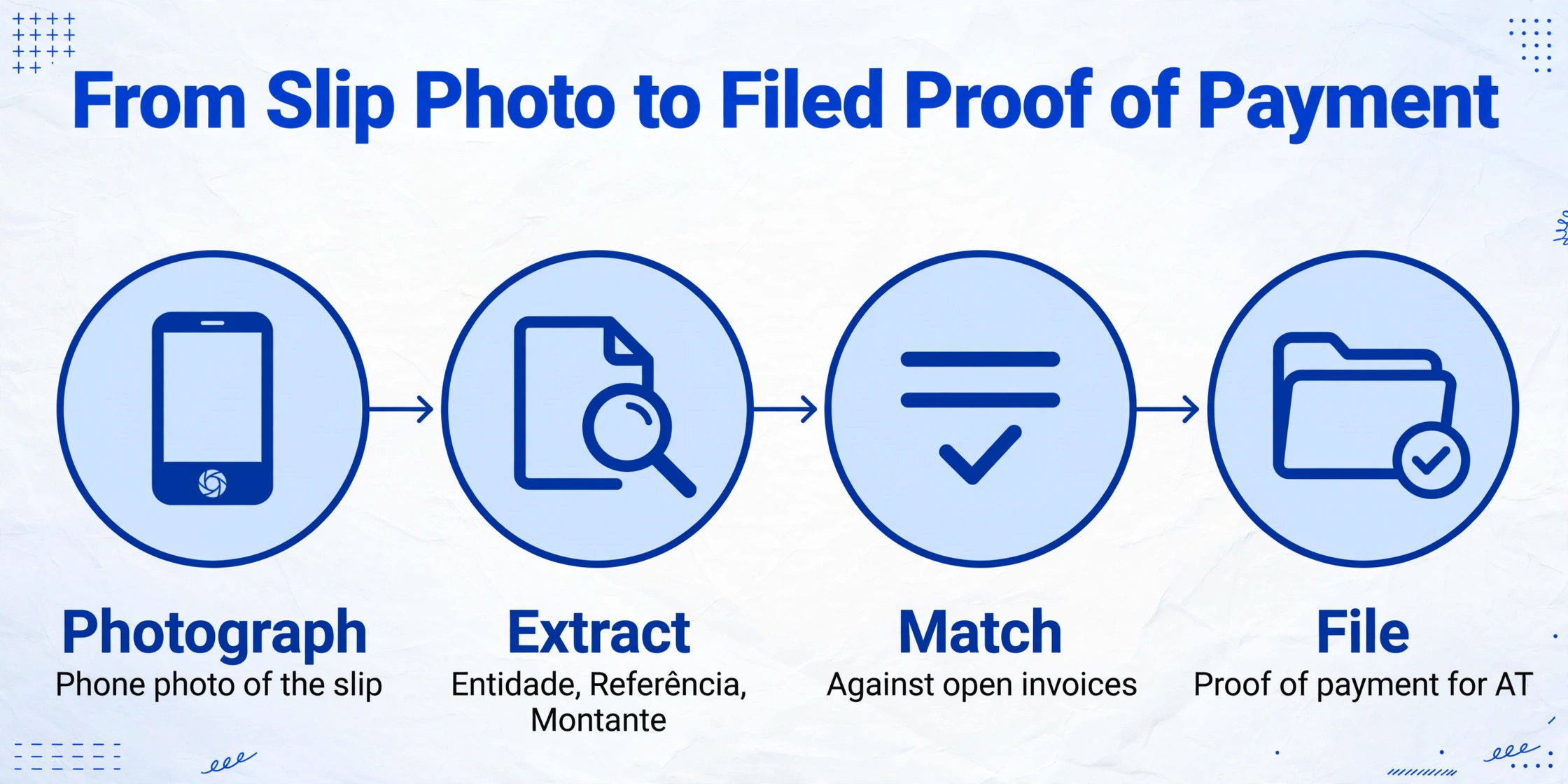
The Multibanco payment slip carries real documentary weight in Portugal. The Autoridade Tributária e Aduaneira (AT) — Portugal's tax and customs authority — accepts Multibanco payment confirmations as proof of payment for tax purposes. When you file your annual IRS (personal income tax) declaration through the Portal das Finanças, the Entidade + Referência from your payment slip is what the tax authority uses to verify that a payment was made. Tax payments to AT are themselves often made through Multibanco, with the entity code and reference printed on the official collection document (documento de cobrança).
For businesses, the downstream use of the extracted data is straightforward: accounts receivable reconciliation. Each Multibanco payment that lands in a company's bank account arrives with the Entidade and Referência embedded in the SIBS transaction record. The accounting team's job is to match those codes against the outstanding invoices in their system. Manual matching across a stack of payment slips and a spreadsheet of open invoices is time-consuming and error-prone. Automated extraction — pulling the Entidade, Referência, and amount from a photo of each slip and dumping them into a reconciliation table — reduces that effort to a fraction of the manual process.
The same data helps when tracking proof of payment for personal record-keeping. A Portuguese renter paying rent via Multibanco keeps the slip as evidence. A student paying tuition to a Portuguese university (which also uses Multibanco references) needs the slip to confirm the payment went through. A citizen paying IRS or IVA (VAT) via Multibanco keeps the slip as the record of a tax obligation fulfilled. In every case, the three fields — Entidade, Referência, Montante — are the ones that matter, and they are the ones that can be extracted from a single phone photo.
The Entidade + Referência pair is the universal key to Portuguese payment reconciliation — it links a physical slip to a digital record, no matter which bank, which biller, or which accounting software sits on the other side.
Frequently Asked Questions
Can I extract data from a faded Multibanco receipt that my phone camera can barely read?
It depends on how faded the print is. If the characters are still visible to the human eye (even faintly) when viewed on a phone screen, a visual AI model can usually read them — it detects text at the pixel level even when contrast is low. If the thermal paper has turned completely dark or the print has vanished entirely (common after months in direct sunlight), no extraction method will recover data that is no longer physically present on the paper.
Does ImageToTable.ai support Portuguese number formatting (comma as decimal separator)?
Yes. The tool's post-processing recognises Portuguese decimal conventions and normalises them during extraction. A comma-formatted amount like "25,50" appears in the output spreadsheet as "25.50", matching the spreadsheet's number format. The original format on the slip is preserved as extracted, but the normalised value goes into your table.
Can I process multiple Multibanco slip photos at once and merge them into one table?
Yes. The tool is designed for batch-first processing: upload multiple photos of payment slips simultaneously, run extraction once, and receive a single merged spreadsheet with all Entidade, Referência, and Montante values in separate columns. This is the primary use case for a Portuguese business handling a stack of end-of-month payment slips.
Can a Multibanco slip be used as a tax receipt for AT (Autoridade Tributária)?
A Multibanco payment slip confirms that a payment was made, but it is not a substitute for a certified invoice (fatura certificada) for VAT deduction purposes. The Portuguese tax system requires certified invoices with an ATCUD code and digital signature for input VAT recovery. The payment slip serves as proof that the invoice was paid — you still need the invoice itself for the tax deduction. Both documents together form the complete record.
Will the extraction work on a screenshot of an online banking confirmation instead of a photo of a paper slip?
Yes — the visual AI processes any visual input the same way. Whether you photograph the paper slip or screenshot the Multibanco confirmation page from your bank's online portal (homebanking), the same extraction approach applies. The unique challenges of thermal paper fading only apply to the physical slip scenario; the digital screenshot is the cleaner case. For a batch-first workflow across a folder of these confirmations, the Multibanco screenshot extraction tool and the broader payment screenshot extraction hub handle the same Entidade, Referência, and Montante fields from the digital side.
The Multibanco payment slip is the one case in this entire series where the user is not looking at a screen. It is paper in hand — thermal paper that fades, curls, and crumples. That physical difference creates real extraction challenges that clean screenshots never face. But the fundamental principle is the same: the data you need (Entidade, Referência, Montante) is present and readable, even if the medium is paper rather than pixels. The right extraction approach handles both.
The same semantic extraction paradigm that pulls an amount from a WeChat Pay screenshot or an order number from a PayPal confirmation also reads a faded Entidade code off a crumpled Multibanco slip — because it finds data by what it means, not by where it sits. Whether your input is a screenshot or a photo of paper, Custom Column Extraction — where you type the field names you want and the AI locates the matching values by understanding their semantics — works the same way. You define the output; the AI handles the input, regardless of format.
Take a photo of your next Multibanco slip — old, faded, crumpled — and see what comes out. The three numbers that matter are still there.