Swish Payment Screenshots
How to Identify the Amount, Recipient, and Mobile Number
A Swish confirmation screen shows three things you need for your records — the amount, the recipient's name, and their phone number — on a layout that looks identical whether the sender uses Swedbank, Nordea, or SEB. That consistency is rare among mobile payment apps, and it makes Swish screenshots simpler to process than most. But each of those three fields has a Swedish-specific detail that can land the wrong data in your spreadsheet if you don't know where to look.
Key Takeaways
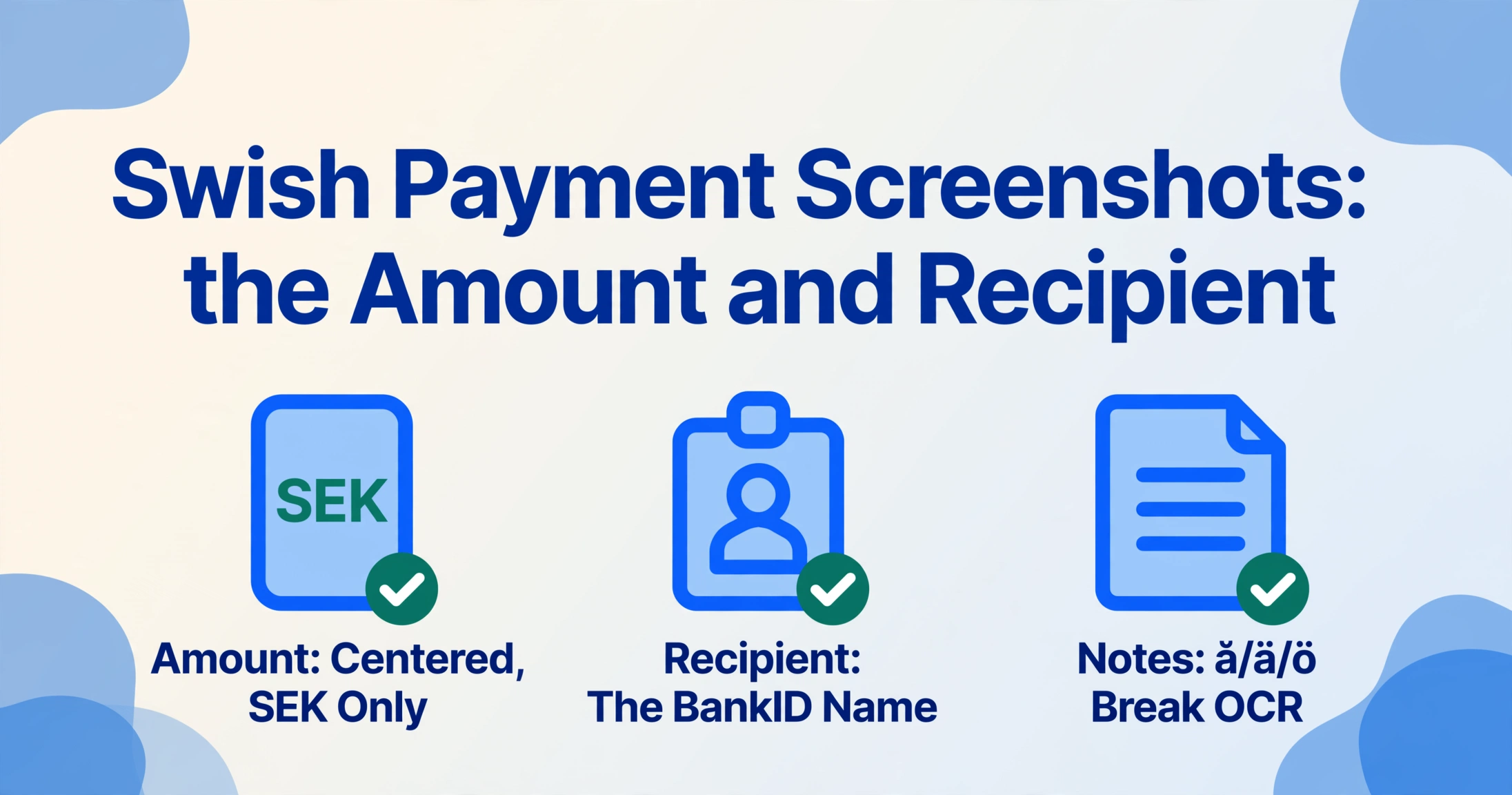
- Swish's confirmation screen is the same for 8.5 million users across 20 Swedish banks — one layout where the amount, recipient name, and phone number sit in the same place every time. On the surface, that consistency makes it the easiest payment screenshot in Europe to automate.
- But the notes field — the 50-character line carrying your invoice or customer reference — is where Swedish characters appear, and exactly where traditional OCR silently turns "för" into "for" without an error flag. The field you most need to get right is the one most likely to be corrupted.
- Semantic extraction does not read dots above letters or measure pixel distances between fields. It looks for "the recipient's registered name" and "the message the sender typed" — and reads Swedish words as whole words, not as collections of dots that JPEG compression might blur into ambiguity.
Where the Three Fields Sit on a Swish Confirmation Screen
Swish is Sweden's dominant mobile payment system, launched in 2012 by a consortium of six major banks — Swedbank, Nordea, SEB, Handelsbanken, Danske Bank, and Länsförsäkringar. It had approximately 8.5 million active users as of December 2024, processing 1.1 billion payments worth SEK 560 billion (approximately USD 60 billion) that same year, according to Getswish AB's annual report. Unlike payment systems that live inside multiple bank apps — such as PayNow in Singapore — Swish is a standalone application. The same Swish app runs on every user's phone regardless of which Swedish bank they use, which means the confirmation screen is virtually identical for everyone. For anyone processing Swish screenshots from multiple senders, that consistency is a significant advantage: you are looking at one layout, not three or four.
The confirmation screen shows the transaction amount in large type at the center — Swedish krona (SEK) only, no other currency. Below the amount, the recipient's registered name appears, followed by their masked mobile phone number in the format 07XX-XXX XX XX with the middle digits hidden. A free-text notes field ("Meddelande" in Swedish) sits at the bottom of the confirmation, showing whatever message the sender typed — typically an invoice number, a product reference, or a short description of what the payment covers. The date and time of the transaction are displayed near the top or bottom of the screen, depending on the version of the app.
What makes Swish different from bank-embedded payment systems like PayNow or Brazil's PIX is that this layout does not change based on which bank the sender uses. Every Swish user — whether their bank account is at SEB, Swedbank, Nordea, Handelsbanken, ICA Banken, or any of the other 13 participating banks — sees the same confirmation screen after completing a transfer. The fields are in the same positions, the same typeface, the same color scheme. A batch of Swish screenshots from twenty different people produces twenty images that look as if they came from the same app — because they did.
The practical implication is that a template-based extraction tool — one that draws bounding boxes at specific pixel coordinates — would work on Swish screenshots without requiring per-bank templates. But template-based tools fail the moment Getswish AB pushes a design update, which has happened multiple times (as reflected in user reviews on the App Store and Google Play noting minor UI changes between versions). The more reliable approach is semantic extraction: defining the fields you want by name and letting the AI locate them by meaning, not by position. That works regardless of whether the version of Swish on the screenshot is from 2024, 2025, or 2026.
The Recipient: The Name from the Swish Registry, Not the Sender's Input
This is the field that first-time Swish users most often misinterpret. On a Venmo screenshot, the recipient is a @username — something the recipient chose. On PayPal, it is an email address. On Swish, the recipient name displayed on the confirmation screen is the name registered with the recipient's BankID ("Mobilt BankID"), Sweden's national electronic identification system that every Swish user must have to send money.
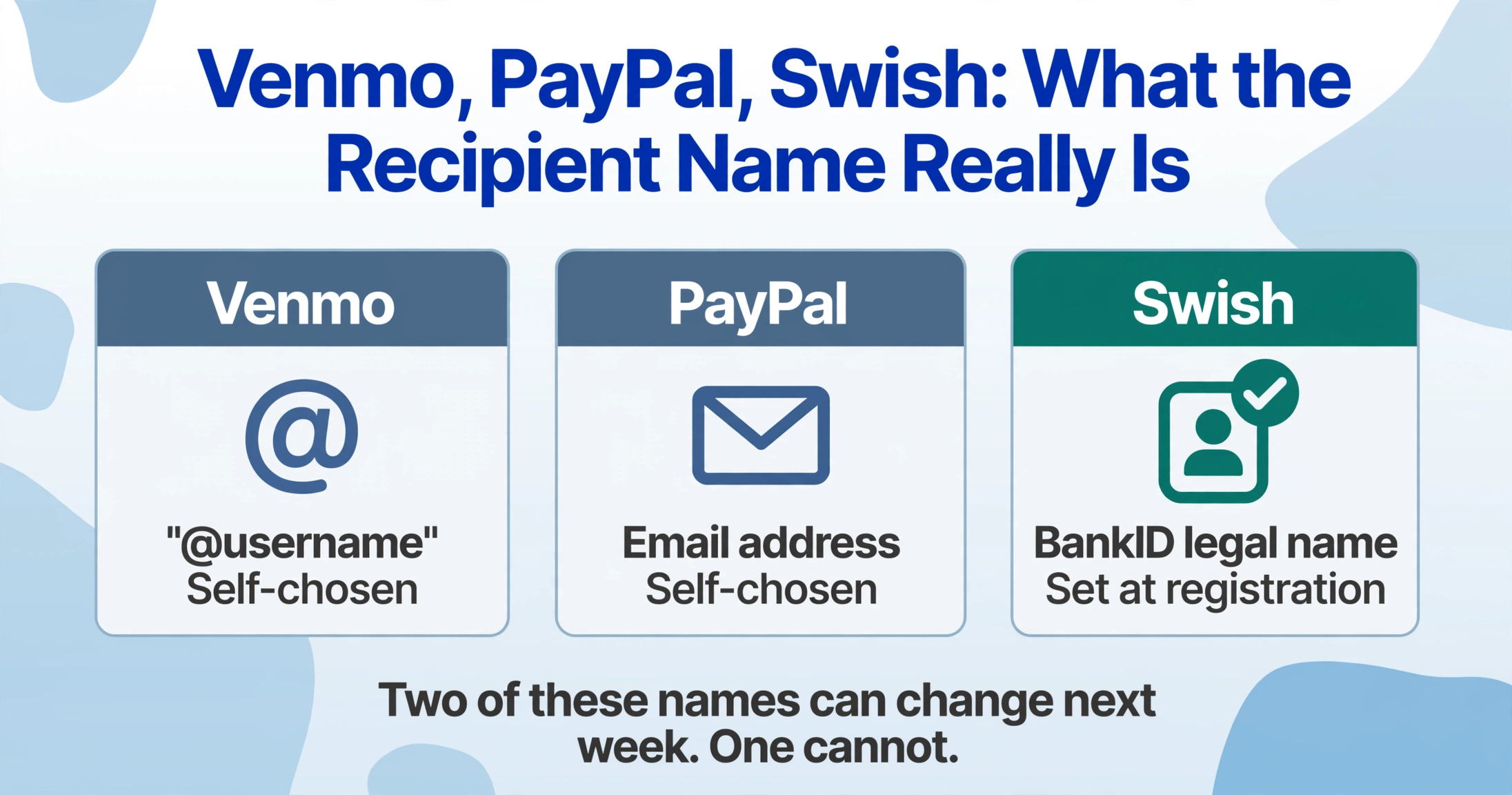
When someone sends money via Swish, they enter the recipient's phone number. Swish looks up that phone number against the recipient's bank account and returns the registered name — the legal name or the name that person used when registering their BankID. That name is what appears on the sender's confirmation screen. The recipient does not get to choose a display name or a username; the screen shows whatever the recipient's bank has on file from their Swedish personal identity number ("personnummer") registration. This means the name you see on the screenshot — "Anna Andersson" or "Erik Johansson" — is tied directly to the recipient's Swedish national identity, not to a screen name they can change next week.
The mobile phone number appears beneath the recipient name, partially masked — enough of the last digits are visible to confirm the recipient's identity from the sender's perspective, but the full number is never shown on the confirmation screen. The format follows the Swedish phone numbering plan: a three-digit mobile prefix starting with 07 (such as 070, 072, or 076), followed by seven digits, displayed in grouped format with the middle characters replaced by X's. For example, a number like 070-XXX 12 34 tells you the prefix and the last four digits, but not the full subscriber number.
For anyone processing Swish screenshots for record-keeping, the practical challenge is that the recipient name on the screenshot is filtered through the sender's perspective. If you receive a payment and take a screenshot of your own Swish app showing the incoming transaction, the "recipient" field shows your own name (because the confirmation is from the payer's perspective). If you get a screenshot from a customer who paid you, the name on the screenshot is yours as registered with BankID. The mobile number shown is yours — masked. These two identity markers — the registered name and the phone number — are the two fields you need to match a payment to the right person in your records.
The Notes Field: Where Swedish Characters Break Traditional OCR
Swish allows a message of up to 50 characters with every payment — the "Meddelande" ("Message") field. The sender can type in any combination of allowed characters: the letters a-ö (including Swedish lowercase and uppercase variants), the numbers 0-9, and the special characters :;.,?!()". The character set is broad enough to cover most business purposes — invoice numbers, order references, client names, short descriptions of what the payment covers.
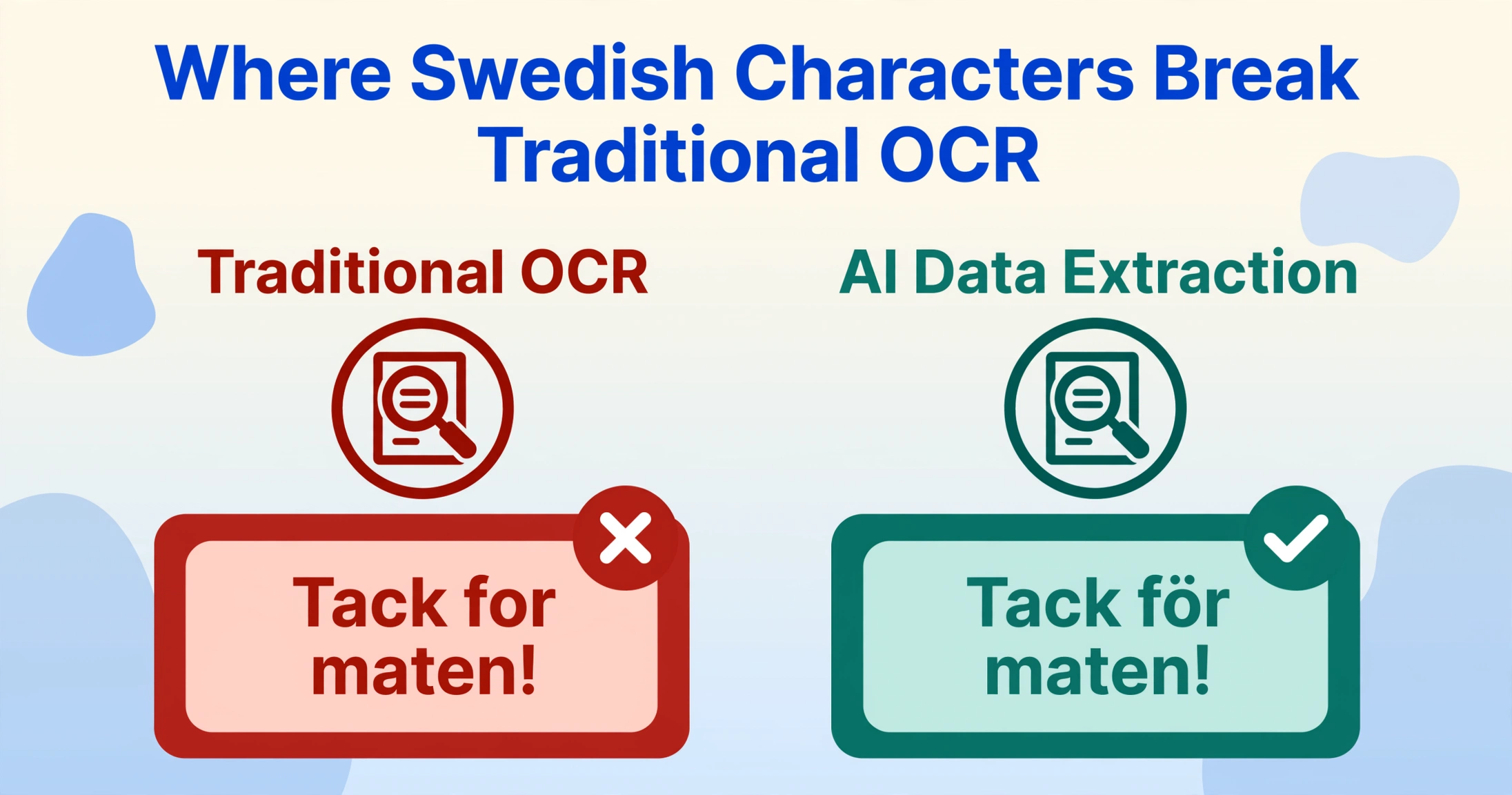
The notes field is where Swedish characters — å, ä, ö (and their uppercase forms Å, Ä, Ö) — regularly appear. A customer might type "Tack för maten!" ("Thanks for the meal!"), "Faktura nr 1042" ("Invoice no. 1042"), or "Mötesarvode mars" ("Meeting fee March"). These characters are routine in everyday Swedish communication, but they pose a well-documented problem for traditional OCR engines: the umlaut marks (dots above the letters) are small visual features that low-resolution screenshots or JPEG compression can blur into ambiguity. An OCR engine might read "ärtor" as "artor" or "för" as "for" — both valid Swedish words with completely different meanings.
For anyone extracting data from Swish screenshots, the notes field is where extracted accuracy matters most. The amount and recipient name are large, clearly rendered fields that most tools get right. The notes field is in smaller type, may include special characters, and often carries the exact piece of information you need to tie a payment to a specific invoice or client — making a misread in this field more costly than a misread in the amount column.
Visual AI reads characters holistically — it recognizes "för" as a complete word by its shape and context, not by attempting to decode the two dots on the "ö" as a separate feature. This is one of the concrete differences between semantic extraction and traditional OCR approaches: the tool does not need to "see" each dot clearly if it understands the word as a whole. For Swedish-language notes fields in particular, this means characters that traditional OCR would stumble on — the å in "får" ("sheep" or "may"), the ä in "lägga" ("to add"), the ö in "större" ("larger") — are read correctly in context.
What Extraction Looks Like for a Batch of Swish Screenshots
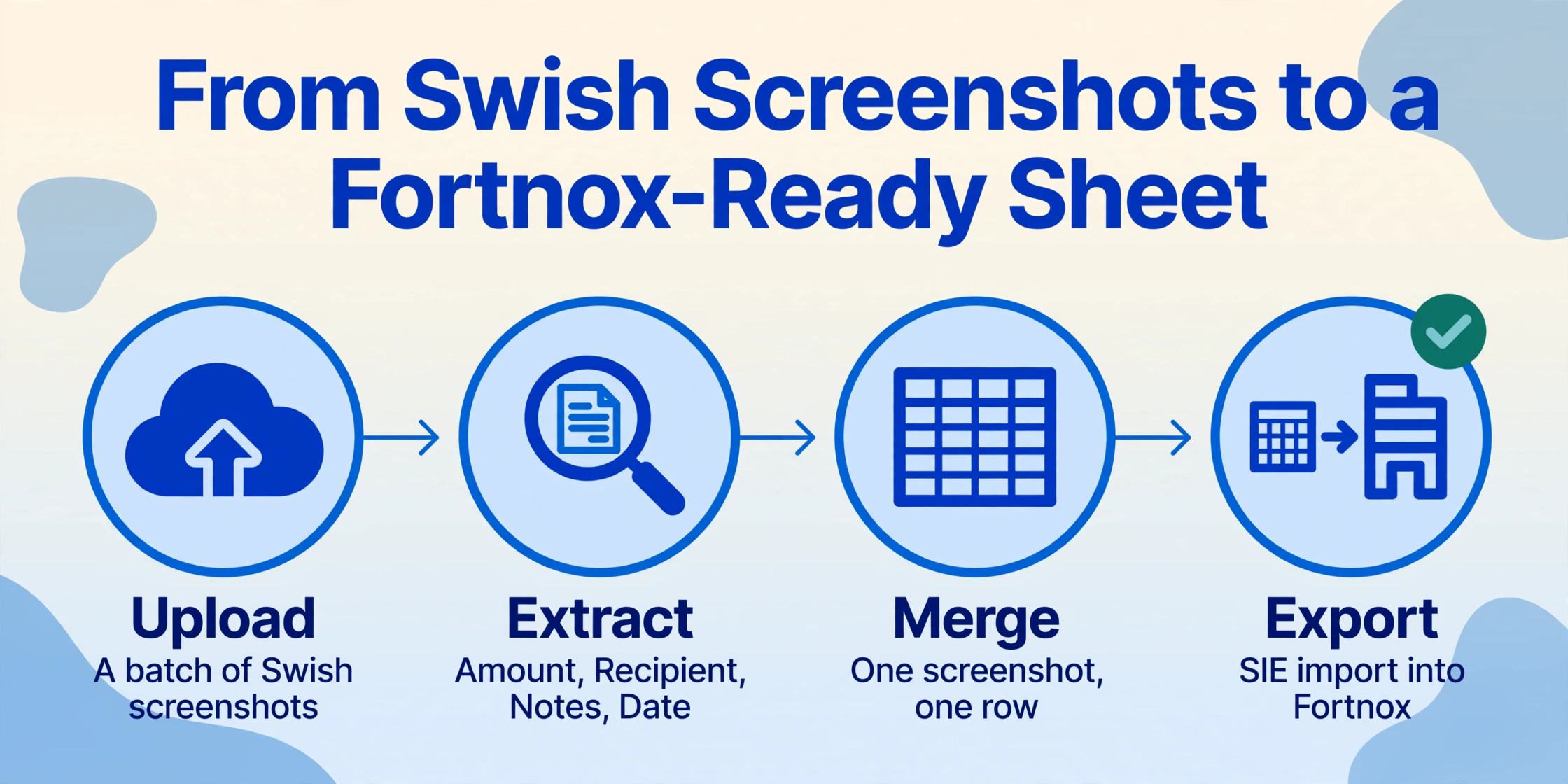
When you upload a batch of Swish payment screenshots and define the columns Amount (SEK), Recipient Name, Phone Number, Notes, and Date, the extraction engine locates each value on every screenshot by understanding what the field means, regardless of where on the screen it sits. Each screenshot produces one row, and all rows merge into a single spreadsheet. Because the Swish confirmation layout is consistent, the output is also consistent — no per-sender adjustments needed.
The downstream destination for this data in Sweden is typically one of the country's major accounting platforms. Fortnox is the dominant software for SMEs with over 612,000 customers, followed by Visma eEkonomi and Bokio. Freelancers — especially those operating as enskild firma ("sole trader") — may use SpeedLedger or Hogia for simpler bookkeeping. All of these platforms support the SIE format (Standard Import Export), Sweden's universal accounting data interchange standard, which means data structured in a spreadsheet can be imported into any of them. But none of them can natively ingest a Swish screenshot. The step between "a customer sent me a Swish payment screenshot" and "the payment is recorded in my Fortnox ledger" is still manual for most Swedish business owners.
The same batch workflow also applies when the screenshots need to be kept for Skatteverket (the Swedish Tax Agency) record-keeping. Swedish accounting law ("Bokföringslag") requires businesses to retain transaction records for at least seven years. A spreadsheet of extracted Swish payments — amount, recipient, phone, date, and message — provides an auditable trail that links each incoming payment to the customer who sent it. For a freelancer managing 20-30 Swish payments per month, having that data in a structured format rather than scattered across the phone's screenshot gallery is the difference between a 15-minute bookkeeping session and an afternoon of cross-referencing.
Swish payments in 2024 averaged SEK 639 (approximately USD 68) for person-to-person transfers and SEK 415 (approximately USD 44) for commerce payments, according to Getswish AB's annual report. The total transaction volume — 1.1 billion payments — suggests that the average active user made roughly 123 payments during the year. At that volume, manual logging of each screenshot is not sustainable. Extraction replaces a repetitive copy-paste workflow with a single batch operation that processes an entire month's worth of screenshots in one pass.
Files are processed securely and not stored.
If you handle payments from other European apps alongside Swish — MobilePay from customers in Denmark, Twint from Switzerland, Bizum from Spain — the same column definitions work across all of them. Amount, recipient, date, and reference are universal fields. The principle that drives all of these extractions is the same: you define the output columns, the AI finds the matching values by understanding what each term means, regardless of which app generated the screenshot. A batch containing Swish, MobilePay, and Twint screenshots produces a single spreadsheet with one consistent structure — no per-app templates, no separate workflows, and the payment screenshot extraction engine covers all of them together.
FAQ
Can I extract data from a Swish screenshot that was forwarded through WhatsApp or Messenger?
Yes, with the same accuracy constraint that applies to any compressed image. Social messaging apps compress images, which can reduce the legibility of smaller text — particularly the notes field and the date stamp. The amount and recipient name remain readable in most cases because they are rendered in larger type. For batch processing, request original screenshots rather than forwarded versions when the notes field matters for your record-keeping. If the screenshot is all you have, the extraction still works; the notes field may just need a manual spot-check on a few rows.
Does Swish support currencies other than SEK?
No. Swish transactions are exclusively in Swedish krona (SEK). There is no multi-currency display, no exchange rate conversion, and no convenience fee deducted from the shown amount. The amount on the confirmation screen is exactly what moved from sender to recipient — what you see is what you received. If a screenshot shows a currency symbol other than "SEK" or "kr," it is either fabricated or from a different payment system.
Can I batch-process Swish screenshots alongside MobilePay or other Nordic payment apps?
Yes. Swish and MobilePay screenshots have similar field structures — amount, phone number, and a notes field containing local language characters (å/ä/ö for Swedish, æ/ø/å for Danish). They can be uploaded in the same batch with the same column definitions. The extraction identifies fields by meaning, not by app origin. Each screenshot produces one row; the resulting spreadsheet merges all transactions into a single table with a consistent structure — no per-app configuration needed.
What if the notes field contains only Swedish characters — is the extraction still accurate?
Yes. Visual AI reads characters holistically rather than attempting to decode each diacritic mark separately. The Swedish characters å, ä, and ö are recognized as complete letters in context, not as "a with a circle" or "a with two dots" that a traditional OCR engine would need to detect at the pixel level. The accuracy for Swedish-language notes fields is comparable to English-language fields, with the same caveats that apply to very small font sizes or heavily compressed images.