Expense Audit Blind Spots:
5 Violations Your Spot-Check Lets Through
In the ACFE's 2024 Report to the Nations, which tracked 1,921 fraud cases across 138 countries, tips from people caught 43 percent of occupational fraud while internal and external audit found 17 percent (ACFE, 2024). That ratio is not a knock on auditors. An expense spot-check usually runs three tests: is the amount under the limit, is a receipt attached, and is the category in the allowed list. Every one of those tests runs against text an employee typed into a form.
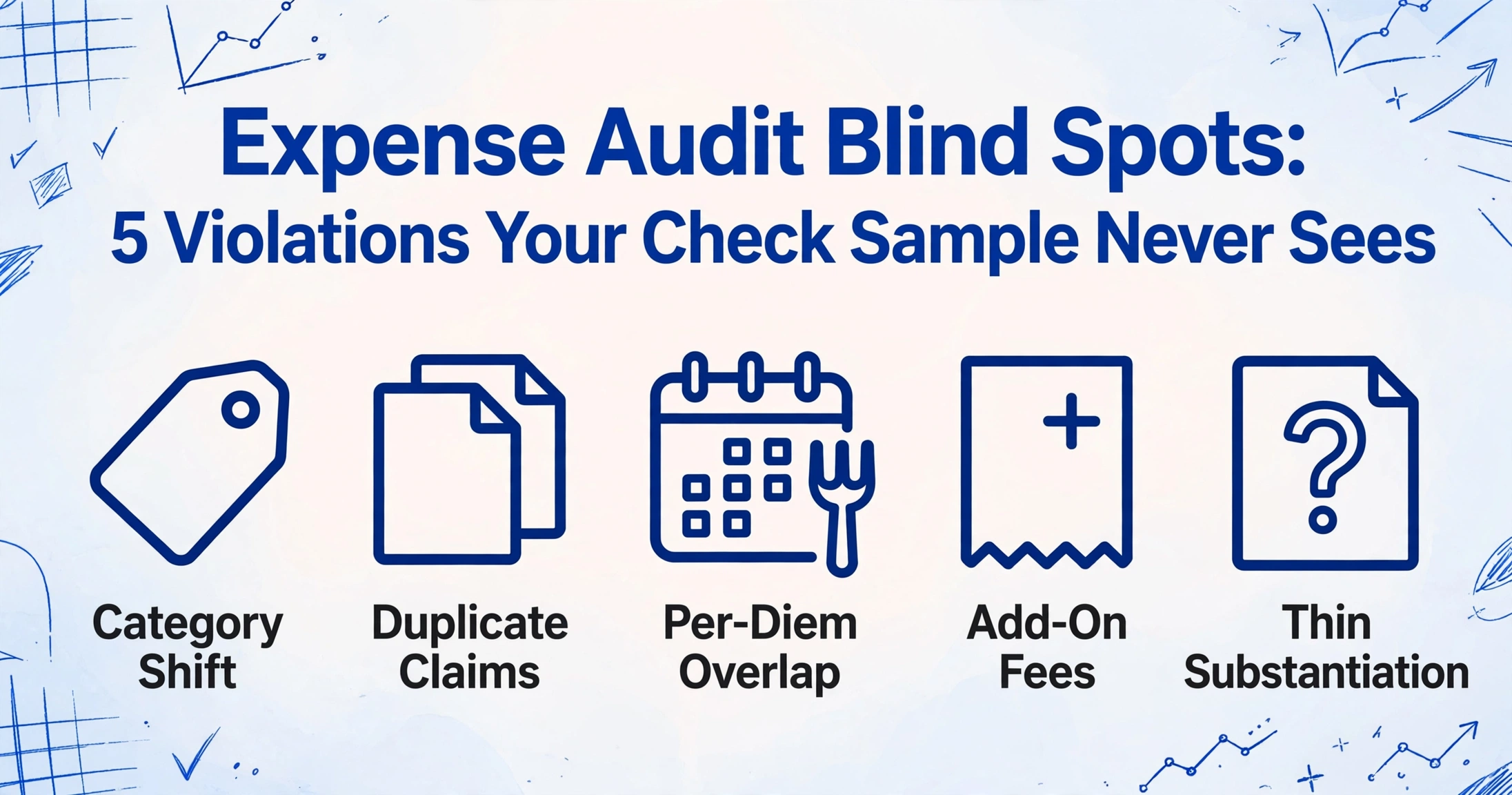
Key Takeaways
- A receipt attached to a claim feels like proof, but it only proves a file exists.
- Every standard test reads the category and amount the employee typed, so a $9 in-room movie passes as Lodging and the same $86 dinner clears two separate reports.
- One column where the receipt states what it actually shows turns the mismatch into a row you can filter instead of a judgment in your head.
So consider the claim that no single report can catch. Two colleagues have dinner together on a client trip, and each files the same $86 receipt in their own expense report, one as Business Meals and the other as Client Entertainment. Both clear every test: each amount sits under the threshold, each report carries the receipt image, each category is on the whitelist. The spot-check sees two valid reports, because nothing in the check battery compares one report against another, and nothing reads what the receipt image actually shows.
What the Spot-Check Actually Tests (and Who Runs It)
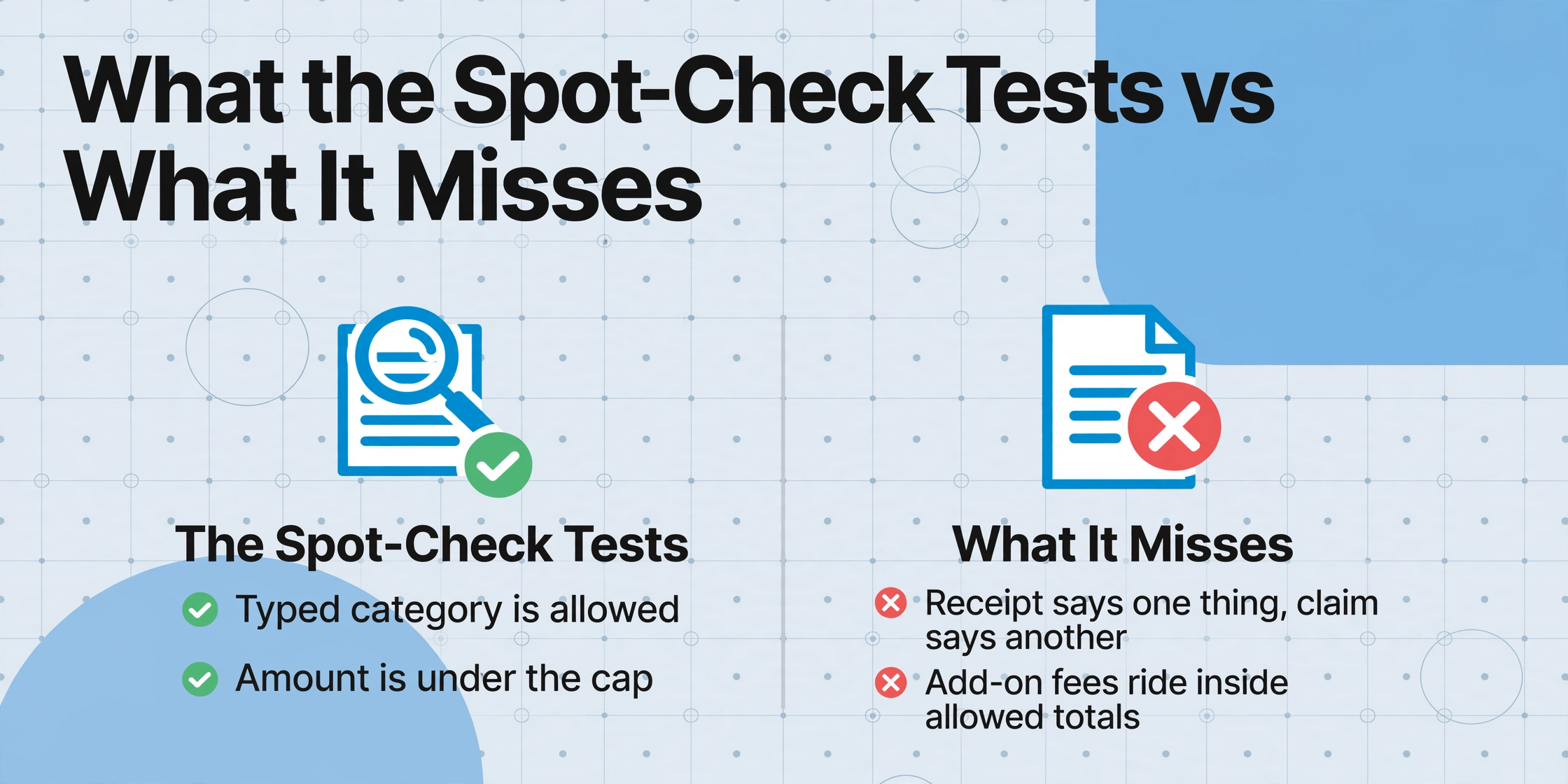
Every role in the chain checks a different surface of the claim. The employee converts a purchase into a line item: date, merchant, amount, category, plus a receipt image. The approver reviews the report before payment, mostly on trust and policy familiarity. The AP clerk or expense analyst runs the mechanical tests the policy encodes, the amount cap, the receipt-attached flag, the category whitelist, the arithmetic. The compliance auditor samples paid reports afterward and looks for the pattern the mechanical layer cannot see.
The mechanical layer is where the volume lives, and it is the layer the audit inherits: when an analyst opens a sampled report, the first thing on screen is the typed line item, not the receipt. That default is why the error baseline is so high. GBTA's research puts it at 19 percent of expense reports containing errors, with an average cost of $52 and 18 minutes to correct each one, roughly half a million dollars and 3,000 hours a year for an average company (GBTA, Pain Points and Expense Reports).
The spot-check tests what the claim says about the receipt. It does not test what the receipt says about the claim.
That statement is the dividing line between an audit that finds the five violation classes below and one that approves them quietly. How to build the underlying audit workflow, the sampling plan, and the defensible evidence trail, is covered in the companion guide to running a travel expense compliance audit. This piece is about the violation classes themselves: what each one looks like, why the standard check battery lets it through, and which document to pull to prove it.
Violation 1: The Receipt That Says One Thing, the Claim That Says Another
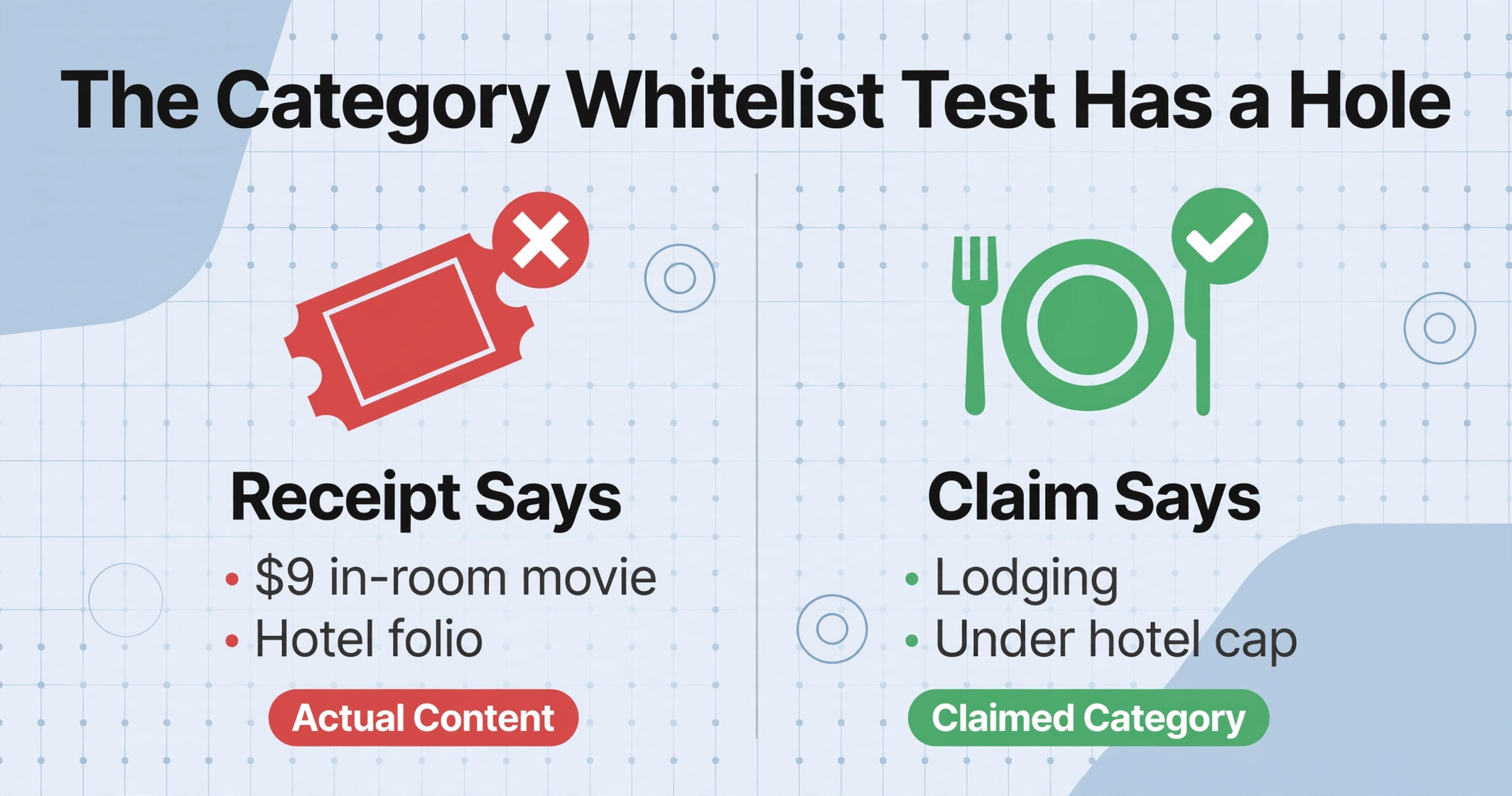
The category whitelist test has a hole the size of the typing box: it compares the category the employee typed against the list of allowed values, and it never reads the receipt. A $9 in-room movie billed on a hotel folio typed as Lodging passes, because Lodging is allowed and the folio total is under the hotel cap. A personal dinner with a friend typed as Business Meals passes for the same reason. The ACFE classifies this as mischaracterized expenses, one of the most common expense reimbursement schemes in its data, and fraud examiners routinely cite weak category control as the reason it works (ACFE, 2024).
The mechanism is worth being blunt about: the person who controls the category is the person who benefits from it. Nothing in the software verifies that the paper supports the chosen label, so the reviewer's only tool is reading the receipt image and knowing the policy. That is why this violation is a walk-up hit in practice. On r/Deloitte, employees describe expense audits as random and selective about what gets scrutinized, with wrong justifications treated as small errors rather than findings (r/Deloitte, Expenses Audit). A favorite dinner coded Business Meals is exactly the "small error" everyone understands and no one flags.
Violation 2: The Same Expense on Two Reports
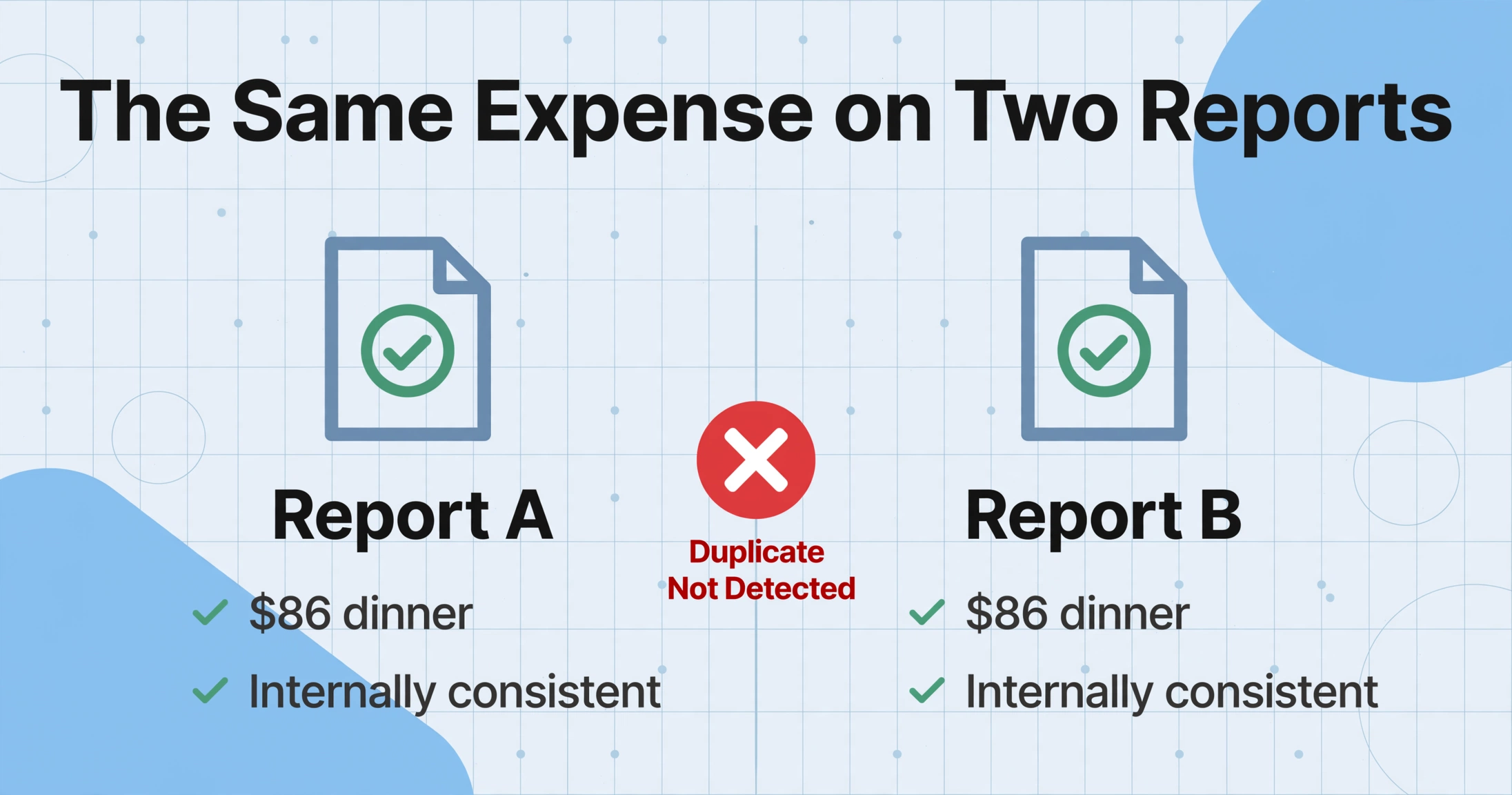
The duplicate does not exist until two line items are compared, and the spot-check is drawn one report at a time. The same $86 dinner receipt appears in two colleagues' reports and each report is internally consistent, so the sample finds two clean records. Group dinners paid once and split several ways, a traveler re-uploading the same receipt in a second batch, the same card charge appearing on a corporate card statement and again as out-of-pocket, these all produce identical or near-identical amounts and dates across reports that no per-report check can see.
The honest mistake and the deliberate double-dip are indistinguishable at the moment of review, and both cost the same money. The practical detection is a cross-report comparison, which for a manual auditor means remembering a receipt image from a prior month. The Washington State Auditor's Office, which writes travel fraud guidance for public agencies, treats duplicate submissions as one of the standard schemes worth explicit reviewer training (WA State Auditor, Best practices for travel and reimbursable expenses). The same pattern in vendor invoices, where the same charge lands on two purchase orders, is walked through in the guide to detecting duplicate invoices automatically.
Violation 3: Per-Diem Paid, Actual Meals Claimed on Top
Per-diem and actual-expense reimbursement are meant to be mutually exclusive, and the two are recorded in entirely different forms. A traveler on a flat meal per-diem does not submit receipts for meals, so the receipts never enter the system; a traveler on actuals does. The violation hides in the gap: the same trip can carry a per-diem allowance on the travel form and a stack of meal receipts, because nothing sums the traveler's meals for the trip and compares them to the per-diem they also collected.
The venue version is just as common. A conference supplies breakfast and lunch, the traveler still claims the full meal per-diem, and the supporting agenda (which lists the included meals) sits in a different folder from the expense report. The state auditor's guidance enumerates this exact double-dip, per-diem claimed even though the conference or training venue provided meals, as a scheme reviewers should check (WA State Auditor, 2024). Spot-checks miss it because the check runs per line item, and a per-diem line and a meal line are never the same line. The comparison has to be assembled per trip: sum the meals, check them against the allowance, then confirm the allowance was not also claimed.
Violation 4: Add-On Fees Riding Inside an Allowed Total
A hotel folio that passes the nightly rate cap is not automatically compliant, because the folio total includes a movie, a laundry order, and a room-service bottle that the traveler never itemized. The same pattern appears on airline tickets (premium seating, priority boarding, seat selection fees) and rental cars (upgrades, toll passes). The amount test passes because the total is under the cap; the line items below the total are never parsed.
This is the class where "receipt attached" does the least work. The attachment satisfies the file-presence test while protecting the actual violation inside the file. The WA State Auditor guidance lists add-on fees, hotel movies, rental car upgrades, and premium seating among the fraud schemes that survive when reviewers only check totals (WA State Auditor, 2024). Detecting it requires reading the receipt as a document with multiple lines, not as a single image to file.
Violation 5: A Receipt That Proves Nothing
The last class is the one with a legal exit ramp. Under an IRS accountable plan, a reimbursement is excluded from an employee's wages only if the employee substantiates the amount, date, place, and business purpose of each expense, and returns any excess over the substantiated amount (IRC §62(c), Treas. Reg. §1.62-2, the substantive standard in IRS Publication 463 and detailed in Treas. Reg. §1.62-2). If the substantiation is missing, the reimbursement is treated as taxable wages, with withholding and W-2 reporting to follow.
The spot-check usually counts a receipt image as enough. It is not. A receipt without a date, a credit-card slip without item lines, a gas receipt that could be for any car on any day, all satisfy the file-presence test and substantiate nothing. The claim amount can also exceed the receipt, a $58 tab casually typed as $68, which is small enough that no amount outlier rule fires. When these add up, the leak is bigger than petty cash: ACFE data shows a median loss of $145,000 per fraud case and a typical duration of 12 months before detection (ACFE, 2024). Expense reimbursement schemes are not a rounding-error category; they are a leading fraud scheme in the asset misappropriation family.
One honest boundary: IRS documentation rules let small expenses slide by design. Under IRC §274(d), documentary evidence is required for lodging at any amount and for any other single expense of $75 or more, which is why sub-$75 claims frequently ride without receipts. Nothing in this article changes that rule; the check column below just makes the "no receipt under $75" cases visible so your policy can decide them deliberately.
Why All Five Share One Shape
The five violations look different, but each one defeats the same battery: the check keys off the metadata the employee typed, never off the content of the document. The category is typed, so the whitelist passes it. The amount is under the cap, so the total check passes. The receipt is attached, so the file test passes. In every case, the document itself was never read as data. These are the expense violations that survive the audit not because nobody reviews the numbers, but because the numbers being reviewed were self-declared.
That structural gap is why the fix is not a better amount rule or a bigger sample. It is reading the receipt content into a form the check can compare, and then verifying each extracted value against its source on the image. Two product steps do exactly that, and both are ordinary settings in an extraction tool rather than a new T&E platform. Before the solution, one framing note: the collection-and-reconciliation side of this workflow, getting claims and receipts matched before they reach an auditor at all, is covered in the guide to reconciling expense reports to receipts.
How to Catch These: A Verdict Column and a Click-to-Source Check
The first step targets violation 1 and 4 in one move: add a column that asks the AI to read the document and state what it actually shows. With an inferred column, you define a column and the AI fills values the document does not print: you type the column name, the AI reads the receipt and decides. You define the column Actual Category (options: Lodging / Meals / Transportation / Personal / Other) and the extraction stops trusting the box someone typed, reading each line of the folio or ticket and assigning the category from the paper itself.
The document's verdict, next to the typed claim
Claimed Category
Amount Claimed
Actual Category (options: Lodging / Meals / Transportation / Personal / Other)
Receipt Line Matches Claim (options: Yes / No)
The output sheet now has a column the employee never typed, and the auditor filters one column to find the mismatch: rows where Actual Category reads Personal but Claimed Category reads Business Meals, or where the receipt line contradicts the amount. The hotel movie shows up as a Personal line inside a Lodging folio. The test that used to live in the reviewer's head, reading the image and knowing the policy, is now an extractable field with a value on every row.
The second step turns "the claim does not line up" into evidence a reviewer can stand behind. In Review Mode with Bbox verification, hovering or clicking any extracted cell highlights the exact region on the original image the value came from, and clicking a region on the image jumps back to the matching cell. Turn on "auto-annotate after processing" so every sampled receipt is already anchored when the auditor opens it; for a one-off recheck of a disputed claim, the on-demand per-file trigger works without reprocessing the batch.
Bbox verification closes two specific holes from the list above. For duplicates (violation 2), the extraction is batch-first: all receipts land in one sheet, sorted by merchant, date, and amount, and two rows with the same merchant and amount are instantly visible side by side. Clicking the cell shows whether the two rows came from the same physical receipt or from two separate ones. For thin substantiation (violation 5), clicking an extracted date, merchant, or amount shows the reviewer the exact spot on the image, so a missing date or a mismatched line item is verified against the paper in seconds instead of by squinting at an attachment tab.
Files are processed securely and not stored.
The per-diem overlap (violation 3) is the one class that stays a sheet step: after extraction, sum each traveler's meal lines per trip and compare against the per-diem they also claimed. The classification column tells you which lines are meals; the day-total comparison is a formula in the sheet. That is honest work lasting a couple of minutes per flagged traveler, rather than a full manual read of every receipt.
What Still Needs a Human
The verdict column proposes, and the bbox anchor evidences, and the judgment stays human. A receipt can say Lodging and still be a wrong policy call, and no document read can tell you whether a dinner was a client meeting or a friend. Whether a manager approved an overage is a policy decision, not a document question. And the honest limit on tampering: a bounding box shows where a value was read from, not whether the image was altered in an editor before it was uploaded. Receipt authenticity, intent, and exception approval all remain reviewer work.
The practical output is a review queue, not an auto-rejection machine. Rows where Actual Category disagrees with Claimed Category, or where the receipt line contradicts the amount, land in front of the controller with their anchors and a disposition choice. The cost question, whether running this in-house beats buying a review service, is walked through in the comparison of manual versus automated expense reconciliation.
Expense Audit Violations: Frequently Asked Questions
Will the verdict column replace SAP Concur or Expensify audit rules?
No, it works alongside them. Platforms check the data inside the platform: typed categories, amounts, receipt file presence, approval history. The verdict column reads the receipt as a document and produces the category from the paper, which platforms do not do. Teams already on a platform export the sample and add the column; teams without one start from the sheet.
What stops employees from just typing a different category?
Nothing, and that is the point. The claimed category is still whatever the employee types. The inferred column adds the document's independent read next to it, so the mismatch becomes a visible row the auditor filters rather than a judgment carried in someone's head. The disposition, whether the employee's version or the document's version wins, stays a controller decision.
Are sub-$75 expenses immune because no receipt is required?
Under IRS rules they can ride without documentary evidence, but your policy does not have to accept that. The inferred column still extracts dates, amounts, and vendors from whatever is attached, and it can flag rows with no receipt so the policy decides deliberately. If a claim has no image and no substantiation, an accountable plan may still be at risk, and the W-2 wage treatment applies regardless of the $75 threshold.
Can this detect a receipt photo that was edited before upload?
No. Extraction reads the text of the image you provide; it cannot tell whether that image was altered before it arrived. Treat edited receipts, duplicated dates, or values that contradict the issuing merchant as a reviewer decision and keep the original file alongside the extraction. The bbox anchor shows where a value was read, which is evidence of reading, not proof of authenticity.
The spot-check is not failing because the sample is too small. It is failing because every test keys off typed metadata, and the receipt, the only artifact that can contradict the claim, is never read as data. Add one column that reads the document and states its own verdict, filter for the rows where the claim and the document disagree, and anchor each finding to the spot on the image it came from. Run one batch of your own sampled receipts through those columns and count how many rows come back with an Actual Category that does not match the claim.