Data Extraction vs Data Scraping
When Your Invoice Has No URL
Ask a web scraper and a document extractor to put the same bank statement into a spreadsheet and both return a table. One read the statement. The other read the web page that offered it as a download.
Their most common failures also land in different places. A scraper usually breaks where you can see it: a class name changes, the selector returns nothing, and someone notices the same day. A document extractor usually breaks inside a single field: one amount lands a digit off, the row count still matches, and nothing looks wrong until the column is reconciled. Which failure your team can absorb is a better buying question than which category a vendor claims.
Key Takeaways
- A scraper and a document extractor both hand you a table from the same bank statement, so the label on the box decides nothing.
- One digit off is all it takes: a document extractor's row count still matches, and the error surfaces only when you add up the column.
- Where the data sits right now decides the tool, so scrape what you can request and extract the files you already hold.
Definitions Vary. The Source Does Not.
The two terms have no agreed definition, which is why the comparison keeps restarting. The Bodleian Libraries guide on text and data mining files web and screen scraping under data scraping, next to databases and documents. A dozen vendor explainers treat data extraction as the umbrella and put scraping underneath it. No standards body ever settled the words.
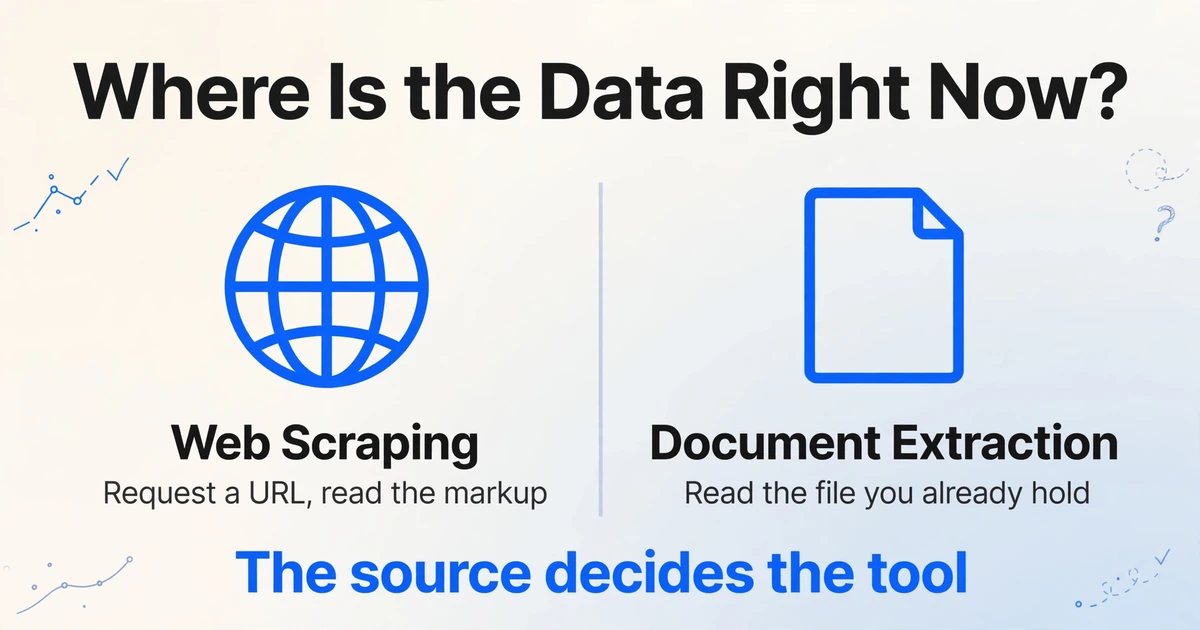
The disagreement does not change the decision in front of you. Web scraping collects data from a live web interface: the tool requests a URL or drives a browser, receives HTML, a rendered DOM or embedded JSON, and picks values out of that structure. Document extraction reads named values out of a file you already hold, whether that is a PDF, a scan, a phone photo of a receipt, a screenshot or an email attachment. There is no request to make and no markup to inspect.
The shortcut through the definition problem is to ask where the data is right now. If you can get it by requesting a location, it is a scraping problem, or an API problem if the site offers one. If it is already inside a file, it is a document problem.
| Compared on | Web scraping | Document extraction |
|---|---|---|
| What you start with | A URL, or a list of them | A file: PDF, scan, photo, screenshot, email attachment |
| What the tool reads | The served page: HTML, rendered DOM, embedded JSON | Pixels, or a page description. There is no document object model |
| How it locates a value | CSS selector, XPath, or a pattern in the response | Layout reconstruction plus meaning: which number is the total |
| What breaks it | Markup changes, login walls, bot checks, rendered images | Poor scans, dense handwriting, pages where the same value appears twice |
| Who controls the source | Whoever runs the site | You, or the party who sent you the file |
| Typical work | Competitor prices, product listings, directories, search results | Invoices, bank statements, receipts, contracts, forms |
What a Scraper Reads
A scraper reads the markup a browser was given, which is why it can be fast, cheap and exact at the same time.
A request goes to a URL, a server returns a document, the document is parsed into a tree of elements, a selector picks the elements holding the values, and the job repeats across pages on a schedule. On JavaScript-heavy sites it may drive a headless browser first, so the tree exists before anything is selected.
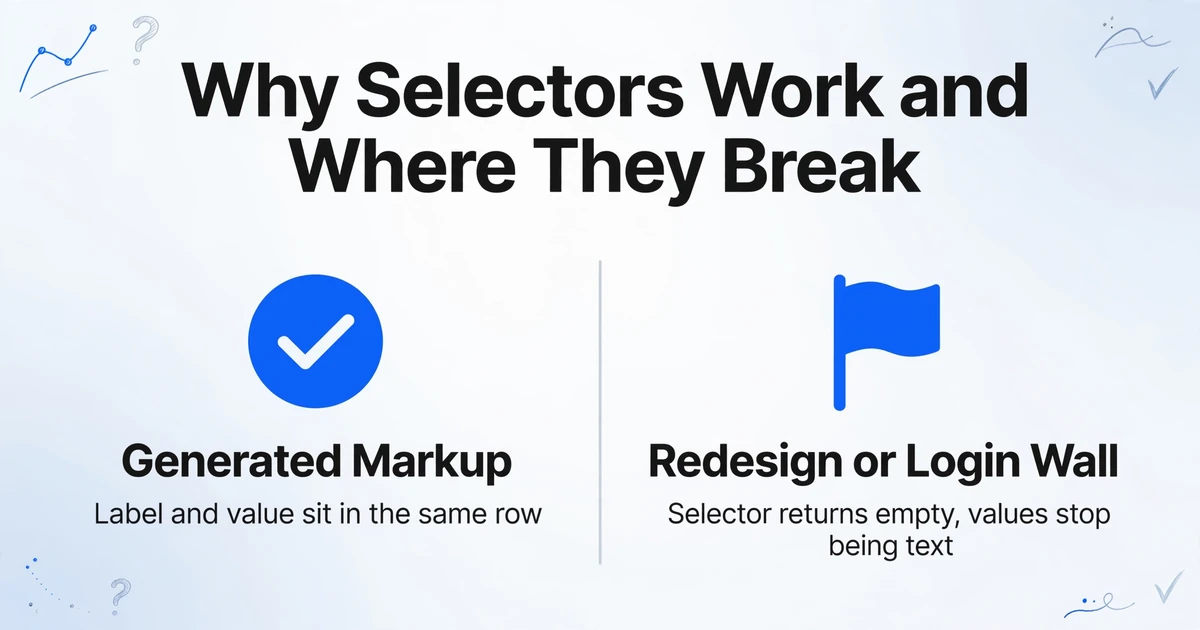
A selector works for a reason that is easy to miss. A page displaying a price was generated from data, so the label and the value sit in the same row, written by the same template. Copying the cell with class .amount reads the field the site's own code used to render it.
The selector is a shortcut that works because the page was generated from data. Nothing about the shortcut survives when the source stops being generated markup.
That is why scraping breaks in specific ways. A class gets renamed in a redesign and the selector returns an empty list. A table moves inside a canvas or an image and the values stop being text. A login wall or bot check stops the request before parsing begins. These are access and structure problems, and the fix is engineering time.
The same property explains the commonest mistake in mixed projects: assuming a tool that handles pages will handle the files attached to them. One developer described the wall plainly: "Most scrapers (like BeautifulSoup, Playwright, etc.) help with HTML, but handling PDFs during crawl requires an additional layer."
What Document Extraction Reads Instead
A PDF has no table object, no row and no cell. It has instructions for placing glyphs at coordinates on a page.
That is literal. ISO 32000, the PDF specification, describes text as glyphs positioned by text-showing operators inside a series of transformation matrices. A table that looks structured on screen is a set of characters that happen to line up. The file records the alignment, not the relationship, so a parser has to infer that four values belong to one row and that the rightmost is a balance rather than a second amount. A scan is one step further away: an image with no text layer.
The order of work inverts. A scraper asks which element holds the price. A document extractor has to decide whether a region is a table, where the header ends, whether a value belongs under the row above or below it, and which number is the total rather than the subtotal or the tax. Optical character recognition returns characters in reading order and stops there, which is the difference between transcription and extraction.
The semantic layer removes the rule-per-supplier problem. ImageToTable.ai is built around Custom Column Extraction: you type the column names you want, such as "Statement Date" and "Amount", and the model locates each value by understanding what the label means rather than where it sat on the last statement. A supplier changing its layout is not an event for this kind of tool, because the locator was never the position.
Where the Two Approaches Actually Diverge
The divergence shows up at one place: the layer of the source that holds the values you need.
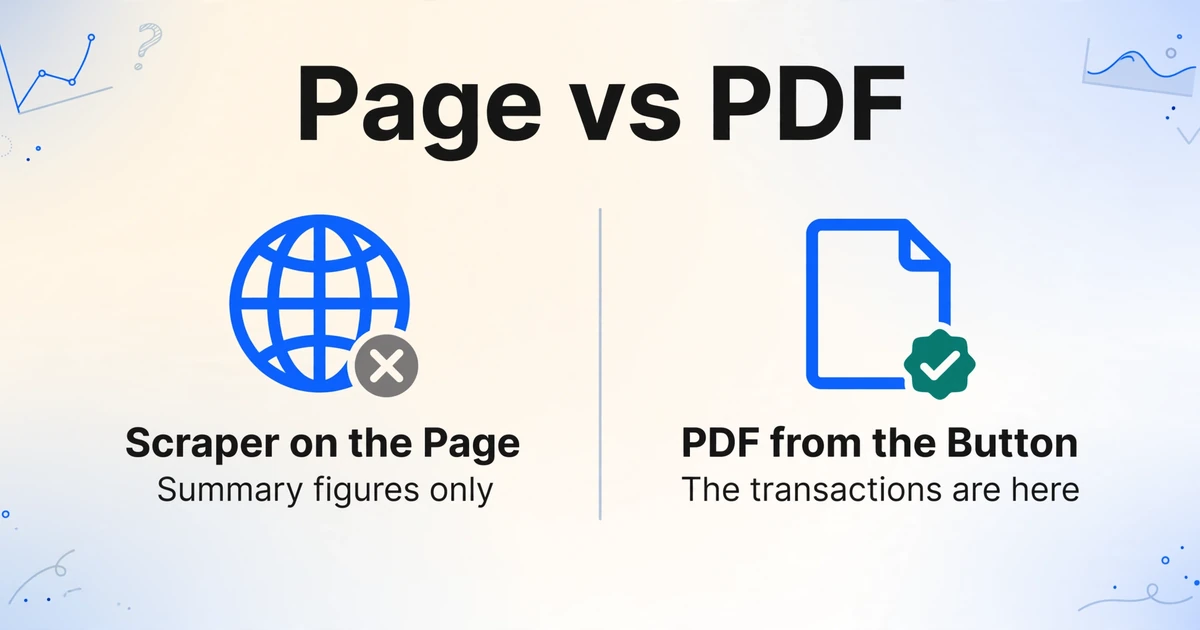
A bank statement published to a portal makes it visible. The page shows a summary block: opening balance, closing balance, money in, money out, and a button that downloads the statement as a PDF. A scraper pointed at that page returns the figures in seconds. The transactions are in the PDF the button produces, and nothing on the page contains them. This is the ordinary version of the mistake, and it repeats every month without an error message.
Read the same PDF with a position-based parser and a second failure appears. The balance column is right-aligned, so its digits sit close to the amount column. Group text by whitespace and the columns can merge; a number split across text runs at the thousands separator can arrive as two fragments. The output is a valid spreadsheet with the right row count and a plausible total. The error surfaces only when someone checks that the transactions sum to the closing balance minus the opening balance.
The third case is the simplest and the most common. An invoice that arrives as an email attachment has no page to fetch. The supplier generated a PDF and sent it. There is no URL and no markup, so a scraping stack has nothing to do until someone adds a document step.
A scraper that returns the summary page has not malfunctioned. It did exactly what it was asked, on the wrong layer of the source.
What goes missing is rarely the headline number. It is the detail that makes the data usable:
- Line items, because the summary page lists totals and the invoice PDF lists what the totals are made of.
- Pages two onward of a statement, because the first page carries the summary block.
- The sign of an amount, when a credit is printed in parentheses and copied as text.
- The billing address, which sits in a block that looks like the shipping address.
- The identifier that would let you join the pages back into one record.
A Screenshot Is a Document, Even When It Shows a Website
A screenshot of a bank dashboard is a document, even though every pixel in it started as a web page.
This is the reverse of the previous confusion, and it catches people who have just learned that web content means web scraping. A PNG has no DOM, no selector and often no reachable URL: the state may have needed a login and three clicks. The tool that reads it is the one that reads pixels. A PDF downloaded from a portal works the same way: once it lands on disk, the URL stops mattering. Screen captures are covered in extracting data from screenshots.
The Legal Questions Are Different in Kind
Scraping asks whether you were allowed to reach the data. Document extraction asks what you may do with data you already hold.
On the scraping side, the terms of service are a contract, and that is where most real exposure sits. The technical checks are weaker than they look. The Robots Exclusion Protocol, standardized as RFC 9309 in 2022, says in its introduction that its rules "are not a form of access authorization." A robots.txt file states what the operator would prefer. It does not grant permission.
hiQ Labs v. LinkedIn shows where the risk lands. In 2022 the Ninth Circuit upheld an injunction that let hiQ keep collecting public profiles, on the reasoning that scraping public data did not by itself "exceed authorized access" under the Computer Fraud and Abuse Act. That looked like a win for scrapers. The case ended differently: in November 2022 the district court found that hiQ had breached LinkedIn's user agreement, and a consent judgment that December entered a $500,000 judgment and permanently barred hiQ from scraping. The contract claim outlived the dramatic theory.
The awkward case for finance teams rarely appears in category comparisons. The transactions in your bank account are your data; the interface belongs to the bank. Automating that interface with your own credentials can breach the bank's terms even though the money is yours. Ask for an export or check for an official API first; in the UK and EU, open banking rules exist so access does not have to go through screen automation.
On the document side, lawful possession is the start of the analysis. A statement contains personal data, so retention, access and where a processor stores the file all become questions. That work belongs to a privacy or compliance owner. Treat this section as a map of which questions to route to whom, not as legal advice.
A Decision Table by Data Source
The source decides the tool, and most teams need both tools for different rows of the same table.
| Where the data is | First move | Why | What to watch |
|---|---|---|---|
| Invoice PDF in your inbox | Document extraction | There is no URL. The file is the record | Layouts vary by supplier, so rules tied to position need one per supplier |
| Statement PDF downloaded from a portal | Document extraction, text layer or OCR | Multi-page tables with right-aligned balance columns | Reconcile the transaction sum against opening and closing balances |
| Transactions visible only in online banking | Export or official API, then extract | Your credentials, the bank's interface | Terms of service and UI changes. Screen automation is the last resort |
| Supplier portal that publishes statements | Two steps: fetch the file, then extract | The download is automation. The reading is extraction | Keep them separate so one can change without the other |
| Competitor prices or product listings | Web scraping | The data exists only as a live page | Selectors break on redesign. Check terms before you build |
| Screenshot of a dashboard or app | Document extraction | The file is pixels, and the state may not be reproducible | Resolution and cropping decide the result more than the model does |
When a portal publishes the documents you need, the job splits in two: something fetches the file on a schedule, and something reads it. Build the pipeline so the reading step does not care where the file came from, and the day the bank ships an API you delete one fetch step.
Where Document Extraction Stops
Document extraction begins after the file exists, so it cannot solve the problem of getting the file.
This boundary is worth stating without hedging. ImageToTable.ai reads documents. It does not scrape websites, crawl pages, drive a browser or parse HTML. You upload PDFs, images or screenshots, or forward them to an email inbox address, and get a table back, or a Word file if you need the original layout. If a statement only exists behind a bank login, extraction is the second half of your pipeline.
It also does not know which number is correct. It reads what the page says. A clean printed table is the easy case, and our own documentation quotes up to 99% accuracy for printed table data; a photograph of a crumpled receipt under a desk lamp is not that case. Dense handwriting and unusual layouts are where processing tiers and a review step earn their place. The difference between OCR, extraction and full IDP platforms is covered in what AI document extraction actually is.
What holds up is the batch workflow. You name the columns, drop a folder of files from different suppliers into one batch, and get one table with the same fields in the same order. A page that took three minutes to key in takes seconds to process. That gain is real, and smaller than the claim that one tool replaces a scraping stack and a document pipeline at once.
Frequently Asked Questions
Is OCR the same as web scraping?
No. OCR reads characters from pixels, while web scraping reads markup from a live page. The two meet in one narrow case: some sites render text as an image to defeat scrapers, and a scraping pipeline may run OCR on that image as a fallback. OCR is a component inside a scraping job, not a synonym for it.
Can a web scraper read a PDF invoice?
It can download the PDF. The part that reads the invoice is a document parser, because a PDF has no elements to select. If the file has a text layer, a parser can read it; if it is a scan, OCR or a vision model has to read the page image first. A scraping framework will fetch the file and leave you with a binary none of its selectors can open.
Can I scrape my own bank's online banking site?
Check for a statement export or an official API first. The data is yours, but the interface is the bank's, and automating it is usually governed by their terms. Screen automation also breaks whenever the bank redesigns a page. Export the statement, then extract from the file.
Which one do I need for a screenshot of a dashboard?
Document extraction. A screenshot is a raster image with no DOM and often no reachable URL, so there is nothing for a scraper to select. Treat it like a scan, and expect the source image to set the ceiling on accuracy.
Do I need a developer for either one?
Scraping usually needs one, and keeps needing one, because selectors, proxies and anti-bot handling are ongoing maintenance. Document extraction does not require code with a no-code tool, and an API exists if you want the step inside your own system.
Is scraping public data legal?
It depends on the jurisdiction, the site's terms, the type of data and how you collect it. Public does not mean unrestricted. Personal data brings privacy law into the picture whether or not the page was open, and ignoring a site's terms can create contract liability even where the access was not unlawful. Ask a lawyer who knows your market.
The Question That Decides the Purchase
Everything above reduces to one question: where does your data stop being a file and start being a page? Answer it and the comparison turns into a shopping list: a scraper for the rows that live on live pages, a document extractor for the rows that arrive as invoices, statements and receipts, and a fetch step in between for the portals that publish files behind a login.
Teams rarely regret buying two tools for two layers. They regret buying one tool for a layer it was never built to read, and finding out at reconciliation.