When Construction Payroll Sources Disagree
One Sheet Shows Where
Construction payroll spends most of its week on reconciliation, not on paying people. The hours arrive from a foreman's sheet, a time-tracking system, and the payroll register, and the three describe the same workweek differently. One payroll specialist described the cycle plainly: "This week I had to go back through time entries because somebody's hrs looked off on one job. Then I noticed the classification didn't match" (r/Payroll, 2026). The number is rarely off by much. The difficulty is that no one can see all three versions side by side.
Key Takeaways
- 48% of construction rework traces to poor data and miscommunication, about $31.3 billion a year.
- The same hours can live in three systems and still not be comparable, because each one names and splits them its own way.
- Give every source the same columns plus one column that flags any difference, and the week's work shrinks to the few rows that genuinely conflict.
The Back-and-Forth Is Never About One Number
The loop starts with a single cell and rarely stays there. A worker's hours look light on one job, so payroll emails the foreman. The foreman says the crew spent part of the day pouring concrete. The office searches the time system, which still shows the original code. Someone edits a spreadsheet by hand so the register agrees with the story, and the week closes. Next week the same worker is on a different phase and the loop runs again.
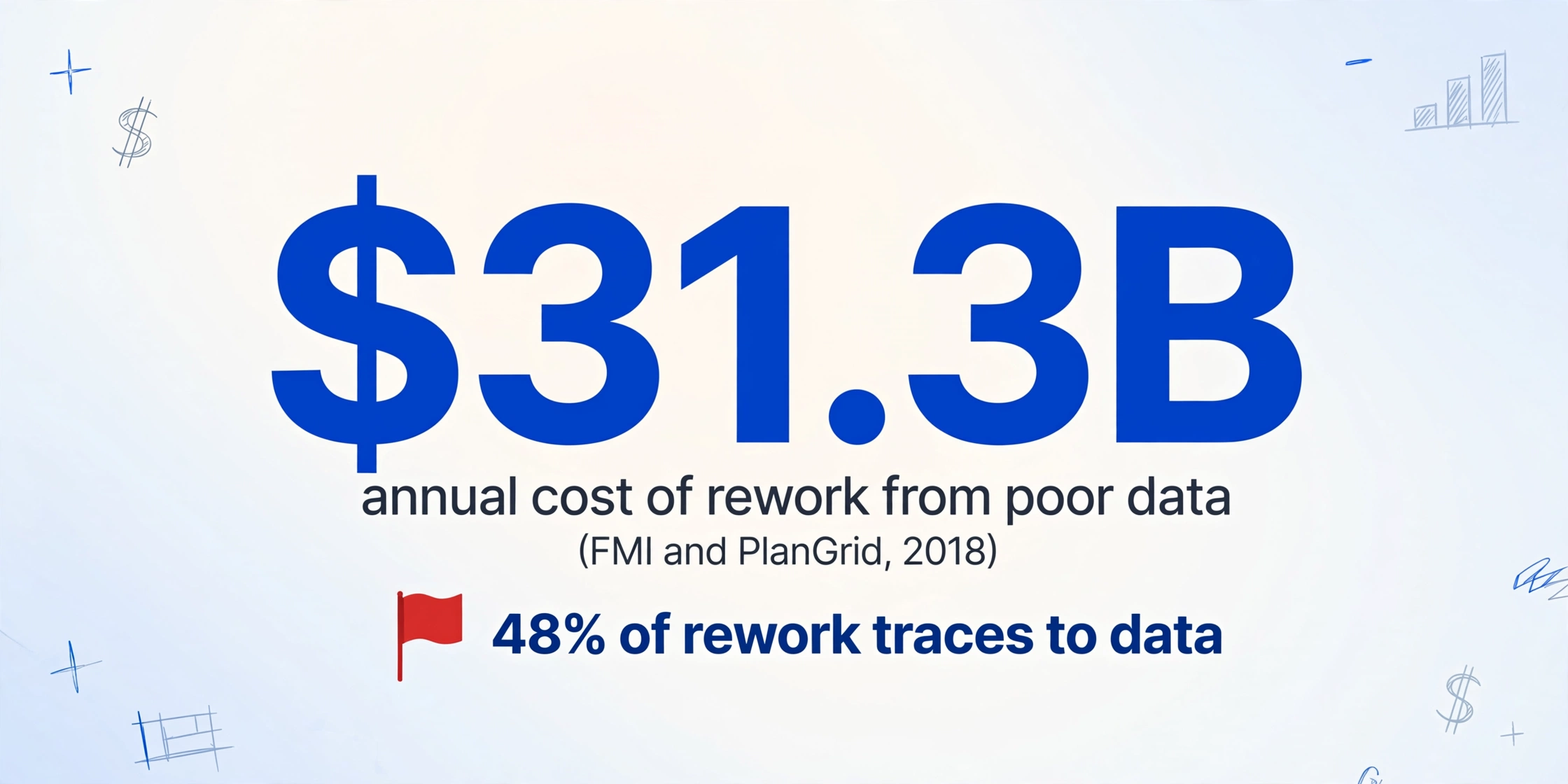
The cost of that loop is larger than the emails. FMI and PlanGrid surveyed nearly 600 construction professionals and found that 48% of rework in U.S. construction traces to poor data and miscommunication, about $31.3 billion a year (FMI and PlanGrid, 2018). A labor record that three systems disagree on is exactly that kind of data, and it lands in the one process that has a hard deadline.
Payroll is where three records of the same week meet, and no single one of them is the official version.
Understanding why the versions differ starts with knowing who creates each one and what each one is actually for.
Three Versions of the Same Workweek
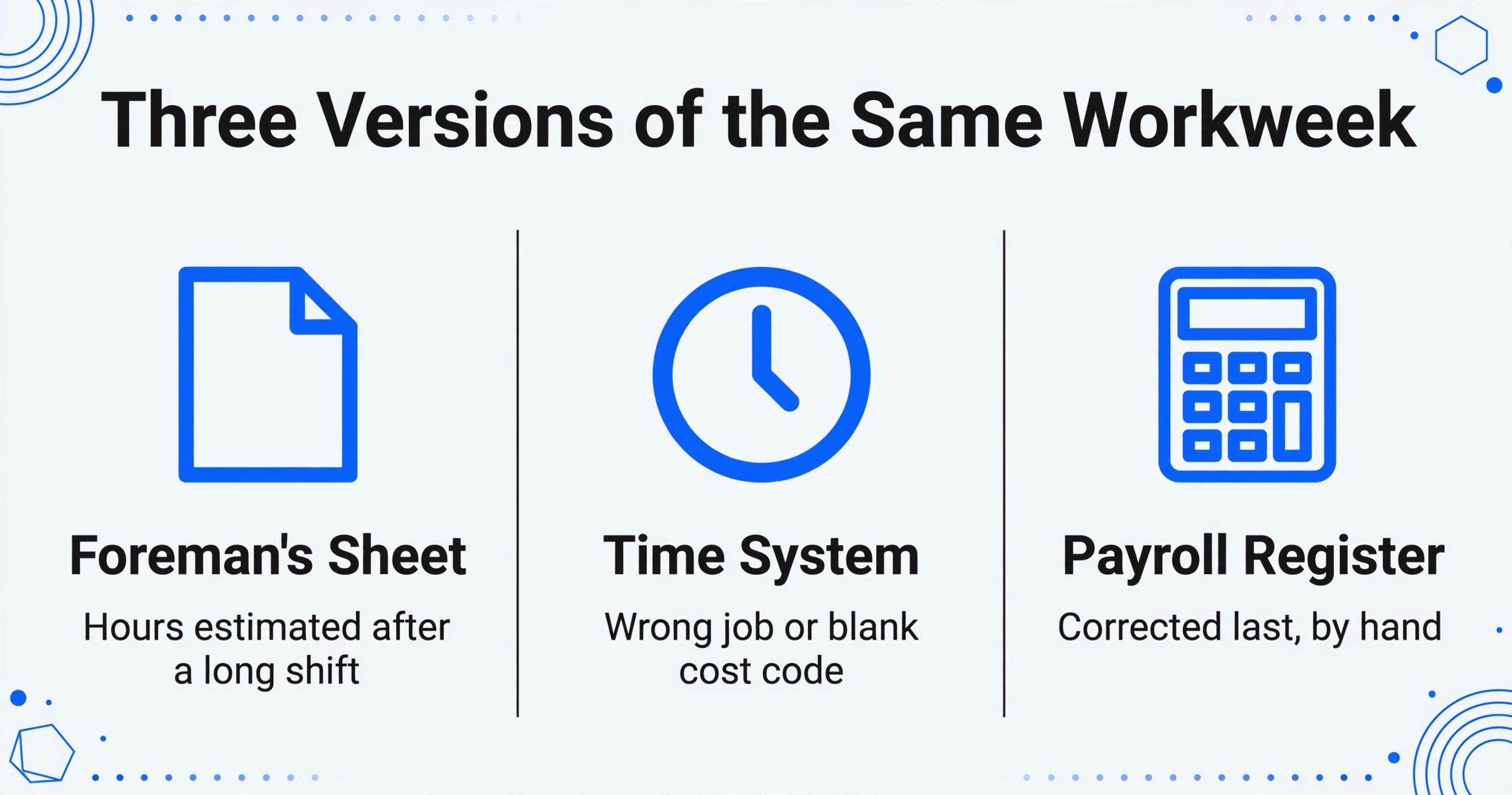
Each source exists for a different reason, and that is why none of them is redundant. The foreman's sheet tracks who was on site. The time system tracks clocked time against a job. The payroll register tracks what was paid, at which rate. When the week closes, the three are expected to describe the same hours, and they frequently do not.
| Source | What it records | Who keeps it | Where it usually diverges |
|---|---|---|---|
| Foreman's daily sheet | Who was on site, and rough hours split by task | The foreman | Hours estimated after a long shift; the task split is written in plain words, not cost codes |
| Time-tracking system | Clock times per worker, sometimes per job or cost code | The crew or a supervisor | A worker punches to the wrong job, or the cost code is left blank or defaulted |
| Payroll register | The hours actually paid, with classification and rate | Payroll or the office administrator | Corrected last, by hand, after the other two have been read |
The handoff is where the versions are born. A payroll specialist in the Sage user community described the weekly routine in one line: "Our Superintendents email or hand submit written weekly timesheets, which I then transfer onto an excel spreadsheet, convert to text, and import" (Sage community hub). Every transfer is a chance to change a value, and nothing in the chain compares the new version back to the previous one.
Four roles touch the data before the money moves: the foreman who reports the time, the supervisor or timekeeper who reviews it, the payroll specialist who enters and pays it, and the controller who maps it to job cost. Getting the register itself into a usable form is a separate exercise, covered in extracting a payroll register into a spreadsheet, and photographed or handwritten sheets bring their own handling, as in turning handwritten timesheets into attendance data. The reconciliation problem begins once all three exist and disagree.
Why the Sources Diverge: Handoffs, Cost Codes, and Late Changes
The divergence is structural, not careless. Three mechanisms produce it week after week, and each has a different fix.
Re-keying across handoffs
The foreman interprets what happened, the office reads the sheet and types it again, the payroll system imports it. Each step is an interpretation of the one before, and small guesses compound into a register that agrees with the sheet but not with the clock.
Cost codes entered after the fact
When crews log hours at the end of a shift, codes come out blank, assigned to the wrong job, or lumped into one bucket. Cost codes are how labor reaches job cost, so a miscode moves money between projects without anyone noticing until a report runs.
Late changes and corrections
A crew moves between two jobs in the same day. A change order reassigns a phase. A correction gets entered in the time system and never reaches the foreman's sheet, or the reverse. The two records now describe different weeks.
Field and office systems also disagree on vocabulary before anyone makes a mistake. Procore's own payroll export guide requires the exported Employee, Employee ID, Classification, Pay ID, Job, Sub Job, and JC Cost Code fields to match the Sage 300 CRE time entry view exactly, or the import fails (Procore support). The same hours exist in both systems and still cannot be compared without a shared set of field names.
Classification is the part that turns a discrepancy into money. Under the FLSA, a non-exempt construction worker earns 1.5 times the regular rate past 40 hours in a workweek, and the Department of Labor lists a common violation as the failure to combine hours a worker spends in more than one job classification for overtime purposes (DOL Fact Sheet #1). If the foreman splits a worker across two classifications and the time system puts all eight hours in one, the overtime total changes.
On federally funded work the requirement is explicit. Davis-Bacon covered projects need a weekly certified payroll, Form WH-347, showing each worker's classification and hours, and errors bring rejected reports, withheld payments, and debarment for up to three years (U.S. Department of Energy, Davis-Bacon FAQs). A certified payroll can only be as accurate as the labor record behind it.
CFMA's 2025 Construction Financial Benchmarker, built from 1,639 submitted surveys, found base payroll holding at 3.6% of revenue for specialty trade contractors, and the association stresses that job cost data has to be timely and accurate with field staff contributing, not just the accounting office (CFMA Financial Benchmarker). Labor is one of the few costs the jobsite creates directly, so a mismatch anywhere in the chain shows up in project margin. The manual version of this work has a price of its own, which is the subject of what manual timesheet processing costs construction companies.
The same hours can exist in three systems and still not be comparable, because each system names and splits them its own way.
Reconciliation is not primarily an arithmetic task. It is a formatting task: make the sources comparable, then let the differences stand out.
Give Every Source the Same Columns
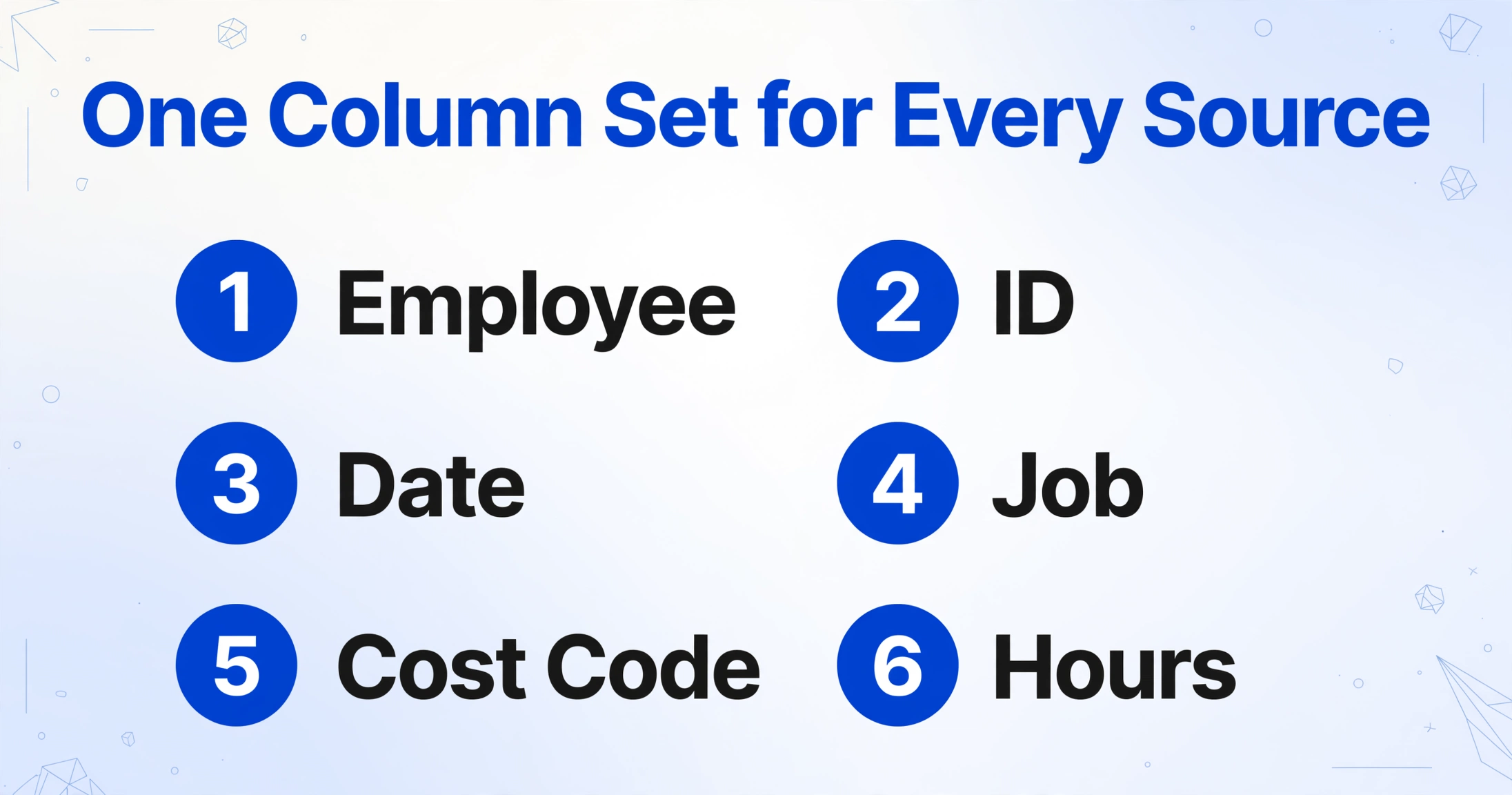
Nothing can be compared until the sources share one column set and each row admits where it came from. That is a data-shape problem, and it is where extraction replaces eyeballing.
Custom Column Extraction works in the opposite direction from a template. Instead of drawing boxes on each document format, you type the column names you want, and the AI reads each source and places a value under the matching column by understanding what the value means rather than where it sits on the page. The column names you type become the headers of the output table. A foreman's photo that says "Reg Hrs", a time system export that says "Total Time", and a register column labeled "Hours Paid" can all land under one header called Hours.
The column set that makes the three sources comparable is short:
| Employee / ID | Date | Job | Cost Code | Phase | Hours | Source |
|---|---|---|---|---|---|---|
| Shared | Shared | Shared | Shared | Shared | Shared | Foreman sheet / time system / register |
The Source column is the one that makes the table work. Without it, three sets of rows look like duplicates. With it, sorting by Employee, then Date, then Job stacks the three versions of one workweek together, and any row that disagrees with its neighbors is visible in the same scroll. Batch processing is what allows all three sources to go in at once and come back as a single table rather than three separate exports that someone has to paste together. The batch-first handling of crews across multiple sites is covered in merging construction crew timesheets into one payroll report.
Two details keep the setup honest. One, keep the cost code and phase fields even when a source does not print them, because a blank cell is itself a finding. Two, if one source is already a spreadsheet, keep its columns and rename only what is needed, so the batch stays consistent. The field-level logic of allocating hours to codes is covered in allocating construction timesheet hours by cost code and job phase.
Flag the Difference With a Column, Then Trace Each Row Back
A shared table lets you see the disagreements, and a flag column lets you act on only those. The flag is not a separate report. It is one more column, calculated during extraction.
A Computed Column is a column whose value the AI calculates while reading the source, instead of copying a value that is already printed. You describe the logic in the column name, and the result appears as a new column. A discrepancy flag is a one-line example: Compare Hours to Reported (flag if difference > 0). Every row where the paid hours differ from the reported hours now carries the flag, so the exceptions sort to the top of a register that may be hundreds of rows long. A second column can catch a different failure, such as Missing Cost Code (flag if blank). The same mechanism turns a policy into a column anywhere a rule can be written down, which is the approach in the guide to catching cost-code and labor errors before they reach job cost.
Seeing a flag is not the same as settling it. To settle it, you need to know which document produced the number, and Review Mode with Bbox answers that. Hover or click any extracted cell and the original image highlights exactly where that value came from; click a located region on the image and it jumps back to the matching table cell. For a disputed row, that replaces "I think the foreman wrote 8" with a two-second look at the exact line on the source. Turning on auto-annotate after processing makes the locating layer ready on every file, so the trace is available the moment a conflict appears. If sheets arrive as phone photos from several foremen, a Collection Link (a shareable URL where a recipient enters a short code and uploads a file without an account) puts them in the same queue.
Files are processed securely and not stored.
If the sheets are handwritten and hard to read, processing accuracy is a setting rather than a dead end. Model Tier lets an account run at Standard, Advanced, or Premium, with higher tiers using a stronger vision model for dense handwriting and complex layouts. A batch is billed at the tier active when it is submitted, so a messy stack can be run at a higher tier without changing the setting for everything else.
What the Sheet Will Not Tell You
The tool structures the conflict; it does not resolve it. It will put the foreman's eight hours and the time system's six hours in adjacent rows and flag the difference. It will not say which one is correct, because that judgment depends on what happened on the site, and the source documents do not record it.
It also does not know your labor rules. It has no model of union agreements, prevailing-wage classifications, overtime policy, or who is authorized to change a timecard. Those rules can sometimes be written into a column when they are concrete, such as a threshold or a blank check, but a rule that requires interpretation stays with a person.
The escalation path stays with the payroll team by design. Someone still has to decide that a foreman's correction overrides the clock, that a cost code moves from one job to another, and that an adjustment belongs in this period or the next. What changes is the amount of work that decision requires: instead of re-reading three sources for every worker, the reviewer works only the flagged rows and can see each source at once. Extraction quality also follows input quality, so a dark or blurry photo leaves gaps that a review pass has to catch before the register is final.
The weekly reconciliation is what keeps a payroll close on schedule, and the deadline pressure itself is covered in closing payroll at month-end. Teams that already work inside a spreadsheet can run the same column set through the Google Sheets add-on so the flag column appears next to the hours.
Construction Labor Data Reconciliation: FAQ
Does this decide which of my sources is correct?
No. It extracts every source into one shared column set and can flag where two values differ, but choosing the authoritative version is a human call that depends on site conditions and your labor rules. The tool removes the search from that decision, not the judgment.
Can it read a handwritten foreman timesheet?
Yes, within limits. The vision model handles handwriting, circled or checked marks, and mixed table layouts, and the Advanced or Premium tiers are the right setting for dense handwriting. A clear photo matters more than the tier, so a well-lit shot with the whole sheet in frame will always extract more reliably than a tilted one.
Do all three sources have to be the same file type?
No. A foreman's phone photo, a PDF time report, a CSV system export, and a payroll register can all go through the same column names in one batch. Because the extraction reads by meaning rather than by position, the formats do not have to match. Only the output columns do.
How do I collect sheets from foremen without giving everyone an account?
Use a Collection Link. You generate the URL once, share it with the foremen, and each of them enters a short verification code and uploads the sheet. The files land in your account's queue with a timestamp, and no one else needs a login or a license.
Can the same setup catch a wrong cost code, not just a wrong number of hours?
Yes. Extract the cost code from each source into its own shared column, then add a comparison column that flags rows where the codes disagree or where the code is blank. That turns "which job did this hour belong to" into a visible exception instead of a question someone has to notice on their own.
The reconciliation step was never really about arithmetic. It was about three records of the same week living in three places, with no single place to compare them. Once the sources share a column set and the differences carry a flag, the weekly back-and-forth shrinks to the few rows that genuinely conflict, and those rows can be traced straight back to the document that produced them. A payroll week that ends with a short exception list instead of an inbox full of confirmations is the point.