What Is Text Normalization?
Why Document Data Needs It
"04/05/2026" is April 5th in the United States and May 4th almost everywhere else. "($47.99)" is a negative amount if you are American and a typo if you are not. "AMZ*234KL PRIME" and "Amazon Prime" are the same vendor to a human and unrelated strings to a computer. Text normalization is the step that decides which of these interpretations is right, so the data that reaches your spreadsheet carries one canonical form instead of many near-identical ones.
Gartner estimates that poor data quality costs an organization at least $12.9 million a year on average1. A large slice of that cost is not about wrong values. It is about the same value written in different formats: dates that will not sort, vendor names that will not dedupe, and amounts that will not sum. This article explains what the normalization step actually does, what it covers in document data, and how to tell when it has failed.
Key Takeaways
- Two to three hours a month disappear into cleaning values that were never wrong, only written in a different format.
- A column of mixed formats fails in three places at once: it refuses to sort, refuses to match, and refuses to close.
- Decide each field's format during extraction and the spreadsheet opens already clean, with no second pass.
What Is Text Normalization?
Text normalization is the process of converting text into a single, canonical form before any downstream system has to interpret it. In the standard NLP textbook, Speech and Language Processing, it is the indispensable first stage: tokenizing text into units, normalizing word formats, and segmenting sentences, so that "Woodchuck" and "woodchuck" count as the same token and "USA" and "US" collapse into one form2.
The same word covers two different jobs. In NLP pipelines, normalization works on words: lowercasing, reducing inflections, stripping punctuation, collapsing Unicode variants. In document data work, it works on field values: the date, the amount, the phone number, the vendor name that a document carries. The goal is identical, which is why both go by the same name. The material is different, which is why the second job needs standards that a tokenizer does not know about.
The working definition for document processing: normalization is turning every variation of a concept that a document might express into one unambiguous representation your systems can store and compare.
What Document Data Normalization Actually Covers
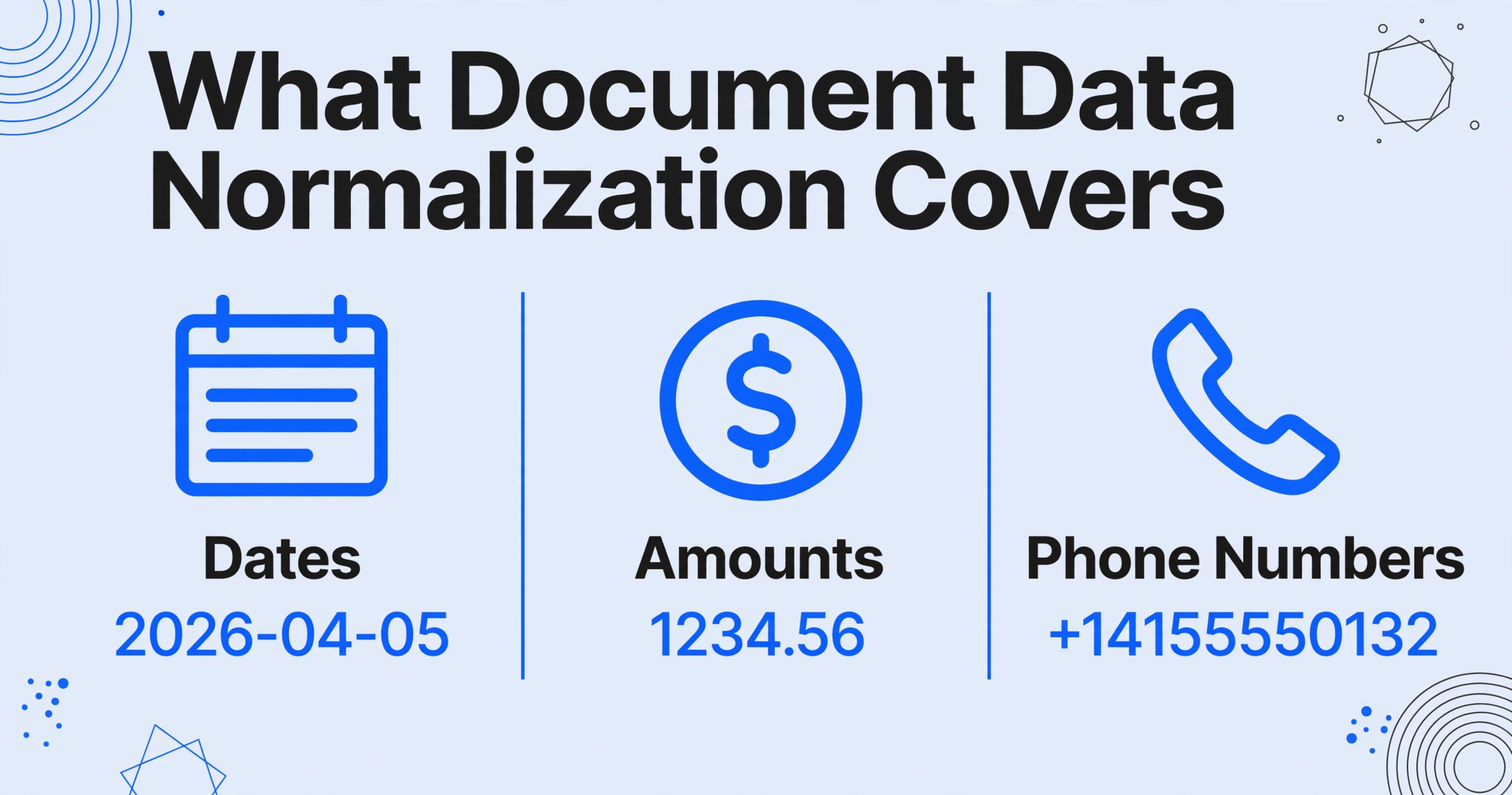
Document data normalization standardizes a small number of field families, and each one maps to a published standard where one exists. The table below shows the field families, the variations a real document can carry, and the canonical form a normalized export should contain.
| Field family | Variations seen in real documents | Canonical form | Standards anchor |
|---|---|---|---|
| Dates | 04/05/2026, 05.04.2026, Apr 5 2026, 2026.04.05, "5th of April" | 2026-04-05 (explicit, no ambiguity) | ISO 8601 3 |
| Amounts and numbers | $1,234.56, 1.234,56, 1234.56, ($47.99), $1.2B | 1234.56, -47.99, 1200000000 (decimal, sign explicit) | ISO 4217 currency codes; locale rules |
| Phone numbers | (415) 555-0132, +1 415 555 0132, 001-415-555-0132 | +14155550132 (country code, ≤15 digits) | ITU-T E.164 4 |
| Identifiers | INV-00123, #00123, 00123, INV 00123 | INV-00123 (one alphabet, one separator) | Internal convention |
| Entity names | ACME Corp, ACME Corporation, A.C.M.E., acme corp | ACME Corp (matched to one canonical name) | Master data / alias resolution |
| Character encoding | café (precomposed) vs café (decomposed), full-width ABC | Same bytes for the same string | Unicode UAX #15 NFC/NFKC 5 |
Two of these families deserve a closer look because they are the ones that turn up in almost every extraction batch. Dates are ambiguous by construction: the same digit sequence means different days in different locales, which is exactly the problem ISO 8601 was written to remove. Its fixed order, year-month-day, sorts correctly, parses reliably, and cannot be misread once you know it is ISO. Entity names are the opposite case: there is no international standard for company names, so normalization is a matter of collapsing suffixes and casing and letting a human maintain the short list of canonical names that matters to your own data.
When a specific document type is your target, these field rules become concrete operating procedures. For applying the same field-level standardization to supplier invoices, our vendor invoice standardization guide walks through the four dimensions of format divergence in AP data, and the guide to unifying invoices from different suppliers covers keeping the output columns consistent across every vendor. Rate normalization on freight quotes is another case of the same discipline, in this comparison of RFQ responses. This article stays at the concept layer they build on.
Why Normalizing Document Data Is Harder Than Normalizing Text
Document data is harder to normalize than plain prose because the value's meaning depends on context the text alone does not carry. An NLP pipeline normalizes words in running sentences with a shared language model. A scanned invoice is a different problem on four axes at once.
Context has to be inferred, not read. "04/05/2026" is unresolvable until you know where the document came from, what language it is in, and sometimes what kind of document it is. A utility bill from Frankfurt and a bank statement from Houston will disagree about that date, and neither is "wrong". A normalization step that guesses a locale and proceeds silently is the most dangerous version of the process.
The text layer is noisy before normalization even starts. NLP benchmark corpora are clean running text. Scanned documents come from OCR, which confuses "O" with "0", "l" with "1", and emits full-width characters, split digits, and stray symbols. Unicode normalization (UAX #15) fixes the encoding variants, but it cannot fix a character that OCR misread as another character: that is a recognition error, not a format variation. Image preprocessing, a separate layer that runs before the OCR engine, attacks some of the same noise from the pixel side, as our guide to preprocessing images before OCR explains.
The values sit in table structure, not sentences. A tokenizer segments sentences by punctuation and whitespace. A document field is identified by its label, its position, or its neighbors, and the label itself is subject to the same normalization problem ("Total", "TOTAL", "Amount Due", "Summe"). Normalizing values before knowing which value belongs to which concept produces a clean table with wrong columns.
Multilingual documents mix systems of conventions. One invoice can carry a German amount ("1.250,00"), an English date ("Jun 15, 2026"), and a supplier whose legal name uses accented characters. Each of those needs a different rule, and the rules are not interchangeable, which is why normalization pipelines, versioned and applied consistently, matter more than any single clever regex.
How to Tell Normalization Has Failed
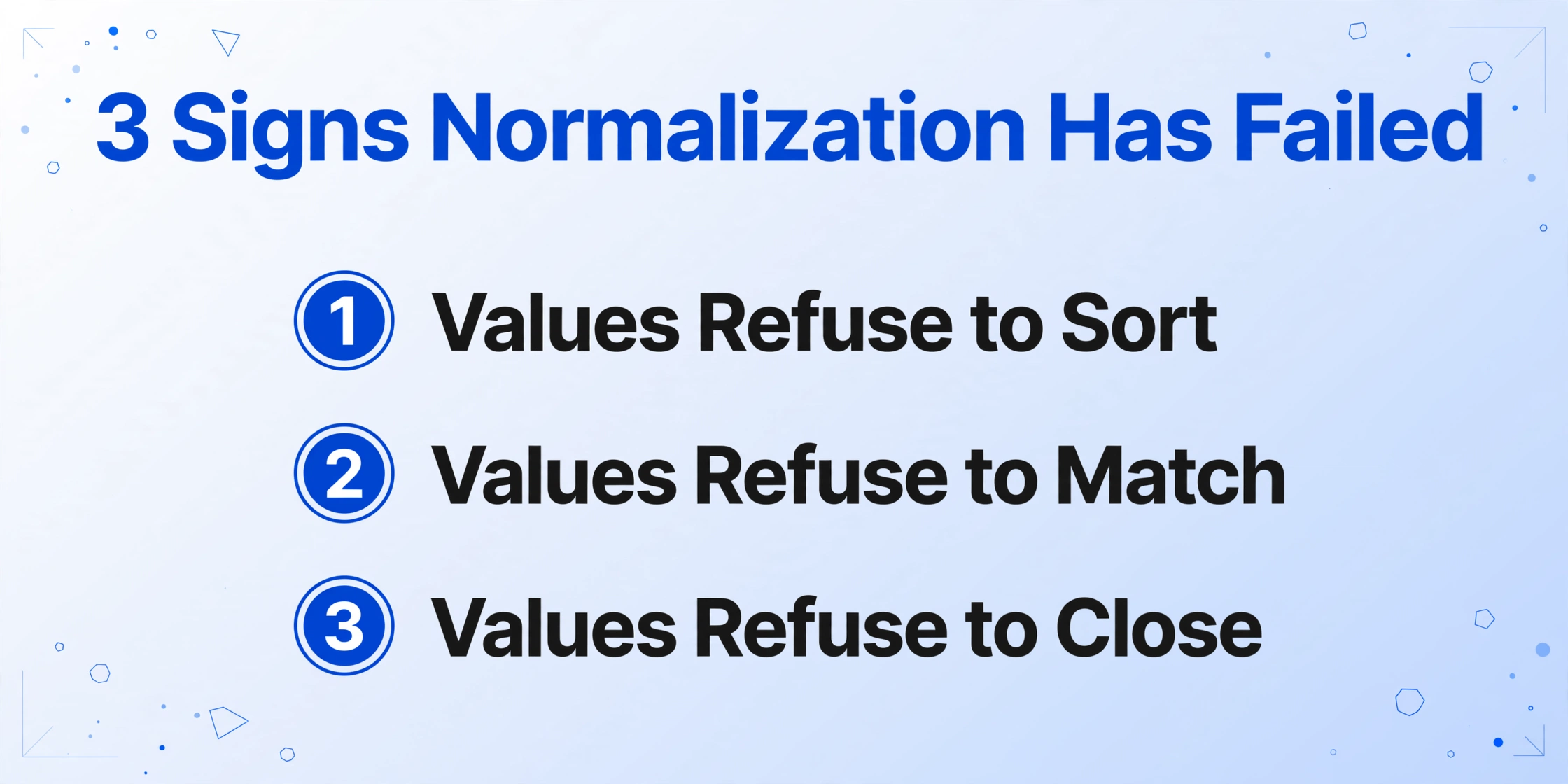
You can usually detect a normalization failure from three symptoms in the output spreadsheet: values that refuse to sort, values that refuse to match, and values that refuse to close.
Values that refuse to sort are almost always mixed date or number formats. If your date column contains "2026-01-03", "Jan 3, 2026", and "01/03/2026" at the same time, chrono-sorting fails even though every row is correct. The user who described fixing bank-exported dates, vendor names, and amounts for two to three hours every month was describing exactly this6. Sorting a mixed format column gives you a list ordered by a string's digits, not by time.
Values that refuse to match mean entity normalization failed. VLOOKUP and dedupe rely on identical strings, so "AMZ*234KL PRIME" and "Amazon Prime" split into two vendors, and a pivot table shows eleven spellings of one supplier. Matching is where character-level cleanup and alias resolution do different work: Unicode normalization makes the strings byte-identical, but only alias resolution knows the two strings name the same company.
Values that refuse to close are the expensive failure: the numbers are right but cannot be summed or compared because they are stored as text with currency symbols, parentheses, or locale separators. "($47.99)" parsed as text will never subtract from a total, and "1.250,00" and "1,250.00" will be treated as two different magnitudes. A total column that does not equal the stated invoice total is usually a sign that quantity and unit price were parsed with different separator conventions.
The cheapest way to detect all three at once is a single invariant: a cross-check against a value the document itself declares. If the line items do not sum to the printed total, or the statement balance does not reconcile to the transactions, normalization (or recognition) has broken somewhere upstream. Discrepancy flags beat eyeballing formats every time.
Does Normalization Have to Happen After Extraction?
Normalization does not have to be a separate manual step in Excel. If the extraction step understands what a field means, it can emit the canonical form at the same time it emits the value. This is where the document processing picture in this article connects to a concrete tool.
ImageToTable.ai is an AI document extraction tool built on the Custom Column Extraction pattern: you type the field names you want, such as "Invoice Date" or "Total Amount", and the AI locates each value by understanding what it means rather than where it sits on the page. Its intelligent post-processing can normalize dates, amounts, and serial numbers into the format you specify during the same extraction pass, so the output lands in Excel, CSV, or JSON already in canonical form instead of needing a second cleanup round document parsing workflows using it. For a broader framing of the underlying idea, the data capture concept reference covers how unstructured documents become structured records.
Normalizing at extraction time works because the field is identified by semantics and the format is applied by instruction. You name the column "Invoice Date (YYYY-MM-DD)" and the AI reads whichever date convention the document uses, then emits the date in the format you asked for. The same pass can enforce a single decimal convention for amounts and a uniform identifier format for reference numbers. Each of those is the field-level normalization from the table above, executed during extraction rather than patched in afterward.
This boundary is worth stating plainly: the tool's post-processing standardizes the format of extracted values, and it can compute or infer values during extraction. It does not claim to run a word-level NLP normalization pipeline, and it does not perform entity resolution against a master database you maintain. Entity names are the family where human-maintained canonical lists still do the final job, especially in audit or compliance contexts.
Frequently Asked Questions
Is text normalization the same as data cleaning?
No, though the two usually run together. Cleaning removes noise and errors: fixing OCR misreads, dropping stray punctuation, handling missing values. Normalization takes valid variation and locks it to a single representation: three correct spellings of a date become one. In practice a pipeline cleans first and normalizes second, because normalizing a string that still contains OCR errors just produces a tidy-looking wrong value.
How do I parse an ambiguous date like 04/05/2026?
Decide which convention the document uses before you parse, and state it out loud in the extraction rule. A bank statement from the United States uses month-first; a European utility bill uses day-first; the document's language and country usually tell you which. With no context at all, the safe move is a flag for human review instead of a silent guess. ISO 8601 exists precisely so the output no longer has this problem.
Can't Excel Power Query or OpenRefine do this normalization?
They can, once the data is already in tabular form. The gap is upstream: Power Query cannot read a PDF of a scanned invoice, and OpenRefine needs you to know which column is which before it can transform it. They remain excellent tools for the case where your pipeline output is already structured and you are doing further business transformations.
Does the tool run a full NLP normalization pipeline?
No. The product standardizes the format of extracted field values during extraction, and it is honest about the boundary: it does not perform tokenization, stemming, entity resolution, or custom mapping against your master data. Those live in dedicated NLP and data-management tools. Here the goal is that the dates, amounts, and serial numbers in your exported table all read one canonical format on the first pass.
The idea that makes this article useful is small and structural. A format is a decision someone made once, and normalization is the act of re-deciding it everywhere a document is read. When the decision moves from a weekly Excel ritual into the extraction step itself, the spreadsheet you open is already the spreadsheet you wanted, and the three failure symptoms, sorting, matching, and closing, stop showing up in your month-end review.