QuickBooks Bank Feed Missing Transactions?
One Table From PDFs
QuickBooks Online will tell you it is up to date. The bank feed refreshed overnight, the register balance matches what the bank shows today, and nothing on the screen looks wrong. Then you open the October statement and count the rows. Eleven are missing. The feed did not fail, and that is the part worth understanding: a bank feed is a moving window, and everything outside the window was never downloaded in the first place.
Key Takeaways
- You did not miss these transactions, and the feed is not broken. QuickBooks only downloads posted activity from roughly the last 90 days, so the months before you connected the account were never fetched at all.
- The statement is the only record that proves a period is complete. Its opening and closing balances are the numbers a feed cannot give you, which is why a register can look tidy and still be short.
- The months the feed never saw are still in your statement PDFs. Name the columns once, upload every account in one batch, and the folder becomes one table you can import without keying a row.
A Bank Feed Is a Moving Window, Not a Complete History
A bank feed answers one question well: what posted to this account recently. Intuit's own documentation draws the line. QuickBooks Online does not download pending transactions or transactions older than 90 days, and it only pulls posted transactions from your bank. A transaction can take up to 48 hours to appear after the bank posts it. When you first connect an account, the download reaches back only as far as your bank allows; Intuit notes that some banks offer up to a year of history while most provide about 90 days. Anything older than that has to be added to QuickBooks Online manually.
The feed starts the day you connect, not the day the account opened. Every month before that connection is invisible to it, no matter how many times you click Update.
That single fact explains most of the confusion behind threads like "Is Quickbooks useless for tracking expenses/transactions? I am missing so many transactions from my statements" on r/QuickBooks. The owner connected the account this year, assumed the software now held the whole year, and only found out at tax time. The feed was doing exactly what it was built to do. It was never designed to be an archive.
Where the Gap Comes From: Four Ways Transactions Stay Out
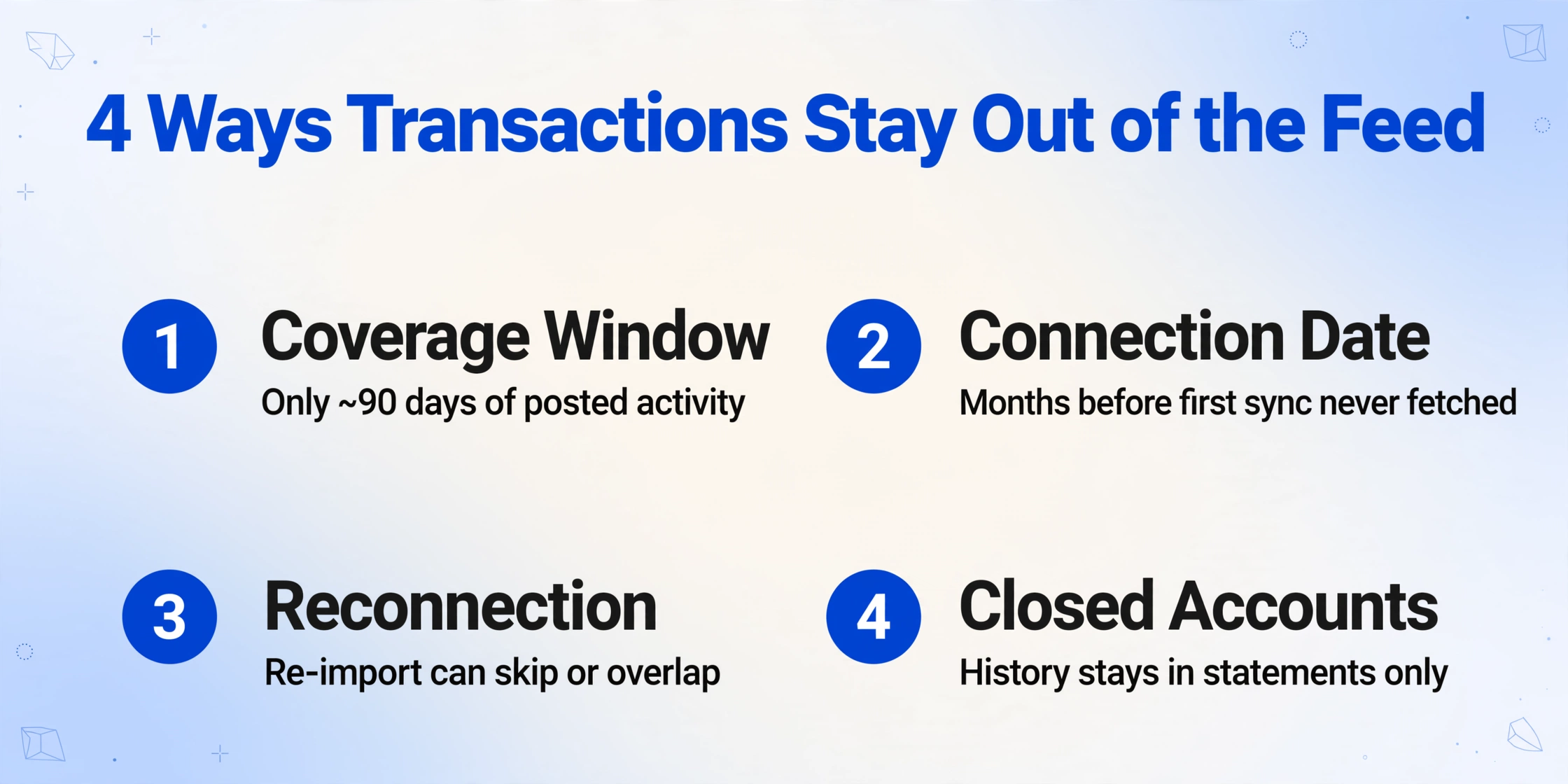
Transactions go missing for a handful of concrete reasons, and only one of them is a genuine malfunction. The rest are the normal behavior of a live connection. Knowing which one you are looking at decides whether you should re-link the account or reach for the statements.
In most cases the feed is not broken. It is holding only posted activity from a recent window, and a month that fell outside that window will never arrive on its own.
| Where the gap forms | What actually happens |
|---|---|
| Coverage window | Only posted transactions from roughly the last 90 days come through. Pending charges never appear until they settle, and anything older than the window is skipped entirely. |
| Connection date | The first sync reaches back to whatever your bank will serve, often 90 days. Months before that are never fetched, so a business that started trading two years ago can have a feed with a one-year hole. |
| Reconnection | A broken or expired connection stops the download. When it is repaired, the re-import window can overlap or skip a stretch, and QuickBooks may treat the overlap as duplicates and exclude it. |
| Closed or replaced accounts | A card you closed, or a bank account you swapped, stops feeding. Its transaction history stays wherever the statements are, and nothing new will ever download. |
There is a fifth way transactions look missing even when they downloaded fine. Intuit's help article notes that bank rules set to auto-add move transactions straight into your books and never show up in For review, and that transactions can sit in the Excluded tab because they were marked personal or duplicate. A small business owner on r/smallbusiness described the pattern plainly: "Every time QuickBooks or the bank does an update, it feels like my feeds break. Transactions duplicate, some go missing, and the reconciliation" never quite closes.
So before you rebuild anything, separate the two problems. If the transactions exist in QuickBooks somewhere, you have a review or mapping problem and no extraction is needed. If the period was never downloaded at all, the feed cannot help you, and the statement is the only document that can.
The Statement Is the Only Record That Proves Completeness
A statement and a feed answer different questions. The feed says what happened; the statement says whether you have everything. Every statement carries an opening balance, a closing balance, and a running balance beside each line. Those numbers are the anchor that reconciliation depends on. A feed gives you a stream of transactions with no authoritative total to check them against, which is why a register can look tidy and still be short.
This is a different gap from the one covered in what bank feeds import versus what credit card reconciliation requires. That article deals with the decisions a feed cannot make for you, such as categorizing a charge or matching it to a receipt. This one is narrower and more basic: the feed never delivered the rows. You cannot categorize a transaction that is not there.
The practical consequence is that the statement is not a fallback for the feed. It is the primary record, and the feed is the convenience layer on top. When the two disagree, the statement wins. Accountants have said this for as long as feeds have existed, and the r/Bookkeeping consensus is the same: some banks only export 90 days, so you either key the missing data in by hand or you export a file.
This is also why you cannot reconcile your way out of a coverage gap. Reconciliation matches the register against a period the bank has already closed, so it fails when that period was never imported. The same rebuild-from-statements pattern appears when a business needs to batch twelve months of statements into one reconciliation spreadsheet, or when a bookkeeper has to catch up years of bookkeeping backlog. The difference here is only what defines the missing stretch: a feed's coverage window instead of a year-end.
Rebuilding the Gap: Statement PDFs Into One Transaction Table
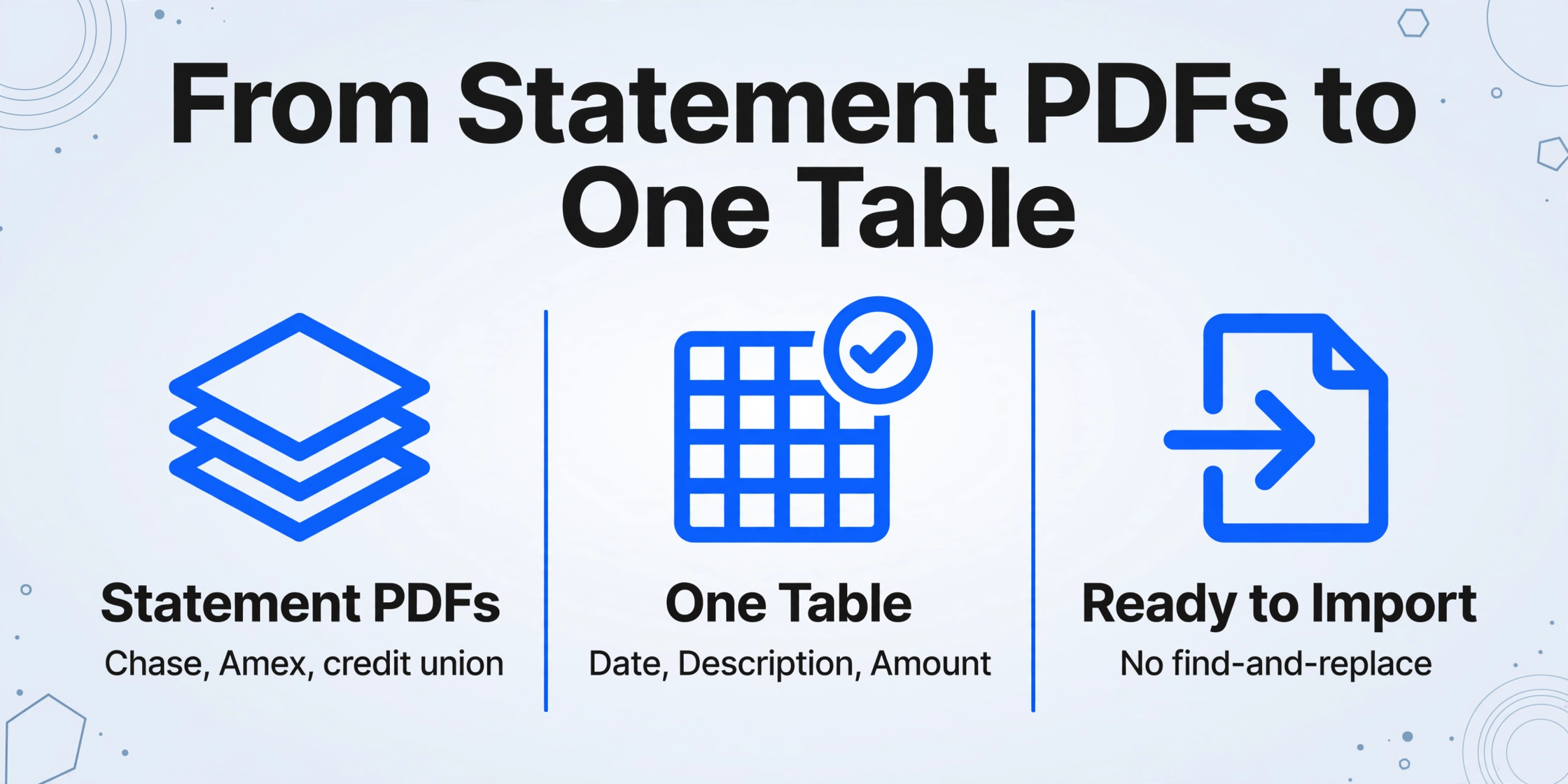
The months the feed never covered are still sitting in the statement PDFs your bank issued, and they can be read into a single table instead of being keyed in one row at a time. The workflow is to gather the statements for the missing period, across every account and every bank, and turn them into one spreadsheet with one row per transaction.
Start by naming the columns you want, because the output table takes its headers from exactly what you type. For this job the useful set is Date, Description, Amount, Balance, Account, and Statement Period. If your bank prints separate debit and credit columns, name those instead of a single amount. This is Custom Column Extraction: you type the field names you want, and the AI locates each value anywhere on the page by understanding what it means, rather than by matching a fixed template. Chase, Amex, and a small credit union can all feed the same table because none of them needs its own template.
Then set a Format Requirement so the numbers arrive in the shape your accounting software will accept. This is where most manual cleanup usually happens. Ask for dates as MM/DD/YYYY, amounts as plain numbers with no currency symbols or thousands separators, and debits as negative values. The tool applies that rule during extraction, so a statement that prints $1,204.50 lands in the sheet as -1204.50 and is ready to import without a find-and-replace pass.
Upload the whole folder at once. ImageToTable.ai is batch-first, so twelve statements from three banks process together and merge into one spreadsheet rather than twelve separate downloads. If an account's statement runs across several pages, turn on Multi-Page Merge in the template settings and tell it how to group the pages, for example by tracking the account number column or the statement period column so each page folds back into the right account's rows instead of becoming a stray table.
Before you trust the output, use Review Mode with Bbox. Hover any extracted cell and the original statement page highlights the exact spot the value came from, which is how you confirm a balance figure or a faded line item without reading the whole page again. On old or faxed statements, raising the account's Model Tier to a higher processing level helps the model handle dense or low-quality scans. None of this replaces your judgment on a genuinely ambiguous line, but it removes the typing.
If you want the mechanics of the extraction itself, the step-by-step version lives in how to extract bank statement data into Excel. When results differ from one statement to the next, the causes are usually in the document rather than the tool, which is what why bank statement extraction gives inconsistent results unpacks.
Files are processed securely and not stored.
Getting the Rebuilt Rows Back Into Your Books
QuickBooks and Xero both accept a plain CSV, and the column rules are strict enough to be worth reading before you export. QuickBooks Online imports one of two shapes: Date, Description, Amount where negative values are debits, or Date, Description, Credit, Debit as four columns. Amounts must be free of currency symbols and commas, dates must be consistent, and each upload is limited to roughly 350 KB, which is about 1,000 to 1,500 transactions. The opening and closing balance lines from the statement should not be in the import file, since they are not transactions.
Xero's rules are close but not identical. Per Xero Central's CSV import guide, only Date and Amount are mandatory, both income and expenses go in one amount column with expenses shown as negatives or in brackets, and you must delete rows containing opening and closing balances plus any bank account number before importing. A single file tops out at 100,000 rows. A statement extraction that already standardizes dates and amounts clears both sets of rules with little editing.
It is worth naming what sits around this workflow. Dext and Hubdoc are common in bookkeeping shops for turning receipts and statements into ledger-ready data, and Excel or Power Query can import a PDF but tends to produce one table per page that has to be appended by hand. The gap this article is about sits upstream of all of them: none of these tools will recover a month that the feed never downloaded. They process the documents you bring them.
Once the table exists, keep it as a raw transaction sheet and build your categorization tabs on top of it, the same separation described in fitting AI into your monthly credit card reconciliation spreadsheet. That way the next import of historical rows does not disturb your formulas or your tax-prep tabs. If you only have one account and one format to deal with, the lighter path is to convert a bank statement to Excel and skip the multi-bank merge entirely.
What This Approach Does Not Do
This method fills a coverage gap; it does not repair the feed and it does not replace reconciliation. Being clear about the boundaries matters more than the feature list.
There is no QuickBooks integration and no posting
The output is a spreadsheet you import or key in yourself. Nothing is written into your ledger automatically, and no journal entries are created.
It cannot recover what your bank no longer has
If the bank only serves 90 days and you do not have the statement PDFs, there is nothing to extract. Older statements sometimes require a request to the bank, and some institutions charge for them.
It does not diagnose or fix the feed
A feed that keeps dropping is a connection or bank-side problem. Rebuilding old months from statements does not stop the next month from having the same issue.
It extracts; it does not categorize or match receipts
Coding each transaction to the right account and attaching supporting documents stays with you. That layer is covered in the credit card reconciliation article linked above.
FAQ
Why does QuickBooks show the right balance but still miss transactions?
Because a feed and a statement are measured differently. The feed pulls posted transactions from a recent window, and the register balance can match today's bank balance while an older month is still incomplete. The statement's opening and closing balances are what reveal the missing rows.
Can I download transactions older than 90 days from QuickBooks?
No. Intuit states that transactions older than 90 days cannot be downloaded through the feed and have to be added manually. The practical alternative is to import them from a file built from your statements rather than keying them in.
Does a bank feed cover the months before I connected it?
It does not. The first sync reaches back only as far as your bank will serve, which is often about 90 days and occasionally up to a year. Every month before that connection was never downloaded and will not appear no matter how many times you refresh.
Can I import a CSV built from statement PDFs into QuickBooks Online?
Yes. QuickBooks Online accepts either Date, Description, Amount or Date, Description, Credit, Debit. Remove currency symbols and commas from the amount fields, keep dates consistent, and leave out the statement's opening and closing balance lines.
Does this work across multiple banks and credit cards at once?
Yes. You name the columns once, upload the statements from every account and bank in a single batch, and the results merge into one table. An Account column keeps the rows attributable to the right account.
The point of rebuilding from statements is not to make the feed look better. It is to accept that a live connection only ever shows a window, and to close the months it never saw with the one document that records them completely. The feed keeps handling the present. The statements settle the past.
Gather the statement PDFs for the months your feed skipped, name your columns, and turn the whole folder into one transaction table. See how it works on your own statements.