The ITB Email to Bid Board Row
Decides What You Miss
A bid board records what someone decided to write down. The invitation to bid (ITB) records what the general contractor actually asked for: the project number, the trade package, four different deadlines, the submission method, and the addenda that follow. Those two records diverge in the first ten minutes after the email lands, and the missing parts are invisible once the row looks complete.
Most estimating teams still close that gap by hand. In AGC's 2024 Construction Hiring and Business Outlook, only 13% of contractors planned to increase spending on subcontractor bid management or ITB software, while 86% expected no change (AGC of America). The board can be a bid tracking spreadsheet in Excel, a Smartsheet, or a platform subscription. Someone still opens the invitation, reads the attachment, and types the row.
Key Takeaways
- One missed addendum added nearly $100,000 of pipe, and the bid was already out by the time anyone found it.
- A row that never gets created cannot be checked, so the board looks complete while the invitations that were hardest to read sit outside it.
- Type the four deadline columns you actually track and bind them to an inbox, then check only those date cells before the bid goes out.
The First Row Is a Decision, Not a Copy of the Email
A bid board works only when every row answers the same questions in the same columns. An ITB email answers almost none of them in a usable form: it gives you a subject line, a sender, a short summary, and attachments, while the board needs a stable project identity, the awarding entity, the trade package, four deadlines that control different actions, and the submission channel.
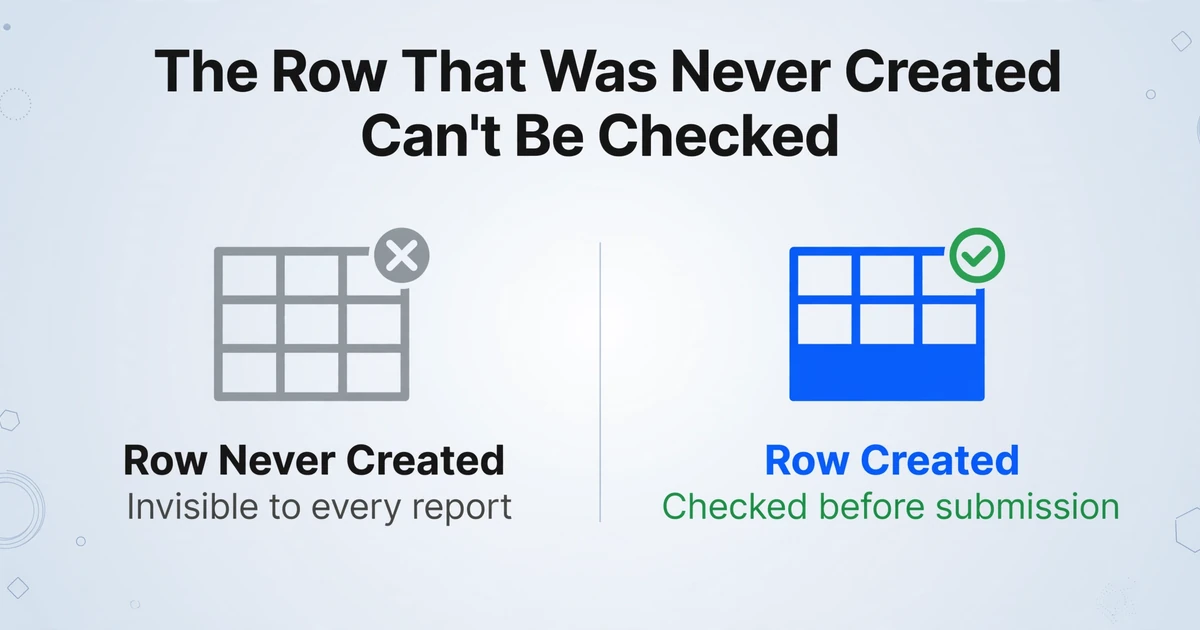
The coordinator performs that translation in their head, between two other tasks. Invitations that are easiest to log get logged first. The ones whose dates sit inside a scanned letter get deferred until someone has time to read them, and under a bid deadline that time often never arrives. The row that is never created cannot be found by any report.
A blank cell gets checked before submission. A row that was never created has nothing to check.
ITB email intake is a structure problem before it is a speed problem. The board is a triage tool, and missing rows make the pipeline look smaller than it is.
An ITB Is a Package, and the Binding Details Are Split Across It
The email is a cover note; the invitation letter, bid form, and instructions to bidders carry the terms that decide whether the bid counts. AIA Document A701-2018 treats the invitation, the Instructions to Bidders, the bid form, and the addenda as part of the Bidding Documents (AIA A701-2018). A typical package also includes plans, specifications, a scope sheet or trade matrix, and the GC contact, and addenda modify the set later. Each part contributes a field to the row, and the most important fields are often missing from the email body.
| Date on the package | What it controls | What a single "due date" column does with it |
|---|---|---|
| Pre-bid walkthrough or job walk | Site conditions, attendance, and questions raised at the walk | Looks like the bid deadline, or disappears from the board entirely |
| RFI or substitution cutoff | The last chance to change scope or request a product | Questions sent after the cutoff go unanswered, and the scope stays uncertain |
| GC quote deadline | When the GC needs your number so it can level bids and fill gaps | The estimator works to the owner date and misses the earlier cutoff |
| Owner bid date and time | The binding receipt deadline, often tied to a time zone | The reminder fires at the wrong hour or on the wrong day |
| Addendum issue date | Which documents the price is based on | The addendum becomes a second row and the board keeps two versions |
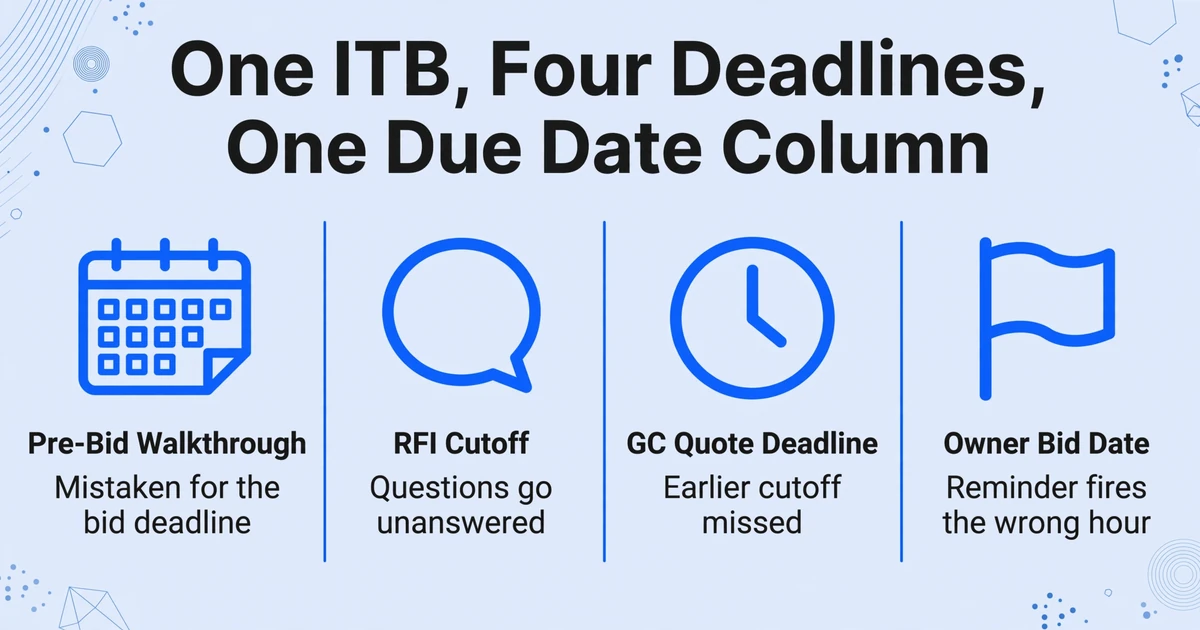
Two closing dates are normal. A GC often asks for numbers before the owner's bid opening so it can level bids and cover gaps. Log only the owner date and the estimator loses the internal deadline; log only the GC date and the board understates the cutoff. Time zone matters too: 2:00 PM Eastern entered as 2:00 PM Central puts the reminder an hour late.
The submission channel carries the same weight. A bid emailed when the instructions required a portal upload is not accepted under those instructions, regardless of when it arrived.
A board with one due-date column has to guess which date the email meant. Four columns remove the guess.
The Row Passes Through Four People Before Anyone Prices the Job
Intake is a relay, and each handoff can change a field without anyone noticing. The GC's preconstruction coordinator or estimator sends the invitation, often through BuildingConnected, Procore, ConstructConnect, SmartBid, BidTracer, or PlanHub, sometimes directly from a project manager's address. It lands in an estimating inbox watched by a bid coordinator, an estimating assistant, or the chief estimator between other work. The chief estimator decides whether to pursue and who owns it. The assigned estimator prices the scope and tracks the addenda.
The first break is the client field. When a platform relays the invitation, the sender is the platform, not the GC. A row that records BuildingConnected as the client cannot answer the question the board exists to answer: which GC is awarding this work, and who do I call? The GC's name is usually inside the invitation letter or the platform's project page, which means someone has to open something.
The second break is duplication. One project can arrive from several GCs, or from several contacts at the same GC, each sent to a different employee. An estimator described the problem in r/estimators: "We currently receive bid invites for the same project from multiple different contractors, which come to multiple different contacts at our company ... Does anyone use a software that would combine all these invites and remove duplicates?" (r/estimators, 2025). Three rows for one project split the go/no-go decision, the estimator assignment, and the addendum history across three places. Subject lines make the duplicates harder to spot, so the match has to come from the project number and name inside the message. The board still needs a person to confirm it.
The relay also exposes a staffing problem. AGC's 2024 workforce survey found that 78% of firms looking for estimating personnel said those positions were hard to fill (AGC of America). Adding a coordinator to absorb the typing is not a reliable plan. The row has to cost less to produce.
A Missed Addendum Can Take the Bid Out of Competition
Addendum tracking belongs on the board because a material addendum that never reaches the bid can make it nonresponsive. AIA A701-2018 §3.4.4 requires each bidder to confirm that it has received all addenda issued and to acknowledge their receipt in the bid. Federal sealed bidding follows the same logic: under FAR 14.405(d), failure to acknowledge an amendment is only a minor informality when the bid otherwise shows receipt or the change has a negligible effect on price, quantity, quality, or delivery (Acquisition.gov).
The consequence is not theoretical. In a 1989 GAO decision, a bidder that said it never received three amendments still had its bid found nonresponsive because a material amendment went unacknowledged (GAO B-254155). A missed addendum can cost the job before pricing is even compared.
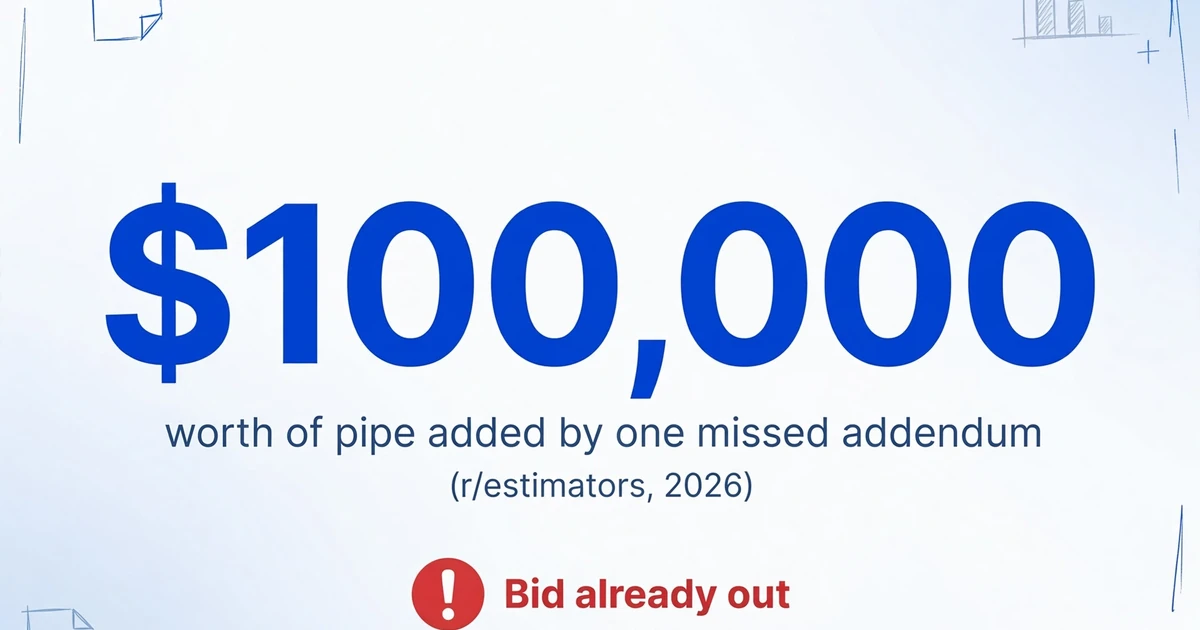
The dollar version shows up in estimating threads. An estimator described submitting a mechanical underground bid, then learning from a GC that Addendum 1 had increased the pipe length by 600 meters: "the added pipe lengths were worth nearly an extra $100,000.00" (r/estimators, 2026). The bid was already out. The correction depended on phone calls and a revised quote, after the deadline had passed.
The structural problem is that an addendum looks like a new invitation. Same sender, same subject pattern, a PDF, a deadline. Without a project number on the existing row and an addendum number on the new one, the board cannot tell an update from a new opportunity. It grows a second row, and the first row keeps the old date. Even then, someone has to attach the addendum to the bid and update the addenda field.
An addendum is the same project in a new email. Without a matching key, it becomes a new project.
The Columns That Make the Row Useful to Someone Else
A useful column lets a second person act without opening the email, which is a higher bar than most bid logs set. Each column below exists because a downstream action depends on it, and the last column shows what the board loses when the value is missing or wrong.
| Column | What it decides | What breaks when it is missing or wrong |
|---|---|---|
| Project name as the GC writes it | How the bid is found and discussed by everyone on the team | The same job appears under three names and cannot be searched reliably |
| Project number | Matching addenda, RFIs, and later change orders to the original bid | An addendum becomes a second project row |
| Contracting entity (GC) | Who awards the work and who to call about scope | The board records the platform name instead of the GC |
| Trade package or scope | Which portion of the project you are pricing | Estimator prices the wrong package or assumes the whole scope |
| Owner bid date | The binding receipt deadline | The board tracks a date the owner never set |
| Bid time and time zone | When the reminder and the submission window open and close | The reminder fires an hour late or early |
| GC quote deadline | When the GC needs your number to level bids | The estimator works to the owner date and misses the real cutoff |
| Pre-bid walkthrough | Attendance, site access, and questions raised in person | A walk is missed or mistaken for the bid deadline |
| RFI or substitution cutoff | The last date to change scope or request a product | Questions arrive after the cutoff and the scope stays unresolved |
| Addenda current through | Which revision the price is based on | The bid includes superseded drawings or misses added work |
| Submission method | Portal upload, email, or hand delivery | The bid is sent through a channel the instructions do not accept |
One row per trade package, not one row per project, when the GC invites you for more than one. A project-level row hides a second scope that never reached an estimator. The client field follows the same rule: the awarding entity and the notification sender are different values, and only one belongs on the board.
Filling the Row Without Retyping the Invitation
The retyping can be reduced to a forwarding rule and a fixed column set, with a person checking only the fields that carry deadline risk. Extraction fits narrowly here: it produces the row, then stops.
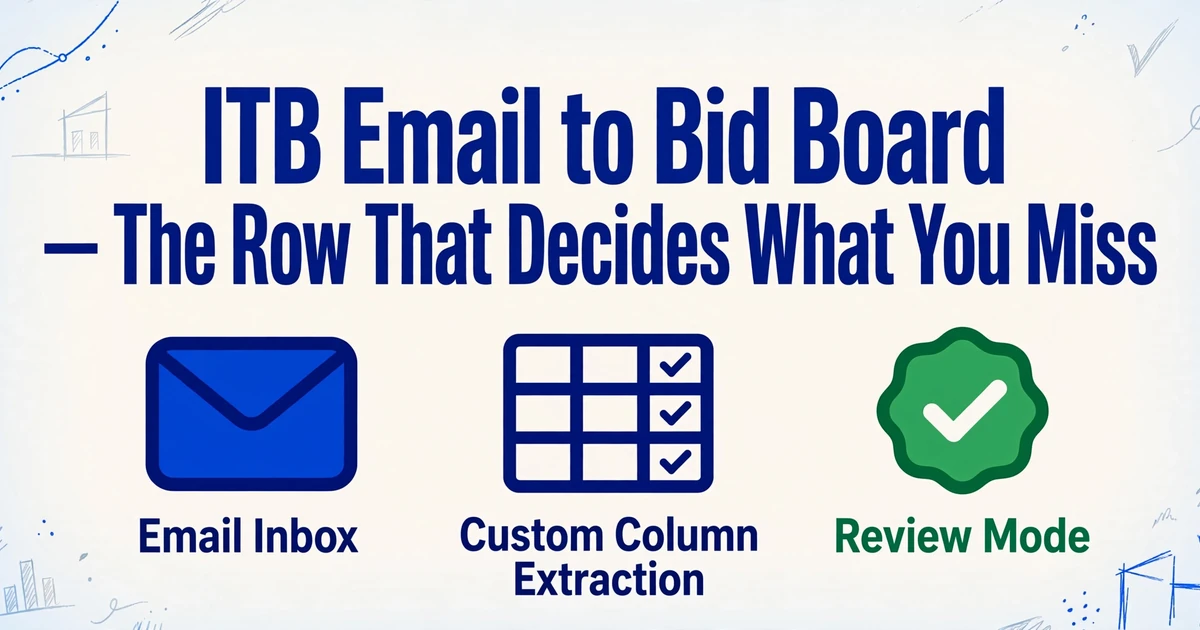
Forward ITB emails to a dedicated inbox address, or set a rule on the estimating inbox to forward them automatically. This is the Email Inbox feature: every account gets its own address, and a template bound to it can process mail on arrival. That template is your column set, not a per-GC parsing rule. With Auto-Process on, the row is produced when the mail lands; a sender whitelist keeps unrelated mail out. Set it to read attachments and body together: the GC's internal deadline is often in the body, while the binding date sits in the attachment.
Custom Column Extraction replaces the template-per-GC problem. You type the columns you want, and the AI finds each value by meaning across the email and attachments. Thirty GCs with thirty layouts do not become thirty templates.
- Build the column set once. Use the table above, including the four deadline fields and project number. Literal labels such as Owner Bid Date and GC Quote Deadline will not be confused the way a single Due Date is.
- Bind it to the inbox. Set processing to attachments and body, and whitelist the addresses your GCs and platforms send from where your mail rules allow it. Platform notifications often share one address, so the whitelist filters senders; the columns sort projects.
- Forward a week of ITBs in one batch, or let Auto-Process run. Batch processing puts multiple invitations through one column set and returns one table.
- Check the date fields and project number, then export. Review Mode with bbox highlighting shows the region a value came from, and an edit can be reverted to the AI's read. Export XLSX or CSV and paste into the board, or use the Sheets add-on.
A single ITB can carry an invitation letter, a bid form, and a scope sheet, and a multi-page or multi-file package can produce more than one row. When those documents share a project number, Multi-Page Merge can group them and fold the pages into one row, keeping the first value, the last, or concatenating on conflict. When they do not share an identifier, forward the invitation letter alone or consolidate by hand.
The generic mechanics of reading a body and its attachments into one row are covered in email and attachment extraction. Pulling a vendor quotation into Excel shows how the column set changes for a single quote, and batch comparison of subcontractor quotes covers what happens once bids arrive.
The output is a row, not a board. Status, owner, and go/no-go still live in your system.
What This Does Not Do
This removes the retyping; it does not run the bid. The gap between extraction and bid management is where most of the remaining work sits.
There is no native bid board and no write-back. The tool does not log into BuildingConnected, Procore, ConstructConnect, SmartBid, or your Smartsheet; it produces a table you import or paste. The v1 API can return structured JSON to a system you control, and that connection is yours to build.
It does not deduplicate across GCs or contacts. The same project from three senders becomes three rows unless you match them on project name or number. That match is a lookup plus a human confirmation.
It does not reconcile addenda. It can extract the addendum number and the revised date into a row. A person still attaches that row to the existing bid and updates the date. Multi-Page Merge groups pages of one document; it does not merge a later email into an existing board record.
It does not make the bid decision. There is no go/no-go recommendation, estimator assignment, follow-up reminder, or reply to the GC. Those remain management decisions.
It reads email, not text messages or chat. A bid time sent by text stays outside the queue, and a plan room behind a login stays outside it too.
Accuracy is high, not perfect. The stated accuracy is up to 99% on printed table data, which is not a guarantee on a skewed phone photo or an annotated scope sheet. A plausible wrong date is more dangerous than a blank one, so check the date fields and project number against the source. That is what the bbox view is for.
Frequently Asked Questions
Can it pull the bid due date from the PDF attachment instead of the email body?
Yes. Set the inbox to process attachments and body, and define separate columns for Owner Bid Date, GC Quote Deadline, Pre-Bid Walkthrough, and RFI Cutoff. A date that appears only on the invitation letter can still fill its column. Check the four deadline cells in Review Mode.
Does it work with invitations sent through BuildingConnected, Procore, or ConstructConnect?
It reads the email those platforms send and the files attached to it; it does not log into the platform. It will not sync status back, accept an invitation inside the platform, or submit a bid through the portal. You still forward the notification and keep the platform as the system of record.
How do I stop an addendum from becoming a duplicate row?
Extract the project number and addendum number as columns, and match the new row to the existing bid on the project number. The tool does not perform that match. Multi-Page Merge can fold the invitation letter and bid form into one row when they share an identifier, but it will not merge a later addendum into an existing row.
Can it decide whether we should bid?
No. It gives you scope, location, deadline, GC, and the dates that constrain the estimate. Go/no-go, assignment, and pricing strategy stay with the chief estimator.
Can it write directly into our bid board or Smartsheet?
There is no native connector. Export XLSX or CSV and import or paste it, or use the Google Sheets add-on when the board lives in Sheets. If your board has an API, the v1 API returns structured JSON and the integration work sits on your side.
What happens when one ITB email has several PDFs attached?
A multi-page or multi-file package can produce more than one row, which is useful when the documents are separate opportunities and awkward when they are one package. If the invitation letter, bid form, and scope sheet share a project number, group them with Multi-Page Merge. If they do not, forward the invitation letter alone or consolidate by hand.
The Row Is What Makes the Board Defensible
When someone asks why a bid went out with an old date, or which addendum the price included, the answer comes from the row. The inbox can only show what arrived. A board that can answer those questions is worth more than a board that is merely up to date, because the second one still leaves the team reconstructing the story after the deadline.
The intake step looks like typing and decides which bids get priced, which deadlines get met, and which addenda get acknowledged. Give it a column set that reflects those decisions, and the row stops being a copy of an email.