Why Financial Statements
Lose Units, Signs and Subtotals
A balance sheet headed "in thousands" is not a table of numbers with a note on top. The note is part of every number. Every figure below that caption means a thousand times what its digits say, and the one line that declares the multiplier contains no figure at all. An extraction pass that reads the arithmetic and not the structure reads each value exactly as written and drops the multiplier, which is how a line stated as 156,857 on a statement in thousands gets treated as $156,857 instead of $156.9 million.
That is one of three places a financial statement carries meaning outside the numbers themselves. Negative amounts are written in parentheses rather than with a minus sign. Subtotals sit above the line items they summarize, so the hierarchy decides which figures may be added and which may not. Pull a statement into a flat grid and all three conventions can disappear at once, leaving a spreadsheet that looks complete and ties to nothing.
Key Takeaways
- A statement headed "in thousands" can carry a 1,000x error into cells that look exactly right.
- Nothing in a clean grid warns you, because extraction flattens the hierarchy and a column sum counts the same money two or three times.
- Check the unit, the signs and each subtotal against the statement's own arithmetic, and the errors that pass every format check show up in minutes.
Accountants and finance teams pull balance sheets and income statements into spreadsheets for working papers, consolidation, ratio analysis and three-statement models. The source might be a QuickBooks or Xero export, a NetSuite or Sage report, a scanned audited statement, or a board pack assembled in Excel and printed to PDF. The extraction part is fast now. The part that decides whether the result is usable is whether the three structures above survived the trip. This article walks through each one, what it costs when it is lost, and how to check the extracted figures before they go anywhere. If you are new to document extraction as a category, the plain-language explainer on what AI document extraction is sets the baseline first.
A Financial Statement Is Three Structures, Not a Column of Numbers
What separates a financial statement from an invoice is not the numbers. It is the three things the numbers depend on: a unit declared once for the whole statement, a sign convention for negatives, and a hierarchy of subtotals that groups line items into parent totals. A statement is designed to be read by a person who already knows all three conventions, so it states them lightly and once.
On an invoice, each line is independent. The quantity, unit price and line total for one item tell you nothing about the next, and reading them into separate columns loses nothing, because there was nothing joining them. A balance sheet is the opposite. Read down the asset side and you pass a heading, then the accounts under it, then a subtotal, then the next heading. The subtotal is not a peer of the rows above it. It is their sum, and the total below it is the sum of the subtotals. A tool that treats every visible number as a cell to extract is treating a tree as a list.
On an invoice every row stands alone. On a financial statement the rows are not peers, and the line at the top of the page changes what every figure below it means.
The "In Thousands" Declaration Is the Most Expensive Line to Drop

The most consequential element on a financial statement is a line that contains no number: the unit declaration in the caption. Under IAS 1, paragraph 51(e), an entity must disclose the level of rounding it uses, and paragraph 53 permits statements to be presented in thousands or millions of the presentation currency as long as that level of rounding is stated and no material information is omitted (IFRS Foundation, IAS 1). US filings do the same under SEC Regulation S-X, which allows money amounts in whole dollars or multiples and requires the multiple to be indicated right beneath the statement caption or at the top of the money columns (17 CFR § 210.4-01(b)).
That placement is the whole problem. The declaration sits outside the grid of figures, often as small text under the title, while the numbers sit in the columns. An extraction that reads the money columns returns values that are correct digit for digit and wrong by a factor of one thousand. A consolidated balance sheet filed with the SEC and headed "$ in Thousands" shows cash and cash equivalents of 156,857. Read as dollars, that is $156,857. Read with the caption applied, it is $156.9 million (SEC EDGAR example). A dropped "in thousands" is a 1,000x error, and unlike a misread digit, it is invisible in the cell.
Two details make this worse than a single missing footnote. First, the multiplier is not uniform across everything a company publishes. One statement can be in thousands, a segment note in the same report in millions, and a sustainability appendix in a third unit, which means a single assumption applied to a whole filing will be wrong somewhere. Second, captions often qualify themselves with "except per share amounts" or percentages. A blanket multiplier applied to a per-share figure is itself an error, because that one row is not in thousands. A developer who has spent months solving exactly this for SEC data describes it plainly: "Detect the multiplier (thousands, millions, etc.) ... Sometimes that information is in the table header, sometimes within the periods, sometimes below, sometimes completely absent." (r/datasets).
The fix is to make the unit travel with the number. Because the declaration is printed text on the page, it can be extracted as its own column, so each row carries the scale it was read under and anyone downstream can see it. When a batch is known to be uniform, the multiplier can instead be applied once as a fixed factor in the extraction rules, but that only holds while every statement in the batch uses the same unit. Either way, the check is the same question: if you multiplied every figure in this cell by 1,000, would the statement still make sense? If the answer is no, the multiplier is missing or has been applied twice.
Parentheses Are Negative Numbers, Not Formatting
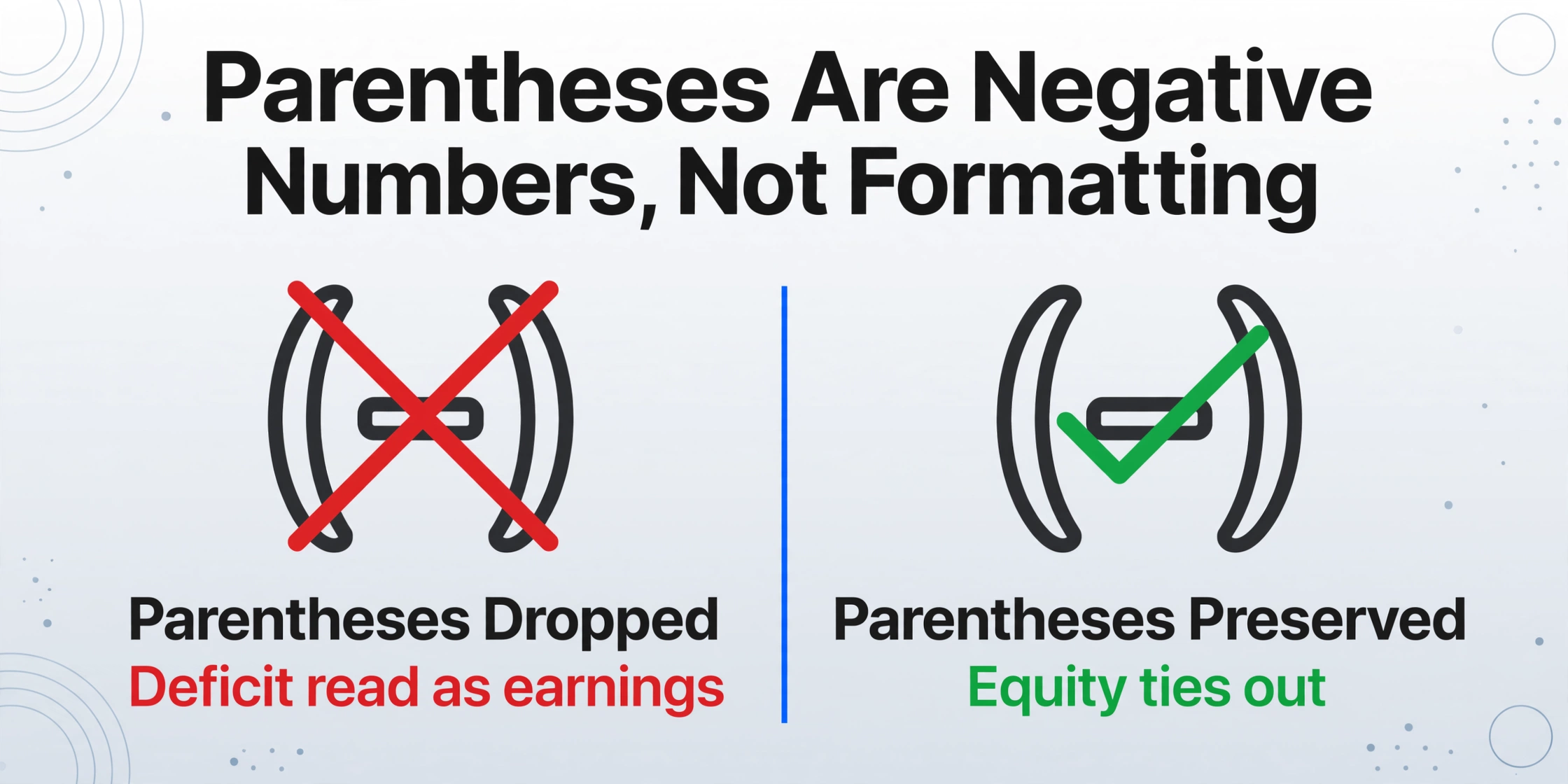
In financial reporting a value in parentheses is a negative amount, so (1,049,779) is minus one million forty-nine thousand seven hundred seventy-nine, not a decorator on a positive figure. SEC Regulation S-X makes this explicit: negative amounts, historically shown as red figures, must be displayed in a way that clearly distinguishes the negative attribute, and the rule asks preparers to account for the limits of reproduction methods when choosing how (17 CFR § 210.4-01(c)). The parenthetical convention exists precisely because red ink does not survive a photocopier or a scanner.
On a balance sheet, the negative figures are not edge cases. They are where the story lives: an accumulated deficit, treasury stock, accumulated other comprehensive loss, a net operating loss, and every "Less:" contra line that reduces a total. Strip the parentheses and a deficit becomes retained earnings, a loss becomes a profit, and the equity section stops reconciling to the asset total. The error is silent for the same reason the unit error is silent: the number in the cell is a perfectly ordinary positive amount, and it passes any check that only asks whether the cell contains a number.
Parentheses are also the harder of the two sign signals to preserve automatically, because a leading minus sign is a character a parser expects and a wrapping pair of parentheses is punctuation around a value. The practical defense is to check the extracted sign against the accounting structure rather than against itself. A line the statement labels as a deficit or a loss should come out negative. If it does not, the sign was dropped, and the place to confirm it is the source page, not the spreadsheet.
Subtotals Are Not Line Items, So Summing the Column Double-Counts
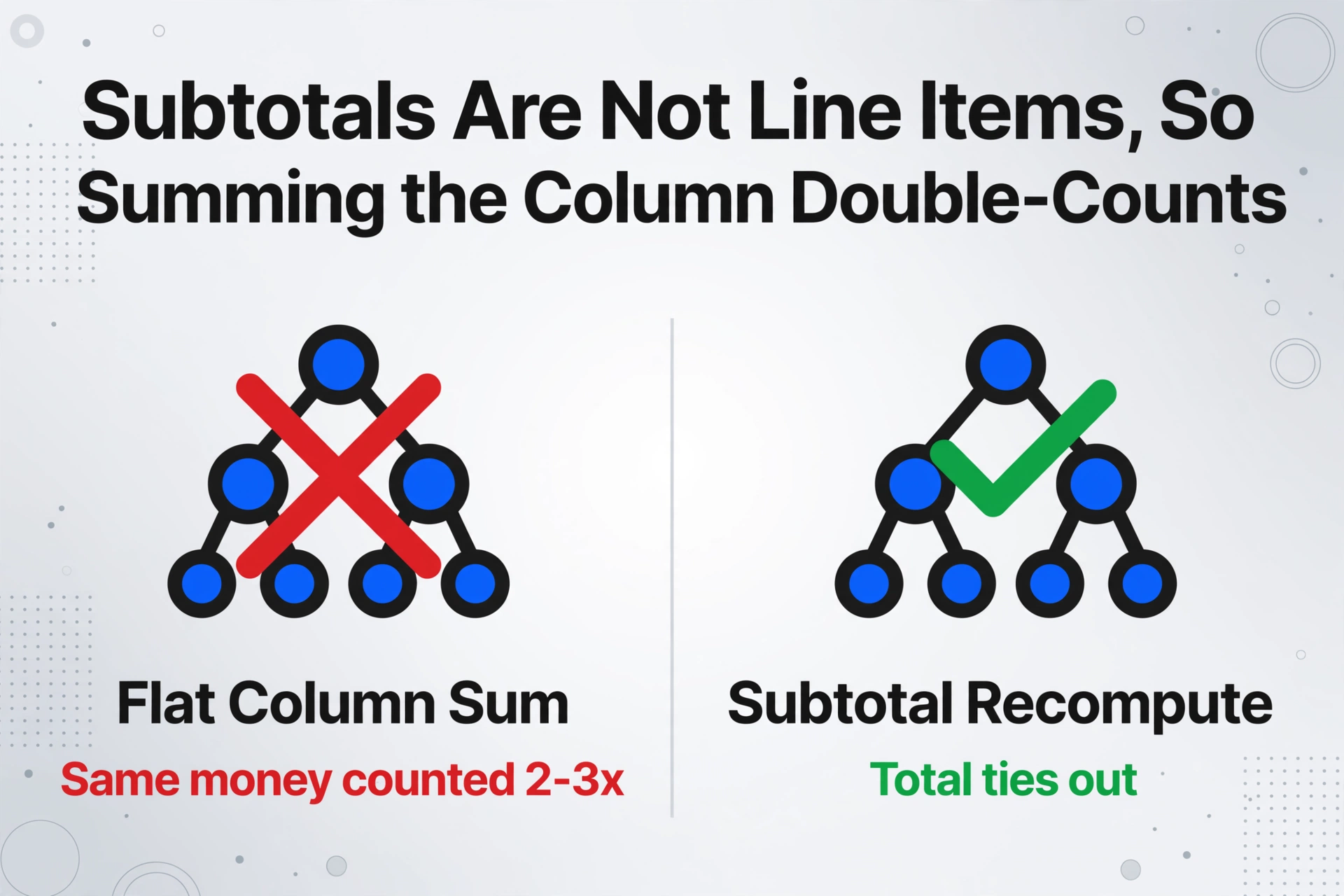
The third structure is the one most likely to survive a reader's eye and fail a formula. A financial statement's rows are not independent, and the most common extraction mistake is to treat a subtotal as just another line to add up. Total current assets is the sum of the accounts above it. Total assets is the sum of current assets, non-current assets and any other asset subtotals. If every numeric row is extracted and the column is then summed, the same money is counted two or three times, and the total is meaningless in a way that still looks precise.
Contra lines add a second layer. "Less: accumulated depreciation and amortization" reduces the gross property figure to a net one, so summing it as a positive amount inflates assets instead of reducing them. The same pattern appears as "Less: allowance for doubtful accounts," "Less: treasury stock" and "Less: accumulated amortization." Each is a genuine negative presented as a line item in the middle of a section, and each changes the subtotal it feeds only if its sign is read correctly.
| Structure element | What it looks like on the page | Failure if extraction treats the grid as flat |
|---|---|---|
| Unit declaration | Small caption text, e.g. "in thousands, except per share amounts" | Every figure off by 1,000x, or per-share rows wrongly scaled |
| Negative-sign convention | Parentheses, e.g. (1,049,779) | Deficit read as earnings, loss read as profit, equity no longer ties out |
| Subtotal hierarchy | Indented rows grouped under headings, with a subtotal line | Summing the whole column counts the same money two or three times |
| Contra lines | "Less: accumulated depreciation" | A deduction added as a positive, inflating the section total |
| Comparative period columns | Two or more year columns side by side | Prior-year figures placed in the current-year column and vice versa |
Comparative columns carry their own version of the same problem. A statement shows this year and last year side by side, sometimes three periods across. The period labels sit in a header row that is structurally separate from the figures, so an extraction that captures the numbers but not the period assignment can place prior-year values under the current year. Nothing in the cell reveals the swap. It surfaces later, when the trend you drew runs the wrong way or the change you calculated has the wrong sign.
How to Validate an Extracted Financial Statement
Validation means checking the four things extraction is most likely to have dropped: the unit, the signs, the subtotal arithmetic, and the period each figure belongs to. The checks run against the statement's own internal logic, so they need no outside data, and they close the gap the three traps open.
Confirm the unit and apply it exactly once
Find the caption and check which figures it governs. If the statement says "in thousands" and the extracted cell still reads 156,857, decide whether the multiplier belongs in the cell or in a downstream column, and apply it in one place only. A multiplier applied twice is as wrong as one that is missing.
Check each sign against the label, not the cell
A row the statement calls a deficit, a loss, or a "Less:" line should come out negative. Confirm the parenthetical values kept their sign. Where a sign looks wrong, use Review Mode to jump from the cell to the highlighted source region on the original page and read the parentheses for yourself.
Recompute each subtotal from its own components
Add the children of a subtotal and compare the result to the subtotal the statement prints, then do the same for the total one level up. Do not sum an entire column. If a printed subtotal is right but your column sum is wrong, the flat-sum error is confirmed, not a misread number.
Test the accounting identity last
On a balance sheet, total assets must equal total liabilities plus total equity. When this fails, walk back through the earlier checks in order: a bad sign or a misread subtotal is the usual cause. On an income statement, the equivalent check is that the components reconcile to the net result.
These checks are mechanical, and extraction can carry part of them. Custom Column Extraction means you name the fields you want, such as "Unit Declaration," "Account," "Current Year," "Prior Year," and the AI finds each value by what it means rather than by its position on the page, so a printed caption like "in thousands" comes back as its own column and the scale travels with the figures. A computed column can take that a step further: because it supports cross-row aggregation within a section and conditional logic that outputs the difference when totals do not match, you can have the subtotal-to-total relationship and the assets-equals-liabilities-plus-equity identity evaluated during extraction, so a statement that does not tie out flags itself before it reaches your model. And when a figure still needs a human eye, Review Mode plus bbox locating highlights exactly where it came from on the source page, so confirming a parenthesis or a unit caption takes a click rather than a scroll through the PDF.
Files are processed securely and not stored.
The wider verification routine, including column alignment, row counts, missing-field audits and when to re-extract instead of fixing a cell by hand, is laid out in the seven-point extraction QA checklist, and the failure modes that survive a first look are catalogued in why post-extraction data errors compound. Those articles cover verification in general terms; what is specific to a financial statement is the three structures above, because no other document type states its unit once, writes its negatives as parentheses, and buries its meaning in a subtotal hierarchy.
What Extraction Cannot Confirm, and Why the Audit Trail Still Matters
No extraction tool decides whether a figure is right in an accounting sense, and the parts of a statement that live in the notes are outside its reach. Whether a lease should be classified as operating or finance, whether a provision is adequate, whether a prior period should be restated: those are judgments, and they are not in the grid. If the operative number sits in a footnote, a subsidiary schedule, or an exhibit you did not upload, nothing will find it, because it is not there to be found.
The stakes are higher than for a single invoice because the output feeds reporting, not just a payment. PCAOB Auditing Standard 2810 requires an auditor to accumulate misstatements identified during the audit, other than those that are clearly trivial, and to evaluate the presentation of the financial statements, including the classification of items and "the bases of amounts set forth" (PCAOB AS 2810). A unit applied at the wrong scale, or a dropped sign on equity, is exactly the kind of uncorrected misstatement that standard is written to catch.
The data that flows into those statements is already prone to error. A field study of 25 operational spreadsheets found errors in 0.8% to 1.8% of formula cells, and among the confirmed errors the largest single one exceeded $100 million (Powell, Baker and Lawson, 2009). Earlier field audits put 94% of audited spreadsheets at containing at least one error, with an average cell error rate around 5.2%. A dropped unit or a lost parenthesis compounds that baseline rather than replacing it, which is why the people who build models guard the numbers so tightly. As one financial-modelling practitioner put it, "make sure everything is 100% correct and if anything is even a decimal point off, you're fired." (r/financialmodelling).
That is the argument for source grounding over a clean-looking table. A figure you can point back to its line on the statement is auditable; a figure that merely looks plausible is not. The same logic applies to the adjacent financial statements teams already extract, which is why the bank statement extraction error pipeline and the general ledger extraction workflow put verification at the center rather than at the end.
Frequently Asked Questions
Why does my extracted financial statement come out 1,000 times too small?
The most likely cause is a dropped unit declaration. Statements headed "in thousands" or "in millions" state that scale once, in the caption, outside the money columns, so an extraction that reads only the figures returns the digits without the multiplier. Check the statement caption, confirm which figures it governs, and apply the multiplier in exactly one place.
How do I keep negative signs in parentheses from being lost?
Treat the parentheses as a value, not as formatting. After extraction, check each negative against the label the statement gives it: a deficit, a loss, or a "Less:" line should be negative. Where a sign looks wrong, use the review view to jump to the source region and confirm the parentheses on the original page rather than trusting the cell.
Can AI extract a scanned or photographed balance sheet?
Yes. A visual model reads a scanned or photographed statement by looking at the page, so it can pick up printed text, handwritten annotations and table structure without a text layer. The limiting factors are scan quality and whether the scan captured the whole page, including the caption that states the unit and any parentheses in the margins.
Why is my column total wrong when every individual figure is right?
Because the column included subtotals. A financial statement's subtotals are the sums of the rows above them, so adding every numeric row counts the same money more than once. Recompute each subtotal from its own children and compare that to the printed subtotal, rather than summing the whole column.
Does "in millions" or "except per share amounts" change the extraction?
Yes. "In millions" sets a different multiplier, and any qualifier such as "except per share amounts" or percentages means those specific rows are not scaled at all. A single blanket multiplier assumed for the whole statement will be wrong for the exceptions, so capture the caption text and read what it actually governs.
Is an extraction accurate enough to use without checking a financial statement?
No tool, ours included, removes the need to confirm a statement's unit, signs and subtotals. Our extraction reaches up to 99% accuracy on printed table data, and statements still carry the three structures above plus the accounting judgment a tool cannot make. Run the four validation checks on the first statement of each new source, then spot-check each batch.
The Structure Is Part of the Data
The mistake behind most financial statement extraction problems is thinking of the structure as presentation. It is not. The unit, the sign and the subtotal grouping are data, in the sense that a figure without them does not mean the same thing. A balance sheet extracted into a clean grid is only as good as whether those three survived, and the checks that confirm them run on the statement's own arithmetic, so they cost minutes and catch the errors that pass every format check. Start with the caption and the parentheses, two things a human reader barely notices and an extraction pass can drop without a trace.
Before you trust any extracted financial statement, do three things: confirm the unit is applied once, confirm the negatives kept their sign, and confirm the subtotals add up from their own rows. Those three checks catch the errors that a flat grid hides.