One Etsy Order, One Row,
No Retyping
Since July 14, 2025, the Orders CSV in Etsy's Shop Manager has ended two weeks before the current date. The note on the Download Data page says it directly: orders become available to download two weeks after the order date. For a seller who needs to pack what sold this morning, that export is a history file.
The order confirmation email has no such lag. It arrives when the sale happens, and it carries the buyer's name, the ship-to address, the items, and the personalization text the buyer typed at checkout. What it does not carry is a row. Turning it into one is a smaller job than it looks, with one catch worth designing around: the email is a snapshot, and an Etsy order can change after the snapshot is taken.
Key Takeaways
- Two weeks is how far behind Etsy's Orders CSV has run since July 14, 2025, so this morning's sales are missing.
- The confirmation email has no lag but it is a snapshot, so an address change or a cancellation leaves the row looking right and being wrong.
- A Status column plus one weekly pass catches the three changes the email will never carry.
What the Etsy Sale Email Carries, and What It Leaves Out
An Etsy sale notification is a complete order document for the moment it is sent, and an incomplete one for every moment after. The message goes to the email address on your Etsy account, and Etsy tells sellers to add [email protected] to their contacts so the notifications do not land in spam. Inside are the order number, the sale date, the buyer's name, the shipping address, the item titles, the variations, the quantities, the order total, and the personalization the buyer submitted.
Personalization is the field that makes this document matter to an Etsy shop. Etsy's help page for personalized listings says that when a buyer requests a personalized item, the request appears on the Orders page and in the email you receive about their order. The email therefore carries the buyer's exact wording, which is the copy a maker needs at the bench.
That copy changed shape in 2026. Etsy's developer announcement set the general availability of the new personalization tools for May 11, 2026, replacing a single free-text field with up to five typed questions per listing: text boxes, dropdowns, and file uploads. A single order can now arrive with a name, a date, a font choice, and an uploaded photo, each answered separately. Design one Personalization cell and all of that lands in one place. Leave it out and the detail stays buried in a paragraph.
The email is the only copy of the order that arrives on its own while the order can still be made correctly.
What the email does not carry matters just as much. It is not a fee statement: the Etsy fees and the net amount live in the Payments CSVs and your payment account. It is not a tracking record, because tracking is added when you complete the order and Etsy sends a separate shipping notification. It does not include a buyer phone number, because Etsy does not collect one. And it does not update itself when the order changes.
There is usually no attachment to open. The order data is the message body, which is why an email workflow has to read the body rather than wait for a PDF. If your account receives a receipt PDF alongside the notification, the inbox can read both, but the body is the part that always carries the order. If the only copy you have of an Etsy order is a screenshot rather than the email, the field-by-field guide to where an order number, shop name, and shipping status sit on an Etsy screenshot covers that input instead.
Where the Row and the Order Stop Agreeing
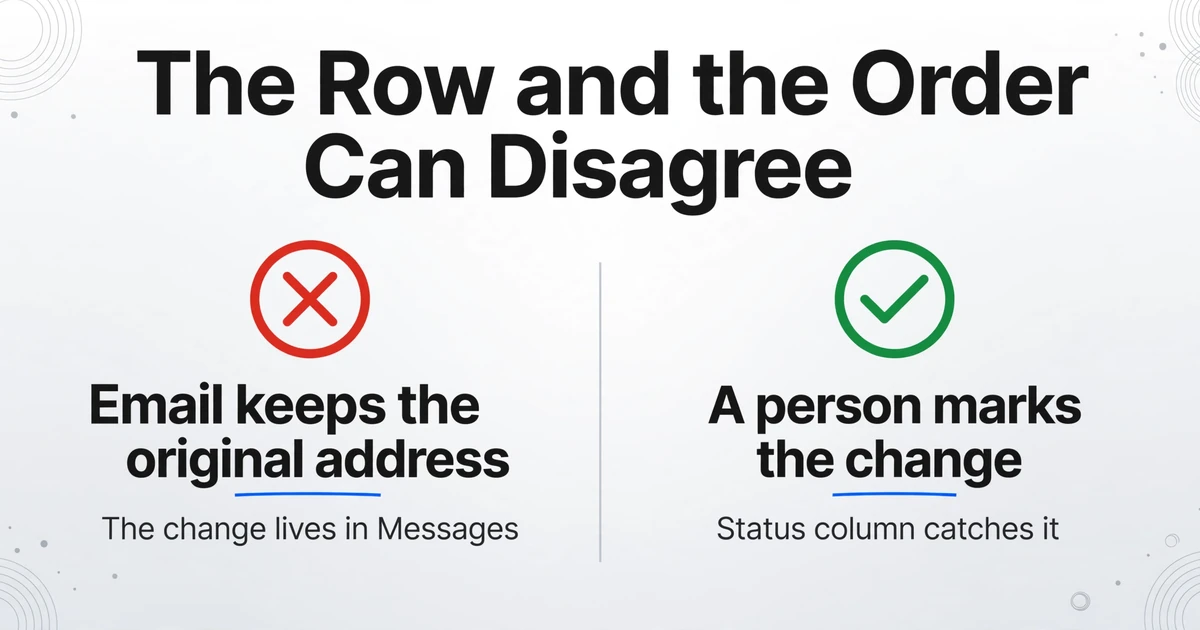
The row and the order agree on the day the email arrives, and they can disagree by the time someone packs the box. In a small shop the same person often does every step, but the handoff still exists: the buyer places the order and types the personalization, Etsy sends the notification, the seller or ops lead routes it into a sheet, a packer or part-time helper works from that sheet, and a bookkeeper sees the totals later. Three changes break the agreement, and none of them is a typing error.
The first is an address change. A buyer messages you through Etsy after checkout with a corrected address. Etsy does not edit the order for you. Its help page on address changes says the address submitted with the order can be edited when you purchase a shipping label in the countries where Etsy labels are available, or recorded as a private note that you see when you are ready to ship. The confirmation email keeps the original address, the sheet inherits the original address, and the packer ships to the original address. The change lives in Messages, a different surface from the email, which is exactly why the sheet still looks correct.
The second is a cancellation or a refund. That shows up as a separate event, not as an edit to the original sale email. The row stays. Etsy's own documentation confirms the same gap in its export: the Order Total in the Orders CSV adds all sales and does not subtract fully refunded and canceled orders. A sheet built from confirmation emails has the same blind spot until a person marks the row, and an unmarked row keeps a canceled order in the week's production count and in the totals someone hands to the bookkeeper.
The third is a multi-item order. Three items bought together produce one sale email and one order number. Each item can carry its own variation and its own personalization answer. A row that captures only the first item, or only the first personalization block, sends the packer to make one thing when the box needs three. This is the failure that hides longest, because the order number and the total are both correct.
This is why a plain email-to-sheet rule is not enough. The rule gets the row right on day one. The process around the row has to catch the three changes that arrive later, and it has to make them visible to the person doing the packing rather than to the person who owns the inbox.
Why the Native Export Can't Cover Today's Orders
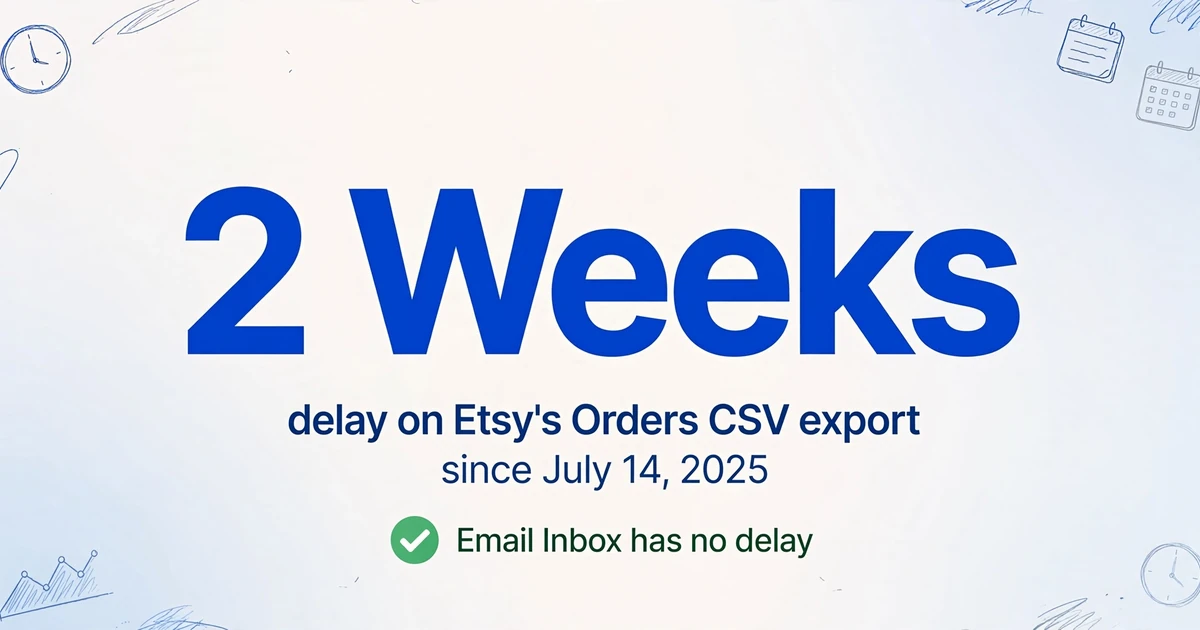
Etsy's CSV export is the right tool for last month and the wrong tool for this morning. The Download Data tab offers four types, order items, orders, Etsy Payments sales, and Etsy Payments deposits, and the first two carry the two-week delay that started on July 14, 2025. Value Added Resource reported the change and collected seller reactions from the Etsy community forum. One seller quoted in the report described the operational cost in plain terms: "We need this data to create our custom packing slip to make sure that the correct item gets shipped to the correct customer." Another wrote that the delay "kills the process I've been building over the last 5+ years."
If the job is to export Etsy orders to a spreadsheet once a quarter for the books, the CSV is fine. The live queue is the harder case, and it is where much of the Etsy order automation advice stops at "forward the email and parse it" without saying what the row should contain.
The two order files also answer different questions. The Orders CSV is one row per order, which is useful for revenue totals and tax preparation. The Order Items CSV is one row per item, which is what you want for product-level counts and SKU analysis. Neither one is a live production queue, and neither one is documented as carrying the buyer's personalization wording. Etsy's help page for sold transactions lists payment method, item price, item title, and SKU among the fields, and personalization is not on that list. If your shop depends on the exact text a buyer typed, the email is the safer source.
The split is clean once you name it. Use the export for the books, the quarterly review, and the SKU count. Use the sale email for the order that needs to be made this week. Trying to make one file do both is what produces a sheet that is either two weeks late or missing the customization detail.
There is a third route, and it is worth naming. Approved third-party apps use Etsy's API to pull orders without the CSV delay, which is how order-management and shipping tools stay current. That route needs an Etsy app and either a developer or a paid integration, and those apps are the right place for status and fulfillment. The sheet is the place for the production view: the item, the personalization, and the address the packer works from.
The export answers what you sold. The email answers what you have to make next.
Pick the Row Shape Before You Build the Sheet
The row shape decides who can use the sheet, and Etsy gives you two different shapes from two different sources. One row per order matches the email and matches a shipping box: everything in the row travels together, so a packer can work down the list and tick orders off. One row per item matches the Order Items CSV and matches production batching: you can sort by product, count how many of a thing you need to make, and group similar work. The mistake is building one shape and expecting it to serve both jobs.
For the live queue, build order-level rows. A multi-item order stays together, its items and personalization sit in their own cells, and the packer sees the whole box on one line. Keep the item-level export for the periodic review, where the two-week delay does not matter because you are looking at completed months. If you need item-level rows for a current order, split the Items cell in the sheet after export, where the formula is visible and easy to check. The email workflow does not split one message into several rows.
The column set below is built for a shop that sells both personalized and ready-made items. Custom Column Extraction is the mechanism that makes it work: you type the column names you want, and the AI reads each email and fills the matching value by understanding what the field means, not by matching a fixed position or a template. The names you type become the headers of the sheet.
| Column | What it holds | Why it earns its place |
|---|---|---|
| Order Number | The Etsy order reference | The key you use to look up the order when something changes |
| Sale Date | The date the order was placed | Sorts the queue and sets the ship-by priority |
| Buyer | The name on the order | Matches the package to the person |
| Ship To | The full shipping address as submitted | The field most likely to be corrected later, so it needs to be visible |
| Items | Every item title in the order, with quantities | Keeps a multi-item order from collapsing into one product |
| Variations | Size, color, or other selected options | Separates a variation from a personalization answer |
| Personalization | The buyer's answers, in their own words | The production instruction that does not exist anywhere else in the row |
| Order Total | The printed total and currency | Lets you spot a mismatch before the order ships |
| Needs Customization | Yes or No, inferred from the personalization cell | An inferred column, so the AI decides a value the email does not print |
One design choice is worth spelling out. If every listing asks the same questions, you can split Personalization into Name, Date, and Font columns and get a cleaner sheet. If the questions change from listing to listing, which is common after the 2026 expansion, separate columns will be empty for half the shop. A single Personalization column preserves the buyer's wording and keeps the row readable, and the inferred column does the sorting work instead. Start with one column, then split it only when the same questions repeat across most of your listings.
Route the Emails and Name the Columns
The setup is a small set of settings you configure once per shop, not once per order. The goal is to turn the Etsy order confirmation email into a spreadsheet row when it arrives, before the buyer has a chance to change anything, and to land that row in the sheet the packer already opens.
Get the inbox address
Email Inbox gives your account a dedicated address. Mail sent there enters your processing queue without anyone downloading a file or opening an upload page. This is the address the Etsy notifications will be forwarded to.
Forward only the sale notifications
In Gmail, create a filter for messages from [email protected] and forward them to the inbox address. In Outlook, use a rule with the same sender condition. Etsy sends the notification to the address on your account, so the filter is the piece that keeps the rest of your mail out of the queue.
Set the inbox to read the body
The default mode reads real attachments and ignores the body. Switch it to body-only, or to attachments-and-body if a receipt PDF also arrives. This is the setting that matches where Etsy puts the order. The body-only mode explained here covers the same switch for invoices that exist only in the message text.
Turn on the whitelist and Auto-Process
The sender whitelist limits the queue to [email protected] or the address you forward from, so a newsletter or a supplier note never becomes a row you have to delete. Auto-Process starts extraction on arrival, so the row is ready before the order has time to change.
Name the columns and save the set
Enter the column list from the previous section. The names become the headers, and the same set applies to every sale email, whether the order has one item or five. Save the column set as a template and bind it to the inbox so new mail uses it automatically.
Send the rows to Google Sheets
The Google Sheets add-on is a sidebar that appends extracted rows to the active sheet, without leaving Sheets. Connect your API key to run in account mode, so the template and history match the website. From then on, the packer can work from the sheet instead of the Etsy account.
The same pattern works on other storefronts, though the field names and the email template differ. The Shopify version of this email-to-row workflow is useful if you sell on both platforms and want one sheet. For the wider mechanics of turning an inbox into a working spreadsheet pipeline, the email-to-AP pipeline walkthrough covers the layers on either side of extraction.
Files are processed securely and not stored.
What a Week of Rows Looks Like
A working sheet has one row per order, the buyer's own words in the personalization cell, and a status column a person updates. The example below uses invented orders to show the shape, not real buyer data.
| Order | Date | Buyer | Ship To | Items | Personalization | Total | Status |
|---|---|---|---|---|---|---|---|
| #3241 | Nov 2 | Maya R. | Portland, OR | Custom pet portrait, 8x10 | Name: Cooper. Brown border collie, blue collar. | $68.00 | To make |
| #3242 | Nov 2 | Daniel K. | Austin, TX | Walnut cutting board | Engrave: The Khan Family / Est. 2019 | $54.00 | To make |
| #3243 | Nov 2 | Priya S. | London, UK | 2x linen napkins | Initials: PS; Font: serif | $42.00 | Check address |
| #3244 | Nov 3 | Tom W. | Chicago, IL | Leather journal | None | $39.00 | Pack |
| #3245 | Nov 3 | Ana L. | Miami, FL | Custom portrait | Photo uploaded | $75.00 | Canceled |
The Status column is the part no extraction tool can fill for you, and it is what keeps the sheet honest. A short weekly pass handles it:
1. Count rows against the New tab. Compare the number of rows for the week with the number of orders in Etsy's New and Completed tabs for the same dates. A missing row is usually an email that never got forwarded, not a failed extraction.
2. Search Messages for "address". Any buyer who asked for a correction gets the new address typed into Ship To and a note in Status. Keep the original row, so the change has a trail.
3. Mark cancellations and refunds in Status. Do not delete the row. The order happened, the refund happened, and the bookkeeper may need both. Marking it keeps it out of the packing queue without erasing the record.
4. Open the orders that mention an uploaded file. A personalization file upload does not put the image in the sheet. The row can tell you the file exists; you still download it from the order before you make the item.
5. Reconcile the week's totals against the Payments CSV before anyone books them. The sheet is a production record. The payment files are the money record, and they are the ones that account for fees and refunds.
What This Does Not Do
This workflow reads email; it does not connect to your Etsy account. There is no Etsy API integration, no seller-account login, and no order-status sync. Nothing is written back to Etsy, no shipping label is bought, and no message is sent to a buyer. The sheet is a record of what arrived by email, and Etsy remains the system of record.
It does not split one email into several rows. One sale email produces one row, which is the right shape for packing and the wrong shape for per-item production counts. Split the Items cell in the sheet when you need item-level rows, or use the Order Items CSV once the order is old enough to appear in it.
It does not resolve a changed order for you. A message with a new address is a person's instruction, not a data update. The tool cannot know that the buyer changed their mind, and Etsy does not expose that change as an edit to the original order. That is why the Status column and the weekly pass exist.
It is not a bookkeeping system. Fees, refunds, deposits, and the gross sales figure on a 1099-K live in the Payments CSVs. Use the production sheet to make and ship orders, and use the payment files to report income.
Buyer data has a boundary. Etsy's Seller Policy says buyer information may only be used for Etsy-related communications or Etsy-facilitated transactions, and that sellers may not add buyers to an email or mailing list without consent. Under EU law, a seller who processes that data outside Etsy may be an independent controller under the GDPR. Keep the sheet limited to the people who fulfill orders, and do not turn it into a marketing list.
Accuracy is high, not perfect. We state up to 99% accuracy on printed table data, which is our own figure for that input type. The fields that carry money or a name to engrave deserve a look before the order ships. When the only record is a screenshot rather than an email, the Etsy order screenshot extract page covers that input, and the limits are the same: the tool reads the document in front of it, not the order's later history.
Frequently Asked Questions
Does Etsy email the seller for every order?
Yes. Etsy sends a notification to the Seller app and an email to the address on your account when a sale is made. Add [email protected] to your contacts so the messages do not go to spam, and check your notification settings if the emails stop arriving.
Can I get one row per item instead of one row per order?
Not from the sale email. One email describes one order, so the natural output is one row with the items listed in a cell. For item-level rows, split that cell in the sheet, or use Etsy's Order Items CSV, which is one row per item but carries the two-week delay.
Will it capture the personalization answers?
Yes. The buyer's answers are in the email body, and Etsy's help page confirms that a personalization request appears both on the Orders page and in the order email. Since May 11, 2026, a listing can ask up to five questions, so a single Personalization cell may hold several answers. A file upload is different: the image stays with the order, and the sheet only tells you it exists.
Does the sheet update when a buyer cancels or changes the address?
No. The email is a snapshot, and Etsy does not update the original email when the order changes. A cancellation shows up as a separate event, and an address change usually arrives through Messages. Both need a person to update the row. That is the reason for the Status column and the weekly check.
Can I use a Gmail filter instead of forwarding each email by hand?
Yes. A filter on the sender [email protected] that forwards to the inbox address is the normal setup. If you use Outlook, a rule with the same sender condition does the same job. The sender whitelist on the inbox then keeps everything else out.
Is it okay to keep buyer names and addresses in a Google Sheet?
For order fulfillment, yes, with limits. Etsy's Seller Policy restricts the use of buyer information to Etsy-related communications and transactions, and it prohibits adding buyers to a mailing list without consent. Share the sheet only with people who fulfill orders, and keep marketing out of it.
The Row Has to Exist Before the Order Changes
A perfectly synced sheet is not realistic, because Etsy does not update the original confirmation when a buyer changes an address or cancels. What matters is whether the row exists before the order needs it, and whether someone checks the three things that change after the email arrives. A row created on arrival gives you the buyer's own words while they are still current, and a short weekly pass keeps the row from becoming a confident lie. That is a smaller promise than order management, and a more useful one for a shop that makes things by hand.