Can AI Read Sales Orders?
Yes — Across Any Customer Format
Yes. Modern AI can extract header fields and line items from sales orders — including customer PO references, item codes, quantities, unit prices, discounts, taxes, ship-to addresses, and delivery dates — across any number of customer formats, without per-customer template configuration. The key distinction is perspective: the document you receive from a customer is technically their purchase order, but for you it becomes the source data to create your sales order. The AI reads it the way you do — as a request for goods or services — and extracts the fields you need regardless of whether the customer labels them "PO No.," "Order Ref.," or "Customer #." On clean printed or digital PDF orders, field-level accuracy reaches 95-99%, with the most reliable results on standard ERP-generated purchase orders.
Key Takeaways
- A template-based OCR tool works perfectly on a customer's PO — until they upgrade their ERP and move the Ship To block to a new position, silently breaking the template and returning zero data from a batch of 30 orders you only discover is empty after it processes.
- The hidden cost of template-based extraction is not setup — it is maintenance that compounds with every customer: each format change silently breaks a different template, and the breakage surfaces in production when you process a batch against a deadline, not during a scheduled check.
- Semantic extraction eliminates templates entirely — it reads Ship To by meaning rather than coordinates, so the same column definition handles 50 customer formats at once and any single customer's layout change has zero impact on extraction quality.
A Real Sales Order Walkthrough — What AI Reads, Field by Field
Let's walk through a typical customer purchase order that arrives in your inbox — a PDF attachment from a retailer requesting 50 units of an item with 3 color variants, a ship-to warehouse on the West Coast, and a requested delivery date three weeks out. This is not an edge case. It is the daily reality of order processing for thousands of B2B sellers. Here is exactly what the AI reads and where it finds each field.
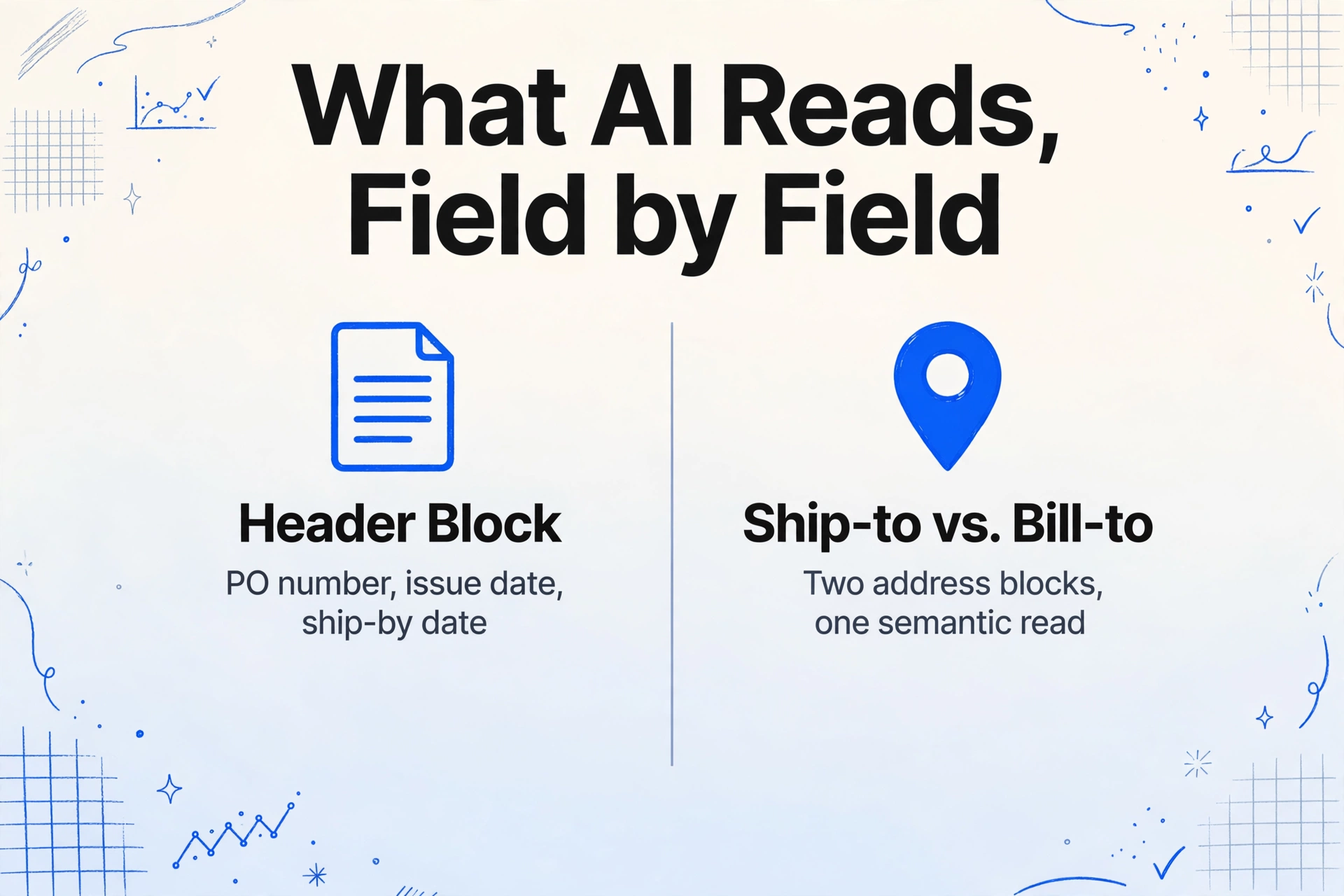
Header block. The AI starts by identifying the document's structural regions, just as you do when you open a PDF. In the top section — the header — it reads the customer's company name and address (bill-to), the purchase order number (often labeled "PO No.," "PO #," "Customer Ref.," or "Order No."), the PO issue date, and the requested delivery date or "Ship by" date. Each of these fields is located by its semantic meaning within the header region, not by matching a label string to a fixed coordinate on the page. A label that reads "Req. Ship Date" is recognized as the delivery date. A label that reads "Date" adjacent to the PO number in the header is recognized as the issue date. This is the same disambiguation a person performs without thinking — except the AI does it on every document, every time, without tiring.
Ship-to vs. Bill-to addresses. Most customer purchase orders include two address blocks: where the goods should go (ship-to) and where the invoice should be sent (bill-to). The AI distinguishes them by reading the label above each block and understanding the relationship between the address and the surrounding content. The address block labeled "Ship To," "Deliver To," or "Delivery Location" is captured as the shipping destination — this is the address that determines freight costs, delivery schedules, and fulfillment routing. The address block labeled "Bill To" or adjacent to "Remit To" information is captured separately. On orders where both blocks lack explicit labels — just two addresses printed side by side — the AI falls back on positional heuristics: the address closer to the top of the document, aligned with the customer's header, is the bill-to, while the address in a separate lower section or aligned with delivery instructions is the ship-to.
Line items. The AI identifies the line-item table by its structure — a multi-column grid in the body of the document with column headers like "Item No.," "Description," "Qty," "Unit Price," and "Total." Each row in this table is read as one line item. The item code (SKU or part number), the item description, the quantity ordered, the unit price, and the line total are all extracted per row, regardless of column order or naming variation across customers. One customer's table has columns in the order "Qty | Item Code | Description | Unit Price | Total" and uses "EAN" instead of "Item Code." Another customer's table reads "Part # | Description | Price Each | Quantity." The AI reads the column headers semantically — it understands that "Price Each" and "Unit Price" mean the same thing — and maps each value to the correct output column.
Totals, discounts, and taxes. At the bottom of the line-item table or in a separate totals section, the AI reads the subtotal (sum of all line totals before adjustments), any discount applied (percentage or fixed amount), the tax rate and amount (which varies by jurisdiction — VAT, GST, sales tax, or HST), shipping and handling charges, and the grand total. Each of these amounts is disambiguated by its position in the totals block and its semantic relationship to the line items above it. The amount immediately below the last line item is the subtotal. The amount after a line labeled "Discount 2% Net 30" is a discount. The amount after "Tax" or "VAT" or "GST" is the tax amount. The amount at the very bottom of the column, typically in bold or a larger font, is the grand total.
This walkthrough covers a single order from a single customer. Now imagine repeating it for 15 customers, each with a different layout. The AI processes all 15 in the same batch, with the same column definitions, and outputs a single consolidated spreadsheet. For a deeper explanation of the underlying mechanism, read our guide to PO data extraction fundamentals — the document structure is the same, but the seller's extraction needs add the layer of mapping customer formats to internal SO fields.
Why This Works — Semantic Extraction Replaces Template-by-Template Setup
The reason AI can read a dozen different customer orders in a single pass is not that it has a template for each format. It has no templates at all. The mechanism is called Custom Column Extraction, and it works by inverting the traditional extraction logic.
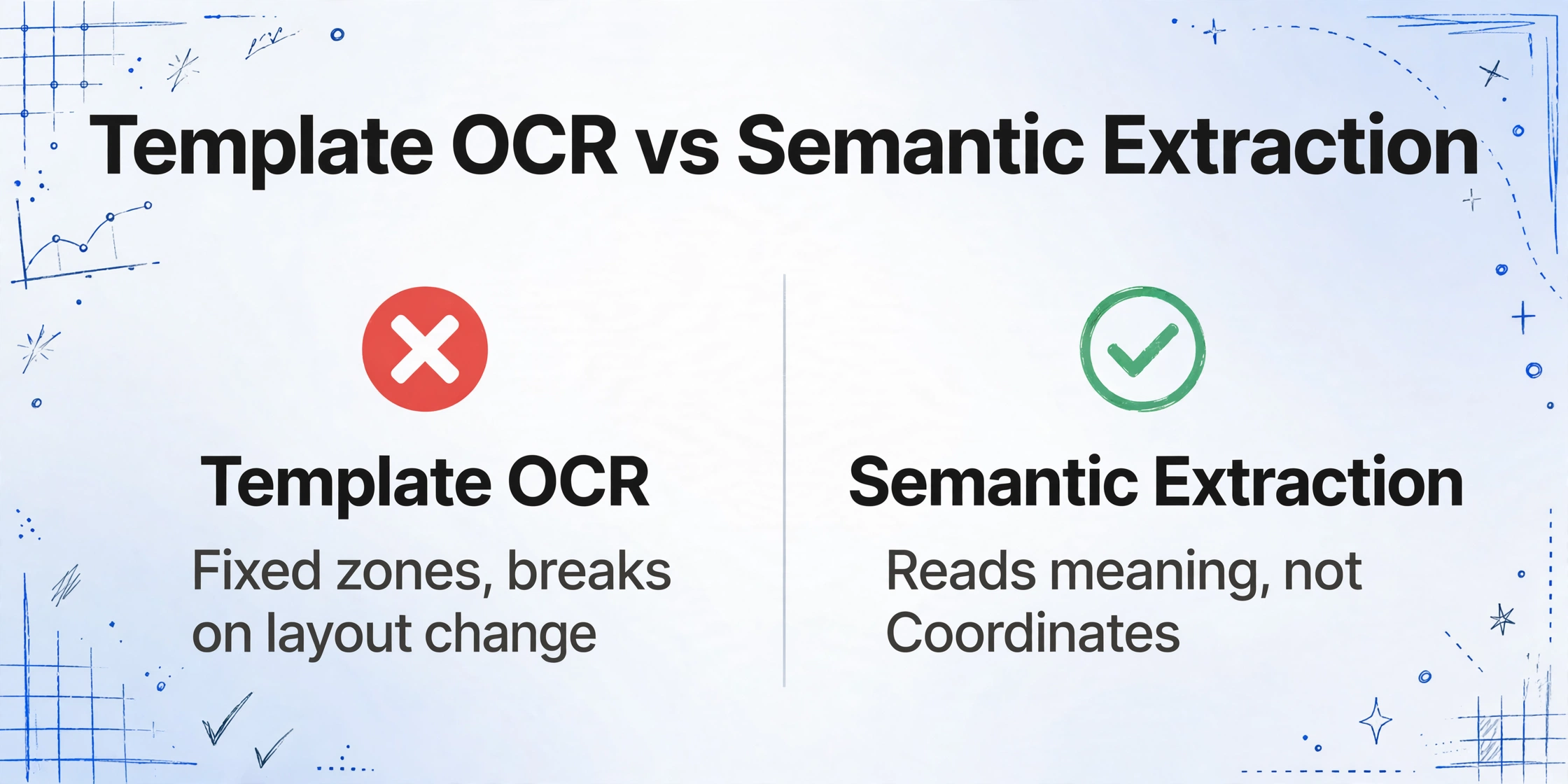
Traditional template-based OCR tools require you to define fixed zones on a sample document for each field — "the unit price is at coordinates (200, 450) to (300, 470)." When a second customer sends an order with the unit price in a different position, the zone no longer matches and the extraction breaks. You create a second template. Then a third. Every time a customer updates their form layout — which happens more often than most teams track — your template breaks and you maintain it. This is the hidden cost of template-based extraction: not the setup time per customer, but the maintenance time across all customers over months and years.
Semantic extraction eliminates the template layer entirely. Instead of asking "where is this field?" it asks "what is this field?" — and the answer does not depend on the document's layout.
Here is how it works in practice. You define your output columns once — "Customer PO Number," "Item Code," "Quantity Ordered," "Unit Price," "Line Total," "Ship To Address," "Requested Ship Date" — and save them as a template (this is your personal column template, not a per-customer document template). When you upload a customer's purchase order, the AI reads the document as a whole, identifies each field by its semantic meaning within the document's layout, and maps it to the matching column name you defined.
This is why the same column definition works whether a customer labels the field "Unit Price," "Price Each," "单价" (Chinese), or "Precio Unitario" (Spanish) — the AI understands what each phrase means, not which characters it contains. And it is why a customer's layout change (moving the "Ship To" block from the top-right to the bottom-left between format revisions) does not break the extraction: the AI looks for the meaning of "Ship To," not its pixel coordinates.
For orders where the line total is not printed — only Quantity and Unit Price appear — you can use a Computed Column. Name your column "Line Total (Qty × Unit Price)" and the AI performs the multiplication during extraction, adding the calculated value to your output without any post-processing in Excel. This is one of several extraction enhancements that make the output ready for your ERP or order management system without manual cleanup. For a complete walkthrough of the sales order extraction workflow from end to end, see our sales order to Excel guide.
Where It Can Still Trip — Honest Limitations
No extraction tool is perfect on every document. The following scenarios require extra attention, and knowing them upfront saves more time than discovering them in production.
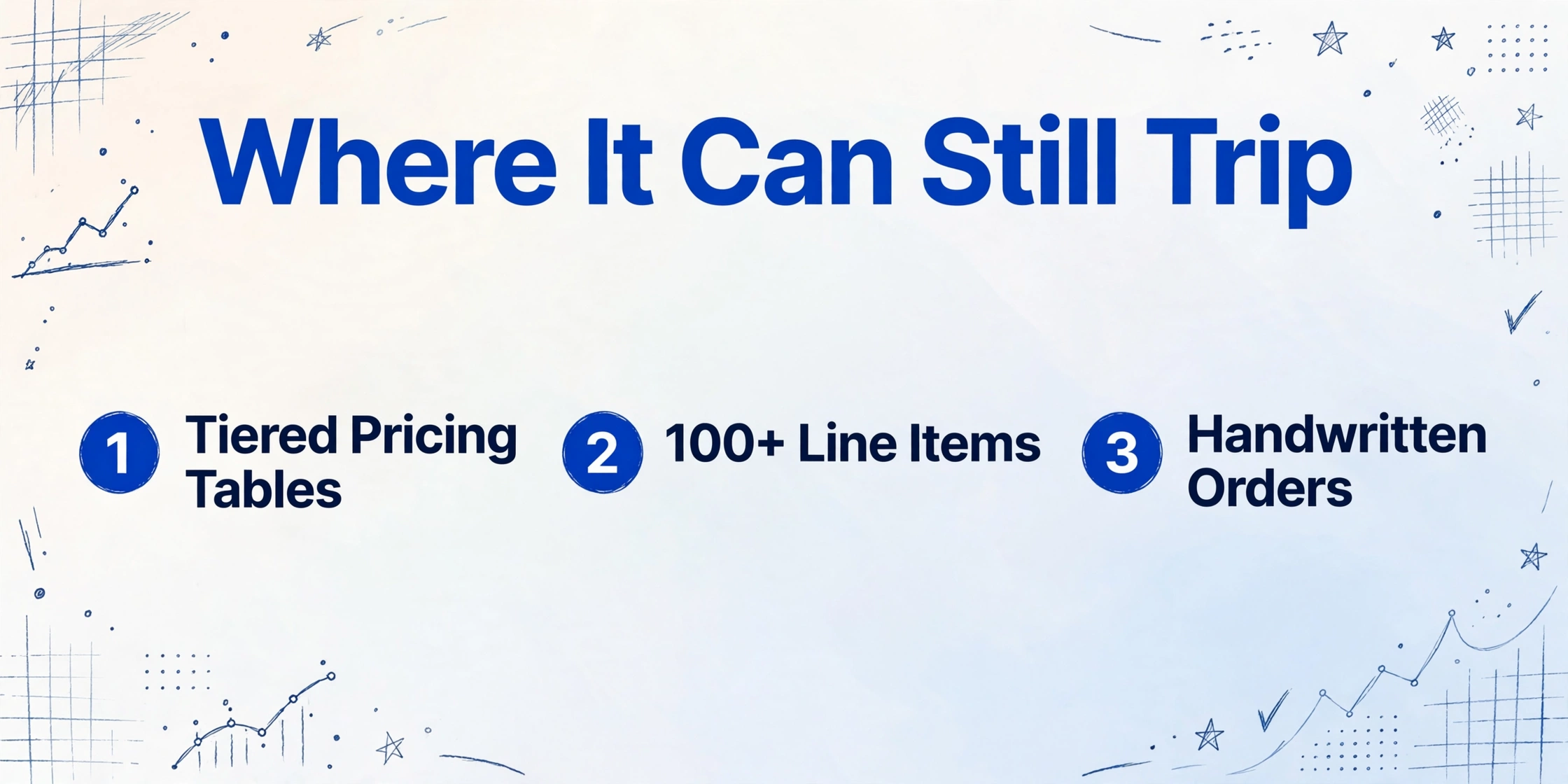
Complex tiered pricing and discount tables. If a customer's purchase order includes a quantity-break pricing table — "$10/unit for 1-50 units, $8.50/unit for 51-200 units" — displayed as a separate table alongside the line items, the AI may assign the wrong price tier to a line item if the tier boundaries are implicit (not repeated on each line) or if the pricing table and the line-item table are not visually connected. The AI reads each table independently, but mapping a line item's ordered quantity to the correct row in a separate pricing table requires a multi-step reasoning that is more reliable in a human review pass than in a single extraction pass. Recommendation: for orders with separate discount or pricing tiers, do a spot-check on the unit prices for the first few orders from that customer. Once you confirm the AI maps prices to the correct tier, you can trust subsequent orders from the same customer — but verify the first batch.
Very large orders (100+ line items) spanning multiple pages. The AI handles multi-page documents natively — it reads the line-item table across page breaks and continues counting rows. But when a single order has 150 line items spread across 6 pages, the probability of a page-break artifact (a row split across pages where the column headers are not repeated) increases. The AI's visual model can typically handle these cases because it understands table structure, but the error rate per row compounds with the total number of rows. Recommendation: for orders exceeding 100 line items, scroll through the extracted output and verify the total line count against the order's line count. Most mismatches occur at page-break boundaries and are easy to spot.
Heavily degraded carbon copies and faxed orders. If a customer still sends orders via fax or carbon-copy forms, the text quality may be below what the AI can reliably read. Faint characters, smudged numbers, and handwritten margin annotations can cause misreads — "1,000 units" becomes "100 units" if the third zero is illegible. Recommendation: set up a low-confidence flagging workflow. The AI returns a confidence score for each extracted value; configure your process to review all values below a confidence threshold. This catches the degraded-document cases without requiring human review of every clean order.
Customer PO numbers that include special characters or spaces. Some purchase order numbers include hyphens, slashes, or embedded spaces that are semantically part of the number (e.g., "PO-2026-0715") but may be fragmented by the document layout. The AI reads text in visual blocks, so a PO number broken across two lines may be reconstructed as two separate tokens. Recommendation: after extraction, scan the "Customer PO Number" column for values that appear truncated or split. The AI typically handles standard formats well, but unusual layouts with fragmented PO numbers benefit from a quick visual scan of the output column.
These limitations are not deal-breakers — they are process design considerations. The same is true for every extraction tool, and the honest ones tell you where to watch. For a broader framework on evaluating whether AI extraction is right for your team, see our practical guide to improving extraction accuracy.
The difference between an extraction tool that handles your sales orders and one that adds more work is not whether it makes mistakes — every tool does. The difference is whether it makes predictable mistakes on documents you can test for, or unpredictable mistakes on documents you can't. Semantic extraction over templates means the AI fails consistently on specific document conditions (tiered pricing, degraded scans) that you can test, spot-check, and build a process around — rather than failing randomly when a customer updates their form layout and breaks your template.
A Decision Checklist — Is Your Sales Order Process Ready for AI?
Not every order processing workflow is equally suited for AI extraction. The following five questions help you determine where extraction will deliver the most value and where it will need human backup.
1. How many distinct customer order formats do you receive? If you process orders from 5 customers with 5 standard formats, template-based OCR may work adequately — you invest the setup time once per customer and the maintenance cost is manageable. If you process orders from 20, 50, or 200 customers, each with their own layout — which is the reality for most distributors, wholesalers, and B2B manufacturers — semantic extraction becomes not just faster but structurally necessary. Template costs scale linearly with customer count. Semantic extraction scales at nearly zero marginal cost per new customer.
2. How structured are the orders you receive? AI extraction works best on orders that have clear header-body-totals structure — ERP-generated PDF purchase orders, standard order confirmation forms, and typed or printed order documents. It works moderately well on emailed spreadsheets or CSV attachments (the AI reads tabular data in attachments). It is not ideal for free-form email bodies that describe what the customer wants in paragraph text without structured fields — those require natural language understanding that is better handled by purpose-built email parsing tools. If 80% of your orders arrive as structured PDFs from customer ERP systems, AI extraction will automate the bulk of your workload.
3. What is your tolerance for errors by field type? Not all fields carry equal risk. An error on "Requested Ship Date" (capturing the wrong date) can cause fulfillment delays but is usually caught when the warehouse cannot find an order scheduled for that date. An error on "Customer PO Number" (capturing the wrong reference) can break three-way matching and delay revenue recognition. An error on "Quantity Ordered" (capturing 100 instead of 1,000) can result in under-shipment, reorder costs, and a disappointed customer. Map your error tolerance per field before you set up extraction — and prioritize spot-checking the high-risk fields (quantities, PO numbers, discounts) over the low-risk ones (company names, generic dates).
4. Can you batch your order processing? AI extraction is designed for batch-first processing — upload multiple orders at once, process them together, and review the consolidated output. If your current workflow processes orders one at a time as they arrive (open email, type data, move to next email), the real efficiency gain comes from batching. This may require a process change: collect orders throughout the morning, process the batch before lunch, review exceptions in the afternoon. The per-order time drops from 3-5 minutes of typing to 10 seconds of AI processing plus 20 seconds of batch validation.
5. Do your customers ever change their order format without warning? This is the silent cost of template-based extraction that most decision-makers do not account for until it hits. A customer upgrades their ERP system and their purchase order layout changes. The template you built last year no longer extracts anything useful. You discover this when a batch of 30 orders from that customer processes with zero data — and you have to re-enter all 30 manually. Semantic extraction absorbs format changes because it does not depend on the format. The AI reads each order independently, by meaning, so a layout change from one customer has zero impact on extraction quality. If you have ever experienced the "customer updated their form and our automation broke" moment, this is the single strongest argument for moving from template-based to semantic extraction.
For a more detailed guide to building an end-to-end sales order extraction workflow — including Collection Link setup for letting customers upload their own orders, batch processing with ERP-ready outputs, and integration patterns — see our complete guide to sales order extraction (Part 3 in our order-to-cash extraction series).
Files are processed securely and not stored.
Frequently Asked Questions
Can AI extract sales order data from handwritten purchase orders?
Partially. Modern vision AI can read handwriting at 85-95% accuracy on reasonably legible handwritten orders — significantly better than traditional OCR, which typically drops below 50% on cursive or mixed handwriting. However, handwritten order forms with margin notes, strike-throughs, or corrections increase the ambiguity. If your customers send handwritten purchase orders by fax or photo, plan for a higher human review rate (aim for 100% review of quantities and prices, which carry the highest error cost). Printed or digital PDF orders from customer ERP systems do not have this limitation and process at 95-99% accuracy with minimal review.
Does the AI handle multi-page sales orders with line items continuing across pages?
Yes. The AI reads the entire document as a single visual structure — it follows the line-item table across page breaks and continues extracting rows in the correct sequence. The one condition is that the column headers should be repeated on each page (as most ERP-generated purchase orders do). If the headers are missing from continuation pages, the AI can still maintain row integrity by inferring the table structure from the arrangement of columns, but verify the first multi-page order from each customer to confirm the table layout is correctly interpreted.
What if a customer's order uses a different currency or unit of measure?
The AI extracts the values as they appear on the document — it will read "$2,450.00 USD" as the amount and the currency symbol as a prefix or suffix. The output preserves the original values, including currency symbols and unit-of-measure abbreviations (EA, KG, LB, M, L). For ERP import, you can configure post-processing logic in your spreadsheet or use a Computed Column to convert units during extraction (e.g., "Weight in KG (LBS × 0.4536)"). The AI does not auto-convert currencies — that is a business logic decision best handled in your ERP or a formula column in the output spreadsheet.
Can I set up a system where customers upload their own orders and they get processed automatically?
Yes. Generate a Collection Link — a shareable URL that anyone can open to upload files directly to your account's processing queue, without registering or logging in. Share this link with your customers, and their purchase orders land in your queue as they come in. You process the batch on your schedule, review exceptions, and export the consolidated data. This eliminates the "download from email → save to folder → upload to tool" chain and reduces the friction of collecting orders from dozens of customers. For recurring customers, you can save your column configuration as a template so each batch uses the same extraction columns without re-entering field names.
How does the AI handle orders that include both quantity-based items and service line items (hourly rates)?
It reads both types the same way — each row in the line-item table is extracted with its item code, description, quantity or hours, unit price (per-unit or per-hour), and line total. The AI does not distinguish item types at extraction time unless you ask it to. If you need to separate physical goods from services in your output, define two extraction passes: one with a column named "Item Type" and the AI will infer from the description whether each line is a product or a service. Alternatively, use a Computed Column with conditional logic — "if description contains 'hour' or 'consulting' then 'Service', else 'Product'" — to classify rows during extraction.
What error rate should I expect on sales order extraction in production?
On clean, printed, standard-format purchase orders (the type generated by well-known ERP systems), field-level accuracy is 95-99% for header fields and 92-97% for line-item fields depending on table complexity. On orders with complex layouts — tiered pricing tables, discount grids, split-page line items — accuracy drops to 85-92% and requires more human spot-checking. These numbers are consistent with what third-party benchmarks report for AI document extraction across document types: printed structured documents perform best, mixed-format documents require moderate review, and low-quality scans require the most human validation. The key operational metric is not the average accuracy — it is the review time per order after extraction. A drop from 5 minutes of manual entry to 1 minute of exception review is a 5x productivity gain even if accuracy is not perfect.
The question "Can AI read sales orders?" has a clear answer: yes — and the technology is mature enough to handle the format diversity that makes manual order entry so costly. The real question is how much of your specific workflow you can trust to run on exception-only review versus requiring line-by-line validation. That answer depends on your customer mix, document quality distribution, and field-level risk tolerance — but it is a question you can answer in a single afternoon of testing on your own orders. Upload 10 orders from 10 different customers, set up your column names once, and see what comes back. The result will tell you more than a thousand words about extraction accuracy.
If you are ready to evaluate AI extraction on your actual sales orders, start with our sales order to Excel tool — upload a sample order and see what the AI extracts without setting up any templates. For the full workflow — including batch processing, Collection Link setup, and ERP-ready export — see the complete guide to sales order extraction.