50 TFN Declarations, One Payroll Sheet:
New-Hire Data Without Typing
In November 2025, Australian retailers posted Christmas casual job ads at three to five times their June quarter baseline, according to Indeed Hiring Lab Australia. That means 50 to 100 new hires per mid-size store group — every one of whom must submit a Tax File Number Declaration (NAT 3092) before their first pay run. The form is a single two-page document. The bottleneck is not the form. It is what happens when 50 of them land on a payroll officer's desk in the same week: 15 fields per form, three different visual formats, and one STP-compliant payroll system waiting at the other end for clean, typed data.

Key Takeaways
- A single miskeyed TFN digit triggers 47% emergency withholding — and the correction chain that follows consumes more time than the entire data-entry batch saved.
- Paper NAT 3092, myGov printout, phone photo — three visual formats for the same tax dataset — and template-based extraction tools surrender on two out of three, leaving HR retyping the other forms the template refused to read.
- Define eight column names once, and every hiring round's 50 TFN Declarations merge into one spreadsheet inside the extraction step — where copy-paste between sheets, a separate error vector, never gets a chance to exist.
What Changes When Onboarding Goes from Two New Hires to Fifty
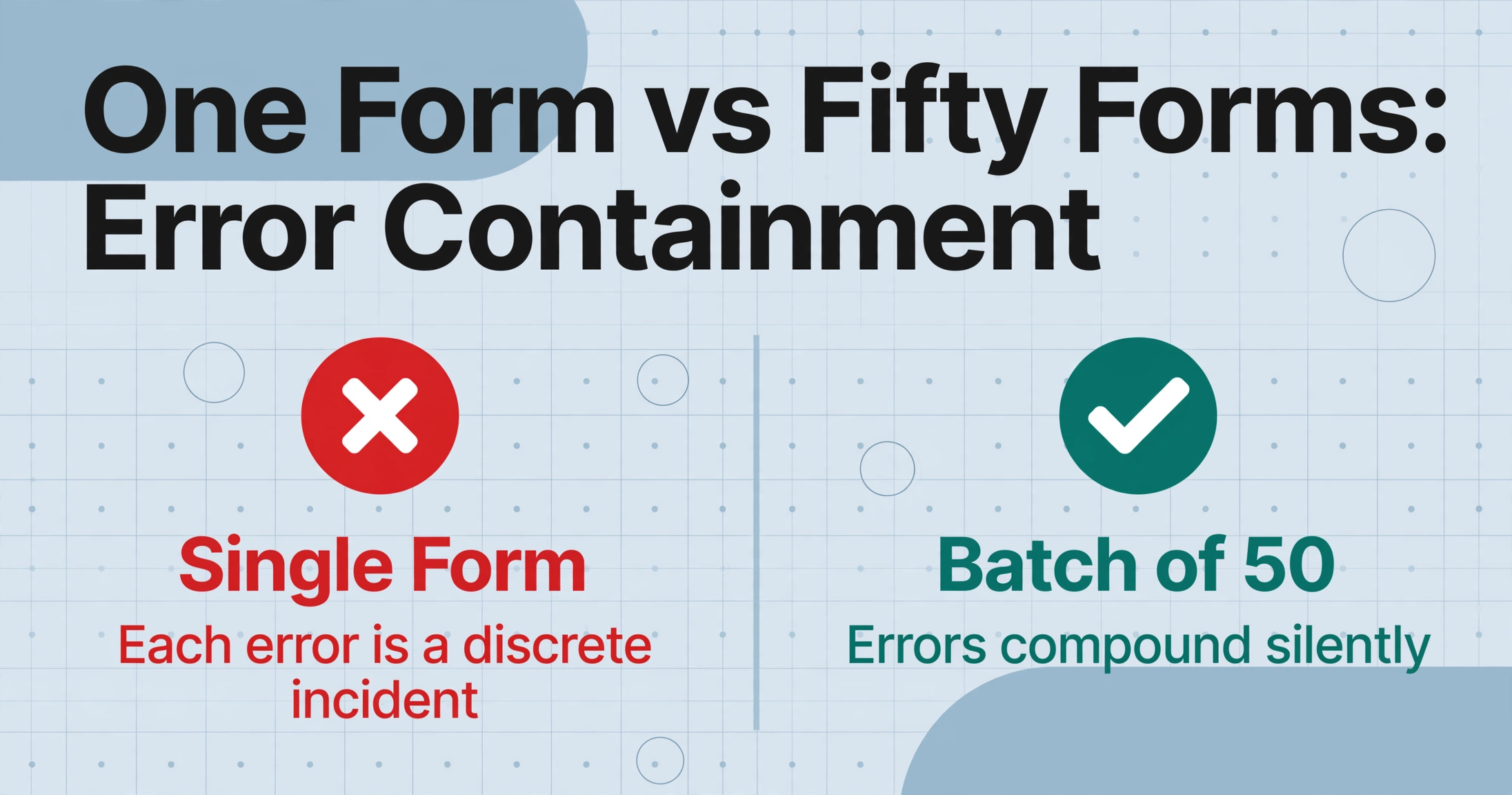
Processing a single TFN Declaration is self-contained. You open the form, read the TFN, type nine digits into payroll, check the residency box, set the tax-free threshold flag, note any study loan declaration, and move on. Two minutes per form is generous. For two new hires in a quiet month, the task barely registers on a payroll officer's day.
Fifty new hires arriving in the same week change the arithmetic in ways that have nothing to do with per-form complexity. The 2-minute figure holds for form number three. By form number thirty-five, the payroll officer's error rate climbs as concentration degrades over a repetitive keystroke task. A single transposed digit in a TFN — a 3 typed as an 8 — changes the employee's withholding from the standard rate to 47% if the matched record comes back as invalid. The employee sees it in their first payslip and the payroll inbox lights up. These are not hypothetical breakages; they are the structural consequence of scaling a manual process beyond the attention span it was designed for.
The difference between single-form processing and batch processing is not speed. It is error containment. When you process one form at a time, each error is a discrete incident — you catch it, fix it, and move on. When you process 50 forms sequentially by hand, errors compound silently: the half a dozen miskeyed digits, the two residency flags entered as the wrong status, the HELP debt checkbox that was ticked on the paper form but omitted during transcription because the payroll officer was on form forty-seven and the coffee had run out. Each undetected error is a time-delayed correction: the employee notices at payslip time, or the ATO's STP Phase 2 data matching flags the discrepancy at EOFY. In either case, the payroll team now has a correction cost — locate the original Declaration, verify the field, lodge an amended pay event — that exceeds the time saved by rushing through the initial data entry.
The core batch insight: you are not making 50 separate extraction decisions. You are defining one output schema — a set of column names that describes what every payroll system needs for every new employee — and applying it to every form in the batch simultaneously. The merge into one spreadsheet happens inside the extraction step, not afterwards in Excel where copy-pasting between sheets is a new vector for misaligned rows.
The Same Tax Data, Three Different Visual Formats
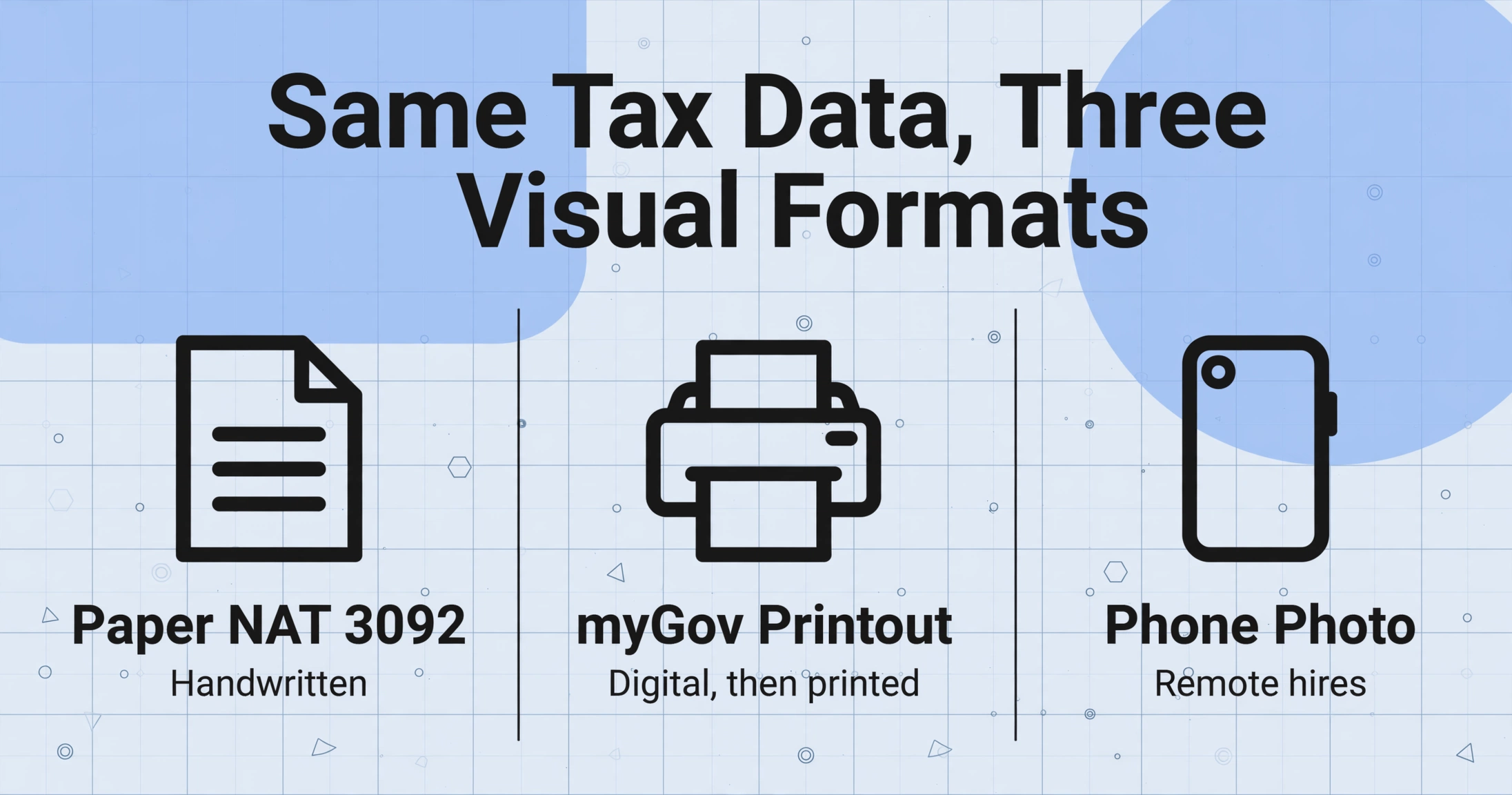
If every TFN Declaration arrived as a clean, identically formatted PDF, batching would be a problem of volume alone. In practice, a single onboarding batch contains three visual layouts with no shared coordinate system.
Paper NAT 3092. The official ATO triplicate form, completed by hand in blue or black pen. Handwriting ranges from careful block capitals — the candidate who treated the form like a government exam — to cursive compressed into undersized boxes, to a phone number written in the "Address" field because the applicant misread the section labelling. The ATO-specified layout is standard, but the handwriting filling it is not.
myGov digital printout. The employee completes the ATO online commencement form via their myGov account, submits it, then prints the tax-and-super details summary and hands it to the employer. The ATO explicitly advises employers not to accept TFN data by email — email is not a secure channel under the Privacy Act 1988 TFN Rule — so the digital workflow terminates in a physical printout. The printout's layout bears no resemblance to the paper NAT 3092: fields are arranged in a government information-display format, not in the triplicate form's question-numbered structure.
Phone photos from remote hires. The seasonal worker in a regional harvest town, the hospitality casual who lives an hour from the venue, the interstate retail hire who will relocate for a three-month contract — each receives the paper NAT 3092, fills it out, and photographs it on their phone. The photo arrives in the payroll inbox with variable lighting, a slight angle, and the camera shadow of the person who took it. The data on the form is perfectly legible to a human reader. To a tool that expects a flatbed scan, it is an unrecognisable input.
A template-based extraction tool — one that locates fields by their pixel coordinates on a reference image — handles exactly one of these three formats. The paper NAT 3092 template fails on the myGov printout because the fields moved. The myGov template fails on the phone photo because the angle changed. The phone photo template does not help with the paper form. The payroll officer is back to manual entry for the formats the template does not recognise — which, in most real-world batches, is two out of three.
This is where semantic extraction — locating a field by what it means rather than where it sits — moves from being a technical detail to being a batch processing prerequisite. When you define your output columns as field names (“TFN,” “Tax-Free Threshold Claimed,” “HELP Debt”) rather than as pixel coordinates, the extraction engine reads each document independently and pulls values that match the field semantics. A handwritten TFN in the top-right box of a paper form, a typed TFN in a myGov PDF layout, and a photographed TFN at a 10-degree angle are all understood as “Tax File Number” and extracted to the same output column. This is the same cross-format approach that handles single-form TFN Declaration extraction — but at batch scale, it is not a convenience. It is the difference between processing all 50 forms in one pass and processing the paper ones separately from the digital ones, then merging the two partial spreadsheets by hand.
The format problem is not future-proofed by STP Phase 2. ATO online commencement forms and STP Phase 2 eliminated the requirement for employers to lodge TFN Declarations separately — the data is reported through each pay event. What they did not eliminate is the employer's obligation to collect the employee's printed tax-and-super summary, retain a copy for the current and following financial year, and enter the data into payroll software. The paper-to-payroll translation step remains, and batch processing is the mechanism that makes it scale.
Define Your Onboarding Schema Once, Reuse for Every Hiring Round
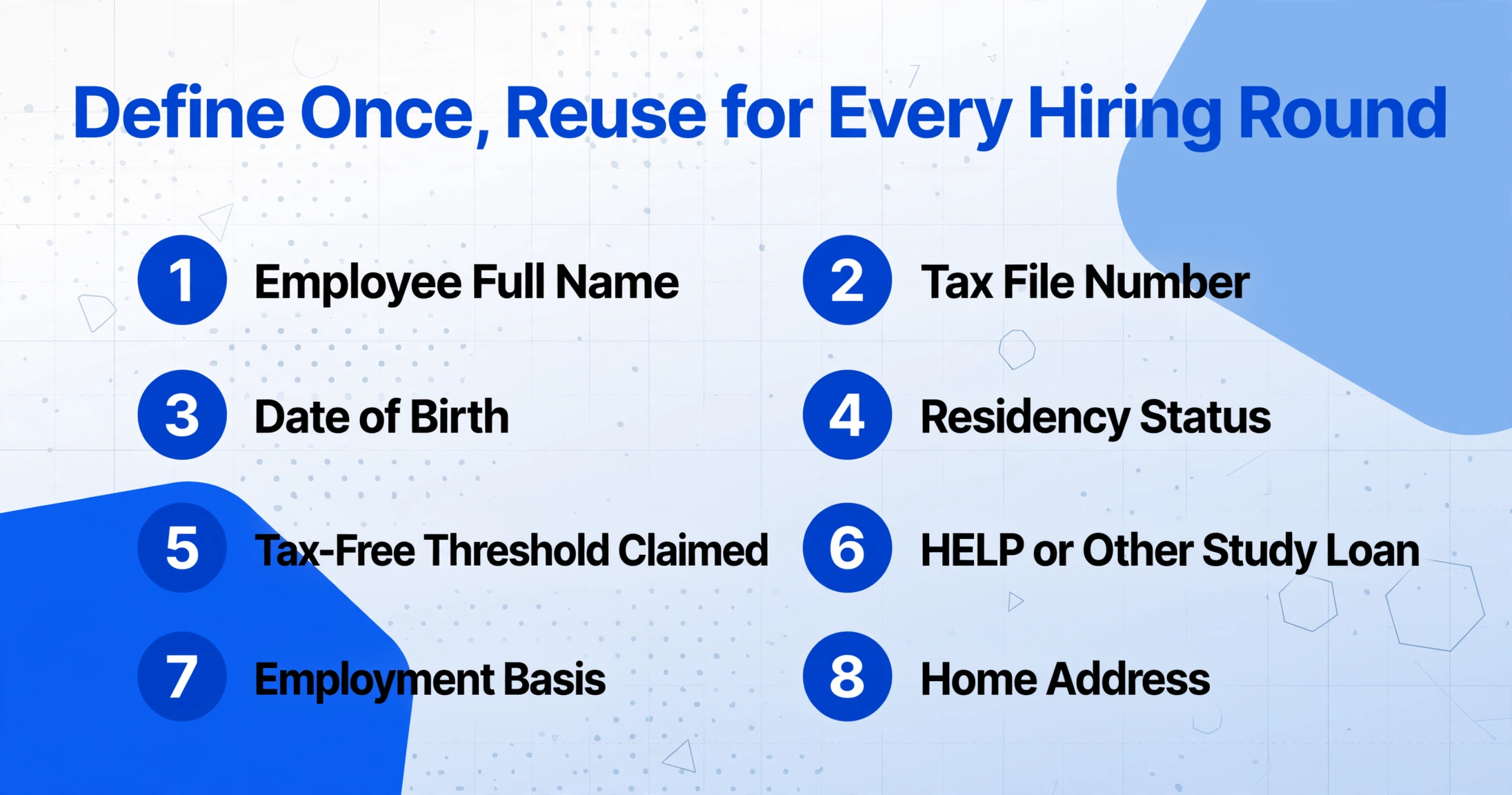
The efficiency gain in batch processing does not come from redefining columns for each batch. It comes from defining the output schema once and applying it unchanged to every subsequent hiring round.
A payroll-ready column schema for the NAT 3092 covers roughly eight fields that every Australian payroll system needs independent of which platform you use. The single-form TFN Declaration extraction guide provides the full field-by-field mapping to Xero, MYOB Business, and Employment Hero — here, the batch-relevant point is that the same column schema works for all three platforms because the underlying ATO data model is unified by STP Phase 2:
| Column Name (Define Once) | Xero Payroll Field | MYOB Business Field | Employment Hero Field |
|---|---|---|---|
| Employee Full Name | Employee name | Employee name | Personal Details → Name |
| Tax File Number | Tax File Number (9 digits) | Tax File Number | Employment Details → TFN |
| Date of Birth | Date of birth | Date of birth | Personal Details → DOB |
| Residency Status | Tax status | Tax Status | Tax Information → Residency |
| Tax-Free Threshold Claimed | Tax-free threshold (Yes/No) | Tax-free threshold (Yes/No) | Tax Information → Tax-Free Threshold |
| HELP or Other Study Loan | Study and training support loan | HECS/HELP debt (Yes/No) | Tax Information → Study Loan |
| Employment Basis | Employment type | Employment type | Employment Details → Type |
| Home Address | Residential address | Residential address | Personal Details → Address |
Once these columns are defined, every batch — February intake, April intake, June intake, November Christmas casuals — uses the same schema. The only variable is which forms are in the batch, and what names and numbers appear on them. The column definitions are the reusable component; the forms are the consumable input.
This reuse extends beyond the NAT 3092. If an existing employee submits a Withholding Declaration (NAT 3093) to update their tax-free threshold or declare a new study loan, the same column schema captures the same field set from a slightly different form layout. The batch PAYG payment summary extraction workflow uses the identical principle: a column schema defined once, reused across three payroll platforms and 300 employee records, producing one consolidated spreadsheet per batch.
Process 50 Declarations into One Spreadsheet
With the schema defined and all Declaration files gathered — paper scans, myGov printouts, phone photos, payroll-software-generated forms — the batch runs as a single operation. Each file is processed independently against the same column definitions. The output is one spreadsheet: every row is one employee, every column matches a field you defined.
Fifty forms in, fifty rows out. The merge that would have taken an hour of copy-pasting between individual spreadsheet exports happens inside the extraction step. No partial entries, no “I'll come back to form thirty-seven later” — the entire onboarding cohort closes in one pass, and the spreadsheet file is the audit-ready record of what every employee declared.
Files are processed securely and not stored.
The extraction produces a spreadsheet — but what you do with it before feeding it into payroll is where batch processing delivers the value that single-form processing cannot: batch verification.
Verification at Scale: Catching Errors in Rows, Not Pages
When you process one form at a time, you verify one form at a time. When you process 50 forms in a batch, the verification strategy shifts from page-level inspection to column-level pattern recognition — and column-level checks catch errors that page-level checks miss.
The audit value of the batch spreadsheet extends beyond the verification pass. Under the Privacy Act 1988 TFN Rule, employers must retain a copy of the signed TFN Declaration for the current and following financial year. When an employee disputes their PAYG withholding six months later, or an ATO audit requests the original Declaration, the spreadsheet row plus the scanned form provide a traceable record that can be retrieved in seconds rather than searched for in a filing cabinet of fifty paper folders.
Multi-Round Hiring: One Schema, Multiple Intakes, One EOFY Record
Seasonal businesses rarely hire in one round. A hospitality group opens a summer venue in November and hires 40 casual staff, then adds 15 more for the December peak, then brings on 10 replacement staff in January as some casuals depart. A retail chain hires 60 Christmas casuals in October, 20 more in November to cover attrition, and a permanent intake of 5 in February. An agricultural operation hires harvest workers in three waves as crops mature across different regions.
Each intake generates its own batch of TFN Declarations. With the schema defined once, each batch produces its own spreadsheet with identical columns. At end of financial year, when payroll needs a complete personnel record for every employee who worked during the tax year, those spreadsheets merge in minutes — column headers align perfectly because they were generated from the same schema. The alternative is reconstructing each employee's tax profile from individual paper forms stored across three filing periods, a process that can consume an entire day for a business with 80 seasonal employees.
The same schema also handles the ongoing maintenance case. When an existing employee submits a Withholding Declaration (NAT 3093) mid-year to change their tax-free threshold or declare a new HELP debt, the column definitions are identical. Process the NAT 3093 through the same schema, get a row of updated values, and the change is traceable in the spreadsheet archive alongside the original Declaration.
Schema reuse across borders: Australian payroll teams familiar with the NAT 3092 workflow will recognise the same structural pattern in UK P45 leaver processing — a government-defined dataset rendered in multiple payroll-software layouts, extractable to a single spreadsheet through a semantic column schema defined once and reused monthly. The document changes; the batch principle does not.
What Batch Processing Does Not Replace
The spreadsheet you get from batch extraction is a structured record of every field on every Declaration. It is not a payroll system. Three obligations remain that batch processing accelerates but does not eliminate.
STP validation. TFN validity against ATO records is confirmed by your payroll software during the STP reporting process, not by the extraction tool. If a TFN is rejected during an STP pay event, check the original Declaration form for a transcription error, correct the digit in payroll, and resubmit. The extraction spreadsheet makes this check fast because the original TFN value is already in a searchable column rather than buried in a PDF.
Signed form retention. The ATO TFN withholding declaration rules require employers to retain a signed copy of the form for the current and following financial year. The batch extraction spreadsheet satisfies the audit-traceability requirement by linking each row to its source form. It does not replace the legal obligation to store the original signed document. Scanned forms must be clear and unaltered — which makes them simultaneously valid as the extraction input and as the compliance record.
Data entry into payroll. The extraction output is a spreadsheet, not an API integration. You still transfer each row's data into your payroll system — Xero Payroll, MYOB Business, Employment Hero, KeyPay. The difference is that you are transferring from a single verified spreadsheet rather than from 50 individual paper forms or PDFs spread across your desktop. The transfer becomes a structured copy operation: open the employee record, reference the spreadsheet row, fill the fields. The time per employee drops from 3-5 minutes of deciphering handwriting and squinting at checkbox marks to under 30 seconds of reading a clean row of typed values. For a 50-person intake, that is the difference between payroll setup consuming an entire working day and payroll setup finishing inside the morning.
Under the ATO's compliance framework, the penalty for each missing TFN Declaration form is $3,132 (updated 2025). The batch processing approach does not change the penalty rate. It changes the probability that a form gets lost, a field gets misread, or a checkbox gets skipped in the rush to process fifty new starters before the first pay run deadline.
FAQ
Can I batch-process TFN Declarations and Super Standard Choice Forms together?
Yes — as separate column schemas in separate batches, or as a combined schema if you add super columns to the TFN definition. The Super Standard Choice Form (NAT 13080) collects fund name, USI (Unique Superannuation Identifier), member number, and ABN. Add columns for “Super Fund Choice,” “Super Fund Name,” “Super Fund USI,” and “Super Fund Member Number” to the schema and process both forms in one combined batch. The super guarantee rate is 12% from 1 July 2025. If an employee does not choose a fund, you must request their stapled super fund from the ATO before contributing to a default fund.
What happens if an employee provides a wrong TFN and the batch captures it correctly from the form?
The extraction tool reads what is on the Declaration form. If the employee wrote an incorrect TFN, the tool accurately extracts the incorrect TFN. The payroll system's STP reporting will reject it against the ATO's database, and the employer must then request the correct TFN from the employee. This is a data-quality issue at source, not an extraction issue. The batch process shortens the correction loop because the spreadsheet makes it easy to identify which row needs the employee's follow-up, but it cannot fix data that was wrong before it arrived on the form.
How does this differ from what Employment Hero or KeyPay already do with digital onboarding?
Employment Hero, KeyPay, and Deputy all offer digital TFN Declaration capture within their platforms. The employee fills in their details through an app or web form, and the data flows directly into the payroll engine. For employees who complete the digital flow, that is the most efficient path — no extraction needed. The batch extraction workflow covers the cases where the digital flow does not apply: paper forms from walk-in applicants who complete the NAT 3092 on site, myGov printouts from employees who used ATO online services, phone photos from remote or regional hires who cannot access a company portal, and scanned declarations from previous hiring rounds that need to be digitised for record-keeping. It also covers multi-platform environments where some employees go through Employment Hero and others through paper — the batch extraction unifies both streams into one spreadsheet.
Does the ATO accept extracted TFN Declaration data instead of the paper form?
No. The extraction spreadsheet is an employer-side working document. It does not replace the signed NAT 3092 as the legal record. Under the ATO's TFN declaration rules, employers must retain the original signed form. If the employee completed the online commencement form via myGov, the printed tax-and-super summary serves as the retained record — the data has already been sent to the ATO electronically, and the employer keeps the printout. The extraction spreadsheet complements the retained form by providing a searchable, auditable index of every field on every Declaration, which satisfies the practical compliance requirement of being able to quickly produce a specific form when asked.