Thirty Contracts, One
QuickBooks Import
Thirty signed customer contracts rarely arrive in the same shape. One client's lawyer puts the payment terms in a small table on page three, another buries them in a paragraph, and a third writes the contract value as words instead of digits. Before any of it reaches QuickBooks Online, someone has to turn thirty separate documents into rows that share identical column headers and one date format.
That reformatting work hides well because it produces no visible output. A UENI survey of 837 US microbusinesses found that administrative tasks, legal work, and compliance together consume 22.4% of an owner's working time. At the Bureau of Labor Statistics' June 2025 estimate of $36.65 an hour in total employer compensation for office and administrative support, that is an expensive slice of the week spent making documents agree with each other.
Key Takeaways
- Extraction is the part everyone automates, and it is not the part that eats your afternoon.
- The real cost sits between extraction and import, where thirty contracts have to be forced into the one shape QuickBooks will accept.
- Define the QuickBooks headers as your columns once and ImageToTable.ai hands back every contract as rows that already share that shape.
The Real Bottleneck Isn't Extraction
Pulling a date or an amount out of a contract is no longer the hard part. Vision models read printed and scanned pages well enough that extracting a value takes seconds. What still takes an afternoon is the step after extraction and before import, where you force every contract's data into the one shape QuickBooks will accept.
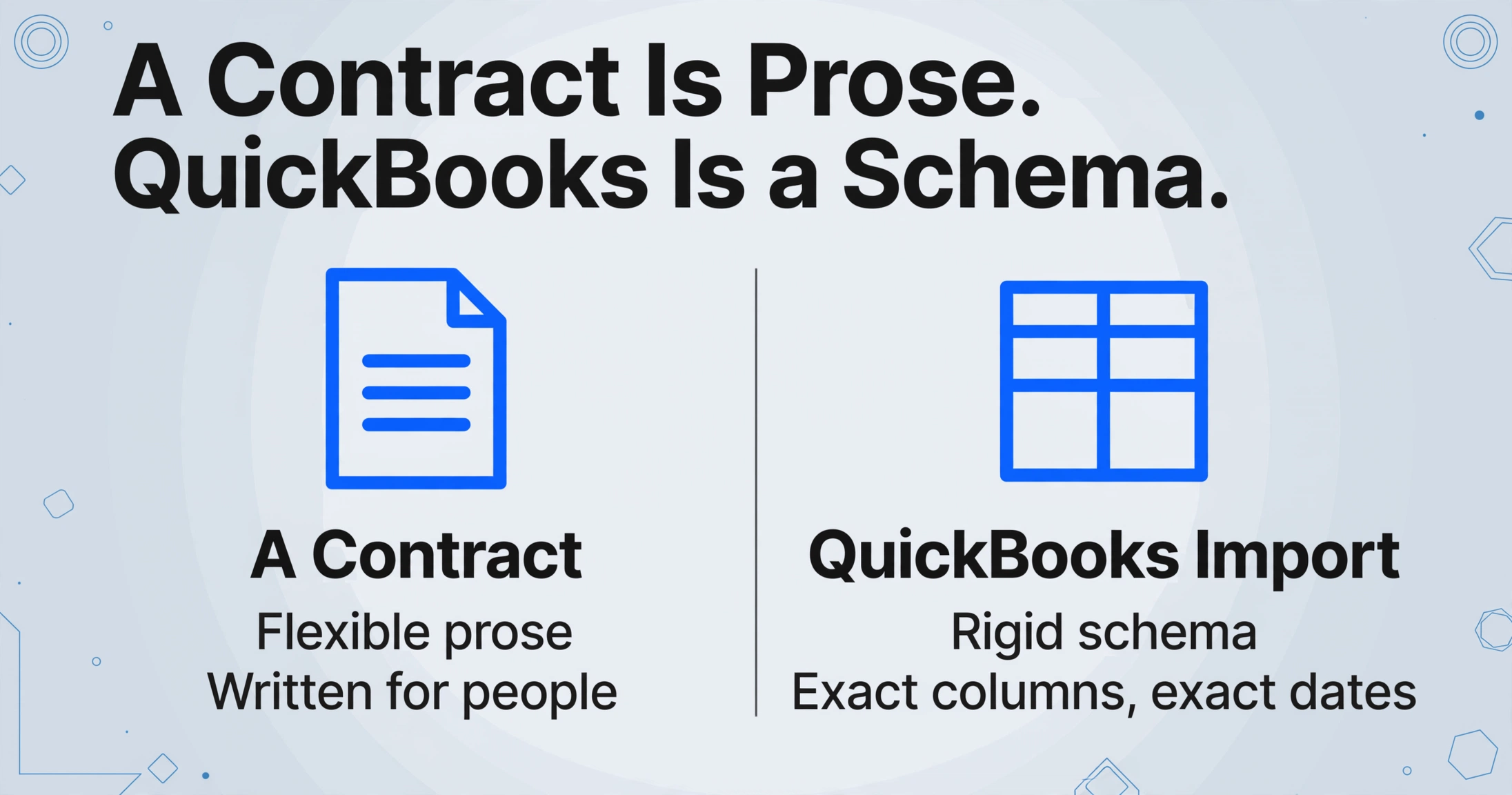
That step exists because of a quiet mismatch. A contract is a legal document written to be read by people. A QuickBooks import file is a database load written to be read by a parser. One is flexible prose, the other is a rigid schema with exact column names, exact date order, and exact row granularity. Turning the first into the second is translation work, and translation is where the hours disappear.
The extraction tools that get the most attention solve the reading problem. Almost none of them solve the schema problem, so the reformatting still lands on a person.
What the Contract-to-QuickBooks Workflow Looks Like
In most small businesses, one person runs the whole contract-to-QuickBooks workflow by hand, across four stages. There is rarely a dedicated finance team; it is the owner, an office manager, or an outside contract bookkeeper who logs in once a month.
Collect the signed contracts
They arrive as email attachments, downloads from an e-sign tool like DocuSign or PandaDoc, or files on a shared drive. There is no single folder and no naming convention.
Decide which fields matter
Customer name, contract number, start and end dates, renewal date, total value, payment terms, and billing frequency are the usual set. Which ones you can find varies contract by contract.
Clean and reshape the data
This is the step that grows. Dates get normalized, names get standardized, and one contract often has to become several rows to match how QuickBooks counts line items.
Import in the right order
QuickBooks expects master records before transactions. Intuit's guidance is to import chart of accounts, then customers, then suppliers, then products and services, then invoices, then bills.
The import itself is a file upload, not a live connection. You export a spreadsheet, open QuickBooks Online, go to Settings, then Import data, pick the record type, and map your column headers to QuickBooks fields. If the file is wrong, the import fails and you start again. The map from your headers to QuickBooks fields is where a lot of the failure lives.
Where the Workflow Breaks: QuickBooks' Import Rules
QuickBooks Online will not read a contract PDF, so every field has to arrive as a row in a spreadsheet that matches its import schema exactly. The rules differ by record type, and each one is a place a contract can trip you up.
| Record type | What QuickBooks requires | How a contract breaks it |
|---|---|---|
| Customers / vendors | Display Name is required and must be unique across customers, vendors, and employees. Names cannot contain a colon or quotation mark. | The same client appears as "Acme Ltd", "Acme Limited", and "Acme Ltd." in three contracts, creating duplicate records. |
| Invoices | Invoice number, Customer, Invoice date, Due date, Item amount, Item tax code. One row per line item, repeating the invoice number. | A contract has four service lines. Each needs its own row, so one PDF becomes four spreadsheet rows. |
| Bills | Bill no., Supplier, Bill Date, Due Date, Account, Line Amount, Line Tax Code, repeated per line. | The account code is not in the contract at all. It is an internal decision someone has to make. |
| Dates | MM/DD/YYYY for a US company, following the account's region setting. | A European client signs "15/03/2026". Imported as MM/DD, that becomes March 15 or an outright error. |
| Amounts | Plain signed numbers, no currency symbols and no thousands separators. | "$12,000" or "twelve thousand" has to be reduced to 12000 before import. |
| File limits | Up to 1,000 rows and 100 invoices per import file. | A batch of 30 multi-line contracts can cross the invoice cap and need splitting. |
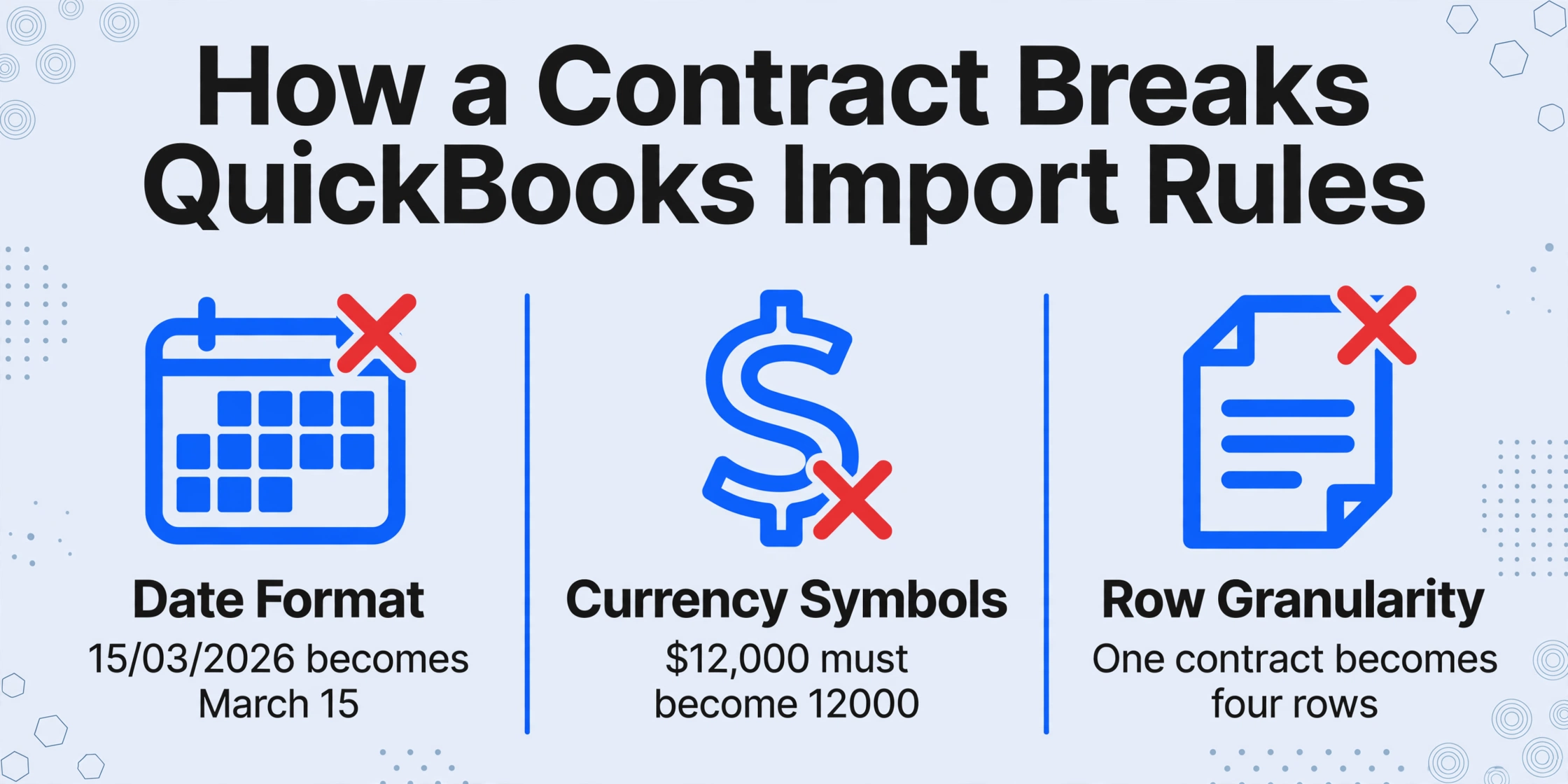
Two of these rules cause most of the pain. The unique name rule means you must reconcile every spelling of a client before you import, or you end up merging duplicate customers later, which moves transactions and is hard to undo. The date rule fails quietly: when the day value is 12 or lower, a day-month swap imports without any error and lands the transaction in the wrong month.
QuickBooks requires exact header names, one row per line item, and plain numbers without currency symbols inside amounts. A mismatched header or a stray symbol can stall the whole import.
If you already know the column-mapping mechanics from another import, the logic is the same as moving a printed ledger into QuickBooks or Xero. The difference with contracts is that the source document is prose, not a table, so there is no existing column structure to map from.
The Cleanup Trap: Why Thirty Contracts Take Longer Than You Expect
Thirty contracts multiplied by a dozen fields is several hundred values, and each contract's author formatted them differently. The real work is deciding, value by value, what the correct normalized form is, then proving you got it right.
There is also a granularity mismatch that catches people on their first import. A contract is one document, but QuickBooks wants one row per transaction line, and a recurring contract generates invoices over time. A single retainer agreement can imply twelve monthly invoices, each with its own due date. The spreadsheet that represents that correctly looks nothing like the contract it came from.
Real accounting teams describe this as the bulk of their week. In a r/QuickBooks thread on automating Excel into QuickBooks, an accounting firm owner wrote:
"I run an accounting firm of about 10ish people, and majority of the time is gone into manually entering data from excel sheets into QuickBooks."
The same pattern shows up outside accounting. In a r/smallbusiness post from a boutique advisory firm, the owner described reformatting client financials as the thing killing margins, and reported cutting prep time from 8 to 10 hours per deal down to about 2 hours once the repetitive reshaping was automated.
What makes contract cleanup worse than invoice cleanup is variability. Invoices from the same supplier repeat their layout every month, so once you learn one, you have learned all of them. Customer contracts are one-off documents written by different law firms, so there is no repeating template to learn. Every contract is a new format.
Define the QuickBooks Columns Once, Extract from Every Contract
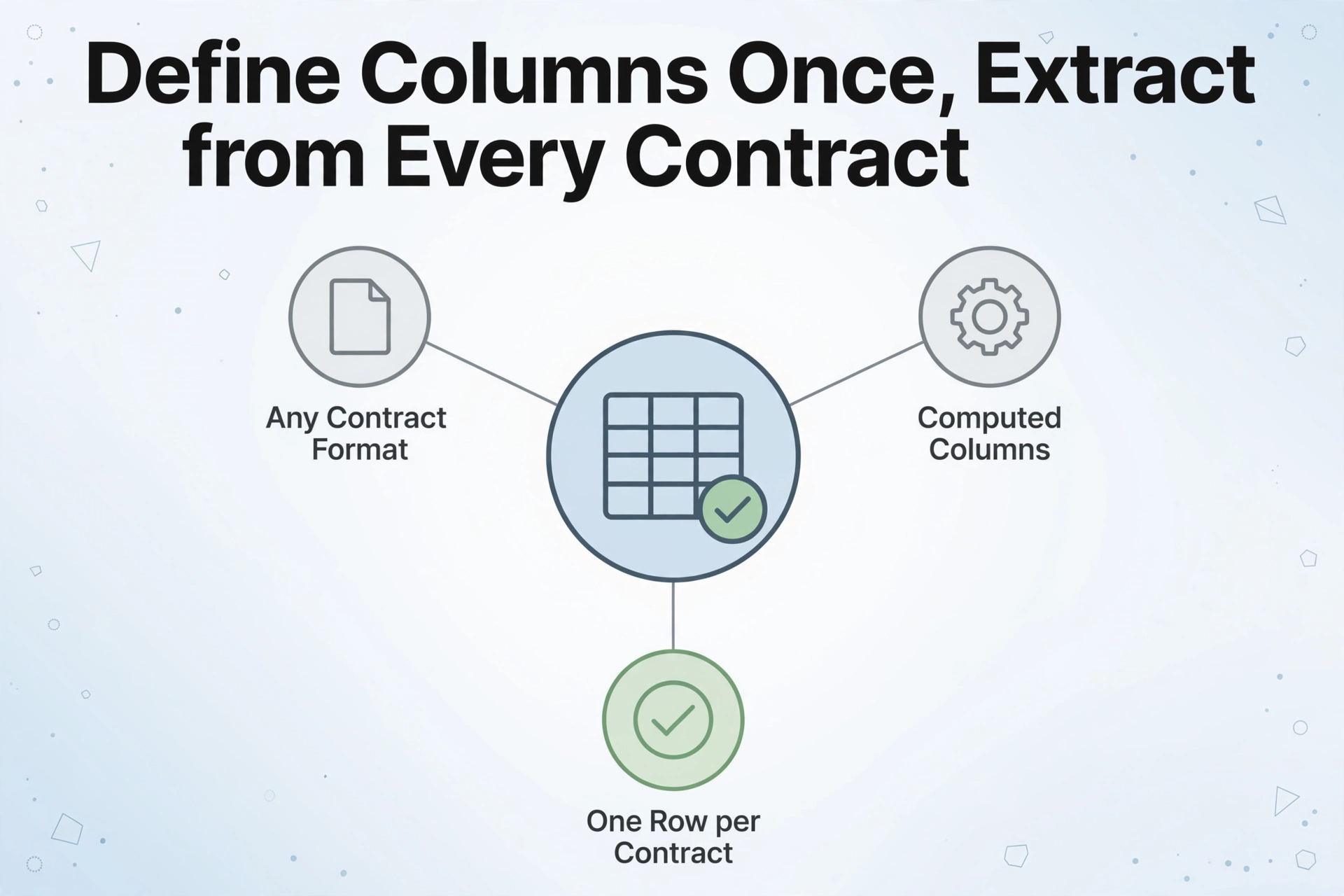
The way to remove the cleanup step is to define your QuickBooks column headers once and extract those exact fields from every contract in a single batch, instead of reading each contract and then reshaping what you read.
ImageToTable.ai does this with Custom Column Extraction. Instead of drawing boxes around fields on a template, you type the column names you want, and the AI locates each value anywhere on each document by understanding what the field means. The column names you type become the exact headers of the output table, which is the whole point here: if you type the headers QuickBooks wants, the reformatting step largely disappears.
For getting contract data to QuickBooks, a working column set looks like this. You can type these directly as your columns, and the tool will return one row per contract:
- Customer (the legal entity name, taken exactly as written)
- Contract Number
- Start Date and End Date
- Renewal Date
- Contract Value
- Payment Terms
- Billing Frequency
- Currency
- Service Description
Two column modes do work the manual process does. A computed column lets you write the arithmetic into the column name, so a column called Monthly Value (Contract Value / 12) returns the divided figure without a follow-up formula. That is the same idea as summing contract values into a running total across agreements, applied to a single contract's billing. An inferred column goes further: define Contract Type (options: Subscription / Services / Retainer / Other) and the AI classifies each contract even though no contract prints a type field.
Because the tool is batch-first, you upload all thirty contracts at once and get one spreadsheet back, with the same headers on every row. Thirty documents that used to be thirty separate reading and reformatting jobs become one upload and one review pass.
Files are processed securely and not stored.
The last step is still yours, and it is worth being precise about it. You export the result as Excel or CSV, then import it into QuickBooks Online from Settings, then Import data. For invoices, QuickBooks maps columns like Invoice number, Customer, Invoice date, Due date, and Item amount. Your extracted headers will match most of these directly, which is the difference between a clean import and a failed one.
What This Workflow Still Won't Do
No extraction tool posts contract data directly into QuickBooks for you, and ImageToTable.ai does not either. Its output is an Excel, CSV, or JSON file. The QuickBooks import is a step you perform yourself, and any tool claiming a direct write is using an OAuth integration that this one does not.
A few other boundaries are worth knowing before you start:
- Master records must exist first. QuickBooks will not import an invoice for a customer, or a bill for a supplier, that is not already in the system. Import customers and products before transactions, or use the import option that creates missing records.
- Account coding is a judgment call. Contracts do not name your general ledger accounts. Someone still has to decide which account each line hits.
- The AI extracts what is written, not what was negotiated. If a side letter changed the payment terms and the contract was never amended, the extracted value will be the one on the page.
- Deduplicate before you import. Standardize client names in the sheet first. Fixing duplicates after import means merging records and moving transactions.
- QuickBooks has its own caps. If your batch exceeds the row or invoice limits, split the import file.
Contract extraction for accounting has the same shape as any other document workflow: the value is in the match between what you pull out and what the destination system accepts. For a broader look at which documents are worth automating and where each one breaks, the guide to document data extraction for accountants covers the honest limits of each type. If you are extracting contract data into a spreadsheet for analysis rather than bookkeeping, that is a related but different problem from the one a law firm faces, and the small business guide to document extraction starts from the same place this article does.
Frequently Asked Questions
Can ImageToTable.ai post contract data directly into QuickBooks Online?
No. It extracts contract fields into an Excel or CSV file, and you import that file into QuickBooks yourself. There is no OAuth connection that writes to your books.
Can QuickBooks Online read a contract PDF on its own?
No. QuickBooks can accept a bank statement as a PDF or image, but customer, vendor, invoice, and bill data has to arrive as a structured spreadsheet. A contract has to be turned into rows first.
Which contract fields should I extract for QuickBooks?
At minimum: customer name, contract number, start date, end date, renewal date, contract value, payment terms, billing frequency, and currency. Add a service description if you plan to import invoices or bills with line items.
What format does the export need to be in for QuickBooks?
Excel or CSV. Use MM/DD/YYYY dates for a US company, keep amounts as plain numbers with no currency symbols, and make sure customer names are unique across your customer, vendor, and employee lists.
Can I process thirty contracts at once?
Yes. Batch processing merges every uploaded contract into one table, so all thirty share the same headers and land in one spreadsheet. You still review the result before importing.
What happens when two contracts use different date formats?
Ask the extraction to output one consistent date format, then confirm the result before importing. Mixed date orders are the most common cause of silent import errors, because a day-month swap imports without an error message.
The cleanup step is not a technology problem you can buy your way out of with a bigger platform. It is a schema-matching problem, and it shrinks the moment your columns match the import file's columns.
Test it on your own contracts. Upload a batch, type the QuickBooks headers as your columns, and see how much of the reformatting is already done when the sheet comes back.