Schedule K-1 Extraction
Where the Boxes Are the Easy Part
Every K-1 has roughly twenty numbered boxes, and after years of OCR improvements, getting those boxes into a spreadsheet is close to a solved problem. The work that still eats a preparer's week sits behind them. The Schedule K-3, the at-risk amount, the coded items in Box 11, and a stack of state adjustment lines carry the numbers that actually change a return, and they are exactly the values a generic extraction tool drops by default.
Key Takeaways
- Twenty boxes on every K-1, and getting those boxes into a spreadsheet is the part that already works.
- The values that actually change a return live behind the boxes, on the Schedule K-3, the at-risk statement, and the state schedules.
- Name the value you want as a column and the AI reads the whole package to find it.
The Standard K-1 Boxes Are Solved. The Rest Is Not.
Standard box extraction works because each box is self-contained. Box 1 ordinary business income, Box 2 net rental real estate, Box 5 interest, Box 6a ordinary dividends, and the profit, loss, and capital percentages all sit on the face of the form with a label and a figure next to it. A vision model can read them on a partnership K-1, an S-corp K-1, or a trust K-1 without a template, because the label carries the meaning and the value sits beside it. This is the work that extracting the standard K-1 boxes into a spreadsheet already handles well. It is also what most K-1 data extraction tools advertise, and on the face of the form they do it competently.
The IRS counted more than 4.5 million partnership returns and 30.2 million partners for tax year 2023, and real estate and rental activity alone made up 50.7 percent of those partnerships. The volume of K-1s in circulation is not the issue. The issue is the slice of each package that never makes it onto the face page.
That slice has a shape. It is the part of a K-1 package where the value you need is not labeled on the form, is reported as a code instead of a dollar amount, is limited by a rule that depends on facts the form does not contain, or lives in a separate state schedule that reuses the federal box numbers for entirely different amounts. Once you see these items as a category, the reason standard extraction keeps losing them becomes obvious.
The Five K-1 Items That Silently Drop Out of a Spreadsheet
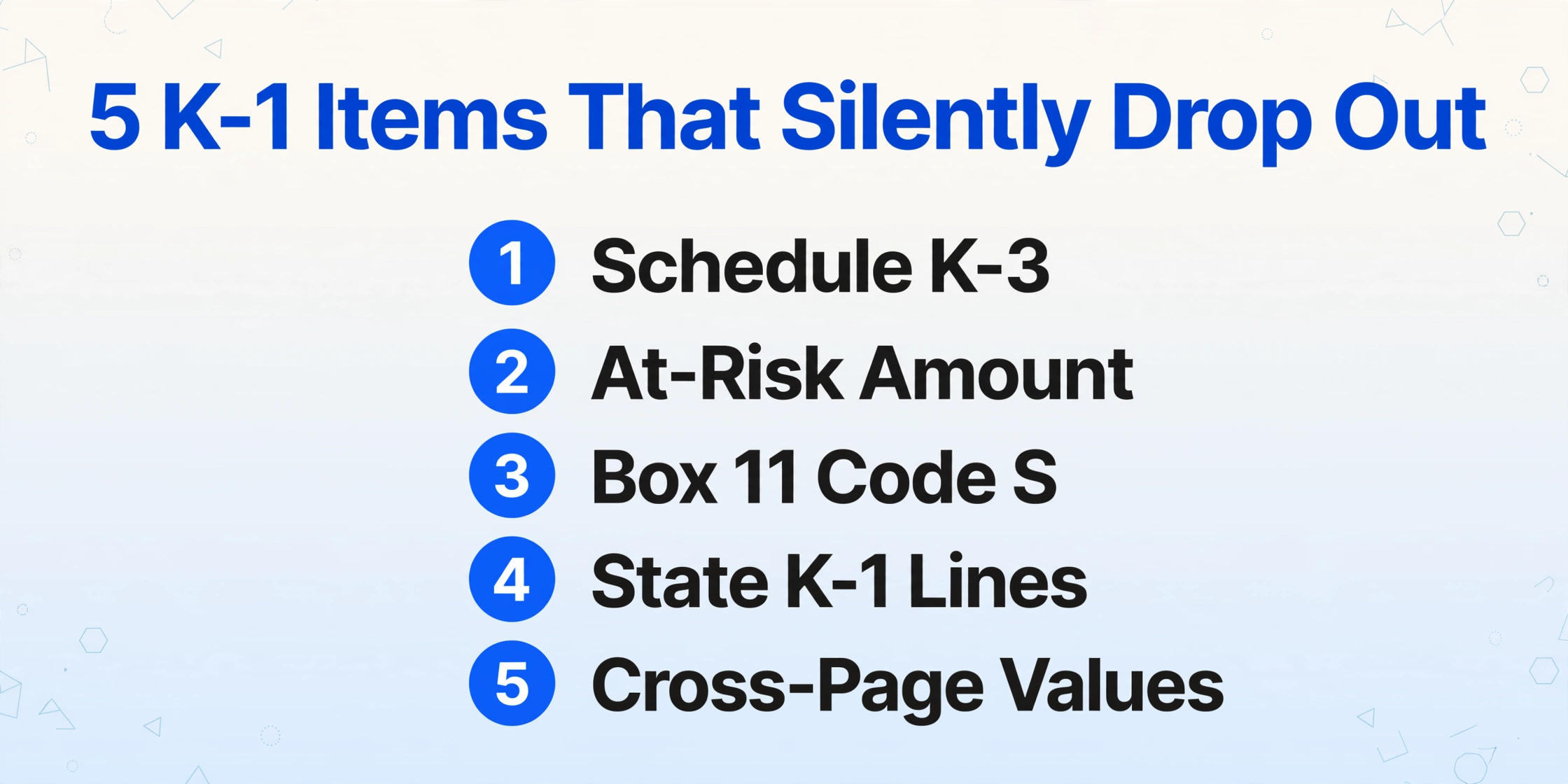
These five categories account for most of the rework in a partnership-heavy season, and none of them is reliably captured by a tool that reads only the face page.
1. Schedule K-3 and the foreign forms it triggers
Schedule K-3 reports the international items of a partnership, and it has no dollar amount printed on the K-1 it accompanies. It is a separate schedule with thirteen parts. Part II carries the foreign tax credit limitation items, including a USGI line for U.S. government interest. Part VI carries controlled foreign corporation inclusions under sections 951(a) and 951A. Part VII carries passive foreign investment company data. The IRS instructions state that Part VI feeds Form 5471, Part VII feeds Form 8621, and foreign partnership or branch reporting can pull in Form 8865 and Form 8858. A transfer of property to a foreign corporation can require Form 926.
For a domestic partnership with no foreign activity, a properly formed K-3 requirement may not appear at all. But the domestic filing exception is narrow: one partner request by the one-month date, which the IRS set at August 17, 2026 for calendar-year tax year 2025 partnerships filing on extension, can flip a return into a full filing obligation (Partnership Instructions for Schedules K-2 and K-3). When it does, the K-3 arrives late and every number on it has to land somewhere in the partner's return.
2. The at-risk amount
The at-risk figure a partner needs is not a box on the K-1. Under section 465, a loss is deductible only up to the amount the partner could actually lose, and that amount excludes nonrecourse financing and amounts protected by a guarantee or stop-loss agreement. The partnership is required to give a separate statement of income and expenses for each at-risk activity, and Box 22 of the K-1 is checked when more than one activity is in play. The IRS pairs this with Form 6198, At-Risk Limitations, which reconciles basis and at-risk amounts. If your extracted spreadsheet stops at Box 1, you have the loss but not the ceiling on it.
Basis comes first, at-risk second, passive third, and excess business loss fourth. A loss that clears outside basis can still be suspended at the at-risk step, and that suspended amount is a carryforward the next year has to pick up. Reading the value off one K-1 is not enough to compute it.
3. Box 11 code S and the section 1231 character
Box 11 reports other income and loss by letter code, and the letter determines the tax treatment, not the amount. Code S, usually written 11S in tax software input screens, is non-portfolio capital gain or loss, the net short-term and long-term result from disposing of property used in a trade or business. It does not belong on Schedule E as ordinary income. It flows to Schedule D, and the section 1231 look-back rule can recharacterize net section 1231 gain as ordinary income to the extent of unrecaptured losses from the prior five years. An extraction that grabs the number in Box 11 and ignores the code loses the only piece of information that tells the preparer where the number goes.
4. State K-1 lines, including USGI
A state K-1 reuses the federal box numbers for different amounts, because the state figures are apportioned. Several states also report lines the federal K-1 has no equivalent for. U.S. government interest, often shortened to USGI, is the clearest example: the federal government bars states from taxing interest on U.S. obligations, so states such as Colorado, Oregon, and Nebraska carry a subtraction or deduction line for it on their partnership schedules. If a batch mixes federal and state K-1s and the tool keys on box numbers alone, the state amounts double-count into the federal totals.
5. Values that need cross-page or cross-year work
Section 199A qualified business income components, section 704(c) remedial allocations, section 743(b) adjustments, and prior-year carryforwards all have this in common: the number you ultimately need does not appear as a single printed value on any one page. A preparer reconstructs it from the statement behind the code, from the prior year's workpaper, or from a fixed assumption. An extraction tool that only copies what it can see will always return a partial answer here.
Why Extraction Tools Miss These Items
Three structural reasons explain the gap, and none of them is about scanning quality. The first is that codes and amounts are decoupled. Box 11 shows a letter; the dollar figure sits on an attached statement, sometimes pages away. A tool that reads the main form captures the code and returns no value.
The second is software flow-through. Practitioners report that K-2 and K-3 data does not populate from the completed Schedule K in mainstream tax software, so the preparer re-keys it by hand into the K1 input screens. One reviewer described the first K-3 they prepared this way: "I completed my first one last week (1120S) and it was awful. Everything hand entered." That comment, from the r/taxpros K-2/K-3 thread, is the same complaint across UltraTax CS, Lacerte, CCH Axcess, and Drake: the manual step survives because the data has nowhere to flow from.
The third is that some fields are commonly skipped even by extraction products. A long-time K-1 automation user summed it up in the r/taxpros automation thread: "It will export every single field for every K-1 except QBI and USGI." The two fields that decide the deduction and the state subtraction were the two the tool left behind.
How to Extract the Data Behind the Boxes
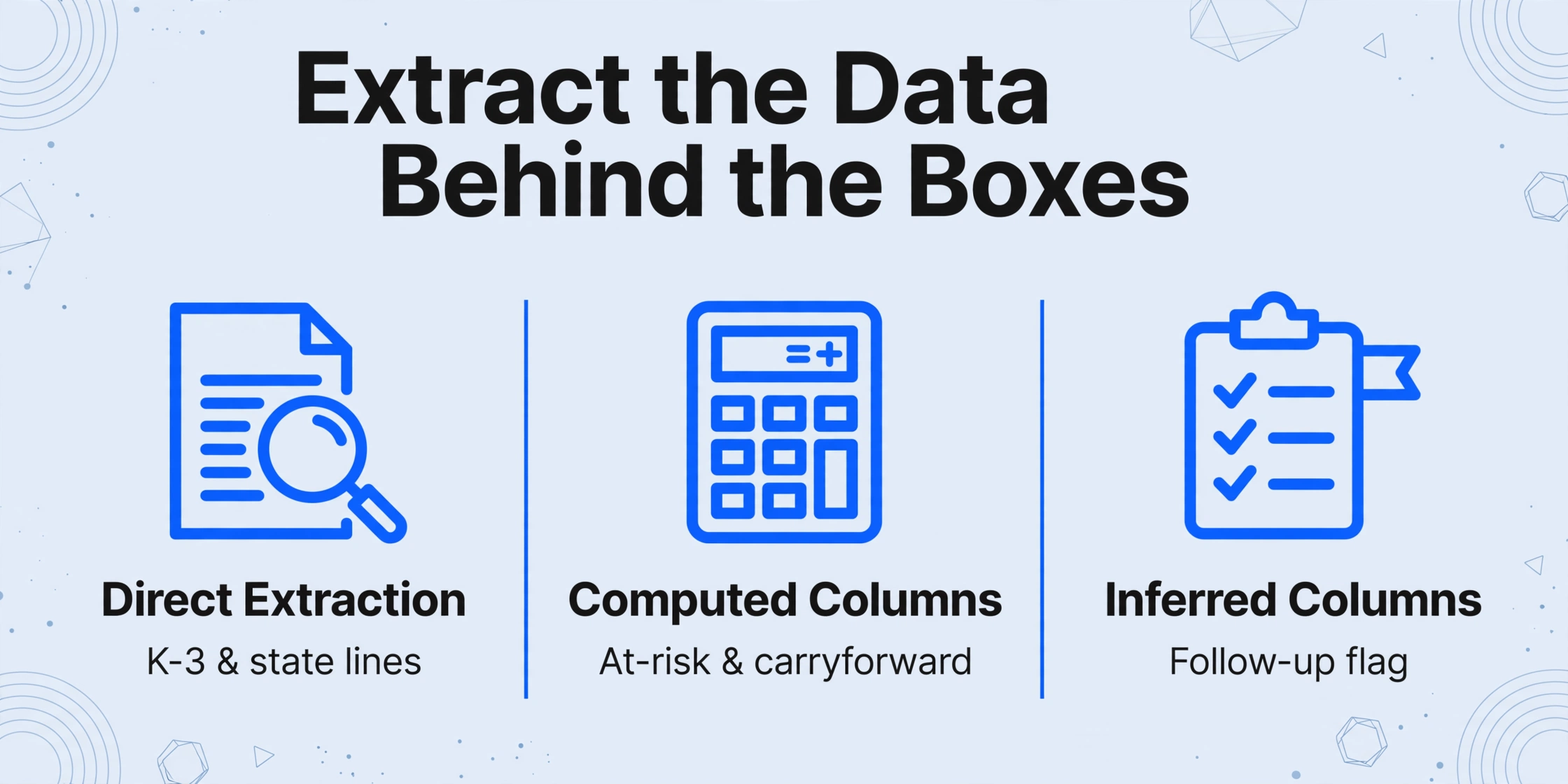
The fix is to stop treating extraction as "read the form" and start treating it as "describe the value you want." This is what Custom Column Extraction does: you type the column names you want, and the AI locates each value by understanding what it means, not by matching a fixed position. You are not restricted to fields that exist as boxes. A column name can describe a value scattered across pages, a value computed from other values, or a value the AI has to infer.
The three modes map directly onto the five dropped-item categories above.
Direct extraction for K-3 and state lines
A column named K-3 Part II Line 5 USGI or NY Allocated Income tells the AI to find that specific line and return the figure, even when it sits on a schedule several pages behind the K-1. Because the column name carries the instruction, one set of names works across every entity type in the batch. This is the mode that recovers the K-3 Part VI and Part VII values that feed Form 5471 and Form 8621, and the state subtraction lines the federal form never shows.
Computed columns for at-risk and carryforward math
A computed column performs the arithmetic during extraction and outputs the answer as a new column. Deductible Loss (Box 1 Loss - Prior-Year At-Risk Carryforward) returns the deductible figure rather than two raw numbers you would subtract later. A fixed parameter can be embedded in the rule, so a tax rate or a carryforward that never appears on the document still enters the calculation. This is how a spreadsheet can carry the at-risk ceiling, not just the loss.
Inferred columns for the follow-up flag
An inferred column returns information the document does not state outright. Define Follow-Up Needed (options: K-3 request, Form 5471, Form 8621, At-Risk Statement, None) and the AI reads the package and classifies what each row requires. The output spreadsheet then carries a preparer flag beside the figures, so the person reviewing the return sees which client needs which form chased before filing, instead of discovering it at the end of the season.
Files are processed securely and not stored.
Batch processing matters as much as the column mode here, because the dropped-item problem is a volume problem. When a client holds K-1s from a dozen entities, or a fund administrator has hundreds of partners, the extraction has to run across the whole set and merge into one Excel or CSV file. That is where the follow-up flag earns its place: the review queue becomes a filter on one column rather than a page-by-page hunt.
What This Cannot Do Automatically
Some K-1 detail is genuinely outside what any extraction pass should be trusted to resolve alone, and it is worth being direct about which. Narrative footnotes are the main one. When a fund buries a section 743(b) adjustment or a qualified business income component inside a dense paragraph instead of a table, a number can be read but its meaning can be misjudged. Treat those rows as candidates for review, not as settled.
Amended and superseding K-1s are a second case. They can show both an original and a corrected figure for the same box, sometimes with a watermark. The extraction returns what it reads, so the preparer still has to confirm the corrected value is the one that populated the row. Low resolution scans under about 150 dpi are a third: faint parentheses around a loss can read as a positive number, and a compressed minus sign can disappear.
Finally, this tool does not import into CCH Axcess, UltraTax CS, Lacerte, or Drake on its own. It exports Excel, CSV, or JSON. Getting the data into your tax software is a mapping step you or your firm controls, which is the honest boundary of a spreadsheet-native extraction layer.
Where the Extracted Data Goes Next
The output is a structured workbook, and the way you use it depends on the size of the operation. A solo preparer drops the Follow-Up Needed column into a filter and works the exceptions first. A firm with a larger K-1 season can keep the extracted file as the intermediate layer that every return draws from, which fits the broader pattern described in this guide to document extraction for accountants and in the case for extraction software inside accounting firms.
The same intermediate layer is what makes a season-wide workflow hold together when K-1s, W-2s, and 1099s arrive in the same weeks. If that end-to-end collection and routing problem is the one in front of you, the tax-season pipeline approach is the natural next read.
Frequently Asked Questions
Can AI extract Schedule K-3 data, or only the K-1 boxes?
It can extract K-3 lines as long as you name them. Instead of reading a fixed layout, the AI follows a column name such as "K-3 Part VI Subpart F Inclusion" or "K-3 Part VII PFIC Section 1291 Amount" to the right line on the schedule. The limit is that the K-3 is a separate multi-page document, so it has to be part of the same uploaded package as the K-1 it belongs to.
Why can't I just read the at-risk amount from the K-1?
Because it is not printed there. Under section 465, the at-risk amount depends on how much of the investment the partner could actually lose, which excludes nonrecourse financing and guaranteed or stop-loss protected amounts. The partnership gives a separate statement per activity, and the partner reconciles it on Form 6198. You can extract the raw components and let a computed column do the subtraction, but the ceiling itself is a calculation, not a box.
How do you handle state K-1s that reuse the federal box numbers?
Keep state and federal values in separate columns and never let a box number alone identify a value. A column named "CA Allocated Interest" is unambiguous; a column named "Box 5" is not, because the federal Box 5 and a state Box 5 are different amounts by design. Named columns remove the ambiguity before extraction starts.
Does this tool connect to CCH Axcess, UltraTax CS, Lacerte, or Drake?
Not directly. It produces Excel, CSV, or JSON, and your firm maps that file into its tax software using whatever import path you already use. This is deliberate: a spreadsheet-native layer avoids locking you to a single tax preparation platform and keeps the extracted data inspectable before it reaches the return.
Can I extract K-1s alongside W-2s and 1099s in one batch?
Yes. Mixed document types process together, and each row carries its document type so you can filter the consolidated file. That is useful when a single client's return draws on partnerships, employment income, and brokerage statements that all arrive within the same few weeks.
The boxes were never the hard part of a K-1. The hard part is the layer behind them, the K-3 parts, the at-risk ceiling, the letter codes, and the state lines, and that layer is only invisible until you decide to name it as a column. Once it is a column, it stops being something a return quietly forgets.
Name the K-1 value you need, including the ones that live behind the boxes, and let the extraction return it as a column you can review.
Test it on a K-1 package from your own season, ideally one with a K-3 and a state schedule attached, and see whether the follow-up column matches what your review process would have flagged by hand. Try it on your own K-1s.