80 P11Ds, One P11D(b):
Batch-Processing Employee Benefits Data
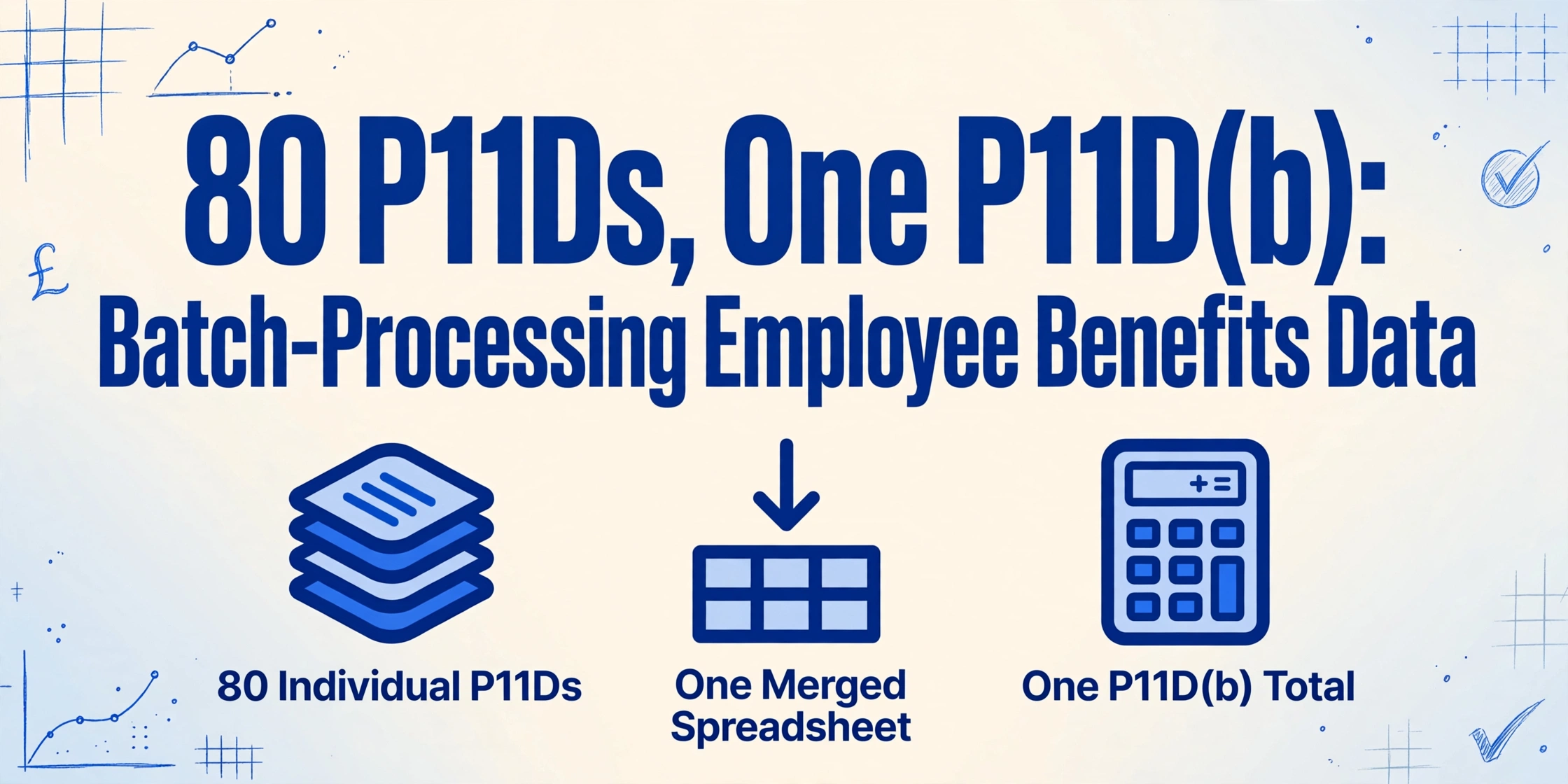
By the third week of June, the payroll system has already done its job. Sage 50cloud produced the engineering team's P11D drafts. BrightPay handled the sales division. Xero took the head office employees — and maybe a handful of staff joined from an acquired company whose old bureau used IRIS. Eighty individual certificates sit on a shared drive, each stamped with the right employee name, National Insurance number, and benefit section values the payroll system computed all year. But the HMRC filing deadline on 6 July is not a test of whether you can run a P11D report in payroll software. It is a test of whether you can pull the cash-equivalent values off every one of those 80 drafts — each with a different subset of the 14 lettered sections populated — into one spreadsheet so someone can total them for the P11D(b) before the Class 1A NIC payment is due on 22 July.
Key Takeaways
- Eighty P11D drafts from three different payroll systems sit on a shared drive — and every one of them needs its cash-equivalent values transcribed into a single spreadsheet before the P11D(b) total can be calculated.
- Payroll software solved P11D generation — but the P11D(b) does not ask for eighty forms, it asks for one sum, and no generation tool handles the compilation step that actually consumes the final two weeks before the deadline.
- One column definition, applied to every draft in the folder regardless of which payroll system produced it, turns a two-and-a-half-hour transcription scramble into a single-pass operation where the spreadsheet is the output, not the starting point.
Why 80 Individual P11Ds Is a Compilation Problem, Not a Generation Problem
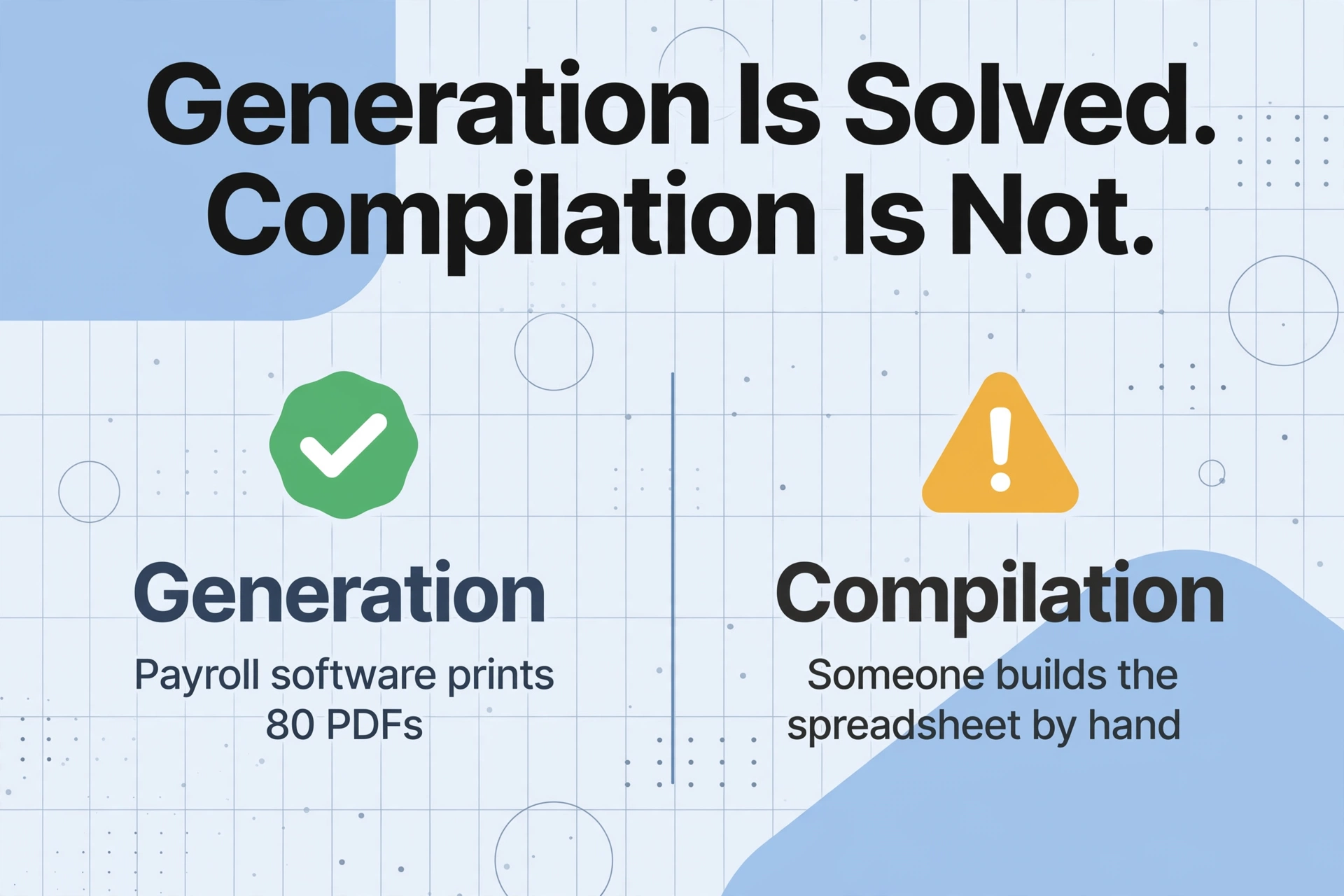
Payroll software has solved P11D generation — for a single employee at a time. Sage, BrightPay, Xero, IRIS, and Moorepay each maintain employee benefit records across the tax year, compute the cash equivalents using HMRC's prescribed valuation rules, and produce a compliant P11D form ready for submission. The generation step is not where the hours go.
The hours go into the aggregation step that every P11D(b) demands. The P11D(b) is the employer declaration of total Class 1A National Insurance owed across every benefit provided to every employee. HMRC's CWG5 guidance is unambiguous: add together the cash equivalent of every benefit liable to Class 1A — across all employees — then multiply the total by the Class 1A rate of 15% for 2025/26. That arithmetic requires one number: the sum of every 1A-flagged cash equivalent from every section of every P11D. Getting that number means pulling values off 80 individual forms.
For a company running a single payroll provider, the P11D generation tool within that software might batch-print all 80 forms at once. But it does not produce a structured spreadsheet with one row per employee and the cash equivalents broken out by section. That spreadsheet — the working file that feeds the P11D(b) — has to be built by hand. At roughly two minutes per employee to open a PDF, locate and transcribe the relevant section values into a row, and verify no field was misread across the form's 14 sections, an 80-employee benefits portfolio consumes over two and a half hours of pure data entry in the final two weeks before the deadline. And that assumes the drafts all came from the same software and every form has the same visual layout.
The core gap payroll software leaves unfilled: generating individual P11D PDFs is production. Consolidating them into the P11D(b) working file is compilation — and no payroll tool automates the second step across mixed-format, multi-source drafts.
The One Spreadsheet That Feeds Every P11D(b) Calculation
Before any batch extraction begins, the output spreadsheet needs a column schema. Not a general one — a specific one that maps directly to what the P11D(b) asks for. The Chartered Institute of Payroll Professionals (CIPP) publishes detailed guidance on P11D completion in its annual payroll year-end materials, and the consistent message across every year's coverage is the same: the P11D(b) cares about one thing per employee — the total cash equivalent of their 1A-liable benefits. Building an audit trail back to individual form sections is what lets a payroll manager defend that total if HMRC queries it.
A workable P11D(b) preparation spreadsheet is one row per employee, with columns that serve two purposes: identity matching and benefit summation. Identity columns — Employee Name, NINO (two letters + six digits + one suffix letter, e.g. QQ 12 34 56 C), and Employer PAYE Reference — ensure every row traces back to the right HMRC record. Benefit columns map the P11D section letters into spreadsheet columns the P11D(b) total can reference:
Identity & Reference Columns
- Employee Name — full name as recorded in payroll.
- NINO — validation target; a malformed NINO detaches the benefit row from the right HMRC record.
- Employer PAYE Reference — anchors the row to the correct scheme, critical when multiple PAYE schemes exist under one group.
- Director Indicator (Yes/No) — directors have some valuation rules that differ from ordinary employees.
Benefit Section Columns (variable population)
- Car Cash Equivalent (Section F), Car Fuel Cash Equivalent (Section F).
- Medical Insurance Cash Equivalent (Section I), Loan Cash Equivalent (Section H).
- Van Cash Equivalent (Section G), Accommodation Cash Equivalent (Section D).
- Other Cash Equivalent (Section M), Relocation Cash Equivalent (Section J).
- Amount Made Good (total contributions by employee, reduces taxable value).
- Total 1A-Liable — the sum of all cash equivalents on which Class 1A applies.
Most rows in this spreadsheet will have only two or three populated benefit columns — because most employees receive only a subset of the benefits the company offers. The director and the three senior managers have company cars. Half the workforce has private medical cover. One employee relocated mid-year. The 200-strong company's benefits portfolio might contain 80 employees with at least one reportable benefit, and the spreadsheet has to handle the sparseness without confusing an empty section with a benefit valued at zero.
Three Structural Problems That Surface Only at Multi-Employee Scale
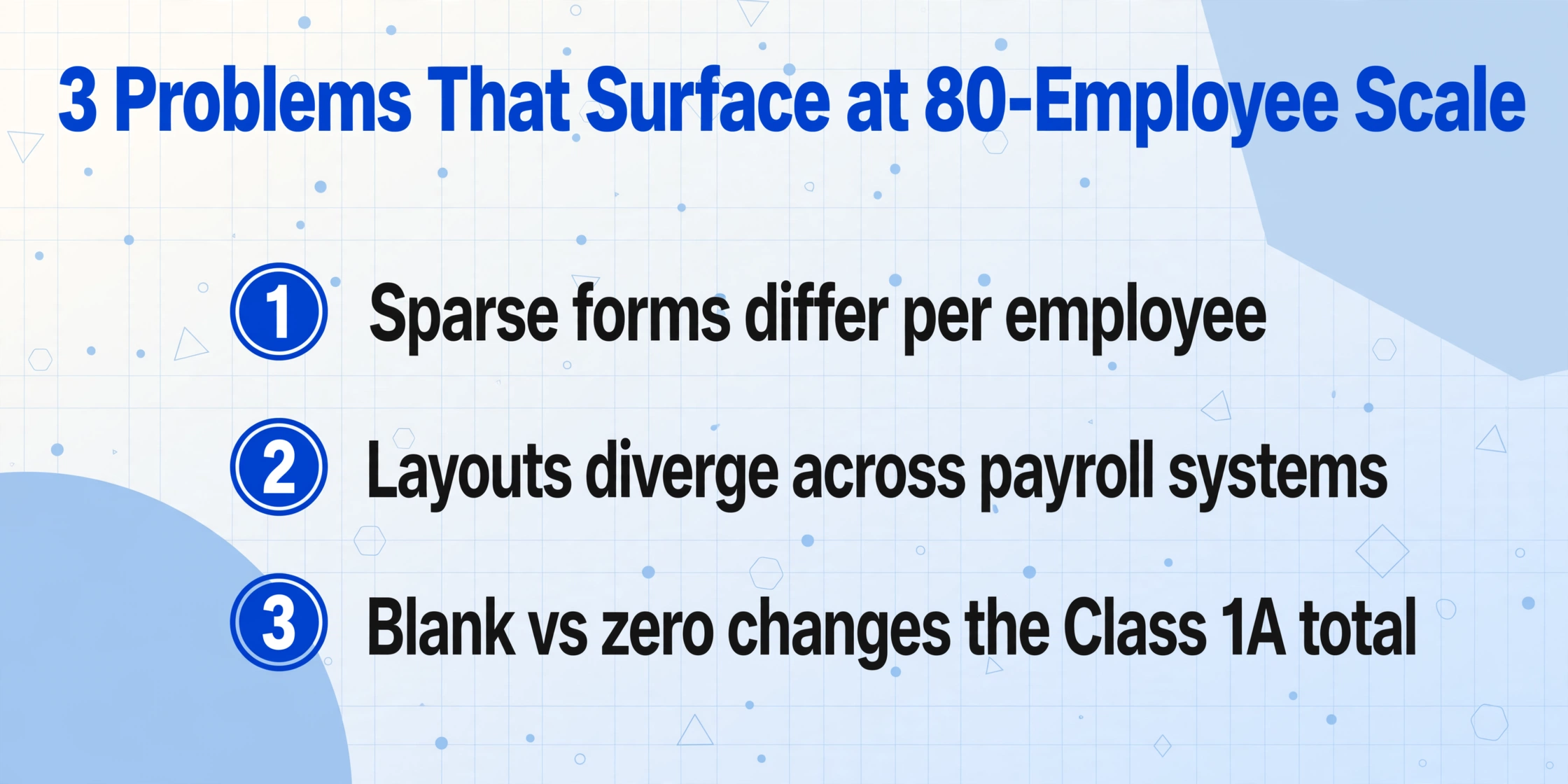
Processing a single P11D is a different task from processing 80. The shift in scale creates three problems that payroll software alone — even with a batch-print feature — does not address.
1. Every employee's form is sparse in a different place
A P11D has 14 lettered sections (A through N), each covering a different benefit category with its own HMRC valuation rule. But the typical employee triggers only two or three of them. One director has Sections F (company car), H (beneficial loan), and I (medical cover) populated. A field engineer has only Section G (van benefit). An office manager has just Section I. You are not reading the same 20 boxes on every page — you are hunting for whichever sections happen to carry a value on this particular form, and skipping the blank sections without mistaking blank for a nil value. Mistaking blank for zero distorts the Class 1A total.
2. Cross-provider layout divergence turns every form into a re-scan
HMRC mandates the data content of a P11D, not its visual layout. Sage 50cloud might print section cash equivalents in a left-aligned table with section letters in a separate column. BrightPay might group them in a bordered box with the section letter as a row label. Xero might place the NI number above the employee address block rather than beside the name. Every time a payroll administrator switches between a Sage-generated draft and a BrightPay-generated one, they spend 5–10 seconds re-orienting their visual scan — locating where each value sits on this provider's layout before transcribing anything. Across 80 P11Ds split across three payroll providers, that re-orientation cost alone adds 15–20 minutes before a single keystroke of transcription.
3. Manual transcription has no natural error trap across sections
Each benefit section is valued by a different rule. The car cash equivalent in Section F depends on list price multiplied by a CO2-based percentage — completely unrelated to the medical insurance premium in Section I or the beneficial loan interest differential in Section H. There is no arithmetic relationship between them, no built-in cross-check like the one that makes payslip transcription self-validating (gross − tax − NI = net). A mistyped digit in the car cash equivalent looks exactly as plausible as the correct one — £8,400 vs £8,500 — and passes no automated check until the P11D(b) total looks wrong three hours later. By that point, finding which of the 80 rows contains a typo means re-checking every section value against every original draft. This is the root cause of why manual P11D preparation tends to skip validation and file on trust. On forums like r/UKPersonalFinance, employees post every July about unexpected tax code adjustments after P11D season — and the most common reply from payroll professionals in those threads is that manual P11D transcription is simply error-prone when done at scale.
The late-penalty regime makes the cost of a transcription error concrete: a single late or incorrect P11D attracts £300 per month per form, and HMRC may apply a further £60 per day penalty where delays persist. These penalties are not discretionary — they apply from the first day after the 6 July deadline. An error caught after submission triggers a correction filing, which HMRC processes on its own timeline.
One Column Definition, Every Payroll System's P11D Output
The extraction approach that replaces manual transcription is Custom Column Extraction: you type the field names you want as spreadsheet headers — "Car Cash Equivalent," "Medical Insurance Cash Equivalent," "Loan Cash Equivalent," "Amount Made Good" — and the AI reads each P11D draft and maps the correct section value to your column, regardless of which payroll system produced the draft. It works by understanding the meaning of each field label on the form, not by matching its pixel coordinates. A Sage P11D that labels the car benefit section "Cars and car fuel" and a BrightPay P11D that labels it "Car benefit" both map to your "Car Cash Equivalent" column because the AI recognises both as the same HMRC-defined Section F concept.
This is the shift that turns batch P11D processing from a form-by-form re-scan into a single-pass operation: define the column schema once, upload every P11D draft as one batch — PDFs, scans, phone photos of printed forms — and all 80 rows populate in one merged spreadsheet. A Collection Link (a shareable link others use to upload files directly to your processing queue, no account needed) handles the case where drafts are scattered across team members or an external payroll bureau.
You can test the extraction principle on a single P11D draft right here — upload a sample (a PDF export from any payroll system, or a photo of a printed form) and name a few columns to see how the section values map:
Files are processed securely and not stored.
The same column set can be saved and reused across tax years and payroll providers — and across employers if you handle P11D filings for multiple companies. The comprehensive guide to extracting UK P11D benefits data to Excel for HMRC reporting covers the per-form extraction workflow in detail; what matters at batch scale is that the identical column names work across every draft in the folder, regardless of which software generated it.
From 80 Spreadsheet Rows to One P11D(b) Figure
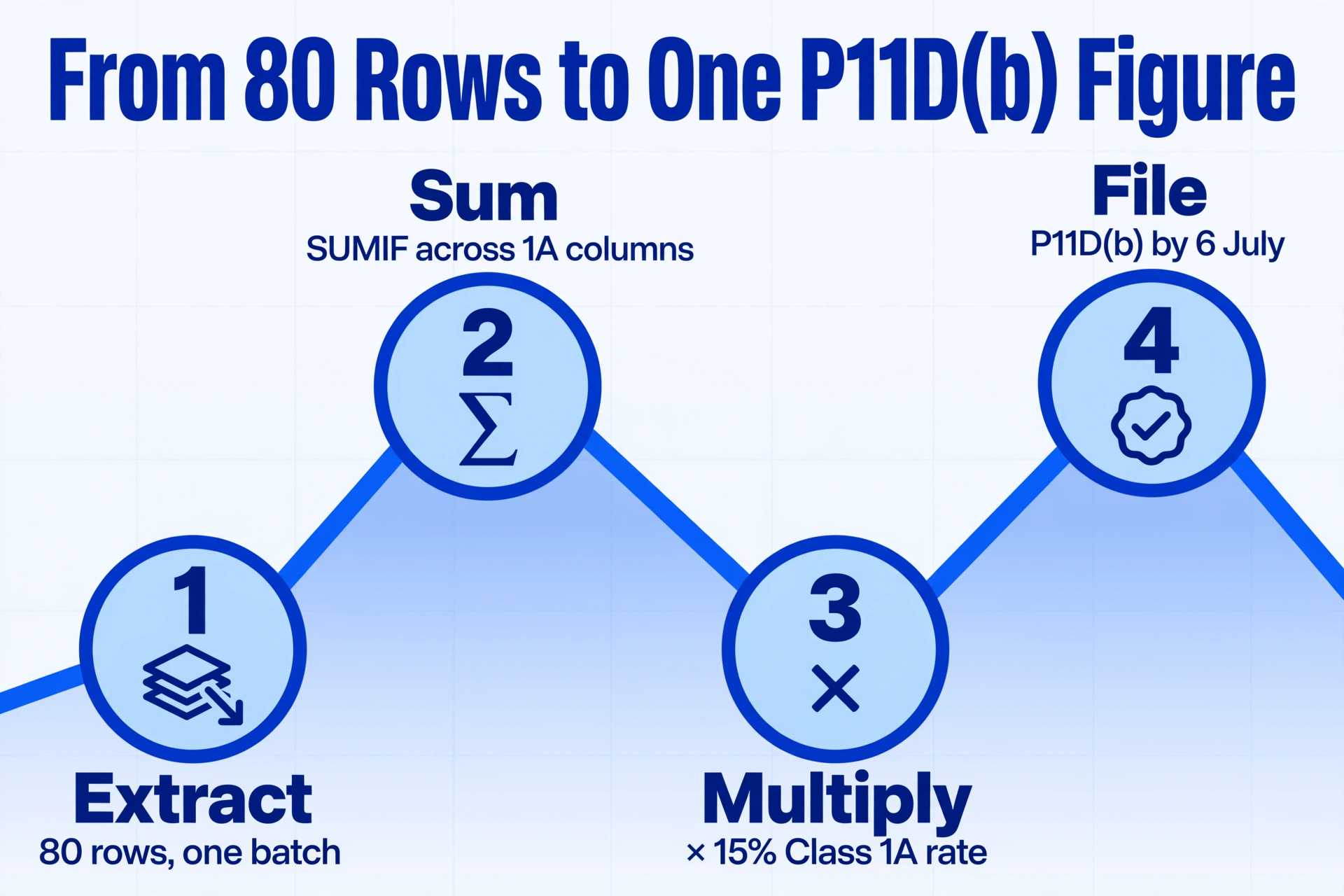
Once the extracted spreadsheet is populated — one row per employee, identity columns filled, benefit sections filled where populated and blank where not — the P11D(b) becomes a formula, not a calculator session. HMRC's CWG5 worked example shows the arithmetic clearly: add together the cash equivalent of every benefit liable to Class 1A, multiply by 15%. With the data structured in columns, that is one SUMIF across your 1A-liable benefit columns and one multiplication.
But the tool can go a step further. A computed column lets the AI perform the summation during extraction rather than after. Name a column Total 1A-Liable (sum of Car, Medical, Loan, Van, Accommodation cash equivalents minus Amount Made Good) and the per-employee net 1A-liable figure populates as each draft is read. The column that sums across all 80 rows for the P11D(b) is then summing values that are already net of employee contributions — eliminating one of the most common manual-aggregation slips.
The deadlines this feeds: P11Ds and the P11D(b) must reach HMRC by 6 July following the tax year (6 July 2026 for 2025/26), and employees must get their copy by the same date. The Class 1A NIC payment is due by 22 July if paid electronically, or 19 July by cheque. A spreadsheet built in the final week before 6 July leaves no margin for validation errors. One built in late June — populated by batch extraction output — turns the last ten days before the deadline from data-entry crunch into a review-and-file window.
What Batch Extraction Doesn't Do — and What Still Needs Human Review
An honest batch workflow includes a validation pass. The extraction reads what is on the draft — if the payroll system computed a benefit value incorrectly, that error passes through to the spreadsheet. The extraction does not recalculate car benefit from list price and CO2 band, verify that a beneficial loan exceeded the £10,000 aggregate threshold during the year, or confirm that a benefit was correctly classified as 1A-liable. Those judgments require the payroll professional's knowledge of HMRC valuation rules.
The validation checks worth running after extraction are fast because the data is structured in columns:
| Check | What to Look For | Why It Catches Real Errors |
|---|---|---|
| NINO format | Two letters, six digits, one suffix letter. Invalid start pairs include D, F, I, Q, U, V. | A malformed NINO detaches the benefit row from the right employee — HMRC treats unmatched records as missing. |
| Blank vs zero | An empty section should stay blank, not become 0. | A coerced zero says "benefit provided, valued at nil." A blank says "no benefit in this section." The P11D(b) total treats them differently. |
| Car fuel without a car | A car-fuel cash equivalent should not appear on a row with no car cash equivalent. | Fuel benefit only arises where a company car benefit exists — a lone fuel figure flags a mis-scanned row. |
| Amount made good ≤ cash equivalent | Employee contribution should never exceed the benefit's cash equivalent. | The net taxable value cannot go negative — a larger made-good figure is an extraction or source error. |
| Loan threshold plausibility | A Section H value should only appear where the employee's total loans exceeded £10,000 at some point. | Loans under £10,000 are not reportable — a small loan figure in the extraction may be a misread from a different section. |
| 1A total reconciles to P11D(b) | Sum of 1A-liable columns × 15% should tie to the Class 1A figure on the P11D(b). | This single reconciliation is your audit trail: if it does not tie, every row above it is traceable back to its source draft. |
Each extracted row carries its source file reference, so any flagged row is one click from the original P11D draft. That traceability is what makes column-level validation realistic at 80 employees. A manual transcription workflow could never sustain systematic checks — the transcription step alone consumed the available time.
P11D, P60, and P45 Batch Processing: Same Workflow, Different Column Sets
UK payroll teams handle three statutory employee forms, and while they report different data to HMRC, the batch processing problem is structurally identical across all three: individual PDF generation is solved, compilation into a summary spreadsheet is not. The column names change but the batch workflow — define schema once, upload all drafts as a batch, export a merged spreadsheet — is the same.
The difference is the field set. A P60 batch (see our guide to batch-processing P60s for a payroll audit) extracts pay, tax, and NI figures from year-end certificates. A P45 batch (see our guide to batch-processing P45 leaver forms) extracts leaving date and pay-to-date for departing employees. An SA100 batch (batch-processing SA100 tax returns) extracts self-assessment figures. If your team processes all four form types, keep a separate saved column definition for each and reuse them. The batch workflow is identical; the column names are form-specific.
FAQ
My payroll software already batch-prints all 80 P11Ds. Why do I need an extraction step?
Batch-printing produces 80 individual PDFs — each is a self-contained form. It does not produce the structured spreadsheet that the P11D(b) requires: one row per employee with cash equivalents broken out by section and a per-employee 1A-liable total. The extraction step turns the content of those 80 PDFs into that spreadsheet, which is what makes the P11D(b) a formula instead of a calculator session.
Our company acquired another business that uses a different payroll system. Can I mix P11Ds from Sage and BrightPay in one batch?
Yes — that is one of the core reasons batch extraction matters. Because the AI reads each field by its meaning rather than its position on the page, a Sage-generated P11D and a BrightPay-generated P11D both map to the same extraction columns. You do not need a separate template per payroll provider, and you do not need to find-and-replace column headers after merging.
Do I still need to file a P11D(b) if I've already paid Class 1A through payroll?
Yes. Under the current system — and even under mandatory payrolling of benefits from April 2027, as confirmed by HMRC's technical note — the P11D(b) remains a required annual filing. It is the formal declaration of total Class 1A NIC owed, even if the underlying benefit reporting has moved to payroll. Living accommodation and beneficial loans are expected to remain outside payrolling initially, keeping some P11D reporting on the books regardless.
How does batch extraction handle P11Ds where most sections are blank?
It fills only the columns that have a value on the form and leaves the rest of the row blank — not zero. On a P11D, an empty section means "no benefit of this type was provided to this employee." Preserving blanks keeps the Class 1A summation accurate and avoids phantom benefit values that inflate the employer NIC calculation.
What happens if I miss the filing deadline because the data compilation took too long?
Late P11D filing attracts a penalty of £300 per month per 50 employees for each month or part-month the return is outstanding. For 80 employees, that is a minimum £600 penalty triggered the day after 6 July. These are not negotiable — HMRC's penalty schedule is statutory. A batch extraction workflow that turns compilation into two hours of automated processing instead of two days of manual transcription directly reduces the risk of deadline breach.
Is employee benefit data — NINOs, cash equivalent values, medical cover details — secure during batch extraction?
A responsible extraction platform encrypts files in transit and at rest, does not use uploaded documents to train its models, and deletes source files within a defined retention window after processing. Confirm these commitments before uploading any employee documents — a payroll data breach carries mandatory reporting obligations under UK GDPR and potential fines from the Information Commissioner's Office of up to £17.5 million or 4% of global annual turnover.
Payroll software solved P11D generation. It never solved P11D compilation — the spreadsheet that bridges 80 individual drafts and one P11D(b) total. Define your section columns once, let every draft fill the rows, and the Class 1A figure your payroll team signs off on is the product of a spreadsheet, not a last-minute calculator session.
Batch-Process Your P11D PortfolioNo sign-up required to test on a sample. Secure processing with automatic file deletion.