ImageToTable.ai vs Manual Data Entry:
From 12 Minutes Per Invoice to 5 Seconds
It's 2:30 PM on the last day of the month. You have 47 invoices left to enter before close. Each one means opening the PDF, scanning for the vendor name, invoice number, due date, and line totals, then carefully typing every field into the spreadsheet — then doing it again for the next one. This is the reality of manual data entry, and its true cost to your organization is larger than most people calculate.
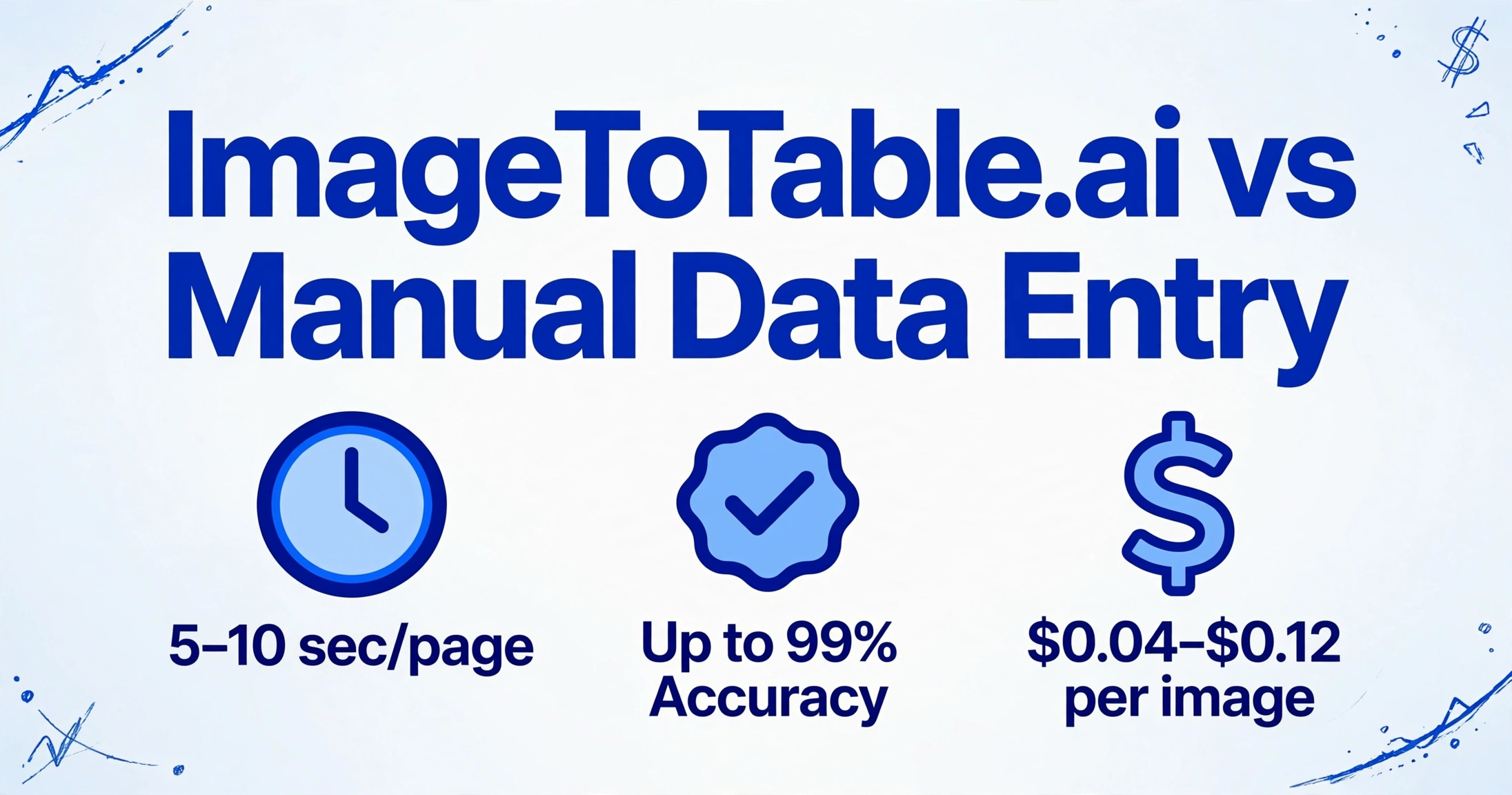
Quick Comparison
Choose ImageToTable.ai if…
- You process more than a handful of documents per week
- Documents arrive in varying formats — different vendors, layouts, or handwriting
- You need data from multiple files merged into one structured table
- You want to specify exactly which fields to extract and get only those columns
- You can't afford the 12.5% rework rate of manual processing (IOFM)
- Your team's time is better spent on analysis than on typing
Stick with manual entry if…
- You process only 1–2 documents per week — setup overhead won't pay off
- The data requires human judgment not present in the document itself (e.g., internal cost center allocation, contract validation)
- Compliance rules mandate a human attestation on every individual entry
Feature Comparison
| Dimension | Manual Data Entry | ImageToTable.ai |
|---|---|---|
| Speed per document | 8–12 min (standard invoice); up to 30 min for complex multi-page documents | 5–10 seconds per page — 18× faster on typical documents, up to 100× on complex ones |
| Error rate | 1–4% per field; 3.6% of invoices contain errors; 12.5% require rework (IOFM benchmark) | Up to 99% accuracy on printed text; extracted data shown in preview before export |
| Field extraction | Manually scan document, decide which fields to copy, type each value | Type the column names you want — AI finds and extracts them from any layout |
| Batch processing | One document at a time; 50 invoices = 50 separate manual sessions | Upload 50 files at once; all results merged into a single Excel table automatically |
| Document format support | Human reads anything, but effort is the same regardless of format | PDF, JPG, PNG, WebP, AVIF, scans, handwriting, stamps, mixed layouts, screenshots |
| Output | Whatever you type into your spreadsheet or ERP system | Excel (XLSX), CSV, JSON, or Word with original layout preserved |
| Scalability | Linear — doubling document volume requires doubling staff hours or headcount | Non-linear — processing 500 files takes the same setup effort as processing 5 |
| Cost per document | $12–$40 per invoice including labor (IOFM, Levvel Research, Ardent Partners consensus) | $0.04–$0.12 per image on paid plans; free tier available to start |
| Error correction cost | $53 average per manual entry error corrected (IOFM benchmark) | Review extracted data in the preview panel before export — fix before it leaves |
| Setup required | None — open document, open spreadsheet, start typing | Upload document, type desired column names, click extract — under 30 seconds |
The Speed Gap: 12 Minutes vs 5 Seconds
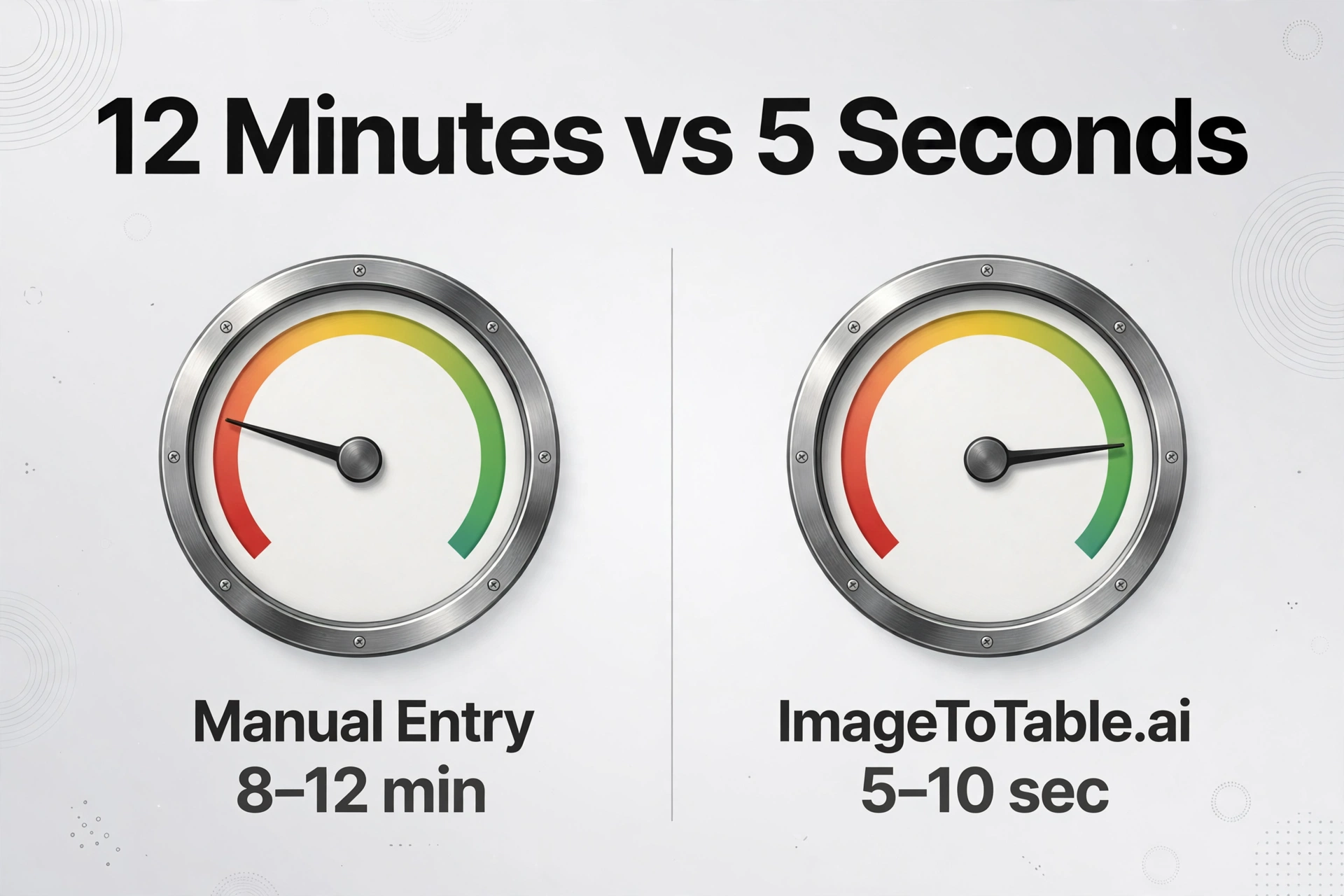
Benchmarks from invoicedataextraction.com and Parseur's 2026 invoice processing report put manual processing at 8–12 minutes for a standard invoice with 10–20 line items, rising to 20–30+ minutes for complex multi-page documents. At that pace, an AP specialist handling 200 invoices a month spends 20–30 hours on pure data typing — before any review, approval, or actual accounting work.
ImageToTable.ai processes the same document in 5–10 seconds. On a batch of 200 invoices, that week of typing collapses into an upload-and-wait session measured in minutes. The 18× benchmark quoted from our product benchmarks is actually conservative compared to what the industry reports for more complex documents with many line items. For documents that are already clean grids, Excel's built-in Excel's built-in Data from Picture is another way to cut typing.
"200 invoices per month = 20–30 hours of pure data entry. Around invoice #35, fatigue starts causing errors — like keying the tax amount into the subtotal field." — zerentry.com, Automate Invoice Data Entry
Manual Entry Doesn't Scale — Your Business Does
The deeper problem isn't just speed. It's that manual data entry scales linearly with volume: every time you double your document count, you need to double the hours spent entering it. There is no leverage. According to expenseanywhere.com, AP teams without automation spend roughly 80% of their total capacity on low-value data entry tasks, leaving 20% for reconciliation, vendor disputes, financial analysis, and everything else.
The Parseur 2025 survey of 500 U.S. professionals quantified the broader picture: employees spend more than 9 hours per week manually transferring data from documents, at an annual cost to employers of $28,500 per employee in lost productivity — before accounting for the cost of errors introduced.
With ImageToTable.ai, scaling from 50 invoices to 500 requires no additional staff and no additional hours per document. Upload more files; the batch processes in the same session. What once demanded a dedicated data entry role becomes a 10-minute task.
You Define the Fields — AI Does the Matching
One advantage over manual entry that's easy to overlook: consistency across every document. When humans manually enter invoice data, field selection is informal — different people may record the VAT number in different columns, or skip the PO reference when it isn't obvious, or use different date formats depending on habit.
When you type column names in ImageToTable.ai — "Vendor Name", "Invoice Number", "Tax Amount", "Due Date", "Net Total" — the AI extracts exactly those fields from every document in the batch, regardless of how each vendor structures their invoice. The output table always has the same columns in the same order. No normalization step required downstream.
You can also skip the column name step entirely and let AI auto-detect all data fields it finds in the document — useful when exploring an unfamiliar document type before deciding which columns matter.
Pricing Comparison
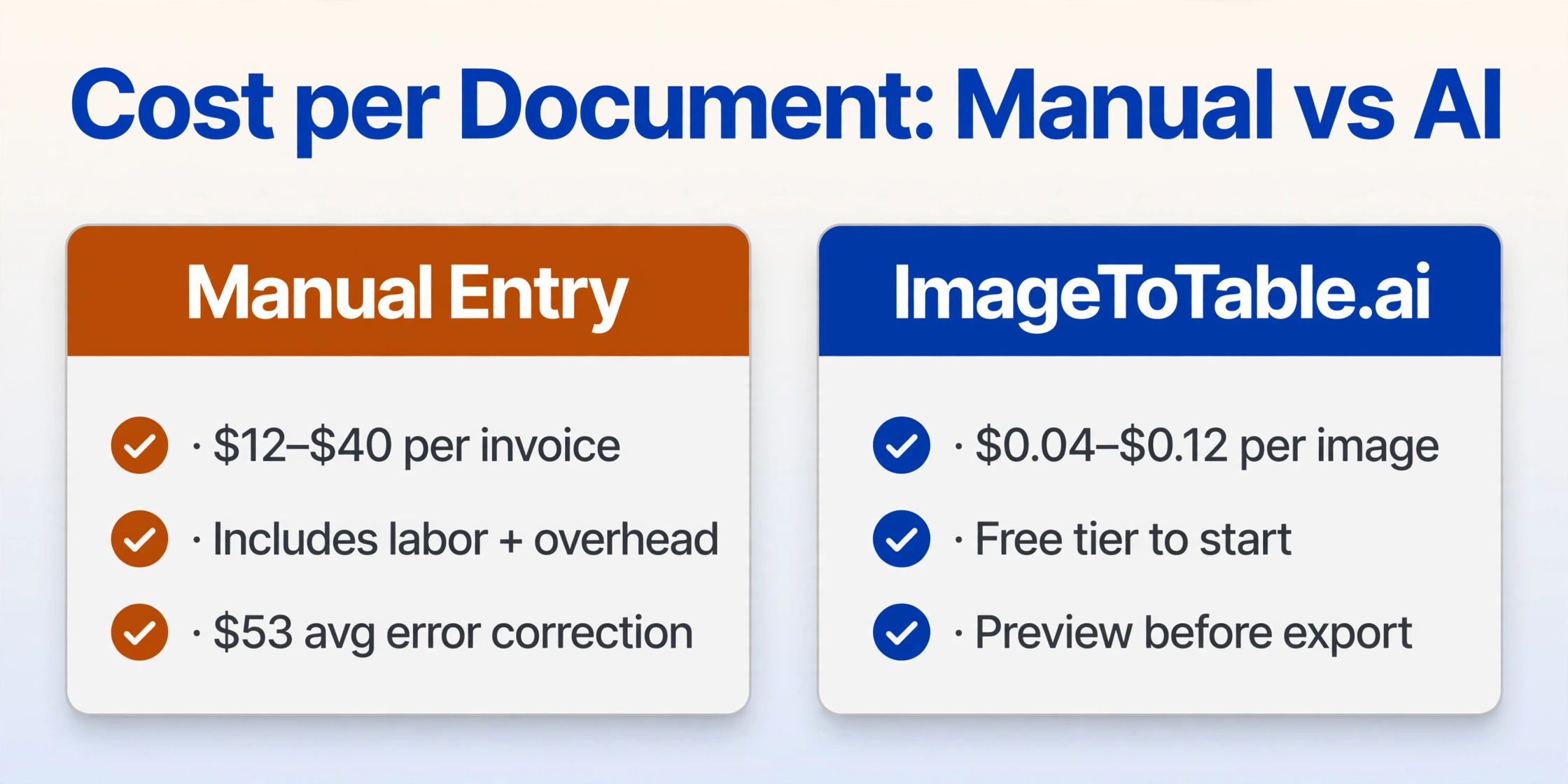
Manual data entry has no software subscription cost. Its cost is measured in labor time — and industry benchmarks consistently put the fully-loaded cost of manually processing a single invoice at $12–$40 per document, once you include employee time, benefits, management overhead, and error correction.
| Monthly volume | Manual entry (labor cost) | ImageToTable.ai |
|---|---|---|
| 50 documents/month | ~$600–$2,000 in labor (~6–10 hrs × burdened hourly rate) | Free tier to start; or $6 pay-as-you-go (50 images) |
| 150 documents/month | ~$1,800–$6,000 in labor | Basic plan: $9/month (150 credits) |
| 400 documents/month | ~$4,800–$16,000 in labor | Pro plan: $19/month (400 credits) |
| 1,500 documents/month | ~$18,000–$60,000 in labor | Max plan: $59/month (1,500 credits) |
Pay-as-you-go: 50 images / $6 · 300 / $30 · 1,000 / $80 · 5,000 / $300. Labor cost estimates based on industry benchmark of $12–$40/invoice (IOFM, Levvel Research, Ardent Partners) and 8–12 min manual processing time. Individual results vary by document complexity, staff wages, and overhead allocation. Pricing as of April 2026. Check imagetotable.ai for current plans.
When Manual Entry Is the Right Choice
Manual data entry is not always the wrong answer, and this page would be less useful if it pretended otherwise.
Very low volume. If you process one or two documents per week, the time to learn any new tool likely exceeds what you'd save. Manual entry makes sense when volume is genuinely minimal. For occasional single documents, Google Drive's free OCR-via-Docs is another stopgap — our Google Sheets OCR comparison covers it.
Judgment calls that aren't on the document. If determining the correct cost center requires internal knowledge not written on the receipt — or if validating a line item requires checking a contract not included in the upload — a human needs to be in the loop regardless. AI extracts what's in the document; it can't supply information that isn't there.
Mandatory human attestation. Some regulated industries or audit processes require that a human reviewer personally attest to each data entry. In those cases, the human step can't be automated away — though it can be made faster by having AI extract the data first and the human verify it rather than type it from scratch.
What People Say About Manual Data Entry
"My job is nothing but entering invoices and fielding phone calls. Emails on emails about PO numbers and missing invoices and I just hate it." — r/Accounting user, quoted in Quadient AP, Is AP Stopping You from Feeling Like an Accountant?
"I've been in my AP role for 2.5+ years and I hate my role. My work consists of lots of data entry, compiling paperwork, seeking approvals… I find it boring, not challenging, and mind-numbing." — r/Accounting user, quoted in Quadient AP
"Before [automation], our AP clerk was spending 30–40% of their time doing data entry and keying in invoices." — Dean Olevson, Director of Finance, Radisson Blu Minneapolis Downtown, Quadient AP
According to the Vic.ai 2025 AI Momentum Report, manual data entry is the #1 pain point cited by AP professionals — ranking ahead of approval bottlenecks, vendor disputes, and system integration issues. 56% of respondents reported burnout from repetitive data tasks. The problem isn't a skills gap. It's a volume gap that human speed cannot close at any sustainable cost.
Frequently Asked Questions
How accurate is ImageToTable.ai compared to manual entry?
ImageToTable.ai achieves up to 99% recognition accuracy on printed text. Manual data entry has a field-level error rate of 1–4% per the Institute of Finance and Management (IOFM), with 3.6% of invoices containing at least one error and 12.5% requiring rework. Each manual error costs an average of $53 to correct (IOFM). Extracted results are shown in a preview before export, so discrepancies can be caught before the data leaves the tool.
Can it extract specific fields like Invoice Number, Tax Amount, and Due Date?
Yes — that's the core mechanic. Type the column names you want ("Invoice Number", "Vendor Name", "Tax Amount", "Due Date", "Net Total") and the AI locates and extracts those fields from every uploaded document. The column names you enter become the exact headers of the output Excel table. You can also skip column names entirely and let AI auto-detect all available fields in the document.
What does manual invoice processing actually cost?
Industry benchmarks from IOFM, Ardent Partners 2025, and Levvel Research 2024 put the fully-loaded cost at $12–$40 per invoice including employee time, benefits, management overhead, and error correction. A team processing 200 invoices per month spends $28,800–$96,000 per year on manual invoice data entry alone.
Can I process a batch of invoices at once, or is it one at a time?
Batch processing is a core feature. Upload multiple files — PDFs, images, scans — in a single session. ImageToTable.ai extracts the specified fields from every document and merges all results into a single Excel table with one row per document. There is no need to repeat the process file by file.
Does it work on handwritten receipts and non-standard invoice formats?
Yes. The tool is built on vision large models with deep semantic understanding — it recognizes printed text, handwriting, cursive script, checkboxes, stamps, and signatures. It handles varying layouts without template configuration: a handwritten field-service receipt and a formal vendor invoice use the same upload-and-extract workflow. For heavily degraded scans or very low-contrast images, accuracy may be reduced.
Is there a free plan to test before committing?
Yes. Sign up for a free account and run your first documents to verify output quality on your actual files before choosing a plan. Pay-as-you-go is also available from $6 for 50 images — no monthly subscription required.
Extract Your First Document in 30 Seconds
Upload an invoice, receipt, or any structured document. Type the column names you want. Get a structured Excel table back — without typing a single field.
No credit card required for the free plan. Pay-as-you-go available from $6 for 50 documents.