Recurring Billing Shouldn't Fire Silently
Route Every Vendor Invoice to One Sheet
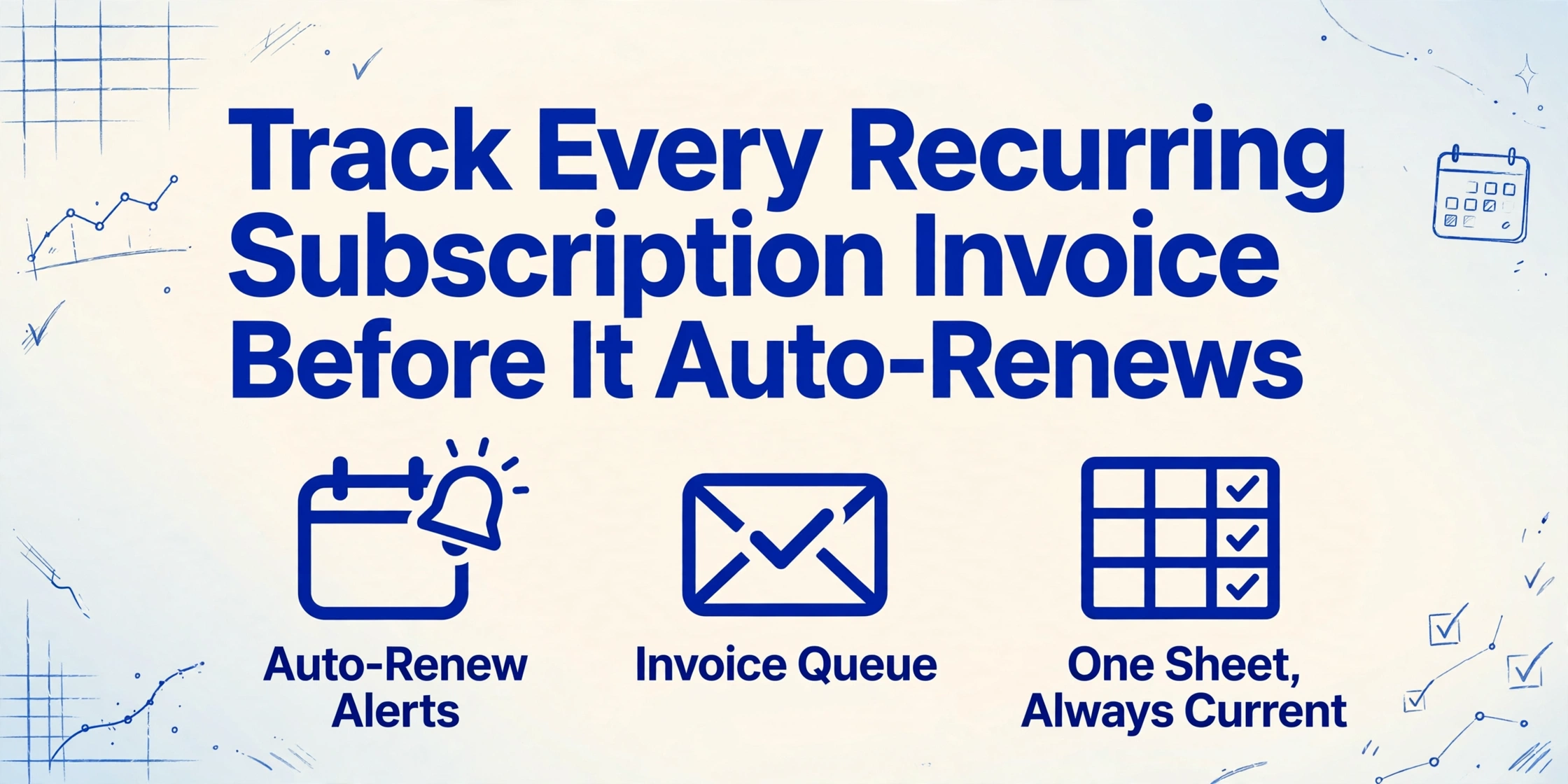
A subscription renews the way it was designed to renew: quietly. The invoice email lands days or weeks before the charge, and nothing in it says "this is the last moment anyone decides whether we should keep paying." The failure of recurring subscription invoice tracking is that each invoice looks fine on its own, so nothing forces anyone to look at all of them together.
Key Takeaways
- You did not miss that renewal through carelessness, because every invoice looked correct on its own and nothing forced you to read them together.
- The average company of 1 to 500 employees pays for 152 software subscriptions, and 40% of organizations still track those renewals on a spreadsheet that works only if someone remembers to update it.
- Discipline was never the missing piece: send vendor invoices to a dedicated inbox and each row lands in the sheet already filled, so the weekly review becomes a five-minute sort.
The Quiet Renewal: What Actually Gets Missed
What gets missed is not the charge on the card. It is the invoice email that precedes it, because each one reads like ordinary mail. The vendor names the plan, lists a period, shows an amount, and the payment system moves that amount without anyone approving it, the same as last year and the year before.
The result is a recurring complaint in IT and finance circles, and it is almost always told with the same details. One system administrator on r/sysadmin put it plainly:
"Just finished chasing down 3 auto-renewals from tools nobody remembers buying. One's on the company card, one's on someone's personal card (who left 6 months ago), and one was just a free trial. I've got a shared spreadsheet to track this junk but it's always out of date." (r/sysadmin, 2025)
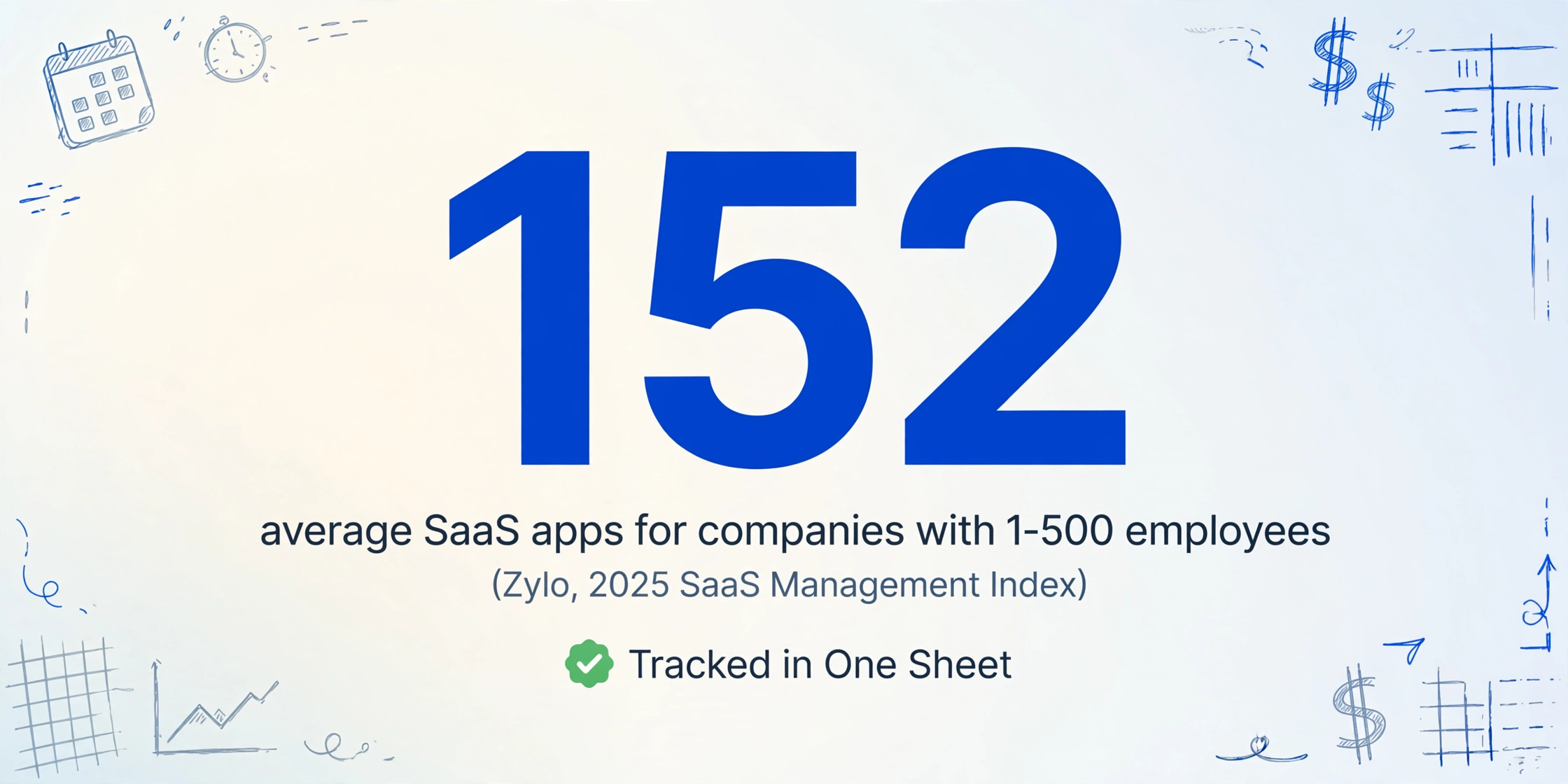
The scale of the problem is measurable. Zylo's 2025 SaaS Management Index, which tracks more than 40 million licenses, found that companies with 1 to 500 employees run an average of 152 SaaS applications, while large enterprises run 660, and average SaaS spend reached $4,830 per employee, up 21.9% in a year (Zylo, 2025 SaaS Management Index). Every one of those applications is a recurring billing relationship that either produces an invoice you review or one you do not.
Who Touches a Recurring Bill, and What a Working Month Looks Like
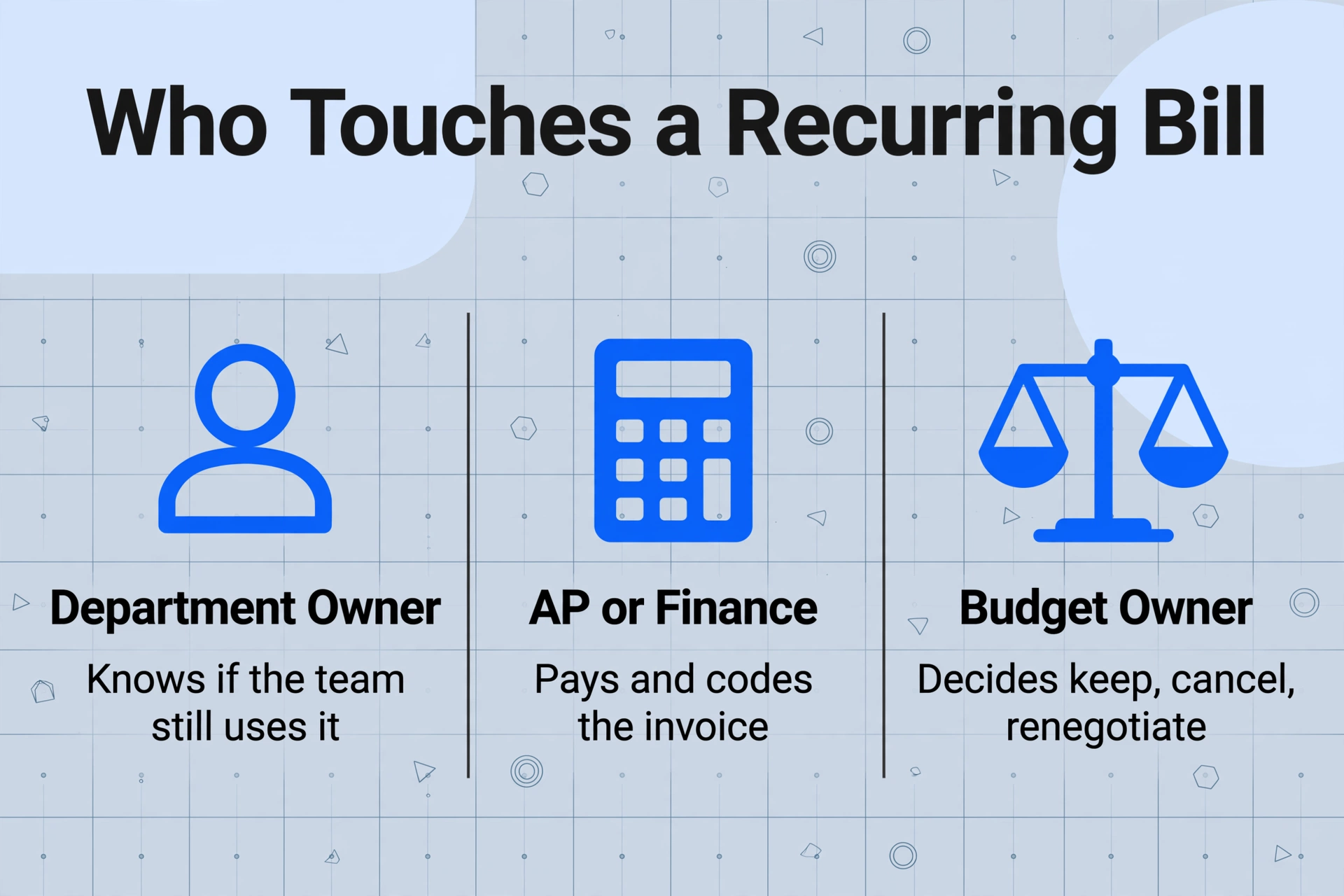
Before fixing anything, you have to be specific about who does what, because collapsing everyone into "the finance team" is how the renewal slips between chairs in the first place.
| Role | What they actually do | What they hand over |
|---|---|---|
| Vendor billing system | Sets the renewal terms, sends the invoice email, charges on the cycle | The invoice PDF itself |
| Department owner | Signed up for the tool, knows whether the team still uses it | The answer to "do we still need this?" |
| AP or finance | Pays the invoice, codes it to the right account | The payment and the general ledger line |
| Budget owner | Decides whether a renewal happens at the new price | The keep / cancel / renegotiate decision |
In a working month, every subscription has one row somewhere that shows the vendor, the billing period, the amount, and the next renewal date, and the budget owner sees that row at least 30 days before the cancellation window closes. The invoice email is the raw material for that row, so the entire system depends on one thing: the invoice data actually getting from the email into the tracking sheet.
Why It Breaks: Every Bill Looks Fine on Its Own
A recurring invoice never fails on its own, so nothing forces anyone to look at all of them together, and that is the actual mechanism of the miss. The PDF has a correct total, a valid vendor name, and a period that matches the plan, so it clears review the same way a correctly typed reference number clears a form check. The questions that actually matter are portfolio-level: does this team still use the tool, is the price 40% higher than last year, do two subscriptions overlap. No single invoice answers those. You need them side by side.
The spreadsheet exists for exactly that purpose, and it fails for a boring reason: someone has to remember to update it. BetterCloud's 2026 State of SaaS report found the average company runs 106 SaaS applications, and only about 44% of the apps in use carry IT approval, meaning more than half of what employees use sits outside any official list (BetterCloud, 2026 State of SaaS). The same vendor found that 40% of organizations still track renewals manually on spreadsheets, which leads directly to missed cancellation windows and unplanned auto-renewals (BetterCloud, The Hidden Risks of SaaS).
The maintenance step is the failure point. A subscription recorded once at purchase sits in the sheet until someone remembers it is there, and by then the renewal has usually already fired. One commenter on that same r/sysadmin thread described the deeper problem as anything recurring "where the decision was made a while back but the context isn't easy to piece back together" (r/sysadmin, 2025). Tracking the date is easy. Keeping the decision context fresh is not a memory task, it is a paperwork task, and the paperwork arrives by email whether anyone files it or not.
The Fix: Turn Vendor Email Into a Queue Nobody Has to Maintain
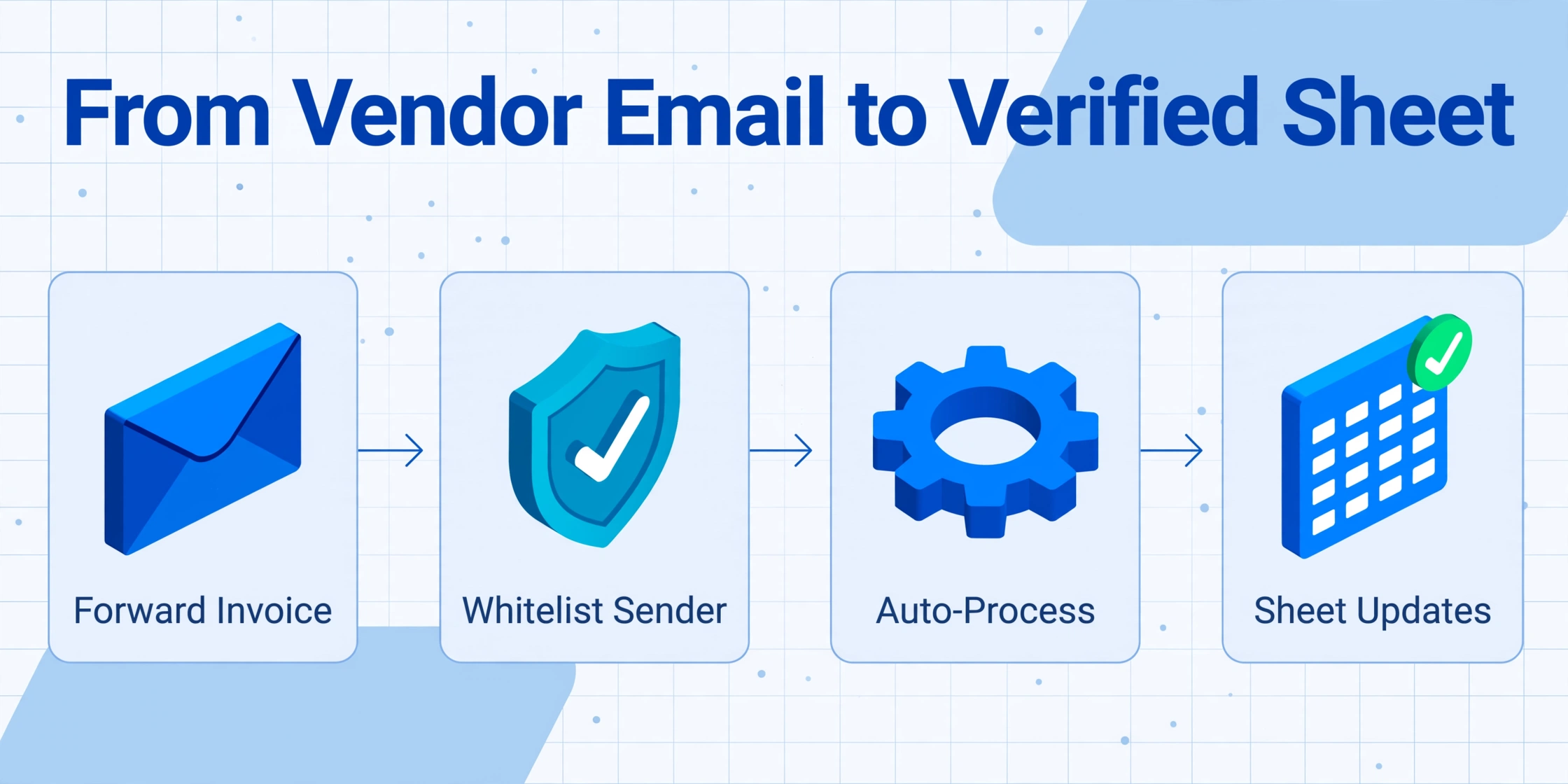
The fix is to make the invoice email itself do the data entry, so the queue builds itself and the sheet stops needing a human keeper. Email Inbox is a feature that gives every ImageToTable.ai account its own dedicated inbox address. You can share that address with vendors, or simply forward your own invoices and receipts to it, and the attachments land in your processing queue with no login and no upload page in between. The tools that make it a control rather than a convenience are four specific settings, and each one maps to a step of the bottleneck:
When it works, the queue looks like a sheet where every row is one vendor's latest invoice: vendor name, invoice date, billing period, amount, and the next renewal date. Because the rows arrive as mail arrives, the sheet is always current, and the review becomes a sort instead of a search. Sort by next renewal date, and the top of the table is your decision list for the next 90 days, with a column for keeping, canceling, or renegotiating each one.
Files are processed securely and not stored.
The same queue also makes the overlapping-subscription problem visible. When two tools do the same job and both renew in the same quarter, the rows sit next to each other in the sort. That kind of side-by-side view is what spotting duplicate invoices automatically does for a single batch, and the inbox queue does it continuously across vendors. Teams that already extract batches of supplier invoices into one Excel file will recognize the pattern: this is the same column-and-sort mechanics, but the collection step is an email address instead of an upload page (pulling invoice attachments straight out of a mailbox is the convert-page route for it).
What This Setup Still Cannot Automate
The automation stops at the paperwork, and the three decisions that actually make renewals expensive are still human. The tool does not know whether your team still uses the tool, so deciding whether to keep a subscription stays with the department owner. It does not negotiate, so a renewal conversation with a vendor stays with whoever owns the budget. And it cannot judge whether a price increase is acceptable, because that judgment needs usage data and alternatives that no invoice contains. This is not fully automated spend management, and you should be wary of anyone selling you that phrase.
The broader software ecosystem leaves gaps in the same places. SaaS management platforms like Zylo, Productiv, Torii, Cledara, and Vendr are good at discovering what you pay from SSO and billing feeds and at preparing negotiation data, but they assume a billing or identity source exists to connect, which many small companies do not have. Card-first expense tools like Ramp and Brex capture at the point of sale, which means they record that money moved but not that the invoice was reviewed. Accounting systems like QuickBooks, Xero, and NetSuite still need the invoice data entered into them first. None of them answers "what arrived in the inbox today and what does it say," which is the specific job the Email Inbox queue is built for. The two approaches are complementary, not competing.
There is also a retention obligation that extraction does not replace. The IRS requires you to keep records that support items on a tax return until the period of limitations for that return runs out, generally three years, and the requirement applies to electronic records as well as paper ones (IRS Publication 583). The extracted sheet is your working view, but the original invoice PDFs are your substantiation, so keep both. A fuller look at which fields matter on supplier invoices lives in the complete guide to invoice data extraction.
Recurring Subscription Invoice Tracking: Frequently Asked Questions
Can I track invoices I already receive without telling vendors to send to a new address?
Yes. You can keep your normal inbox and create a forwarding rule that sends each vendor's invoices to your dedicated Email Inbox address, or you can forward them manually when you notice them. The dedicated address just means the queue captures the mail even when nobody is paying attention.
Will this cancel a subscription for me?
No. It collects every recurring invoice into one sheet and surfaces the renewal date and amount, so the decision happens before the charge. Canceling, downgrading, or renegotiating the subscription requires a human action with the vendor.
Is this practical if we do not have an AP team?
It is built for that case. A five-person company can have one person own the budget, one inbox, and one sheet. The whitelist and Auto-Process settings mean the queue fills itself and the weekly review is a five-minute sort rather than an inbox archaeology session.
What if a vendor sends a password-protected invoice?
You save the passwords you commonly use in your account settings once, and incoming encrypted PDFs are tried against them automatically. Password-protected PDFs are a supported input, and a locked file no longer needs a manual unlock before it can be processed.
Does the tracking sheet update itself as new invoices arrive?
With Auto-Process switched on and a template bound, yes. Every invoice delivered to the inbox address is extracted as it arrives, so the current sheet is the current state of your recurring spend. The output goes through the tool's standard extraction, which processes a page in about 5 to 10 seconds compared with roughly 3 minutes of manual entry.
The shift is one of attention: instead of reading every vendor email as it lands and forgetting it, you read one column that tells you what renews in the next 90 days and at what price. That is a smaller, checkable job than the one it replaces, and the decision context finally stays attached to the invoice instead of living in someone's memory. For teams that want the whole lifecycle from receipt to reconciliation, the guide to automating accounts payable data entry covers the larger pipeline, and getting invoices into Google Sheets is the direct route for the output.