ImageToTable.ai vs Adobe Acrobat:
Purpose-Built Extraction vs the PDF Swiss Army Knife
A finance manager needs to pull payment terms and invoice totals from thirty vendor PDFs. She already pays for Acrobat Pro. She selects "Export to Excel," waits through the conversion, opens the file — and finds all forty rows of data compressed into a single column in cell A1. She reformats, tries again. Same result. Forty-five minutes later she asks IT if something is broken with her license. It isn't. That's just how Acrobat's PDF-to-Excel works when the source PDFs aren't perfectly tagged.
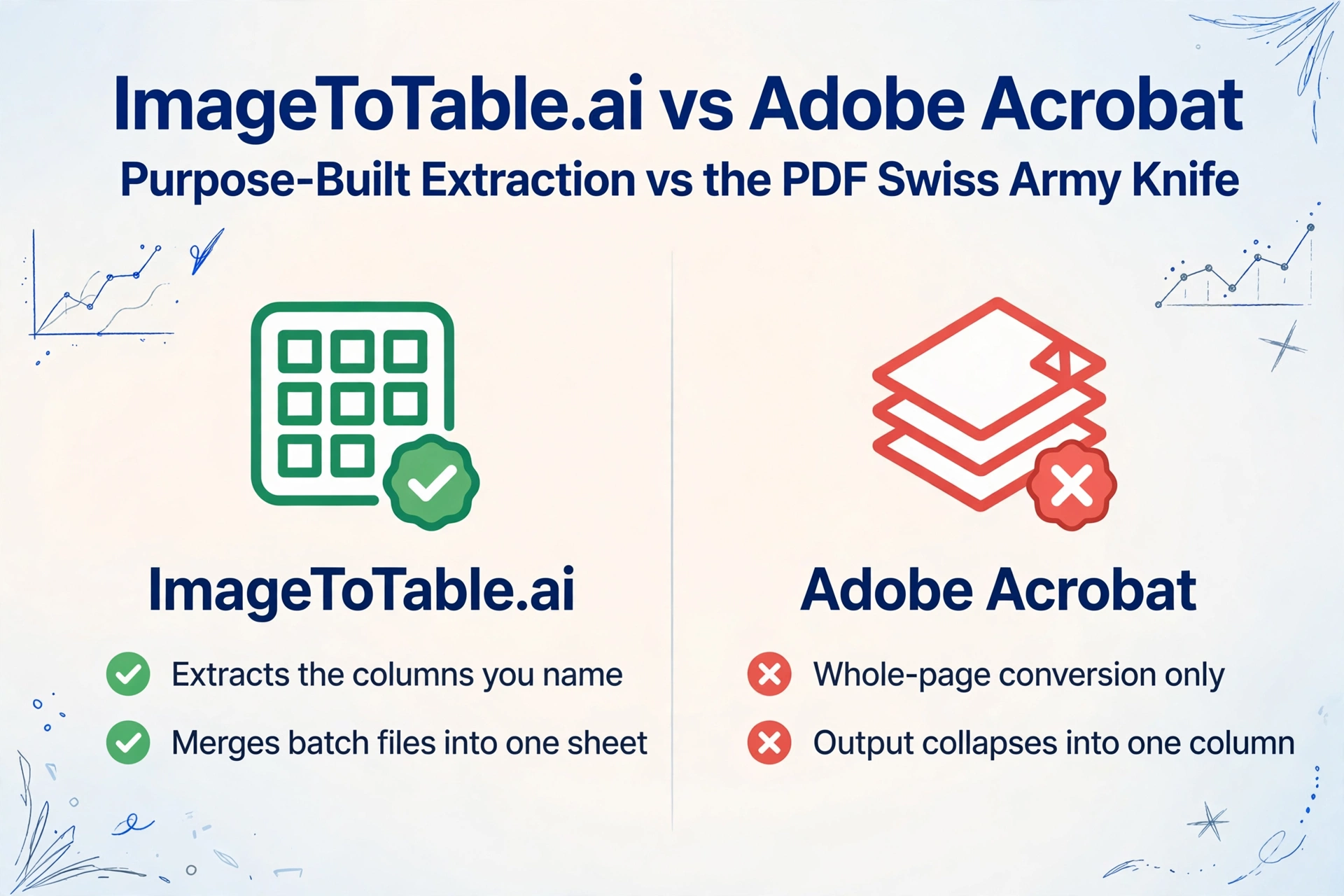
Quick Comparison
Choose ImageToTable.ai if…
- You need to extract specific fields from invoices, receipts, or financial statements into Excel
- Acrobat's export output collapses into one column or loses number formatting
- You process documents in batch and need a single aligned spreadsheet at the end
- You want to define your own column names and have them match consistently across files
- You're paying for Acrobat primarily for the PDF-to-Excel conversion feature
Choose Adobe Acrobat if…
- You need a full PDF editing suite: annotations, redaction, merging, splitting, form creation
- Your workflow depends on legally binding e-signatures via Adobe Sign
- You're in an enterprise that requires SSO, Admin Console, and DLP policy enforcement
- You need to create, distribute, and manage fillable PDF forms at scale
- Your whole organization is standardized on the Adobe Document Cloud ecosystem
Feature Comparison
| Feature | Adobe Acrobat Pro | ImageToTable.ai |
|---|---|---|
| Getting started | Download desktop app or use web app; 7-day trial; annual commitment required for lowest price | Upload in any browser; guest trial with no account required |
| PDF to Excel export | Whole-page conversion; output quality depends on the source PDF's internal tag structure; frequently fails on untagged or scanned files | Vision LLM extracts the columns you name; works on scanned images, phone photos, and borderless tables |
| Custom field extraction | Not supported — Acrobat converts the entire page; you cannot target specific fields or columns | Core feature — type the column names you want and they become your Excel headers |
| Batch processing | Batch Action Wizard can convert multiple PDFs to Excel; each file is processed independently with no cross-file merging | All files in a batch are merged into one aligned spreadsheet automatically |
| E-signatures | Adobe Sign deeply integrated; legally binding, enterprise-grade | Not a feature |
| PDF editing | Full-featured: edit text, images, pages; redact; annotate; create/edit forms; merge/split | Not a PDF editor; focused on data extraction only |
| Mobile support | Acrobat mobile app (iOS/Android) for viewing, signing, and light editing | Full extraction workflow available in any mobile browser |
| API / developer access | Adobe PDF Services API (separate product, additional cost) | REST API included with paid plans |
| Enterprise admin | Admin Console, SSO, DLP, volume licensing, 24/7 support | Team plan with shared quota; no SSO |
| Pricing | Pro: $19.99/mo (annual) — $239.88/year. Standard: $12.99/mo — $155.88/year. 50% early termination fee if cancelled mid-term. | Free guest tier. Paid from $9/month. Pay-as-you-go from $6/50 pages. Cancel any time. |
The One-Column Problem
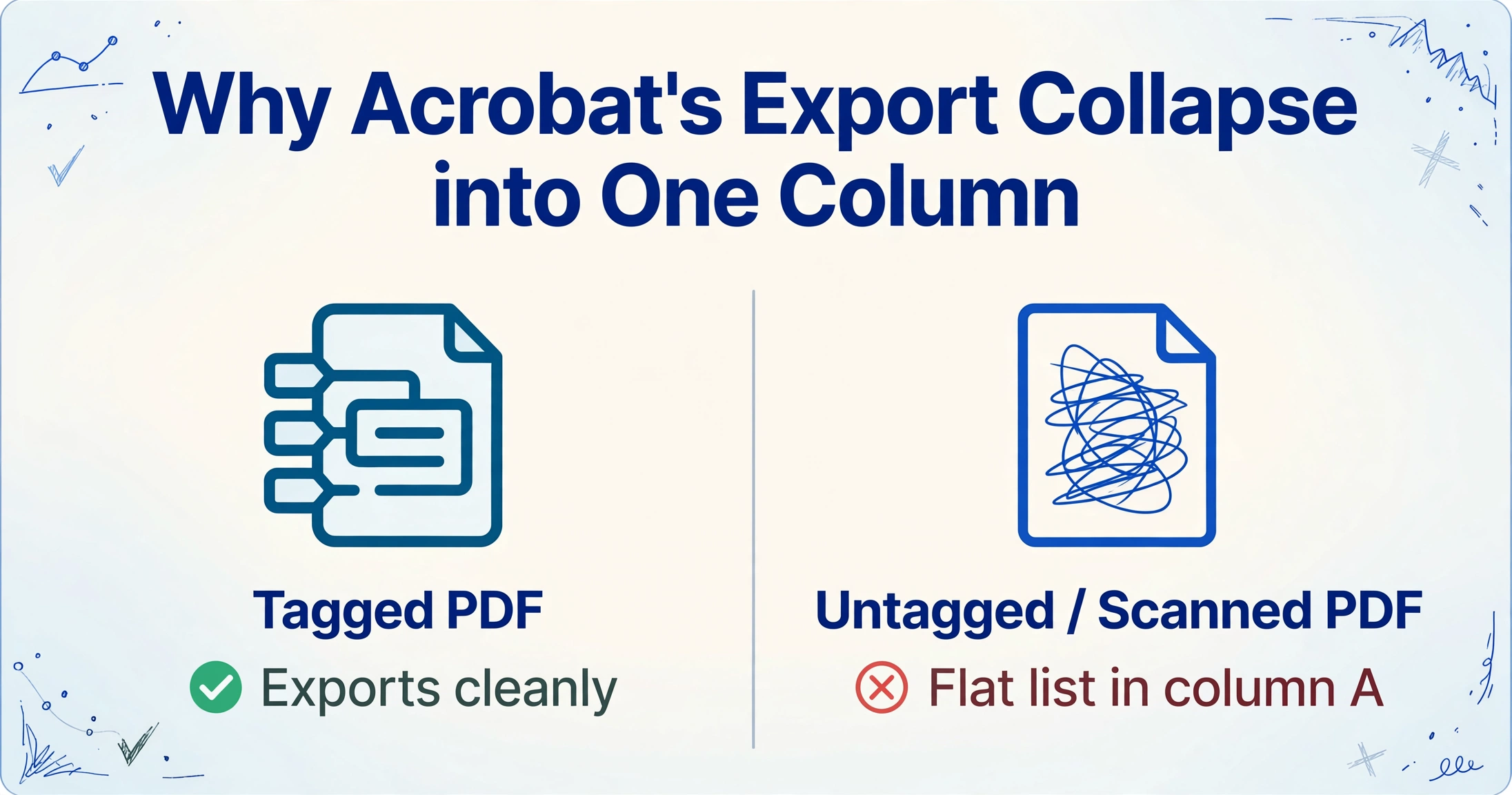
Adobe Acrobat's "Export PDF to Excel" feature is one of the most searched-for capabilities in the product. It's also one of the most complained-about.
The structural failure mode is documented extensively in Adobe's own community forums: users select Export, wait for conversion, open the Excel file — and find all their data in a single column. One user on the Adobe community forum described the problem plainly:
"Acrobat isn't formatting the cells properly. If exporting to Excel has seemingly random columns, then I can't actually use the data... I had to convert PDFs to screenshots, manually crop layouts, and process each page individually — that was slower than manual data entry." — Adobe Community forum
Another user, who said converting bank statements was "the only reason I license your product," reported that Bank of America statements simply would not convert. An Adobe support expert confirmed the limitation was real and pointed the user toward a competitor. — Adobe Community forum
The technical explanation: Acrobat's export engine relies on the internal tag structure of the source PDF to determine table boundaries and column alignment. Well-tagged PDFs produced by proper authoring tools export cleanly. Scanned documents, PDFs generated by third-party software with loose tagging, and files saved from web pages often have no usable tags at all — so Acrobat has nothing to work from and collapses the output into a flat list.
There is no user-accessible fix for this. The tagging is baked into the PDF by whoever created it; the person trying to extract data has no control over it.
ImageToTable.ai doesn't depend on PDF tags. It sends the document through a vision large model that reads the page the way a person does — interpreting column structure from visual spacing and context. The result is consistent across tagged and untagged PDFs, scanned images, and phone photos of printed documents. If raw text rather than structured fields is all you need, a dedicated OCR API such as OCR.space is a much lighter route — our OCR.space comparison covers it.
When Acrobat Makes Sense
The PDF-to-Excel limitations are real, but Acrobat Pro is genuinely excellent at things that have nothing to do with data extraction — and it's worth being explicit about those.
E-signatures at enterprise scale. Adobe Sign is one of the most widely recognized e-signature solutions in legal, HR, and procurement workflows. If your organization sends contracts for signature, Acrobat's native integration with Adobe Sign — including audit trails, signer authentication, and compliance certifications (ESIGN, eIDAS) — is a legitimate competitive advantage over alternatives.
Full PDF editing. Acrobat Pro lets you edit text and images directly in a PDF, reorder or extract pages, create and distribute fillable forms, apply proper pixel-level redaction (not just black boxes), and set up document security policies. TechRadar's 2024 review gave Acrobat Pro a 4.5/5 for feature breadth, calling it "a very comprehensive, even impressive, feature-set." ABBYY FineReader PDF offers a comparable desktop suite — our ABBYY FineReader comparison covers that alternative.
Enterprise IT administration. Admin Console with centralized license management, SSO integration, DLP policies, and 24/7 enterprise support make Acrobat the standard choice for organizations that need to manage hundreds of seats consistently and auditably.
Interoperability. PDFs created or converted through Acrobat are universally compatible. If you need to distribute documents that render identically across every platform, device, and PDF viewer, Acrobat Pro is still the reference implementation.
The honest framing: Acrobat Pro is the right product for teams that manage documents — edit, sign, archive, distribute, protect. If your primary need is to extract data from documents — get the numbers and fields out of invoices, receipts, and forms into a spreadsheet you can act on — Acrobat was not designed for that task, and its pricing reflects a much broader toolset than most data-extraction users need. If you want the fuller technical breakdown of where Acrobat's built-in OCR and AI Assistant actually stop short of real data extraction — not just the product comparison — see our Adobe Acrobat OCR vs AI extraction guide.
The $240/Year Subscription and the Cancellation Trap
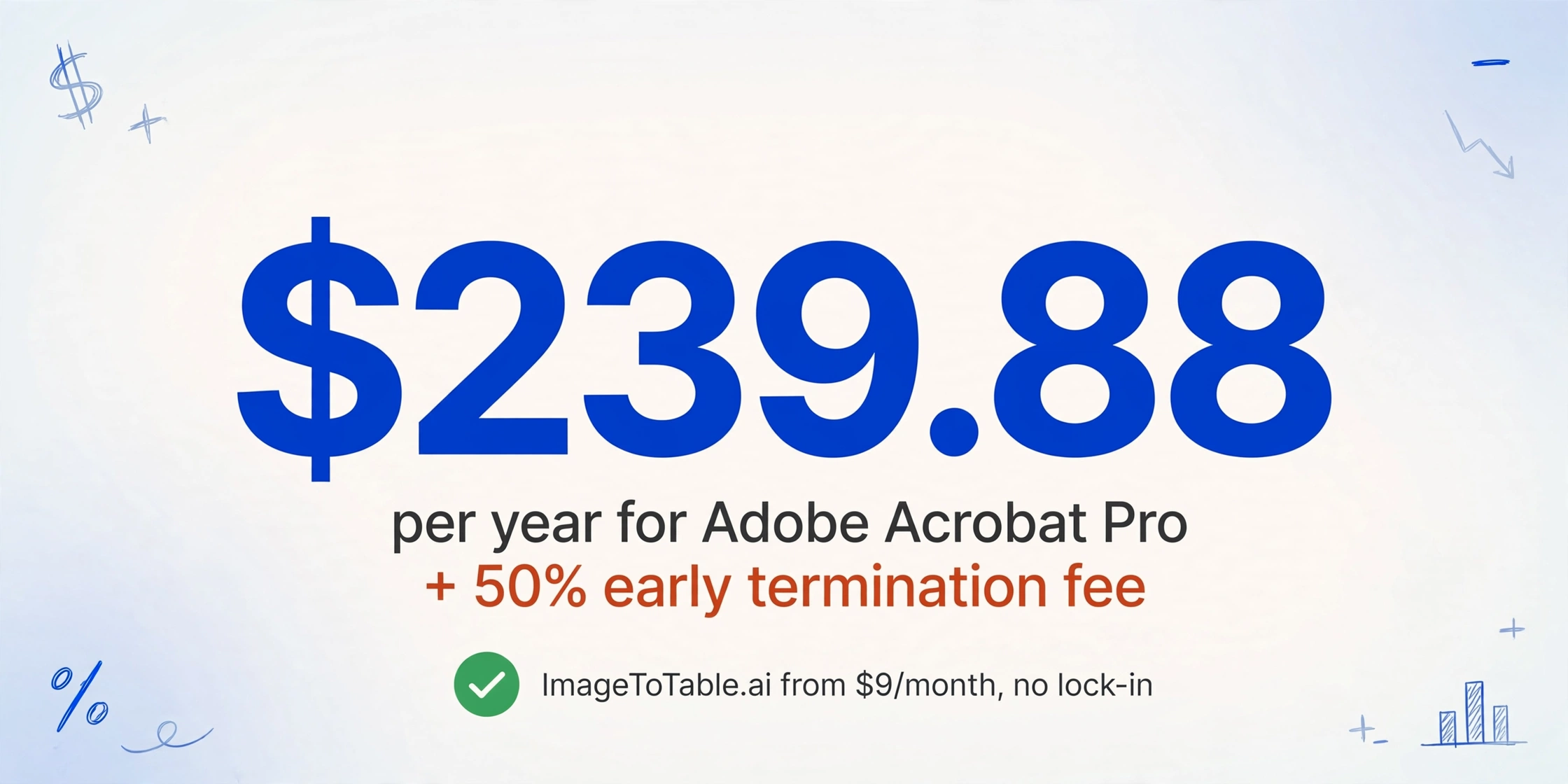
Adobe Acrobat Pro is $19.99/month on an annual plan — $239.88/year. That rate is locked in at signup; cancelling early triggers a fee equal to 50% of the remaining months on the contract.
This practice drew enough attention that the FTC filed a lawsuit against Adobe in May 2024, describing it as a "hidden fee to trap people in paying subscription plans." The complaint centered on the early termination fee not being clearly disclosed before purchase.
Separately, Adobe has increased annual plan prices without advance notice — Adobe's own community forum documented a jump from $179.88 to $239.88/year, a 33.5% increase, that users learned about when they received a billing notification. Adobe Community forum
For teams primarily using Acrobat for PDF-to-Excel conversion — a feature that frequently doesn't work on their actual documents — this pricing model is difficult to justify. ImageToTable.ai's paid plans start at $9/month with no annual lock-in; guest mode lets you process documents before creating an account. A team can test it on their actual document types before spending anything.
Frequently Asked Questions
Why does Acrobat's PDF-to-Excel export put everything in one column?
Acrobat's export engine uses the internal tag structure of the source PDF to determine column boundaries. PDFs that were not produced by proper authoring tools — scanned documents, files saved from web pages, or PDFs generated by third-party software — often have no usable tag structure. When that happens, Acrobat has no column information to work from and outputs everything as a flat list in column A. There is no user-accessible fix; the tagging is set when the PDF is created. ImageToTable.ai uses a vision model that reads visual layout directly, so it isn't affected by tagging quality.
Can I use Adobe Acrobat and ImageToTable.ai at the same time?
Yes. Many teams use Acrobat for PDF editing, e-signatures, and document management, and ImageToTable.ai specifically for data extraction into Excel. They serve different primary functions and don't overlap in workflow. If you're already paying for Acrobat and find its PDF-to-Excel export unreliable for your document types, adding ImageToTable.ai for extraction only costs less than one additional Acrobat seat per month.
Does Acrobat's AI Assistant accurately extract table data?
With significant limitations. Adobe's own known-issues documentation acknowledges that the AI Assistant has trouble with tabular content — in testing, querying table data prompted the response "I'm still learning how to understand tables in documents." The AI Assistant also does not support complex vector graphics and returns incomplete results on image-heavy PDFs. For structured data extraction from tables, it is not a reliable replacement for a purpose-built OCR pipeline.
Can ImageToTable.ai process PDFs created in Adobe Acrobat?
Yes. ImageToTable.ai processes any PDF regardless of how it was created — Acrobat-generated, scanned, browser-saved, or exported from other software. It treats every page as an image and reads the visual layout directly, so the internal structure of the PDF (including whether it's tagged or text-based) doesn't affect the output.
What happens if I cancel Adobe Acrobat mid-year?
Cancelling an annual Acrobat subscription before the contract end date triggers an early termination fee equal to 50% of the remaining monthly payments. Adobe does not prominently disclose this at the time of purchase — a practice the FTC filed a lawsuit against in May 2024. If you're testing Acrobat for a specific use case, Adobe's 7-day trial is the only risk-free evaluation window. ImageToTable.ai's guest mode lets you process real documents without creating an account, and paid plans can be cancelled at any time without penalties.
Try ImageToTable.ai Free
Upload your invoices or financial PDFs and download a structured Excel table in under a minute — no account required, no annual contract.
No credit card required. Free credits included on signup.