What Is Manufacturing Invoice
Extraction? How Factory AP Benefits from AI
Manufacturing invoice extraction is the automated process of reading key fields — like raw material line items, PO numbers, quantity received, unit of measure, and supplier lot codes — from manufacturing supplier invoices and outputting them as structured data for 3-way matching and ERP entry. Unlike a standard office invoice that lists a few services or finished goods, a manufacturing invoice carries production-critical detail: which heat lot the steel came from, whether the UOM is pounds or pieces, and which line on the purchase order this partial shipment applies to.
Key Takeaways
- Most mid-market manufacturers assume invoice automation requires SAP or Oracle so they keep manually typing 150 supplier invoices into Excel at $12 to $30 per invoice in salary cost every month.
- Partial shipments are the norm in manufacturing not the exception and every partial delivery creates a 3-way match reconciliation that turns one disputed line item into a 10-minute hunt across three separate PDFs.
- AI extraction converts supplier PDFs into structured line-item rows without touching your ERP so you can feed the same spreadsheet you already use for matching and cut reconciliation from hours to minutes.
What Makes a Manufacturing Invoice Different from a Standard Invoice
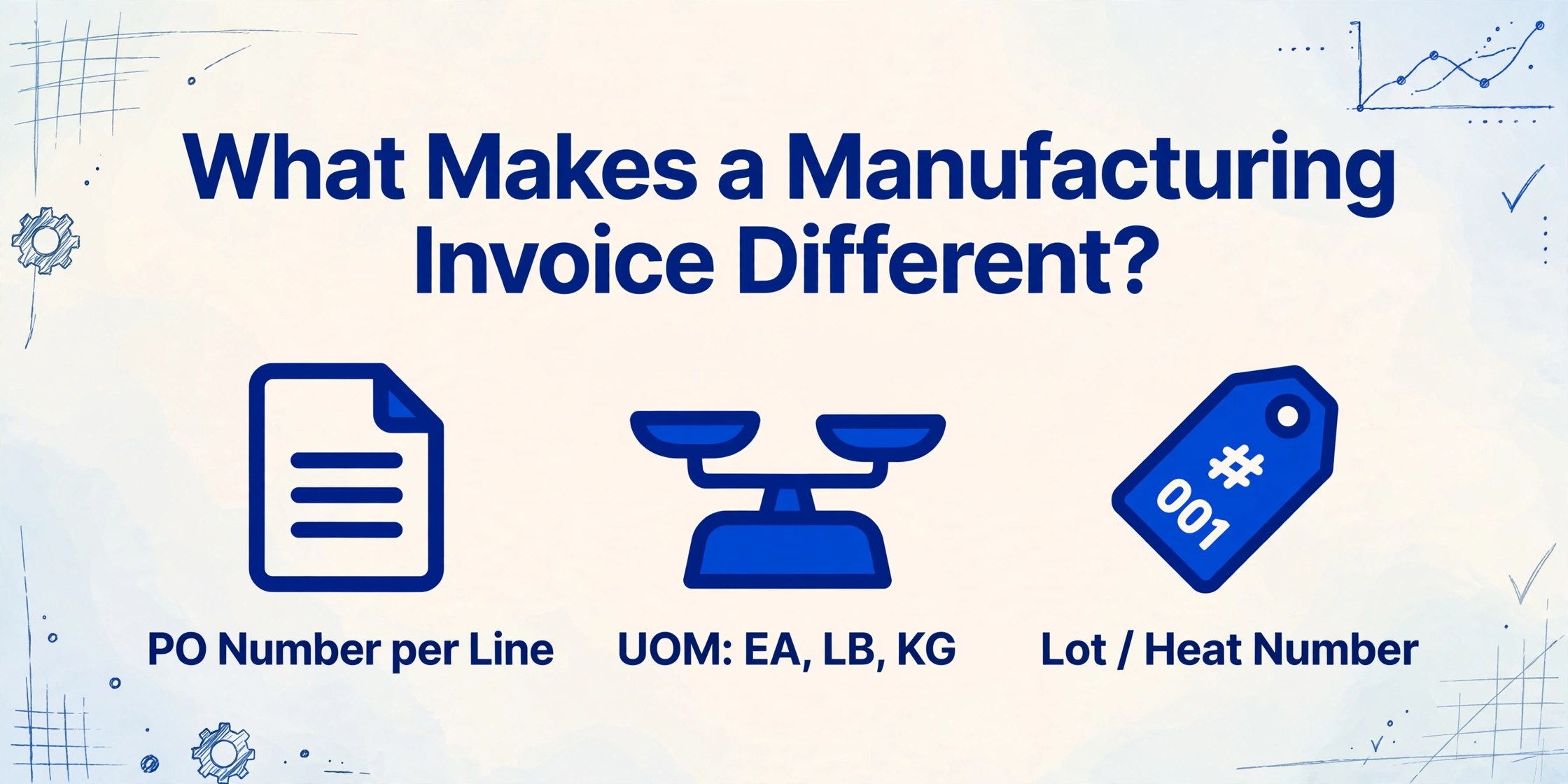
A standard service invoice lists a few line items — "Consulting, 40 hours, $200/hr" — with a single total. A manufacturing supplier invoice tells a more detailed story. It carries the raw material the factory floor needs next week, the quantity received against a specific PO line, and often a lot or heat number that ties the batch to a quality record.
Here is what a typical manufacturing invoice includes that a standard invoice does not:
| Field | What It Means for Manufacturing | Why It Matters |
|---|---|---|
| PO Number (per line) | Each line item references the specific PO it belongs to | A single invoice may cover multiple POs; each line must match a different purchase order |
| Unit of Measure (UOM) | EA (each), LB (pound), KG (kilogram), BX (box), PL (pallet), CS (case) | Mismatched UOM between PO and invoice is a common 3-way match failure |
| Lot / Batch / Heat Number | A supplier-assigned identifier linking material to a production batch | Required for traceability in ISO 9001, FDA, and AS9100 environments |
| Quantity Received | How much of the ordered quantity actually arrived | Partial shipments are the norm in manufacturing — rarely does 100% of a PO arrive at once |
| Material Description / Spec | "304 SS Sheet, 16ga, #4 Finish" — not just "steel" | The spec determines whether the material matches the BOM requirement |
| Unit Price | Price per unit in the agreed UOM | Must match the PO price within tolerance to avoid exception routing |
These fields are not decorative — they are the data that manufacturing AP teams use every day to determine whether an invoice is ready for payment or needs investigation. And the cost of getting it wrong adds up: manually processed invoices run $12 to $30 each in salary cost alone, and manufacturers typically handle hundreds of supplier invoices per month across dozens of vendors who all format their documents differently.
The 3-Way Match: Why Manufacturing Invoices Need Three Documents to Confirm One Payment
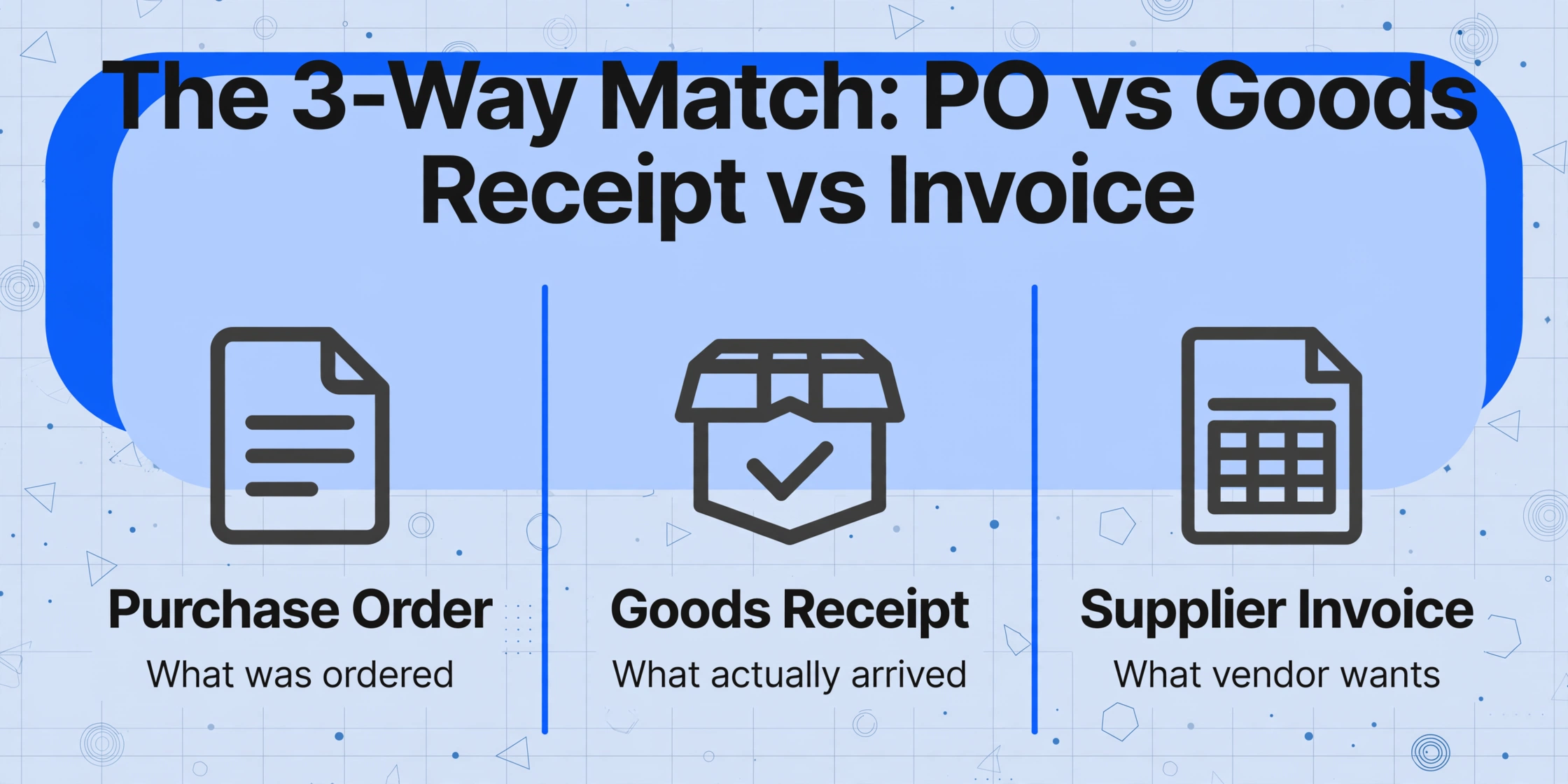
A service invoice can often be validated with a 2-way match: does the invoice match the PO? For manufacturing, that is not enough. When raw materials arrive on the loading dock, what was ordered, what was delivered, and what was billed may all differ — and the AP team needs all three documents to know who owes what.
Three-way matching compares the purchase order (what was ordered), the goods receipt note (what actually arrived), and the supplier invoice (what the vendor wants to be paid for). If all three agree on quantity, unit price, and item, the invoice moves to payment. If they disagree, the mismatch triggers an exception workflow.
Concrete example. A manufacturer orders 500 valves from a supplier under PO-2026-0412. The receiving team counts 480 on the delivery and logs a goods receipt for 480, noting 20 backordered. The supplier invoices 500 at the agreed unit price. Without 3-way matching, AP approves and pays for 500 — overpaying by 20 units. With 3-way matching, the system flags the quantity variance and routes the invoice to receiving to confirm: did the 20 backordered items ship separately, or does a credit memo need to be issued?
This is not a theoretical edge case. Partial shipments are routine in manufacturing. Suppliers ship what they have in stock, backorder the rest, and invoice against the original PO quantity. The AP team is left to reconcile which line items to pay now and which to hold. When that reconciliation relies on manually cross-checking a paper GRN against an email invoice and a PDF PO, it is slow, error-prone, and hard to audit. For a deeper look at why this three-way match breaks down in manufacturing — blanket POs, unit-of-measure drift, and the organizational gap between departments — see our analysis of why three-way matching hurts manufacturing AP more than teams admit.
Manufacturing invoice extraction addresses the front end of this problem: before the 3-way match can run, the invoice data has to be in a structured format that a matching system — or a spreadsheet — can work with. The extraction step is what turns a PDF from the supplier into the line-item rows that feed the match.
How AI Extraction Reads Manufacturing-Specific Fields
Traditional OCR reads characters by matching pixel patterns against a template. That works when every invoice from every supplier has the same layout — which is almost never the case in manufacturing. A raw material supplier like McMaster-Carr formats their invoices differently from an MRO distributor like Grainger, and a specialty metals supplier like Ryerson uses yet another layout. A template-based OCR tool needs a separate template for each one, and the template breaks when the supplier redesigns the invoice.
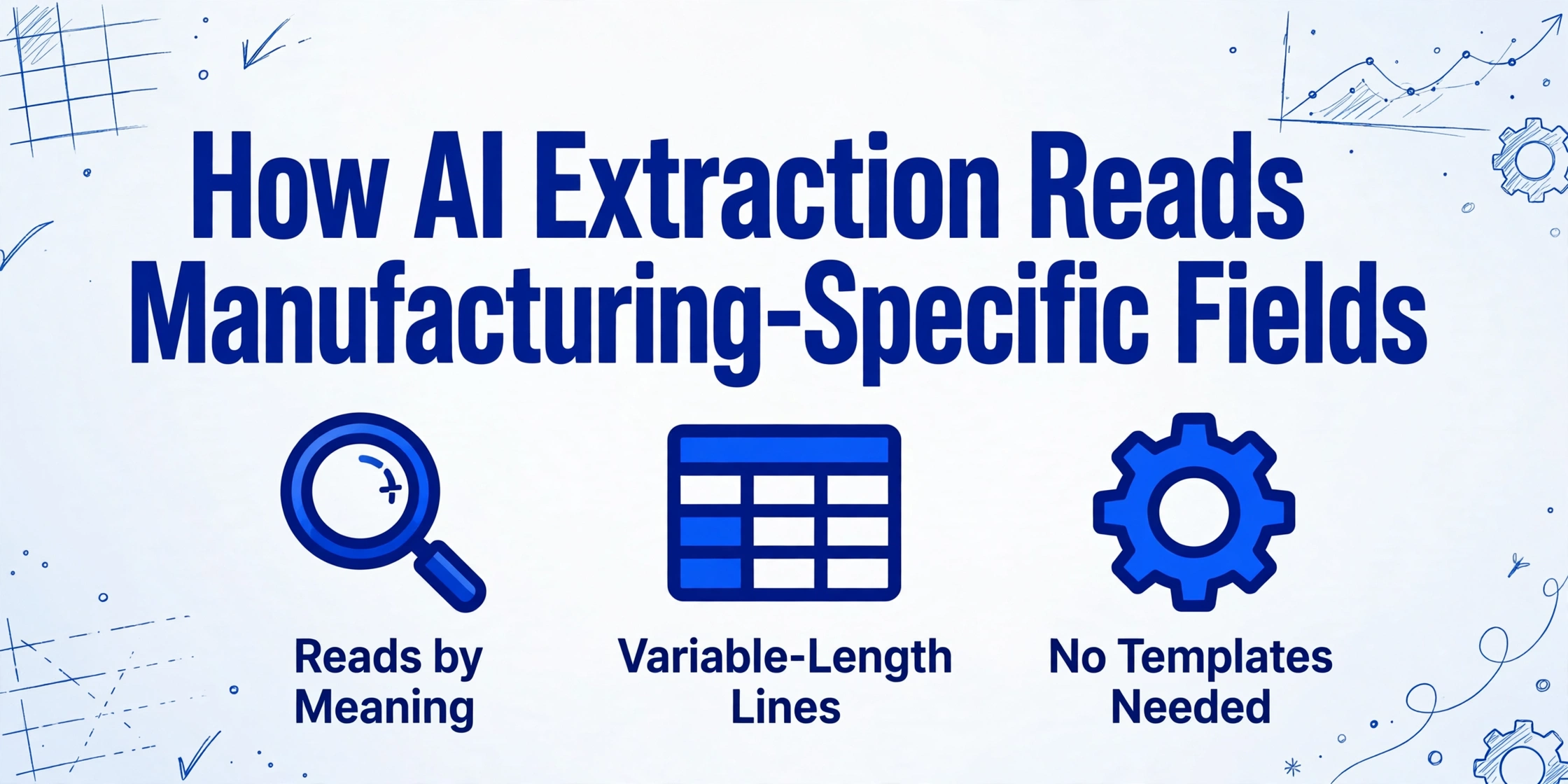
AI-based extraction — specifically, vision language models that understand document semantics — works differently. Instead of looking for characters at a fixed coordinate, the AI reads the document the way a person does: it recognizes that the number next to "Lot #" is a lot code, that the abbreviation "LB" in a UOM column means pounds, and that the quantity on line 4 refers to the line item on line 4, not the one above it.
This semantic approach matters for manufacturing invoices because the field density is high. A single invoice page may carry 15-25 line items, each with its own part number, UOM, quantity, unit price, and extended amount — and sometimes a lot number appended at the line level. Template OCR struggles with this density because field positions shift as line counts vary. AI extraction handles variable-length line item tables naturally because it reads the structural relationship between column headers and row values, not the pixel coordinates of each cell.
Tools like ImageToTable.ai use Custom Column Extraction: you define the columns you want — "PO Number," "Line Item Description," "Quantity," "UOM," "Unit Price," "Lot Number," "Extended Amount" — and the AI locates the corresponding values on any supplier's invoice by understanding what each column means. New supplier format? The AI adapts without retraining.
Files are processed securely and not stored. Upload a sample supplier invoice to see the extraction in action.
ERP-Free Manufacturing Invoice Extraction: When You Don't Have SAP
The assumption that invoice automation requires an ERP is one of the most common barriers for small and mid-size manufacturers. When the AP team hears "automated invoice processing," they picture SAP, Oracle, or Dynamics 365 — the million-dollar systems that come with integration consultants and six-month implementation timelines. And they conclude: that is not for us.
But automated extraction does not require an ERP. The extraction step — reading the invoice and outputting structured data — is independent of the matching and payment infrastructure that comes after it. You can extract the data into a spreadsheet, run your 3-way match in Excel against your PO log and goods receipt records, and approve payments from there. The extraction improves the part of the workflow that costs the most time: converting a PDF into line-item rows that a person — or a spreadsheet — can work with. For the full Excel workflow — extraction columns, XLOOKUP joins, and partial-delivery tracking — see our guide to matching supplier invoices to POs in manufacturing.
For a manufacturer running QuickBooks Enterprise, Fishbowl, or even a shared Google Sheet for PO tracking, AI extraction fills the gap between the supplier invoice PDF and the structured data needed for matching. Manufacturing PO extraction covers the procurement side of the same workflow — turning supplier POs into data your ERP or spreadsheet can consume — and manufacturing invoice extraction completes the loop by handling the billing side.
The key is to separate the question of "do I need automation?" from "do I need a new ERP?" Most mid-market manufacturers already have an accounting system that handles payment execution. What they lack is the data layer that turns supplier invoices into structured line items ready for matching. That layer does not require an ERP. It requires extraction that works across supplier formats without templates — and a spreadsheet or basic accounting system to consume the output.
When to Automate Manufacturing Invoice Extraction
Not every manufacturer needs automated extraction today. The decision to invest depends on three factors: invoice volume, supplier diversity, and partial shipment frequency.
Volume threshold. If your AP team processes fewer than 50 supplier invoices per month and the current manual process keeps up without overtime, automation is unlikely to pay back its setup cost quickly. At 100-200 invoices per month, the math shifts. Industry benchmarks put manual processing cost at $12-26 per invoice. At 150 invoices per month, that is $1,800-3,900 in labor cost alone — before errors, late payment penalties, and missed early-payment discounts.
Supplier diversity. If you receive invoices from 10 or more suppliers who each use different invoice formats, template-based extraction will never work reliably — you would need to maintain 10 separate templates and fix them every time a supplier updates their layout. AI-based extraction, which reads by meaning rather than position, handles format diversity without maintenance.
Partial shipment frequency. If partial deliveries are the exception in your operation — most POs arrive in one shipment — your 3-way match workload is lighter. But if partial shipments are routine (as they are in most manufacturing supply chains), every partial delivery creates a matching exception that requires manual reconciliation. Automated extraction reduces the time spent on each reconciliation by giving the AP team clean, structured line item data from all three documents to compare at once.
For manufacturers who process 100+ invoices per month from a diverse supplier base with regular partial shipments, extraction automation typically pays for itself within the first quarter — not just in labor savings, but in reduced overpayments, fewer late fees, and the ability to take advantage of early payment discounts that manual processing routinely misses.
Frequently Asked Questions
Does manufacturing invoice extraction work with handwritten supplier invoices?
AI vision models can read handwriting on invoices at 85-95% accuracy on reasonable-quality images — significantly better than traditional OCR, which often drops below 50% on handwritten line items. However, heavily smudged or damaged documents may require manual verification. The extracted data highlights low-confidence fields so the AP team knows which values to double-check.
Can extraction handle invoices with 20+ line items and multiple UOMs?
Yes. This is one of the areas where AI-based extraction outperforms traditional OCR. Variable-length line item tables — where some invoices have 5 lines and others have 50 — are handled naturally because the AI reads column headers and row relationships, not fixed pixel positions. Mixed UOMs (EA on some lines, LB on others, CS on a third) are extracted as-is, preserving the unit label alongside the quantity.
Do I need an ERP to use manufacturing invoice extraction?
No. Extraction works independently of your back-end systems. You can export structured data to Excel, Google Sheets, or CSV, then run your 3-way match against your PO records in a spreadsheet. Many small manufacturers use the guest upload page or the Google Sheets add-on to skip the ERP question entirely and go straight from invoice PDF to spreadsheet rows.
What fields can be extracted from a manufacturing supplier invoice?
Any field visible on the invoice can be extracted by name — you define the columns you want. Common manufacturing fields include: PO number, supplier name, invoice number, date, line item description, part number, quantity, UOM, unit price, extended amount, lot/batch number, heat number, and total amount. Invoice data extraction tools like ImageToTable.ai also support computed and inferred columns — for example, calculating line total from quantity and unit price, or inferring a material category from the line description.
How does extraction integrate with 3-way matching?
Extraction provides the front-end data layer. Once the invoice data is structured into line-item rows (with PO numbers, quantities, prices, and UOMs), you can feed it into a matching workflow — whether that is a formal 3-way match in an AP automation system, a lookup-and-flag script in Excel, or a manual comparison against your GRN records. The extraction does not replace the match logic; it makes the match possible by converting the invoice from an image into rows a system can compare.