COI Tracking Without the Software Subscription
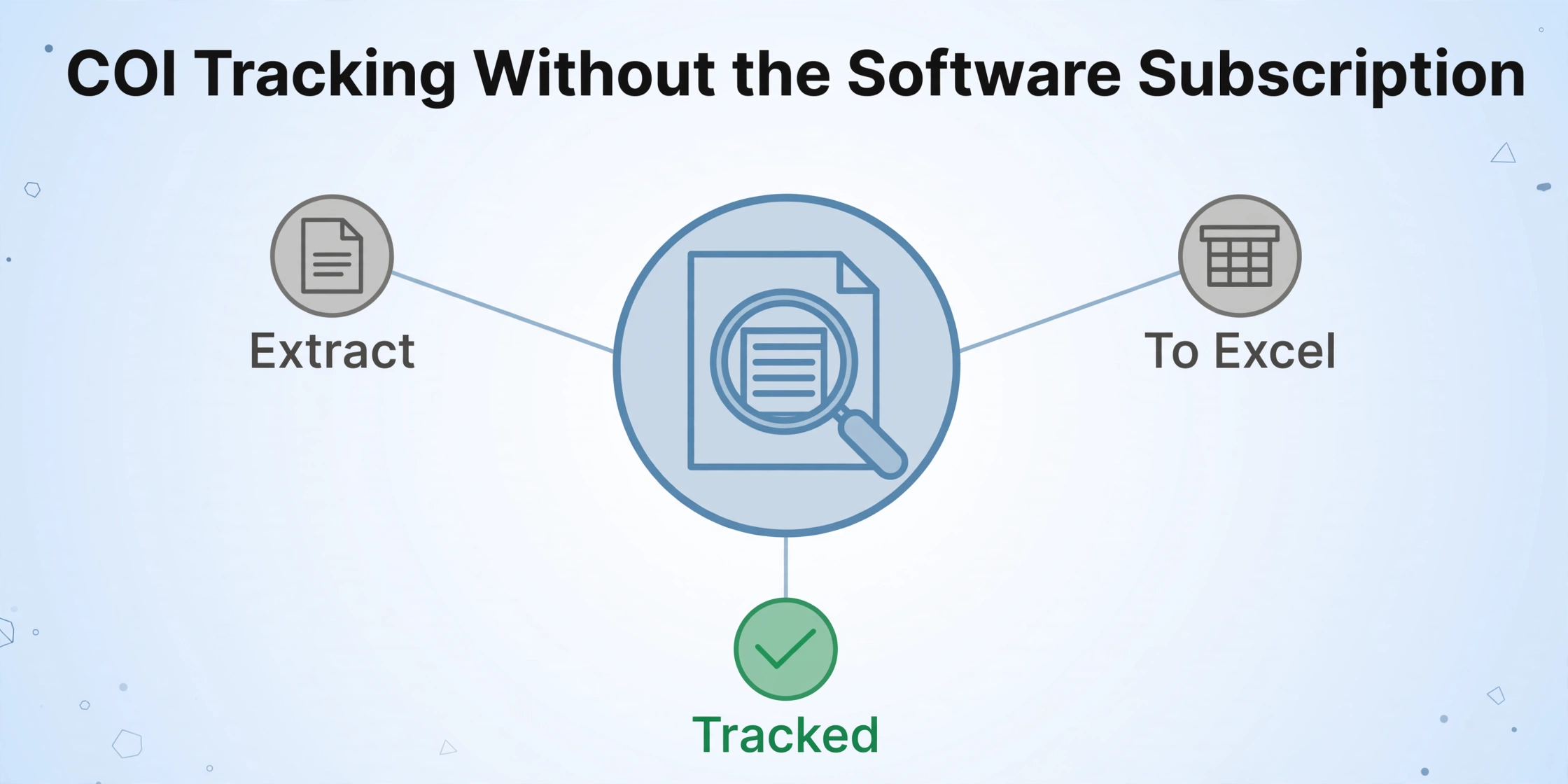
Extract Certificate of Insurance Data to Excel
A general contractor managing 40 subcontractors needs to verify that every one of them maintains current insurance coverage — general liability, workers' compensation, umbrella policies — with minimum coverage limits and valid expiration dates. Each subcontractor submits an ACORD certificate of insurance form, usually as a PDF from their insurance agent. The GC's project manager opens the PDF, reads the policy number, carrier name, coverage types and limits, and expiration date, and types them into a tracking spreadsheet. Repeat for every sub, every renewal cycle. The process takes roughly five minutes per certificate. At 40 certificates with quarterly renewals, that's 13 hours of data entry per year — and that's before chasing expired certificates, which research suggests leaves 40-60% of tracked certificates non-compliant at any given time.
Key Takeaways
- 40-60% of COIs tracked in spreadsheets are non-compliant at any moment — nearly half your subcontractors may be uncovered while the single missed expiration date that triggers a claim costs more than your company's entire annual compliance budget.
- Manual COI entry wastes 13 hours a year with a hard floor of five minutes per certificate — typing speed won't fix it — but COI tracking platforms at $200-500 per month charge for automated alerts and audit trails every month, when all you actually need to fix is getting data out of PDFs.
- ImageToTable.ai drops into the gap at the entry point: name your columns once — "Policy Number," "GL Each Occurrence Limit" — and it extracts those fields from any agency's version of the ACORD form (the standard U.S. construction insurance certificate), typed or handwritten, because it reads what a field means rather than hunting for it at a fixed position on the page.
The Real Cost of Manual COI Tracking
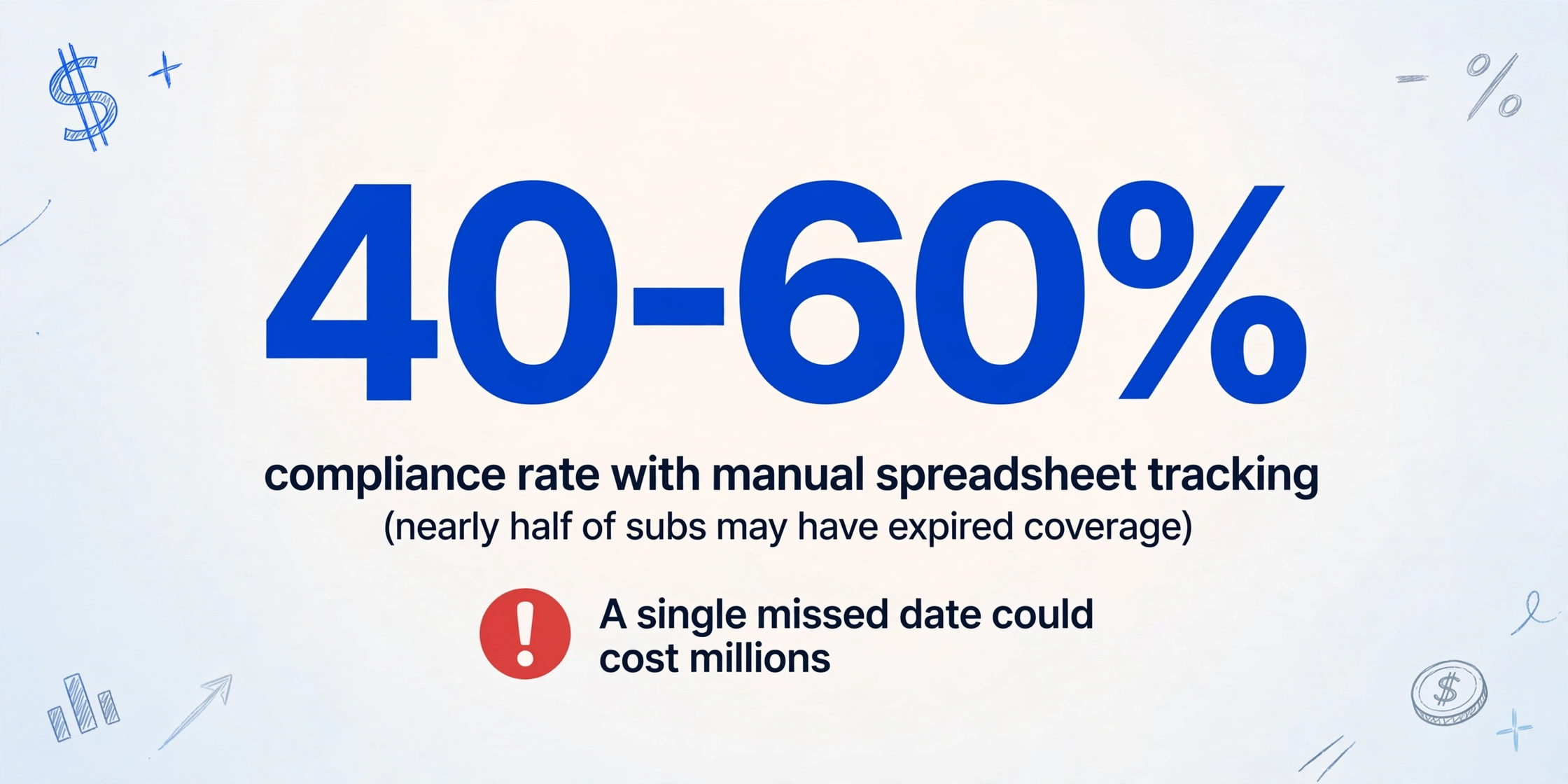
On Reddit's r/ConstructionManagers, a new project manager described the experience of inheriting a subcontractor insurance tracking spreadsheet: "I'm basically spending my entire day chasing subs over email to get their new COI before one expires. This feels completely insane and incredibly high-risk. A single missed date on this spreadsheet could cost the company millions."
The answer from experienced construction managers in the same thread: yes, this is how most companies do it — and yes, it is a nightmare. The spreadsheet is the universal starting point. It's free, it's flexible, and when you have ten subcontractors, it works. At thirty or forty, it becomes the bottleneck. At a hundred, it becomes the liability.
The compliance gap is not theoretical. Organizations relying on manual spreadsheet tracking achieve only 40-60% compliance rates — meaning nearly half of tracked subcontractors may have expired, insufficient, or missing coverage at any given time. The damage from a single uncovered incident — a subcontractor's worker injured on site without valid workers' comp, or property damage exceeding a lapsed liability limit — can exceed the annual cost of the entire compliance program.
The market's response to this problem has been COI tracking software: dedicated platforms (myCOI, SmartCompliance, BCS, CertFocus, Jones) that automate collection, verification, and expiration alerts. These tools work — BCS reports that clients "typically save 15-20 hours per week on compliance management" — but they come with subscription costs that typically start at $200-500 per month for small teams and scale with subcontractor count. For a general contractor running lean operations on tight project margins, that's a line item that may not clear the budget.
Between the free Excel spreadsheet (manual typing) and the subscription COI tracking platform ($200-500/month) there's a middle ground: AI that extracts COI fields into your existing spreadsheet, eliminating the typing without requiring a platform migration.
What's on an ACORD Certificate — and What Actually Matters
The ACORD 25 form — the standard certificate of insurance used across the U.S. construction industry — contains roughly 30 fields spread across coverage sections for general liability, automobile liability, umbrella/excess liability, and workers' compensation. Not all of them matter for compliance tracking.
The fields a GC needs to track per subcontractor:
Insured Name  |  Insurance Carrier  |  Policy Number
Policy Effective Date  |  Policy Expiration Date
General Liability Limit (Each Occurrence)  |  General Liability Limit (Aggregate)
Auto Liability Limit  |  Umbrella/Excess Limit
Workers' Comp Policy Number  |  Workers' Comp Limit
Certificate Holder  |  Additional Insured (Y/N)  |  Waiver of Subrogation (Y/N)
An automated extraction only needs to capture these 15 fields from each certificate. The remaining fields — producer contact information, description of operations, cancellation notice language — are reference material that can stay in the PDF.
Why Column-Name Extraction Works on COI Forms
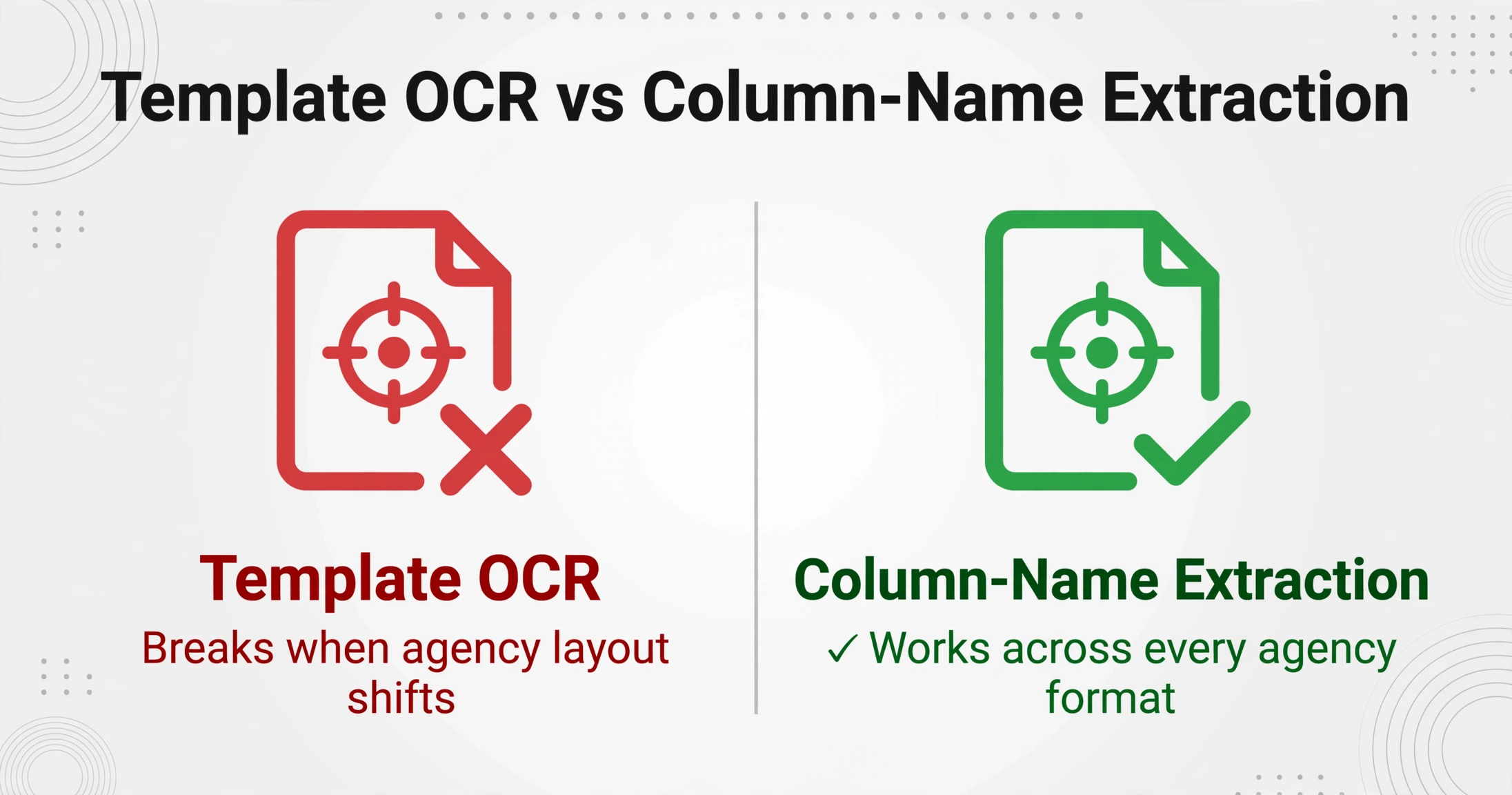
At first glance, COI forms look like ideal candidates for template-based extraction. They're standard ACORD forms with labeled boxes in consistent positions. But in practice, the standard ACORD layout is modified by nearly every insurance agency that issues them. Some agencies add their own headers and footers. Some rearrange the coverage sections. Some use electronic fill-in that shifts field positions. Some still issue typewriter-filled paper forms that scan with slight misalignment.
Template-based extraction configured for one agency's output breaks on another's. A tool that expects "Policy Number" in Box 4 at coordinate (x, y) fails when the next agency's form places it slightly differently due to font size, field overflow, or custom formatting.
Column-name extraction avoids this by reading for information rather than position. The field name "Policy Number" tells the AI to search for a policy identifier — typically a combination of letters and numbers, often near the carrier name and effective date — regardless of where it appears on the page. The field name "General Liability Each Occurrence Limit" tells the AI to find a dollar amount in the general liability section. The AI understands the semantic context, not just the pixel coordinates.
This means one field definition works across COIs from every insurance agency, every broker, and every format variation — typed or handwritten, electronic or scanned, clean or slightly misaligned.
Step by Step: COI PDF to Compliance Spreadsheet
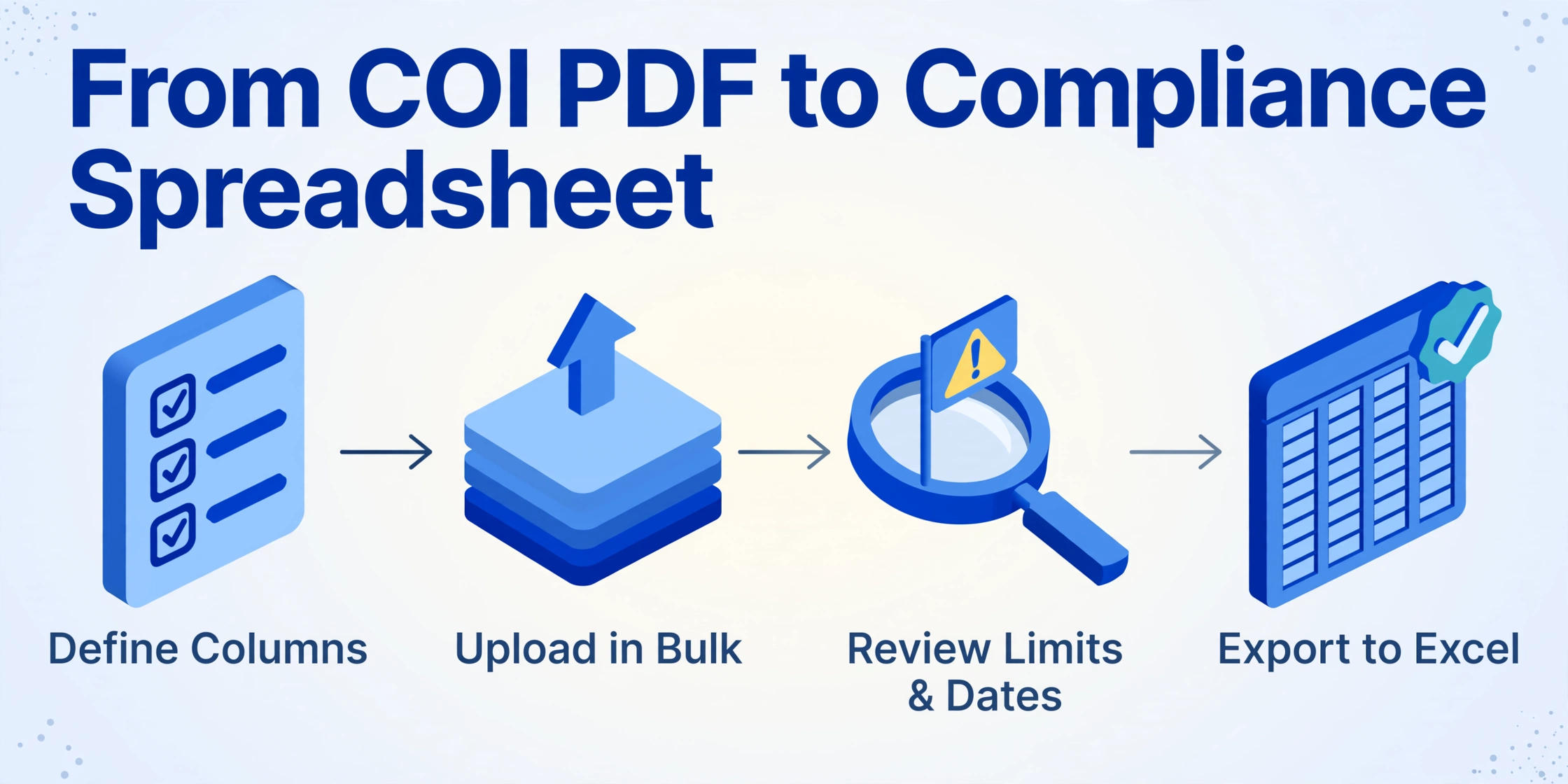
Files processed securely, not stored. Type COI field names and upload a sample certificate to test.
Extraction vs. Full COI Tracking Platforms: When to Use Each
The AI extraction approach is not a replacement for a full COI tracking platform. It does not automatically email subcontractors when certificates expire. It does not verify that coverage limits meet your contractual requirements. It does not maintain an audit trail of compliance communications.
What it does: eliminates the manual typing step from the COI tracking workflow. For a GC managing 30-50 subcontractors with a well-organized compliance spreadsheet, that's enough. The spreadsheet handles the tracking; the AI handles the data entry. For a GC managing 200 subcontractors across multiple projects with different insurance requirements per project, a dedicated COI platform earns its cost through automation that extraction alone can't provide.
The practical threshold: if you spend more time typing COI data into your spreadsheet than you spend acting on the compliance information — sending renewal requests, verifying coverage adequacy, resolving gaps — extraction pays for itself. If you spend more time managing compliance logic than typing data, a full platform may be the better investment. Most GCs in the 20-80 subcontractor range fall into the first category.
Frequently Asked Questions
Does this work with scanned COIs, not just digital PDFs?
Yes. The AI processes scanned certificates, including those originally issued on paper and photographed. Accuracy is highest on clean digital PDFs — 99% on printed policy numbers and dates. Scanned certificates introduce paper texture and alignment variations that may reduce accuracy on individual fields, but the AI handles these better than template-based tools because it reads for content rather than precise pixel position.
Can it detect whether a subcontractor is listed as an additional insured?
The AI extracts the text from the certificate holder and additional insured sections. It does not independently verify that the wording meets your contractual requirements — that remains a human review step. The extraction tells you what the certificate says. A compliance professional determines whether what it says meets your standards.
Can I extract data from certificates from different insurance agencies in one batch?
Yes. Different agencies may format the same ACORD form slightly differently — different fonts, different field alignments, agency-specific headers — but the information categories are identical. The same field definitions extract policy numbers and coverage limits from all of them because the AI reads the semantic content, not the layout specific to one agency's version of the form.
How do I set up expiration date tracking after extraction?
After exporting the extracted data to Excel, apply conditional formatting to the expiration date column: highlight dates within 30 days in yellow, past dates in red. Sort by expiration date to see which certificates need renewal attention first. This replicates the alerting function of COI tracking platforms without the subscription cost — though it requires someone to periodically check the spreadsheet rather than receiving automated email alerts.
What's the accuracy risk on coverage limit amounts?
Coverage limits are numeric values with clear labels ("Each Occurrence $1,000,000") — they extract reliably on clean certificates. Always review extracted limits against the source certificate before relying on the data for compliance decisions. A misread digit in a coverage limit — $1,000,000 extracted as $10,000,000 — creates a material compliance gap that no extraction tool should be trusted to catch without human verification. This field is in the "always review" category regardless of AI confidence score.
For construction teams handling additional document types, see our guide on extracting key fields from contracts and the field data collection workflow for site-based documentation. For the broader compliance tracking context, read about combining document collection with data extraction.