Tax Software Import vs AI Extraction
What Actually Works for W-2 Processing at Scale
If your tax software already imports W-2 data, why does a mid-size firm still spend 66+ hours per tax season manually typing numbers from client-submitted W-2s into its tax preparation software?
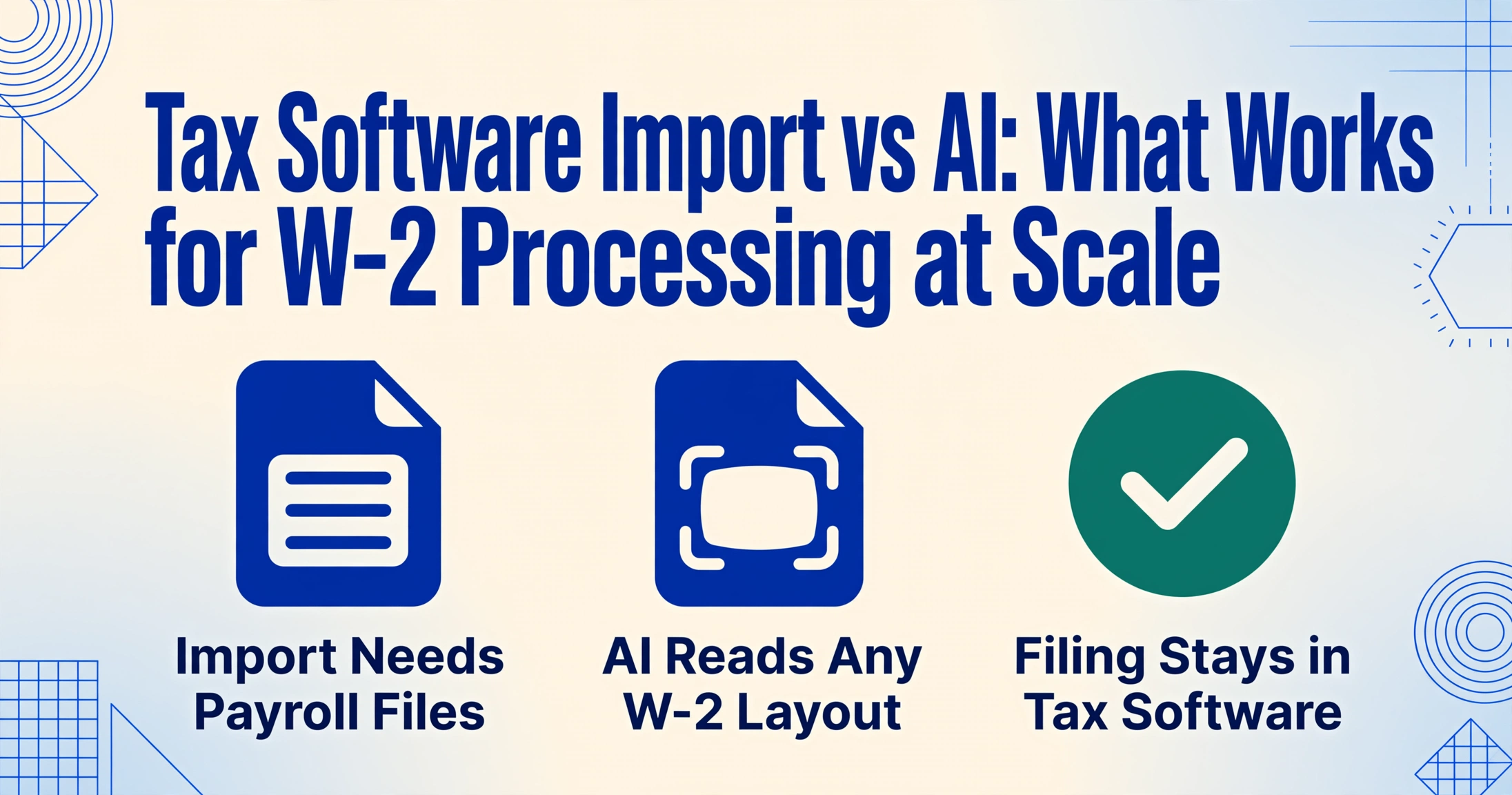
The answer is that "import" means two different things in the W-2 processing pipeline. One kind of import moves data that already exists in digital form — e-filed W-2 records from a payroll system into tax preparation software. The other kind — the one that still consumes thousands of keystrokes every January — is turning a paper W-2, a scanned PDF, or a phone photo of a crumpled form into structured data that anything can import. Tax software handles the first case. It was never designed for the second.
Key Takeaways
- Your tax software's "W-2 import" button only works on data that already exists digitally — it cannot read a single line off the paper W-2 your client emailed you.
- At 500 W-2s per season, manual entry displaces $4,333 of billable return preparation — on top of the $3,295 license fee that supposedly automates this step.
- ImageToTable.ai reads any W-2 — from ADP, Paychex, or a phone photo — by understanding what each box label means (not where it sits on the page), producing a clean spreadsheet in seconds.
The Two Different Things "W-2 Import" Means — and Why the Confusion Matters
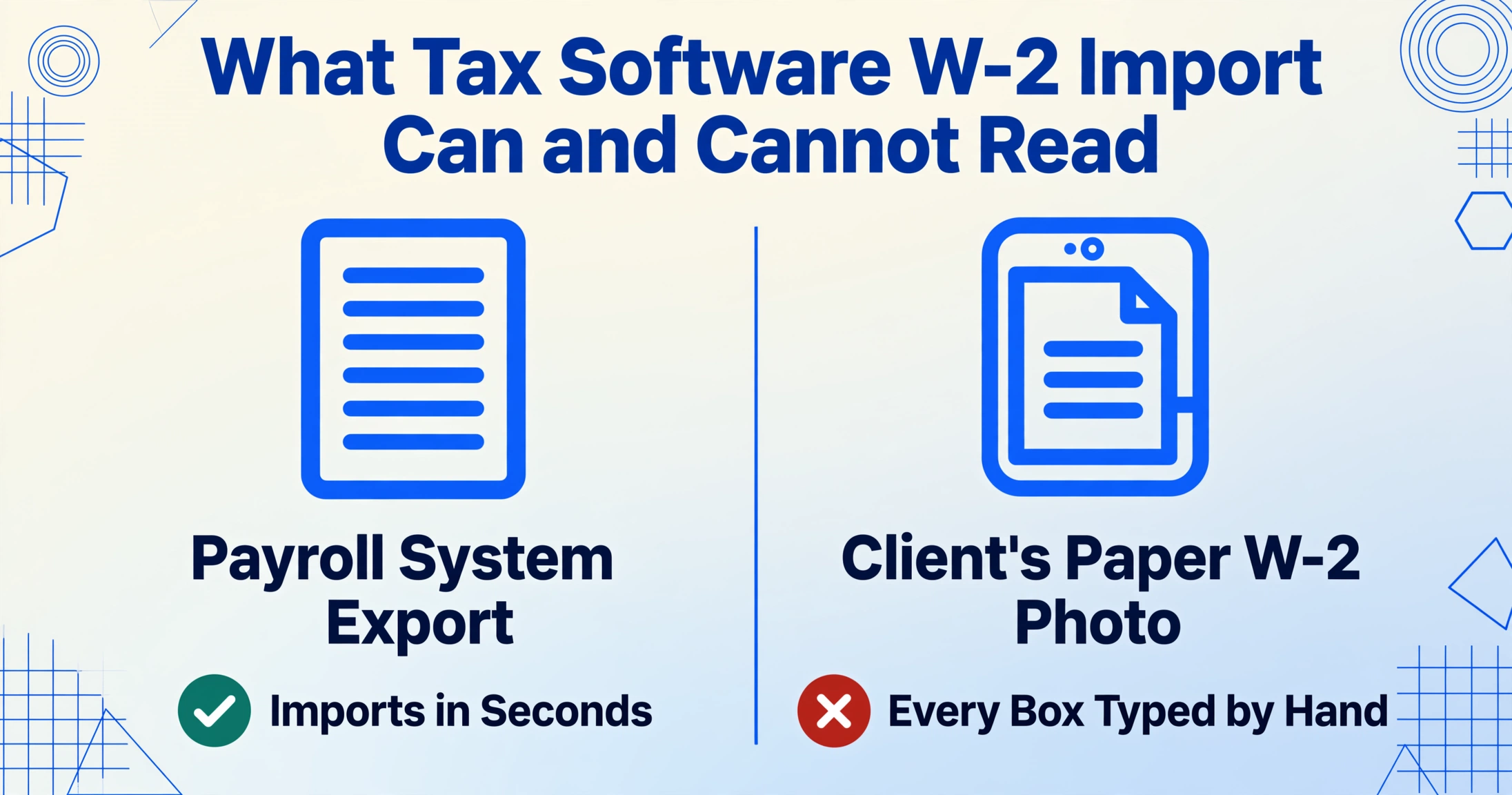
Most tax preparation software — Drake Tax, UltraTax CS, Lacerte, ProSeries — advertises W-2 import as a standard feature. Drake's Pro package at $3,295 per year includes prior-year data carry-forward, EIN database autofill, and the ability to pull W-2 information from supported payroll system integrations. The IRS e-filing mandate at 10 returns (Treasury Decision 9972) means virtually every employer files W-2s electronically through the SSA's Business Services Online (BSO) system using the EFW2 format — which means that data does exist somewhere in digital form.
But here is where the confusion starts. Tax software import is designed to receive data that has already been digitized and structured by someone else — a payroll provider like ADP, Paychex, or Gusto that generates a properly formatted electronic file. It is not designed to read a scanned copy of a W-2 that a client dug out of a filing cabinet, photographed with their phone, and emailed to their tax preparer. That gap — between "data exists somewhere digitally" and "data is accessible in a format my software can consume" — is where the structural automation gap in W-2 processing lives.
Five Dimensions Where These Approaches Diverge — Objectively
To compare these tools usefully, we need dimensions that matter to someone processing W-2s under a January 31 deadline. Not feature lists. Not marketing language. Five operational dimensions where the gap between the two approaches has real consequences:
| Dimension | Tax Software W-2 Import | AI Column-Name Extraction |
|---|---|---|
| Speed | Near-instant for prior-year carry-forward (data already in system). No speed advantage for first-time digitization — manual keystroke entry required at ~8 min/form. | 5–10 seconds per page for initial digitization. Batch mode processes multiple forms simultaneously, each employee becoming one row in the output spreadsheet. |
| Accuracy | Perfect for data sourced from payroll system exports or prior-year carry-forward. Error rate on manual keystroke entry: estimated 0.5%–3% per field (typos, transpositions). | Up to 99% for printed table data on clean forms. Accuracy degrades on heavily degraded scans, hand-corrected boxes, multiple overwrite marks. Verification step still recommended for tax filing. |
| Scalability | Scales linearly with staff hours for manual entry. A firm processing 500 W-2s at 8 min each needs ~66.7 hours of staff time. Adding a second preparer cuts it in half — but doubles the hourly cost. | Scales with upload volume, not headcount. The same column-name definition — "Box 1 Wages," "Box 2 Federal Tax Withheld," "Employee SSN" — reads 50 forms as easily as 5. Batch processing merges all results into a single spreadsheet. |
| Learning Cost | Staff already knows the software. Interface familiarity is high. Manual entry workflow is well-established — but this is also why firms underestimate its real cost as a discrete line item. | Column-name extraction requires rethinking workflow: instead of telling the tool where Box 1 sits on the page, you tell it what your output columns should be. This is a 10-minute conceptual shift, not a software training burden. |
| Format Flexibility | Tax software W-2 input screens follow the IRS form structure — they expect data that cleanly maps to Box a, Box b, Box 1, Box 2, etc. They cannot adapt to forms from different payroll providers whose boxes sit at different pixel coordinates. | AI reads form content semantically — it finds "Box 1 Wages" by understanding what the label means, not by matching a stored pixel position. The same column definition works on ADP W-2s, Paychex W-2s, scanned photocopies, and phone photos in a single batch — no template switching required. |
Tax software import wins on data already inside the system. AI extraction wins on data that arrives outside the system. These are not substitutes — they are sequential stages in a complete W-2 processing pipeline: digitize first, then prepare and file.
The Volume Threshold: When Each Approach Starts to Break
If you process under 10 W-2s per season, the entire comparison is academic. Manual keystroke entry inside your tax software — reading from the client's paper W-2 or PDF — takes about 80 minutes total. At $39.27/hour (BLS median accountant wage as of May 2024), that's roughly $52 in labor cost. Not worth optimizing.
At 10–50 W-2s, the math shifts. Fifty forms at 8 minutes each consumes 400 minutes — nearly a full workday. If your firm charges $200–$500 per tax return, that day of data entry displaces $2,000–$5,000 in potential billable work. Tax software carry-forward from prior-year data helps on repeat clients — but only for forms you've already typed before. New clients, amended forms, and W-2c corrections all require fresh manual entry regardless.
At 50–100+ W-2s, the bottleneck is no longer the speed of individual keystrokes. It's format fragmentation: W-2s from different payroll providers — ADP, Paychex, Gusto, QuickBooks Payroll — each render the same IRS-mandated boxes at different pixel positions. Template-based OCR tools fail at precisely this volume because they assume consistent layouts, and W-2s violate that assumption by design.
This is where the batch processing dimension of column-name extraction becomes decisive: one column definition — "Employee Name," "Box 1 Wages," "Federal Tax Withheld," "Box b EIN" — processes all 100 forms regardless of which payroll provider generated each one.
| Processing Volume | Manual Entry in Tax Software | Tax Software Carry-Forward | AI Column-Name Extraction |
|---|---|---|---|
| <10 W-2s | Sustainable. ~80 min total. No optimization needed. | Helpful on repeat clients (prior-year data). Adds zero value for new clients. | Overkill for this volume. Not cost-justified unless forms are unusual formats. |
| 10–50 W-2s | Becomes a multi-hour burden. One full workday at 50 forms. | Covers repeat clients only. Still requires manual entry for everything new. | Clear ROI. 50 forms processed in <10 minutes of batch upload time. |
| 50–100+ W-2s | Unsustainable. Multiple staff-days consumed. | Same limitation — prior-year data only. | Optimal zone. Mixed-provider flexibility becomes the primary advantage. |
| 100+ W-2s | Not viable without unacceptable error risk. | Reduces but doesn't eliminate entry burden. | Recommended as digitization step — output feeds into tax software for final preparation and e-filing. |
What Each Approach Costs — Beyond the Software License
Tax software licensing is a fixed annual cost. Drake Tax Pro runs $3,295 per year (multi-user, unlimited returns). Drake Tax Online starts at $299.99 base plus $49.99 per individual return. UltraTax CS and Lacerte sit in comparable ranges or higher. These licenses include e-filing, diagnostics, and the preparation workflow — but they do not include a solution for first-time data digitization.
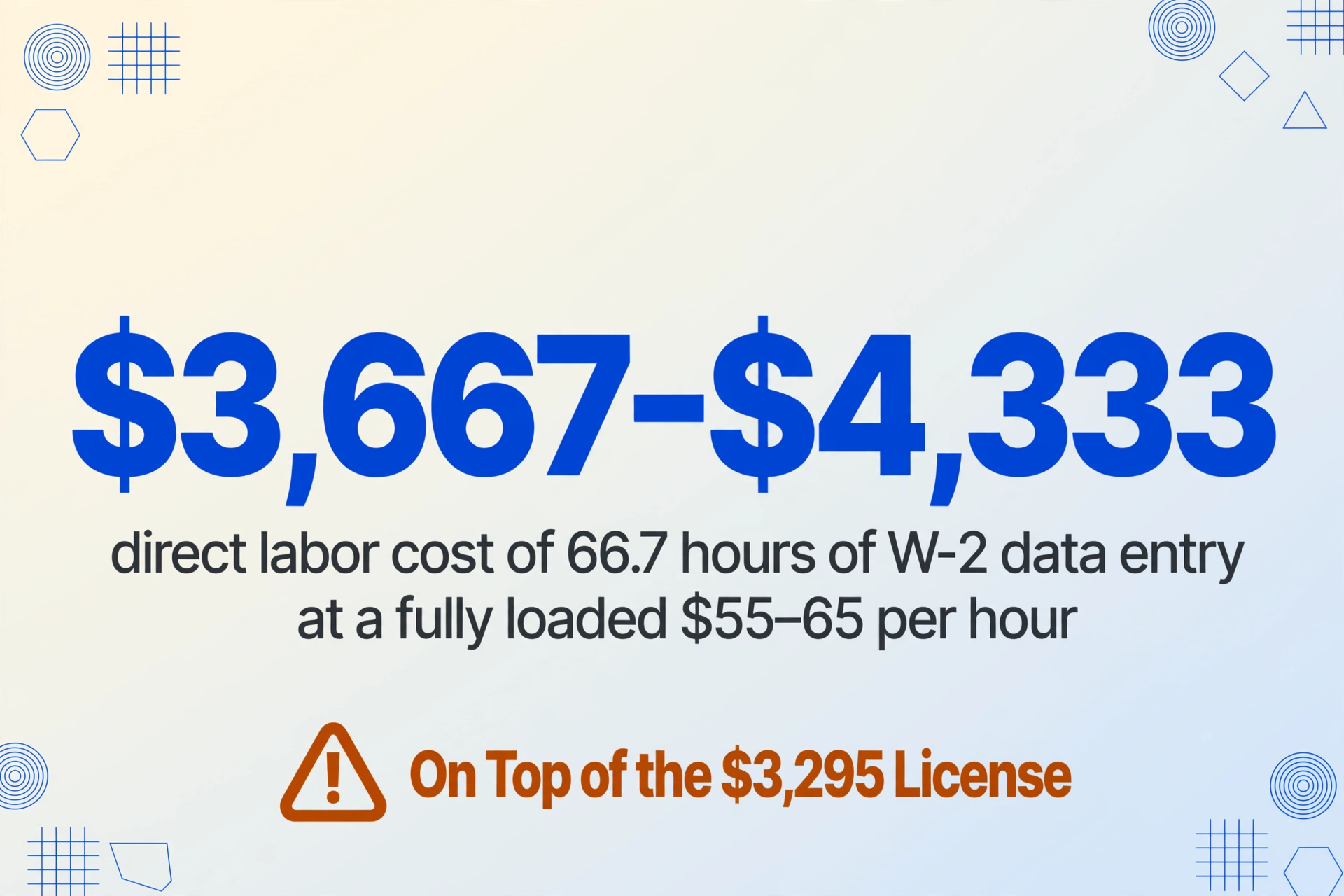
The hidden cost is what happens inside the software once it's paid for. The National Association of Tax Professionals (NATP) reports that 65% of its 23,000+ member firms' gross revenue is earned during tax season — a compressed window where every hour of data entry is an hour not spent on review, planning, or client consultations. At the BLS median of $39.27/hour (fully loaded firm cost closer to $55–65/hour including benefits, payroll taxes, and overhead), 66.7 hours of W-2 data entry costs a firm roughly $3,667–$4,333 in direct labor — on top of the software license that was supposed to automate this.
AI column-name extraction operates on a different cost model: per-use or subscription-based, with no per-form limit on how many fields you extract. The cost per form processed is a fraction of the per-form manual labor cost. But the more important comparison is not per-form pricing — it's that AI extraction addresses the step tax software was never designed to handle: digitizing a client's paper W-2 into structured data in the first place.
Where AI Extraction Fills the Gap That Tax Software Import Can't
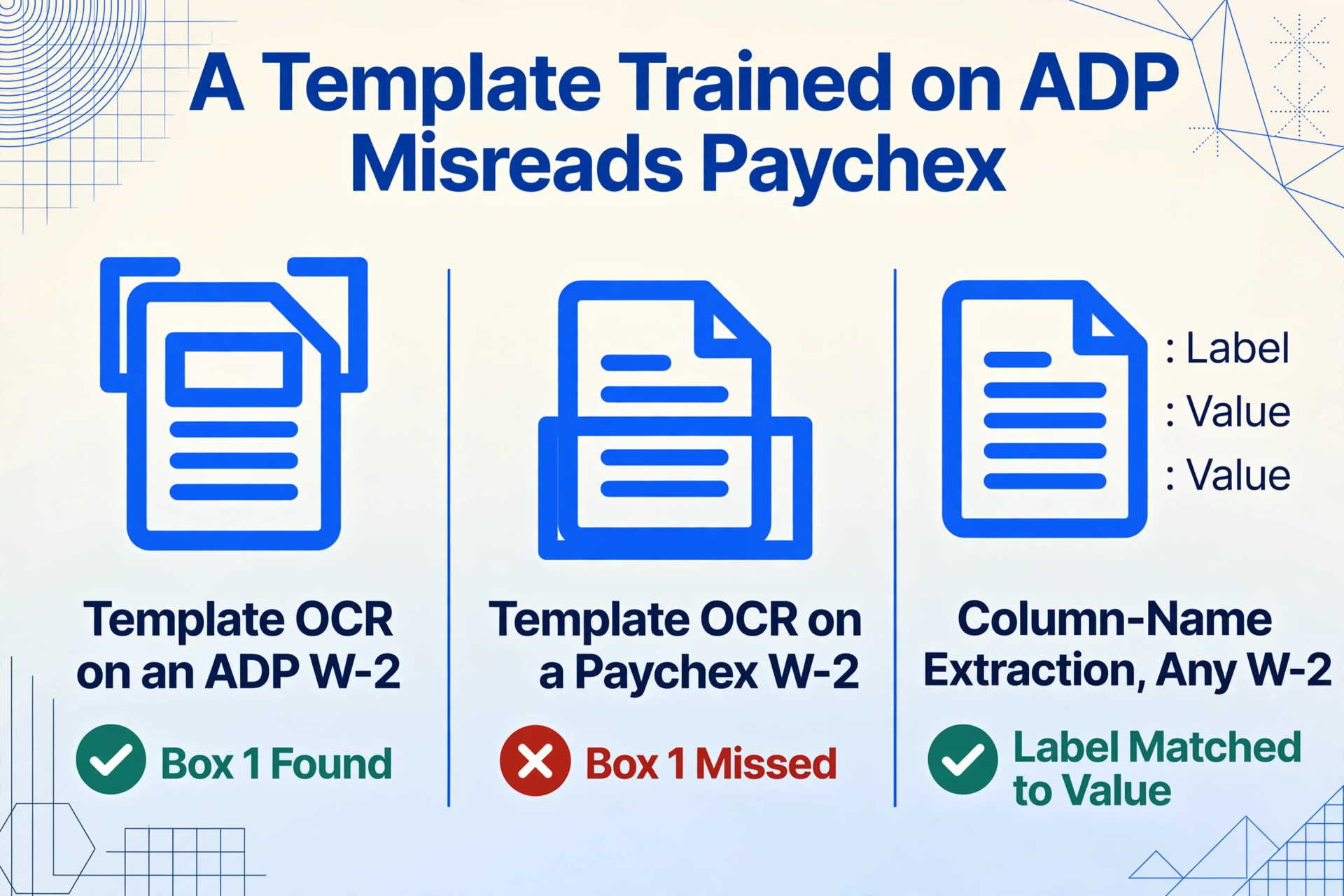
Column-name extraction — the method used to extract W-2 data from PDFs and scans — works differently from the template-based OCR that most tax automation add-ons use. Template OCR requires you to draw a bounding box around each field on a reference form; it then looks for data in the same pixel coordinates on subsequent forms. A W-2 generated by ADP positions Box 1 at one set of coordinates; a W-2 from Paychex positions it at another. A template trained on ADP will misread Paychex every time.
This page focuses on the W-2-specific comparison between tax software import and AI extraction. For a broader look at evaluating AI document extraction for a CPA firm — including the buying checklist, format-diversity problem, and regulatory obligations — see our AI data entry for accountants guide. And if you handle a wider mix of tax forms beyond W-2s (W-9, W-8, 1099 variants), the tax form OCR converter applies the same column-name approach to the whole IRS form family.
Column-name extraction — the method described in our step-by-step W-2 extraction guide — inverts this logic. Instead of telling the tool where the data sits on the page, you tell it what columns you want in your output table — "Box 1 Wages," "Employee SSN," "Federal Tax Withheld" — and the AI reads each form's content semantically, matching the label to its corresponding value regardless of layout. One column-name definition processes W-2s from any payroll provider, scanned copies, and clear phone photos — all in a single batch upload that produces a merged spreadsheet where each employee is one row.
This addresses the mixed-provider problem that has structurally resisted automation in W-2 processing: template-based approaches failed not because OCR was inaccurate, but because W-2 field positions vary by employer and payroll provider — a condition the template approach was built to require consistency in, making it fundamentally mismatched to the document type.
Files are processed securely and not stored.
The Verification Step Neither Approach Eliminates
This is where an honest comparison must acknowledge a shared limitation. Whether data enters your tax software through manual keystrokes, payroll-system import, or AI extraction, the preparer is ultimately responsible for the accuracy of the filed return. The IRS penalty schedule — $60 per form up to 30 days late, $130 for 31 days through August 1, $340 after that, and $680 for intentional disregard (IRC § 6721/6722) — charges per form, not per return. Fifty incorrect W-2s means fifty penalties.
Tax software mitigates this with built-in diagnostics: Box 4 (Social Security tax withheld) should equal Box 3 × 6.2% up to the $184,500 wage base (IRS Publication 15, 2026). Box 1 (wages) should be less than or equal to Boxes 3 and 5 plus nontaxable components. These cross-checks catch arithmetic errors regardless of how the data entered the system.
AI extraction can pre-validate during processing using computed columns: a column defined as "Box 4 vs Box 3 × 6.2% (output difference)" performs the cross-check during extraction, flagging mismatches before the data reaches your tax software. The AI reads the numbers from the form, performs the calculation, and adds the result as a column — you don't need to run the check separately in Excel. But even with this validation, a preparer should spot-check output — particularly for Box 12 code letters (D for 401k, E for 403b), partially masked SSNs, and W-2c forms with side-by-side previously-reported/correct-amount columns.
The Collection Problem: Getting W-2s From Clients Before You Can Process Them
There is a workflow stage that neither tax software import nor AI extraction directly addresses — but that directly limits both: getting W-2s from clients into your processing queue in the first place. During the compressed January tax season window, forms arrive through email attachments, shared drives, text-message photos, physical drop-offs, and fax. Each channel introduces its own file naming, format, and tracking challenges.
A collection link — a shareable URL that lets clients upload W-2s directly to your processing queue without creating an account — collapses these channels into one. The preparer generates a link, sends it to the client, and the client's uploaded files appear in the preparer's processing dashboard. Combined with column-name extraction, this means the preparer receives structured W-2 data in their preferred column format without ever touching a file attachment, downloading a PDF, or re-saving a text-message photo. It does not replace tax software — file preparation and e-filing still belong there — but it eliminates the document-collection friction that eats January afternoons before any data entry even begins.
Frequently Asked Questions
Does Drake Tax or Lacerte actually import W-2 data from scanned PDFs?
No. Drake Tax, UltraTax CS, Lacerte, and ProSeries can import W-2 data that is already in a structured electronic format — from payroll system exports, prior-year carry-forward, or e-filed records from the SSA's BSO system. They do not extract data from scanned PDFs, phone photos, or paper W-2s. Those forms require manual data entry into the software's W-2 input screen unless an external digitization step (OCR or AI extraction) is used first.
Can I use AI extraction and tax software together in the same workflow?
Yes, and this is the most effective configuration at scale. AI extraction handles the digitization step — turning client-submitted W-2s (in any format) into structured Excel or CSV output. That output is then imported into or manually entered into tax preparation software for final review, diagnostics checks, and e-filing. The two tools address different stages of the same pipeline: digitization (AI extraction) and preparation/filing (tax software).
At what point does AI extraction become worth the added cost?
For most firms, the break-even point is around 20–30 W-2s per season. At that volume, the labor hours saved (2.7–4 hours) offset the cost of AI extraction. Above 50 W-2s, the ROI is clear — the labor cost of manual entry alone exceeds the cost of extraction. The actual calculation depends on your staff's hourly rate (BLS median: $39.27/hour; fully loaded: $55–65/hour) and how many of your clients' W-2s are new rather than prior-year repeats.
What happens with W-2s that have handwritten corrections or poor scan quality?
AI column-name extraction handles moderate degradation — skew, light shadows, and standard handwriting — better than template OCR because it reads semantically rather than by pixel matching. However, heavily degraded documents with multiple overwrite marks, severe creases, or very low resolution may require manual verification of affected fields. The software does not fabricate data if a field is unreadable; it will leave the cell blank rather than risk filling it with a guess.
Is my tax form data secure when using AI extraction?
Files are processed over encrypted connections (TLS) and automatically deleted from the servers after processing. The AI does not retain uploaded documents and does not use submitted data for model training. For the tax preparation stage, your existing tax software's security infrastructure remains unchanged — the AI extraction step sits before it in the pipeline and does not require modifying your tax software's data security configuration.
Process Your W-2s in Minutes, Not Hours
Upload scanned W-2s, PDFs, or photos — define your column names once, get a structured spreadsheet with every employee in one row. Free to try, no setup required.
Try W-2 Extraction Free