ImageToTable.ai vs ChatGPT:
Batch Document Processing vs One-Off Prompts
You've probably already tried pasting an invoice into ChatGPT and asking it to extract the data. It works — for that one invoice. The question is what happens when you have fifty of them sitting in a folder, and you need them all in one Excel spreadsheet by end of day.
Quick Comparison
Choose ImageToTable.ai if…
- You process more than a handful of documents per week
- You need a single merged Excel file from multiple invoices, receipts, or forms
- You want consistent column names and field formats across every document
- You're tired of copy-pasting ChatGPT output into a spreadsheet
- You want your extracted data saved and searchable, not lost when the chat ends
Choose ChatGPT if…
- You're extracting data from 1–5 documents as a one-time task
- You need to ask follow-up questions about the content after extraction
- You already pay for ChatGPT Plus and don't want another subscription
- You need analysis or summarization on the content, not just a structured table
- The document is complex prose (contracts, reports) rather than structured fields
Feature Comparison
| Feature | ChatGPT (Plus) | ImageToTable.ai |
|---|---|---|
| Getting started | Open chat, upload file, write prompt — no signup for Free tier | Upload files and name your columns — no template configuration required |
| Batch processing | 10 files per message; 100 docs = 10+ manual rounds with no automatic merge | Multiple files → one merged table, single download |
| Excel / CSV export | Download links frequently broken; typical workflow is copy-paste from chat | One-click Excel, CSV, or JSON download |
| Output consistency | Field names and date formats can vary between runs on identical documents | Structured output aligned to your column names every time |
| Scanned document support | Fails on some scanned tables; embedded images in PDFs invisible on Plus (Enterprise only) | Purpose-built OCR pipeline for image-based and scanned documents |
| Google Sheets | No direct integration; requires Zapier or manual copy-paste | Google Sheets Add-on — writes extracted data directly to the active sheet |
| Result history | No persistent storage; files expire when the session ends | Searchable database of all extracted results |
| Pricing for regular use | $20/month (Plus); Free tier ~3 file uploads/day | $9/month Basic (150 docs); free guest trial available |
One Invoice vs One Hundred: The Batch Processing Gap
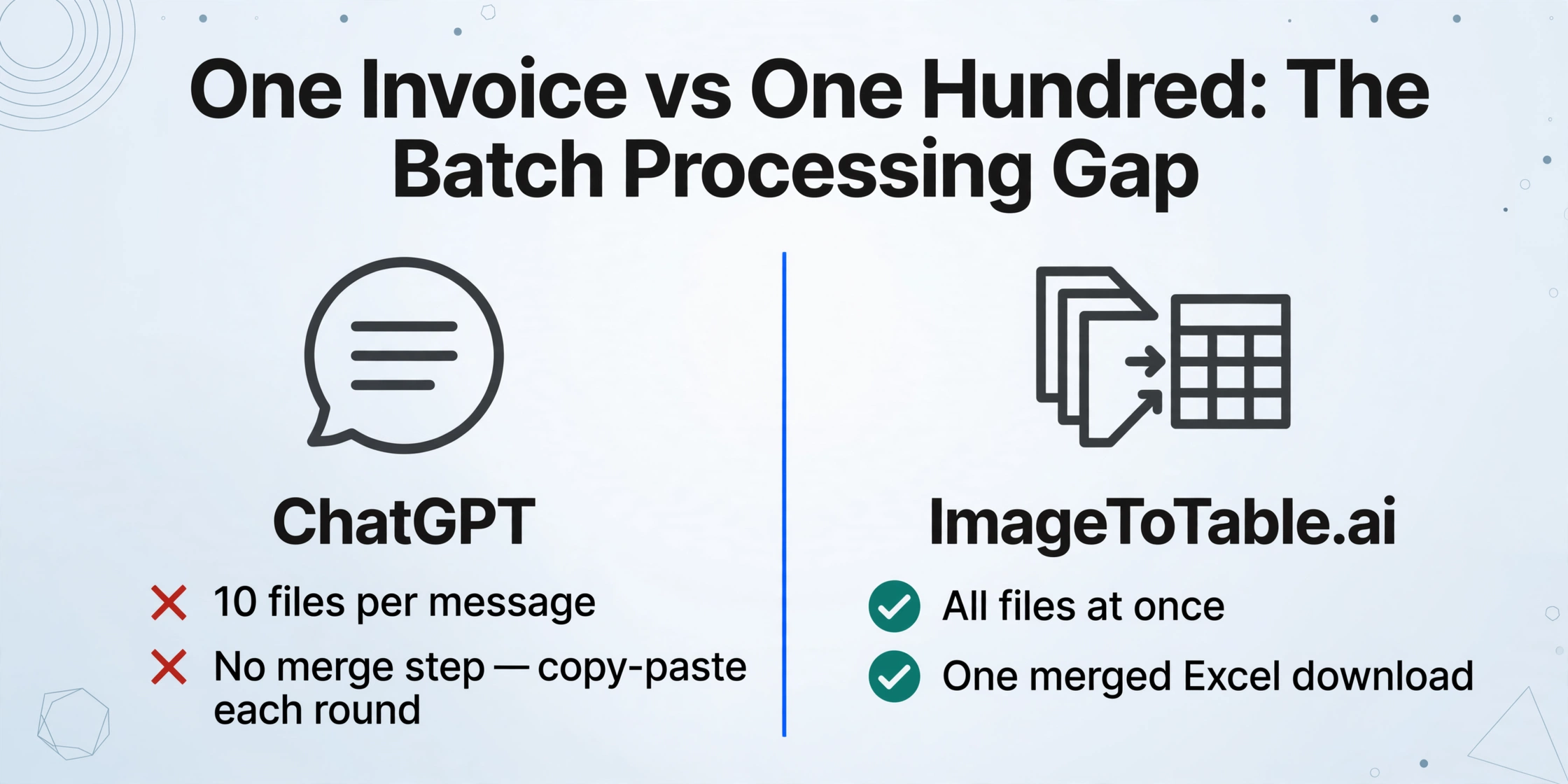
ChatGPT's file limit is 10 files per message on Plus. But the real constraint isn't the number — it's that there's no "merge and download" step. After each round you get extracted text or a markdown table inside the chat window. To get that data into Excel, you either copy-paste it yourself, or ask ChatGPT to generate a downloadable file — which has its own reliability problems (covered below).
Multiply that across 50 or 100 invoices and you've replaced manual data entry with manual output shepherding. The bottleneck shifts; it doesn't disappear. If manual entry volume is the real problem, our Manual Data Entry comparison quantifies the alternative.
"ChatGPT is an interactive, conversational tool. It is not a scalable system designed to automatically process hundreds or thousands of invoices in a single batch." — InvoiceDataExtraction.com
Inconsistency compounds the problem at scale. The same invoice format processed twice in ChatGPT may return dates as "Dec 25, 2024" in one run and "2024-12-25" in another, or vendor names with different casing. When you're merging results across dozens of documents, every variation becomes a cleaning task before the spreadsheet is usable.
ImageToTable.ai is designed around the batch use case from the start: upload all your files at once, define your column names once, and download one merged spreadsheet. Column alignment happens during extraction — it's not a post-processing step you handle manually.
The Excel Export That Isn't Always There
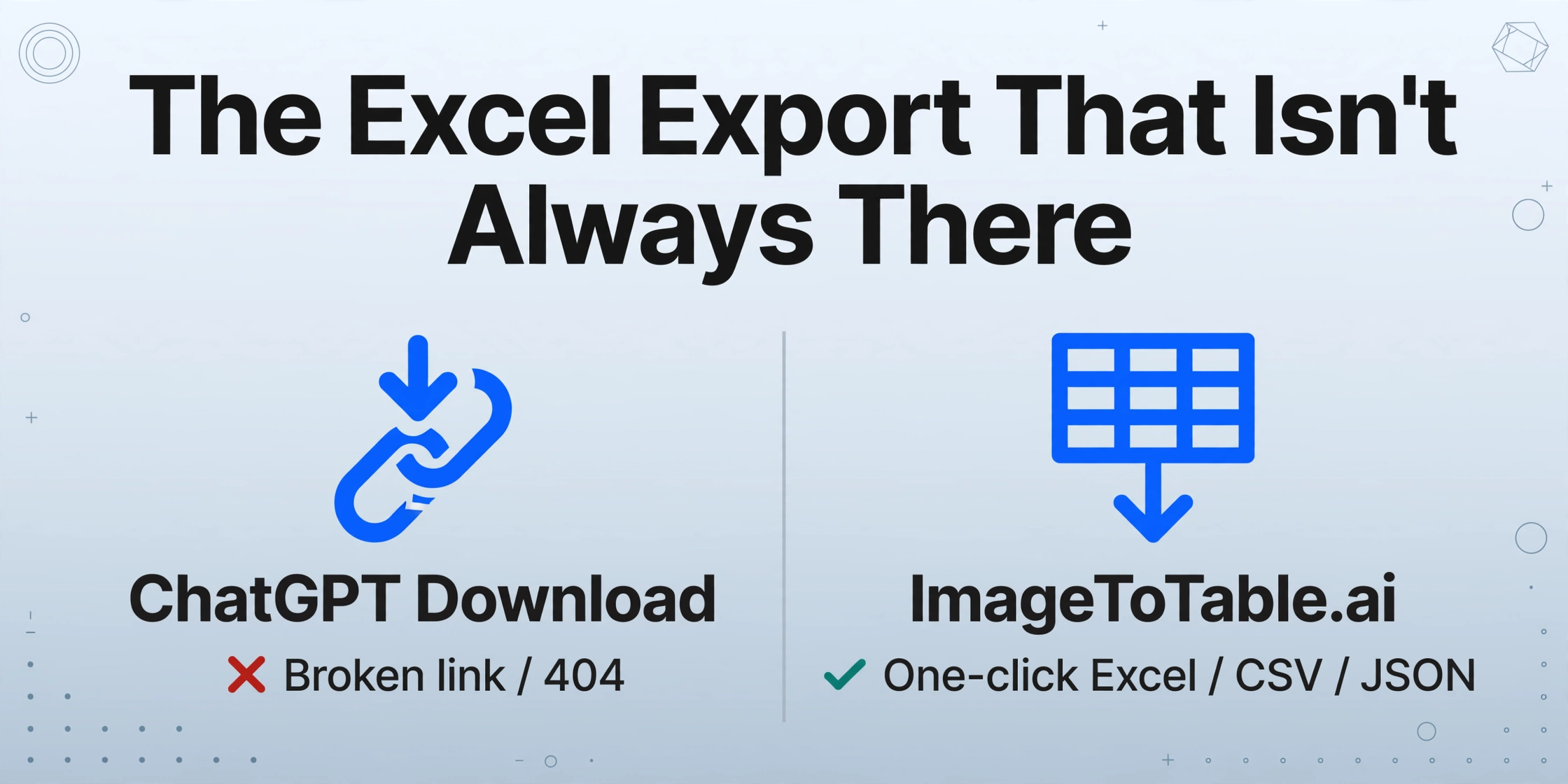
When ChatGPT extracts data, the results live in the conversation window as text. Getting them into Excel means one of two things: copy the output table by hand, or ask ChatGPT's Code Interpreter to generate a downloadable file.
The download path has a well-documented reliability problem. OpenAI's community forums contain hundreds of threads from users who clicked a ChatGPT-generated download link and got a broken URL or a 404. The root cause: in some cases the model describes a file it hasn't actually generated — a hallucinated link rather than a real one. OpenAI community moderators have acknowledged this directly.
"cant download the csv file, even after downloading them right away" — prideprofit, OpenAI Community, June 2024
For production document workflows, this means you can't fully automate the copy-to-Excel step — you need to verify each download worked. That verification overhead is the hidden cost of using a general-purpose AI for a task that a purpose-built tool handles deterministically.
Where ChatGPT's Conversational Approach Has the Edge
For ad-hoc, one-off document tasks, ChatGPT's conversational interface is genuinely faster to start. Nothing to configure — upload the document, write a prompt, get a response. If the extraction misses a field, you say so and it adjusts immediately.
ChatGPT also handles questions that go beyond data extraction: "Which of these invoices is overdue?" or "Flag any line items that look unusually high." That kind of interactive reasoning over extracted content is something a dedicated extraction tool isn't designed to do.
For documents that are closer to unstructured prose — contracts, meeting notes, RFPs — ChatGPT's language understanding is a better fit than field-level extraction. ImageToTable.ai is optimized for structured business documents (invoices, receipts, customs forms, bank statements) where the goal is getting specific values into table columns.
The honest framing is: ChatGPT is a general-purpose AI that can do document extraction as one of many things. ImageToTable.ai is a document extraction tool that does nothing else — and is designed for the case where you're doing it at volume, repeatedly, and need the output to land reliably in a spreadsheet. For teams that outgrow one-off prompts entirely, an enterprise platform like Nanonets is the next step up — our Nanonets comparison covers it.
Pricing Comparison
For very occasional use, ChatGPT's Free tier (roughly 3 file uploads per day) costs nothing. For regular document work, ChatGPT Plus is $20/month — a flat fee with no per-document accounting.
ImageToTable.ai uses a credit model where 1 credit = 1 document:
- Basic — $9/month: 150 credits (~$0.06/doc)
- Pro — $19/month: 400 credits (~$0.05/doc)
- Max — $59/month: 1,500 credits (~$0.04/doc)
- Pay-as-you-go: 50 docs for $6 · 300 docs for $30 · 1,000 docs for $80
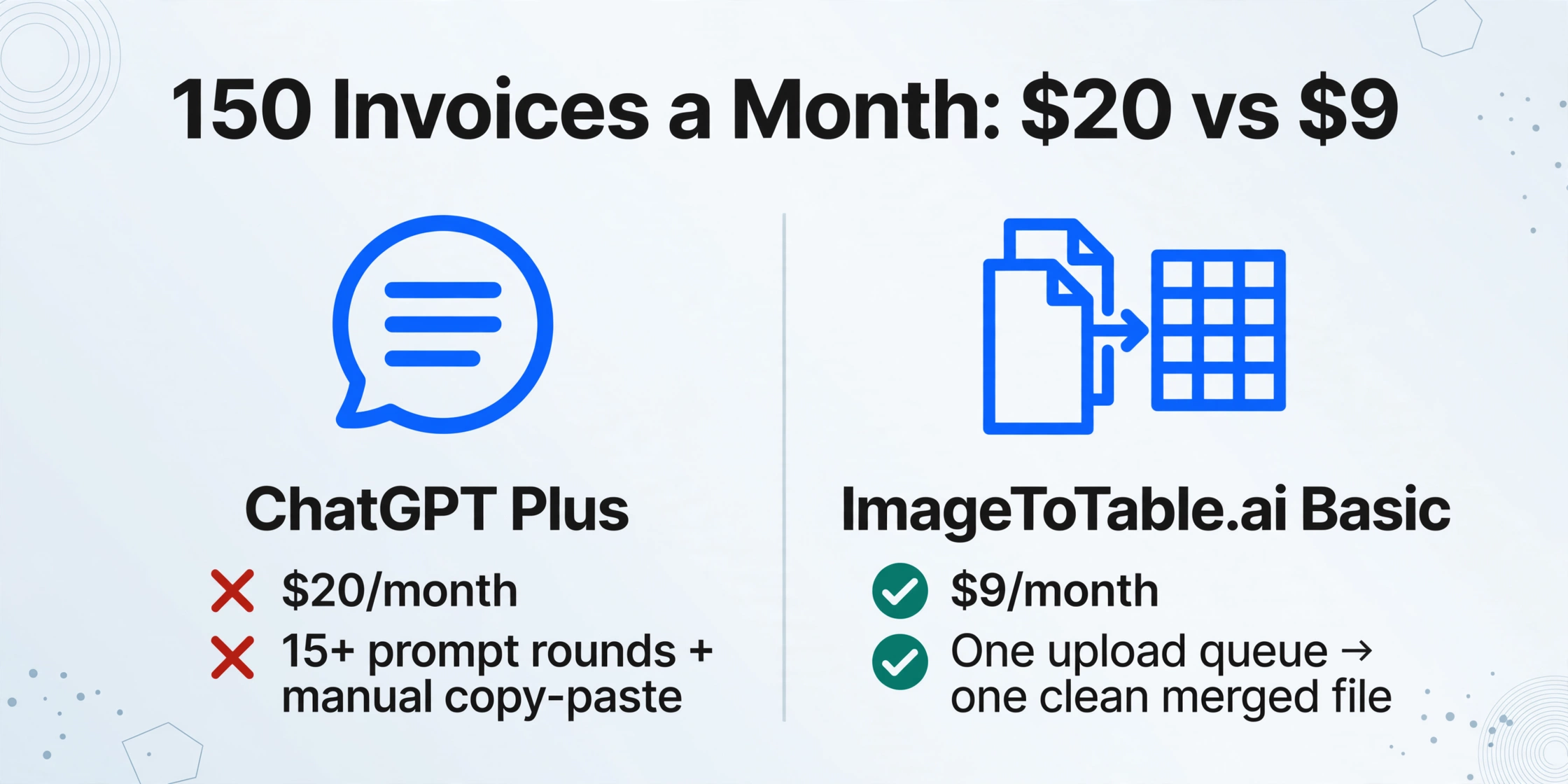
Processing 150 invoices a month: ChatGPT Plus at $20 can technically do it, but across 15+ prompt rounds with manual copy-paste and format cleaning. ImageToTable.ai Basic at $9 handles the same 150 documents in a single upload queue and outputs one clean merged file.
For developers considering building on the ChatGPT API: extracting 100 invoices via GPT-4o costs roughly $0.60–$1.00 in token costs alone (at $2.50/million input tokens), before accounting for engineering time to build the pipeline, handle errors, and normalize output formats.
Pricing as of 2026-04. Check official pages for the latest.
When ChatGPT Is the Better Fit
ChatGPT is the more practical choice in several real scenarios:
- Low volume, one-time tasks. If you handle 1–5 documents per week and don't need consistent formatting, using the subscription you already have is the sensible call.
- Post-extraction analysis. ChatGPT can extract and then immediately reason about the data — identifying anomalies, summarizing trends, answering questions. If that reasoning layer matters, ChatGPT handles it in the same conversation.
- Complex prose documents. For contracts, legal documents, or narrative reports where extraction is closer to summarization or clause identification, ChatGPT's language model is better suited than a field extraction pipeline.
- Already on Plus or Pro. If you're already paying $20/month for ChatGPT Plus and your document volume is low, there's no reason to add another subscription.
What Users Report About ChatGPT for Document Extraction
"I scanned a table and asked ChatGPT to extract the data and format it into an Excel spreadsheet. I got this error: 'No text could be extracted from this file.'" — OpenAI Community
"PDF and DOCX files upload just fine. The system says they're accepted and indexed… [yet] it can only read the first 5–6 pages of the document and fabricates content — presenting it as truth." — Genogza, OpenAI Community
"An LLM might return a date as 'Dec 25, 2024' in one instance and '2024-12-25' in another, meaning teams must spend additional time on manual data cleaning." — InvoiceDataExtraction.com
"Working with ChatGPT via OpenAI's API is painfully slow, taking nearly three weeks to extract approximately 2,500 records… subtle errors emerged including misspelled names, missing names, and wrong numbers that were enough to prevent basic analyses." — OpenNews, investigative journalism field test
Frequently Asked Questions
Can ChatGPT export directly to Excel?
Not reliably. ChatGPT can attempt to generate a downloadable CSV through its Code Interpreter feature, but download links frequently fail — a documented issue in OpenAI's community forums where the model generates a link without actually creating the file. The reliable fallback is copying the output table from the chat window into Excel manually. ImageToTable.ai provides a direct one-click Excel, CSV, or JSON download after every extraction.
Is ChatGPT free for document extraction?
The Free tier allows roughly 3 file uploads per day with limited GPT-4o access. For regular document work, ChatGPT Plus at $20/month raises the file upload cap to 10 per message, 80 per 3-hour window. ImageToTable.ai offers a free guest trial (no account required) and paid plans starting at $9/month for 150 documents — or pay-as-you-go from $6 for 50 documents.
Can ChatGPT process scanned invoices or image-based PDFs?
With significant limitations. GPT-4o can process uploaded images directly, but ChatGPT Plus does not analyze embedded images inside PDFs — that capability requires an Enterprise account. Scanned tables in image format sometimes trigger a "No text could be extracted" error. If your invoices are scanned PDFs, a purpose-built OCR pipeline handles them more reliably than the ChatGPT interface.
What's the technical difference between ChatGPT and ImageToTable.ai?
ChatGPT is a general-purpose conversational AI — document extraction is one of hundreds of tasks it handles, within a chat session, one interaction at a time. ImageToTable.ai is built specifically for batch document-to-table extraction: it runs a dedicated OCR + LLM pipeline, writes results to a structured database, and outputs aligned spreadsheets. The design difference is most visible at scale — where ChatGPT requires manual orchestration across multiple prompt rounds, ImageToTable.ai processes an entire batch automatically.
Can ChatGPT merge data from multiple documents into one spreadsheet?
Not automatically. You can upload up to 10 files per message and ask ChatGPT to extract and combine the data, but field names and formats are not guaranteed to match across documents — requiring manual cleanup before the merged table is usable. ImageToTable.ai merges all uploaded files into one aligned table automatically; column consistency is built into the extraction step.
Can I switch from a ChatGPT workflow to ImageToTable.ai?
Yes. ImageToTable.ai doesn't require any prior setup, template training, or migration. You upload your files, name the columns you want extracted, and download the result. If you've been using ChatGPT for ad-hoc extraction, you can try ImageToTable.ai's guest mode on your first batch without creating an account — no commitment required.
Try ImageToTable.ai Free
Upload your first batch of documents and download the merged Excel in under a minute — no account required to try.
No credit card required. Free credits included on signup.