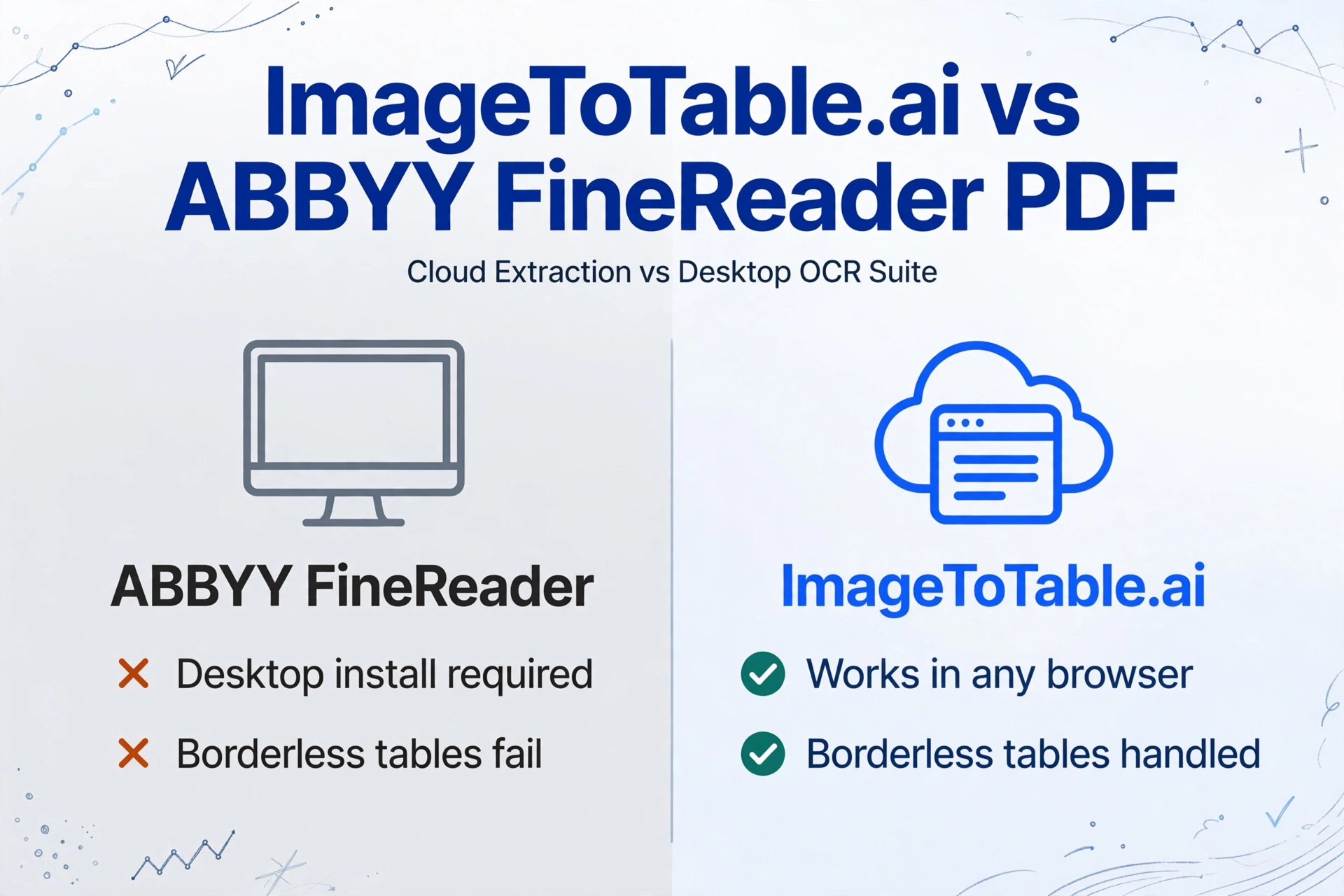
ImageToTable.ai vs ABBYY FineReader PDF:
Cloud-Native Extraction vs Desktop OCR Suite
An accounts payable clerk has fifty vendor invoices to process on Monday morning. ABBYY FineReader has been on her Windows machine for years. She opens each file, runs OCR, checks the detected table structure, exports to Excel, fixes the scrambled columns — then starts on the next one. By Tuesday afternoon she's finished. With ImageToTable.ai, she'd upload the entire batch, name five column headers, and have the merged spreadsheet before lunch.
Quick Comparison
Choose ImageToTable.ai if…
- You process invoices, receipts, or forms and need clean Excel output with your own column names
- Your documents include borderless tables, phone photos, or screenshots
- You need batch extraction from any browser — no software install on every machine
- You want dozens of documents merged into one aligned spreadsheet automatically
- Your team works remotely or needs access from multiple devices
Choose ABBYY FineReader if…
- You need to digitize paper archives where visual layout fidelity matters most
- You're a legal or compliance professional using the document diff / comparison feature
- Your workflow requires full-suite PDF editing, redaction, and digital signing
- You work in a managed enterprise Windows environment and need on-premise processing
- You handle complex multi-language scanned documents (201 languages supported)
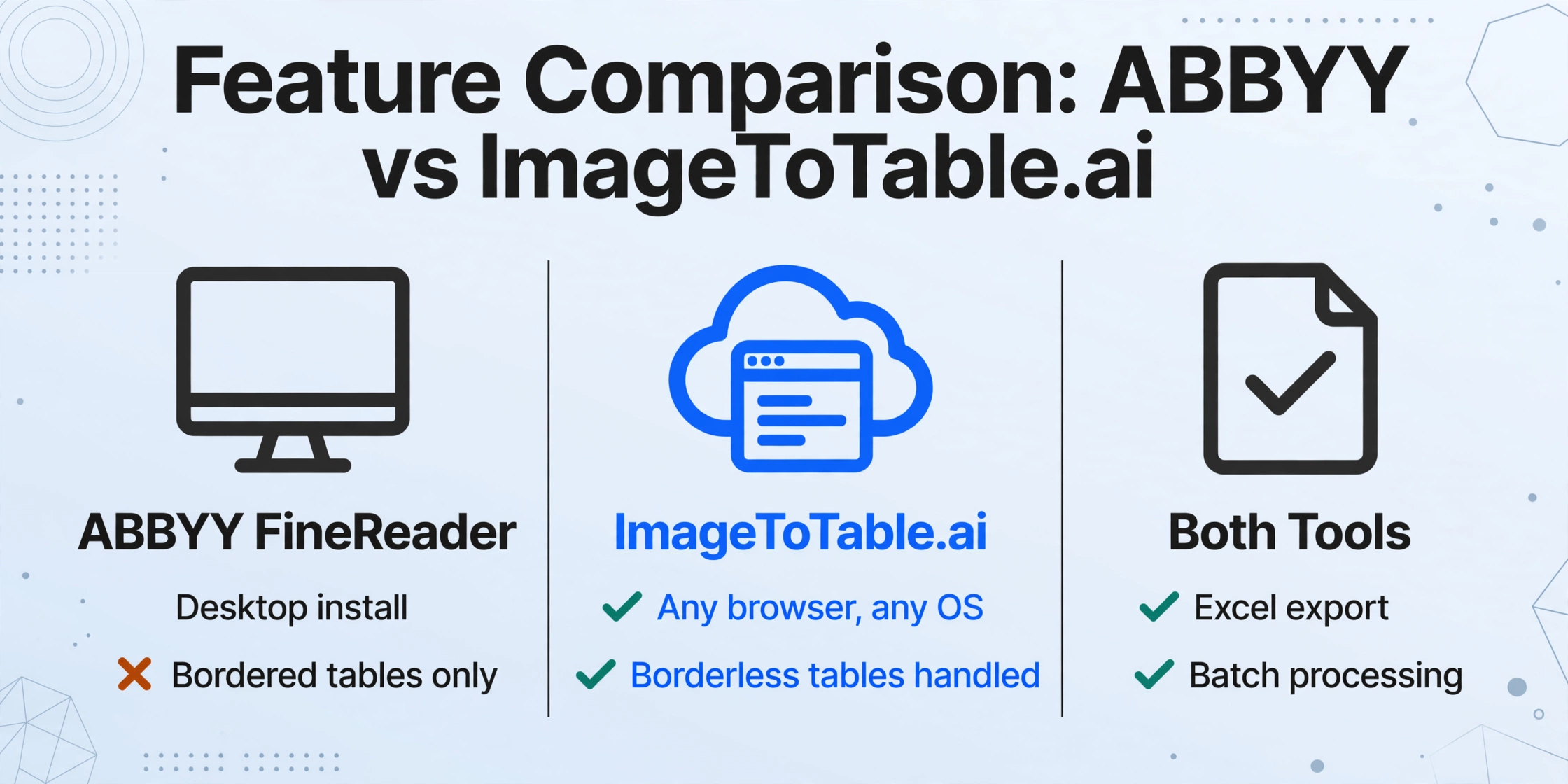
Feature Comparison
| Feature | ABBYY FineReader PDF | ImageToTable.ai |
|---|---|---|
| Getting started | Download and install Windows app (Mac version is significantly limited); 7-day trial | Upload files in a browser; guest trial with no account required |
| Batch processing | Corporate tier: up to 5,000 pages/month with folder-watching and scripted pipelines | Unlimited files per batch; all merged into one aligned spreadsheet automatically |
| Borderless table detection | Unreliable — users consistently report failure on tables without visible grid lines | Handled by vision LLM; identifies column structure from spatial alignment, not cell borders |
| Cloud / browser access | None natively; desktop install required; cloud storage via third-party (Drive, OneDrive) | Fully cloud-native; works in any browser on any OS |
| Mobile support | Companion scan-and-forward app only; no on-device OCR or Excel export | Full browser access from any device, including mobile |
| Custom column extraction | Not a feature; output structure follows the source document layout | Core feature — type the column names you want; those become your Excel headers |
| Output formats | Word, Excel, PPTX, PDF/A, HTML, CSV, XML, EPUB | Excel (XLSX), CSV, JSON, Word |
| Document comparison (diff) | Yes (Corporate tier) — text-level diff across two document versions | Not applicable |
| API / developer integration | Not in the desktop product; available only in separate enterprise products (FineReader Server, Cloud OCR SDK) at higher cost | REST API included with paid plans |
| PDF editing & redaction | Full-featured — annotate, redact, sign, protect, edit text in PDFs | Not a PDF editor; focused on data extraction only |
| Pricing | Standard $117/year, Corporate $165/year (Windows); Mac $69/year. No perpetual license since 2023. | Free guest tier; paid from $9/month. Pay-as-you-go option from $6/50 pages. |
The Borderless Table Problem
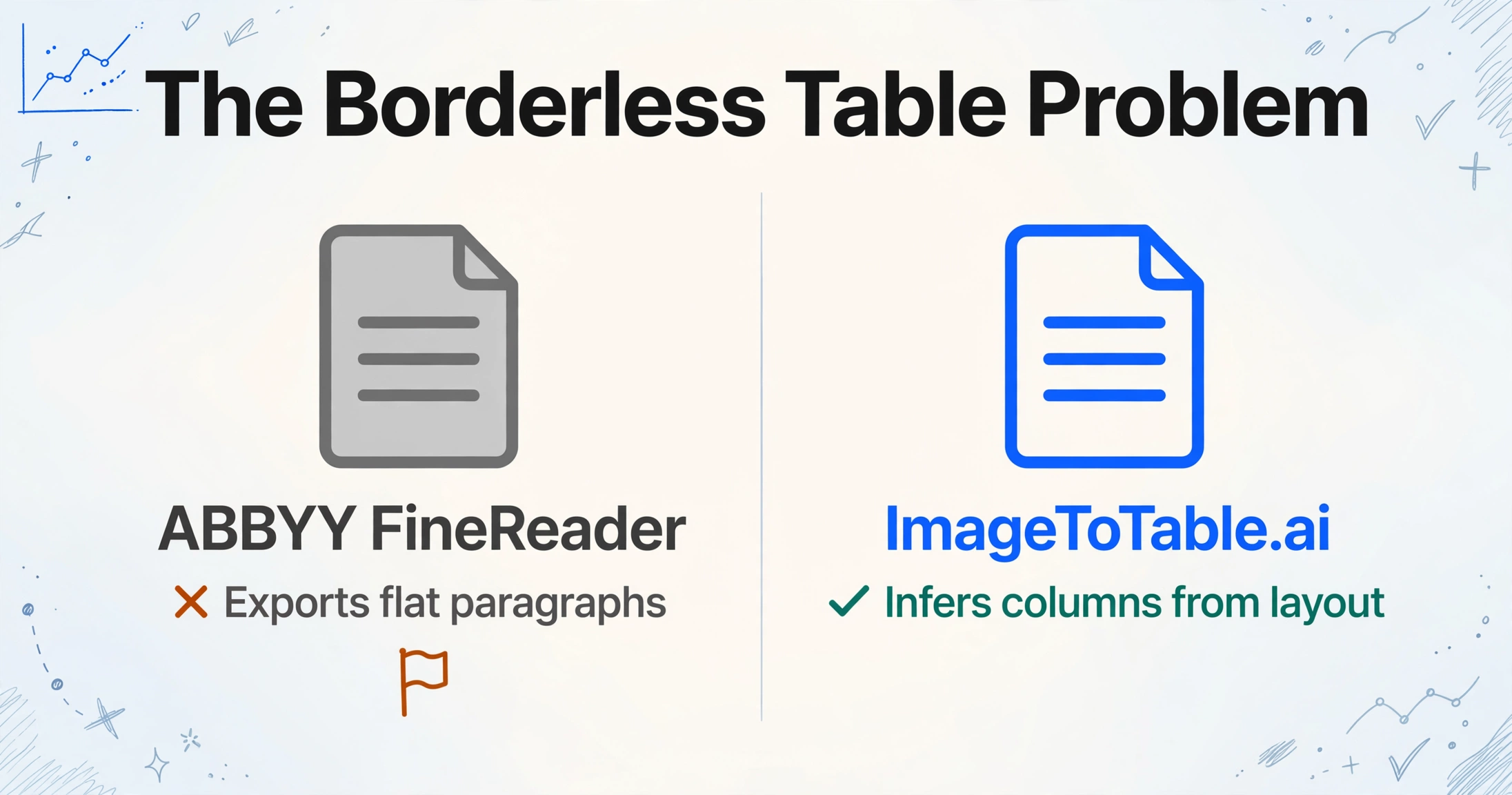
ABBYY FineReader's OCR engine is one of the most accurate in the industry for printed text. The limitation that catches most users by surprise is structural, not character-level: FineReader often fails to detect a table at all if the document doesn't use visible grid lines.
A verified Capterra reviewer described it directly: "Many obvious tables are not detected by ABBYY when automatic converting, especially those without visible lines. It fails to detect structures when converting scanned pages." — Capterra
This isn't an edge case. A large portion of real-world documents — invoices with aligned columns but no drawn borders, purchase orders with whitespace-separated fields, bank statements, utility bills — rely on spatial alignment rather than explicit cell borders. FineReader reads the text accurately, but exports it as flat paragraphs rather than a structured table. The user then has to manually redraw the table structure in the software before exporting.
ImageToTable.ai approaches the problem differently. It uses a vision large model (LLM) that understands the semantic layout of a document — the same way a person recognizes that aligned columns of numbers represent a table, even with no grid lines. The column structure is inferred from the document's visual meaning, not the presence or absence of border pixels.
For users primarily extracting invoices, receipts, purchase orders, and financial statements — exactly the documents that commonly lack explicit borders — this is the most consequential technical difference between the two tools.
Desktop-Installed vs. Cloud-Native: What It Actually Means
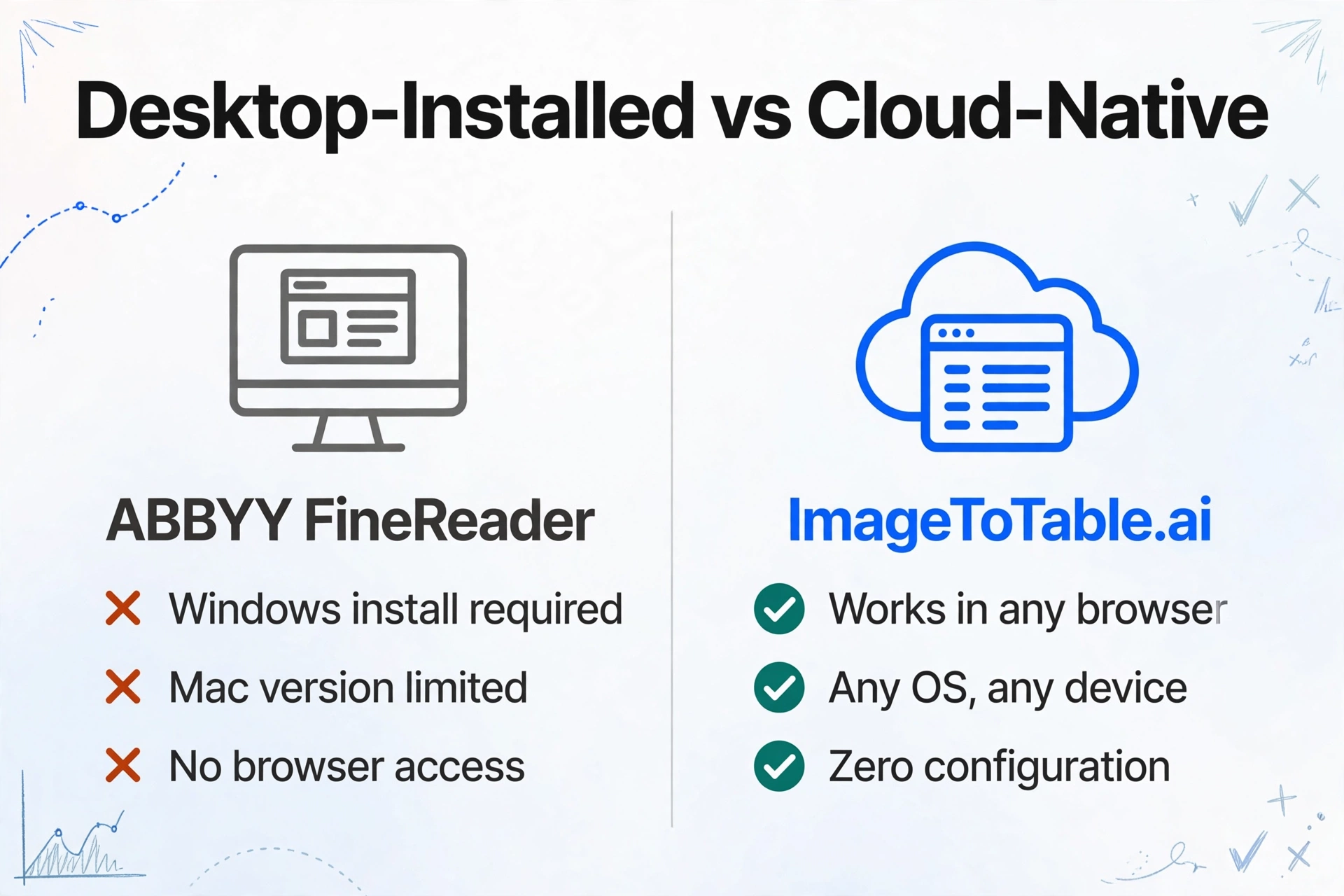
ABBYY FineReader requires a Windows desktop installation. The Mac version is significantly reduced in scope — it lacks full PDF editing capabilities and doesn't support Apple's HEIC format natively. There is no web browser interface; there is no way to access FineReader from a tablet or phone to process documents on the go.
In practice, this creates specific friction points:
- Multi-device teams. Each user needs FineReader installed on their own Windows machine. For teams where some members are on Mac, or where staff rotate machines (remote workers, shared terminals), licensing and access becomes a coordination problem.
- Field workers and mobile capture. FineReader's mobile app can scan a document and route it to cloud storage, but it cannot process or export it directly. A field agent photographing receipts still needs a desktop session to produce the spreadsheet.
- Remote and cloud-first environments. Organizations running cloud desktops (Citrix, Azure Virtual Desktop) can deploy FineReader there, but it adds infrastructure overhead. In contrast, ImageToTable.ai works in any browser with zero configuration.
Neither architecture is inherently better — the right choice depends on the team's environment. But it's worth being explicit: "desktop OCR software" and "cloud extraction tool" describe fundamentally different deployment models, not just feature sets.
Where ABBYY FineReader Genuinely Wins
This comparison would be incomplete without acknowledging what FineReader does exceptionally well — things ImageToTable.ai doesn't attempt.
Digitizing paper archives at scale. If your primary task is converting thousands of scanned physical documents — legal case files, historical records, paper-based ledgers — into searchable, editable formats with precise visual layout preservation, FineReader's Corporate tier batch pipeline is purpose-built for this. One Capterra reviewer put it plainly: "ABBYY is the ONLY app available that can quickly adjust rows and columns to an exact OCR match" — for multi-page invoices with complex bordered layouts, that reputation is earned. The layout reconstruction (fonts, columns, table formatting, headers and footers) is reliable for well-scanned, bordered documents.
Document comparison for legal and compliance. The Corporate tier's diff feature compares two versions of a document at the text level and highlights every change. This is a specialist capability that matters enormously in contract review, regulatory submission workflows, and version-controlled legal documents. It has no equivalent in data extraction tools.
Full PDF lifecycle management. FineReader isn't just an OCR tool — it's a complete PDF editor. Annotate, redact (with proper pixel-level removal, not a black-box overlay), add digital signatures, create PDF/A archives, apply password protection. For organizations where a single tool needs to cover the entire document workflow from digitization to secure distribution, FineReader's breadth is a genuine advantage. Adobe Acrobat occupies a similar full-suite position — our Adobe Acrobat comparison covers that alternative.
Multi-language OCR on complex scripts. With 201 supported languages including Cyrillic, Arabic, Chinese Traditional, and Japanese — plus improving handwriting recognition — FineReader handles international document archives better than most alternatives.
The honest summary: FineReader is the right tool for organizations whose primary workflow is managing documents — scanning, editing, comparing, archiving, signing. ImageToTable.ai is the right tool for teams whose primary need is extracting data from documents — getting the numbers, dates, and fields out of invoices, forms, and receipts and into a spreadsheet they can act on. If the bottleneck you're weighing is the manual retyping itself, our Manual Data Entry comparison quantifies the labor cost.
Frequently Asked Questions
Does ABBYY FineReader export tables to Excel accurately?
For clean, bordered tables in well-scanned documents, FineReader's Excel output is generally reliable. The difficulty arises with borderless tables, merged cells, rotated text, or multi-line headers — conditions common in invoices, bank statements, and purchase orders. Independent testing has estimated roughly 80% accuracy on real-world documents, meaning users typically need to verify and correct output before the spreadsheet is usable. ImageToTable.ai uses a vision LLM that identifies column structure from spatial layout rather than cell borders, which handles borderless tables more reliably.
Can I use ABBYY FineReader without installing it on my computer?
No. FineReader PDF is desktop-installed software — there is no browser interface or cloud web app. The mobile companion app can scan and route documents to cloud storage, but cannot perform OCR or produce Excel output on its own. If you need to extract data from documents without installing software, ImageToTable.ai works in any web browser on any device.
Is ABBYY FineReader available as a perpetual license?
No longer. ABBYY discontinued perpetual licensing with the End of Sale of FineReader 15 on March 31, 2023. FineReader 16 and later are subscription-only: Standard at $117/year, Corporate at $165/year for Windows. The Mac version is $69/year. Some review aggregators still reference perpetual pricing — that information is outdated.
Does ABBYY FineReader have an API for automated document processing?
Not in the desktop product. The FineReader PDF desktop application supports COM-based scripting in server deployments but has no REST API for developers. API and automation capabilities are available only through ABBYY's separate enterprise products — FineReader Server (on-premise) and the ABBYY Cloud OCR SDK — both priced significantly above the desktop license. ImageToTable.ai includes a REST API with paid plans.
Can ImageToTable.ai replace ABBYY FineReader for all use cases?
No — the tools serve different primary purposes. FineReader is a comprehensive PDF lifecycle tool: edit, redact, compare, sign, archive, and digitize paper documents with precise layout fidelity. ImageToTable.ai is focused on data extraction: getting specific fields from invoices, receipts, forms, and financial documents into a structured spreadsheet. If your primary need is PDF editing, document comparison, or full-suite PDF management, FineReader is the more appropriate tool. If your primary need is extracting structured data from documents — especially in batch, from a browser, without desktop software — ImageToTable.ai is a better fit.
How does pricing compare between ABBYY FineReader and ImageToTable.ai?
FineReader PDF Standard is $117/user/year ($9.75/month), Corporate is $165/user/year. There is no free tier — only a 7-day trial. ImageToTable.ai offers a free guest tier with no account required, paid plans starting at $9/month, and a pay-as-you-go option from $6 for 50 documents. For small-to-medium document volumes, ImageToTable.ai's entry cost is lower; for enterprise deployments with advanced batch needs, pricing converges depending on seat count and volume licensing terms.
Try ImageToTable.ai Free
Upload your first batch of invoices, receipts, or forms and download the merged Excel in under a minute — no account required to try, no software to install.
No credit card required. Free credits included on signup.